Miniature World

Shrink any place into a handcrafted diorama sealed inside a glass jar.

Miniature World — AI Diorama Generator

Upload one photo of a place and get it back as a tiny lit diorama in a glass jar.

Use cases

Miniature World example 1

Key features

Recognisably your place

Layout, architecture, colours and key objects are carried over, so the diorama still reads as the place you photographed.

Lit from the inside

Tiny warm practical lights glow from inside the model — the single detail that sells a diorama as handcrafted.

How to use

01

Upload one wide photo of a place — a storefront, a room, a street corner.

02

Pick an aspect ratio; 2:3 frames the jar well.

03

Generate, then download your miniature world.

Deep dive

Your favourite place, shrunk

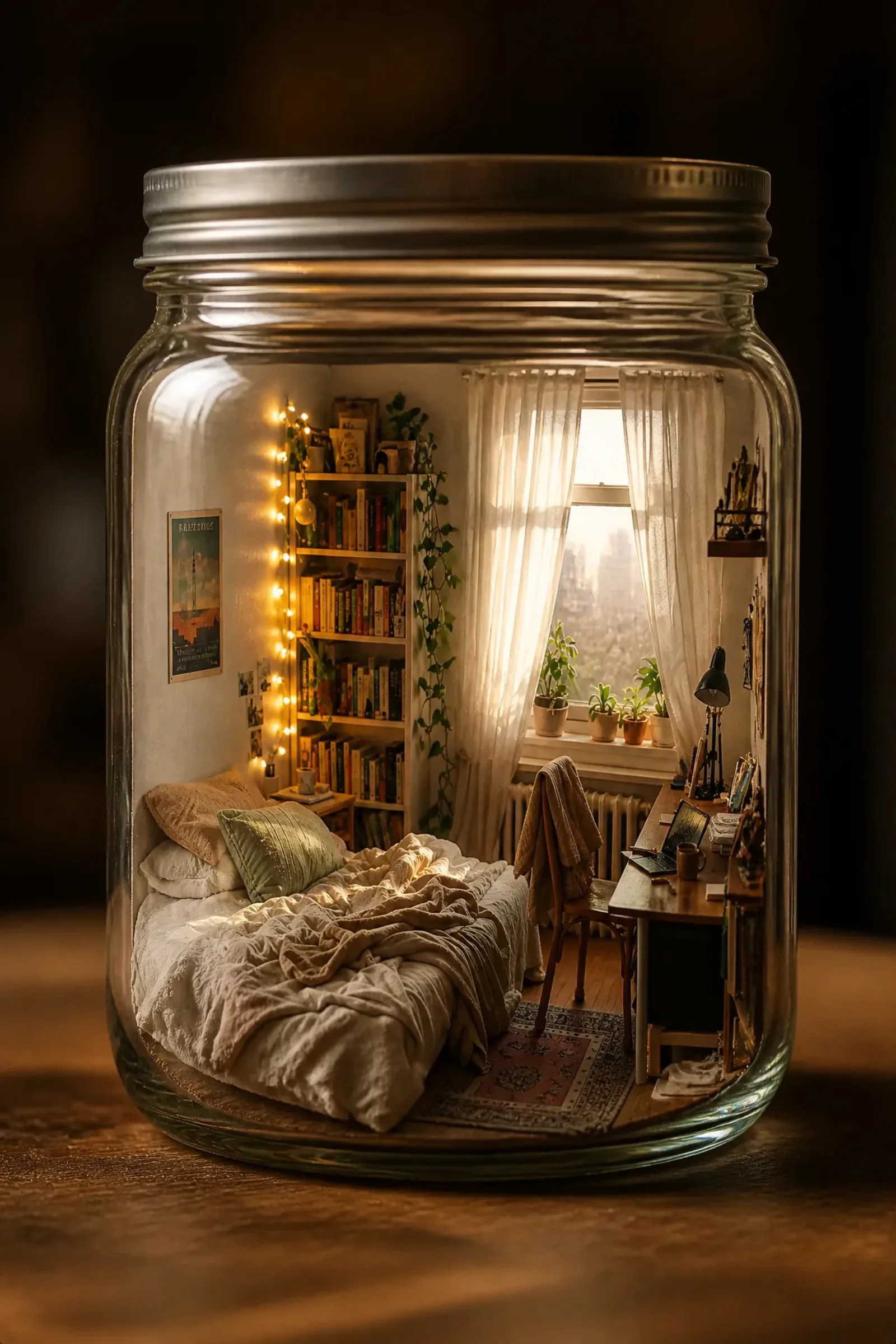
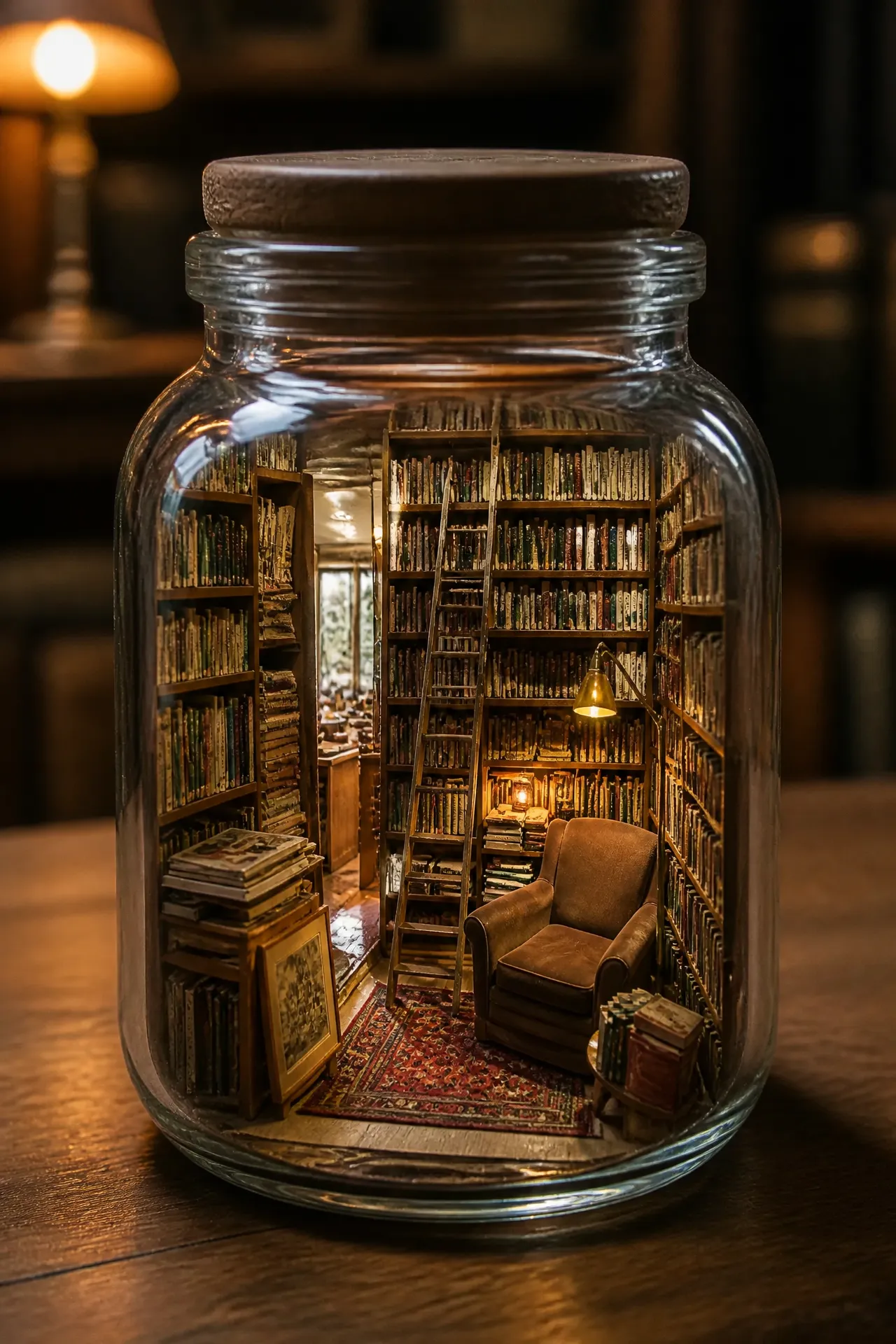
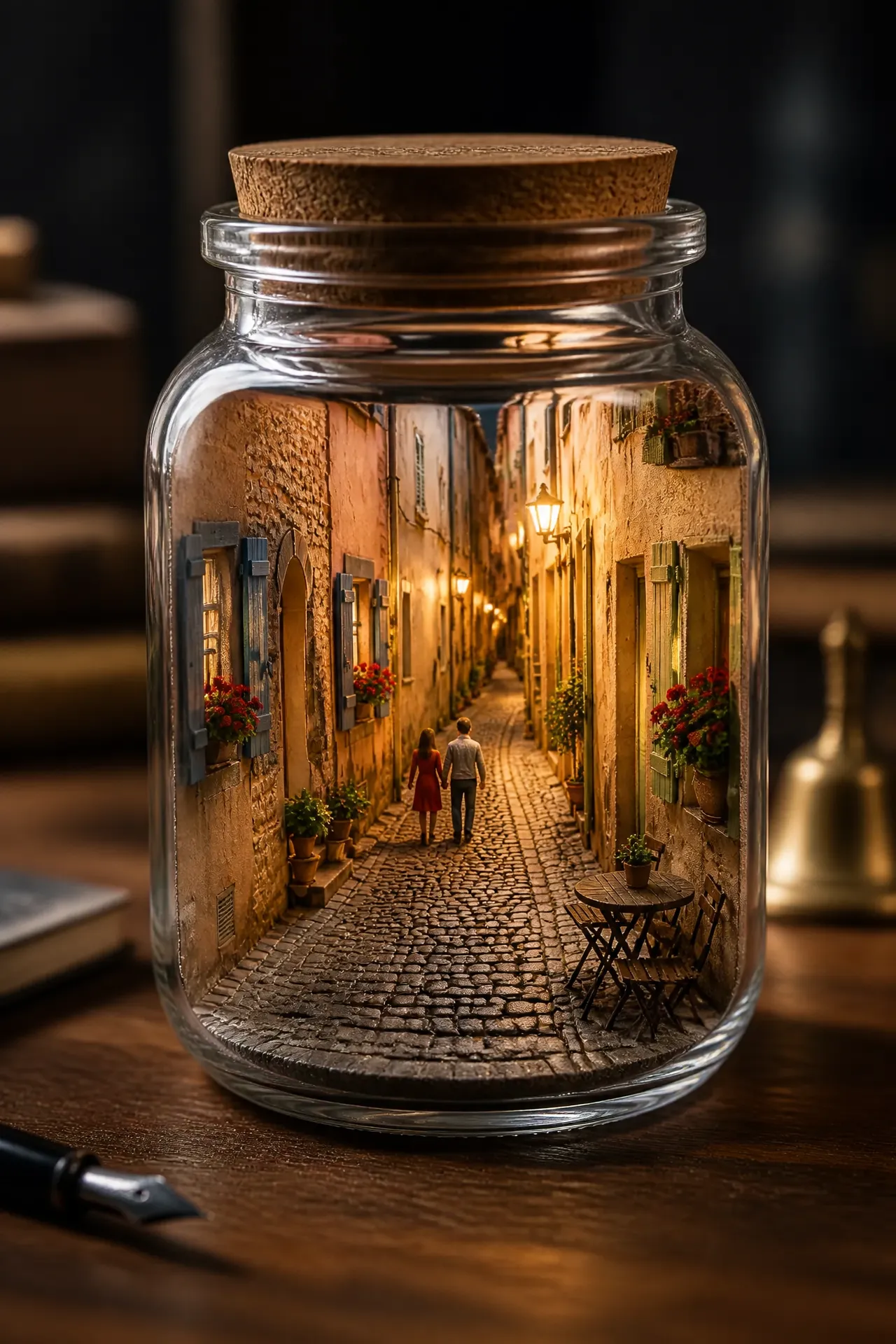
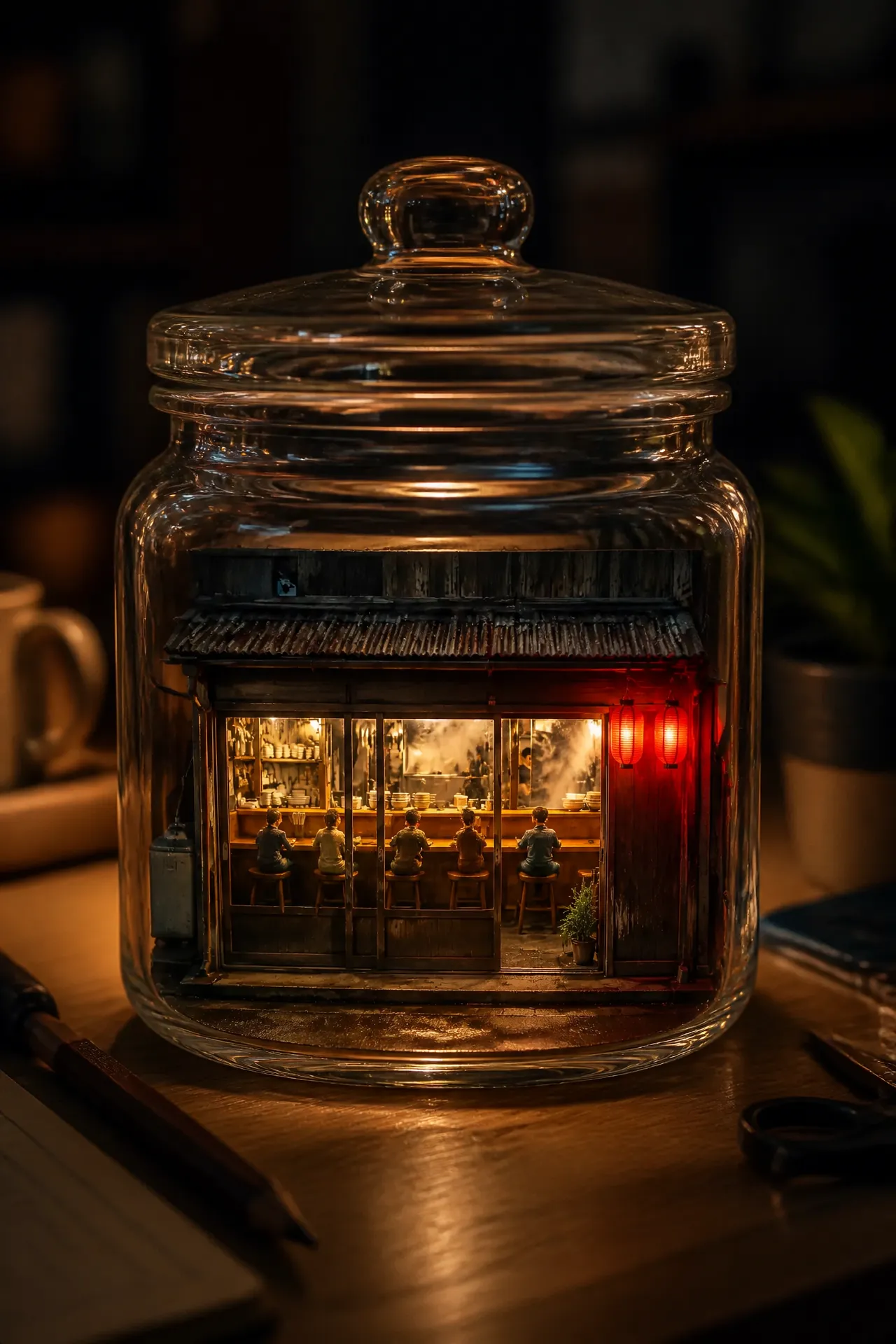
The corner cafe, your bedroom, the shop your family runs, the street you grew up on. This template rebuilds whatever you photograph as a handcrafted miniature — tiny figures, real materials, warm lights glowing from inside — and seals it in a glass jar on a desk, shot with a tilt-shift macro lens.

Getting the best result

One wide, well-lit photo of a place works far better than a close-up. Storefronts, rooms, market stalls and street corners are ideal because they have a clear layout the miniature can preserve. Photos taken straight on, rather than at a steep angle, keep the model readable.

Why it reads as a real model

The extremely shallow depth of field is doing the work. Real macro photography of a small object can only hold a thin slice in focus, so faking that blur is what convinces the eye it's looking at something tiny.

Frequently asked questions

How many photos do I upload?+

One. A wide shot of the whole place works much better than a close-up detail.

What kind of place works best?+

Anything with a clear layout: storefronts, bedrooms, market stalls, street corners, restaurant interiors.

Can I use a photo with people in it?+

Yes, but they'll be rebuilt as tiny miniature figures rather than kept as recognisable faces.