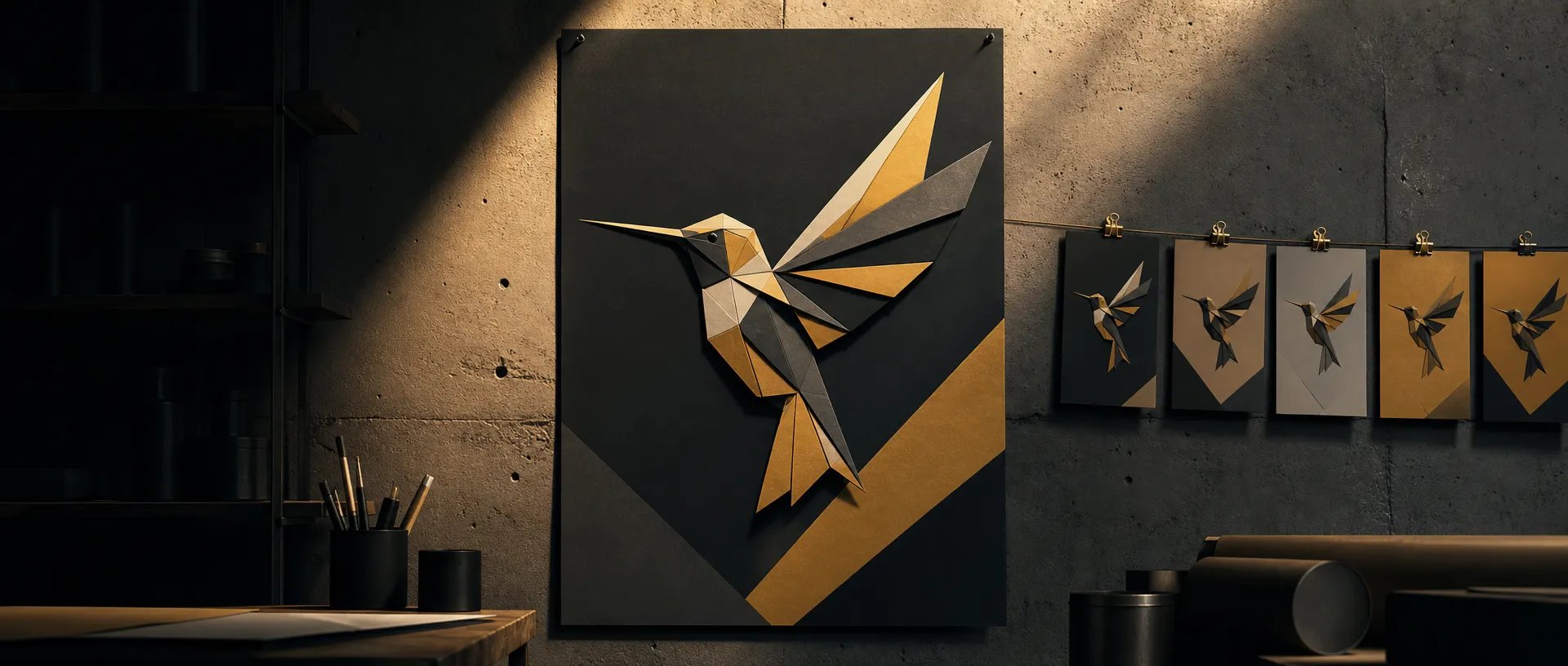
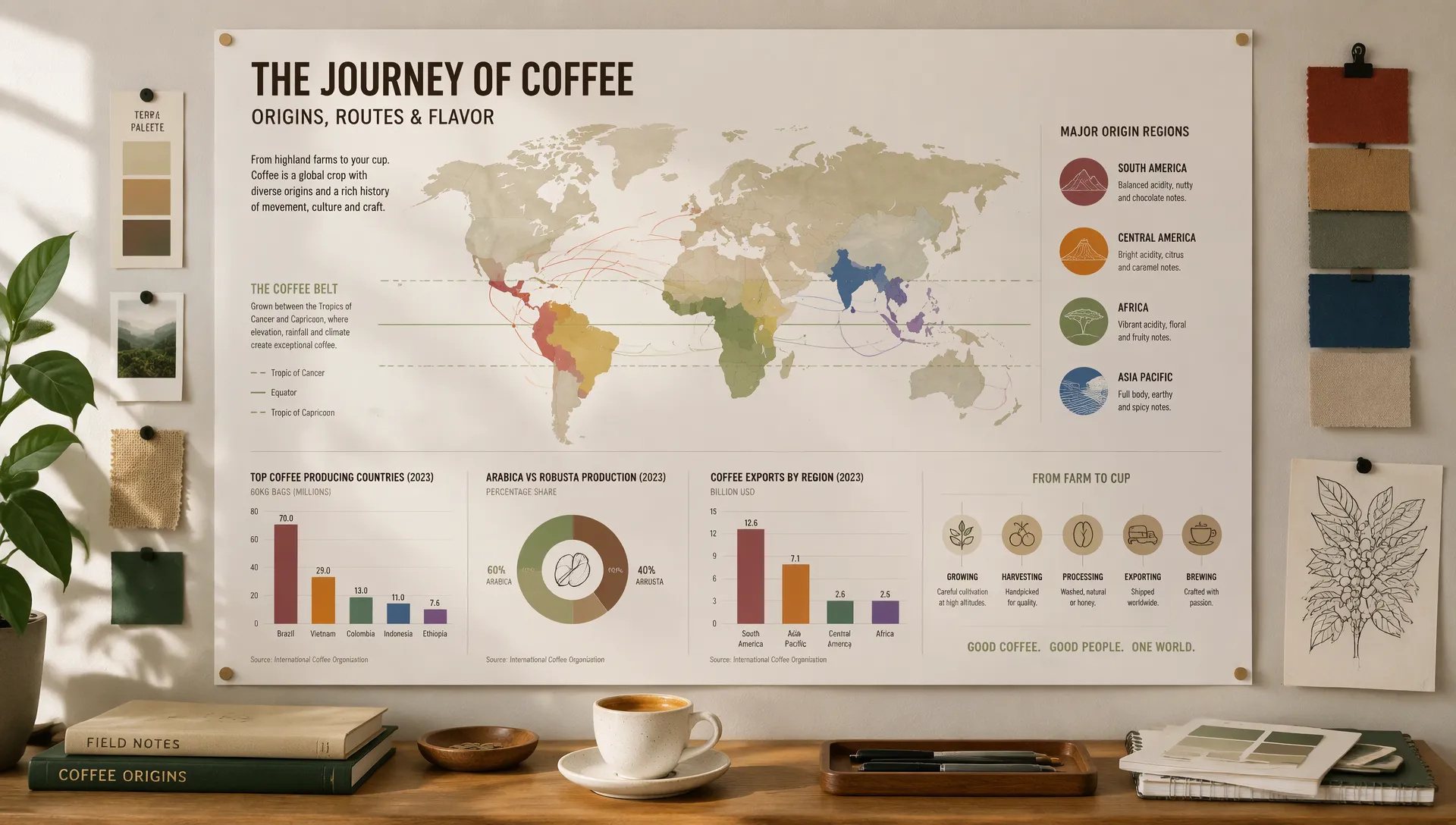
Posters and infographics
Headlines, labels, prices and chart callouts render as real, readable text. Raise Planning when the layout has many parts.

OpenAI's newest image model: faster Flare, steadier Sunburst edits, a planning control and five quality tiers up to 4K.
Kreditpakker eller et månedsabonnement: én saldo til alle modeller på ZOOOP. · Fyld op, når du har brug for det; pakkekreditter bliver, til du bruger dem.
Powered by OpenAI's API on ZOOOP
OpenAI says GPT Image 2.6 generates about 50% faster than the previous release, and Flare can return an image in as little as six seconds. Iterating on a layout no longer means waiting between every try.
Edit the same image again and again and Sunburst keeps faces, products and text from shifting between rounds, especially at Medium and High quality. Flare stays the quick default for new images.
Planning sets how much the model thinks before it draws, separately from quality and at no extra cost. Turn it up for posters, infographics and many-object scenes; turn it down for quick, focused edits.
Combine up to 16 reference images in one request, and render 3840×2160 or 2160×3840 for the widescreen and tall ratios, with 1k to 3k at every other ratio.
Headlines, labels, prices and chart callouts render as real, readable text. Raise Planning when the layout has many parts.
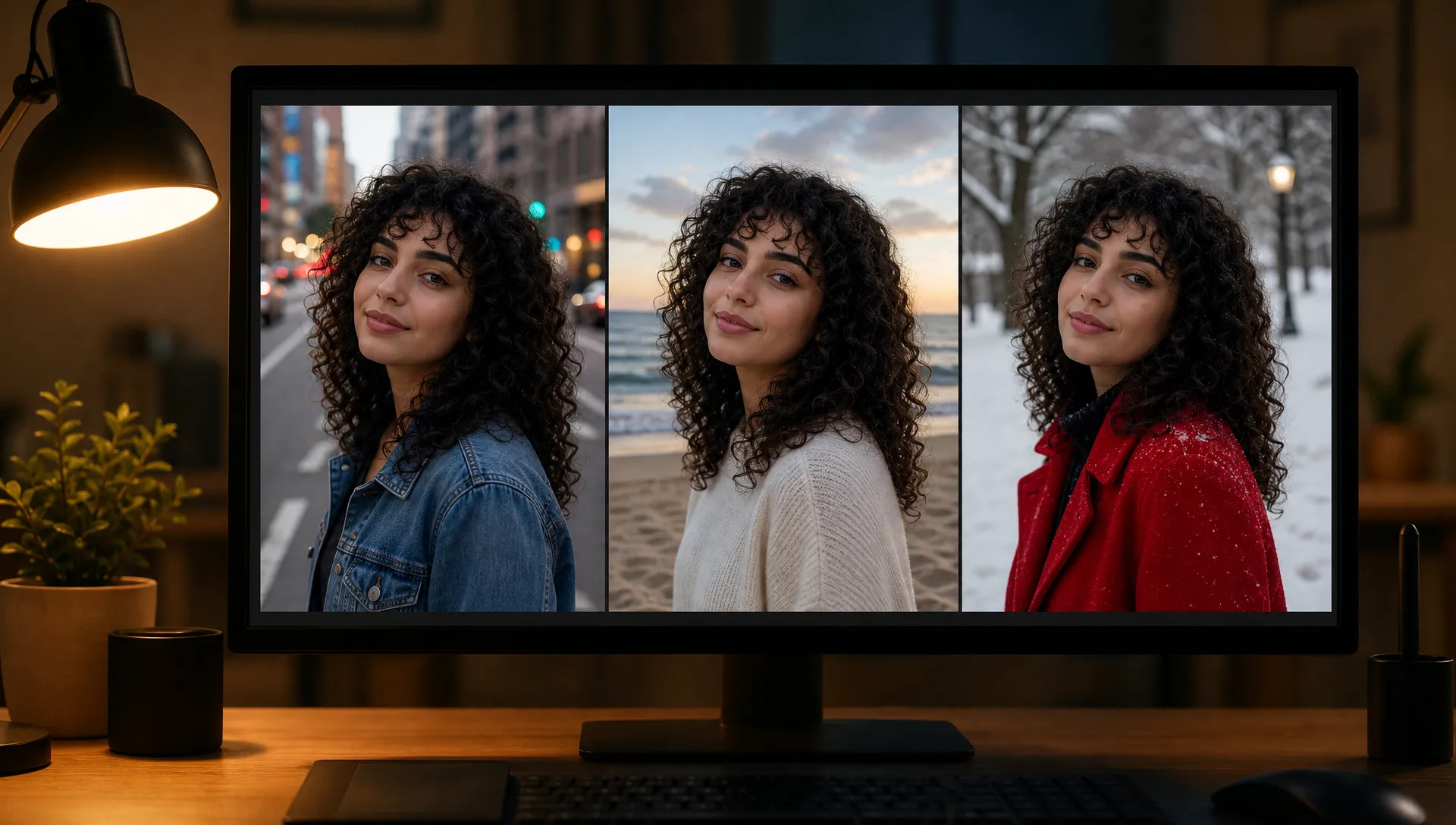
Change the background, then the outfit, then the lighting on the same photo with Sunburst while the person and product stay the same.
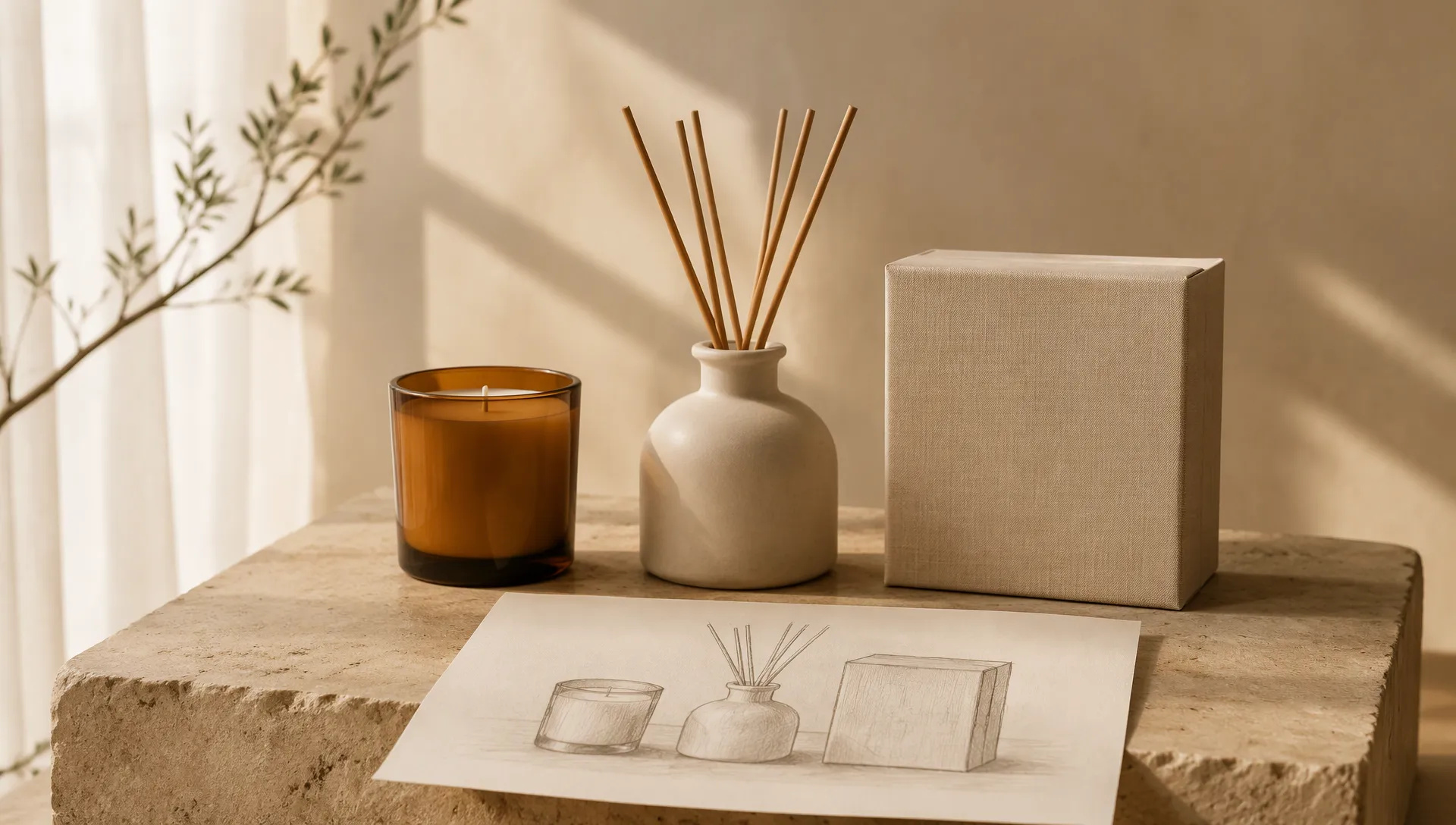
Drop in packshots, props and a layout sketch, then describe the arrangement. Labels and materials stay faithful to the references.
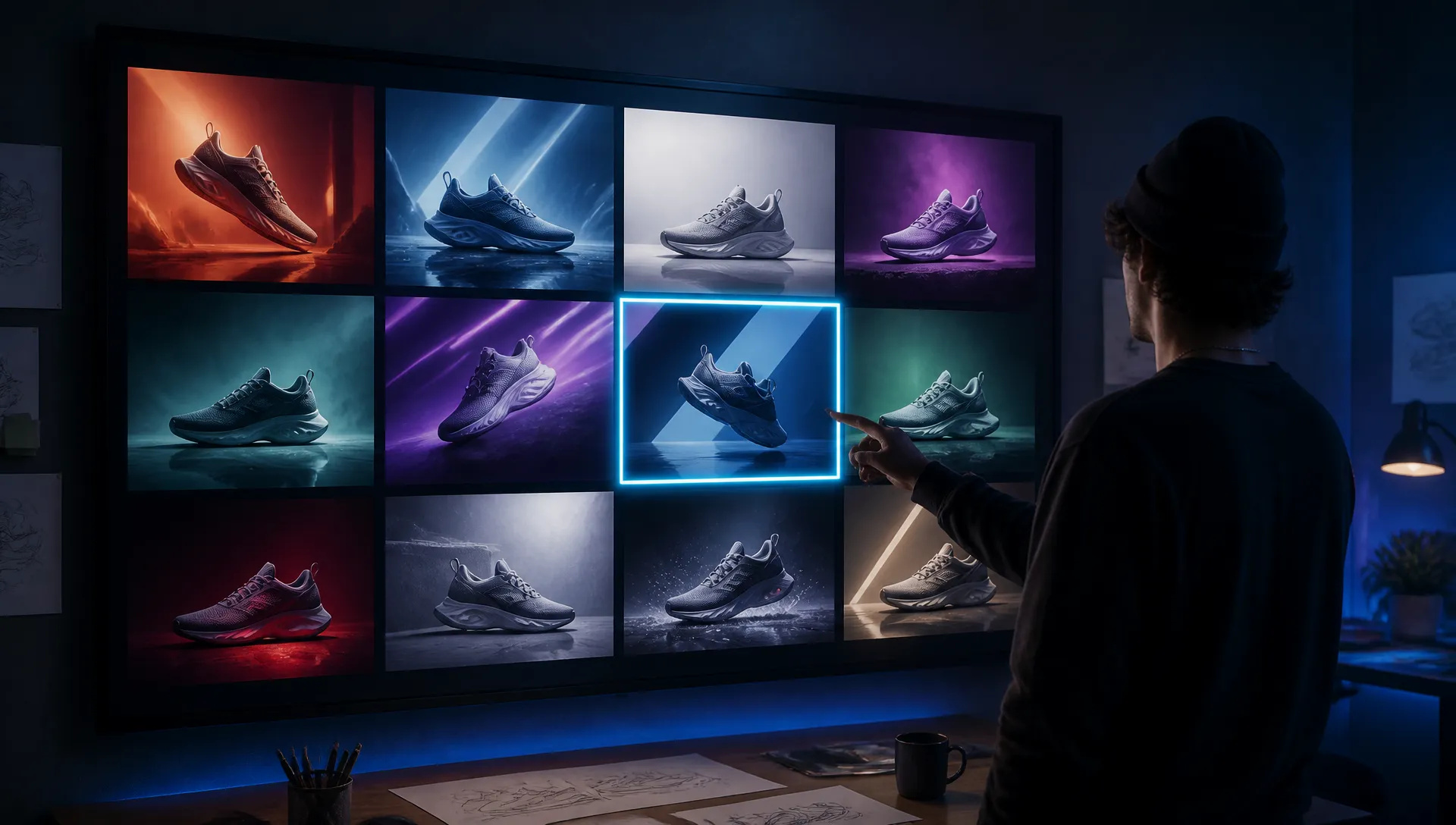
Flare turns a brief into a wall of options in seconds, so you can pick a direction before spending time on the final.
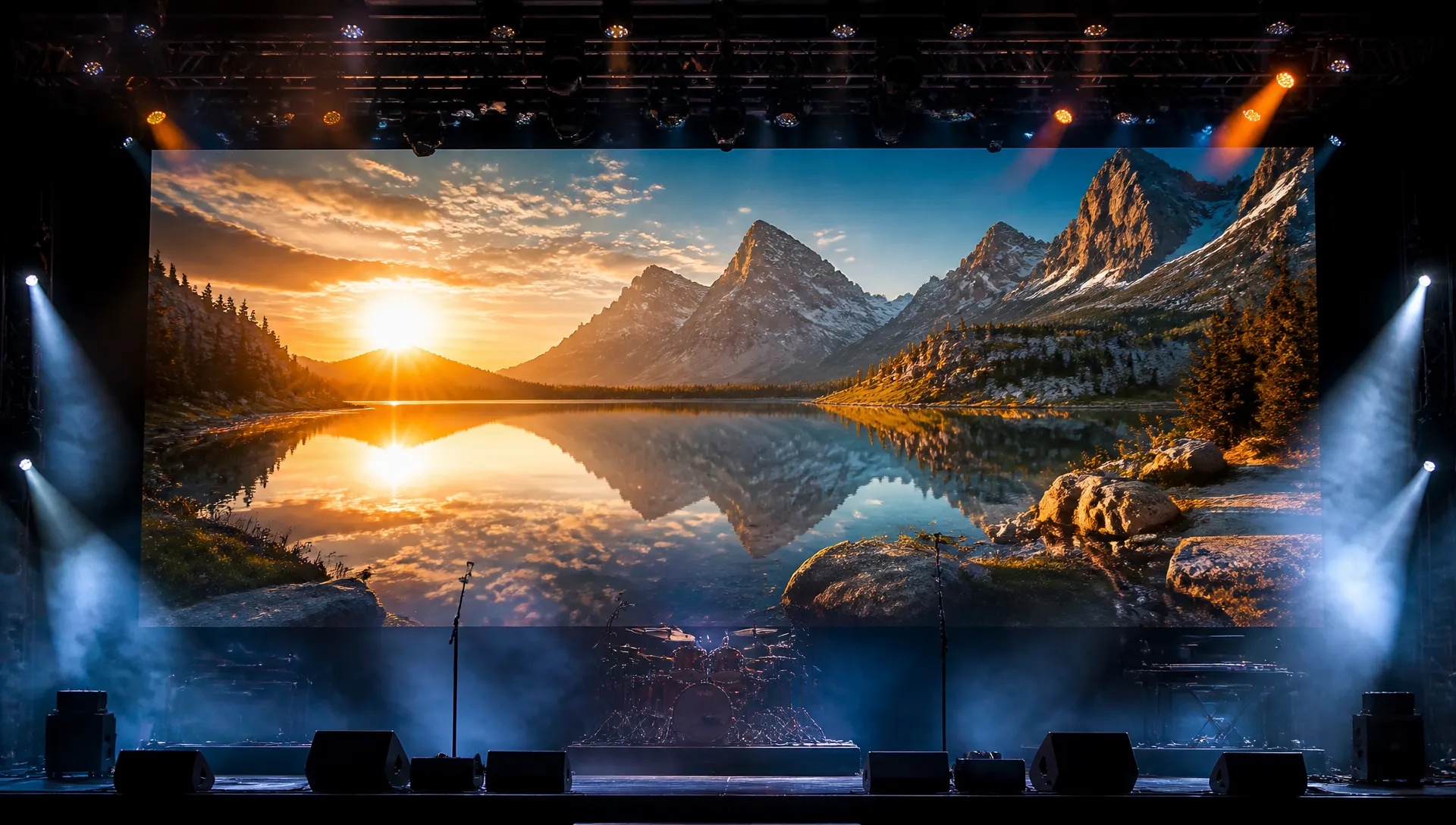
Widescreen 4K environments for title cards, stage screens and campaign heroes, rendered at delivery size.
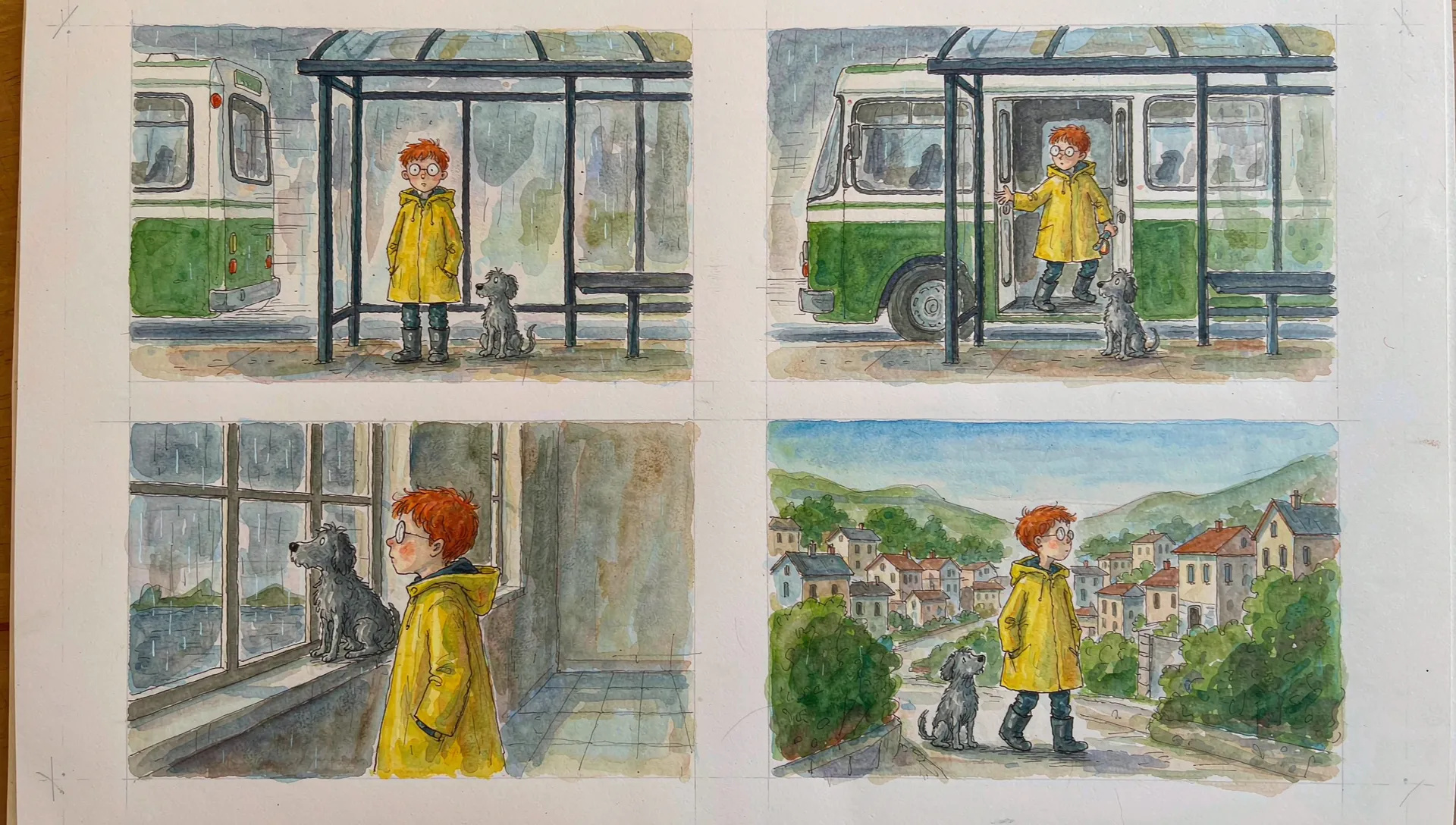
Feed the previous frame back in as a reference and keep the same character, wardrobe and set across a sequence.
Every image model has a sweet spot. Use this matrix when GPT Image 2.6 isn't the right call; your credits work across all of them on ZOOOP.
Open GPT Image 2.6 from this page or pick it in the Image Generator, and choose Flare or Sunburst.
Describe the image, including any text that should appear, and add up to 16 reference images if you are editing or compositing.
Pick quality, Planning, aspect ratio and resolution.
Generate, then select the output and describe what to change.
GPT Image 2.6 is the speed-and-consistency release of OpenAI's image line. It keeps what made GPT Image 2.5 the "ship the first render" model on ZOOOP, legible typography, prompts that are actually followed and five quality tiers up to Max, and fixes the two things heavy users noticed most: waiting, and drift between edits. OpenAI released it on November 4, 2026 and says both new models generate about 50% faster than before.
Like 2.5, it comes as two versions of one model. Flare is the quick default; OpenAI says it can return an image in as little as six seconds, which changes how you work on a layout: you try ten variations instead of three. Sunburst is the larger model, with more detail and, according to OpenAI, more consistent details from one edit to the next at Medium and High quality. On ZOOOP the two sit side by side as versions with identical parameters.
GPT Image 2.6 adds a setting OpenAI calls complexity, shown on ZOOOP as Planning. It decides how much the model plans the image before drawing, separately from quality, and it does not change the price. High planning helps when a frame has dense text, a multi-part layout or several objects that relate to each other: a poster with a headline, subhead and price, an infographic, a busy product scene. Low planning is faster and better for small, focused edits, where a model that plans too much tends to "improve" parts of the image you wanted left alone.
The practical upgrade is in multi-round editing. Swap a background, then an outfit, then the light on the same photo, and with Sunburst the person, the product label and the on-image text hold steady from round to round. Up to 16 reference images can go into one request, so packshots, props and a layout sketch can be combined in a single prompt. Output reaches 3840×2160 for the widescreen and tall ratios, and every other ratio goes up to 3k.
Cost is the trade-off at the bottom of the ladder: on ZOOOP the Low tier of 2.6 costs a little more than GPT Image 2.5 Low, because the new models spend more on a quick draft. From Medium upward the two cost the same. Max is still the slowest and most expensive tier and is rarely needed outside print-size deliverables. OpenAI's animated GIF, SVG export and markup-guided edits are not available on ZOOOP yet.
For transparent cut-outs and editable layers, Seedream 5.5 is the better tool. For dense multilingual text and fact-heavy infographics, Nano Banana 2.1 is the safer pick. For photoreal portraits with exact skin tone, Flux 2 Pro still edges it, and for vector deliverables use Recraft V4.1.
Default to GPT Image 2.6 Flare on Medium for new images with text, real objects or multi-part instructions. Switch to Sunburst when you are editing one image over several rounds. Raise Planning for posters and layouts, lower it for small fixes. Keep GPT Image 2.5 on Low for the cheapest throwaway drafts, then move the keeper to 2.6.
OpenAI released GPT Image 2.6 on November 4, 2026 as two API models, Flare and Sunburst. Both generate about 50% faster than before, Flare can finish in as little as six seconds, and Sunburst keeps details more consistent from one edit to the next. ZOOOP also exposes the new Planning control, which sets how much the model plans before rendering.
Flare for new images and fast iteration. Sunburst when you are editing the same image several times and need faces, products and text to stay put between rounds, and when you want the extra detail of the larger model. Both take the same parameters, so switching is one click.
It controls how much the model plans the image before drawing, independently of quality, and it does not change the price. High suits dense text, complex layouts and scenes with many related objects; Low is quicker and better for small, focused edits, where heavy planning can introduce unwanted changes.
For cheap drafts, yes: on ZOOOP the Low tier of GPT Image 2.6 costs a little more than GPT Image 2.5 Low. From Medium upward the two cost the same, so for finished images 2.6 is the better pick.
No. 4K is available for 21:9, 16:9, 9:16 and 9:21. The other ratios top out at 3k. ZOOOP disables the unsupported combinations so you never pay for a request that would fail.
No. ZOOOP is a third-party platform that accesses GPT Image 2.6 through OpenAI's API and is not affiliated with OpenAI. You do not need an OpenAI account or API key, just a ZOOOP account.





















Tekst til billede
Tekst til billede
Tekst til billede
Tekst til billede
Tekst til billede
Tekst til billede
GPT Image 2.6
Prompt*
Image Urls
Quality*
Planning
Aspektforhold*
Opløsning*
Dine generationer vises her, når du logger ind.
Oprettelse af en konto er gratis.