Background scores
Generate mood-matched music for video, presentations, and content.

Google's Lyria 3 — prompt-driven music generation with negative prompts and image conditioning.
Betal en gang for kreditter - brug dem på tværs af hver model på ZOOOP. · Fyld op, når du har brug for det, ingen månedlig forbrænding.
Powered by Google's API on ZOOOP
Describe the style, mood, and instrumentation and Lyria 3 composes a track to match.
Specify what to avoid — instruments, moods, or elements — to steer the result.
Optionally provide an image to influence the music's mood and character.
About 6 credits per generation.
Generate mood-matched music for video, presentations, and content.
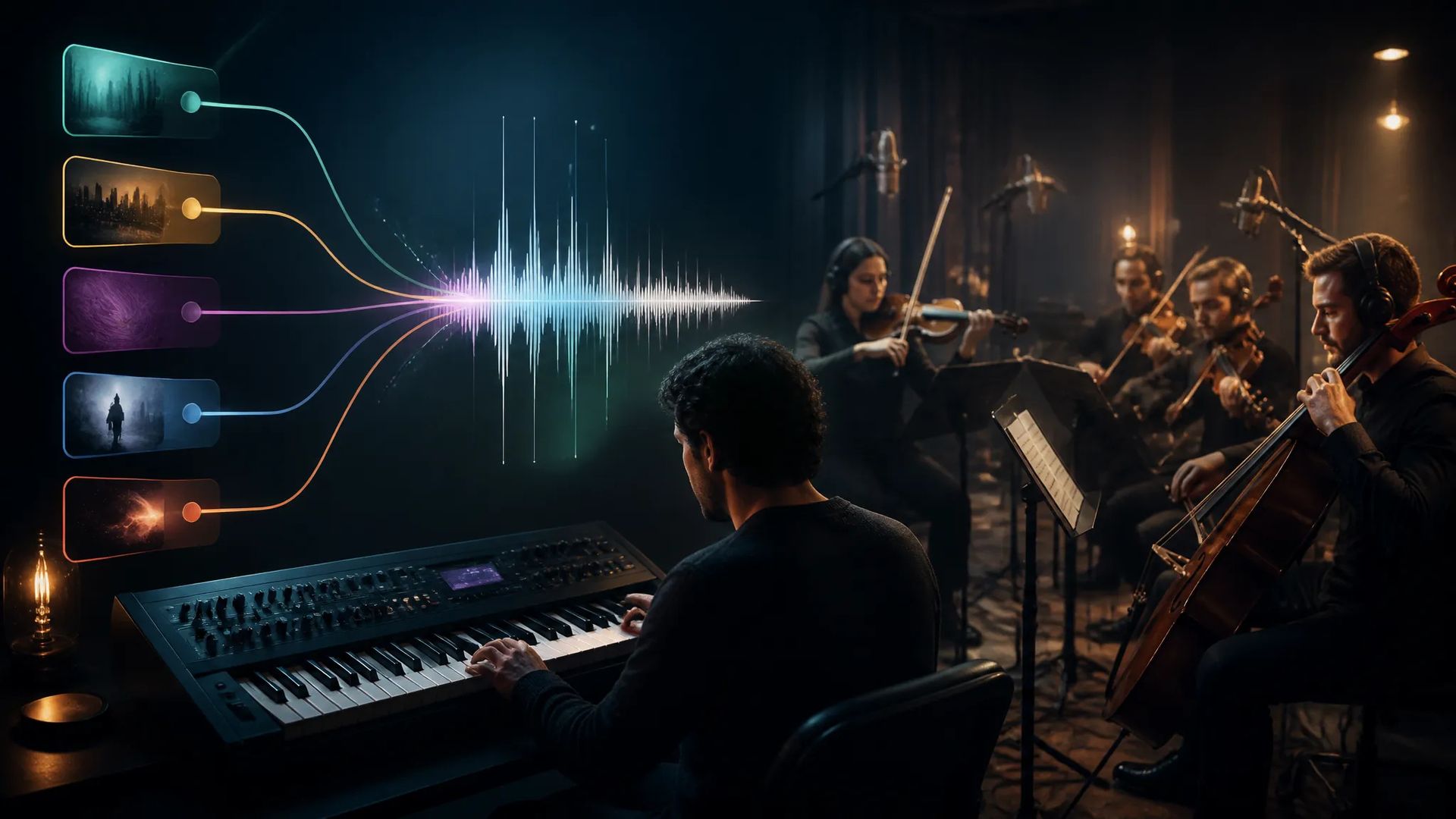
Describe genre, instrumentation, and mood to shape the composition.

Provide an image so the music takes on its mood and atmosphere.
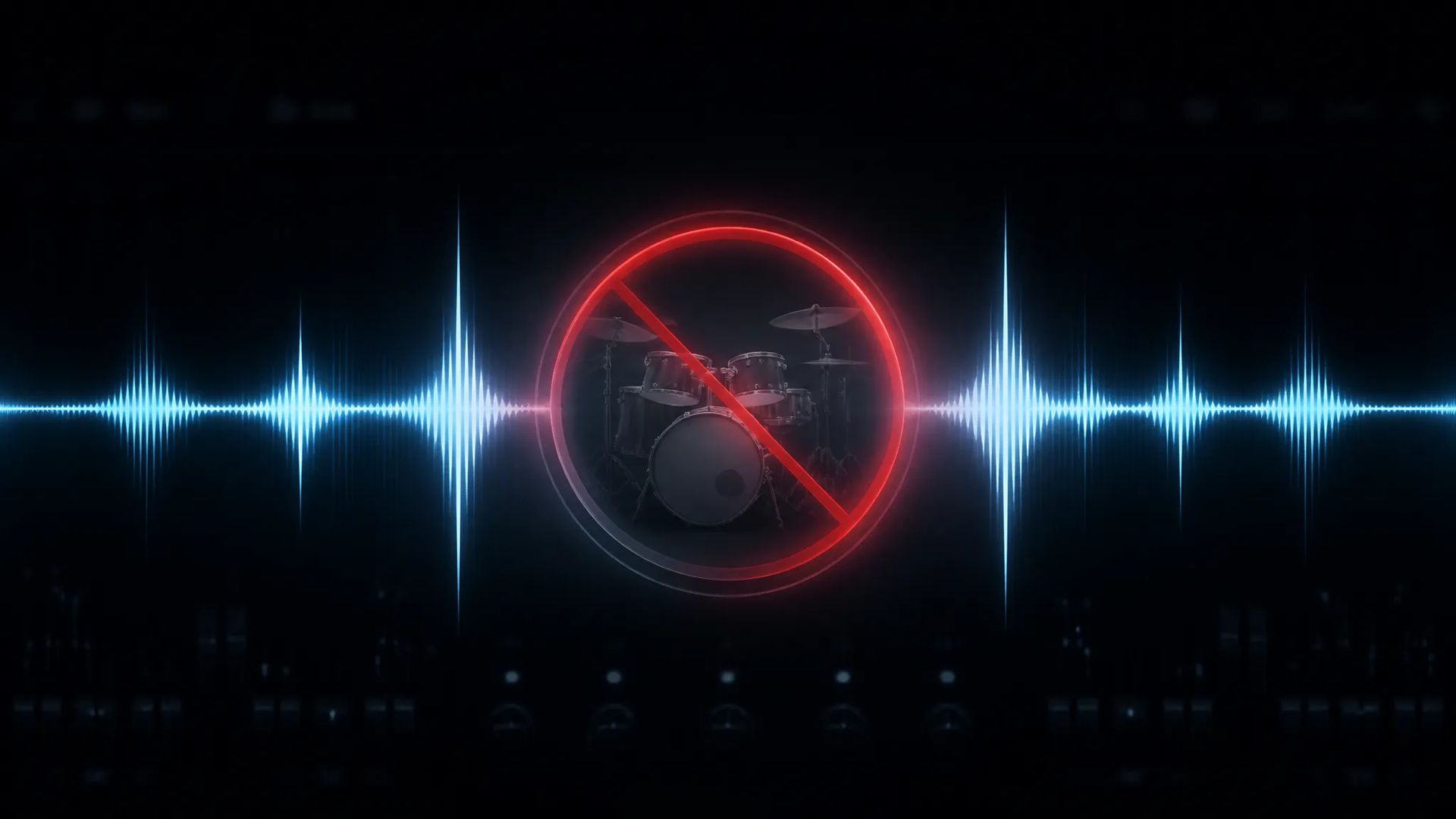
Exclude unwanted instruments or moods to refine the result.
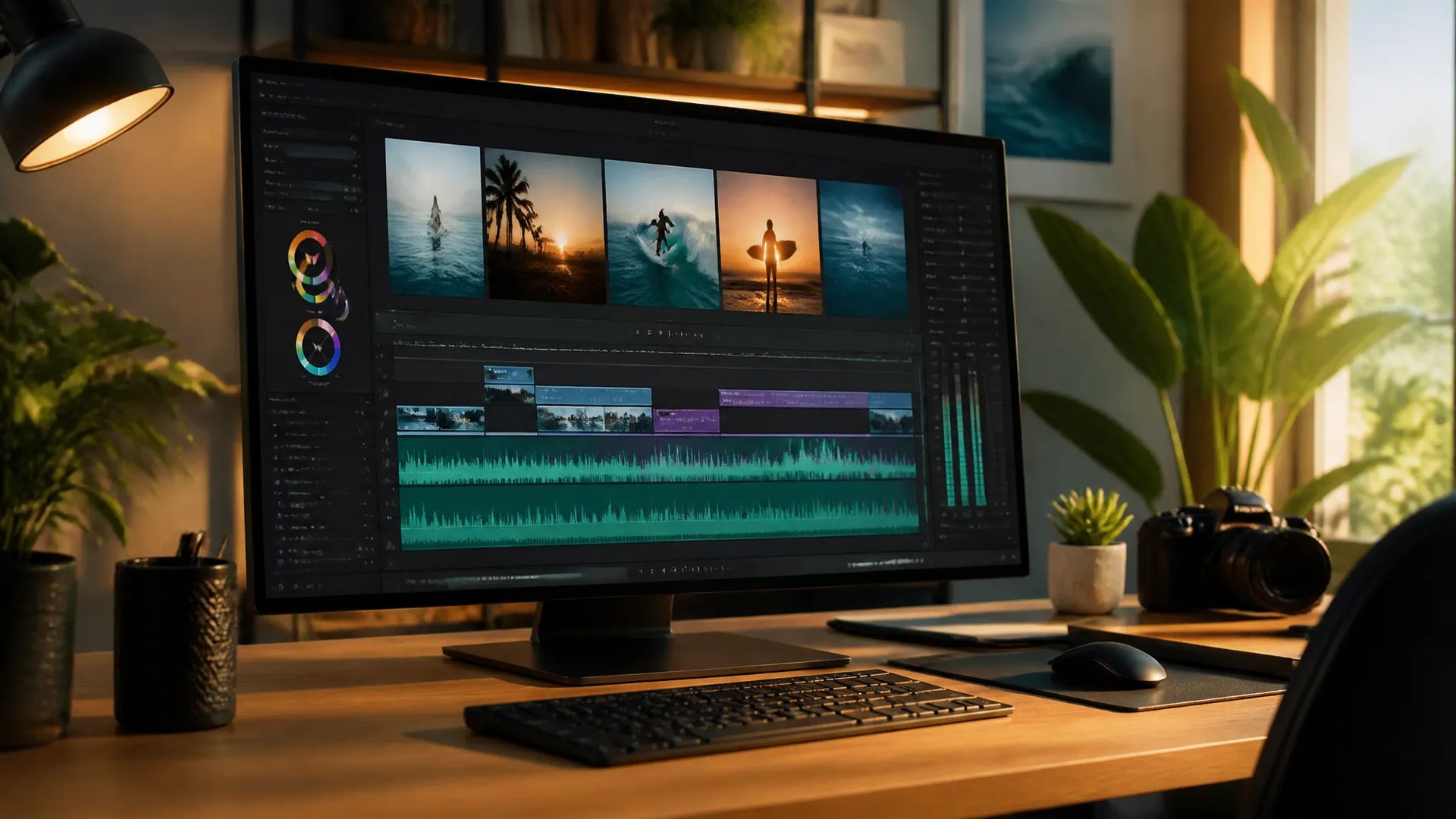
Score social clips and videos with original music.
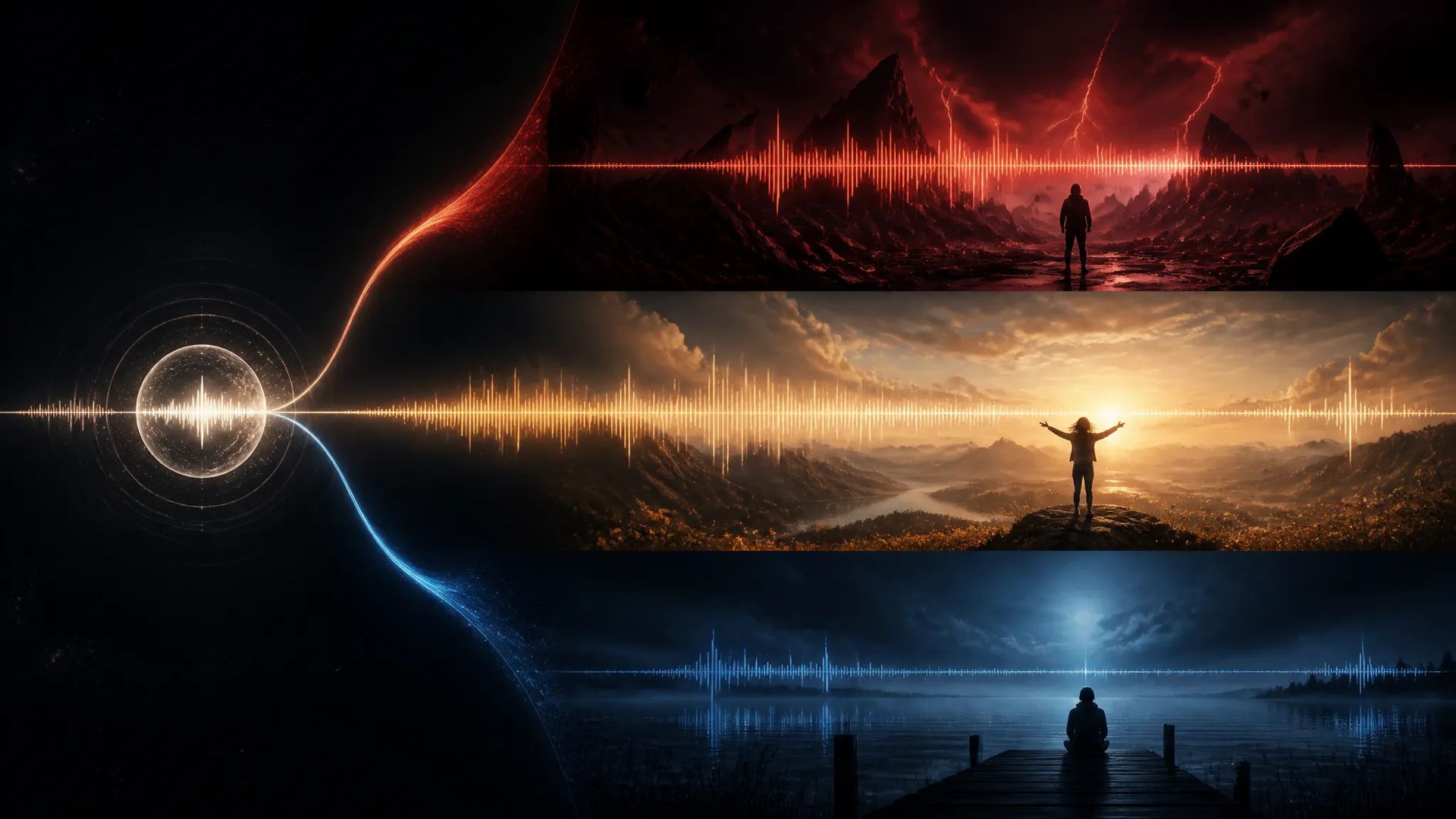
Iterate cheaply on prompts to find the right feel.
Pick the right music model. Your credits work everywhere on ZOOOP.
Open Lyria 3 from this page or pick it in the Audio tools.
Describe the music you want; add a negative prompt for what to avoid.
Optionally add an image to influence the mood.
Generate, then download or send the track to your canvas.
Lyria 3 is Google's prompt-driven music model: describe the style, mood, and instrumentation, and it composes a track to match. Two controls set it apart in the Lyria line — negative prompts, to specify instruments, moods, or elements to avoid, and image conditioning, where an optional image influences the music's mood and atmosphere. Together they give more direction than a prompt alone, which helps land a specific feel for background scores and content soundtracks.
Pricing is about 6 credits per generated track, so iterating on prompts to find the right mood is inexpensive.
Where it sits in the Lyria line: Lyria 3 Pro is the higher-end tier; Lyria2 is the prior generation. For lyrics-first songs with vocals on your own words, ACE-Step and Minimax Music V2.6 are the tools instead — Lyria 3 is prompt-driven and doesn't take a separate lyrics field. For non-musical sound, use Sound Effects V2.
A reasonable mental model: default to Lyria 3 for prompt- and image-directed instrumental music and scores, step up to Lyria 3 Pro for higher-end quality, or switch to ACE-Step / Minimax Music for songs built around lyrics.
A text prompt describing the music, an optional negative prompt for what to avoid, and an optional image to influence the mood.
About 6 credits per generated track.
Lyria 3 Pro is the higher-end tier; Lyria2 is the prior generation. Lyria 3 sits between, with negative prompts and image conditioning. Pick by quality and budget.
Lyria 3 is prompt-driven and doesn't take a separate lyrics field. For lyrics-first songs, use ACE-Step or Minimax Music V2.6.























Lyria 3
Prompt*
Image
Dine generationer vises her, når du logger ind.
Oprettelse af en konto er gratis.