
One-shot effects
Impacts, whooshes, UI clicks, footsteps, stingers — generate a specific hit on demand instead of hunting a library.

ElevenLabs' text-to-sound-effect model — describe a sound, get it, up to 22 seconds, seamless looping.
Betal en gang for kreditter - brug dem på tværs af hver model på ZOOOP. · Fyld op, når du har brug for det, ingen månedlig forbrænding.
Powered by ElevenLabs's API on ZOOOP
Write what you want to hear — "heavy rain on a tin roof," "sci-fi door whoosh," "distant city traffic" — and Sound Effects V2 generates it. No sample library to dig through.
Generate from 1 to 22 seconds — short one-shot hits or longer ambient beds in a single pass.
Turn looping on and the clip is built to repeat without an audible seam — perfect for ambience, drones, and background beds that need to run indefinitely.
The ElevenLabs sound model — clean, usable audio that drops straight into a mix.
Impacts, whooshes, UI clicks, footsteps, stingers — generate a specific hit on demand instead of hunting a library.
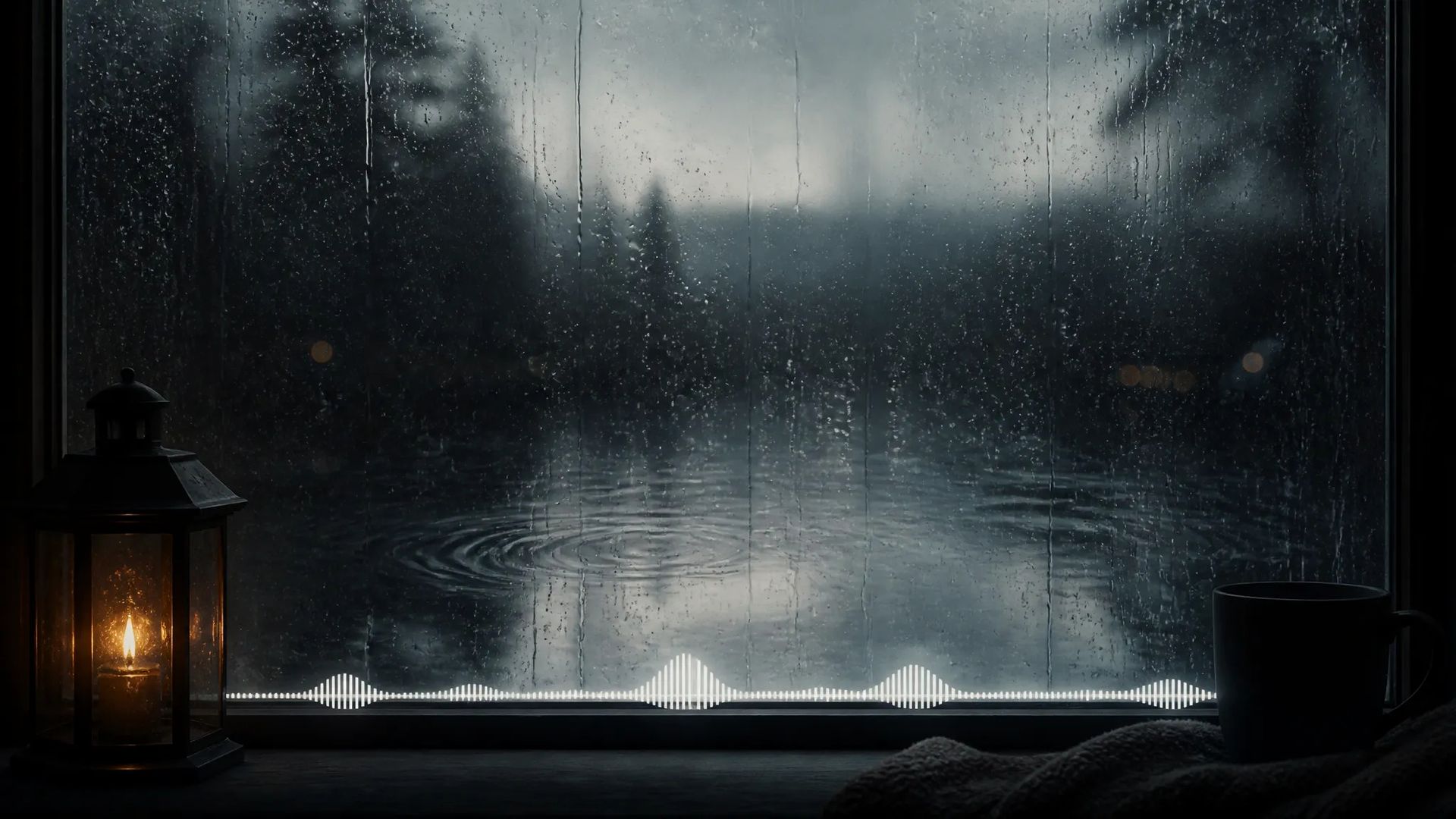
Seamless loops for rain, room tone, crowd murmur, or machine hum — background beds that run as long as the scene needs.
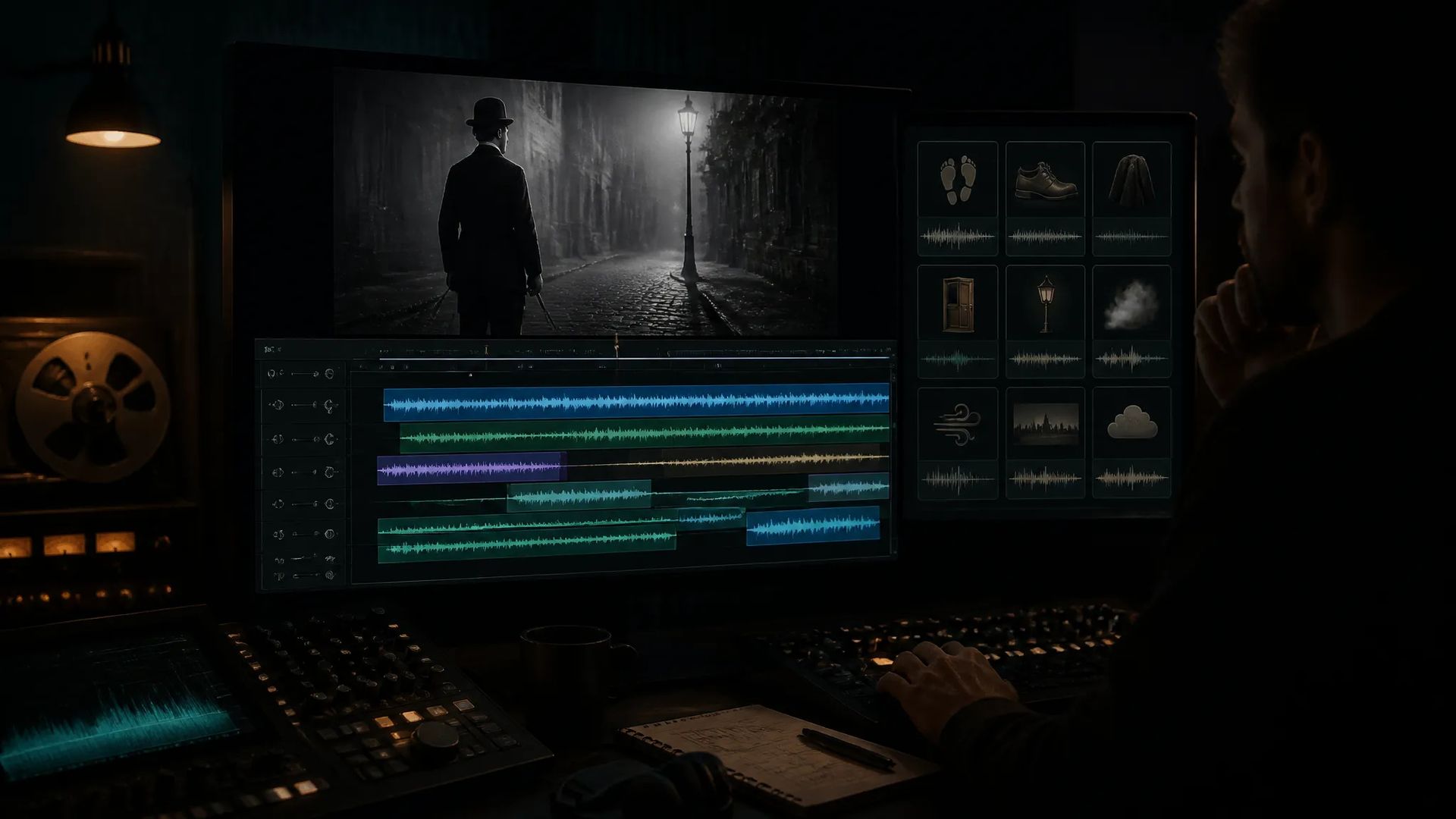
Score generated video clips with matching effects — pair with a silent render to land footsteps, ambience, and impacts.
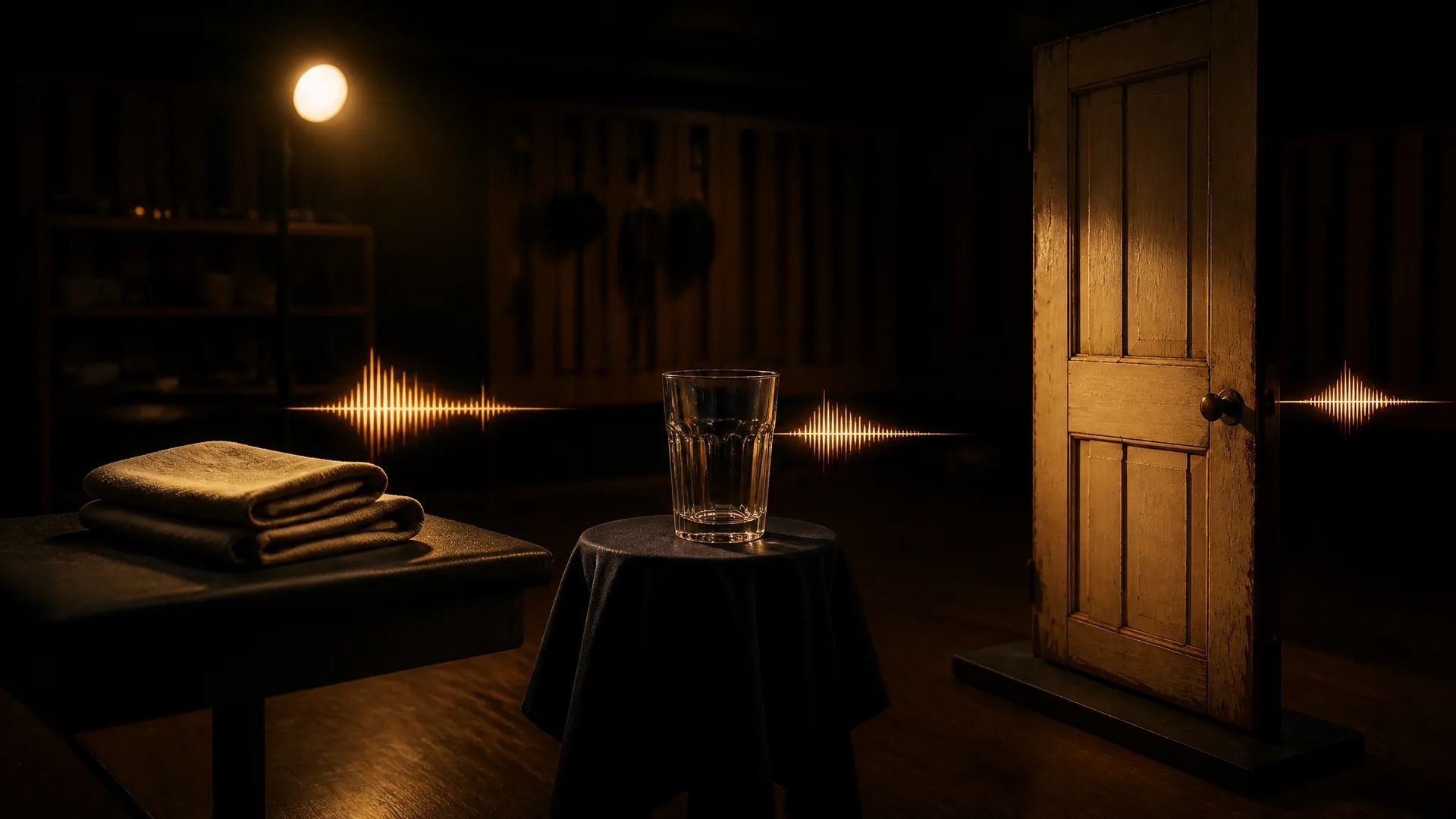
Describe the foley you need — cloth rustle, glass clink, door creak — and generate it instead of recording.
Pick the right audio model. Your credits work everywhere on ZOOOP.
Open Sound Effects V2 from this page or pick it in the Audio tools.
Describe the sound you want as precisely as you can.
Set the duration (1–22s) and turn looping on for an ambient bed.
Generate, then download or send the clip to your canvas.
Sound Effects V2 is the model to reach for when you need a specific sound and don't want to dig through a library. It's a text-to-sound-effect model: describe what you want to hear — "heavy rain on a tin roof," "a sci-fi door whoosh," "distant city traffic at night" — and it generates the audio to match. That covers the whole non-musical palette: one-shot effects like impacts and UI clicks, foley like footsteps and cloth rustle, and ambient beds like room tone and crowd murmur.
The capability that makes it production-ready is seamless looping. Flip looping on and the clip is built to repeat without an audible seam, so a 10-second rain bed or machine hum can run under a scene of any length. Paired with a generation window of up to 22 seconds, you can author both the short hits and the long atmospheres a project needs from one tool.
The economics make it practical to use everywhere. Generating every cue in a project is cheaper than licensing a sound pack, and you get exactly the sound you described rather than the closest match in someone else's catalog. It pairs naturally with generated video: render a silent clip, then generate the footsteps, ambience, and impacts to sit under it.
Where it's the wrong tool: it does not make music — for full musical tracks, switch to Lyria 3 Pro — and it does not produce spoken voiceover, which is Multilingual V3's job. Sound Effects V2's lane is non-musical audio: effects, foley, and ambience.
A reasonable mental model: default to Sound Effects V2 for any non-musical sound — one-shots, foley, and loopable ambience. For music, use Lyria 3 Pro; for narration and dialogue, Multilingual V3.
Any sound you can describe — one-shot effects (impacts, whooshes, UI clicks), foley (footsteps, cloth, glass), and ambient beds (rain, room tone, crowds, machine hum). You write a text description and it produces the audio.
From 1 to 22 seconds in a single generation — short hits or longer ambient beds.
Yes — turn looping on and the clip is generated to repeat without an audible seam, ideal for ambience and background beds that need to run continuously.
Yes — it's low-cost per second, cheap enough to generate every cue in a project rather than license a stock pack.
Sound Effects V2 makes non-musical audio — effects, foley, and ambience. For full music tracks use Lyria 3 Pro; for spoken voiceover use Multilingual V3.























Sound Effects V2
Prompt*
Varighed*
Dine generationer vises her, når du logger ind.
Oprettelse af en konto er gratis.