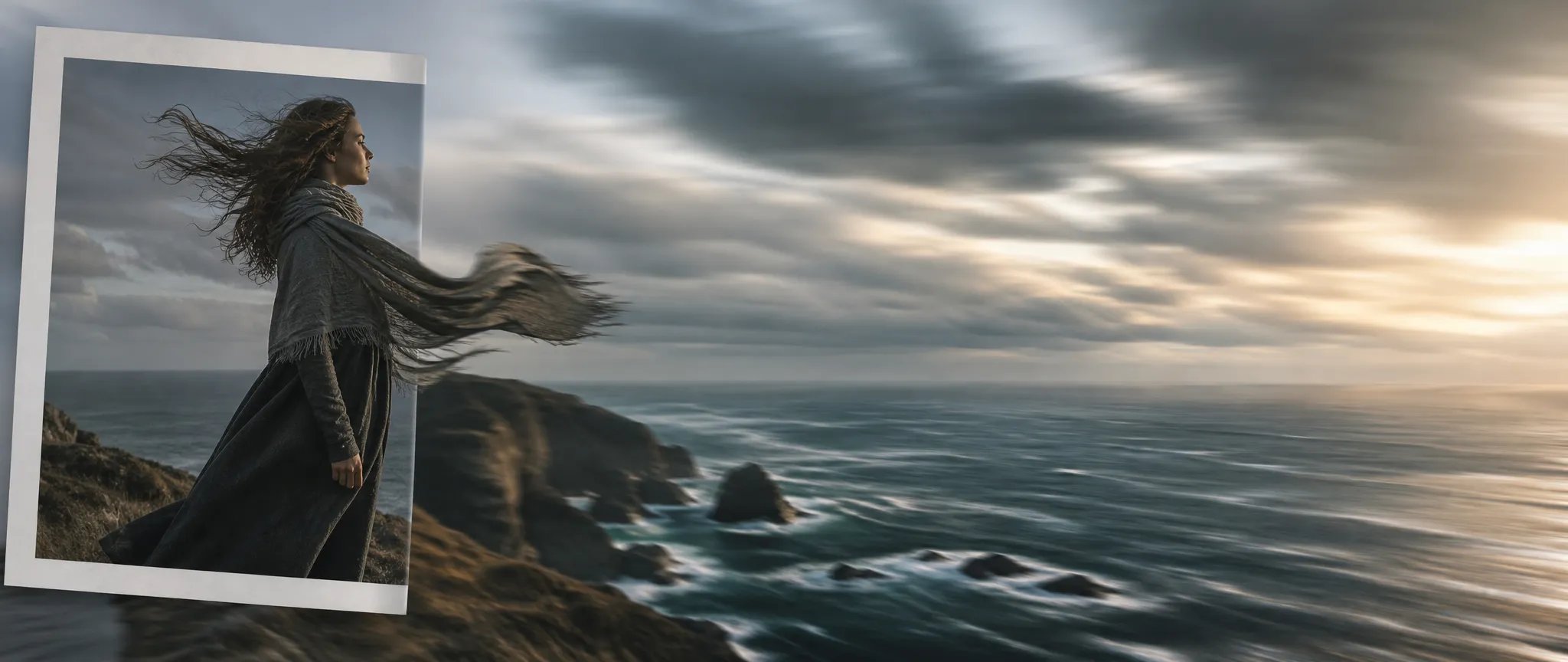
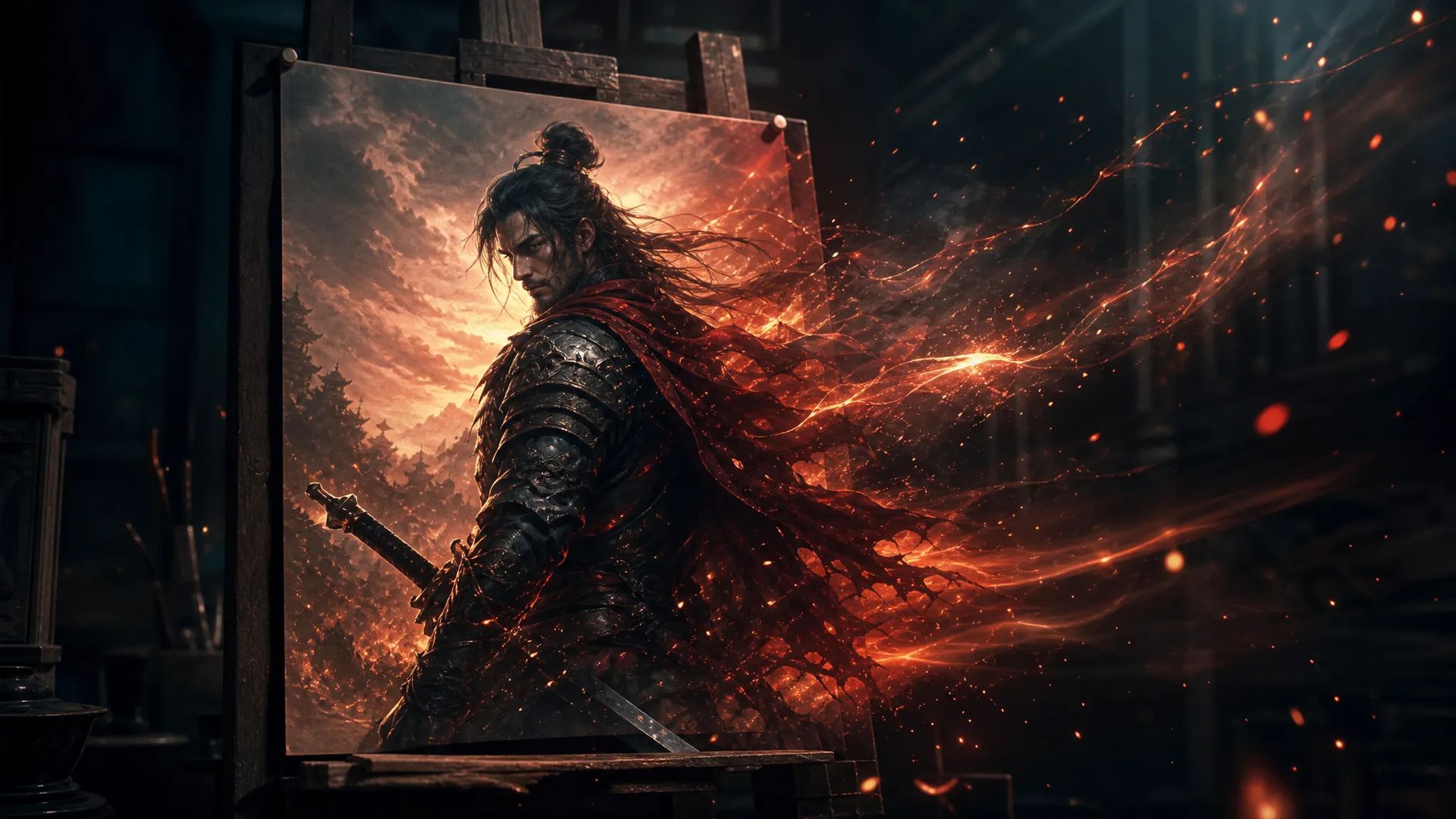
Bring a still to life
Feed a single image and animate it into a moving shot — key art, renders, or generated frames.

Wan's fast image-to-video — animate a still up to 1080p, 5, 10, or 15 seconds.
Betal en gang for kreditter - brug dem på tværs af hver model på ZOOOP. · Fyld op, når du har brug for det, ingen månedlig forbrænding.
Powered by Wan AI's API on ZOOOP
Provide a start frame and Wan V2.6 Flash animates outward from it — bring a photo, render, or generated image into motion.
Output at 720p or 1080p.
Pick a clip length up to 15 seconds — among the longer image-to-video windows.
Quick, affordable animation of your stills.
Feed a single image and animate it into a moving shot — key art, renders, or generated frames.
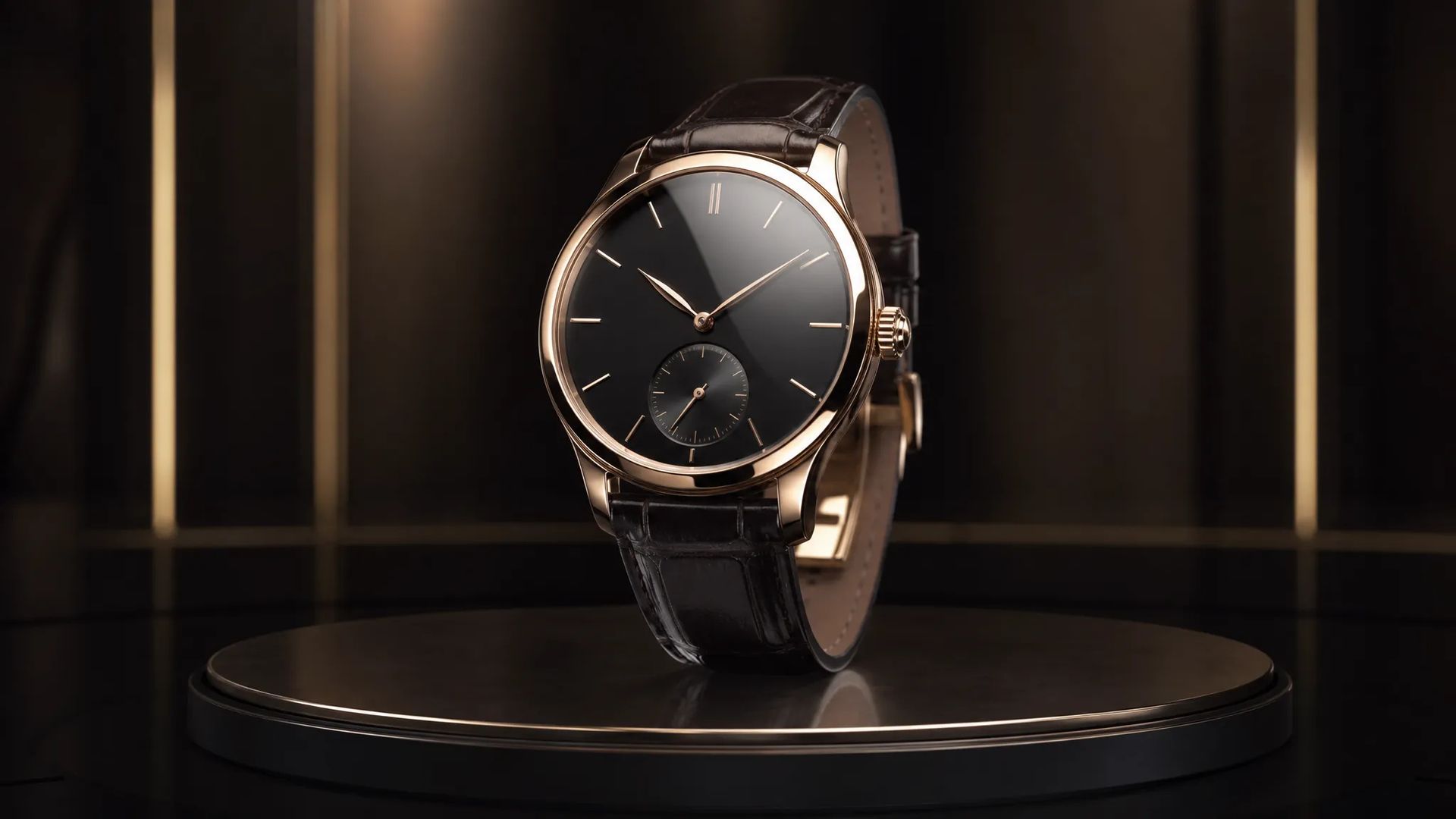
Animate a clean product still into a reveal or rotation for ads and store loops.

Up to 15 seconds gives a fuller motion from a single starting frame.
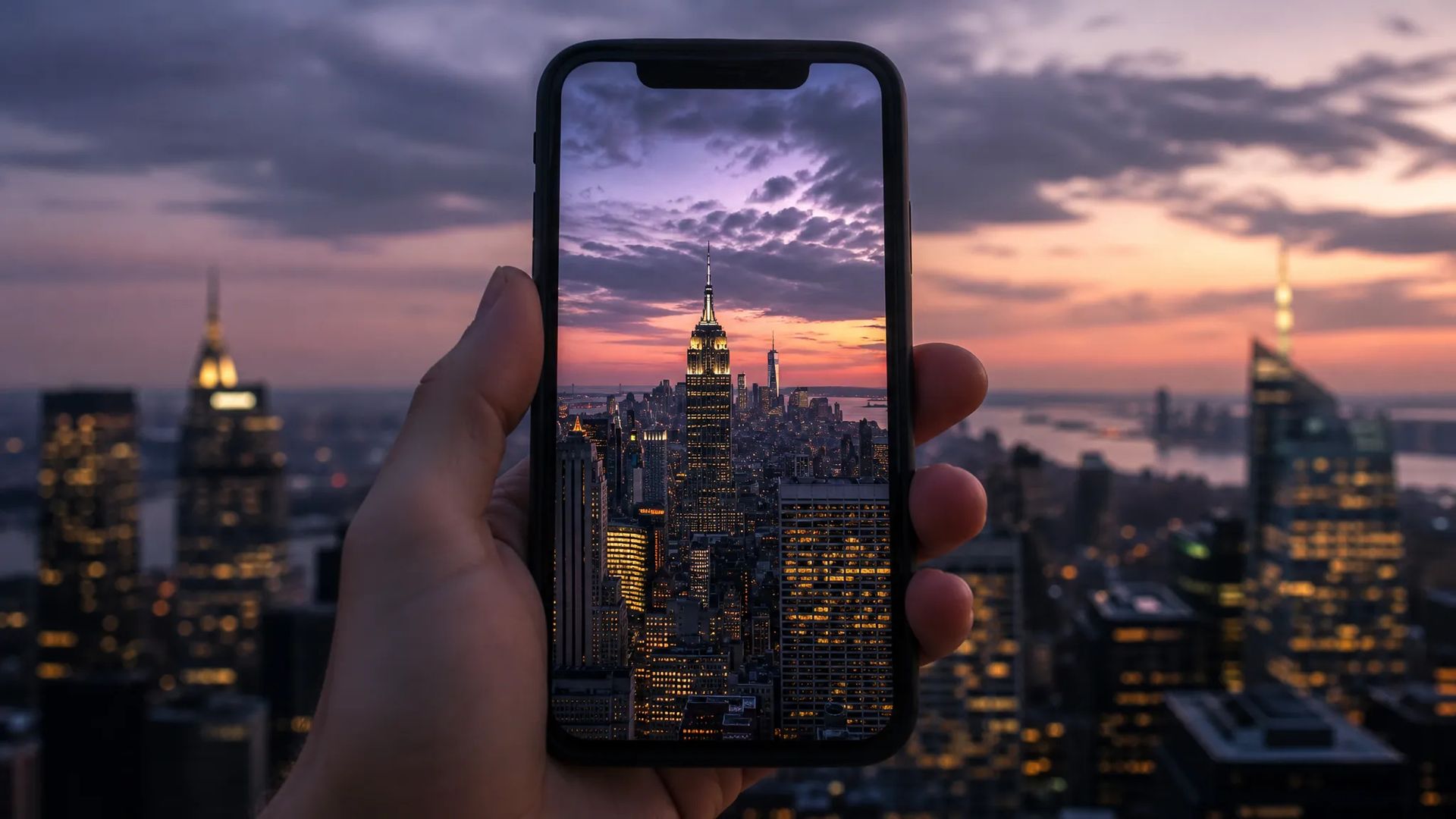
Animate stills into vertical or widescreen clips for social.
Pick the right video model. Your credits work everywhere on ZOOOP.
Open Wan V2.6 Flash from this page or pick it in the Video Generator.
Upload a start frame and write a prompt for the motion.
Pick resolution (up to 1080p) and duration (5, 10, or 15s).
Generate, then download or send the clip to your canvas.
Wan V2.6 Flash is the fast image-to-video tier of the Wan line: provide a start frame and it animates outward from it. That makes it the finishing step after an image generation — take a still and bring it into motion rather than re-describing the scene to a text-to-video model. It's an affordable way to animate your stills.
Output runs at 720p or 1080p, and clips can be 5, 10, or 15 seconds — a longer window than many image-to-video tiers, enough for a fuller motion from a single frame. Product reveals, animated key art, and quick concept-to-motion tests are the natural fits.
Where it sits: Wan V2.6 is the text-to-video tier (with multi-shot and audio); Wan V2.7 is the flagship. For image-to-video with native 4K and keyframe interpolation, LTX-2.3 is the alternative; for fast Hailuo image-to-video, Hailuo 2.3 Fast. Wan V2.6 Flash's sweet spot is affordable, longer-window animation of a still.
A reasonable mental model: default to Wan V2.6 Flash when your input is an image and you want an affordable clip up to 15 seconds, and switch to LTX-2.3 for 4K or keyframe control, or to the Wan text-to-video tiers for prompt-only scenes.
From an image. It's an image-to-video model — provide a start frame and it animates outward. For text-to-video, use Wan V2.5, V2.6, or the flagship V2.7.
720p or 1080p.
5, 10, or 15 seconds.
Wan V2.6 Flash is the image-to-video variant — it animates a start frame. Wan V2.6 is the text-to-video tier with multi-shot and audio. Pick Flash when you're starting from an image.























Video fra første og sidste billede
Video fra første og sidste billede
Video fra første og sidste billede
Video fra første og sidste billede
Video fra første og sidste billede
Video fra første og sidste billede
Wan V2.6 Flash
Prompt*
Startbillede*
Opløsning*
Varighed*
Dine generationer vises her, når du logger ind.
Oprettelse af en konto er gratis.