Animate Midjourney art
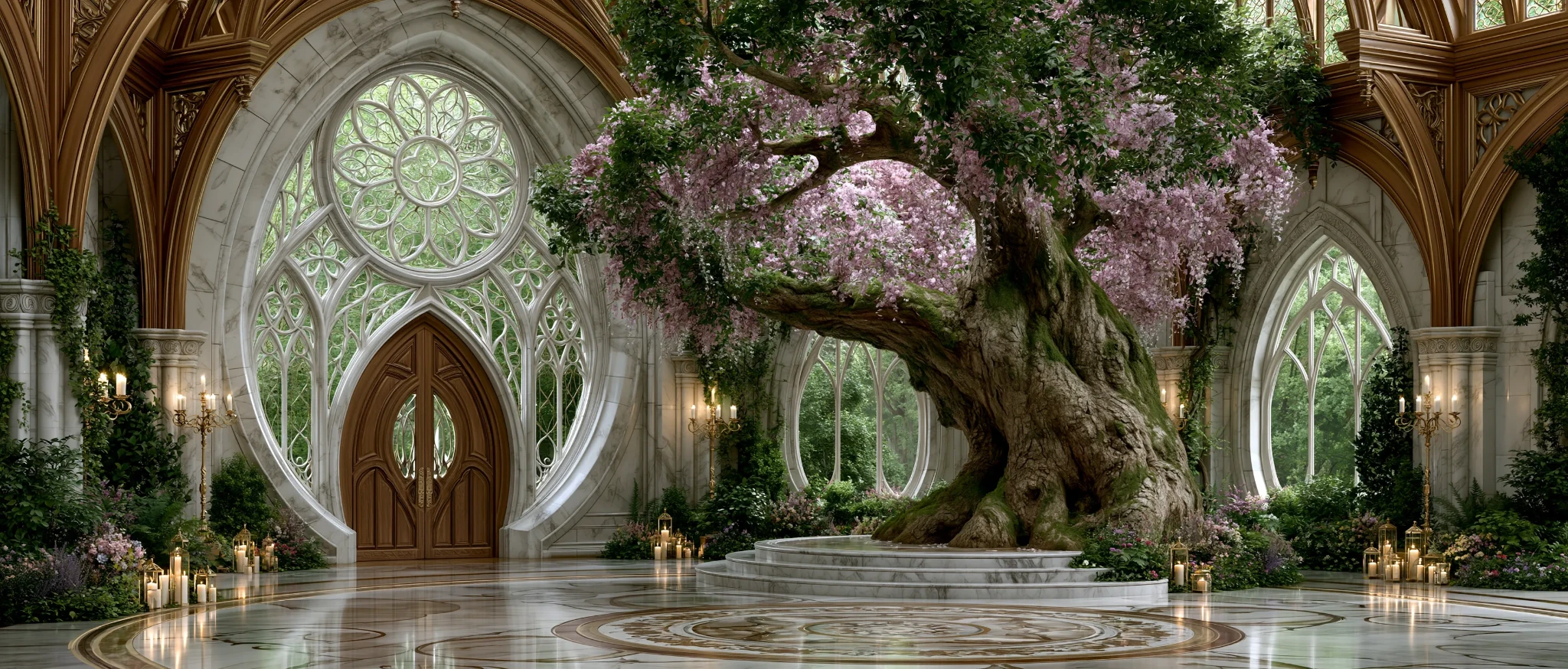
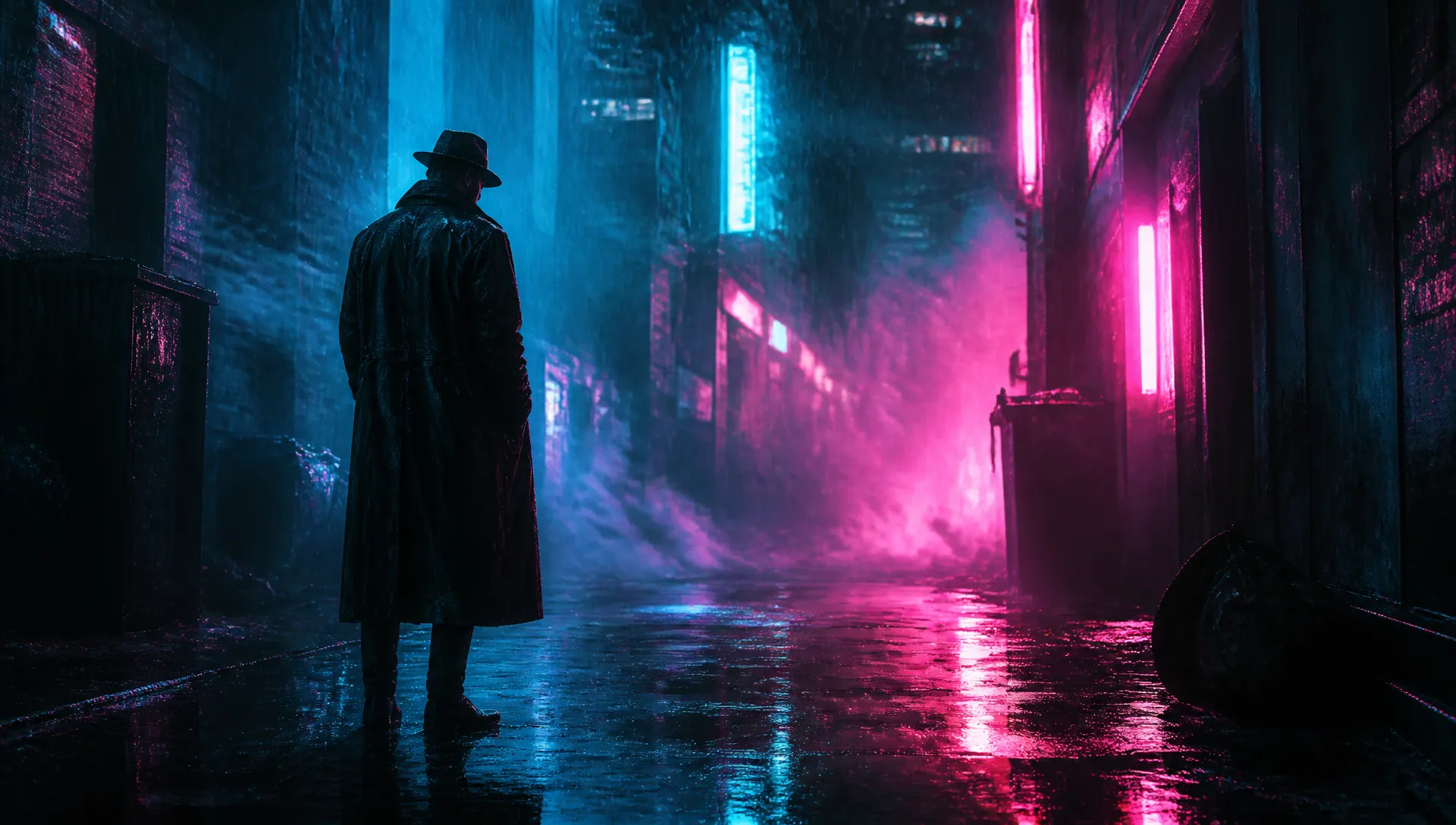
Take a piece of Midjourney key art — a neon-drenched detective, a misty alpine monastery — and bring it to life with drifting fog, flickering light, and a slow camera push that keeps the original look intact.

Midjourney's image-to-video model — upload a still, describe the motion, and watch the signature Midjourney aesthetic come alive in a five-second clip.
Betal en gang for kreditter - brug dem på tværs af hver model på ZOOOP. · Fyld op, når du har brug for det, ingen månedlig forbrænding.
Powered by Midjourney's API on ZOOOP
Midjourney Video carries the signature aesthetic into motion — the cinematic lighting, rich texture, and painterly finish that make Midjourney instantly recognizable, animated rather than rendered frame by frame.
Upload a starting image as the first frame and the model generates motion outward, preserving the original composition. Animate Midjourney art, a photograph, a poster, or a still from any other image model.
Write what should move and how the camera should travel — subject action, drift, push-in, pan — and the model interprets the prompt to drive the clip outward from your first frame.
Render at 720p by default for crisp, gallery-grade motion, or drop to 480p when you want a faster, lighter pass for drafts and social previews.
Take a piece of Midjourney key art — a neon-drenched detective, a misty alpine monastery — and bring it to life with drifting fog, flickering light, and a slow camera push that keeps the original look intact.
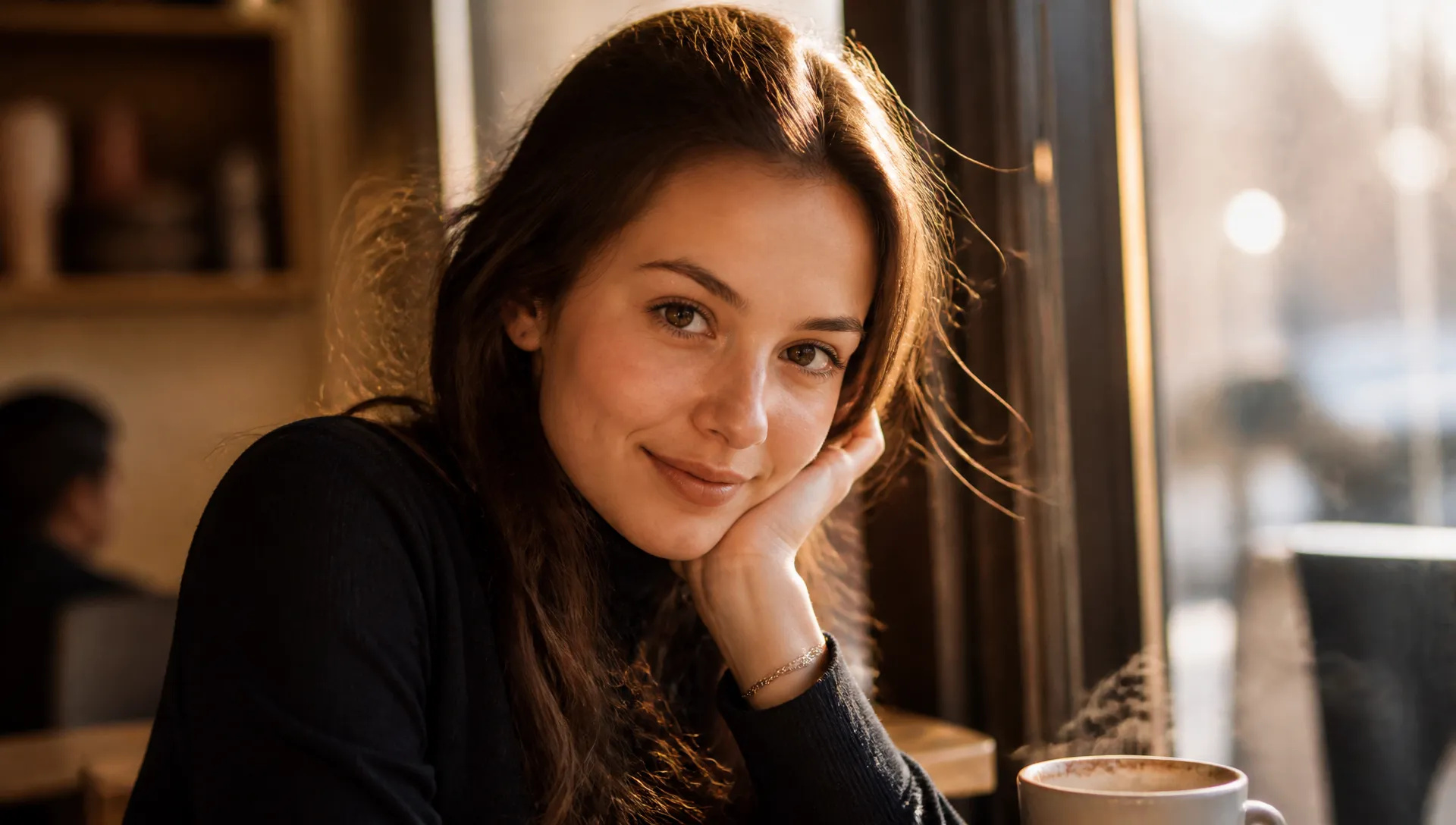
Turn a portrait or a product photo into a living moment — hair and fabric catching a breeze, steam rising from a cup, a subtle parallax that makes a flat shot feel filmed.
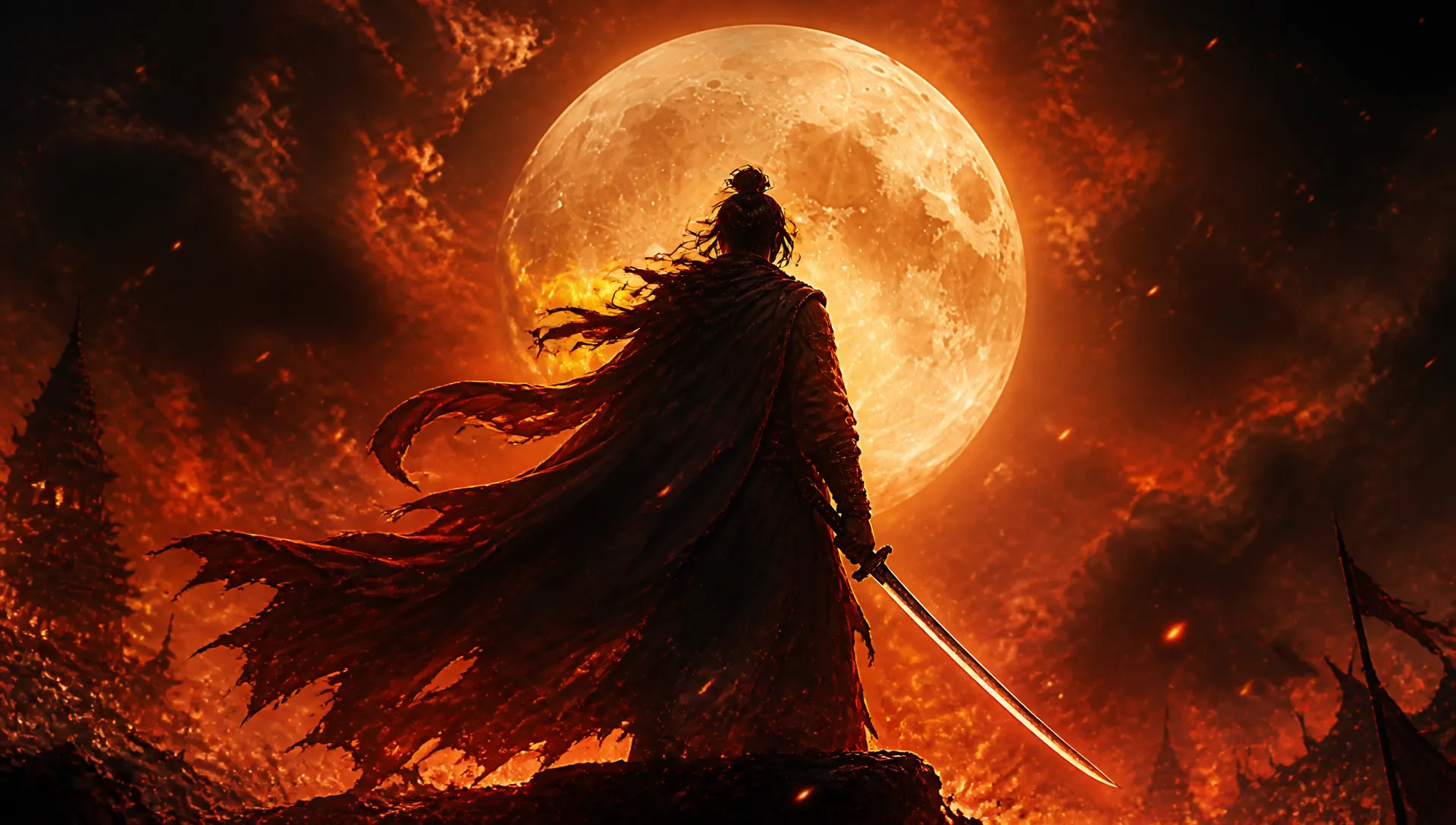
Animate a finished poster or cover into a five-second loop for a title card, a social teaser, or a storefront screen — atmospheric motion that reads as designed, not generic.
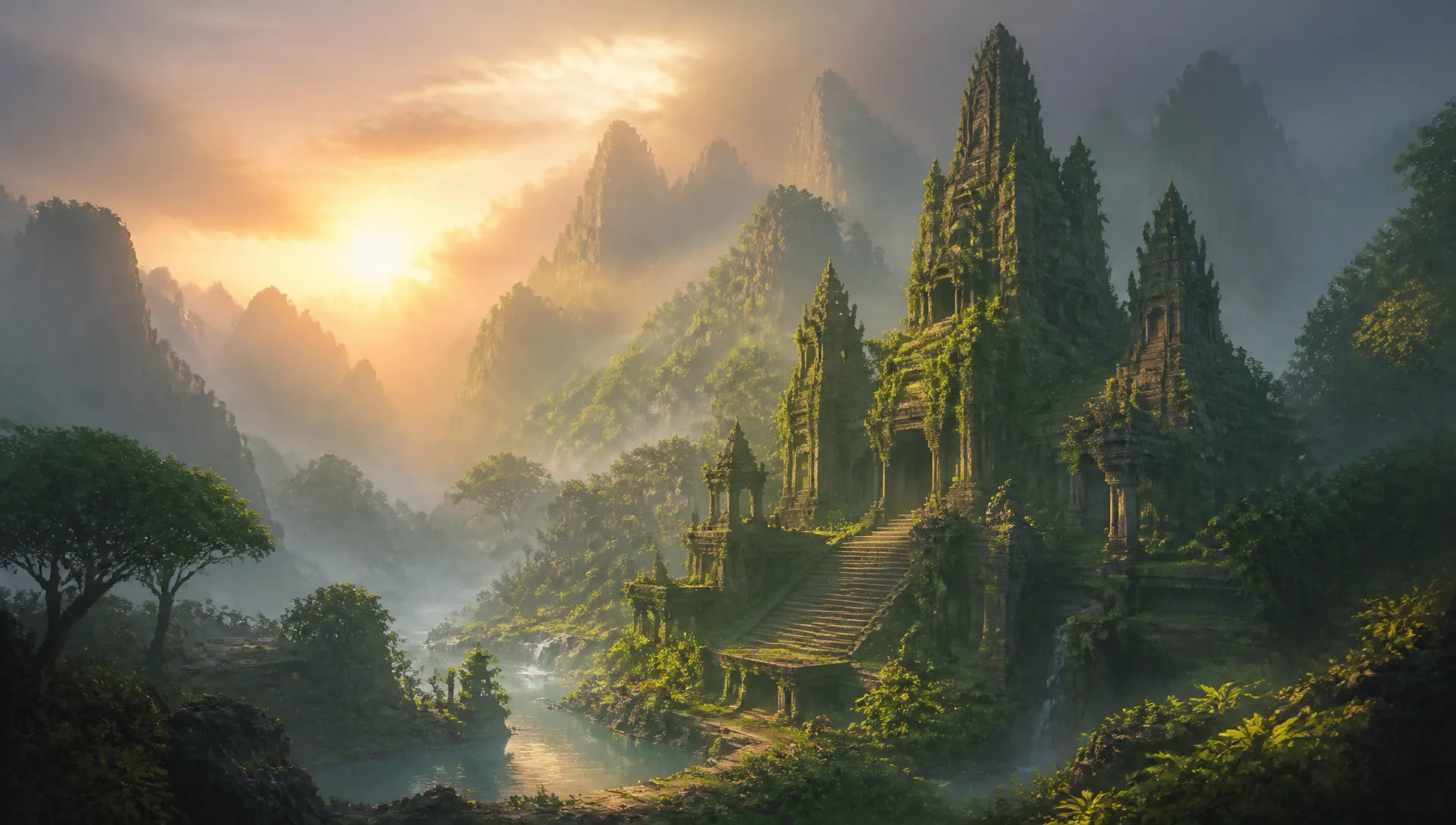
Spin a single concept frame into a short mood clip — a creature breathing in the dark, an environment coming awake at dawn — to pitch the feel of a world before any full production.
Pick the right video model for the shot. Your credits work everywhere on ZOOOP.
Open Midjourney Video from this page or pick it in the Video Generator.
Upload the still you want to animate as the first frame.
Describe the motion — what the subject does and how the camera moves.
Choose 480p or 720p, then generate your five-second clip.
Midjourney built its reputation on a signature aesthetic — cinematic lighting, rich texture, a painterly sense of composition that makes its output instantly recognizable. Midjourney Video takes that look and sets it in motion. It's an image-to-video model: you give it a still as the first frame, describe the motion you want, and it animates the frame into a five-second clip while holding onto the original composition. On ZOOOP this runs web-native — upload a frame, write the motion, get the clip back, no Discord.
The core strength is animation that respects the source. Because every generation starts from a first frame you provide, the model isn't inventing a scene — it's bringing the one you already have to life. That makes it the natural finishing move for Midjourney stills: generate gallery-grade art with Midjourney V8.1, then drop the result in here and add drifting fog, a slow camera push, or a subject that breathes. It works just as well on photographs, posters, and stills from any other image model. Motion is prompt-directed — you describe the subject's action and how the camera should travel, and the model drives the clip outward from your frame. Output renders at 720p by default, with a lighter 480p pass for drafts and quick social previews.
Where it's weaker: this is a focused tool, not an all-purpose video engine. It's image-to-video only — there's no pure text-to-video here, so you always need a starting frame; for prompt-only generation, switch to Kling V3, Luma Ray 2, or Seedance 2.0. Clips are a fixed five seconds with no in-app extend, so for longer sequences use Veo 3.1 or Kling V3's extend. Resolution tops out at 720p, so when you need native 1080p or 4K, Veo 3.1 is the right call, and for native audio in the same pass, Veo 3.1 or Seedance 2.0 lead. It also doesn't restyle or re-edit existing footage.
A reasonable mental model: reach for Midjourney Video when you have a striking still — especially a Midjourney one — and want to bring it to life with atmospheric, art-directed motion. When the job shifts to generating video from text alone, longer or higher-resolution clips, or sound, hand it to Kling V3, Luma Ray 2, Seedance 2.0, or Veo 3.1 — and your credits carry across all of them.
It's Midjourney's image-to-video model — it takes a still image as the starting frame and animates it into a five-second clip while keeping the signature Midjourney aesthetic. On ZOOOP it runs web-native, so you upload a frame, describe the motion, and get the result back without Discord.
On ZOOOP, Midjourney Video is image-to-video — you always start from a first frame, so it animates an existing image rather than generating a scene from a prompt alone. If you need pure text-to-video, reach for Kling V3, Luma Ray 2, or Seedance 2.0. A clean path is to generate the still with Midjourney V8.1 first, then animate it here.
Each generation is a five-second clip. You can render at 720p (the default) for crisp motion, or 480p for a faster, lighter pass. There's no in-app extend or longer-duration option here, so for longer or higher-resolution video, switch to Veo 3.1 or Kling V3.
Midjourney Video focuses on the one job — turning a still into a five-second clip. It doesn't extend, restyle, or re-edit an existing video here. To continue a clip, use Veo 3.1 or Kling V3's extend; to restyle existing footage, use a video-edit model. Your credits carry across all of them.
For animating Midjourney-style art and stills it's a strong fit — you start from a frame you already love and add motion, rather than rolling full text-to-video generations. For longer clips, higher resolution, or native audio in one pass, a different flagship may be the better spend.















Første og sidste rammevideo
Første og sidste rammevideo
Første og sidste rammevideo
Første og sidste rammevideo
Første og sidste rammevideo
Første og sidste rammevideo
Midjourney Video
Prompt*
First Frame*
Resolution*
Dine generationer vises her, når du logger ind.
Oprettelse af en konto er gratis.