
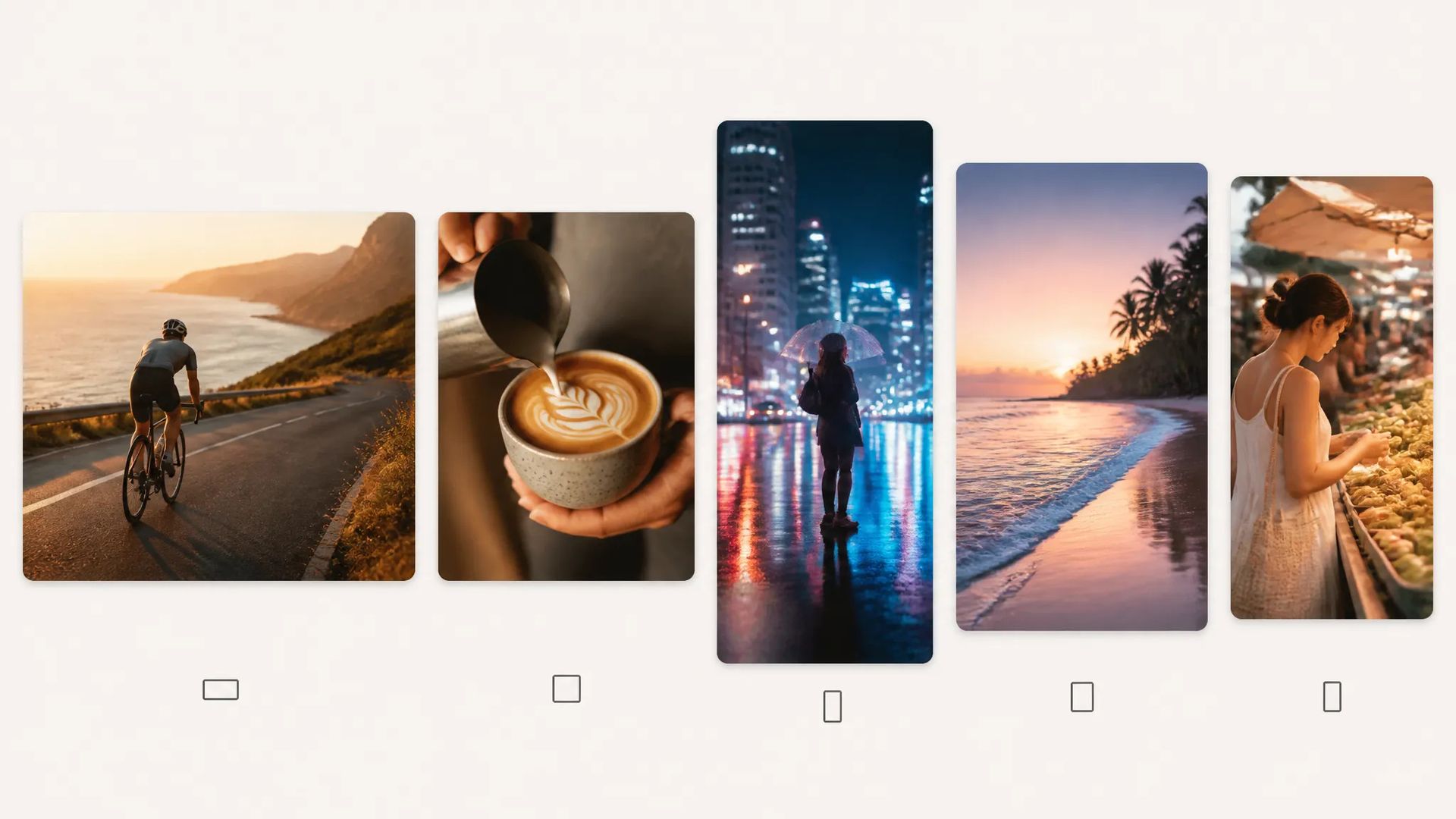
Social clips
720p–1080p output across five aspect ratios for feed and story.

Pixverse V5 — fast, affordable text-to-video up to 1080p, 5 or 8 seconds.
Betal en gang for kreditter - brug dem på tværs af hver model på ZOOOP. · Fyld op, når du har brug for det, ingen månedlig forbrænding.
Powered by Pixverse AI's API on ZOOOP
Quick prompt-driven video — a low-cost option for social and drafts.
Output at 360p, 540p, 720p, or 1080p across five aspect ratios.
Pick a 5 or 8-second clip.
A clean text-to-video surface — describe the scene and generate.
720p–1080p output across five aspect ratios for feed and story.
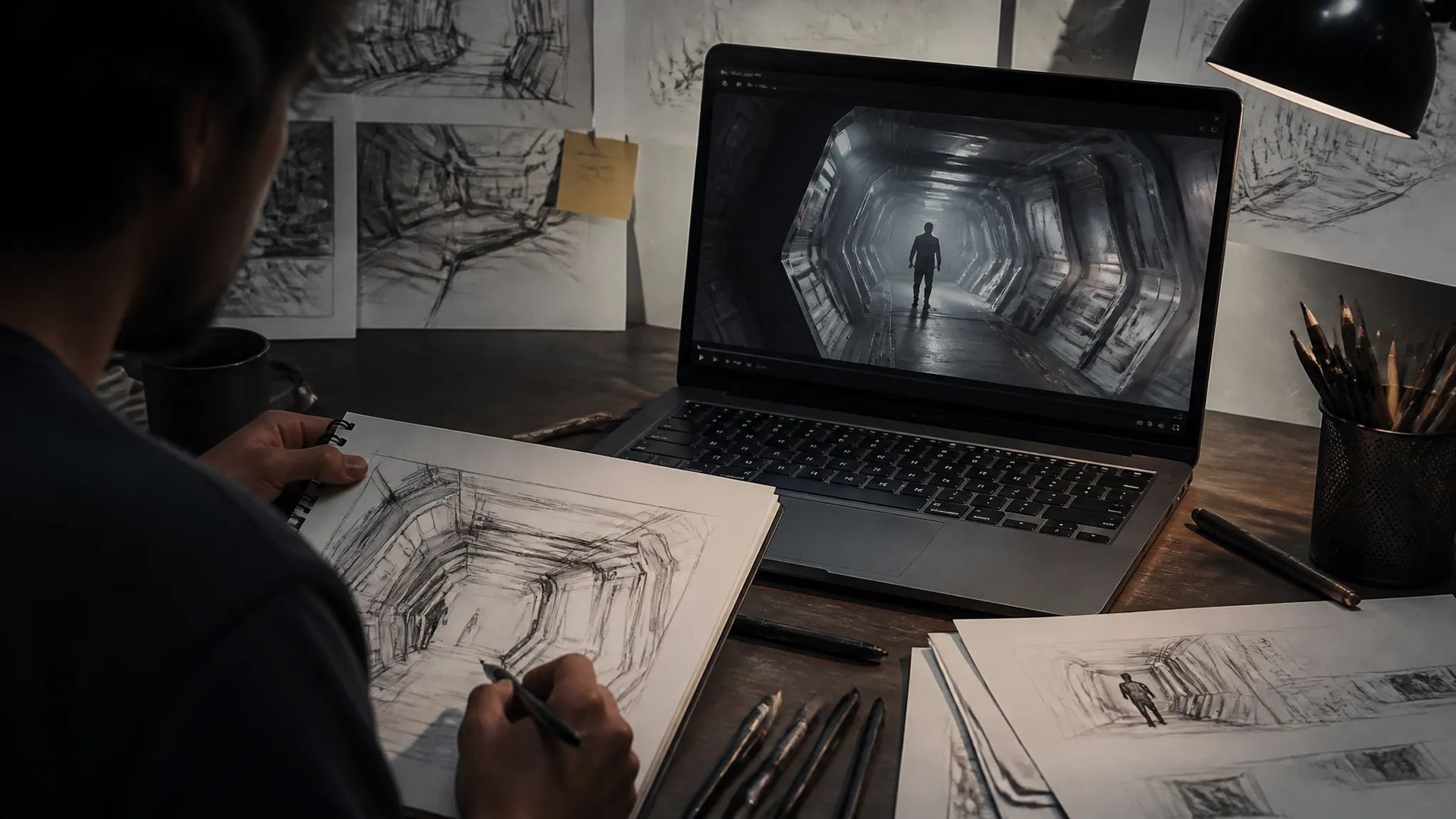
Block ideas quickly before a higher tier.

Cheap takes to test how a scene moves.

Short filler clips at low cost.
Pick the right video model. Your credits work everywhere on ZOOOP.
Open Pixverse V5 from this page or pick it in the Video Generator.
Write the prompt for the scene and motion.
Pick aspect ratio, resolution (up to 1080p), and duration (5 or 8s).
Generate, then download or send the clip to your canvas.
Pixverse V5 is a fast, affordable text-to-video tier for prompt-driven clips up to 1080p. It keeps the surface simple: a prompt, a resolution, an aspect ratio, and a 5 or 8-second length. That makes it an easy default for quick social clips, concept drafts, and filler where you want output fast without managing extra parameters.
Output runs up to 1080p (360p / 540p / 720p / 1080p) across five aspect ratios — 16:9 to 9:16 — covering widescreen and vertical.
Where it sits in the Pixverse line: V5.5 adds native audio and optional multi-clip; V6 is the newer flagship with multi-clip on by default and more aspect ratios. For top-tier motion, Seedance V2.0; for the cheapest single shots, Pika V2.2. Pixverse V5's sweet spot is simple, affordable text-to-video.
A reasonable mental model: default to Pixverse V5 for quick, cheap text-to-video without audio, and step up to V5.5 or V6 when you want sound and multi-clip sequencing.
360p, 540p, 720p, or 1080p, across five aspect ratios.
5 or 8 seconds.
Pixverse V5 is the prior tier without native audio or multi-clip. V5.5 adds audio and optional multi-clip; V6 is the newer flagship with multi-clip on by default. Step up for audio and sequencing.
No — for native audio, use Pixverse V5.5 or V6.























Video fra første og sidste billedeTekst og henvisning til video
Video fra første og sidste billedeTekst og henvisning til video
Video fra første og sidste billedeTekst og henvisning til video
Video fra første og sidste billedeTekst og henvisning til video
Video fra første og sidste billedeTekst og henvisning til video
Video fra første og sidste billedeTekst og henvisning til video
Pixverse V5
Prompt*
Aspektforhold*
Opløsning*
Varighed*
Dine generationer vises her, når du logger ind.
Oprettelse af en konto er gratis.