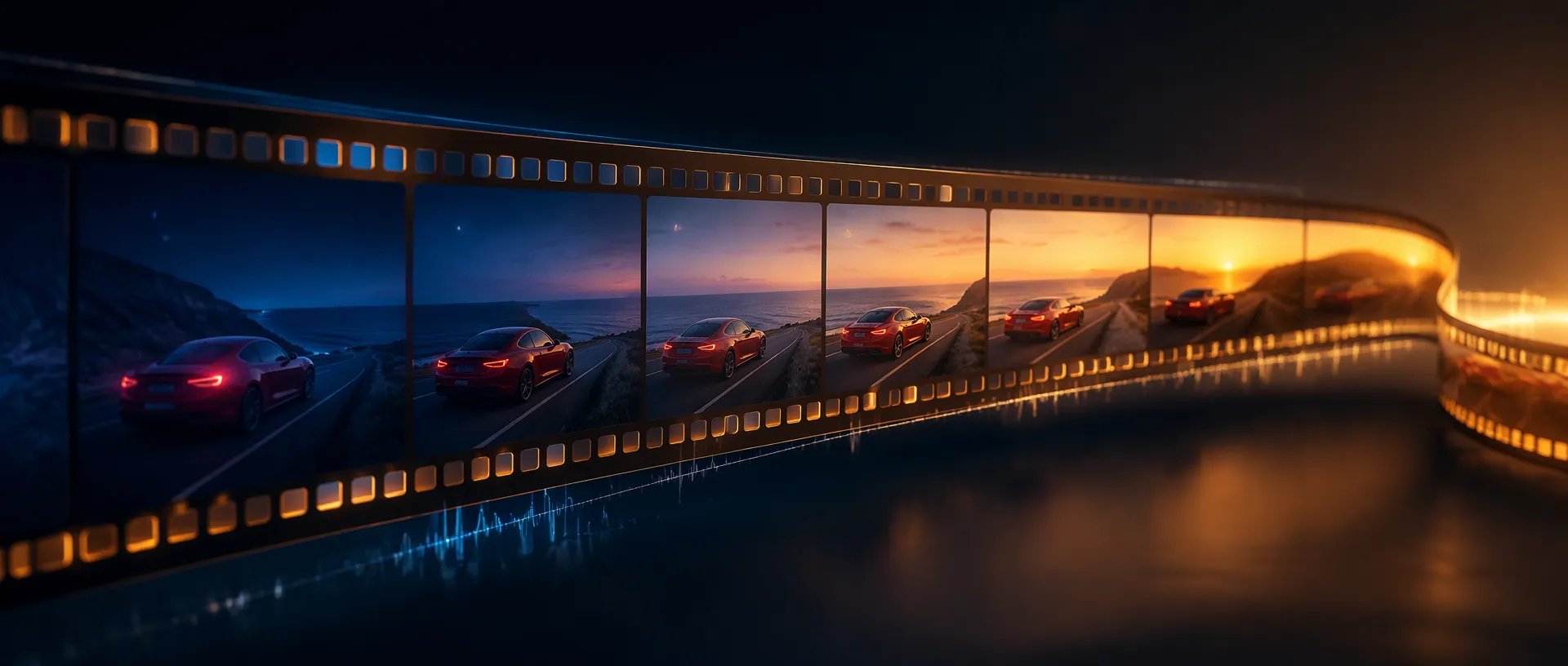

A complete 15-second ad
Open on the product, show it in use and land on the hero shot, all in one generation with music and sound in sync.

Google's newest video model: 15-second clips with native audio, steadier references, and create, edit and extend in one model.
Kredittpakker eller et månedsabonnement: én saldo for alle modeller på ZOOOP. · Fyll på når du trenger det; pakkekreditter blir værende til du bruker dem.
Powered by Google's API on ZOOOP
Pick any length from 3 to 15 seconds in one-second steps. A full social spot, a product explainer or a scene with a beginning, middle and end now fits in a single generation instead of three stitched clips.
Add up to 10 images of a character, product or location, plus up to three 3-second motion clips. Faces, garments, packaging type and brand colors stay put across camera moves, with less drift than Omni 1.1.
Change the background, the weather, the light or an outfit with one sentence, on clips of up to 15 seconds. Run another edit on the output to build ad variants step by step instead of regenerating from scratch.
Dialogue, sound effects and ambience come out in the same pass as the picture. Omni 1.2 gives more natural lines, clearer lip-sync and better separation between speakers.
Open on the product, show it in use and land on the hero shot, all in one generation with music and sound in sync.
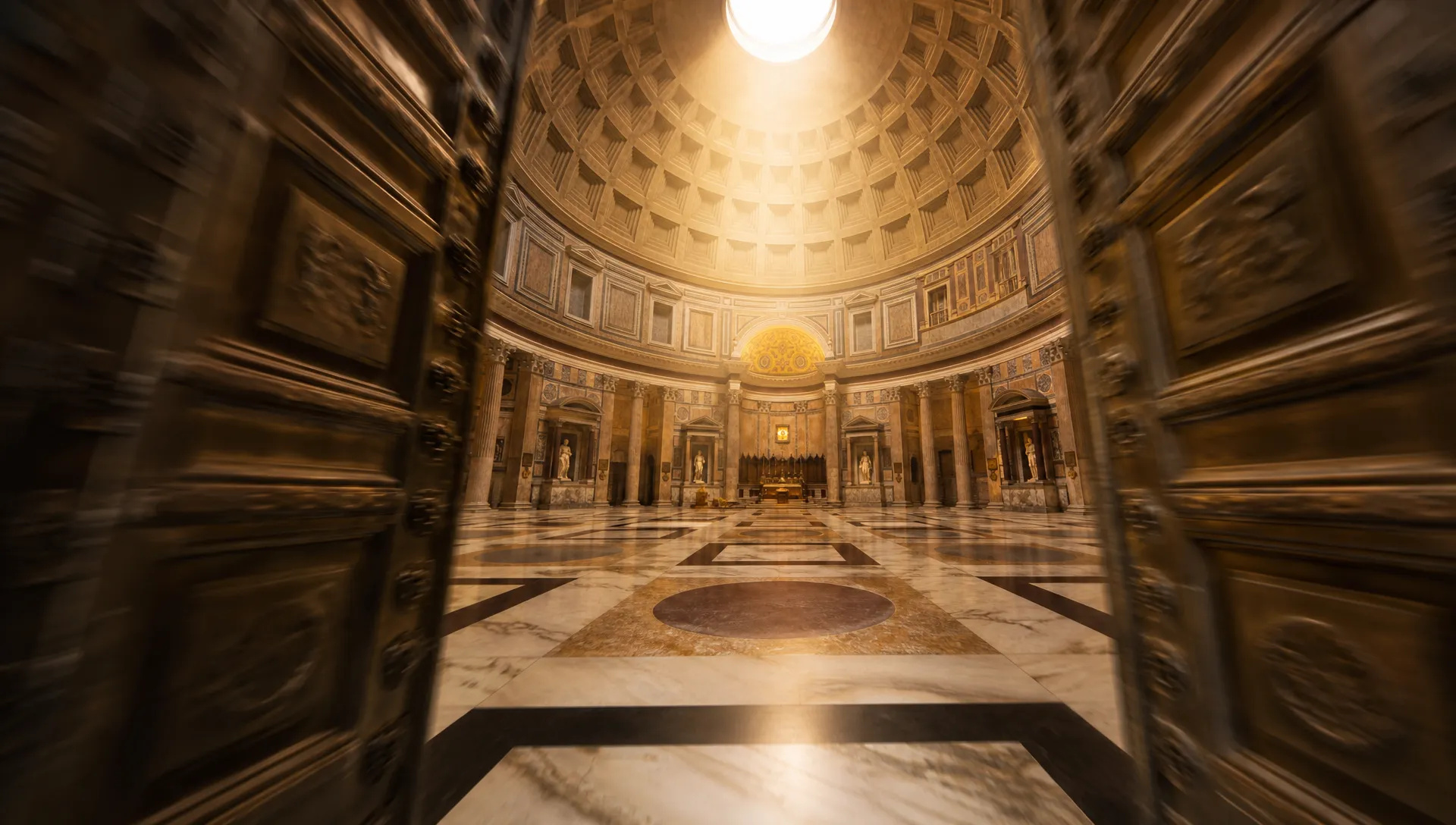
Fly an FPV drone through a doorway, orbit a statue or pull out from a close-up into a wide city view, with far fewer unwanted jump cuts.

Combine one model photo with front and back shots of an outfit and get a turn-around clip where the cut, drape and back details stay faithful.
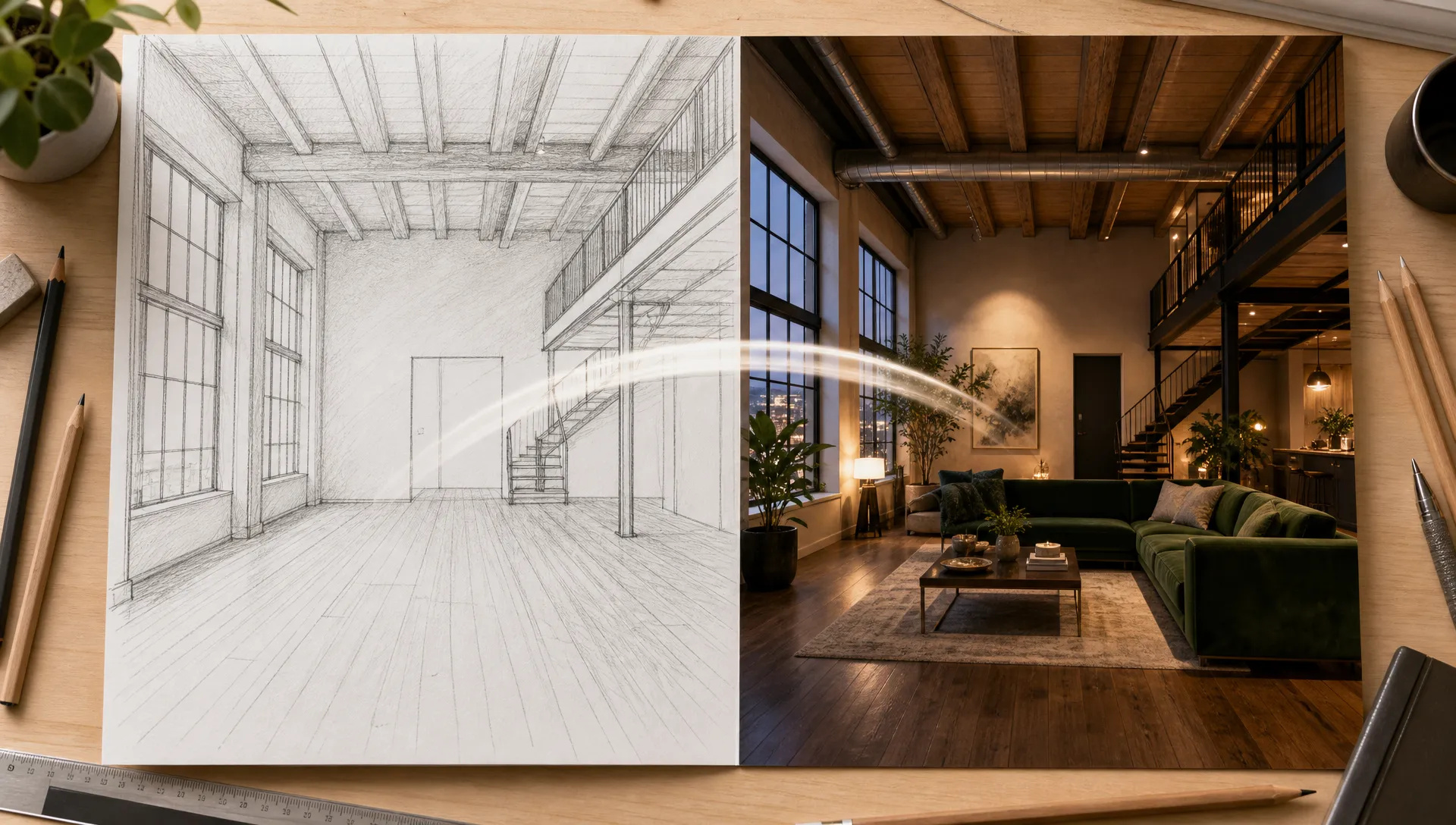
Give a first frame and a last frame (a sketch and the finished room, a closed box and the opened product) and let the model animate the move between them.
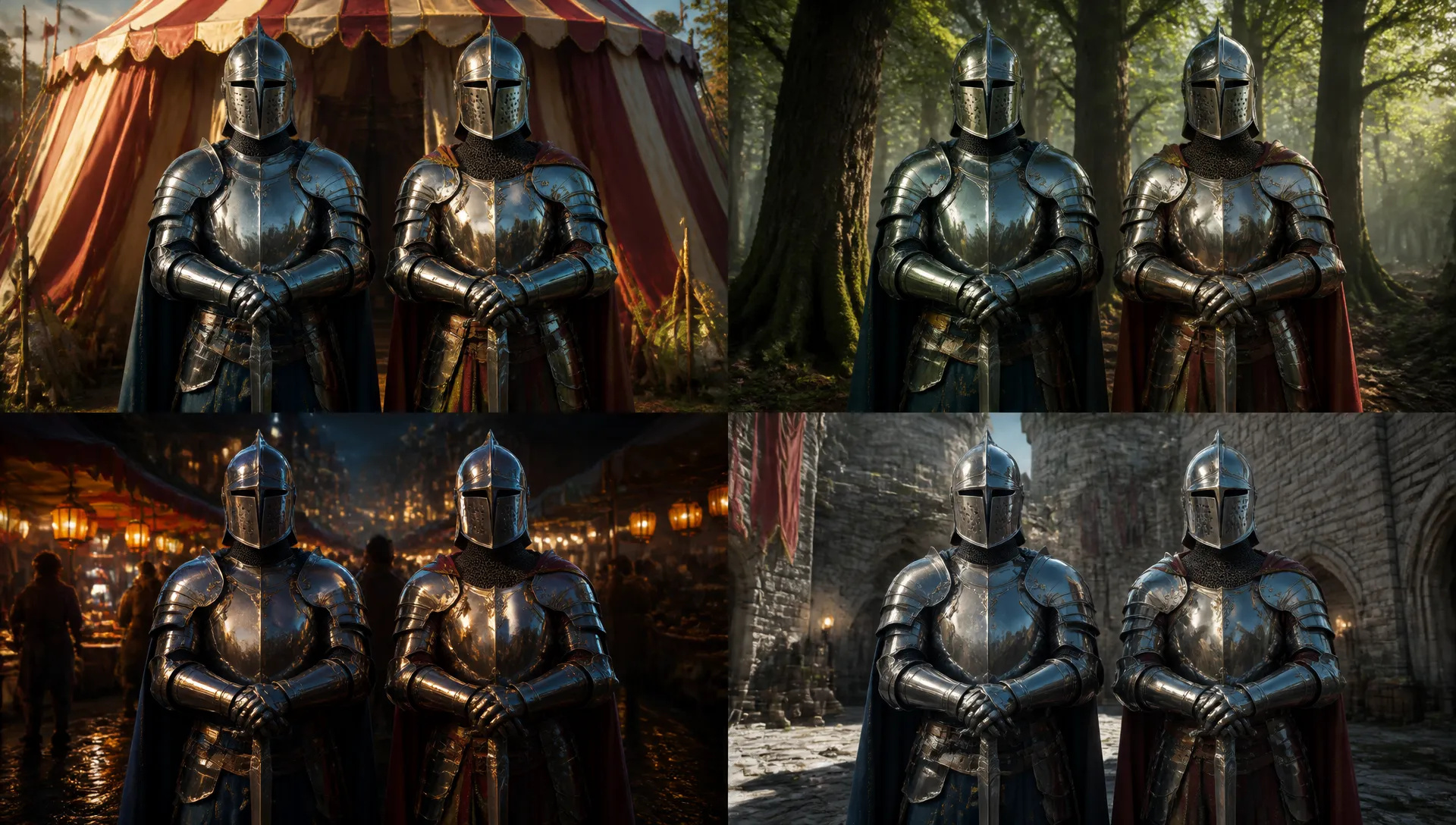
Keep the actors and the camera, and swap the backdrop from a studio to a forest to a night market across a few quick edits.
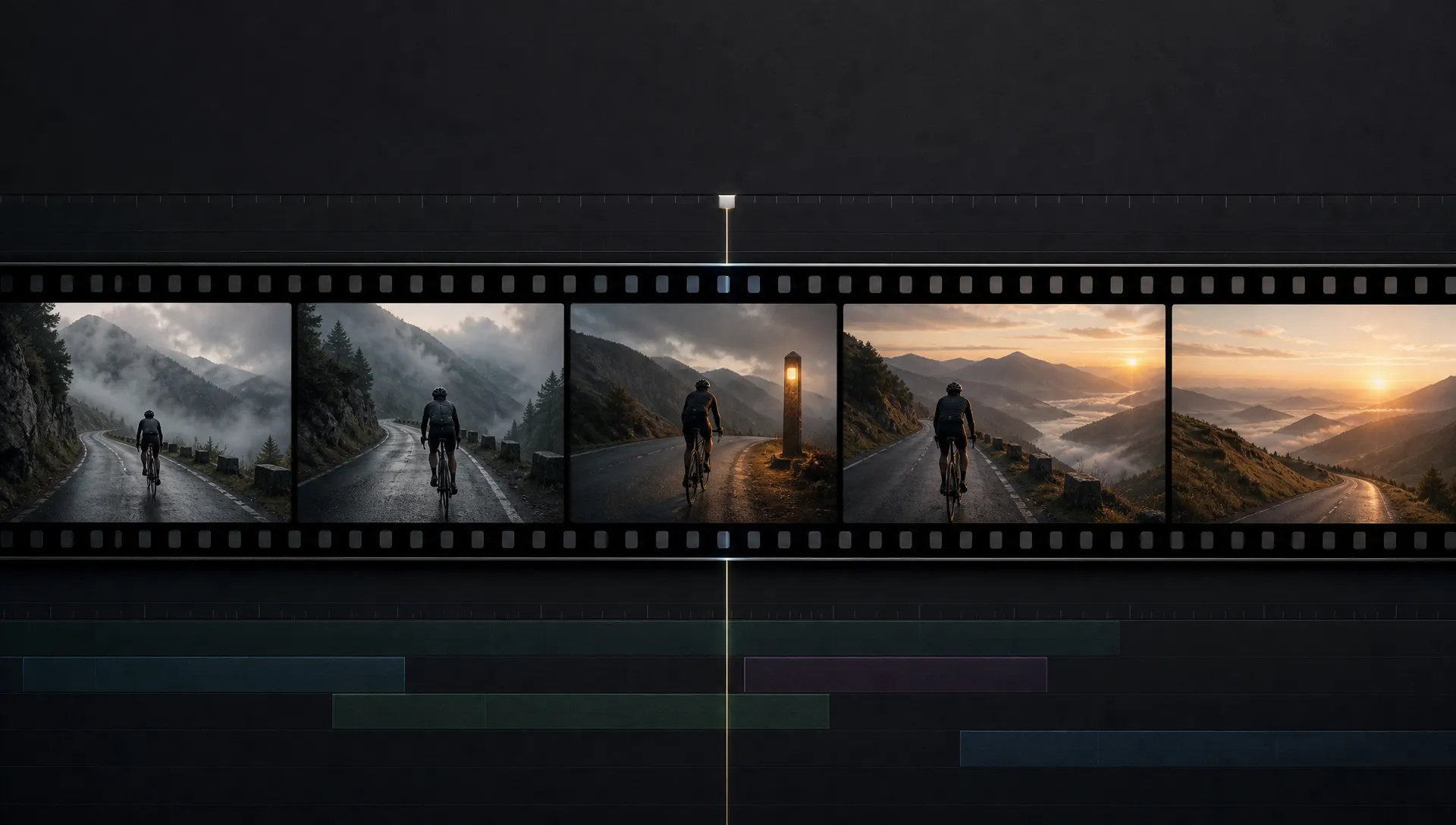
Add 3 to 10 seconds to the end of a video: the model follows its last 10 seconds, so the walk continues and the sound carries on.
Gemini Omni 1.2 Flash is the all-rounder: one model to create, edit and extend clips with sound, now up to 15 seconds. Switch when a shot needs something it does not do.
Open Gemini Omni 1.2 Flash from this page and pick a mode: text or reference, start frame, edit, or extend.
Describe the shot, ideally in English, including camera moves and the sound you want or don't want.
Choose duration (3 to 15 seconds), aspect ratio (16:9 or 9:16) and resolution (360p to 4K).
Generate, then edit the result or move a 360p draft up to a higher resolution.
Gemini Omni 1.2 Flash keeps the idea that made Omni 1.1 useful, one model that creates, edits and extends video and generates the sound in the same pass, and removes the limit people hit first: length. Google released it on November 5, 2026 with clips of up to 15 seconds, closer reference following, cleaner speech and a lower price. From December 3, 2026, Google routes every Omni 1.1 request to 1.2, so this is the version to build on.
The first flagship change is 15-second generation. Duration goes from 3 to 15 seconds in one-second steps, which is enough for a complete social spot: an opening, the product in use and a closing hero shot, scored and in sync, without stitching three clips and hoping the lighting matches. In our test a 15-second vertical clip came back in one take with continuous audio.
The second is references that hold. Add up to 10 images (a character from several angles, a product, a location) and up to three 3-second motion clips. Google built 1.2 to keep faces, garments, packaging typography and brand colors consistent from the first frame to the last, with less morphing during camera moves. That makes it practical for virtual try-on from front and back product shots, catalog spins, and ads built from existing character sheets.
The third is editing as a loop. Upload a clip of up to 15 seconds and describe the change: a striped tent becomes an oak forest, a sunny street turns to rain, a hoodie becomes a leather jacket. The actors, framing and timing stay. Because the output is just another clip, you can edit it again, which is how Google demonstrates its "multi-turn" editing, and how you produce several placements from one take. Extend works from the other end: it follows the last 10 seconds of any clip and adds 3 to 10 seconds with matching sound.
Camera direction improves too. Long continuous moves (an FPV flight through a doorway, an orbit, a slow zoom out) come back with noticeably fewer unwanted jump cuts than in 1.1.
Where it's weaker: framing is 16:9 or 9:16 only, a last frame caps the clip at 10 seconds, and audio is always on; you can steer it but not disable it. 1080p and 4K are upscaled from the native 360p and 720p frames. Google's safety filters are strict and photos of some recognizable people are refused, so for putting a specific person into existing footage MiniMax H3 is the better tool. For takes longer than 15 seconds or square framing, Wan V3.0 goes to 30 seconds; for edits of clips longer than 15 seconds, use Seedance V2.5.
A reasonable mental model: make Gemini Omni 1.2 Flash the default for clips with sound that you expect to revise, because the same model can edit and extend what it made. Reach for MiniMax H3 to swap a person into footage, Wan V3.0 for long or square takes, Seedance V2.5 for multi-shot sequences, and Kling V4 when you want Kling's look and 1080p native output.
Google released it on November 5, 2026. Clips can now run up to 15 seconds instead of 10, references are followed more closely from the first frame to the last, dialogue and lip-sync are more natural, and continuous camera moves have fewer unwanted cuts. Google also cut its price by about 30% compared with Omni 1.1.
Google is retiring it: from December 3, 2026, requests to Omni 1.1 are routed to Omni 1.2 automatically. On ZOOOP, Omni 1.2 covers everything 1.1 did, with longer clips and a lower price, so there is no reason to stay on the older version.
Text, reference and start-frame generations run 3 to 15 seconds. With a last frame the limit is 10 seconds. Edit accepts source clips of up to 15 seconds, and extend adds 3 to 10 seconds to the end of a clip.
No, audio is always generated. Steer it in the prompt, for example "no dialogue" or "no background music", or mute the clip afterwards.
No. Omni 1.2 Flash generates natively at 360p and 720p; 1080p and 4K are upscaled from those frames. Explore at 360p and re-render the keeper at a higher tier.
Up to 10 reference images and up to three reference clips of 3 seconds each; the audio inside reference clips is ignored. Google's safety filters apply to prompts and outputs, photos of some recognizable people are refused, and every output carries Google's invisible SynthID watermark.























Video LengdenVideo fra første og siste bildeTekst & Reference til VideoVideo Editing
Video fra første og siste bildeTekst & Reference til VideoVideo Editing
Video fra første og siste bildeTekst & Reference til VideoVideo Editing
Video fra første og siste bildeTekst & Reference til VideoVideo Editing
Video fra første og siste bildeTekst & Reference til VideoVideo Editing
Video LengdenVideo fra første og siste bildeTekst & Reference til Video
Gemini Omni 1.2 Flash
Prompt*
Reference Images
Reference Videos
Sideforhold*
Oppløsning*
Varighet*
Det du genererer, vises her når du logger inn.
Det er gratis å opprette en konto.