
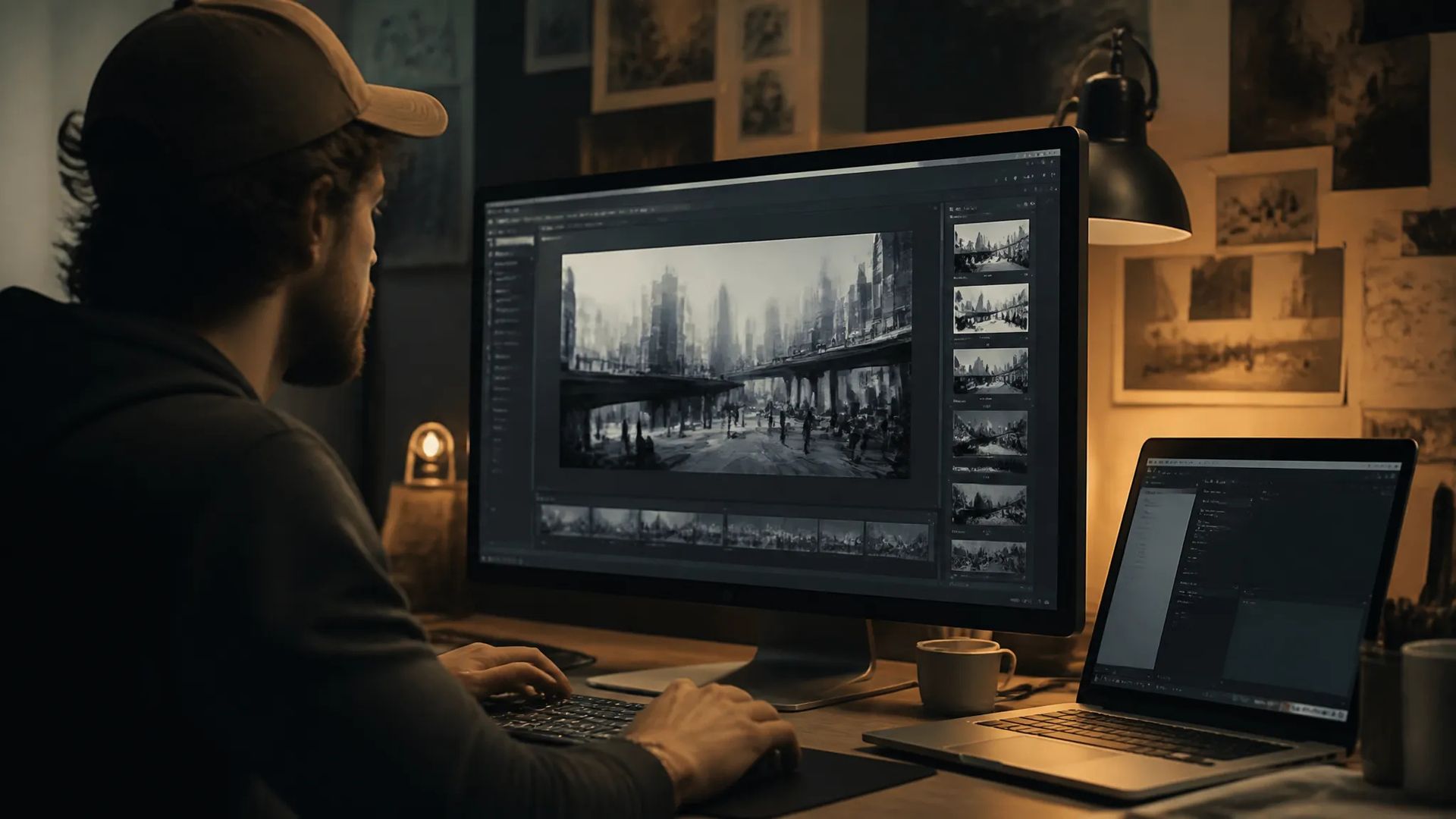
Rapid concept drafts
Cheap, fast generations make Pika V2.2 the place to block out an idea before committing to a pricier final model.

Pika's fast, low-cost text-to-video — simple 5 or 10-second clips, up to 1080p, seven aspect ratios.
Betale en gang for kreditter - bruke dem på alle modeller på ZOOOP. · Fyll på når du trenger det, ingen månedlig avgift.
Powered by Pika AI's API on ZOOOP
Pika V2.2 is among the cheapest flagship video models — run many takes and ideas without watching the meter.
Pick a 5 or 10-second length — quick, self-contained clips for social, drafts, and rapid concept tests.
Output at 720p for fast drafts or 1080p for delivery — same prompt, pick the resolution that fits the use.
From 16:9 widescreen to 9:16 vertical and 4:5 portrait, seven ratios cover feed, story, and widescreen surfaces.
Cheap, fast generations make Pika V2.2 the place to block out an idea before committing to a pricier final model.
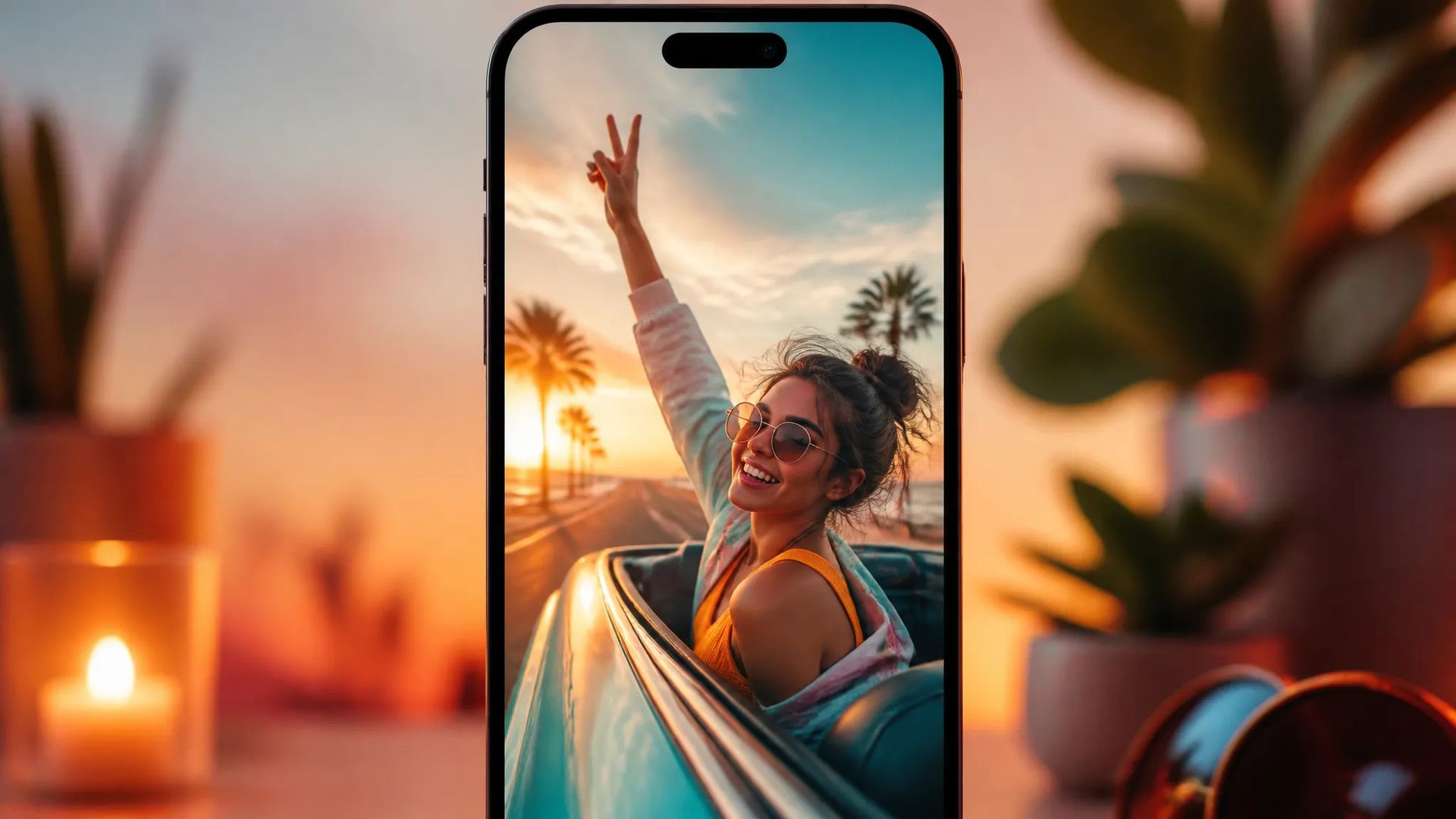
Vertical and square ratios at 5 or 10 seconds suit feed posts, story frames, and quick social clips.
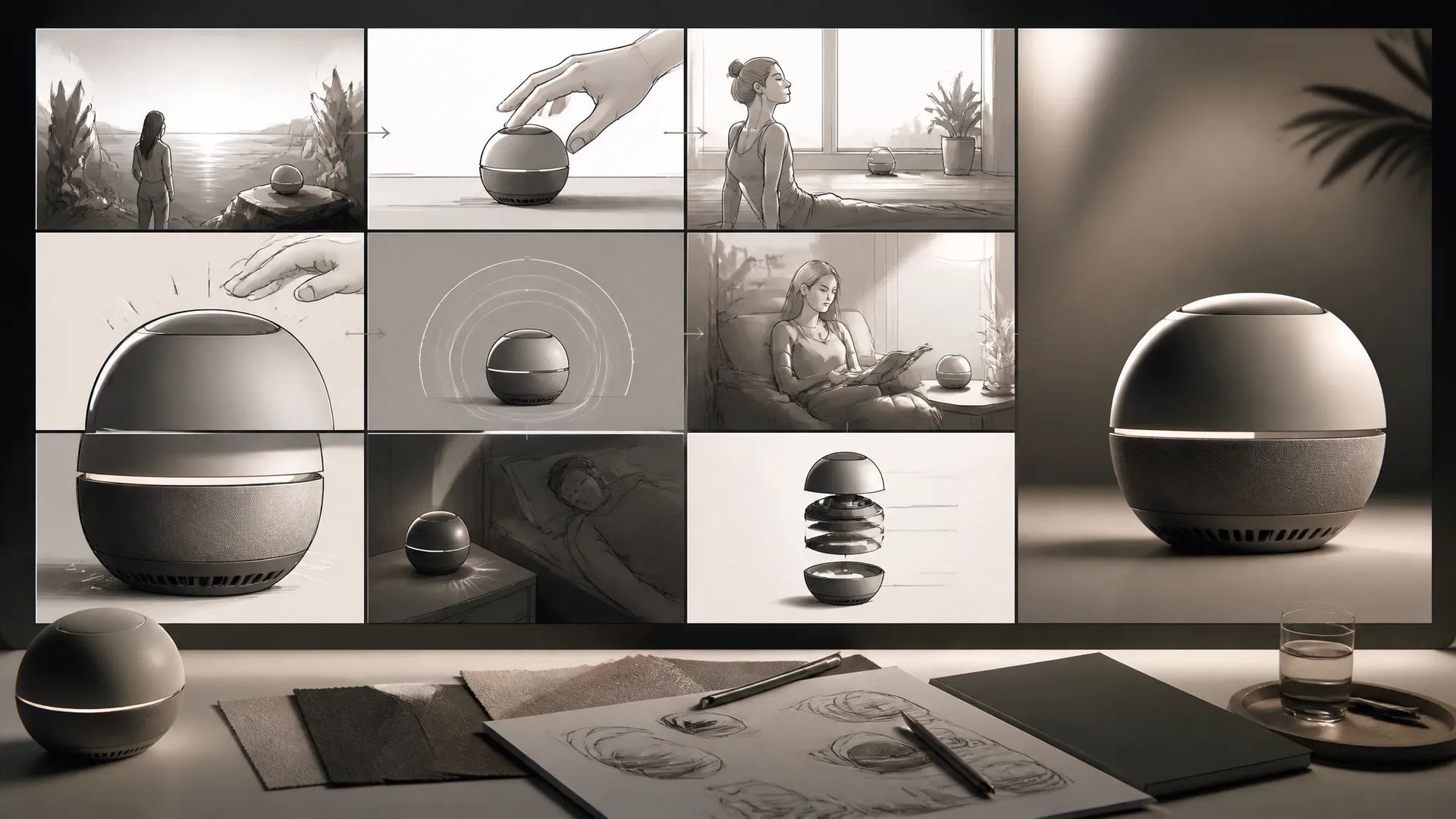
Generate quick moving frames to sell an idea in a pitch deck before a full production pass.
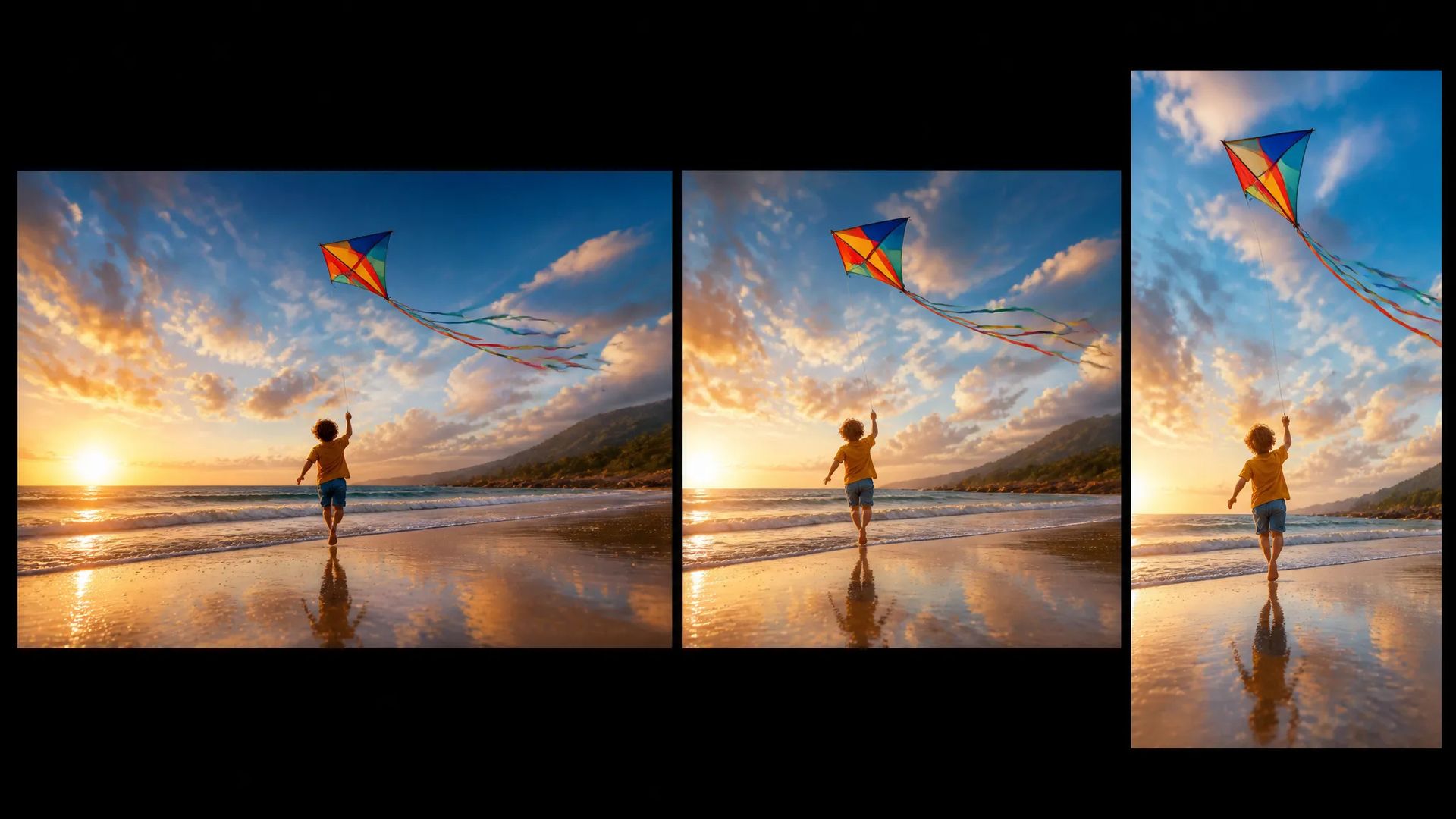
Seven aspect ratios produce widescreen, square, and vertical versions of the same idea for multi-platform use.
Pick the right video model. Your credits work everywhere on ZOOOP.
Open Pika V2.2 from this page or pick it in the Video Generator.
Write the prompt for the scene and motion.
Pick aspect ratio, resolution (720p or 1080p), and duration (5 or 10s).
Generate, then download or send the clip to your canvas.
Pika V2.2 is the model to reach for when the job is "draft this fast and cheap." It's among the lowest-cost flagship video models on ZOOOP, which changes how you use it: instead of agonizing over a single expensive generation, you run a handful of takes, find the framing and motion that work, and move on. For blocking an idea, exploring concepts, and producing throwaway variations, low cost is the whole feature.
The model keeps the surface simple — a prompt, a 5 or 10-second length, a resolution (720p or 1080p), and an aspect ratio. There's no parameter overhead to manage; you describe the scene and generate. That simplicity plus the price makes it the natural first stop in a workflow: rough it out on Pika V2.2, then re-create the keeper on a higher-fidelity model when the shot earns it.
Format coverage is broad for a budget model — seven aspect ratios from 16:9 widescreen through 9:16 vertical and 4:5 portrait, so the same idea can ship as a feed post, a story frame, or a widescreen cut without fighting a fixed frame.
Where it's weaker: it's a budget tier, so peak motion realism and photoreal fidelity go to Seedance V2.0 and Veo 3.1. For multi-clip sequences and native audio at a still-low price, Pixverse V6 is the small step up. For referenced-subject consistency, Vidu Q3. Pika V2.2's sweet spot is the cheapest, fastest single shot.
A reasonable mental model: default to Pika V2.2 for quick, cheap drafts and high-volume idea exploration. When the shot needs to be the final, switch up — Pixverse V6 for multi-clip social with audio, Kling V3 or Seedance V2.0 for fidelity, Veo 3.1 for cinematic photoreal.
Yes — Pika V2.2 is one of the cheapest flagship video models, which makes it well-suited to drafts, high-volume iteration, and social content.
5 or 10 seconds — pick the length at generation time.
720p or 1080p. Use 720p for fast drafts and 1080p for delivery.
Seven — 16:9, 3:2, 1:1, 2:3, 9:16, 5:4, and 4:5 — covering widescreen, square, and portrait social formats.
Pika V2.2 is the cheapest, simplest option for quick single shots. Pixverse V6 adds multi-clip sequences and audio for not much more. Kling V3 and Seedance V2.0 lead on fidelity and motion. Pick Pika V2.2 for the fastest, cheapest drafts.























Tekst & Reference til Video
Tekst & Reference til Video
Tekst & Reference til Video
Tekst & Reference til Video
Tekst & Reference til Video
Tekst & Reference til Video
Pika V2.2
Prompt*
Oppløsning*
Sideforhold*
Varighet*
Det du genererer, vises her når du logger inn.
Det er gratis å opprette en konto.