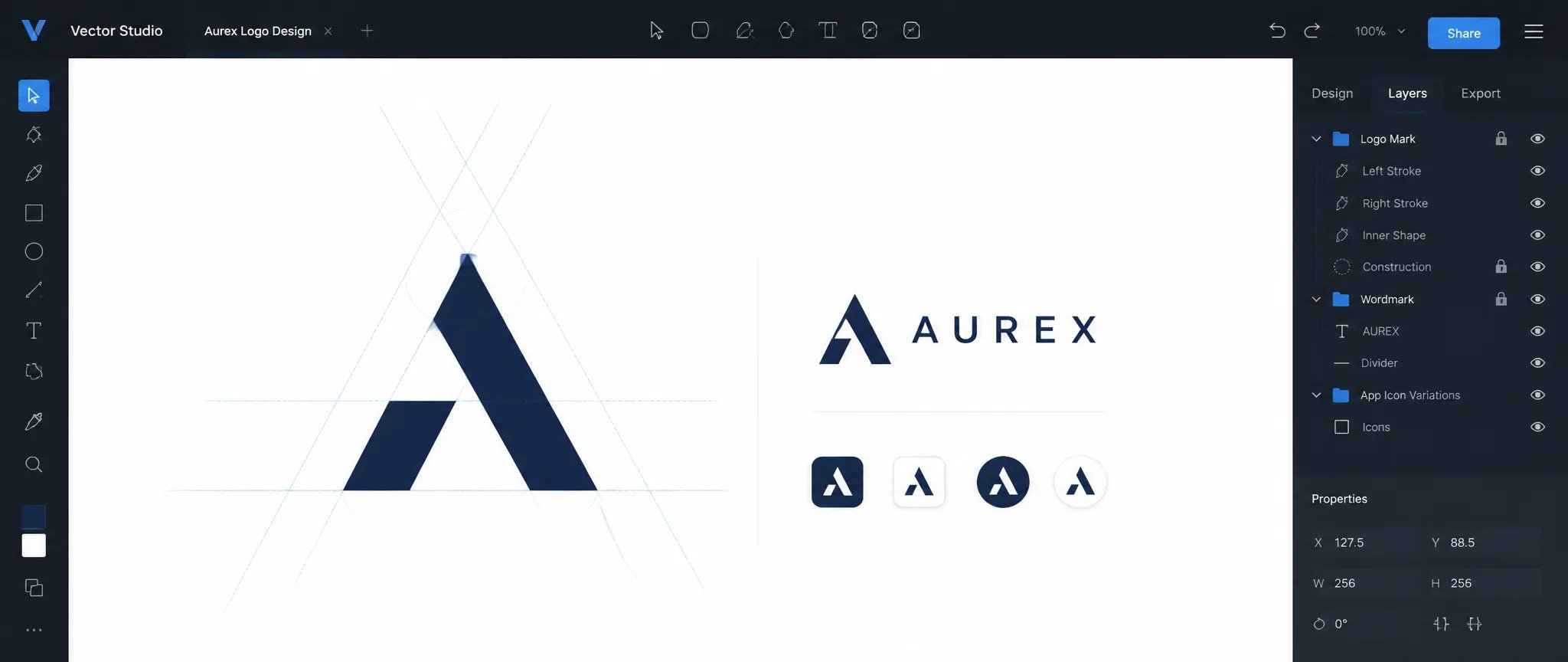
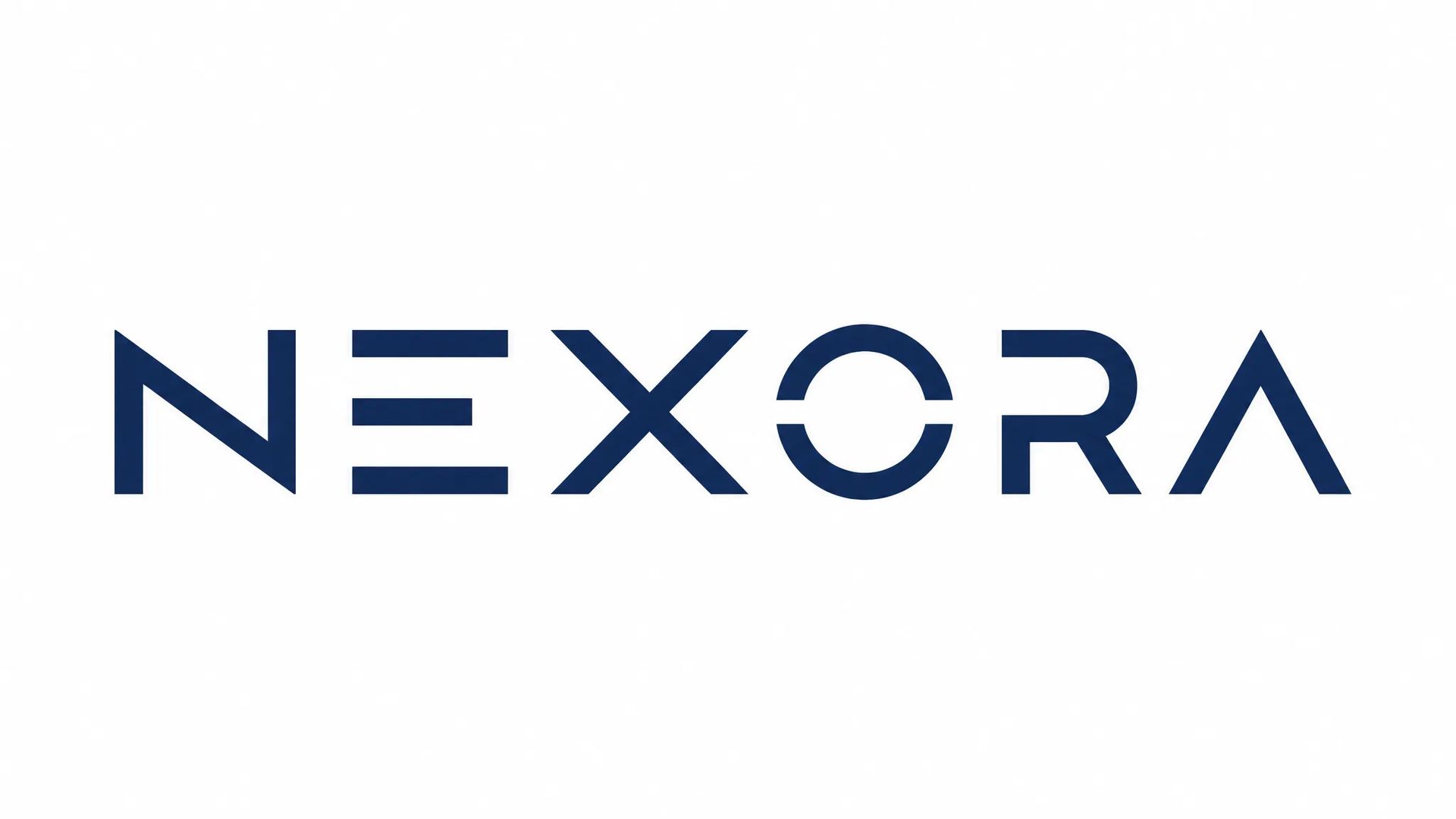
Logo design
Generate a wordmark or logomark from a brief and receive a scalable SVG ready for brand guidelines — no manual tracing required.

Turn text prompts into editable SVG files — logos, icons, and illustrations that live in your design tool, not a raster layer.
Betale en gang for kreditter - bruke dem på alle modeller på ZOOOP. · Fyll på når du trenger det, ingen månedlig avgift.
Powered by Recraft's API on ZOOOP
The output is a real SVG with structured paths, fills, and strokes. Open it in Figma, Illustrator, or Inkscape and every element is editable — no auto-trace step, no baked-in raster layer underneath.
Recraft V4.1 was developed in close collaboration with professional designers, tuning for composition balance, typographic weight, and color harmony rather than pixel variety. Short prompts land closer to production-ready than most AI image models.
Pass a list of RGB colors and the model anchors fills and strokes to your palette. Set a background color to get white, on-brand, or transparent-ready output without post-editing cleanup.
Generate in 1:1, 3:4, 9:16, or 4:3 — matched to the canvas where the vector will live, from app icon grids to story templates and horizontal banners.
Generate a wordmark or logomark from a brief and receive a scalable SVG ready for brand guidelines — no manual tracing required.
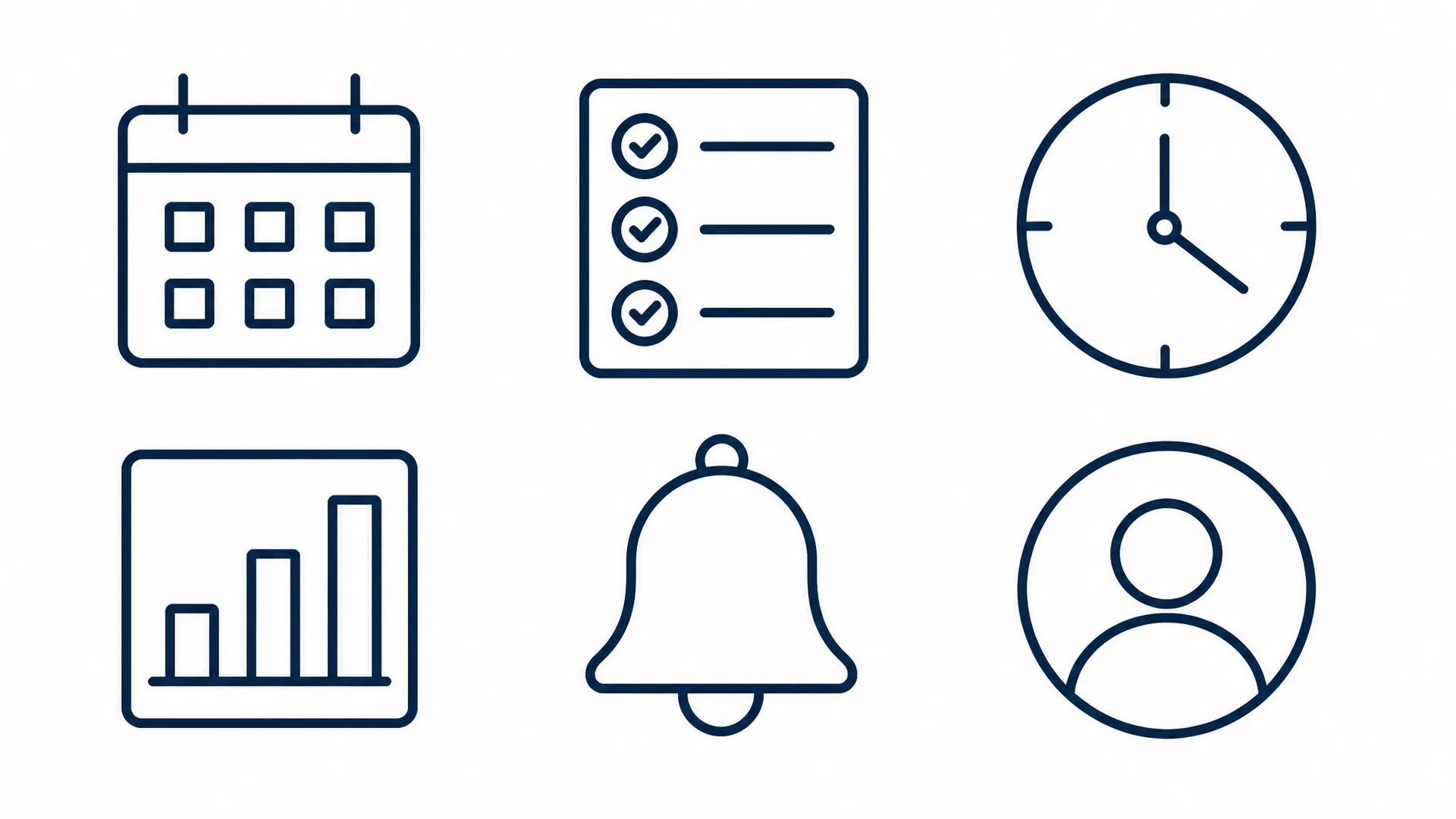
Produce a coherent icon set from a single style prompt; adjust stroke weights and fill colors directly inside the SVG after generation.
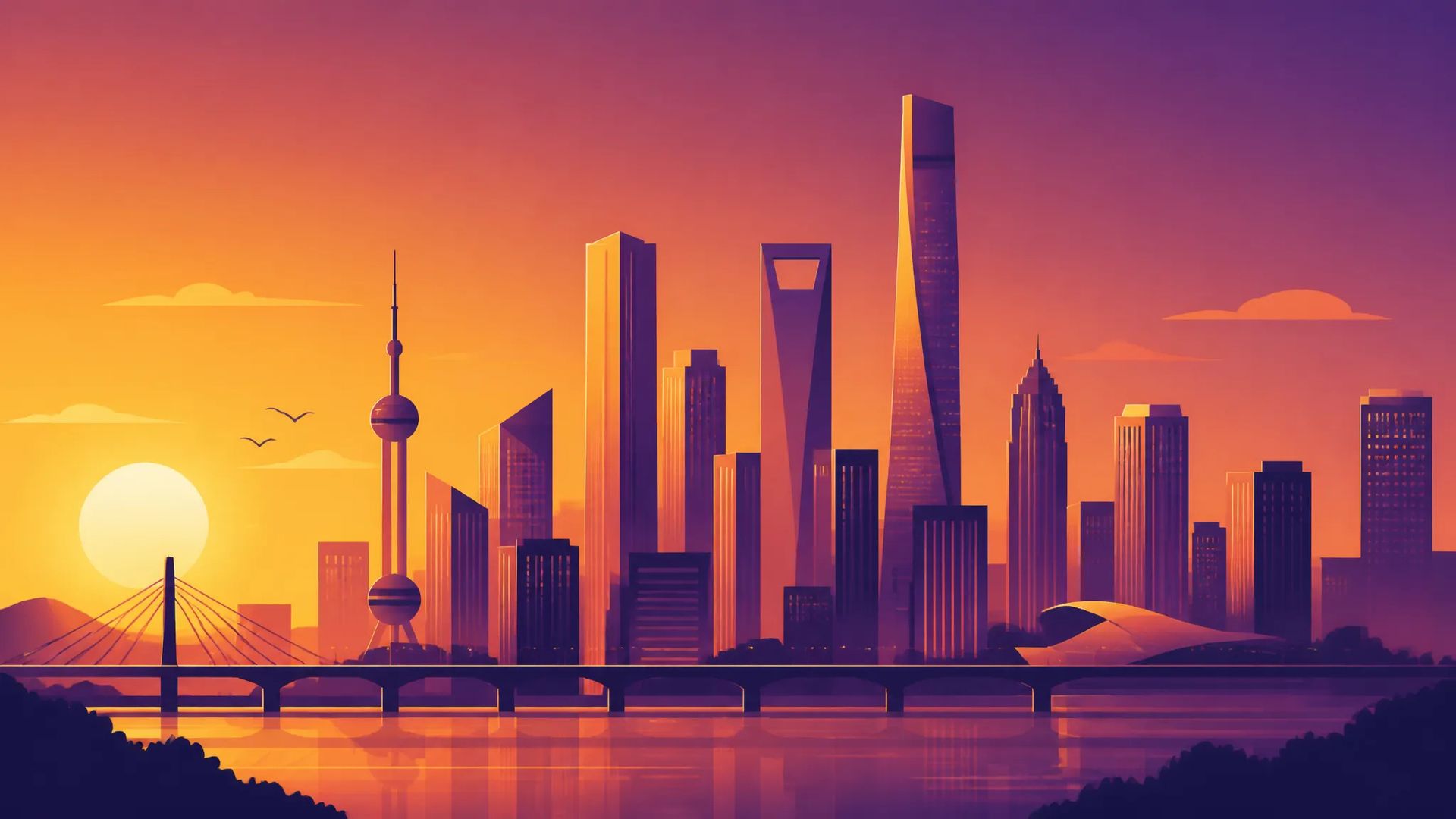
Flat or gradient scenes that pair with marketing copy, delivered as vectors that resize to any format without quality loss.
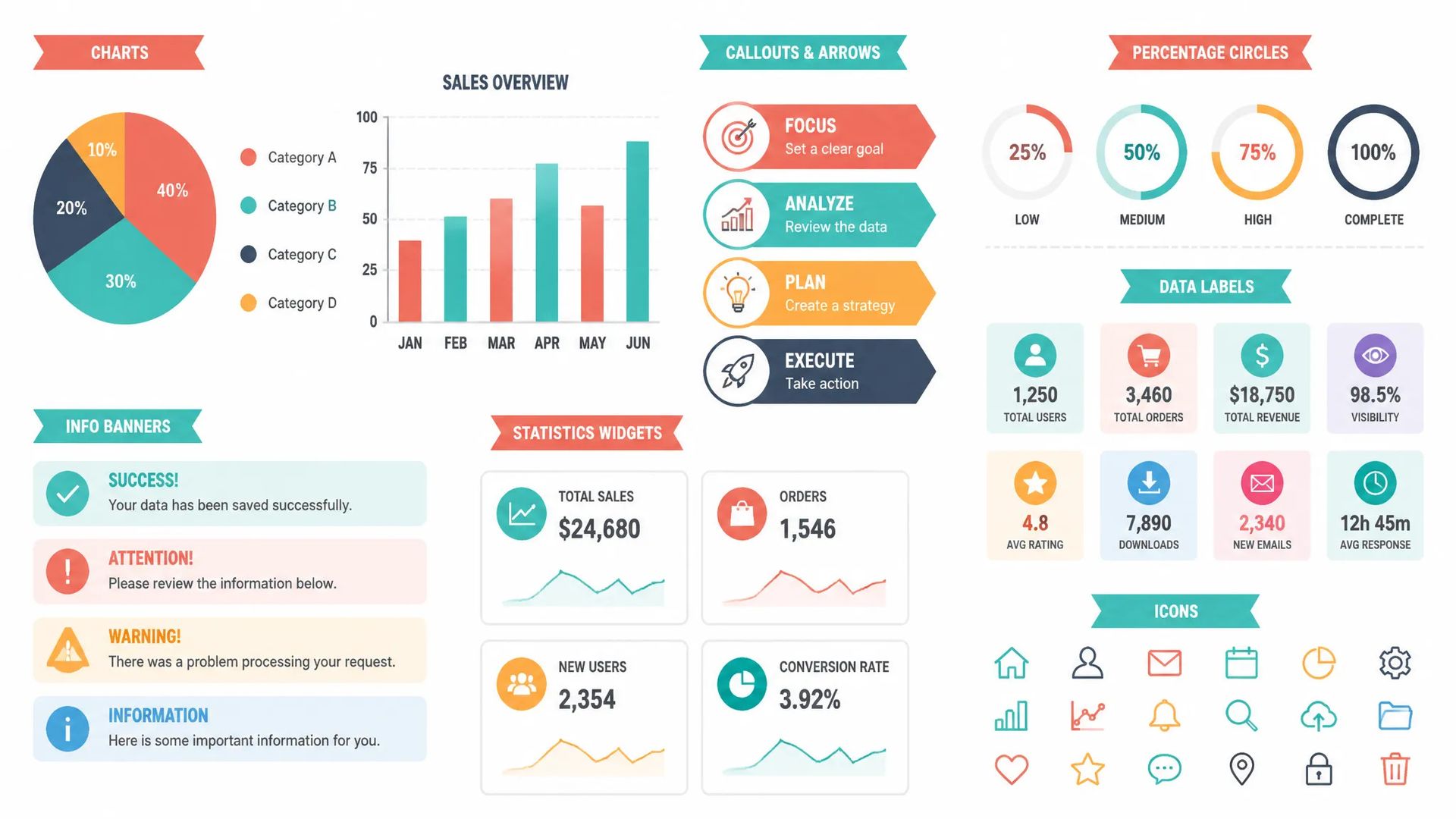
Charts, callout icons, and decorative dividers generated as separate editable objects — not baked into a raster export.
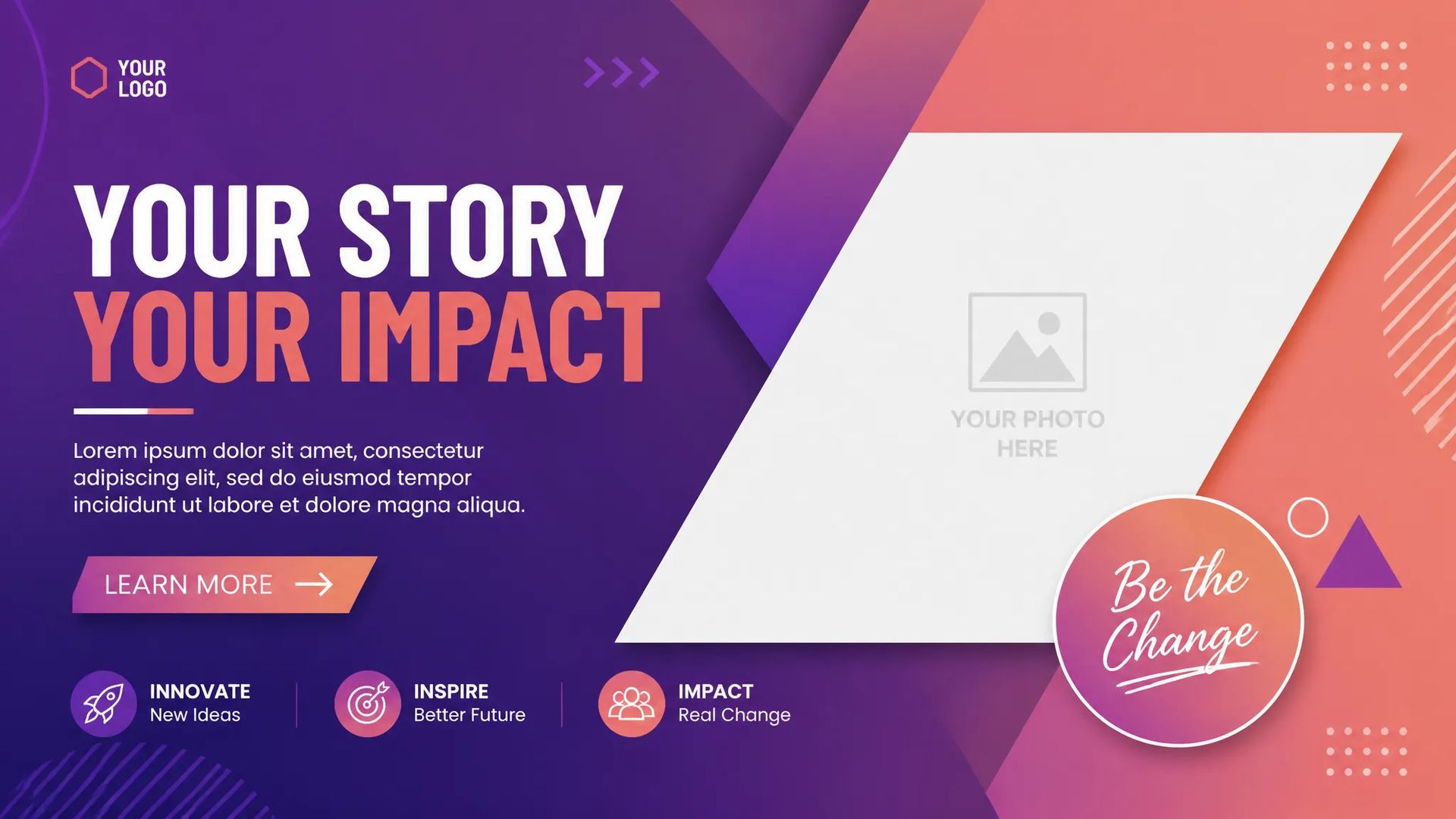
Story templates, stickers, and merch artwork that stay crisp at every size because the source stays vector.
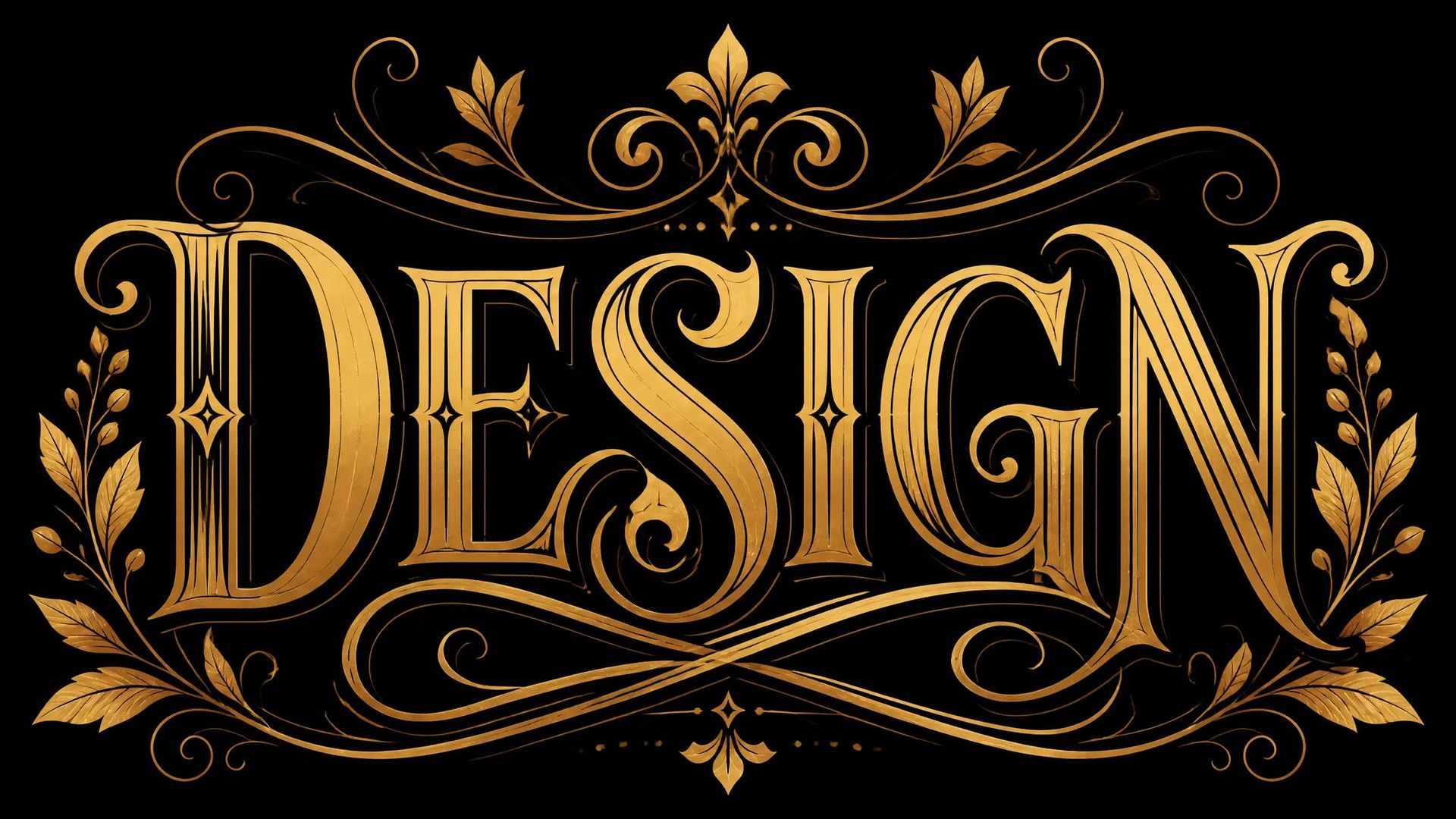
Lettering-forward layouts where Recraft's typographic training gives structured, legible results directly from the prompt.
Your ZOOOP credits work across every model — switch to whichever tool fits the job without losing your balance.
Open Recraft Text to Vector V4.1 from this page or the SVG Generator.
Describe your vector — subject, style, and any layout intent.
Optionally choose an aspect ratio and set your brand color palette.
Generate, then open the SVG in Figma or Illustrator to finish.
Recraft V4.1 solves the problem that every designer hits when reaching for an AI image model: the output is raster. PNG and JPEG files require tracing before they work in a brand system, before they scale to print, before a client can open them in Illustrator and adjust a stroke weight. Recraft V4.1 skips that step entirely — it generates native SVG with structured paths, fills, and strokes from a text prompt.
The model was trained in collaboration with professional designers rather than benchmarked purely on image variety, which gives it noticeably stronger compositional and typographic judgment. A short prompt — "minimal tech logo, dark blue and white, square" — produces proportions, weight, and spacing that land closer to something a designer would approve than something that needs significant cleanup.
The two controls that make it practical for brand work are palette anchoring and background color. Pass your brand RGB values and fills snap to your system. Set a white or transparent background and the SVG drops into a Figma frame or slide deck without masking.
Where it's weaker: photorealism is not this model's domain. Recraft V4.1 lives in the flat, illustrated, and typographic register. If you need a photoreal portrait, product shot, or scene, Flux 2 Pro or GPT Image 2 will serve you better. Within the vector space, if you need maximum output resolution for large-format print or very complex compositions, step up to Recraft V4.1 Pro.
A reasonable mental model: Recraft V4.1 is the default for anything that needs to scale — logos, icons, illustrations, and print artwork where the source file must stay editable. For one-off raster exports and photoreal work, the raster models are faster and lighter. For the highest-quality vector deliverables, Pro is the right tier.
Most AI models output raster PNG or JPEG files. Recraft V4.1 outputs genuine SVG — editable paths and fills you can open in any vector editor. The geometry is structured, not a traced raster overlay, which means you can resize to any dimension without quality loss.
Yes. Pass RGB values for your brand palette and the model anchors fills and strokes to those colors. You can also set a specific background color so the SVG lands ready for your document without manual cleanup.
Square (1:1), portrait 3:4, portrait 9:16, and landscape 4:3. Choose the ratio that matches your target canvas before generating.
When you need the highest output resolution for large-format print, detailed brand decks, or deliverables where every path must hold up at maximum zoom. V4.1 covers most digital and screen-size work at a much friendlier price point.























Recraft Text to Vector V4.1
Prompt*
Aspect Ratio
Colors
Background Color
Det du genererer, vises her når du logger inn.
Det er gratis å opprette en konto.