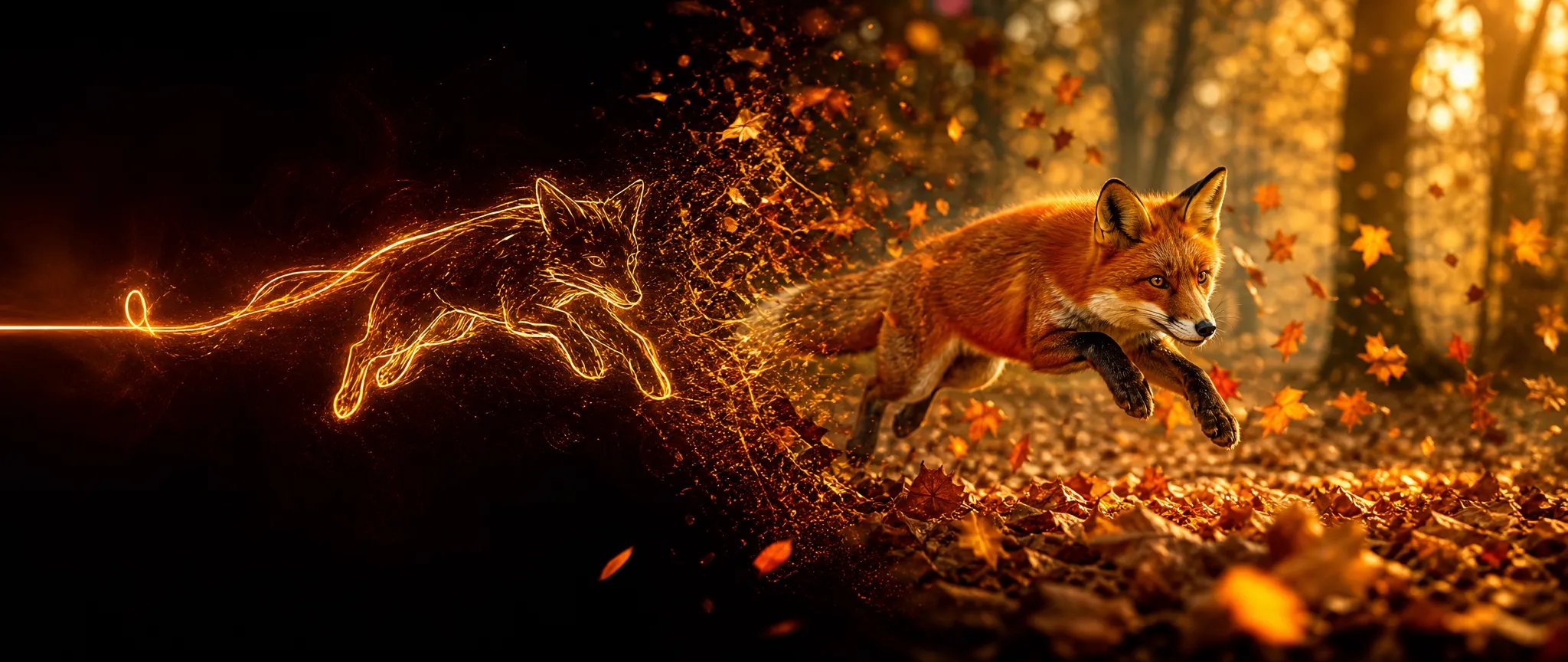

Prompt-to-video
Generate a scene from a text prompt at up to 1080p — the core text-to-video workflow.

Wan V2.5 — text-to-video up to 1080p, 5 or 10 seconds, five aspect ratios.
Betale en gang for kreditter - bruke dem på alle modeller på ZOOOP. · Fyll på når du trenger det, ingen månedlig avgift.
Powered by Wan AI's API on ZOOOP
Output at 480p, 720p, or 1080p — draft cheaply, deliver at 1080p.
Pick a 5 or 10-second clip — a complete beat or a longer continuous shot.
From 16:9 widescreen to 9:16 vertical and 3:4 portrait, five ratios cover the main surfaces.
A straightforward text-to-video tier — describe the scene and generate.
Generate a scene from a text prompt at up to 1080p — the core text-to-video workflow.
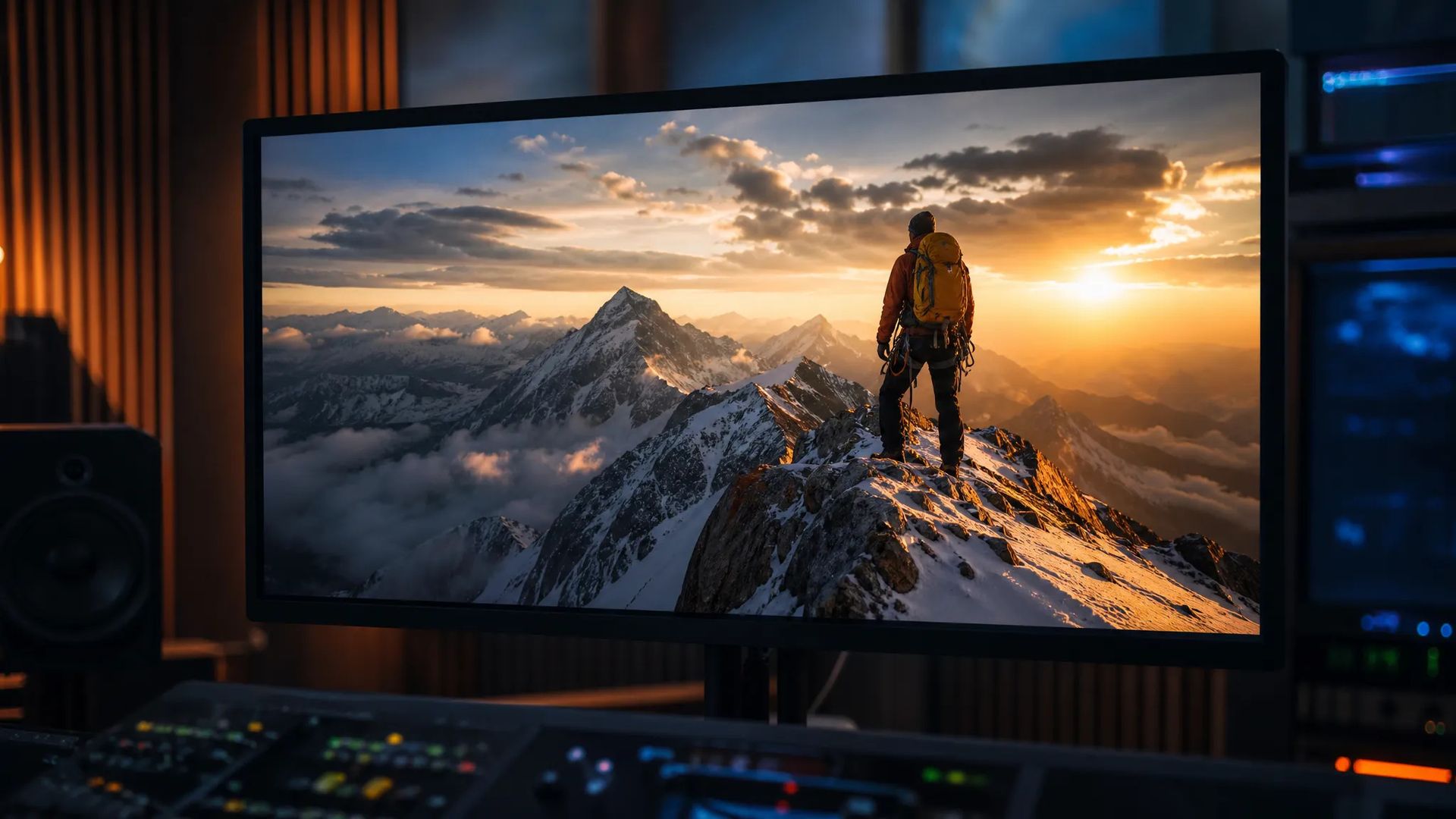
1080p output for delivery-grade shots without an upscaling step.
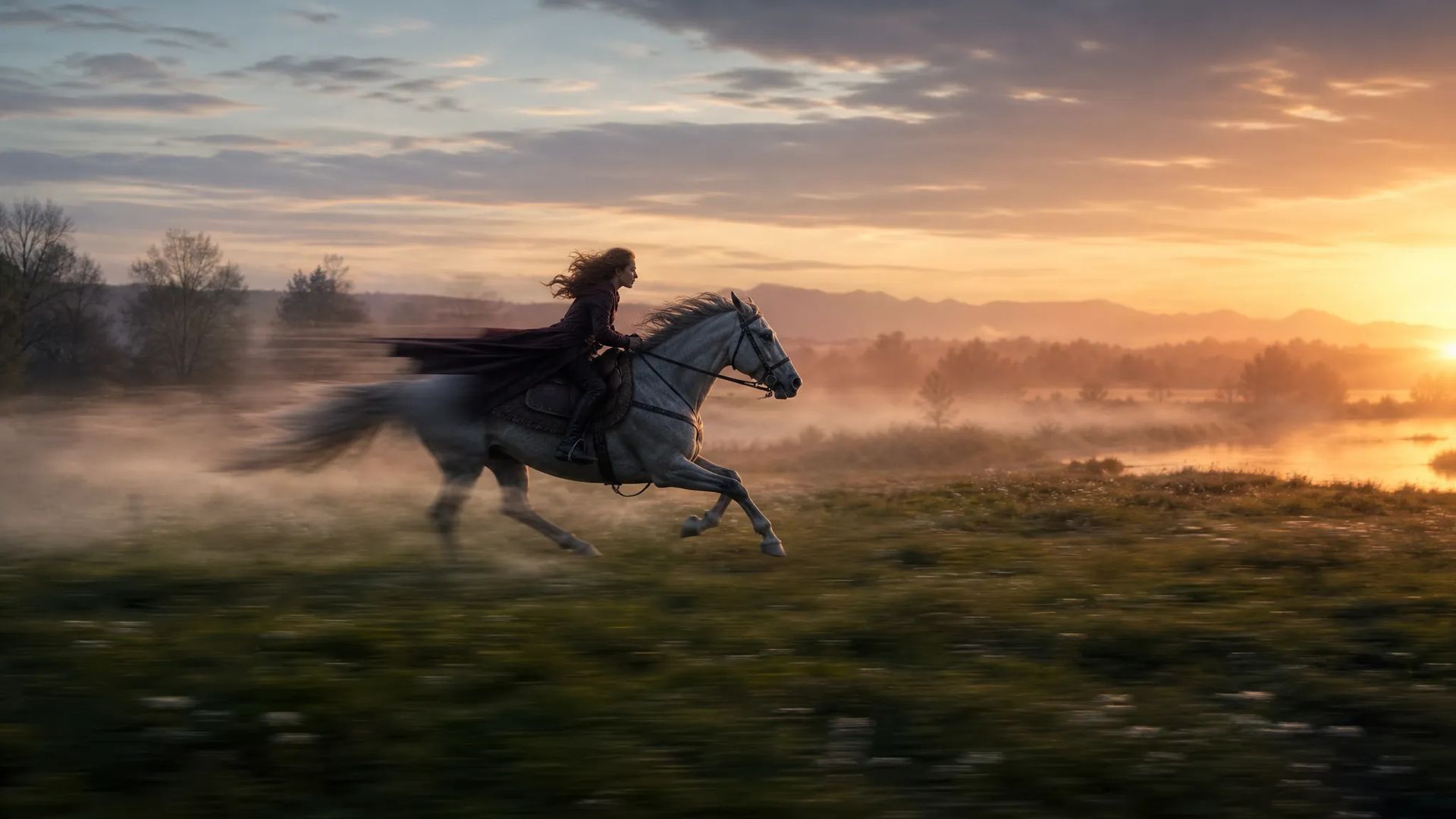
10-second clips capture a fuller beat in one generation.
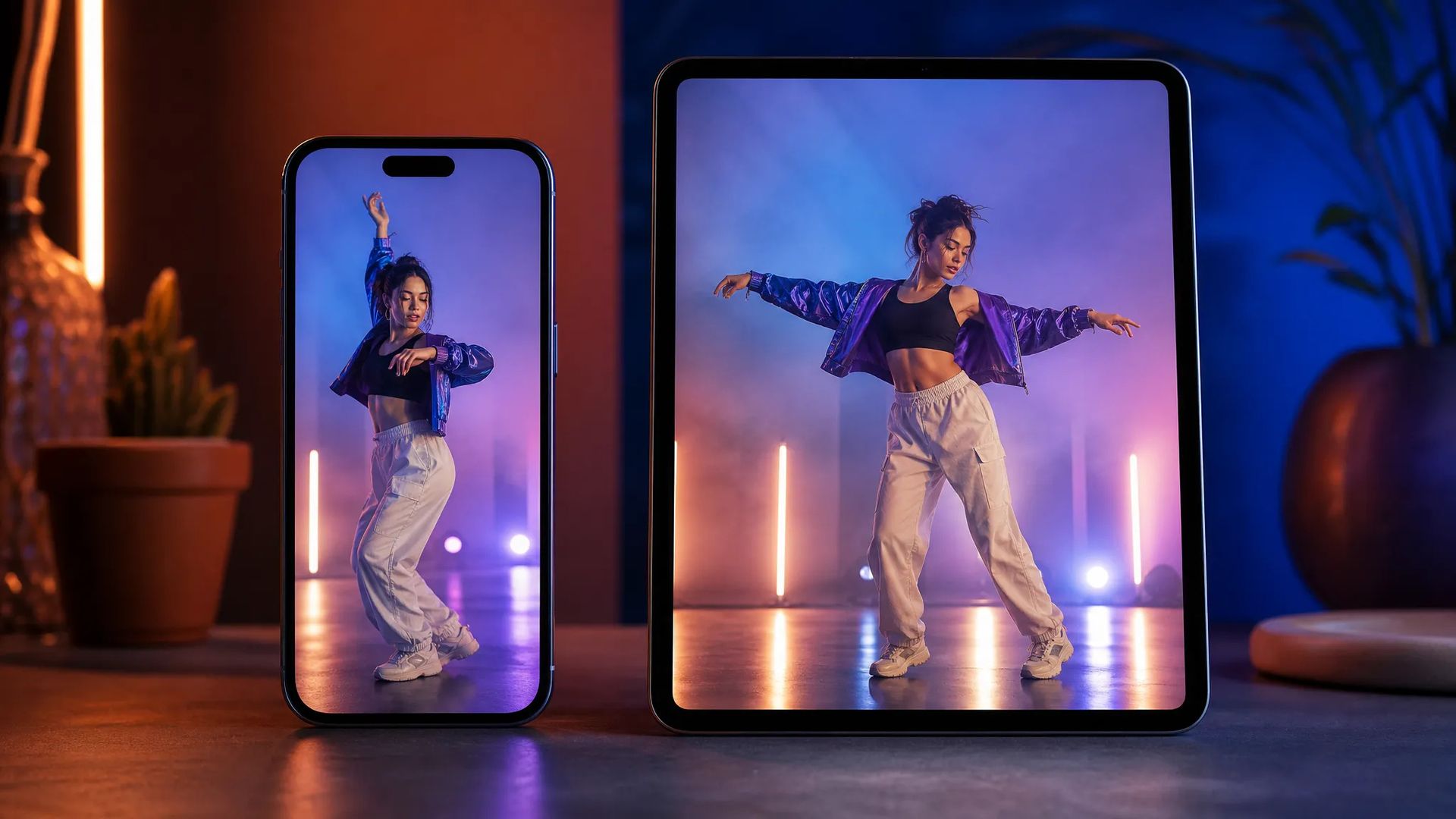
9:16 and 3:4 output for feed- and story-ready clips.
Pick the right video model. Your credits work everywhere on ZOOOP.
Open Wan V2.5 from this page or pick it in the Video Generator.
Write the prompt for the scene and motion.
Pick aspect ratio, resolution (up to 1080p), and duration (5 or 10s).
Generate, then download or send the clip to your canvas.
Wan V2.5 is a straightforward text-to-video tier of the Wan line — describe a scene and generate it, up to 1080p, in a 5 or 10-second clip. It keeps the surface simple: a prompt, a resolution (480p / 720p / 1080p), an aspect ratio, and a length. That makes it an easy default for prompt-to-video work where you want solid output without managing extra parameters.
Across five aspect ratios from 16:9 to 9:16 and 3:4, the same prompt covers widescreen and vertical. Draft cheaply at 480p or 720p, then re-run the keeper at 1080p for delivery.
Where it sits in the line: Wan V2.6 adds multi-shot sequences and native audio; Wan V2.7 is the current flagship; V2.2 is the cheaper, simpler prior tier. For a different look, Kling V3 is the general flagship. Wan V2.5's sweet spot is clean, prompt-driven text-to-video up to 1080p.
A reasonable mental model: default to Wan V2.5 for straightforward text-to-video up to 1080p, step up to V2.6 for audio and multi-shot, or to V2.7 for the flagship.
480p, 720p, or 1080p, across five aspect ratios.
5 or 10 seconds.
Wan V2.6 adds multi-shot sequences and native audio; Wan V2.7 is the current flagship. V2.5 is the prior text-to-video tier up to 1080p without audio. Step up for audio or the flagship.
No — for native audio, use Wan V2.6 or the flagship Wan V2.7.























Tekst & Reference til Video
Tekst & Reference til Video
Tekst & Reference til Video
Tekst & Reference til Video
Tekst & Reference til Video
Tekst & Reference til Video
Wan V2.5
Prompt*
Sideforhold*
Oppløsning*
Varighet*
Det du genererer, vises her når du logger inn.
Det er gratis å opprette en konto.