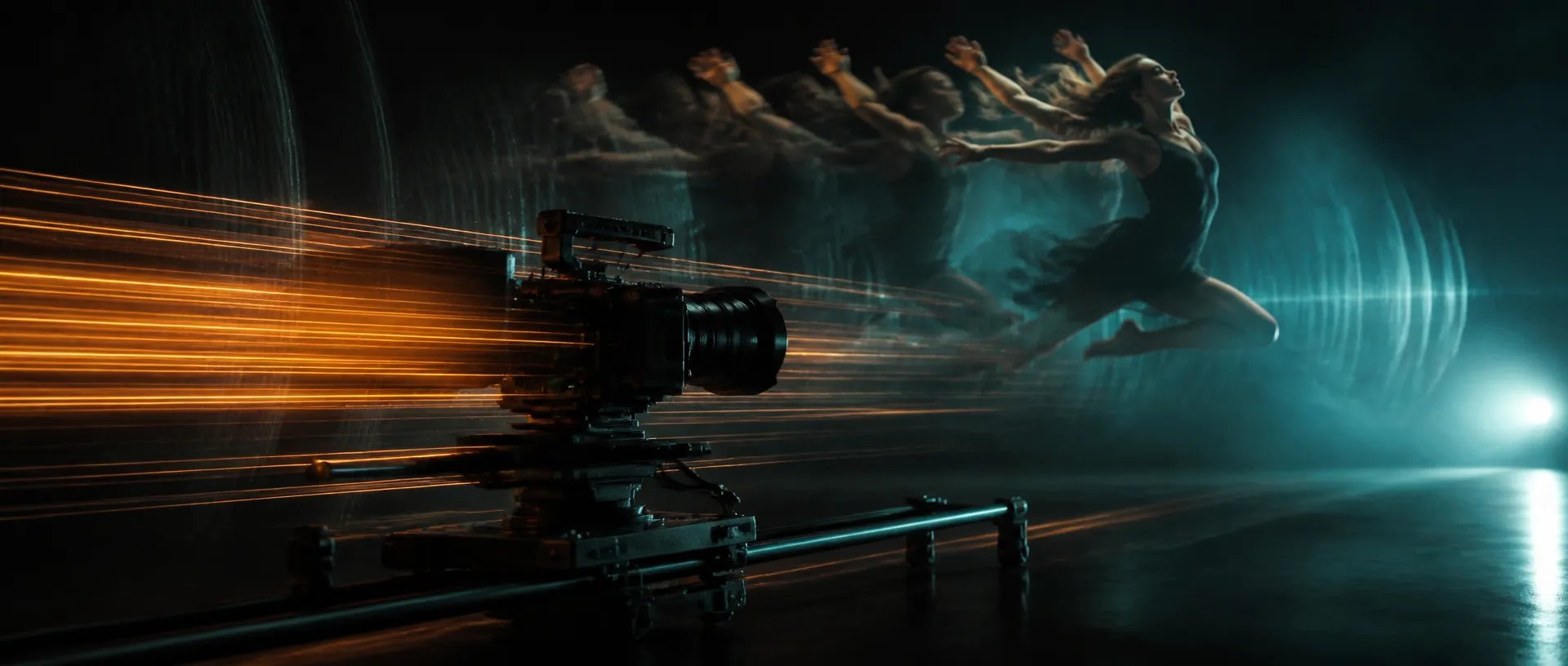
Quick motion tests
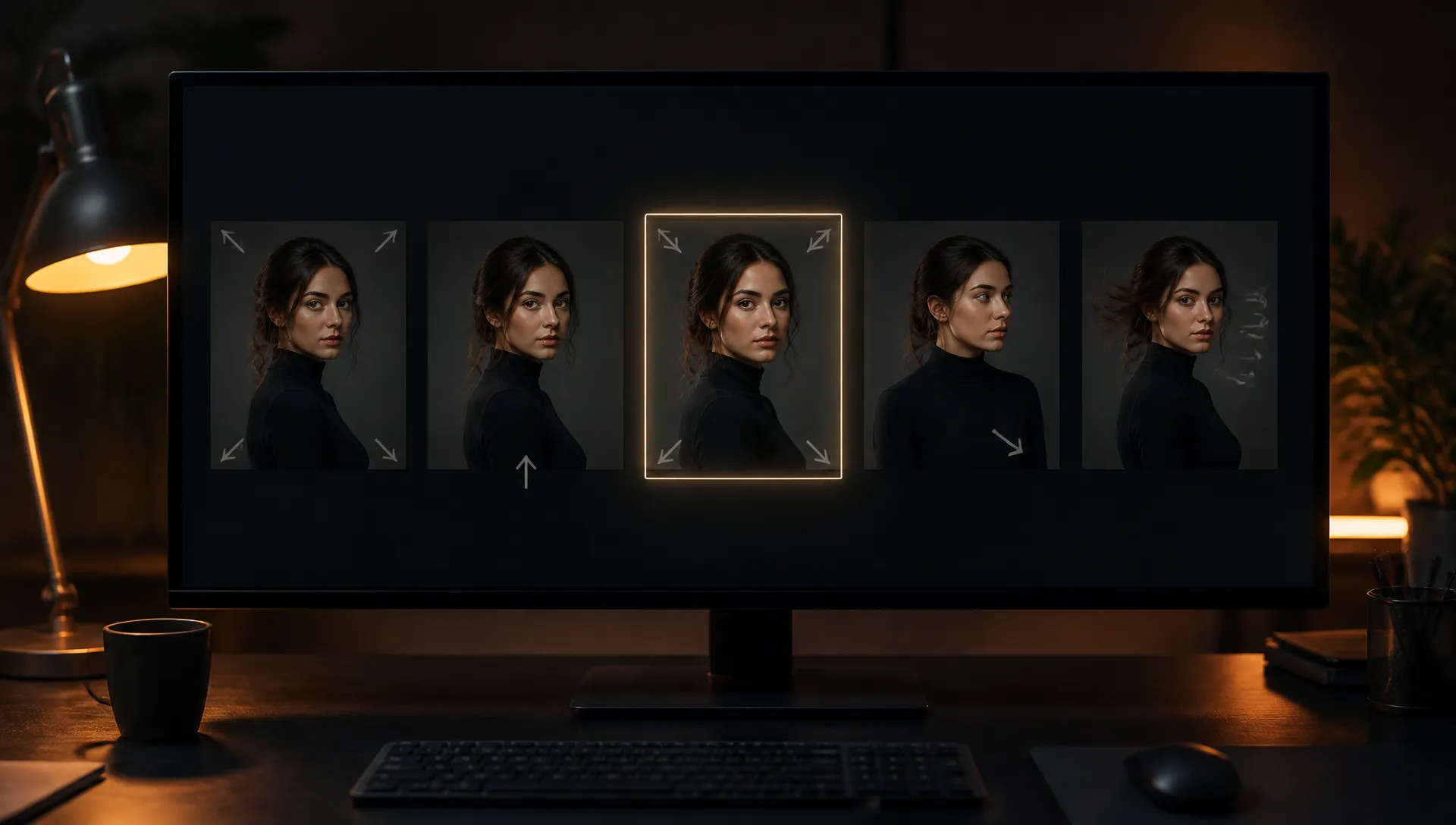
Try five ways a still could move (a slow push-in, a turn to camera, a gust of wind) and keep the one that works.

The fast tier of MiniMax H3: start and end frames, up to 9 reference images, native audio, 5 to 15 second clips.
Betale en gang for kreditter - bruke dem på alle modeller på ZOOOP. · Fyll på når du trenger det, ingen månedlig avgift.
Powered by MiniMax's API on ZOOOP
H3 Max is built for speed. In our tests 5-second clips came back within seconds, so you can try several motion directions in the time one render usually takes.
Give it a first frame, or a first and last frame, and it animates the shot between them. The clip opens and lands exactly on your images.
In text mode, add up to 9 reference images of characters, products or places and refer to them in the prompt as Image 1, Image 2 and so on.
Every clip comes with synchronized sound. Pick any length from 5 to 15 seconds at 480p, 768p, or 1080p refined from a native 768p render.
Try five ways a still could move (a slow push-in, a turn to camera, a gust of wind) and keep the one that works.
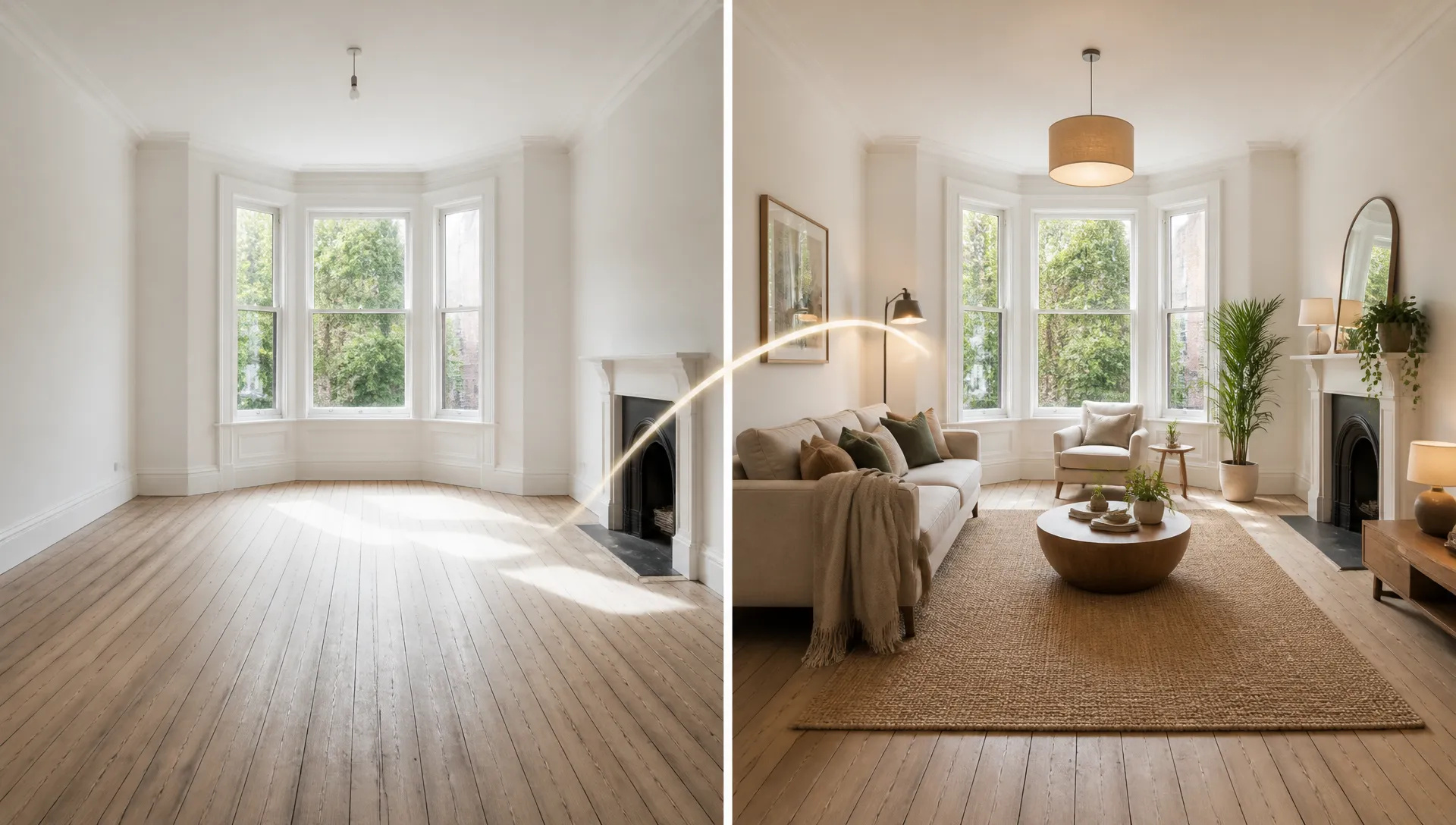
Set an empty room as the first frame and the furnished room as the last, and let the model build the transformation.
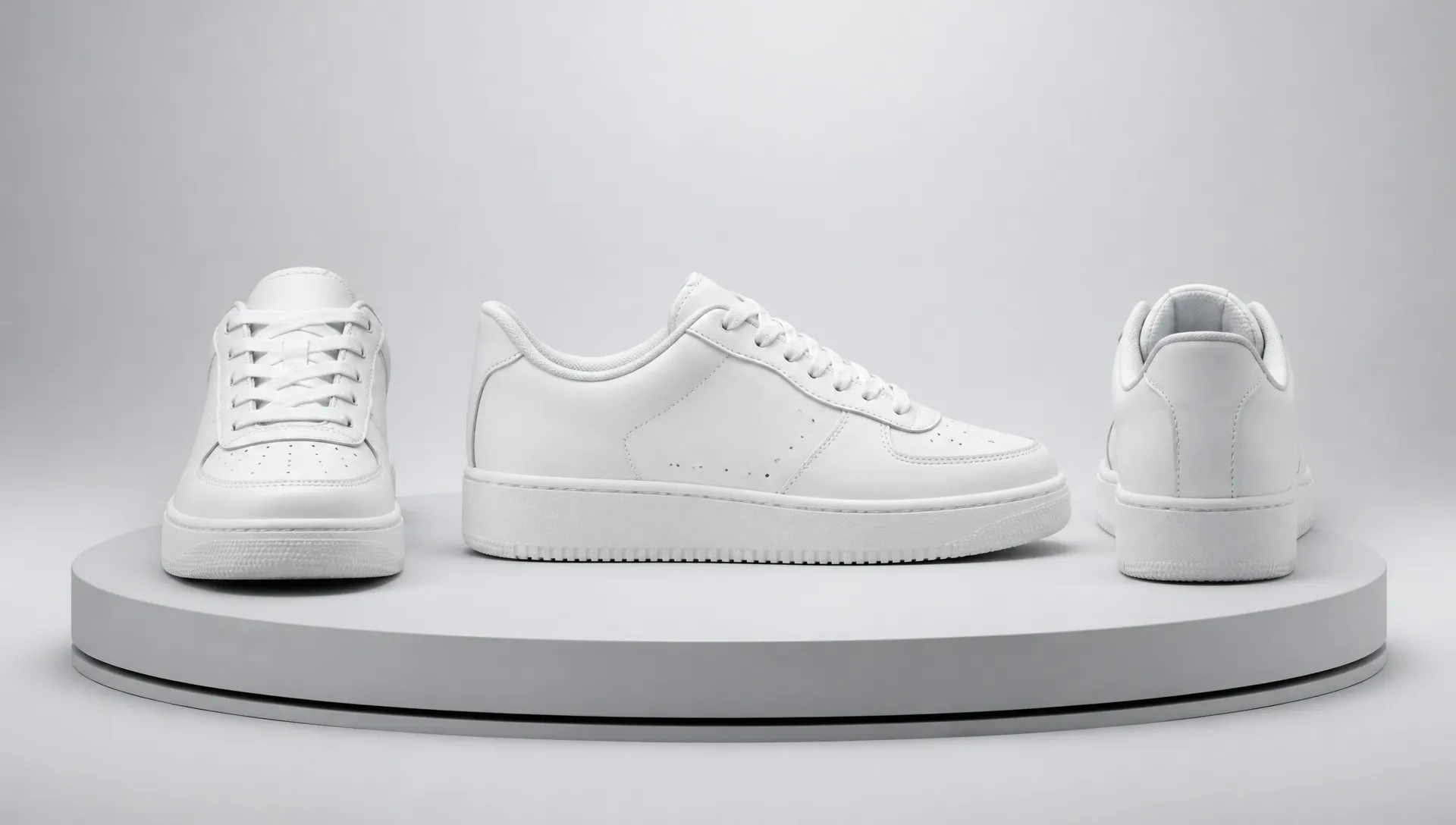
Use a front shot and a back shot of a product as start and end frames for a smooth turntable move.
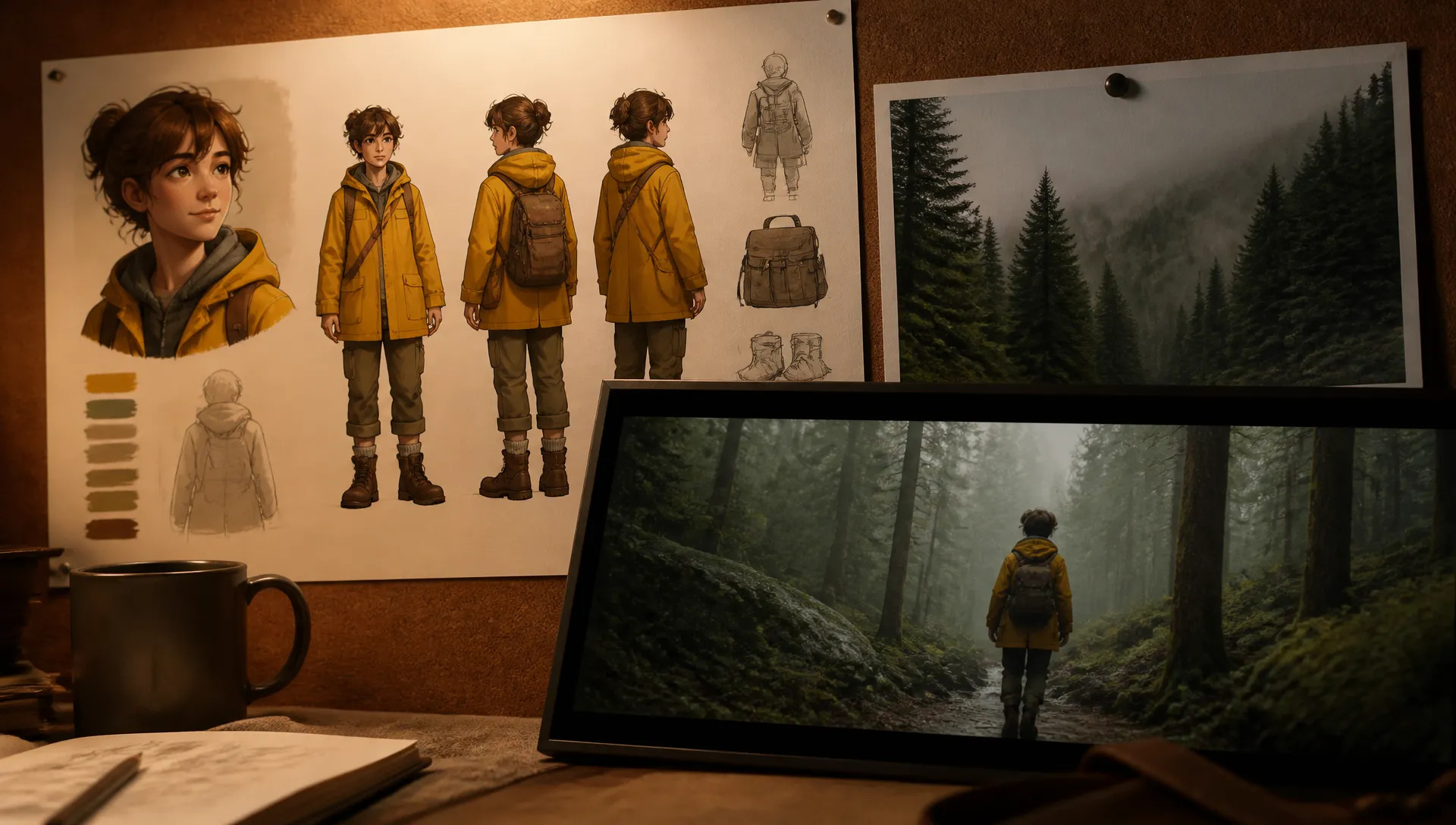
Reference a character sheet and a location photo, then place the character in that place with a written action.
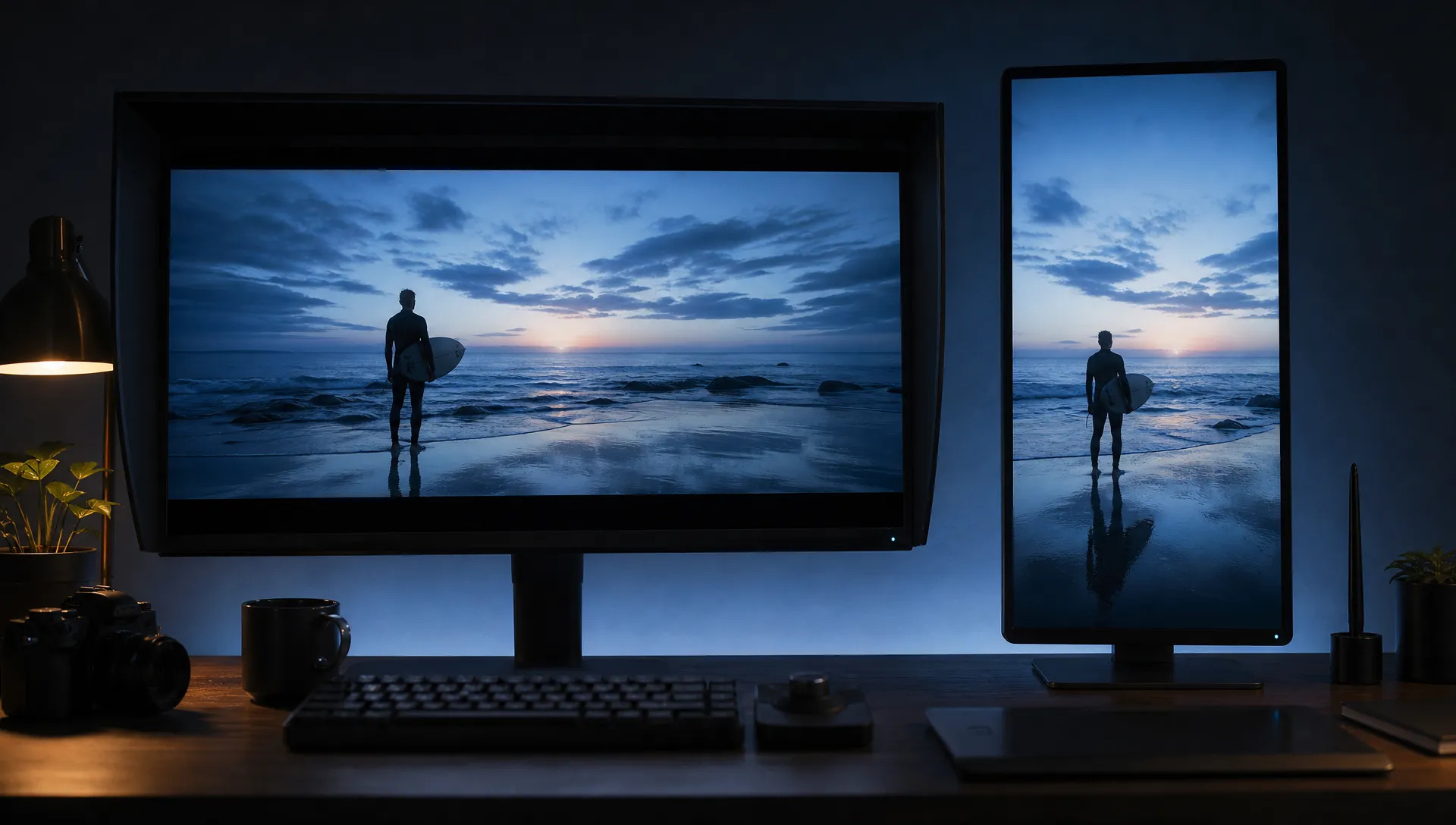
Render the same idea in 21:9 for a trailer and 9:16 for a vertical short without changing the prompt.
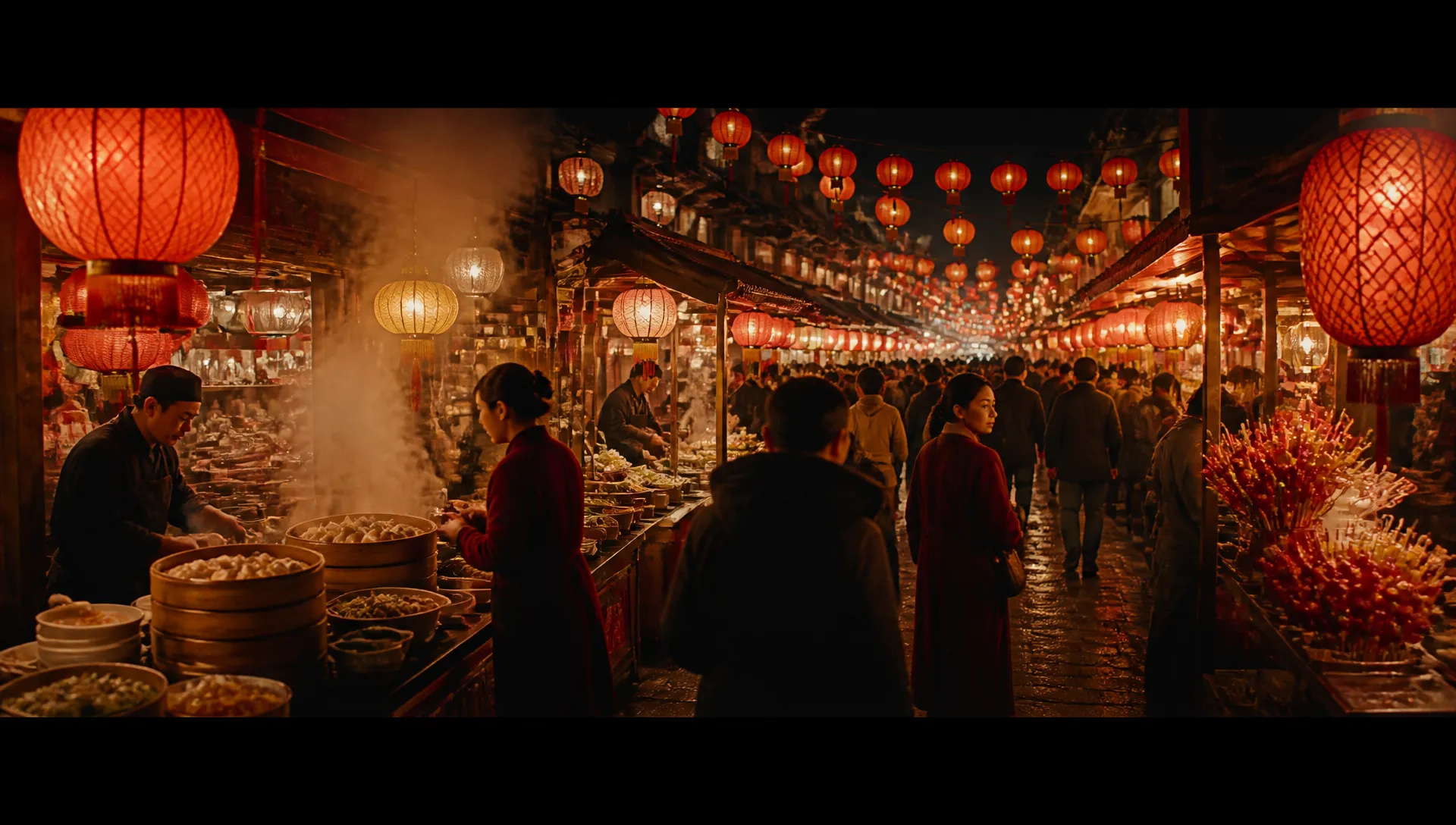
Up to 15 seconds in one take: a walk through a market, a full pour, a slow orbit around a sculpture.
MiniMax H3 Max is the quick one: start and end frames, references and sound, fast. Switch when your shot needs something else.
Open MiniMax H3 Max from this page and pick a mode: start frame, or text with optional reference images.
Upload your first frame (and a last frame if you want one), or write the scene and attach references.
Choose duration (5 to 15 seconds) and resolution (480p, 768p or 1080p).
Generate, compare a few takes, and keep the best one.
MiniMax H3 Max is the model to reach for when you want to see an idea move quickly. It is a faster tier built on MiniMax H3, and in our tests 5-second clips came back within seconds. That changes how you work: instead of writing one careful prompt and waiting, you can try a push-in, a turn to camera and a gust of wind, then keep the version that reads best.
The first flagship capability is start and end frame control. Upload a first frame and the clip opens exactly on it; add a last frame and the clip lands exactly there. Empty room to furnished room, closed box to open product, front of a sneaker to its back: the model fills in the motion and the sound.
The second is reference-driven text-to-video. Write the scene and attach up to 9 reference images of characters, products or places, referring to them by order in the prompt. Six aspect ratios, from 21:9 down to 9:16, cover trailers and vertical shorts from the same idea.
The third is length with sound. Any duration from 5 to 15 seconds, with synchronized audio in every clip. 480p and 768p are native; 1080p is a refinement pass on top of 768p for delivery.
Where it's weaker: H3 Max takes images as references but not video or audio. To put a specific person into an existing clip, MiniMax H3 is the better tool. It also doesn't edit or extend footage you already have; that's Gemini Omni 1.1 Flash. For single takes longer than 15 seconds, Wan V3.0 goes to 30.
A reasonable mental model: use MiniMax H3 Max as the default for fast start-frame and reference clips with sound. Move to MiniMax H3 for reference-video swaps, Gemini Omni 1.1 Flash to revise a clip, and Vidu Q4 when you need 4K or a consistent voice.
H3 Max is the faster tier built on MiniMax H3. It covers start and end frames and text-to-video with reference images. MiniMax H3 additionally accepts reference videos and audio, which is what you need to put a person into an existing clip.
Any length from 5 to 15 seconds per generation. For longer pieces, generate several clips and assemble them on the canvas.
Yes. Sound is generated together with the picture, so footsteps, ambience and effects line up with the motion.
480p and 768p are native. 1080p is a refinement pass on top of a native 768p render, sharper for delivery.
Up to 9 in text mode. Refer to them in the prompt by order, for example "Image 1 walks Image 2 through the park".
Yes. It sits in the mid price range of our video models and its speed means less waiting per idea, which makes it a good default for exploring motion.























Video fra første og siste bildeTekst & Reference til Video
Video fra første og siste bildeTekst & Reference til Video
Video fra første og siste bildeTekst & Reference til Video
Video fra første og siste bildeTekst & Reference til Video
Video fra første og siste bildeTekst & Reference til Video
Video fra første og siste bildeTekst & Reference til Video
MiniMax H3 Max
Prompt*
First Frame*
Last Frame
Oppløsning*
Gtid*
Det du genererer, vises her når du logger inn.
Det er gratis å opprette en konto.