Animate a photo
Give a still subject the motion from a reference clip — turn a photo into a moving performance.

Kling's motion-control model — transfer motion from a reference video onto your image.
Betale en gang for kreditter - bruke dem på alle modeller på ZOOOP. · Fyll på når du trenger det, ingen månedlig avgift.
Powered by Kling AI's API on ZOOOP
Drive a still image with motion copied from a reference video — the character or subject in your image performs the action from the reference clip.
Set whether the output character's orientation follows the reference video (video-first — better for complex motion, up to 30s) or your source image (image-first — better for camera-movement shots, up to 10s).
Retain the reference video's audio in the output, on by default, so the transferred motion arrives with its soundtrack.
Source motion from a reference clip — up to 30 seconds in video-first mode, up to 10 seconds in image-first.
Give a still subject the motion from a reference clip — turn a photo into a moving performance.
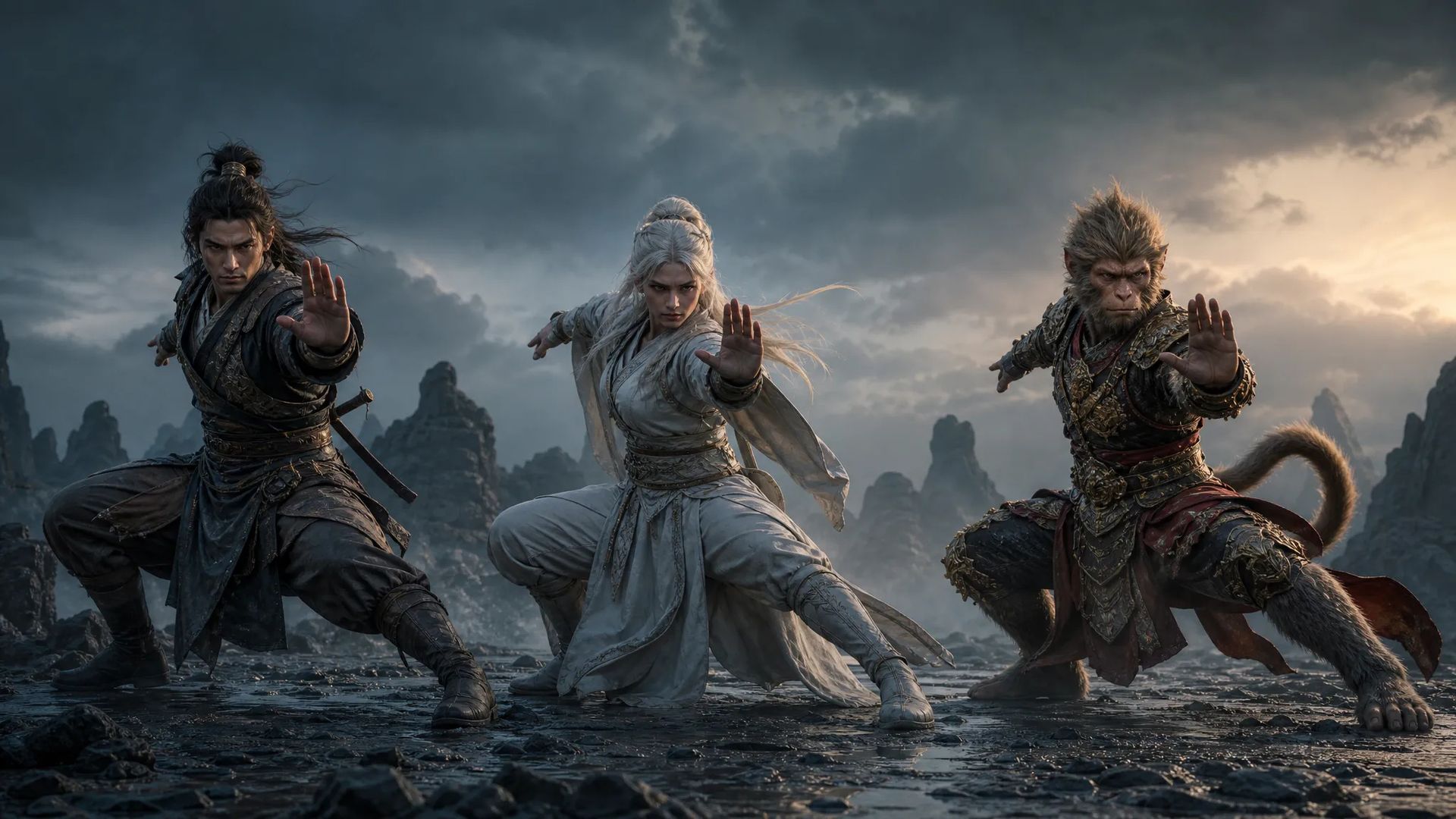
Apply the same reference motion to different character images for matching choreography.
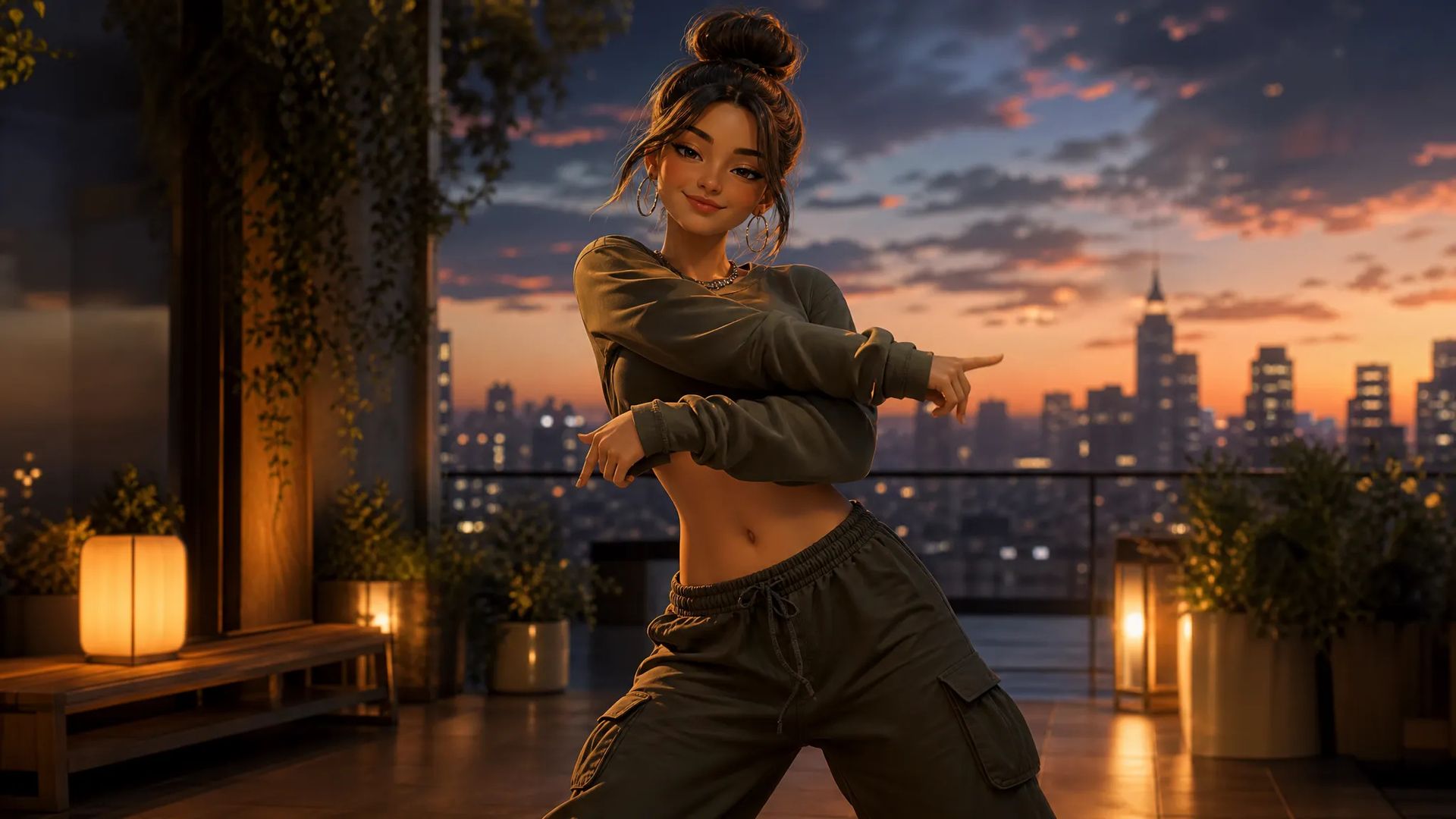
Map a trending dance clip onto your own character for fast, on-trend social content.
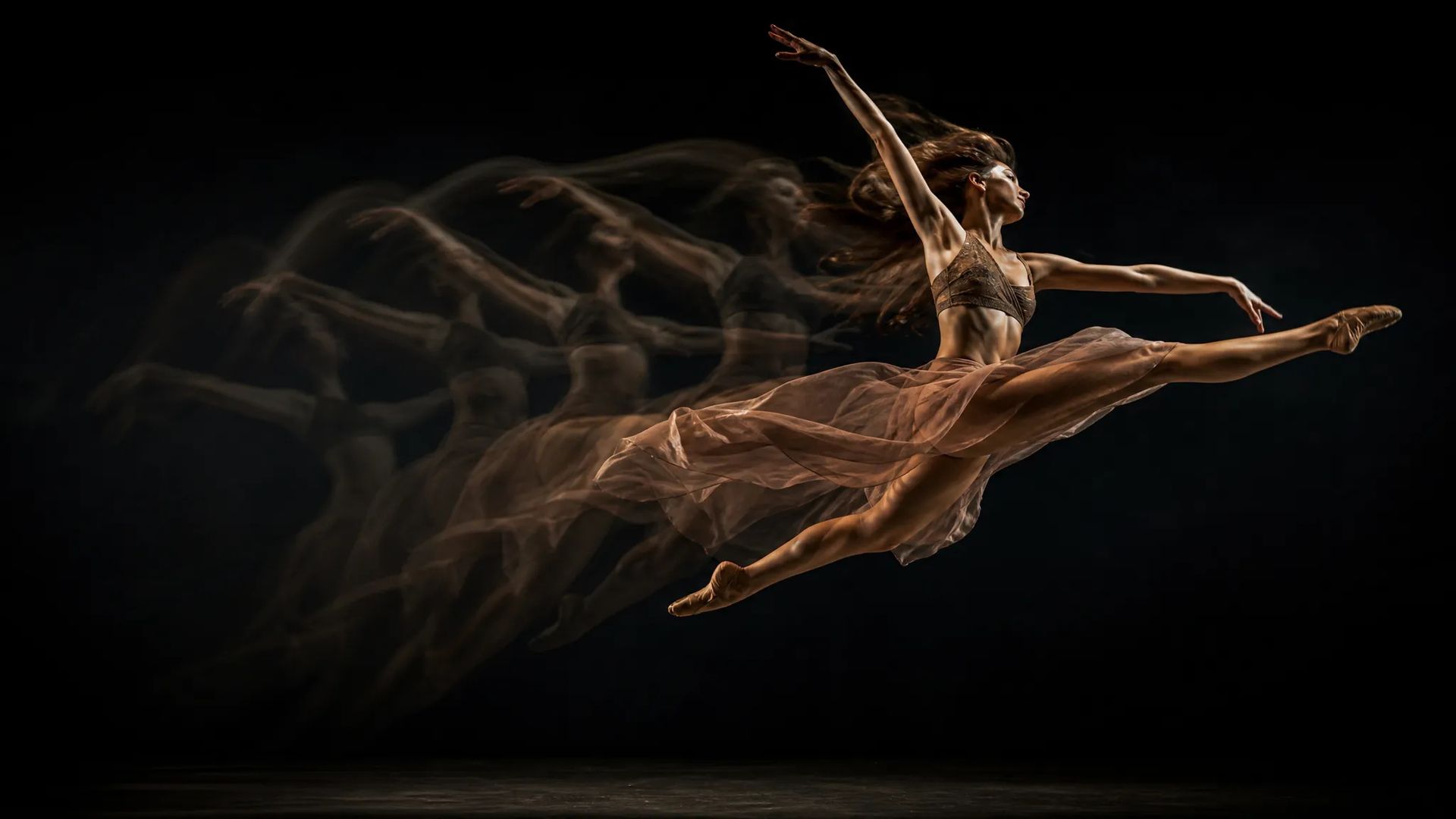
Pick video-first for longer, complex-motion takes that follow the reference, or image-first for shorter shots that keep your image's orientation.
Pick the right video model. Your credits work everywhere on ZOOOP.
Open Kling V2.6 from this page or pick it in the Video Generator.
Upload a source image and a reference video for the motion.
Pick video-first or image-first mode; keep original sound on to retain the reference audio.
Generate, then download or send the clip to your canvas.
Kling V2.6 is a motion-control model: it takes a source image and a reference video and transfers the reference's motion onto your image, so the subject you provide performs the action from the clip. This is the "make this character do this dance" workflow — reenacting choreography, animating a photo with a recorded performance, or mapping a trending dance onto your own character.
The two modes control whose orientation the output character follows. Video-first matches the reference video's orientation — better for complex motion, and it allows the longest takes (up to 30 seconds). Image-first matches your source image's orientation — better for shots driven by camera movement, and caps at 10 seconds. Both transfer the reference motion; the mode just changes the orientation reference and the duration ceiling. Keep original sound is on by default, so the transferred motion arrives with the reference clip's audio.
Where it sits: Kling V3 Pro is the higher-fidelity motion-control tier for delivery-grade results; Dreamactor V2 is ByteDance's motion-driven avatar approach. For text-only scene generation, Kling V3; for reference-image-anchored generation, Kling O1. Kling V2.6's sweet spot is cost-efficient motion transfer.
A reasonable mental model: default to Kling V2.6 when you want to copy motion from a video onto an image affordably, and step up to Kling V3 Pro when the result needs higher fidelity.
It's a motion-control model: it transfers motion from a reference video onto your source image, so the subject in your image performs the action from the reference clip.
They set whose orientation the output character follows. Video-first matches the reference video's orientation — better for complex motion, up to 30 seconds. Image-first matches your source image's orientation — better for shots driven by camera movement, up to 10 seconds. Both transfer the reference motion; the mode changes the orientation reference and the maximum duration.
Yes — keep original sound is on by default, so the output retains the reference clip's audio.
Kling V2.6 is the standard motion-control tier; Kling V3 Pro is the higher-fidelity motion-control tier. Dreamactor V2 is ByteDance's motion-driven avatar model. Pick V2.6 for cost-efficient motion transfer.























Kling V2.6 Motion Control
Prompt
Bilde*
Video*
Det du genererer, vises her når du logger inn.
Det er gratis å opprette en konto.