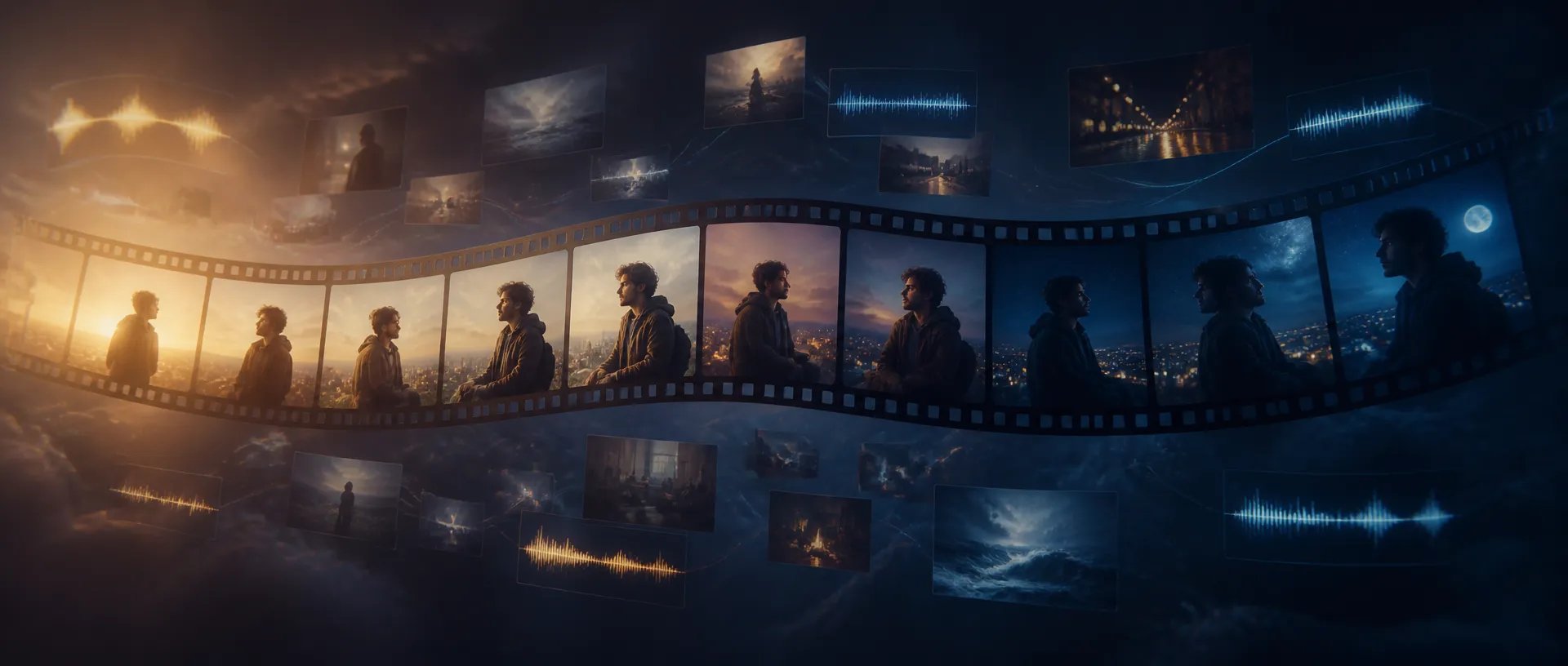
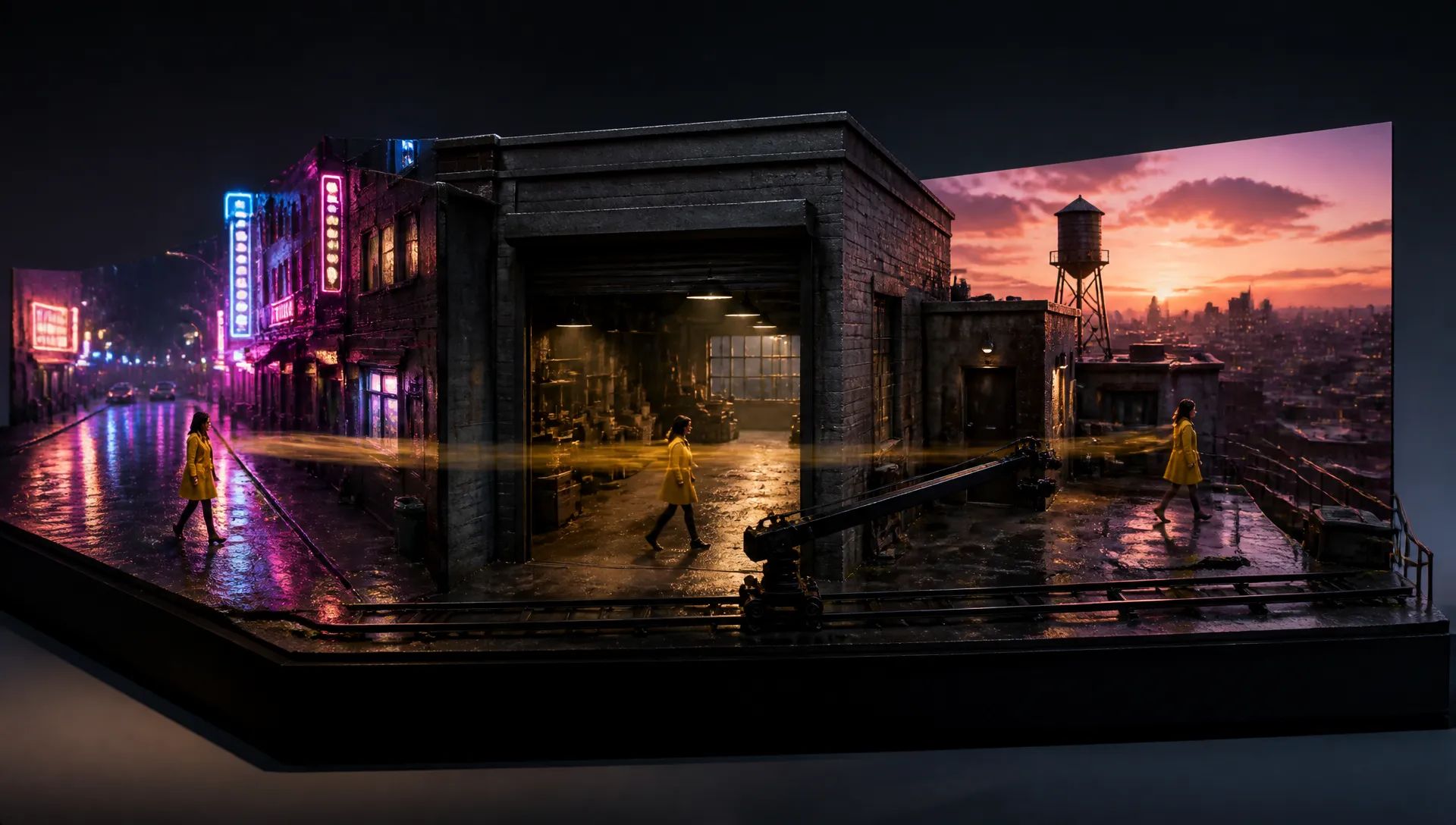
30-second single-take shorts
A full ad, trailer, or drama scene — establishing shot through resolution — generated as one continuous take. No seam-matching between segments.

ByteDance's newest flagship — 30-second single-pass video with native audio and up to 50 multimodal references.
Kredittpakker eller et månedsabonnement: én saldo for alle modeller på ZOOOP. · Fyll på når du trenger det; pakkekreditter blir værende til du bruker dem.
Powered by ByteDance's API on ZOOOP
One request returns up to 30 seconds of continuous video — double Seedance 2.0's ceiling. The model plans the full clip in one pass, so lighting, motion, and character identity hold without stitching segments.
Anchor a shot with up to 30 reference images, 10 video clips, and 10 audio tracks in a single request. Characters, products, wardrobe, and brand style stay locked across every scene the model generates.
New in 2.5 — a single music bed, voice track, or SFX clip can drive the whole generation. Visual pacing, cuts, and lip-sync follow the track without any image or video input.
Load an existing clip into Edit Video and rewrite only the region you name — swap a product, relight a background, change an actor — while the original camera move and composition stay intact.
A full ad, trailer, or drama scene — establishing shot through resolution — generated as one continuous take. No seam-matching between segments.
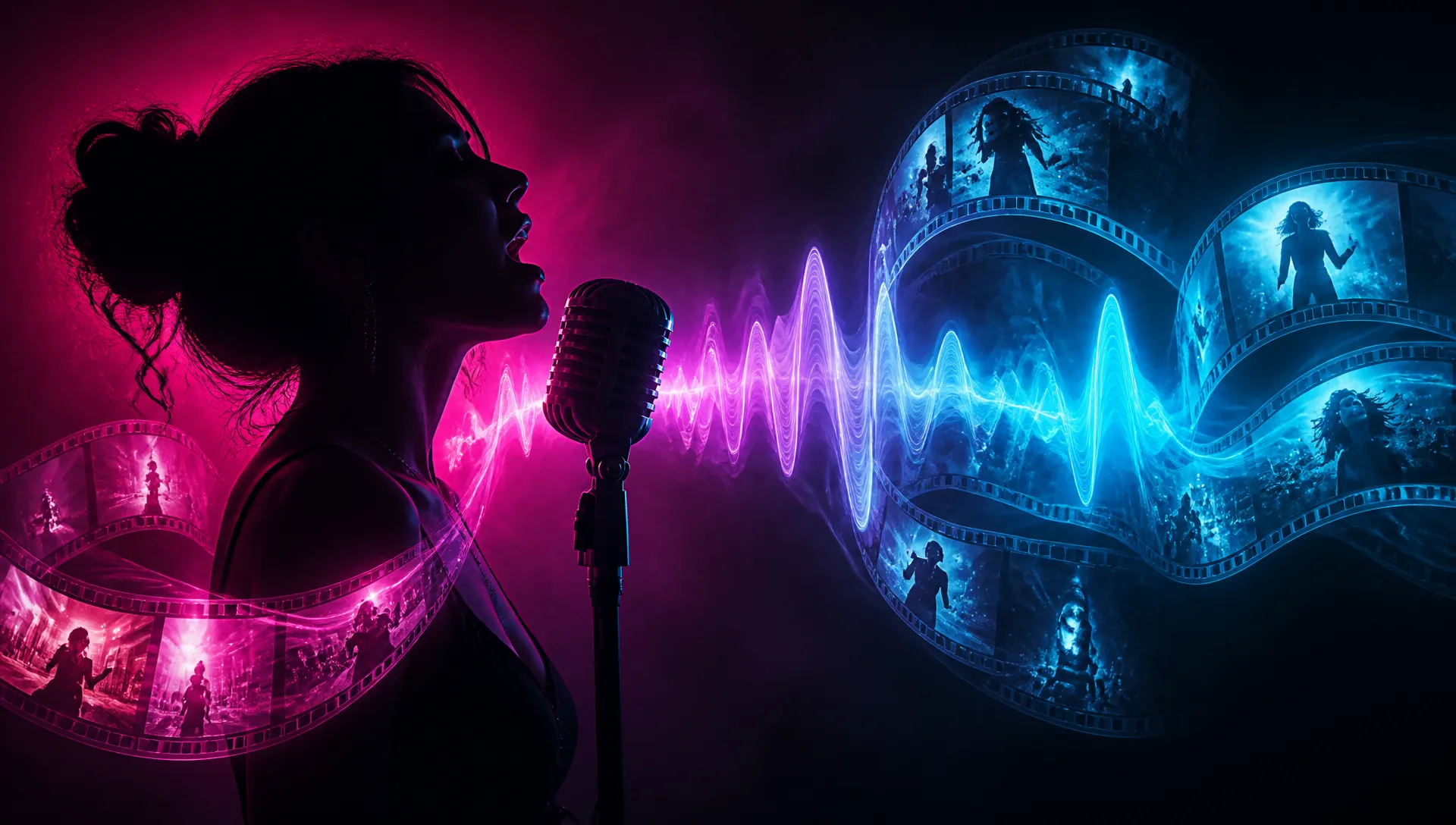
Feed one audio track as the sole reference and the visuals cut, move, and lip-sync to it across the full 30-second window.
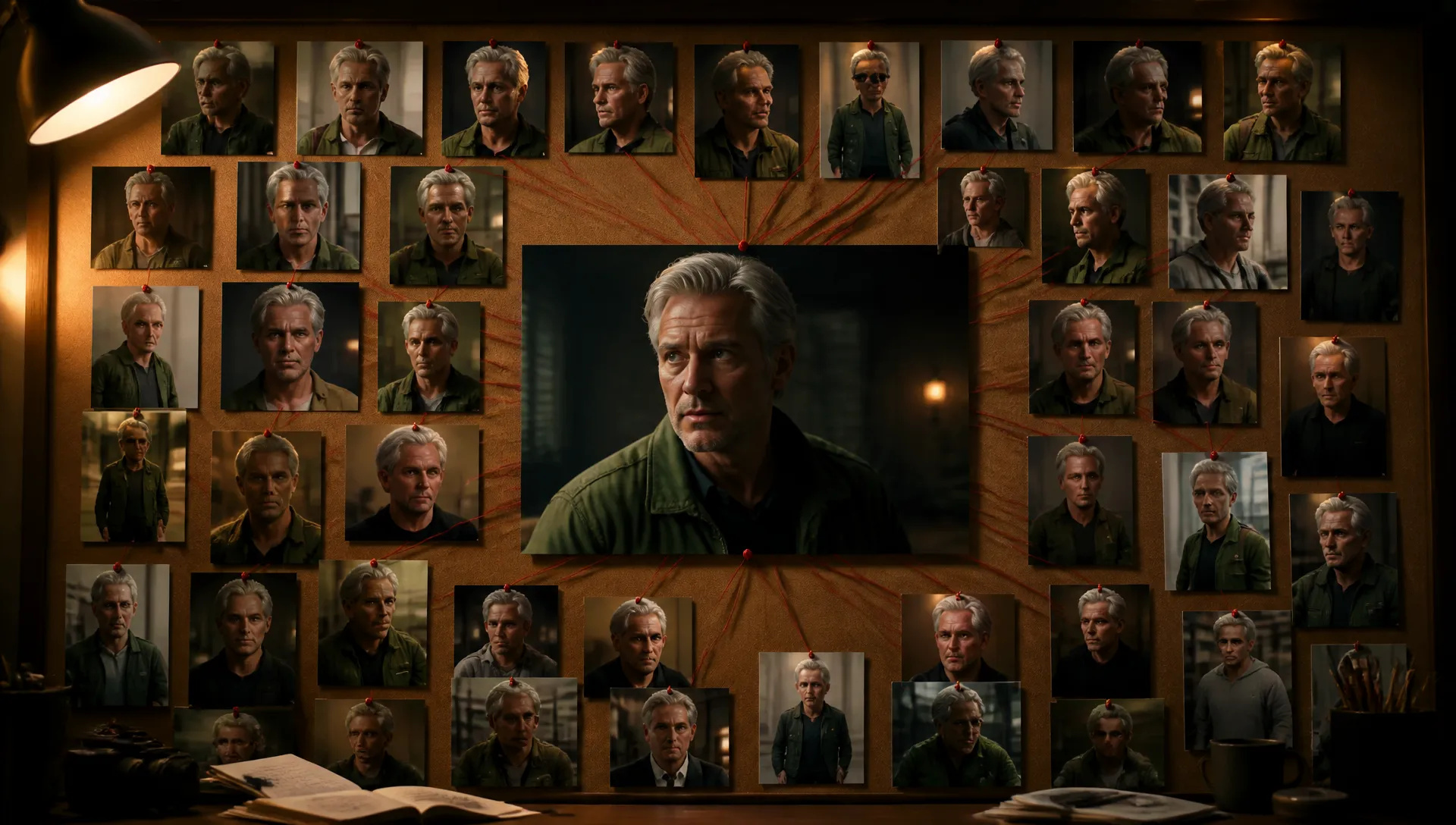
Anchor a protagonist with a stack of reference images and the same face, hair, and wardrobe hold across every episode you generate.
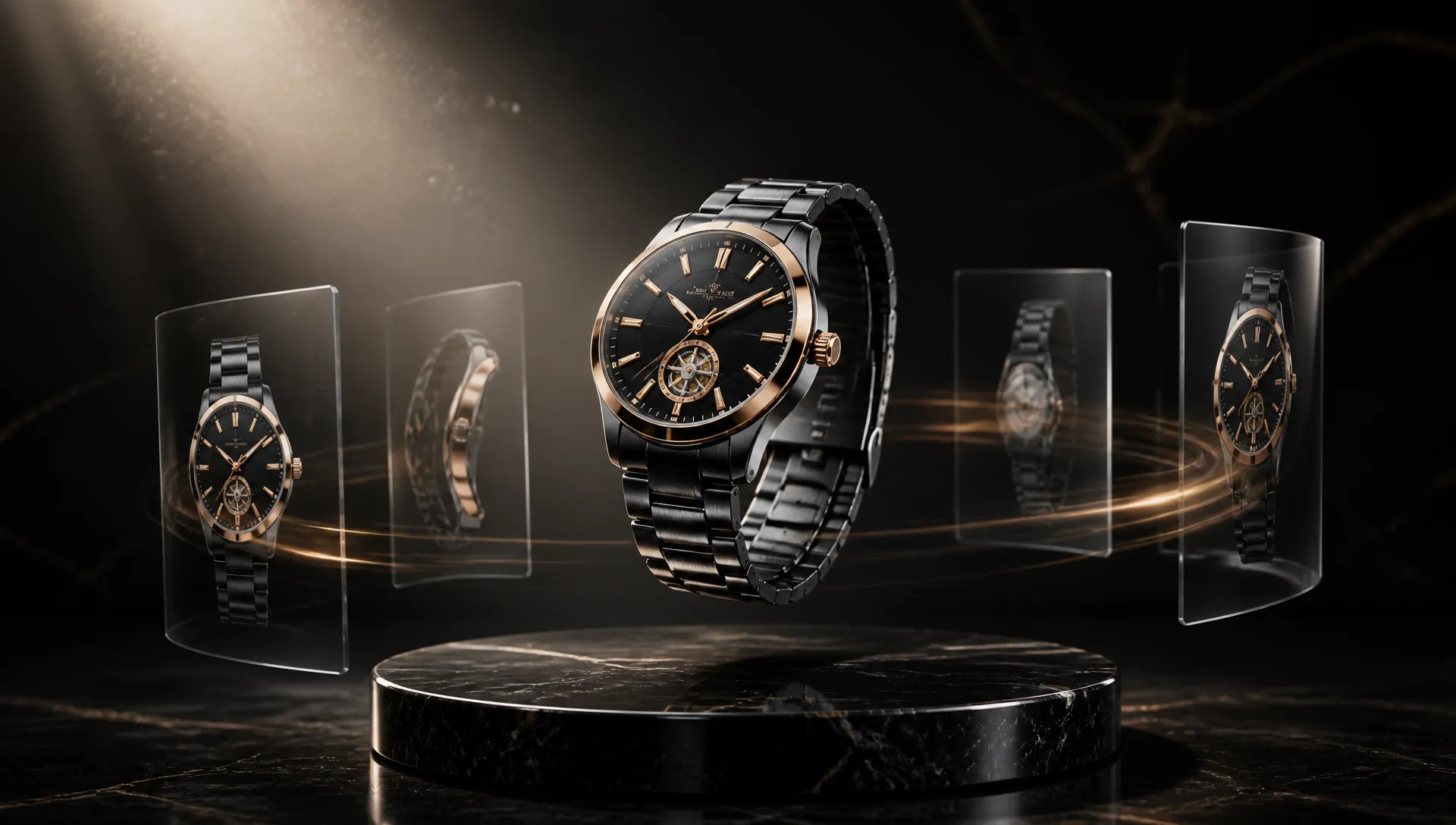
Turn product stills and demo clips into dynamic showcase videos that keep materials, logos, and product geometry faithful to the references.
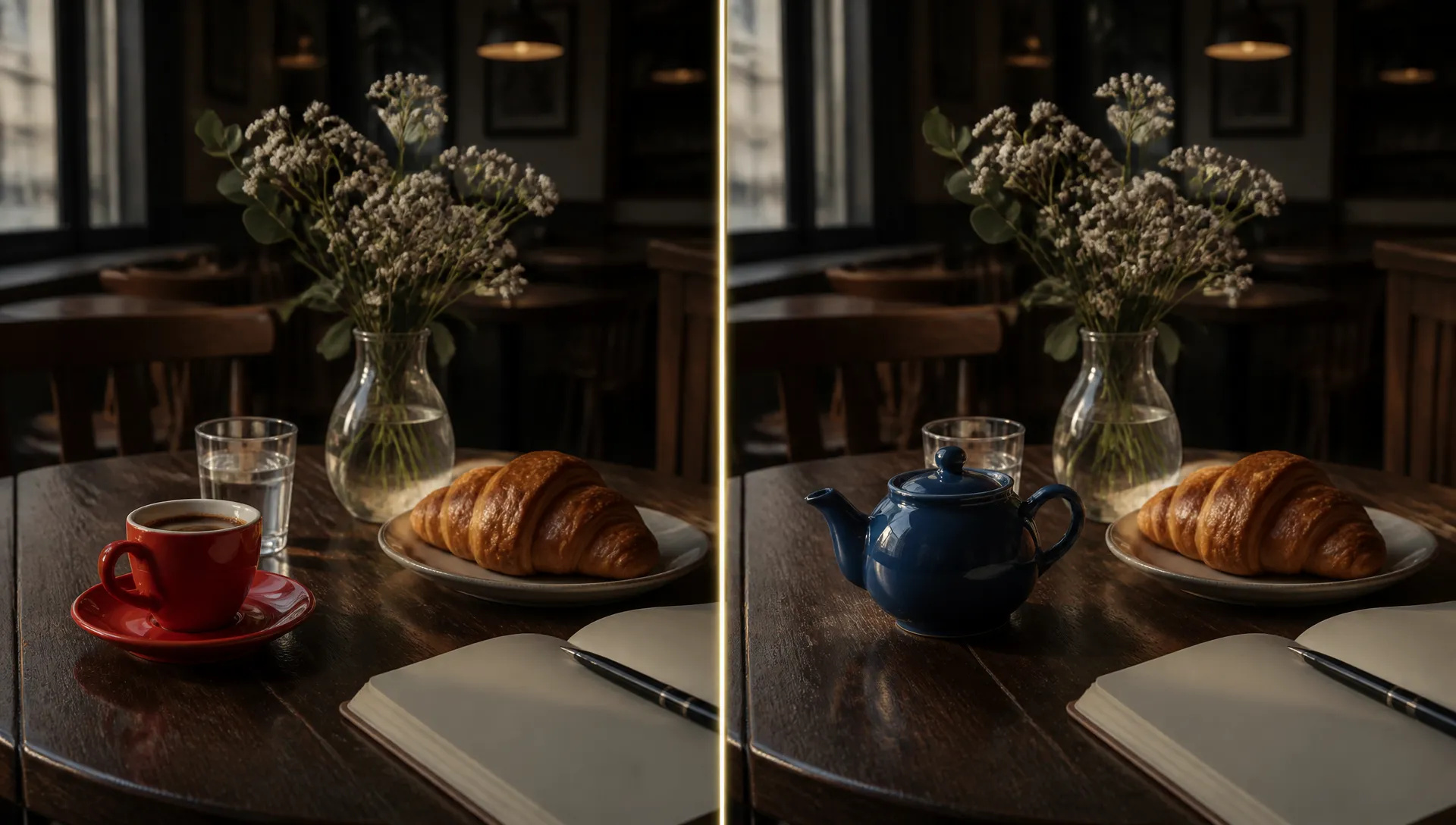
Replace one element of finished footage — wardrobe, prop, background — without regenerating or destabilizing the rest of the scene.
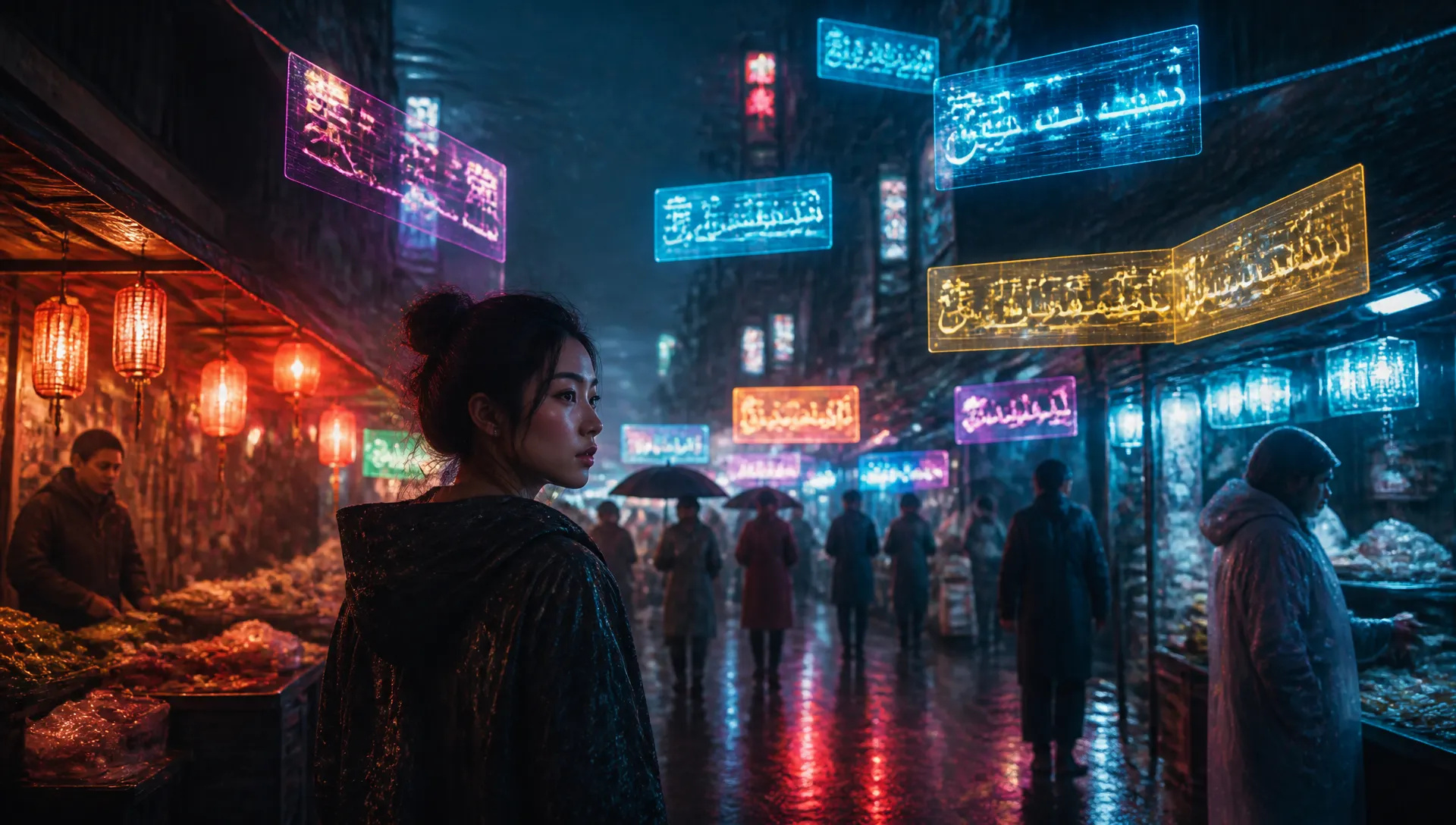
Titles, captions, and subtitles render directly into the frame in major languages — no separate typography or compositing pass.
Seedance 2.5 owns the long single take — 30 seconds in one pass with sound. Every model has a sweet spot, and your credits work across all of them on ZOOOP.
Open Seedance 2.5 from this page or pick it in the Video Generator.
Add reference images, clips, or an audio track — or start from a first frame.
Write the scene prompt — camera moves, dialogue lines, on-screen text.
Choose duration (4–30s), aspect ratio, and resolution, then hit Generate.
Seedance 2.5 is the model you reach for when the story doesn't fit in 10 seconds. Most video models cap a single generation somewhere between 8 and 15 seconds, which means a 30-second ad or drama scene becomes three generations plus seam-matching — and the light shifts, the lens changes, the protagonist's jacket loses a button between cuts. Seedance 2.5 plans the full 30 seconds in one forward pass: one continuous take, one lighting logic, one character identity from establishing shot to resolution.
The second pillar is reference capacity. A single request accepts up to 30 reference images, 10 video clips, and 10 audio tracks — roughly four times what Seedance 2.0 could hold. That's enough to pin a character sheet, a wardrobe set, a product from three angles, a motion reference, and a music bed simultaneously, and the model resolves identity, style, and timing from all of them at once. New in 2.5, an audio track can be the only reference: feed one song or voice line with no imagery at all, and the visuals pace themselves to it — beat-matched cuts, lip-synced delivery — across the whole clip. Audio itself is generated jointly with the picture in the same latent space, so dialogue, footsteps, and score land on the right frames without a post-sync step.
The third pillar is surgical revision. Load an existing clip into Edit Video, name the change — swap the product on the table, relight the alley, replace an actor — and 2.5 rewrites only that region while the camera move, composition, and everything else in frame stay put. On-screen text got a real upgrade too: titles and subtitles render directly into the frame in major languages, clean enough to skip a separate typography pass.
Where it's weaker: cost and speed. A 30-second, 1080p, audio-on generation is a premium spend and takes a while to render — the wrong tool for running twenty quick variations. For that, switch to Seedance 2.5 Flash, the faster, lower-cost tier of the same family: the same 4–30 second range, native audio and prompt style, at 480p or 720p with a smaller reference set (up to 10 images, 5 videos and 5 audio tracks) and no Edit Video tab. Settle the direction there, then render the winning version on Seedance 2.5. Its ceiling is 1080p, so when the deliverable has to be 4K, finish on Vidu Q4. And Edit Video keeps the source clip's length; to extend footage you already have, use Gemini Omni 1.2 Flash, which edits and extends in one model.
A reasonable mental model: Seedance 2.5 is the default whenever the clip is long or the references are heavy — single-take ads, music-driven videos, serialized character content, targeted edits of existing footage. For fast, lower-cost drafts of a long take, Seedance 2.5 Flash. For 4K delivery, Vidu Q4. For explicit multi-shot storyboards with hard cuts, Kling V3. For reference-driven dialogue rewrites and voice cloning, MiniMax H3.
Three headline jumps: single-pass duration doubles from 15 to 30 seconds, the reference budget grows from 12 assets to 50 (30 images, 10 videos, 10 audios), and an audio track can now serve as the sole reference. It also adds consistency-preserving localized editing and cleaner in-frame multilingual text than 2.0.
Yes. Audio and video are generated jointly in one pass — dialogue, ambient sound, and music land on the right frames with lip-sync, sustained across the full 30-second window. You can toggle audio generation off when you only need picture.
Any duration from 4 to 30 seconds. Text and reference modes render at 480p, 720p or 1080p, in aspect ratios from cinema 21:9 to vertical 9:16. First/last-frame and Edit Video run at 480p or 720p; when you start from a first frame, the output follows your image's aspect automatically.
One request accepts up to 30 reference images, 10 reference videos, and 10 reference audios; combined video and audio reference duration can total 30 seconds. Mix them freely — a character sheet, a motion clip, and a music bed together — or pass a single audio track alone, which 2.0 could not do.
Yes. Open the Edit Video tab, upload the clip, and describe the change — Seedance 2.5 rewrites only the targeted region while preserving the original camera motion, lighting, and composition. The result keeps the source clip's length and aspect ratio.






















Video fra første og siste bildeTekst & Reference til VideoVideo Editing
Video fra første og siste bildeTekst & Reference til VideoVideo Editing
Video fra første og siste bildeTekst & Reference til VideoVideo Editing
Video fra første og siste bildeTekst & Reference til Video
Video fra første og siste bildeTekst & Reference til Video
Video fra første og siste bildeTekst & Reference til Video
Seedance 2.5
Prompt*
Bilder
Videos
Audios
Sideforhold*
Oppløsning*
Varighet*
Det du genererer, vises her når du logger inn.
Det er gratis å opprette en konto.