
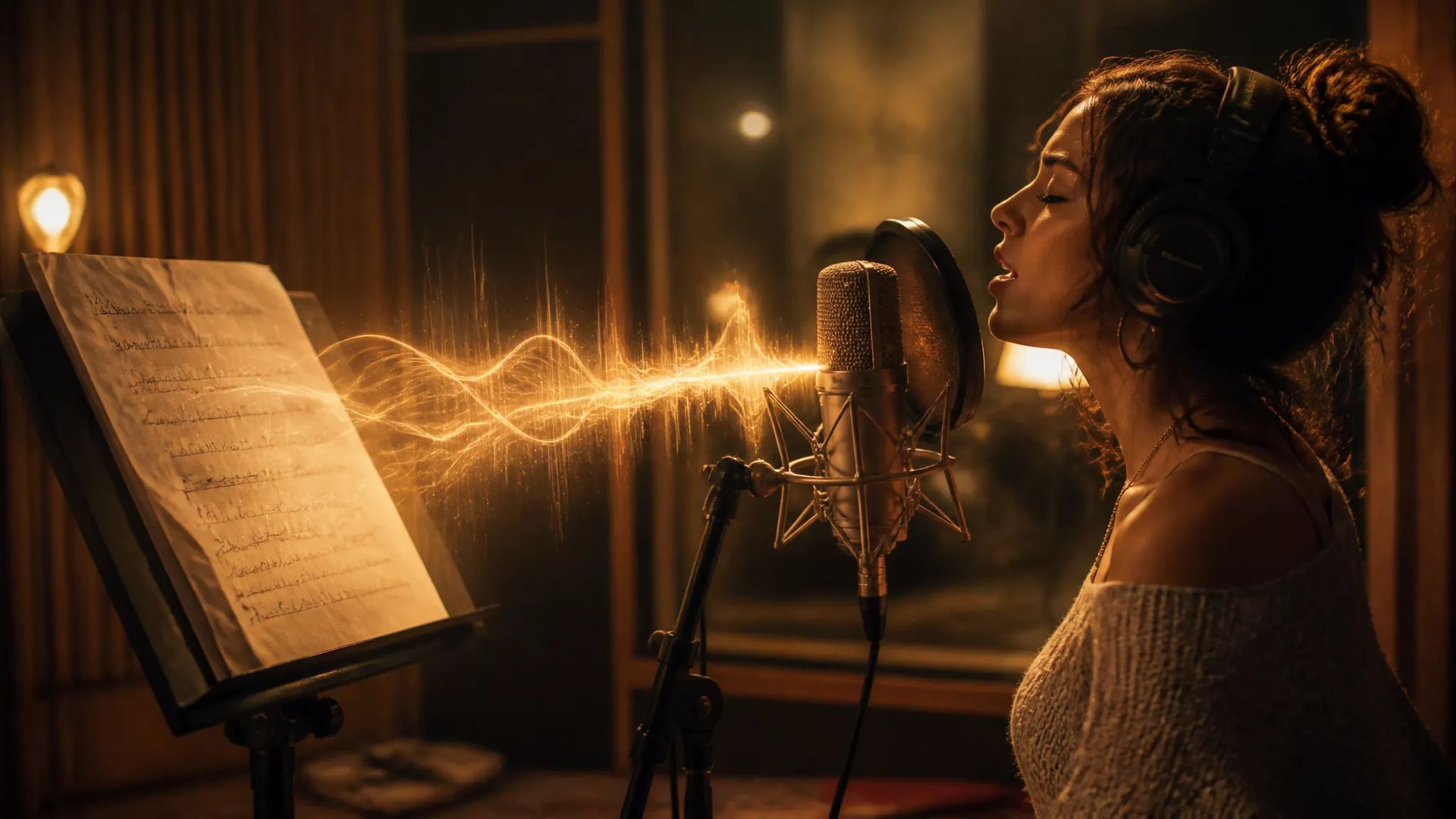
Songs with your lyrics
Provide lyrics and a style, and generate a song with vocals.

MiniMax's Music V2.6 — songs from a style prompt and your own lyrics, with an instrumental option.
Pay once for credits — use them across every model on ZOOOP. · Пополняйте, когда вам нужно, без ежемесячного сжигания.
Powered by MiniMax's API on ZOOOP
Describe the style and provide your own lyrics — MiniMax composes a song with vocals on your words.
Turn on instrumental mode to generate a track without vocals.
The latest in the MiniMax Music line for higher-quality song generation.
Generates a finished-sounding track — vocals, backing, and arrangement together, not just a melody.
Provide lyrics and a style, and generate a song with vocals.

Switch to instrumental mode for backing music without vocals.
Turn lyrics into a produced-sounding demo in a chosen style.
Score videos and social content with original songs or instrumentals.

Change the style prompt to hear the same lyrics in different genres.

Generate short, catchy songs for brands and intros.
Pick the right music model. Your credits work everywhere on ZOOOP.
Open Minimax Music V2.6 from this page or pick it in the Audio tools.
Enter a style prompt and your lyrics.
Turn on instrumental mode for a track without vocals if needed.
Generate, then download or send the track to your canvas.
Minimax Music V2.6 is the newer song-generation tier in the MiniMax Music line: provide a style prompt and your own lyrics, and it composes a song with vocals on your words. An instrumental mode generates a track without vocals when you just need backing music. That makes it a fit for original song demos, content soundtracks, and jingles — turn lyrics into a produced-sounding track in a chosen genre.
Where it sits among ZOOOP's music models: Minimax Music V2 is the prior tier; ACE-Step is the low-cost, lyrics-first option for longer songs; Lyria 3 Pro is Google's higher-end music model; Music Generator focuses on instrumental tracks. For non-musical sound, use Sound Effects V2. Minimax Music V2.6's sweet spot is lyric-driven songs with an instrumental option.
A reasonable mental model: default to Minimax Music V2.6 for songs built around your lyrics, switch on instrumental mode for backing tracks, or use ACE-Step for cheaper long-form songs and Lyria 3 Pro for higher-end instrumental scores.
Yes — provide a style prompt and your lyrics, and it composes a song with vocals on your words.
Yes — turn on instrumental mode to generate a track without vocals.
V2.6 is the newer tier with an instrumental option. Minimax Music V2 is the prior tier with a style prompt and lyrics. Step up to V2.6 for the latest quality.
A complete, produced-sounding track — vocals on your lyrics, or instrumental if you switch modes.























Музыкальное поколение
Музыкальное поколение
Музыкальное поколение
Музыкальное поколение
Музыкальное поколение
Музыкальное поколение
Minimax Music V2.6
Prompt*
Lyrics*
Ваши поколения появятся здесь, как только вы войдете в систему.
Создание аккаунта бесплатное.