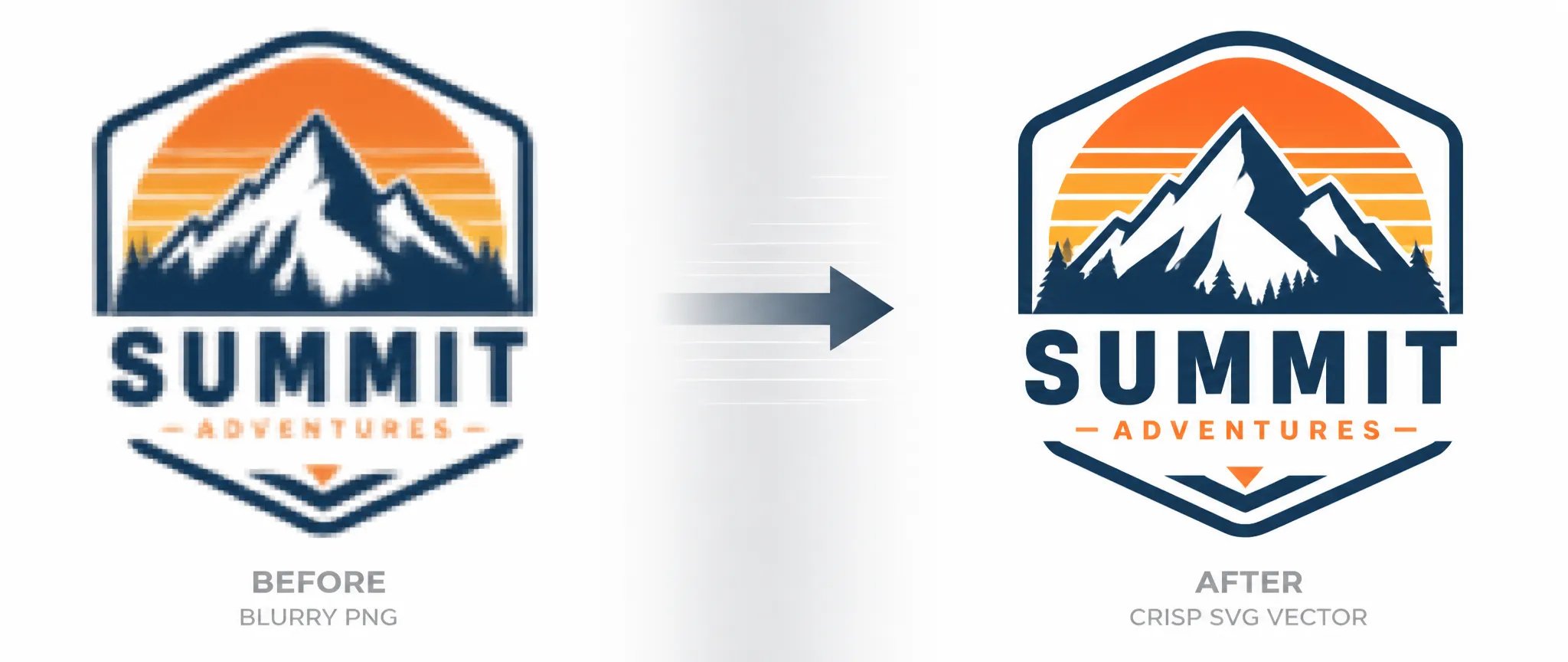
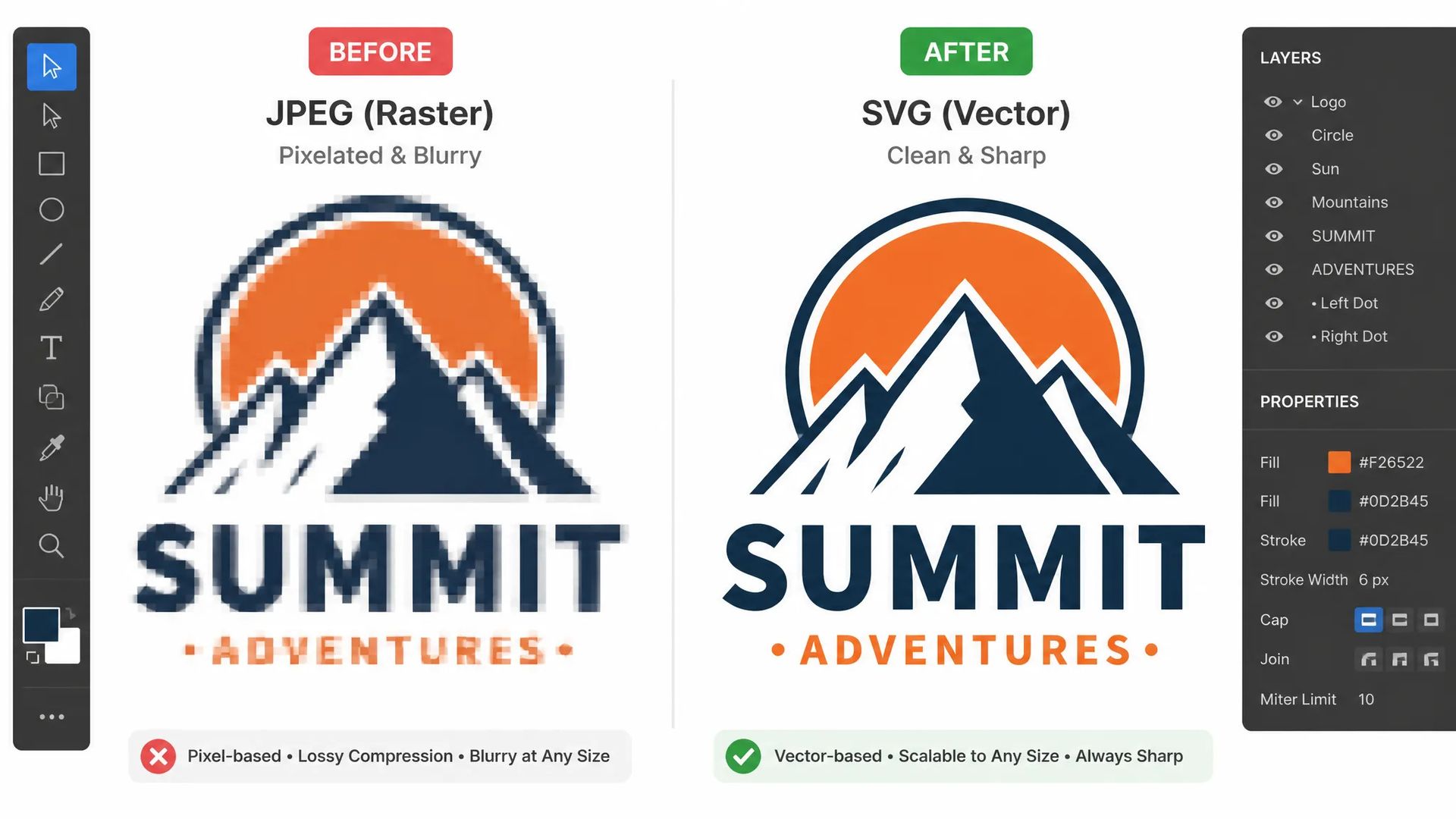
Logo rescue
A client sends a PNG logo from an old email. Vectorize converts it to an editable SVG in seconds — no source file needed.

Convert raster images to clean, editable SVG files in one step — no manual tracing, no Pen tool.
Pay once for credits — use them across every model on ZOOOP. · Пополняйте, когда вам нужно, без ежемесячного сжигания.
Powered by Recraft's API on ZOOOP
Upload a PNG, JPG, or WebP and receive a fully editable SVG. The model interprets shapes, fills, and edges — not a pixel-by-pixel trace — producing structured paths you can work with in any vector editor.
Unlike manual auto-trace tools that produce hundreds of jagged anchor points, Recraft Vectorize outputs smooth, intentional paths. Logos, icons, and hand-drawn artwork come back as geometry a designer can actually edit.
Once vectorized, the SVG scales to any size — from a 16×16 favicon to a 3-metre banner — without losing sharpness. Useful for rescuing assets that only exist as low-resolution rasters.
Accepts PNG, JPG, and WebP files up to 5 MB with a maximum dimension of 4096 px and a minimum of 256 px. Covers the common handoff formats from photographers, illustrators, and clients.
A client sends a PNG logo from an old email. Vectorize converts it to an editable SVG in seconds — no source file needed.
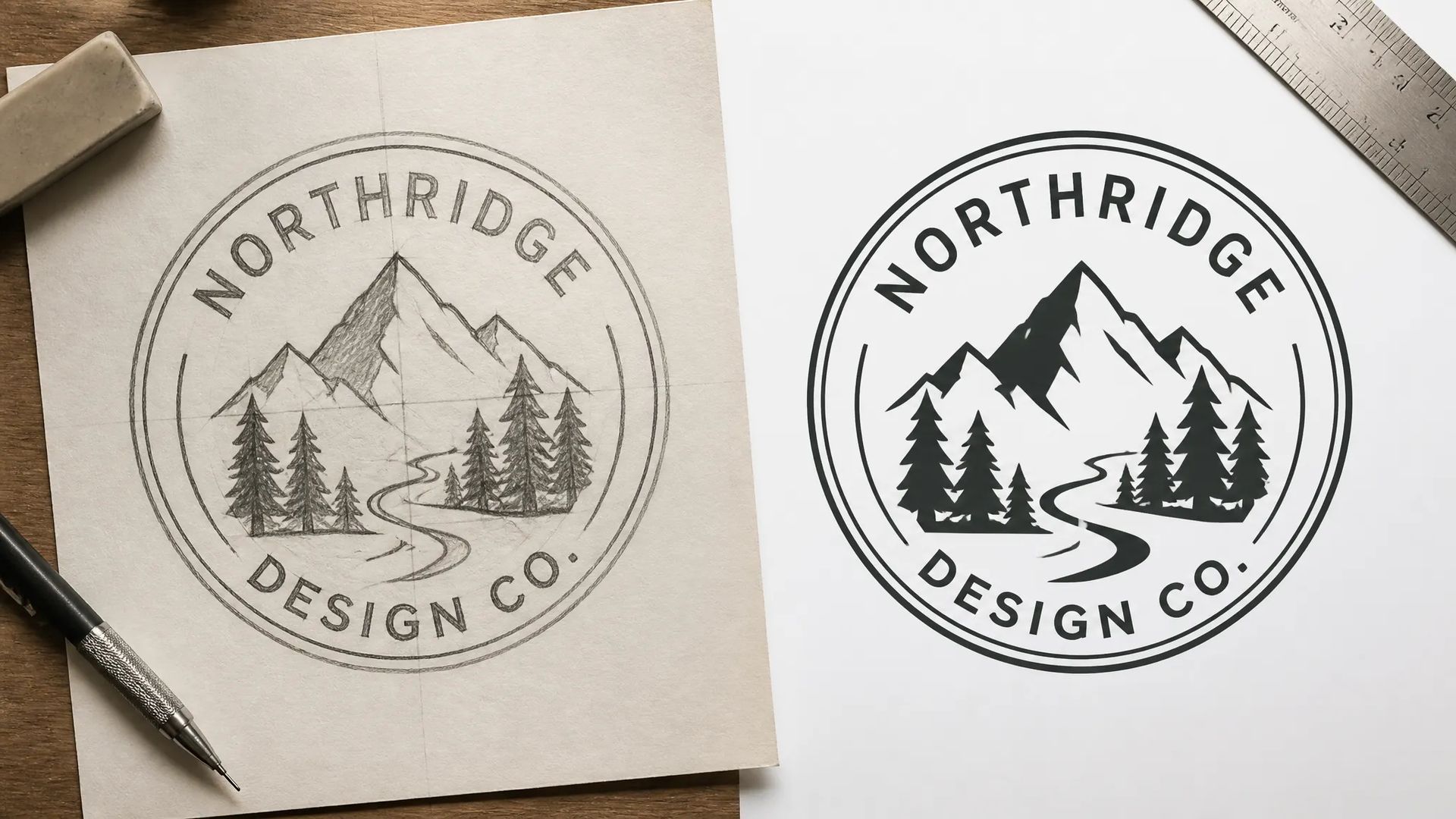
Sketch a concept on paper, photograph it, and upload — the vectorized SVG brings the linework into Figma or Illustrator ready to refine.
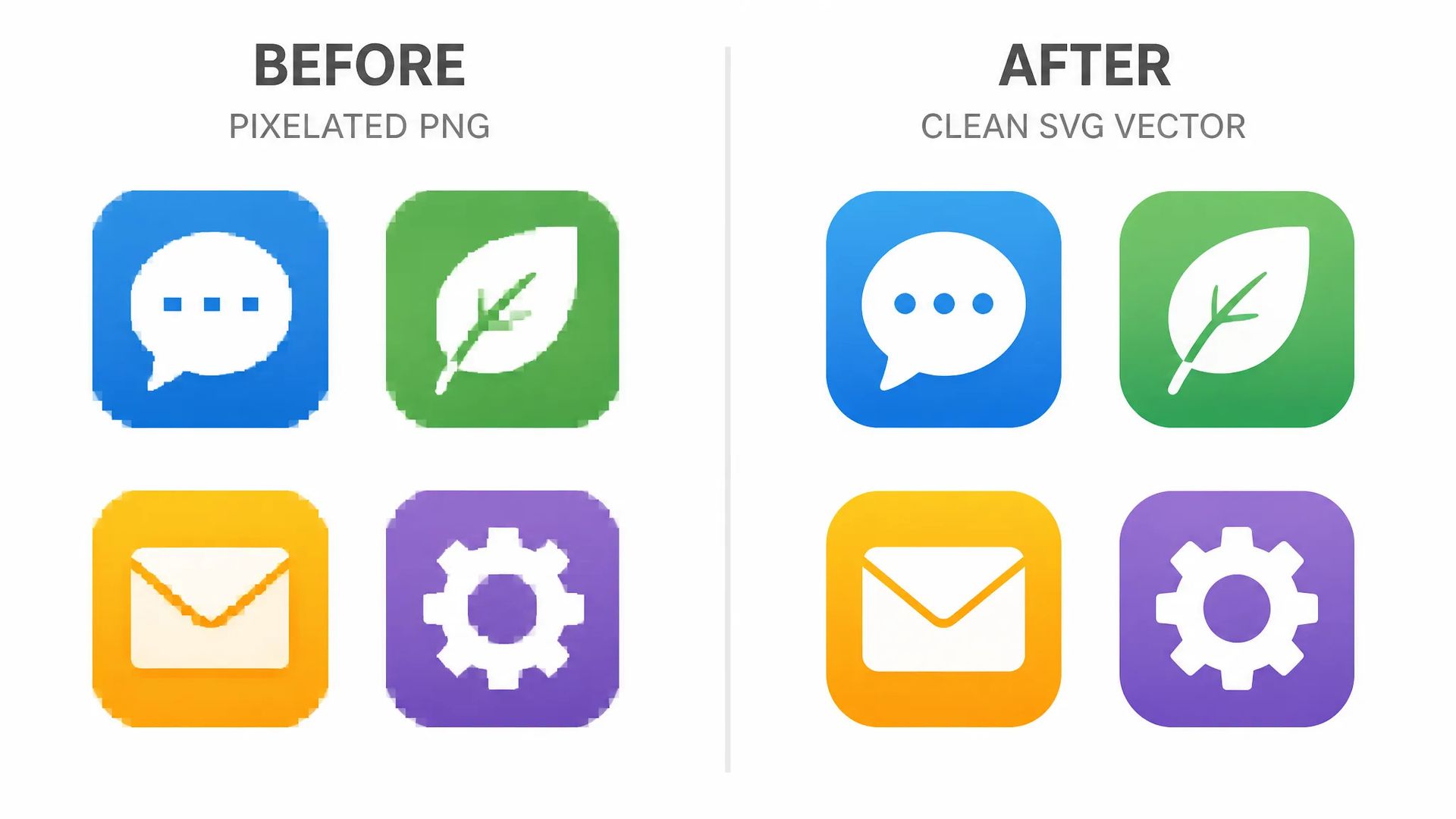
Turn exported PNG icons back into scalable SVG so they stay sharp at every size and remain fully editable for color or style updates.
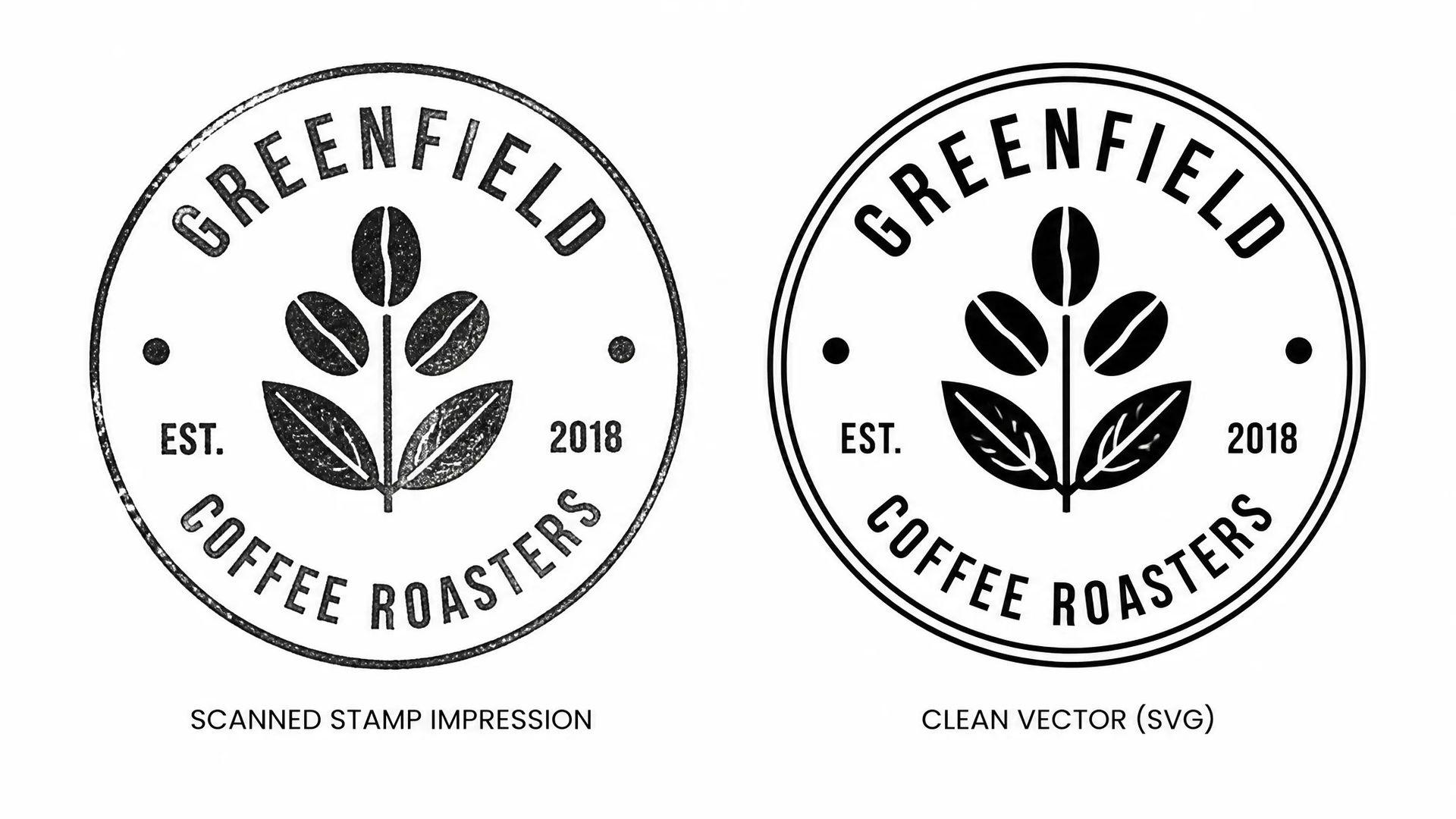
Scan a handwritten signature or rubber stamp and vectorize it for use in documents, packaging, and branding at any scale.
Your ZOOOP credits work across every model — pick the right tool for each job.
Open Recraft Vectorize from this page or the SVG Generator.
Upload your raster image — PNG, JPG, or WebP, under 5 MB.
Click Generate to run vectorization.
Download the SVG and open it in your vector editor to refine paths and colors.
Recraft Vectorize solves one specific problem: you have a raster image that needs to be a vector. A client logo that only exists as a JPEG in an old email. A hand-drawn sketch that needs to get into Figma. A scanned signature for a document template. A PNG icon that needs to ship as SVG in a design system. All of these situations used to mean opening Illustrator and running auto-trace — then spending 20 minutes cleaning up the resulting mess of jagged anchor points.
Recraft Vectorize uses a trained model rather than pixel-by-pixel tracing, which produces smoother, more intentional paths. Logos come back with clean fills and discrete color regions. Linework retains its character without the noise. The resulting SVG is editable — you can select a fill, change a color, or adjust a path — in a way that a mechanical trace output often is not without significant cleanup.
The practical scope is clear: input constraints are PNG, JPG, or WebP under 5 MB, between 256 px and 4096 px on any dimension. Complex photographic scenes with gradients and photorealistic texture are outside what any vectorizer handles cleanly — the sweet spot is logos, icons, illustrations, diagrams, and hand-drawn work with discrete regions and defined edges.
Where it's weaker: it cannot create something from nothing. If you need a new vector design — a logo, an icon set, an illustration — from a text description, Recraft Text to Vector V4.1 is the right tool. Vectorize is a conversion utility, not a generation tool.
A reasonable mental model: reach for Recraft Vectorize when you have an image that needs to be an SVG. Reach for Recraft V4.1 when you need to create one from scratch.
PNG, JPG, and WebP. Files must be under 5 MB, with a maximum dimension of 4096 px and a minimum of 256 px on the shortest side.
Traditional auto-trace tools convert pixels mechanically, often producing hundreds of noisy anchor points that require significant cleanup. Recraft Vectorize uses a trained model that interprets shapes and edges, producing smoother and more intentional paths suited for further editing.
Yes — that is what Recraft Text to Vector V4.1 and V4.1 Pro are for. Vectorize is specifically for converting existing raster images to SVG.
The model preserves the dominant colors and fills from the source image. For precise brand color matching, you can adjust fills directly inside the SVG after export.























Recraft Vectorize
Image*
Ваши поколения появятся здесь, как только вы войдете в систему.
Создание аккаунта бесплатное.