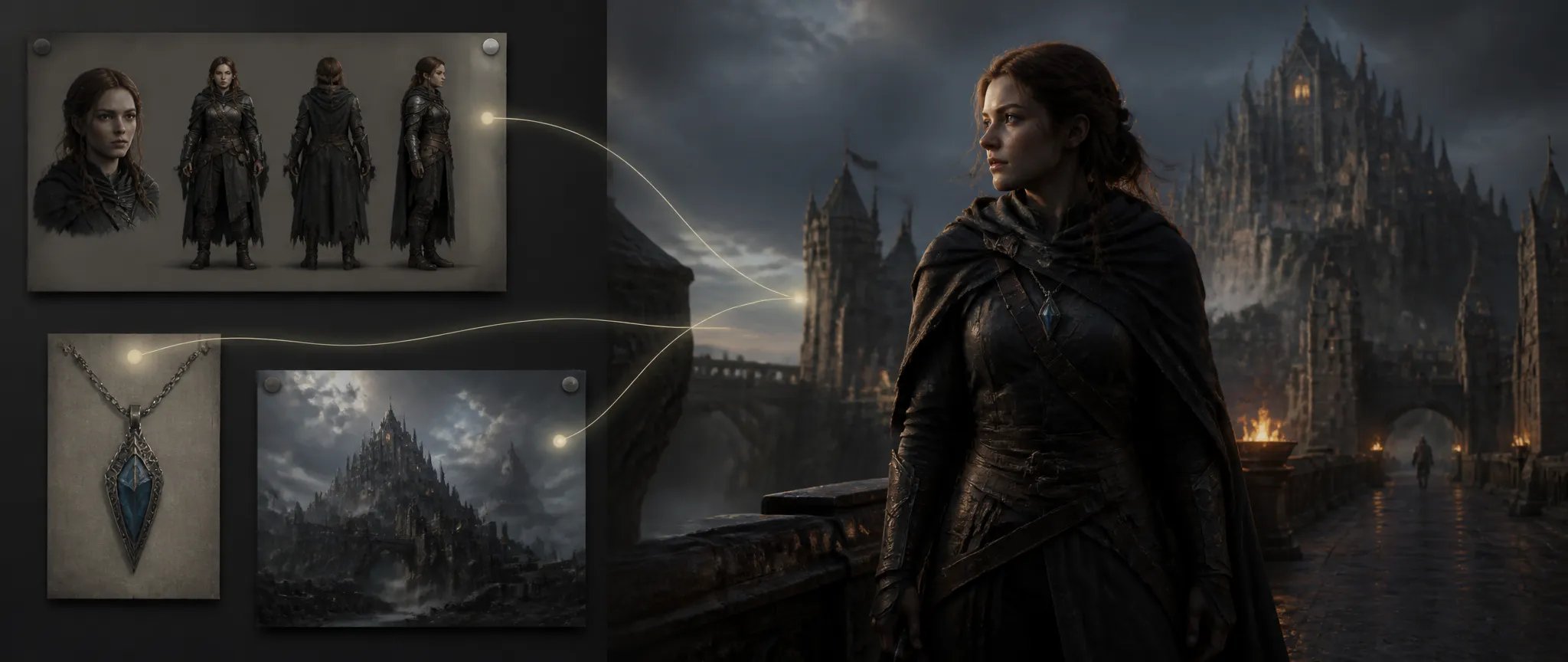
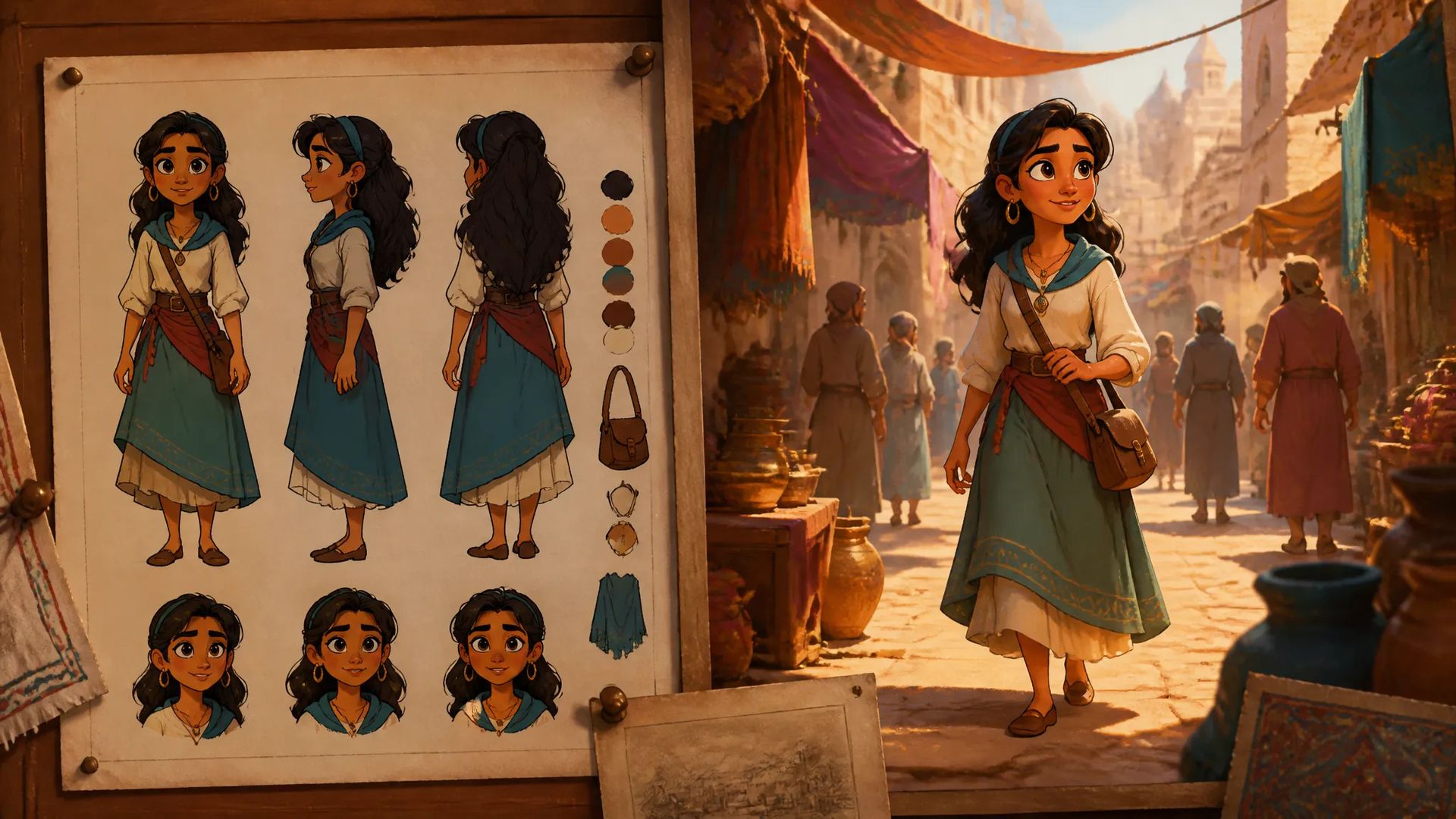
Character into a scene
Reference a character sheet and Vidu Q3 carries that subject through the shot on-model — episodic content and series where the same character recurs.

Vidu's reference-driven video model — up to 4 reference images for multi-subject consistency, native audio, up to 16 seconds.
Pay once for credits — use them across every model on ZOOOP. · Пополняйте, когда вам нужно, без ежемесячного сжигания.
Powered by Vidu AI's API on ZOOOP
Pass up to 4 reference images and Vidu Q3 keeps those subjects — a character, a product, a prop — recognizable and on-model through the motion. Built for putting *your* assets into a scene.
Audio generates with the video, on by default — scene sound and ambience land with the action instead of a separate audio pass.
Single generations run from 1 to 16 seconds — among the longest single-shot windows of the flagship video lineup.
Output at 360p, 540p, 720p, or 1080p across five aspect ratios — draft cheaply at low res, deliver at 1080p, in landscape, square, or portrait.
Reference a character sheet and Vidu Q3 carries that subject through the shot on-model — episodic content and series where the same character recurs.
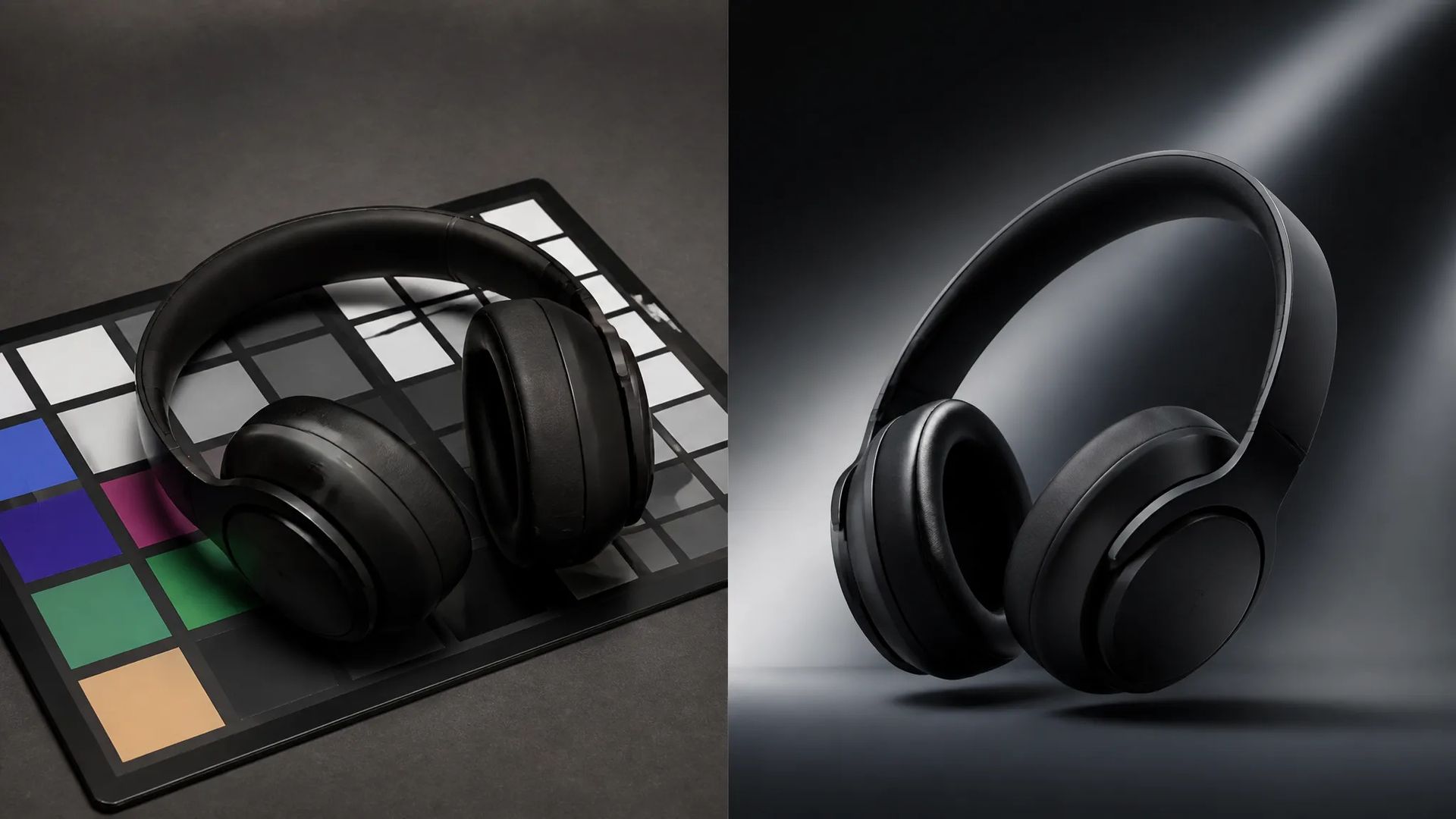
Feed product references and keep the object accurate as the camera moves — ads and demos where the real product has to read correctly.
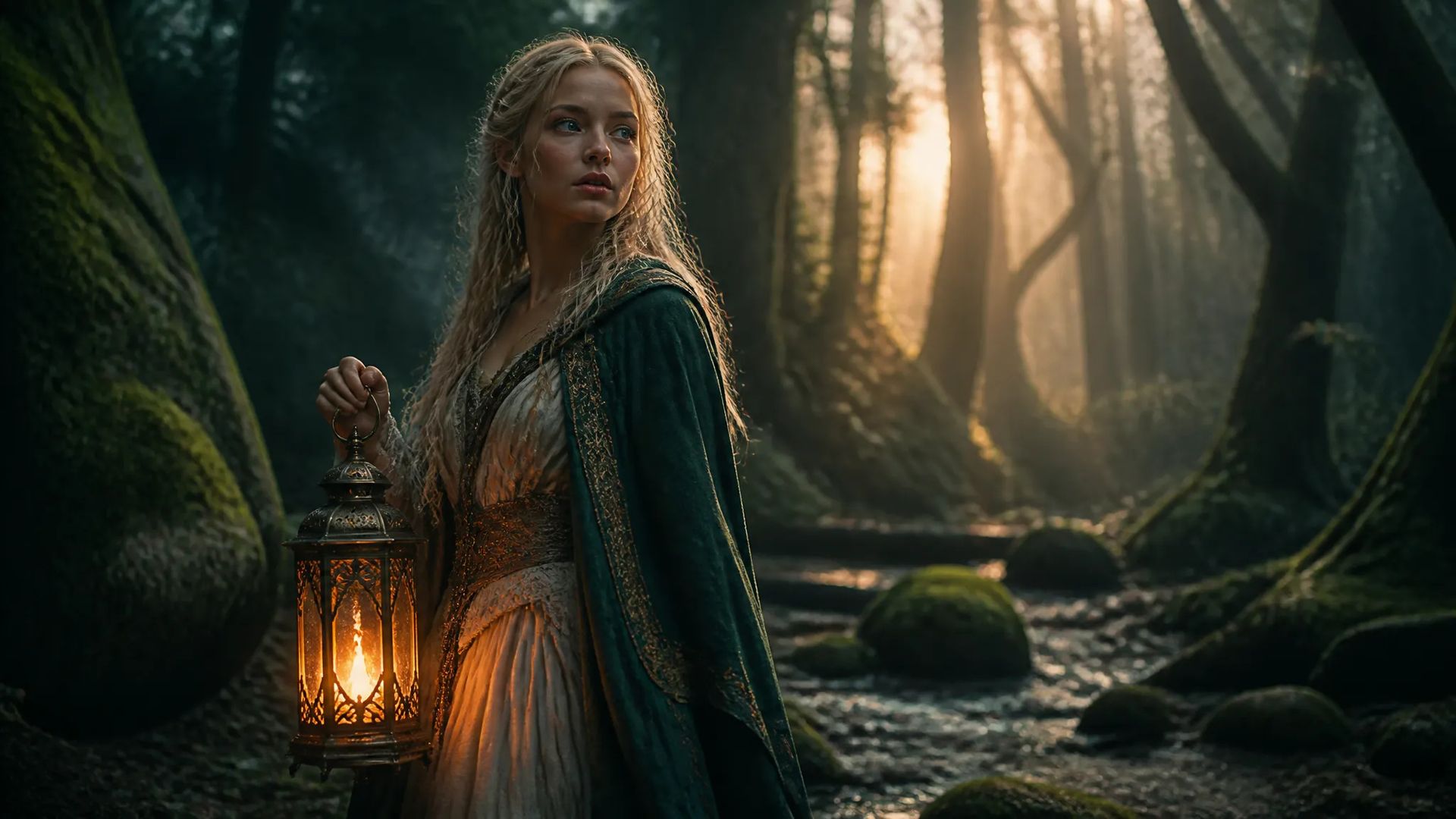
Up to 4 references let a character, a prop, and a setting coexist in one generation, each held consistent rather than re-invented.
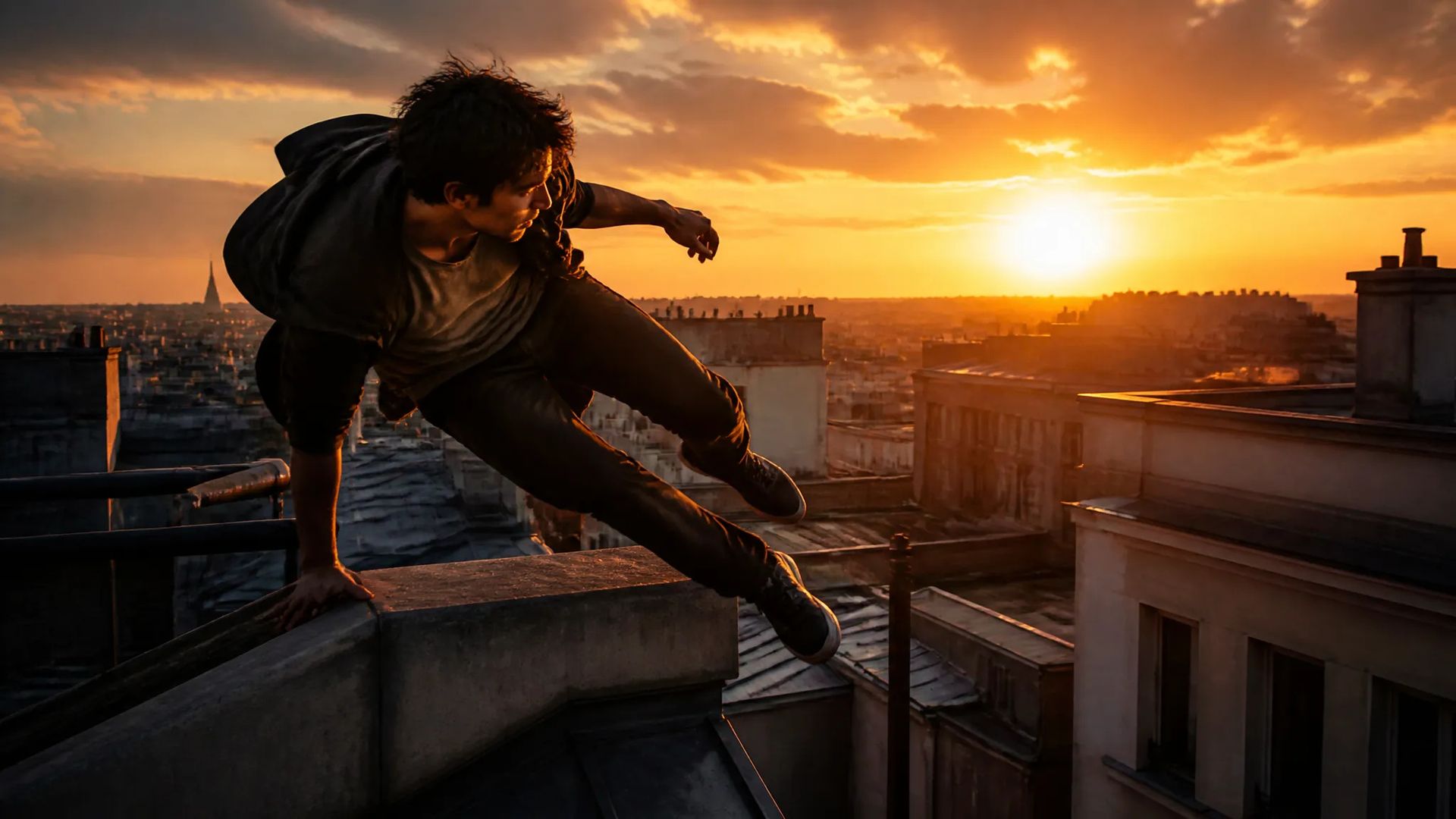
Up to 16 seconds captures a full beat or a continuous action in one generation — no stitching between clips.
Pick the right video model. Your credits work everywhere on ZOOOP.
Open Vidu Q3 from this page or pick it in the Video Generator.
Write the prompt and add up to 4 reference images for the subjects to keep consistent.
Pick aspect ratio, resolution (up to 1080p), and duration (1–16s); keep audio on.
Generate, then download or send the clip to your canvas.
Vidu Q3 is the model to reach for when the shot has to contain your subjects, not generic ones. Its defining workflow is reference-driven: you pass up to 4 reference images — a character sheet, a product, a prop, a setting — and Vidu Q3 keeps each of them recognizable and on-model through the motion. Most text-to-video models invent a scene from the prompt alone; Vidu Q3 is built to carry specific, consistent assets into the generated shot. For episodic content with a recurring character, or ads where the real product has to read correctly, that's the whole game.
The second strength is multi-subject coexistence. The four references aren't just style hints — a character, a prop, and a setting can all live in one generation, each held consistent rather than re-imagined frame to frame. That makes Vidu Q3 a fit for scenes with several anchored elements that all need to stay true at once.
On the production side, generations run up to 16 seconds — among the longest single-shot windows in the flagship lineup — with native audio on by default, so scene sound arrives with the motion. Output scales from 360p for cheap drafts up to 1080p for delivery, across five aspect ratios from 16:9 to 9:16, so the same setup serves a hero cut and a vertical social trim.
Where it's weaker: for the absolute top tier of motion physics and realism, Seedance V2.0 leads, and cinematic photoreal is Veo 3.1's domain. For the cheapest, fastest throwaway drafts, Pika V2.2 costs less per second. Vidu Q3's sweet spot is reference-anchored, multi-subject-consistent generation.
A reasonable mental model: default to Vidu Q3 when you need referenced characters, products, or props to stay consistent through a shot. For peak motion realism, switch to Seedance V2.0; for cinematic photoreal, Veo 3.1; for synced-audio long takes, Kling O3.
Its reference-driven workflow. You pass up to 4 reference images and Vidu Q3 keeps those subjects — characters, products, props — consistent through the motion, rather than generating an unrelated scene from text alone.
Up to 4. Combine a character, a product, and a setting reference so each stays recognizable and on-model in the generated shot.
Yes — audio is generated with the video and on by default, so scene sound and ambience land synchronized with the action.
From 1 to 16 seconds per generation, with 5 seconds as the default — one of the longer single-shot windows available, useful for continuous actions without stitching.
Vidu Q3 leads on reference-driven multi-subject consistency — putting your specific assets into a scene. Seedance V2.0 leads on raw motion physics and realism. Kling V3 is a strong general text-to-video flagship. Pick Vidu Q3 when keeping referenced subjects consistent is the priority.























Текст и ссылки на видео
Текст и ссылки на видео
Текст и ссылки на видео
Текст и ссылки на видео
Текст и ссылки на видео
Текст и ссылки на видео
Vidu Q3
Prompt*
Изображения
Соотношение сторон*
Разрешение*
Длительность*
Ваши поколения появятся здесь, как только вы войдете в систему.
Создание аккаунта бесплатное.