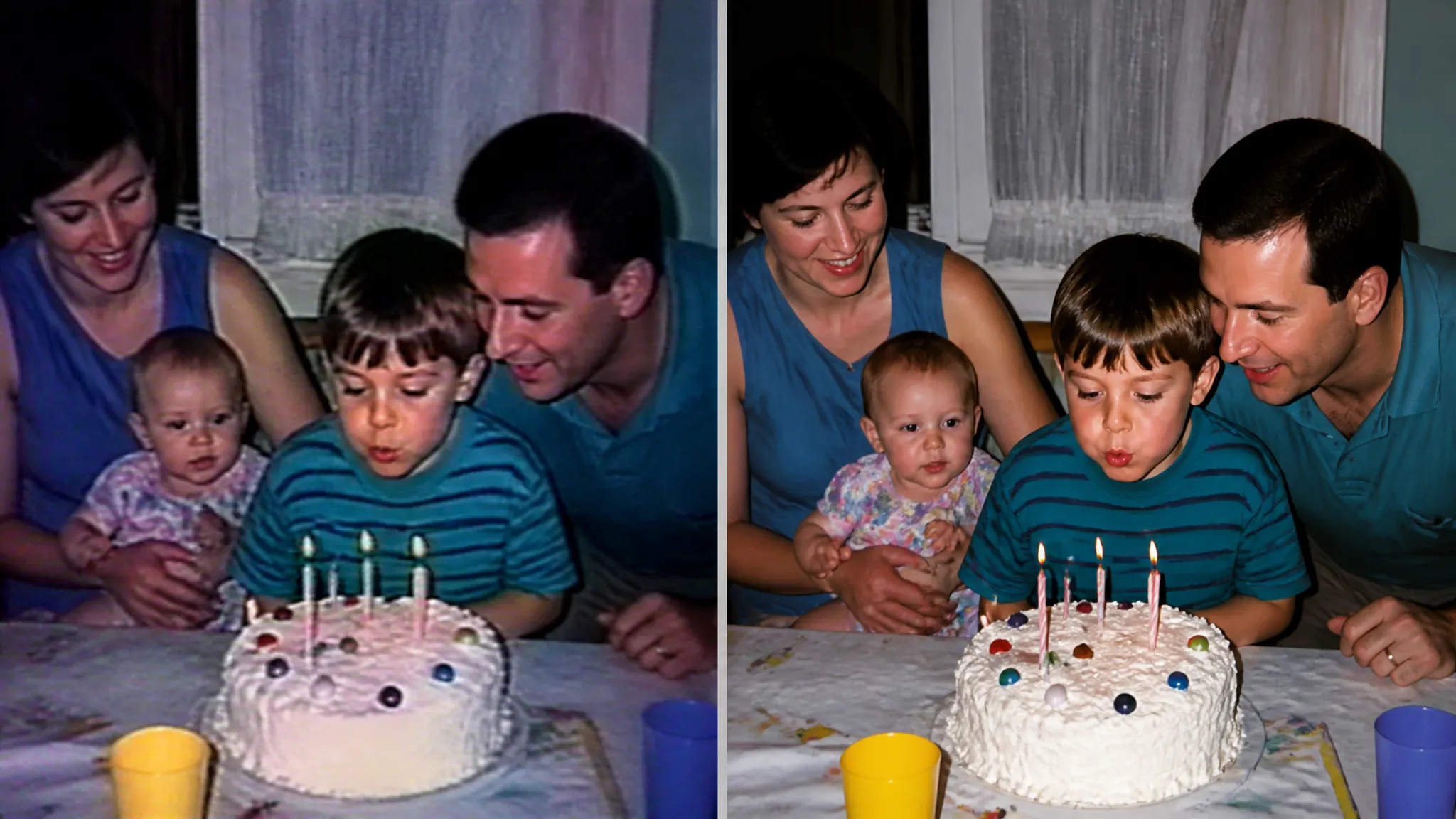
Odśwież stare nagrania
Podnieś ziarniste, niskiej jakości nagrania domowe lub archiwalne do oglądalnej rozdzielczości.
Powiększ dowolne wideo do HD lub 4K z pomocą AI — ostrzejsze klatki i czysty detal, z płynnym, wolnym od migotania ruchem.
Zapłać raz za kredyty - używaj ich w każdym modelu na ZOOOP. · Doładuj, kiedy potrzebujesz, bez miesięcznego spalania.
Podnieś rozdzielczość materiału SD lub HD, podczas gdy AI odtwarza szczegóły klatka po klatce.
Krawędzie, twarze i tekstury są odtwarzane w całym klipie, a nie tylko powiększane.
Szczegóły pozostają spójne między klatkami, dzięki czemu efekt jest czysty, a nie migoczący.
Odśwież stare nagrania lub dopracuj nowe — ten sam proces jednym kliknięciem.
Podnieś ziarniste, niskiej jakości nagrania domowe lub archiwalne do oglądalnej rozdzielczości.
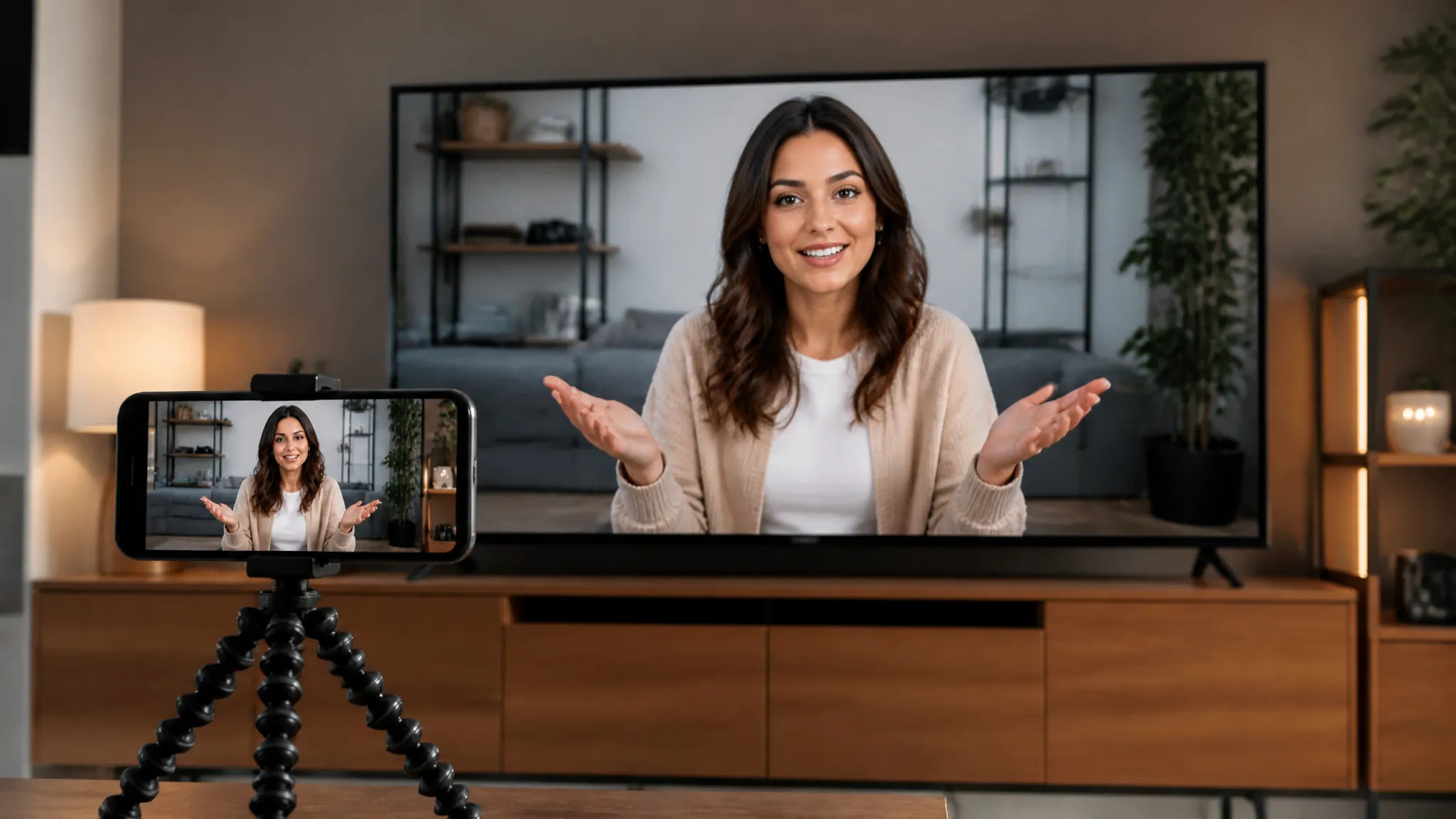
Powiększ nagrania do HD lub 4K, aby wyglądały ostro na dużych ekranach i w mediach społecznościowych.
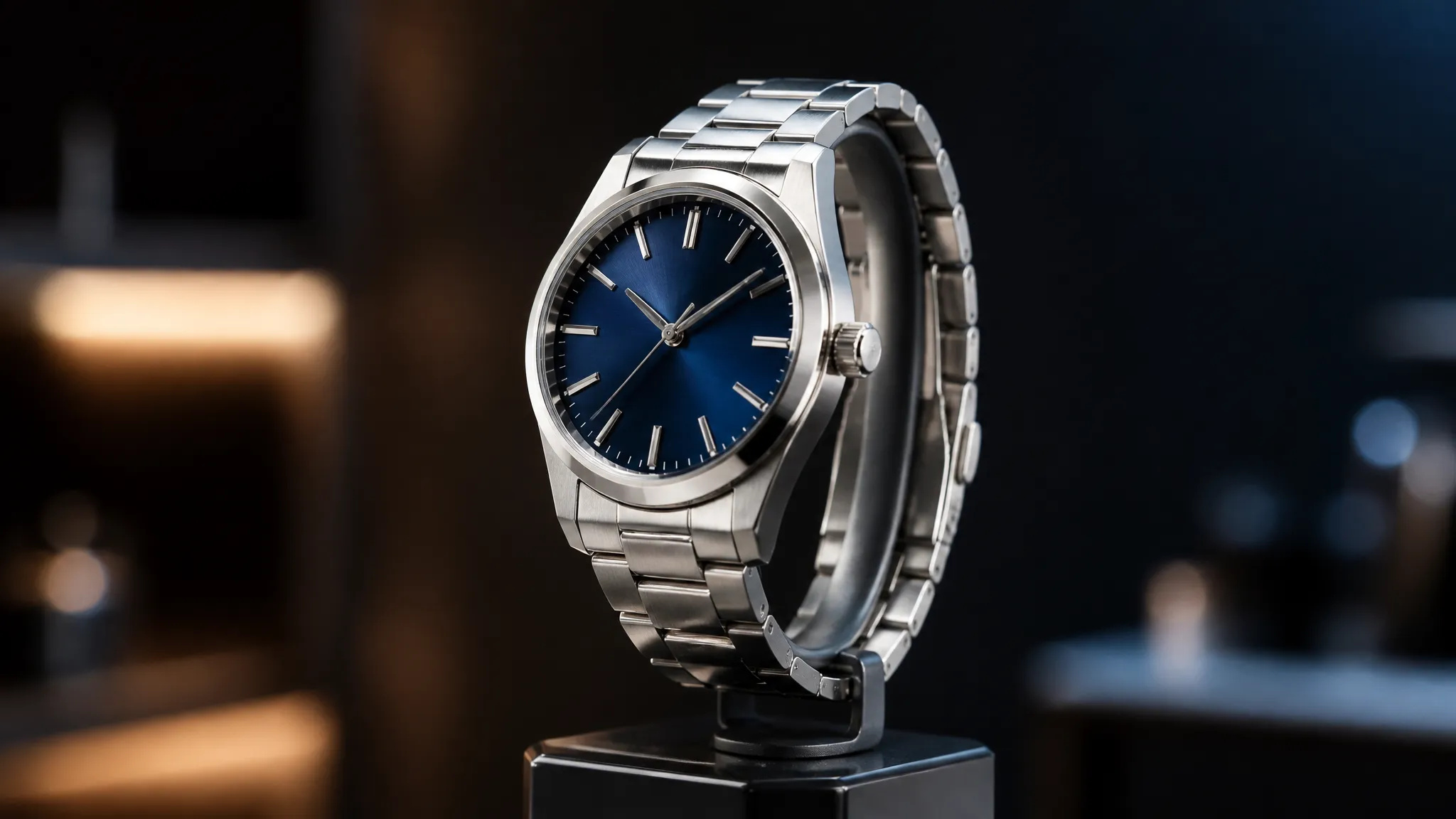
Wyostrz niskiej jakości nagrania produktowe lub zrzuty ekranu do stron sklepowych i reklam.
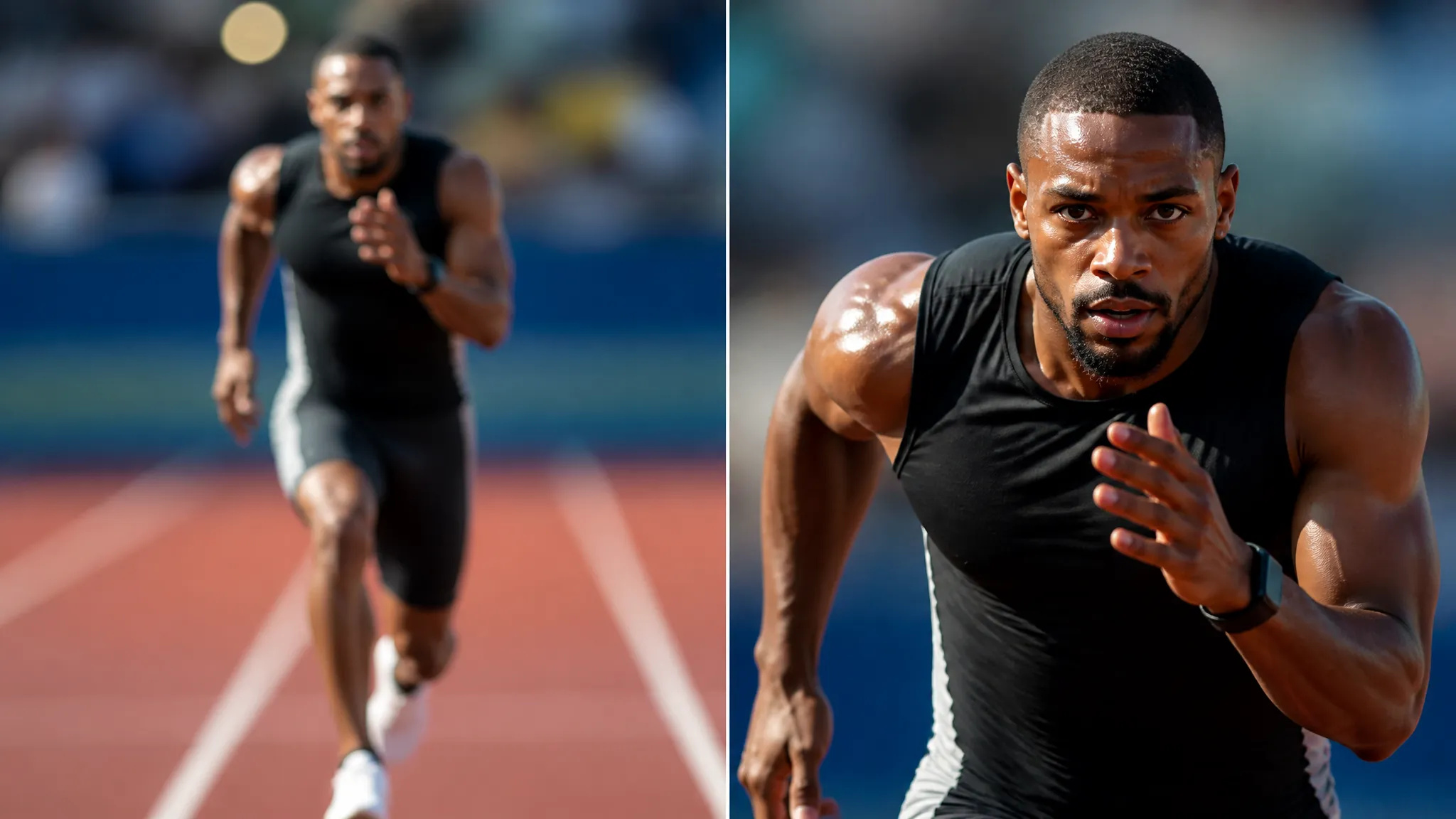
Powiększ przed przycięciem, aby węższy kadr pozostał ostry.
Otwórz Upscaler Wideo AI i prześlij swoje wideo.
Wybierz docelową rozdzielczość, do 4K.
Wygeneruj, a następnie pobierz powiększone wideo lub wyślij je do swojego Płótna.
Upscaler Wideo AI na ZOOOP zwiększa rozdzielczość dowolnego klipu, jednocześnie odtwarzając szczegóły klatka po klatce. Zamiast rozciągać każdą klatkę w miękką, rozmazaną plamę, model odtwarza krawędzie, twarze i tekstury, zachowując ich spójność na całej osi czasu — dzięki czemu ruch pozostaje ostry i stabilny, a nie migoczący.
Radzi sobie zarówno ze starymi, jak i nowymi nagraniami: ziarniste klipy archiwalne podniesione do oglądalnej rozdzielczości, nagrania dopracowane do HD lub 4K na potrzeby social mediów i streamingu oraz niskiej jakości wideo produktowe lub zrzuty ekranu wyostrzone do stron sklepowych.
Każda generacja korzysta z kredytów ZOOOP — bez subskrypcji, a kredyty nigdy nie wygasają. Gdy skończysz, pobierz powiększone wideo lub wyślij je do swojego Płótna.
Do 4K. AI odtwarza szczegóły klatka po klatce, dzięki czemu ruch pozostaje ostry, a nie rozmazany.
Tak — szczegóły pozostają spójne między klatkami, dzięki czemu efekt wygląda czysto, a nie migocze.
Tak — przestarzałe, ziarniste lub skompresowane nagrania to główny przypadek użycia i wracają zauważalnie wyraźniejsze.
Dłuższe nagrania wymagają więcej czasu przetwarzania i kredytów; dokładny koszt jest wyświetlany przed wygenerowaniem.
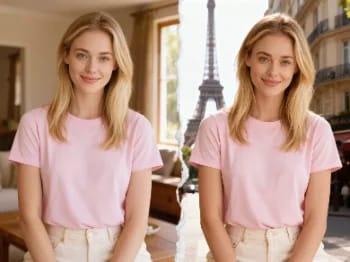
Przenieś się z pomocą AI do kultowych miast — umieść swoje zdjęcie w Paryżu, Tokio, Nowym Jorku i wielu innych miejscach.
Usuń tło z dowolnego zdjęcia w kilka sekund i pobierz czysty, przezroczysty plik PNG — bez ręcznego maskowania, bez umiejętności projektowania.
Zmień materiał obiektu za pomocą AI — zamień go w marmur, drewno, złoto, szkło lub tkaninę, z realistyczną powierzchnią.
Powiększ dowolny obraz do 2K lub 4K za pomocą AI — odzyskaj ostrą jakość i czyste krawędzie, bez rozmycia i artefaktów.
Odmłodź lub postarz twarz za pomocą AI — realistyczne starzenie, które zachowuje rozpoznawalność danej osoby.
Przymierz makijaż z AI — od naturalnego po odważny, z regulowaną intensywnością, na własnym zdjęciu.
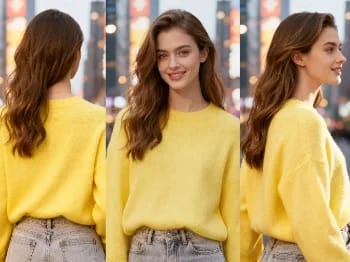
Zmień kąt kamery na dowolnym zdjęciu za pomocą AI — zobacz obiekt z nowej perspektywy, w naturalny sposób odwzorowanej.
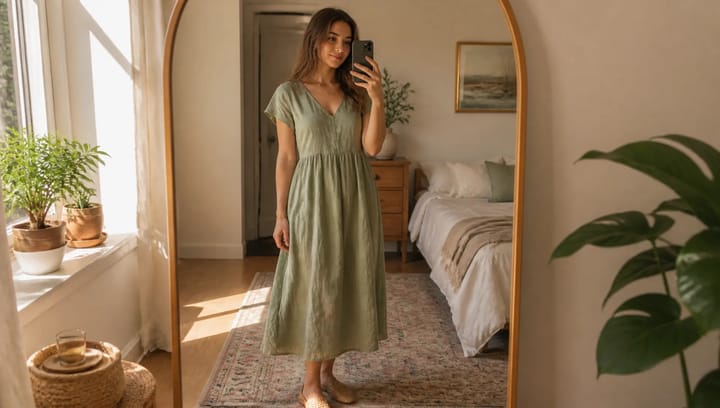
Opisz strój i zobacz go na własnym zdjęciu — twarz, poza i tło pozostają dokładnie takie same.
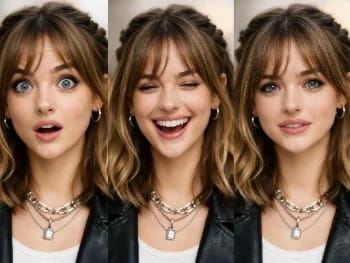
Zmieniaj wyraz twarzy na dowolnym zdjęciu dzięki AI — dodaj uśmiech, otwórz oczy lub zmień nastrój, w naturalny sposób.
Umieść swój produkt naturalnie w dłoni osoby dzięki AI — realistyczne wizualizacje marketingowe bez sesji zdjęciowej.
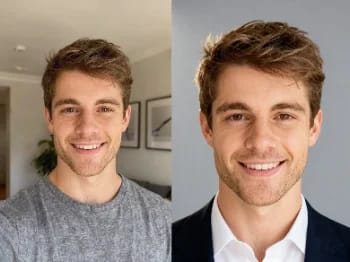
Zamień casualowe selfie w profesjonalne zdjęcie profilowe dzięki AI — studyjne oświetlenie, czyste tła, gotowe do biznesu w kilka minut.
Odnów stare i uszkodzone zdjęcia z AI — napraw wyblaknięcie, rysy i rozmycie oraz przywróć twarzom życie.
Przemaluj dowolne zdjęcie w artystycznym stylu za pomocą AI — impresjonizm, kubizm, akwarela, anime i inne.
Ulepsz dowolny portret dzięki AI — ostrzejsze detale, wyraźniejsza skóra i oczy oraz zrównoważone światło, przy zachowaniu naturalnego wyglądu.
Usuń niechciane obiekty, osoby lub tekst z dowolnego zdjęcia za pomocą AI — tło zostanie płynnie uzupełnione.
Zobacz, jak ubrania wyglądają na Tobie dzięki AI — połącz zdjęcie osoby i zdjęcie ubrania, aby uzyskać realistyczną przymiarkę.
Wypróbuj nowe fryzury i kolory włosów na własnym zdjęciu dzięki AI — realistyczne efekty, zanim jeszcze dotkniesz swoich włosów.
Upscaler Wideo AI
Powiększ dowolne wideo do HD lub 4K z pomocą AI — ostrzejsze klatki i czysty detal, z płynnym, wolnym od migotania ruchem.
Video*
Target Resolution*
Target FPS
Enhancement Preset*
Enhancement Tier*
Fidelity*