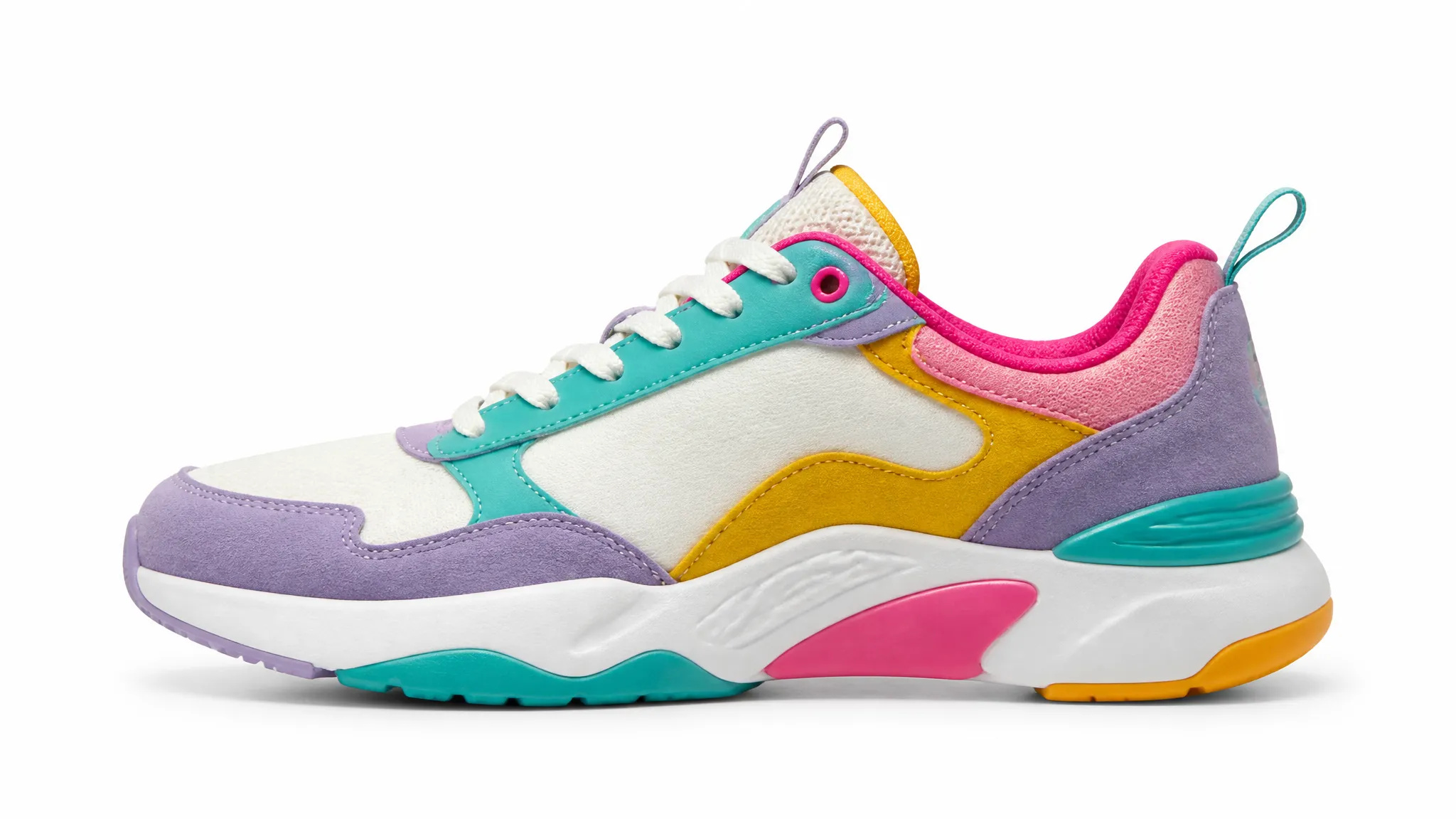
Zdjęcia produktowe do e-commerce
Zamień nieuporządkowane zdjęcia produktów w czyste zdjęcia katalogowe na czystym białym lub przezroczystym tle.
Usuń tło z dowolnego zdjęcia w kilka sekund i pobierz czysty, przezroczysty plik PNG — bez ręcznego maskowania, bez umiejętności projektowania.
Zapłać raz za kredyty - używaj ich w każdym modelu na ZOOOP. · Doładuj, kiedy potrzebujesz, bez miesięcznego spalania.
Prześlij zdjęcie, a ZOOOP automatycznie wykryje obiekt — bez lassa, ręcznego maskowania i zielonego tła.
AI zachowuje drobne detale, takie jak włosy, futro i miękkie krawędzie, dzięki czemu wycięcie wygląda naturalnie na każdym nowym tle.
Pobierz gotowy do użycia plik PNG z w pełni przezroczystym tłem lub umieść obiekt bezpośrednio na nowym kolorze lub scenie.
Produkty, ludzie, logo, ilustracje, zwierzęta — to samo narzędzie poradzi sobie ze wszystkim bez ręcznego dostrajania.
Zamień nieuporządkowane zdjęcia produktów w czyste zdjęcia katalogowe na czystym białym lub przezroczystym tle.
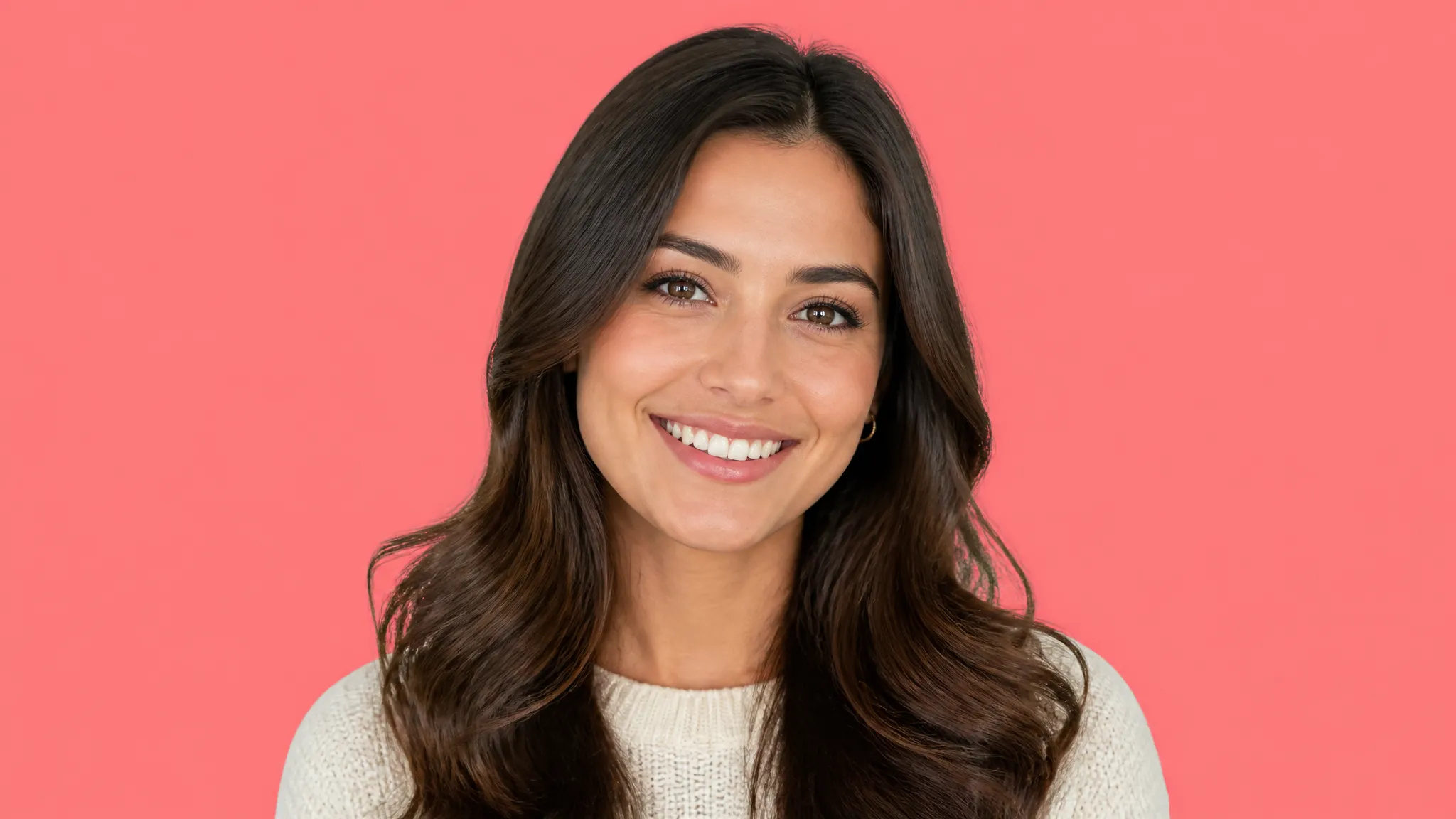
Wytnij się z dowolnego zdjęcia, aby uzyskać dopracowane zdjęcie portretowe, na stronę zespołu lub awatar w social media.
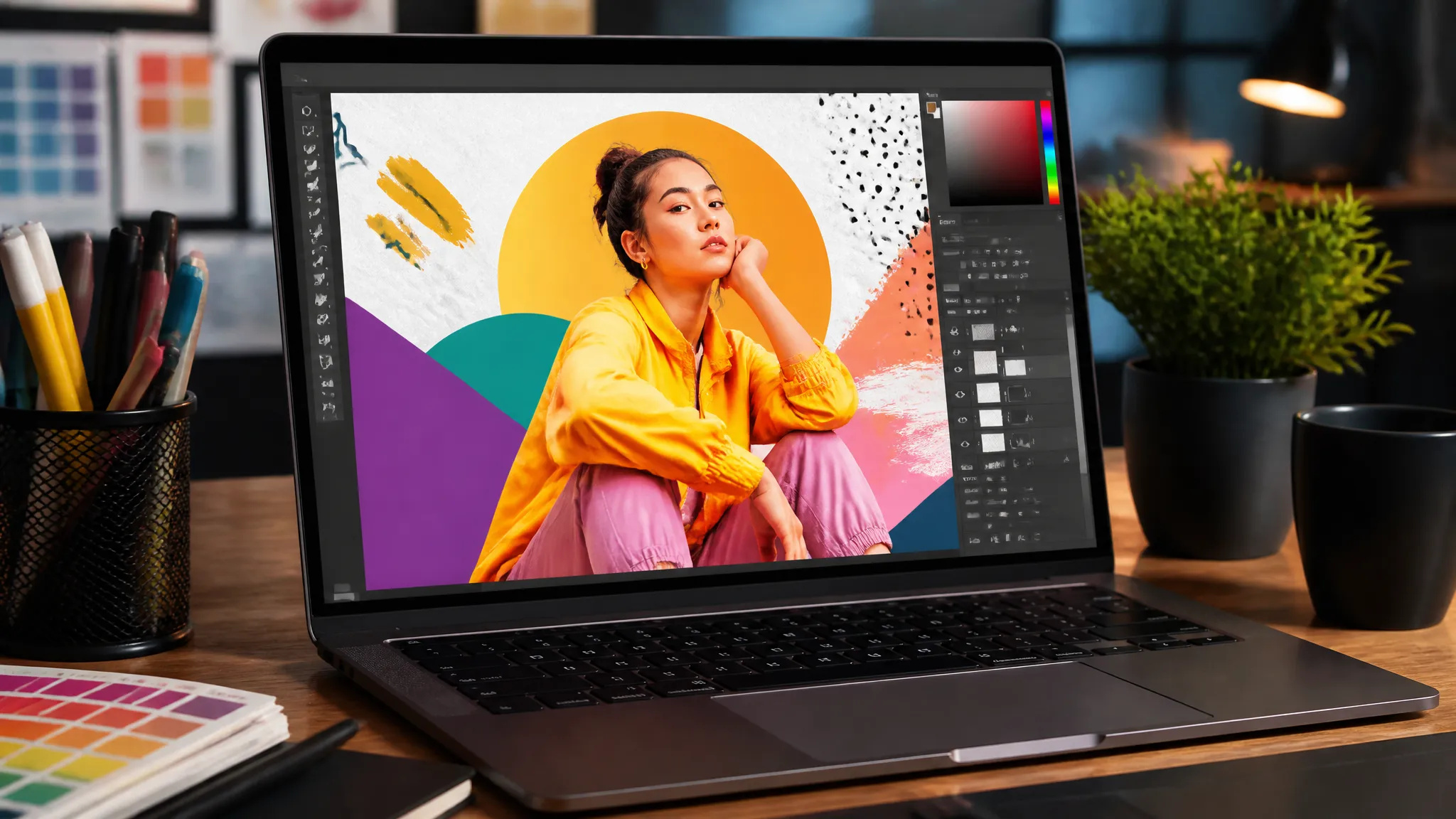
Wyodrębnij obiekty, aby umieścić je w miniaturach, banerach, reklamach i plakatach bez potrzeby zatrudniania grafika.
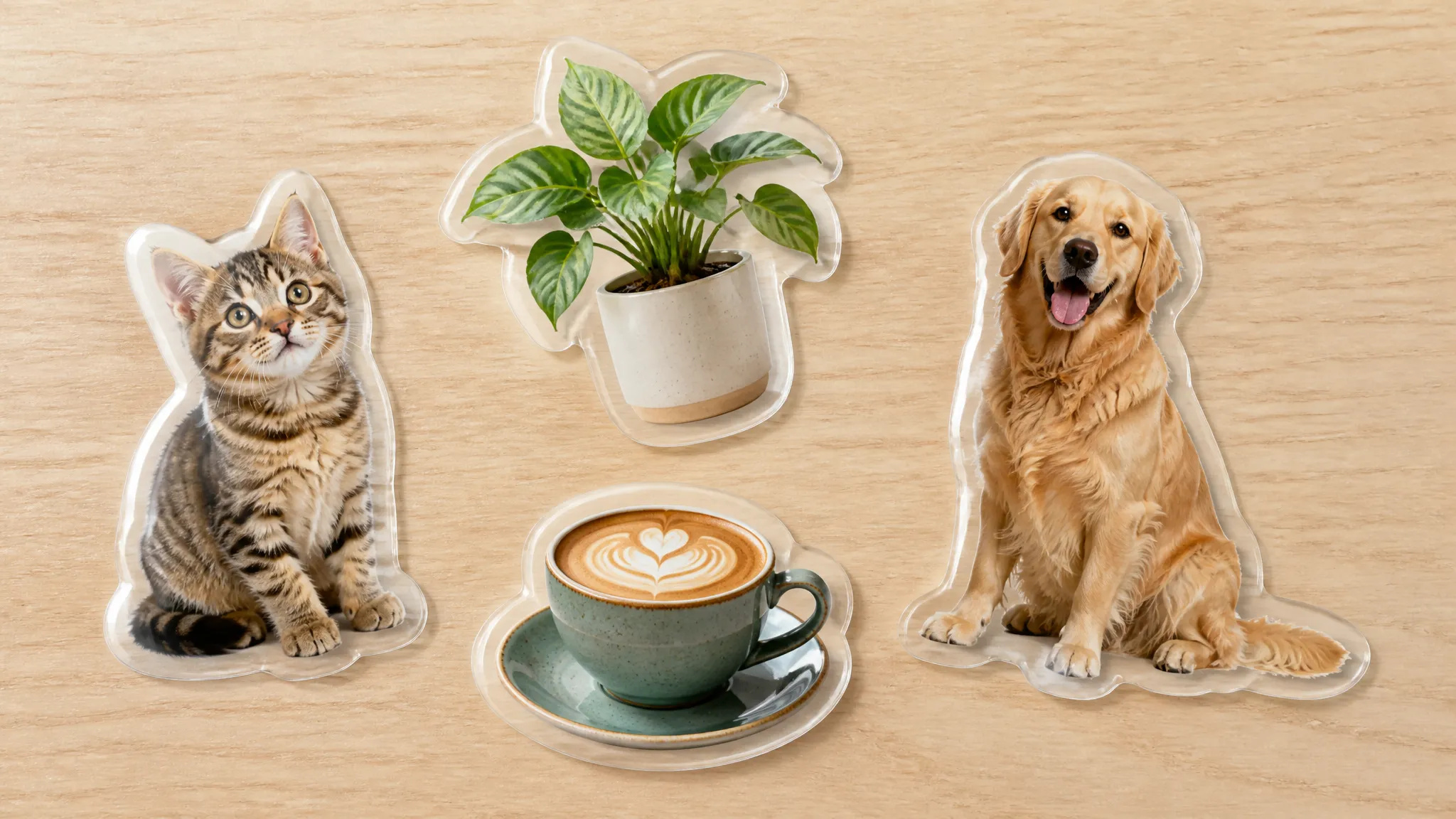
Twórz przezroczyste naklejki i nakładki do czatów, prezentacji i filmów.
Otwórz AI do Usuwania Tła i prześlij swoje zdjęcie (JPG, PNG lub WebP).
Pozwól ZOOOP automatycznie wykryć i wyodrębnić obiekt.
Podejrzyj wycięcie, a następnie pobierz przezroczysty PNG lub umieść obiekt na nowym tle.
AI do Usuwania Tła na ZOOOP bierze dowolne zdjęcie i wyodrębnia dla Ciebie główny obiekt, zwracając czysty, przezroczysty plik PNG, którego możesz użyć wszędzie. Nie musisz niczego maskować ręcznie ani korzystać z zielonego tła — prześlij zdjęcie, a wycięcie będzie gotowe w kilka sekund.
Nar
Możesz pobrać wycięcie w formacie PNG lub WebP — wybierz format, którego potrzebujesz. PNG zachowuje w pełni przezroczyste tło, a WebP jest mniejszy i szybszy do użytku w sieci.
Tak — AI zachowuje drobne detale, takie jak włosy, futro i miękkie krawędzie, dzięki czemu wycięcia wyglądają naturalnie, a nie jak wycięte nożyczkami.
Prześlij zdjęcia w formacie JPG, PNG lub WebP — standardowe rozmiary zdjęć działają od razu, bez potrzeby ręcznej zmiany rozmiaru.
Tak — pobierz przezroczyste wycięcie i nałóż je na dowolny kolor, zdjęcie lub scenę, albo od razu dodaj nowe tło na swoim Płótnie.
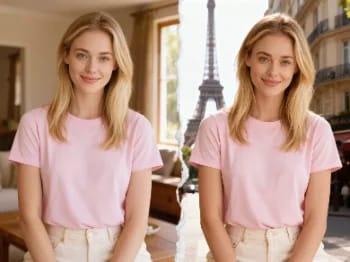
Przenieś się z pomocą AI do kultowych miast — umieść swoje zdjęcie w Paryżu, Tokio, Nowym Jorku i wielu innych miejscach.
Zmień materiał obiektu za pomocą AI — zamień go w marmur, drewno, złoto, szkło lub tkaninę, z realistyczną powierzchnią.
Powiększ dowolny obraz do 2K lub 4K za pomocą AI — odzyskaj ostrą jakość i czyste krawędzie, bez rozmycia i artefaktów.
Odmłodź lub postarz twarz za pomocą AI — realistyczne starzenie, które zachowuje rozpoznawalność danej osoby.
Przymierz makijaż z AI — od naturalnego po odważny, z regulowaną intensywnością, na własnym zdjęciu.
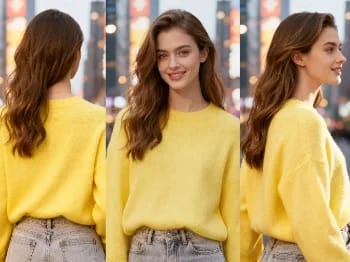
Zmień kąt kamery na dowolnym zdjęciu za pomocą AI — zobacz obiekt z nowej perspektywy, w naturalny sposób odwzorowanej.
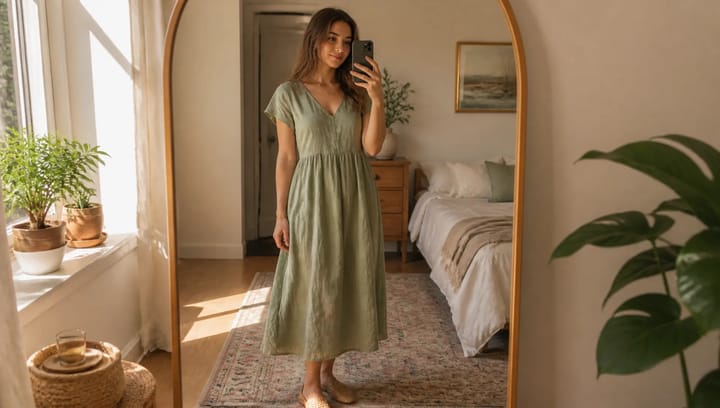
Opisz strój i zobacz go na własnym zdjęciu — twarz, poza i tło pozostają dokładnie takie same.
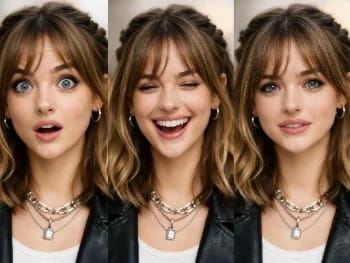
Zmieniaj wyraz twarzy na dowolnym zdjęciu dzięki AI — dodaj uśmiech, otwórz oczy lub zmień nastrój, w naturalny sposób.
Umieść swój produkt naturalnie w dłoni osoby dzięki AI — realistyczne wizualizacje marketingowe bez sesji zdjęciowej.
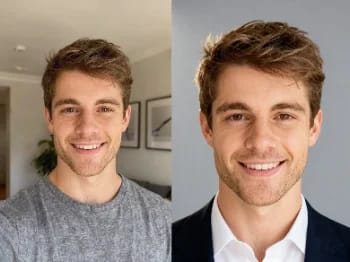
Zamień casualowe selfie w profesjonalne zdjęcie profilowe dzięki AI — studyjne oświetlenie, czyste tła, gotowe do biznesu w kilka minut.
Odnów stare i uszkodzone zdjęcia z AI — napraw wyblaknięcie, rysy i rozmycie oraz przywróć twarzom życie.
Przemaluj dowolne zdjęcie w artystycznym stylu za pomocą AI — impresjonizm, kubizm, akwarela, anime i inne.
Ulepsz dowolny portret dzięki AI — ostrzejsze detale, wyraźniejsza skóra i oczy oraz zrównoważone światło, przy zachowaniu naturalnego wyglądu.
Powiększ dowolne wideo do HD lub 4K z pomocą AI — ostrzejsze klatki i czysty detal, z płynnym, wolnym od migotania ruchem.
Usuń niechciane obiekty, osoby lub tekst z dowolnego zdjęcia za pomocą AI — tło zostanie płynnie uzupełnione.
Zobacz, jak ubrania wyglądają na Tobie dzięki AI — połącz zdjęcie osoby i zdjęcie ubrania, aby uzyskać realistyczną przymiarkę.
Wypróbuj nowe fryzury i kolory włosów na własnym zdjęciu dzięki AI — realistyczne efekty, zanim jeszcze dotkniesz swoich włosów.
AI do usuwania tła
Usuń tło z dowolnego zdjęcia w kilka sekund i pobierz czysty, przezroczysty plik PNG — bez ręcznego maskowania, bez umiejętności projektowania.
Obraz*