Koncepcje produktów
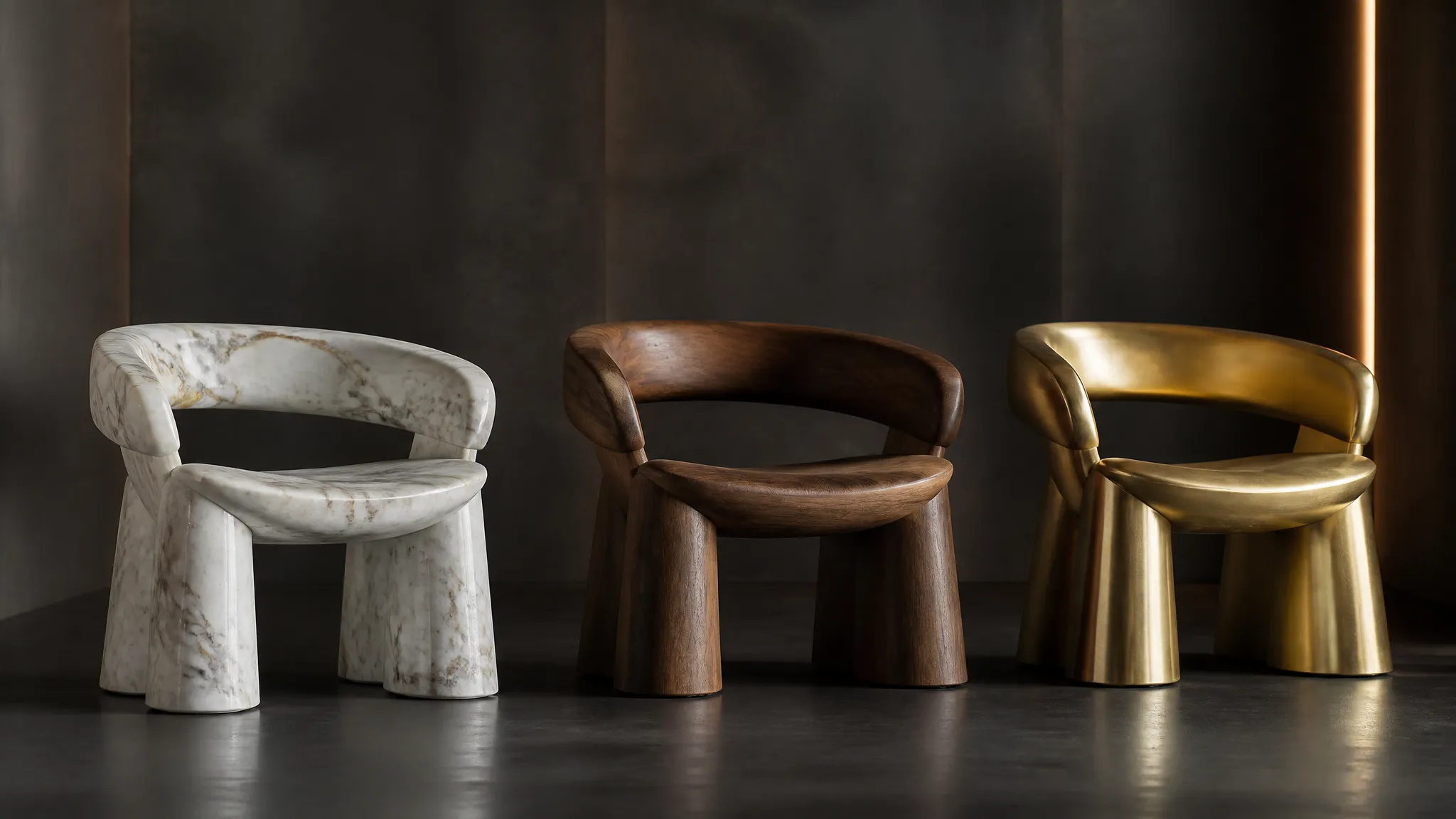
Zobacz podgląd produktu w marmurze, drewnie lub metalu jeszcze przed produkcją.
Zmień materiał obiektu za pomocą AI — zamień go w marmur, drewno, złoto, szkło lub tkaninę, z realistyczną powierzchnią.
Zapłać raz za kredyty - używaj ich w każdym modelu na ZOOOP. · Doładuj, kiedy potrzebujesz, bez miesięcznego spalania.
Zmień wygląd obiektu na marmur, drewno, złoto, szkło, ceramikę lub tkaninę z wiarygodnymi detalami powierzchni.
Forma i ułożenie obiektu pozostają takie same — zmienia się tylko materiał powierzchni.
Odbicia i cieniowanie dostosowują się do nowego materiału, dzięki czemu wygląda on realistycznie, a nie jak namalowany.
Produkty, meble, rekwizyty czy rzeźby — zmień teksturę czegokolwiek, co prześlesz.
Zobacz podgląd produktu w marmurze, drewnie lub metalu jeszcze przed produkcją.
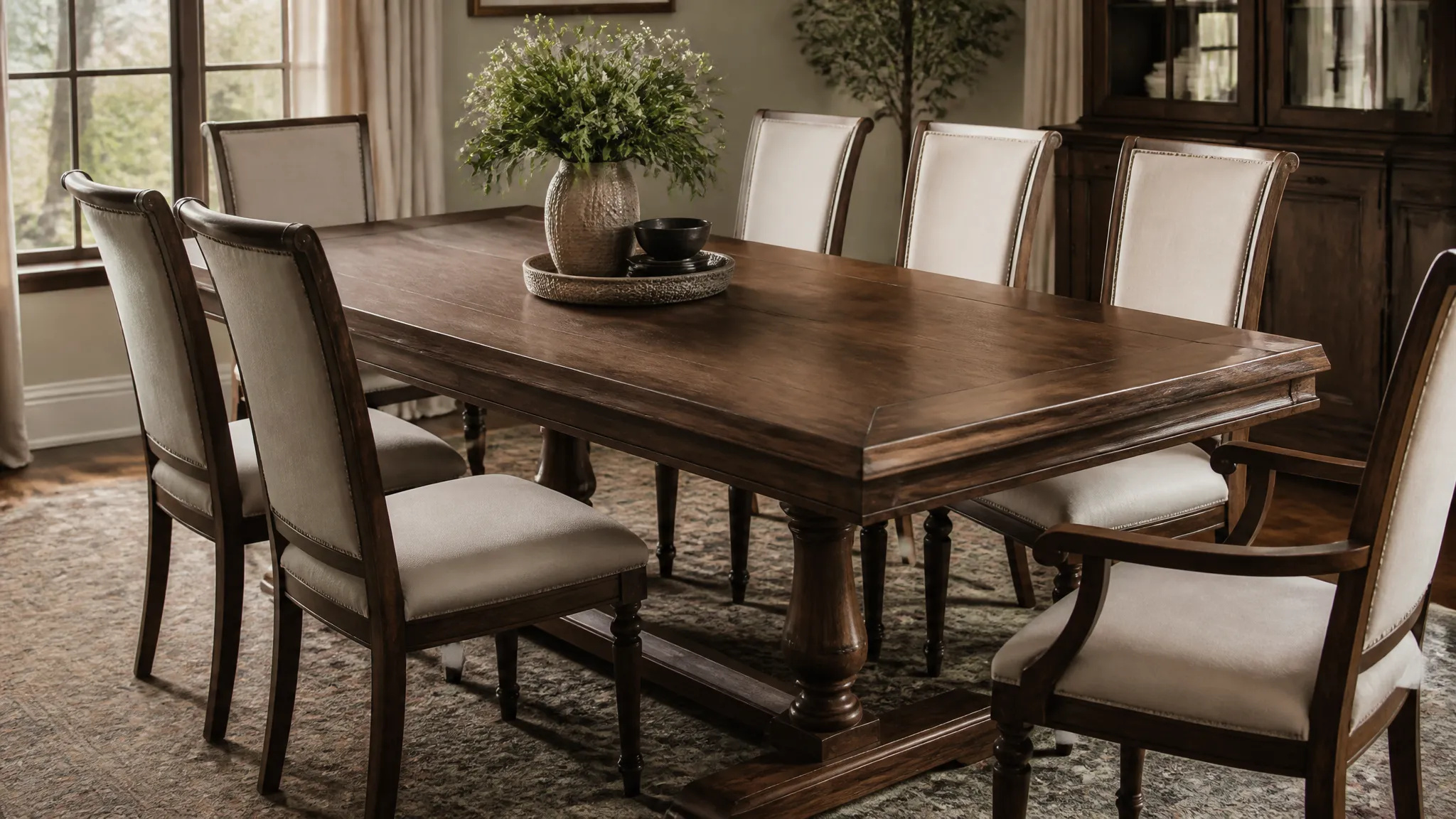
Zobacz mebel w innym wykończeniu dopasowanym do wnętrza.
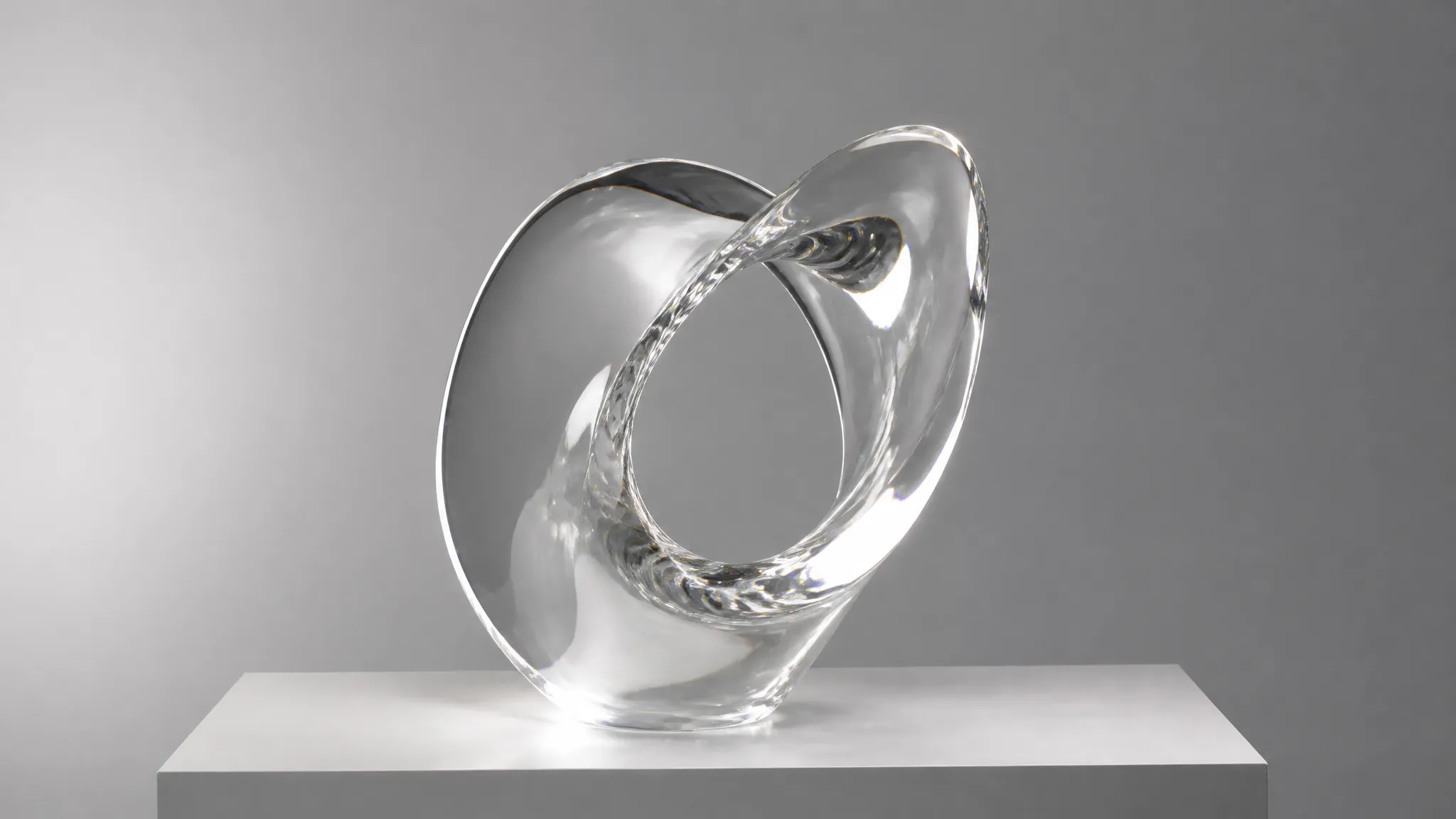
Szybko przetestuj materiały dla koncepcji bez ponownego renderowania.
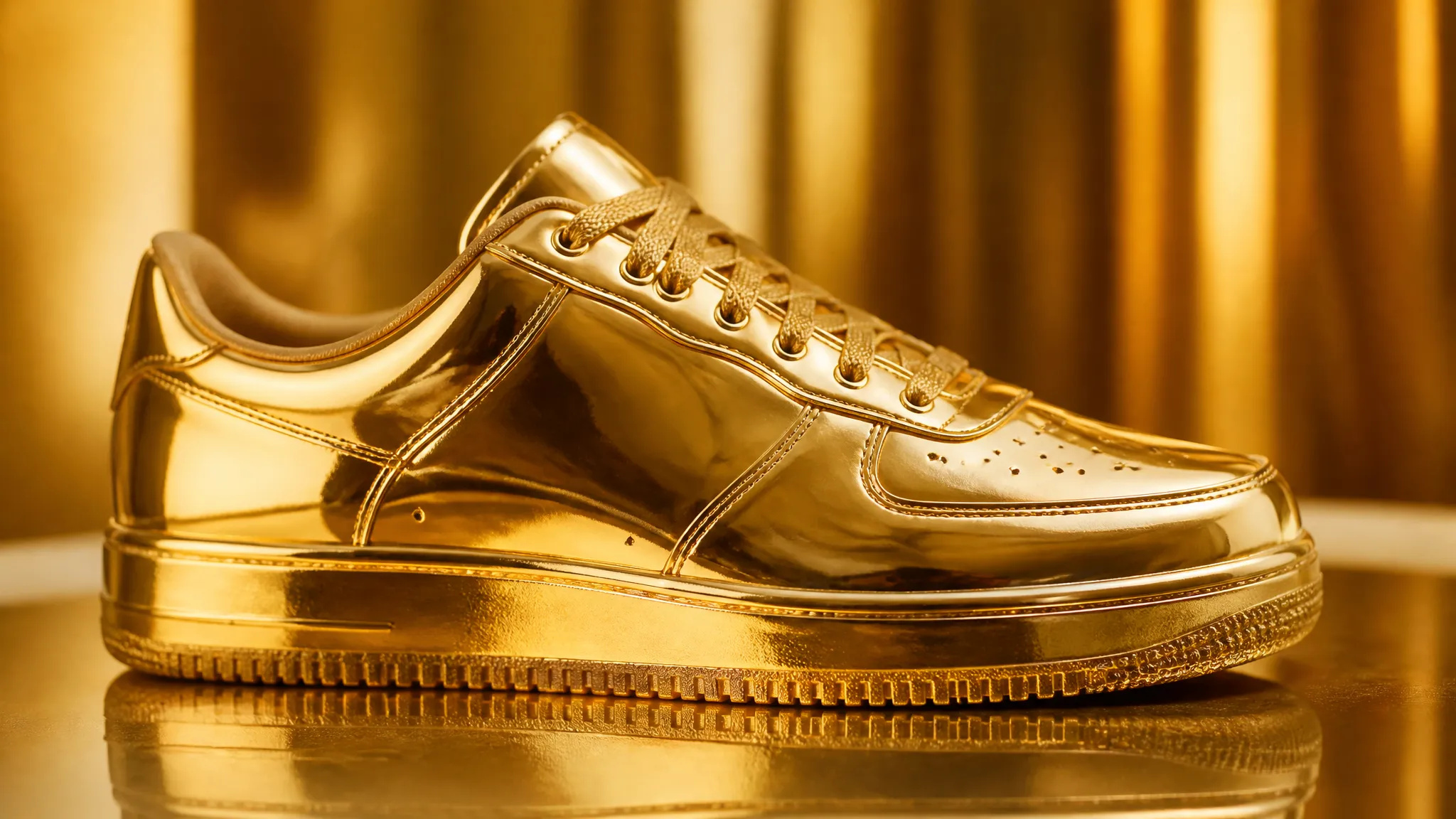
Zamień codzienny przedmiot w efektowną wersję ze złota lub szkła.
Otwórz narzędzie AI Transformacja Tekstur i prześlij swoje zdjęcie.
Wybierz materiał, który chcesz zastosować.
Wygeneruj, a następnie pobierz wynik lub wyślij go na swoje Płótno.
Narzędzie AI Transformacja Tekstur w ZOOOP zmienia materiał obiektu, zachowując przy tym jego kształt. Forma i ułożenie pozostają takie same — zmienia się tylko powierzchnia — a odbicia i cieniowanie dostosowują się do nowego materiału, dzięki czemu wykończenie z marmuru, drewna, złota czy szkła wygląda jak prawdziwa powierzchnia, a nie namalowana nakładka.
Zostało stworzone z myślą o pracy projektowej: zobacz podgląd produktu w marmurze lub metalu jeszcze przed produkcją, sprawdź meble w innym wykończeniu dopasowanym do wnętrza, albo zamień codzienny przedmiot w efektowną wersję ze złota lub szkła do kreatywnych wizualizacji.
Każda generacja korzysta z kredytów ZOOOP — bez subskrypcji, a kredyty nigdy nie wygasają. Gdy skończysz, pobierz wynik lub wyślij go na swoje Płótno.
Między innymi powierzchnie takie jak marmur, drewno, złoto, metal, szkło, ceramika i tkanina.
Tak — forma i ułożenie pozostają takie same; zmienia się tylko materiał powierzchni.
Odbicia i cieniowanie są dopasowane do materiału, dzięki czemu wygląda jak prawdziwa powierzchnia, a nie namalowana nakładka.
Wyraźne zdjęcie pojedynczego obiektu, najlepiej na prostym tle, daje najczystszy efekt zmiany tekstury.
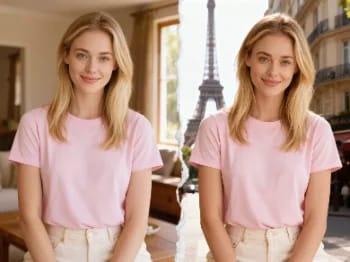
Przenieś się z pomocą AI do kultowych miast — umieść swoje zdjęcie w Paryżu, Tokio, Nowym Jorku i wielu innych miejscach.
Usuń tło z dowolnego zdjęcia w kilka sekund i pobierz czysty, przezroczysty plik PNG — bez ręcznego maskowania, bez umiejętności projektowania.
Powiększ dowolny obraz do 2K lub 4K za pomocą AI — odzyskaj ostrą jakość i czyste krawędzie, bez rozmycia i artefaktów.
Odmłodź lub postarz twarz za pomocą AI — realistyczne starzenie, które zachowuje rozpoznawalność danej osoby.
Przymierz makijaż z AI — od naturalnego po odważny, z regulowaną intensywnością, na własnym zdjęciu.
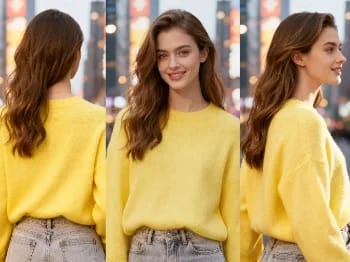
Zmień kąt kamery na dowolnym zdjęciu za pomocą AI — zobacz obiekt z nowej perspektywy, w naturalny sposób odwzorowanej.
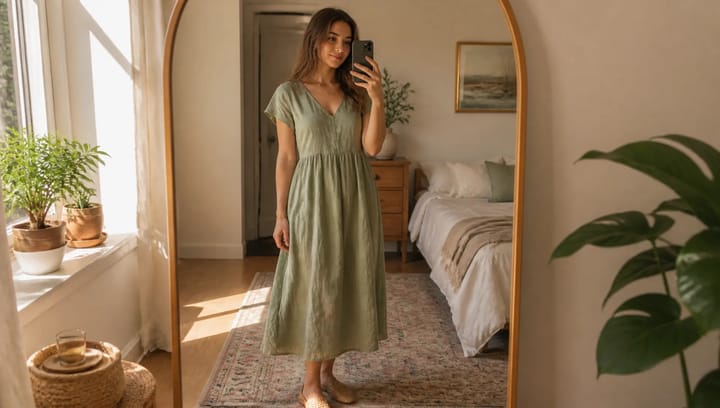
Opisz strój i zobacz go na własnym zdjęciu — twarz, poza i tło pozostają dokładnie takie same.
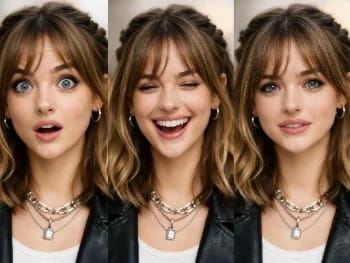
Zmieniaj wyraz twarzy na dowolnym zdjęciu dzięki AI — dodaj uśmiech, otwórz oczy lub zmień nastrój, w naturalny sposób.
Umieść swój produkt naturalnie w dłoni osoby dzięki AI — realistyczne wizualizacje marketingowe bez sesji zdjęciowej.
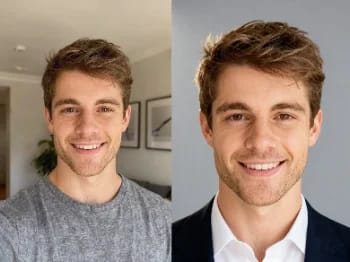
Zamień casualowe selfie w profesjonalne zdjęcie profilowe dzięki AI — studyjne oświetlenie, czyste tła, gotowe do biznesu w kilka minut.
Odnów stare i uszkodzone zdjęcia z AI — napraw wyblaknięcie, rysy i rozmycie oraz przywróć twarzom życie.
Przemaluj dowolne zdjęcie w artystycznym stylu za pomocą AI — impresjonizm, kubizm, akwarela, anime i inne.
Ulepsz dowolny portret dzięki AI — ostrzejsze detale, wyraźniejsza skóra i oczy oraz zrównoważone światło, przy zachowaniu naturalnego wyglądu.
Powiększ dowolne wideo do HD lub 4K z pomocą AI — ostrzejsze klatki i czysty detal, z płynnym, wolnym od migotania ruchem.
Usuń niechciane obiekty, osoby lub tekst z dowolnego zdjęcia za pomocą AI — tło zostanie płynnie uzupełnione.
Zobacz, jak ubrania wyglądają na Tobie dzięki AI — połącz zdjęcie osoby i zdjęcie ubrania, aby uzyskać realistyczną przymiarkę.
Wypróbuj nowe fryzury i kolory włosów na własnym zdjęciu dzięki AI — realistyczne efekty, zanim jeszcze dotkniesz swoich włosów.
AI Transformacja Tekstur
Zmień materiał obiektu za pomocą AI — zamień go w marmur, drewno, złoto, szkło lub tkaninę, z realistyczną powierzchnią.
Obraz*
Target Texture*
Współczynnik proporcji*