
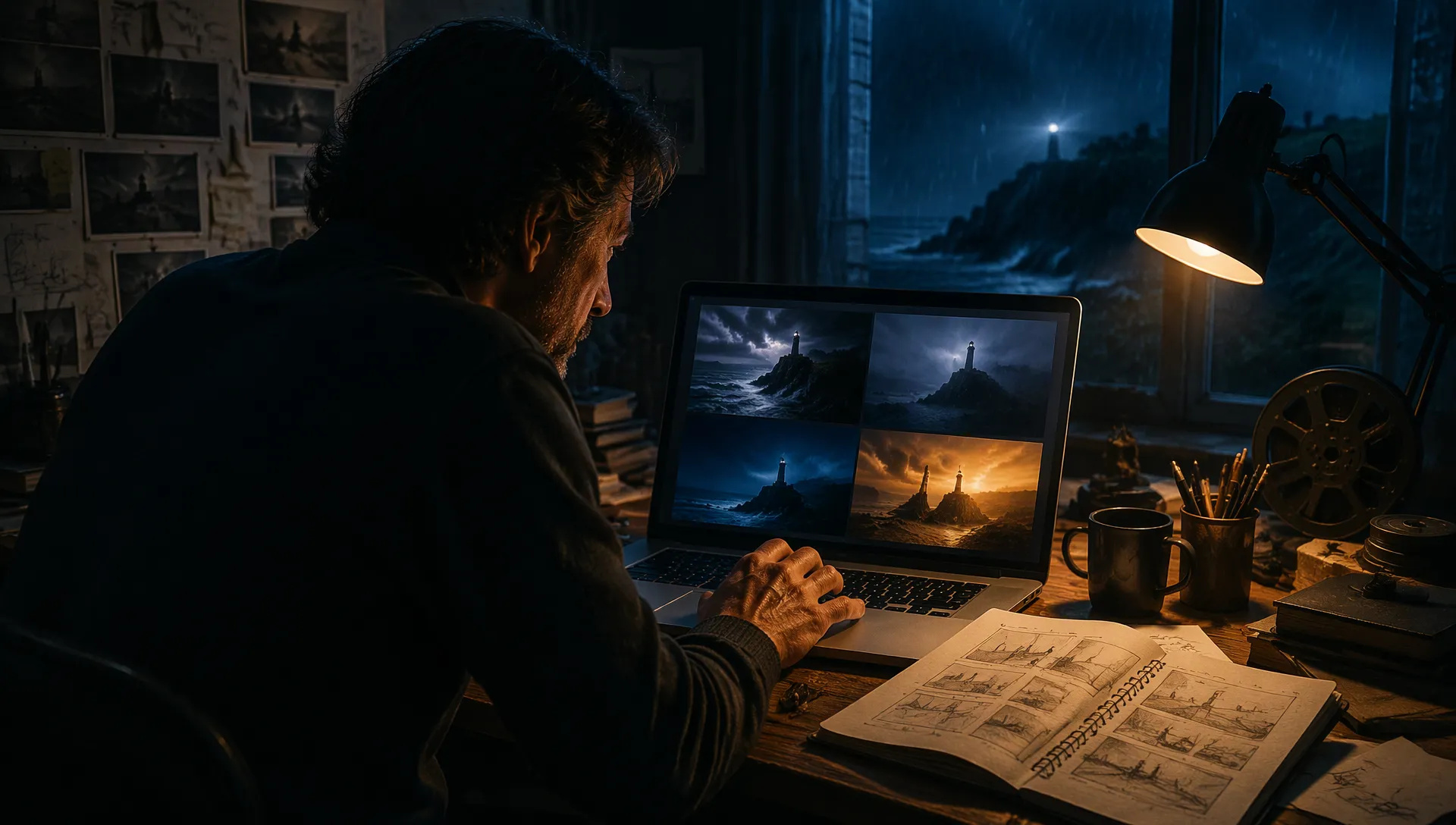
Fast shot tests
A 5-second clip came back in under a minute in our tests, so you can try the same scene from several angles or moods before you commit to the long version.

Black Forest Labs' FLUX 3 video model, post-trained for quality and speed: 5 to 20 second clips at 720p from text or a start frame, with native audio you can switch on or off.
Paket kredit atau langganan bulanan, satu saldo untuk semua model di ZOOOP. · Isi ulang saat perlu; kredit dari paket tetap ada sampai Anda gunakan.
Powered by Flux AI's API on ZOOOP
Pick any length from 5 to 20 seconds. A product reveal, a short walk-through or a full mood shot comes out as one continuous take, with nothing to stitch together.
Sound is generated together with the picture, so it lands on the action. Leave Generate Audio on for a clip with sound, or switch it off for silent footage you will cut to your own music.
Describe the scene and pick 21:9, 16:9, 4:3, 1:1, 3:4 or 9:16, or give it a start frame and an optional end frame and it animates the move between them in the frame's own shape.
Flux 3 Max is post-trained to improve on FLUX 3 in both quality and speed. In our tests a 5-second 720p clip was ready in 41 to 56 seconds, delivery included, so you can try a shot several ways in a few minutes.
A 5-second clip came back in under a minute in our tests, so you can try the same scene from several angles or moods before you commit to the long version.
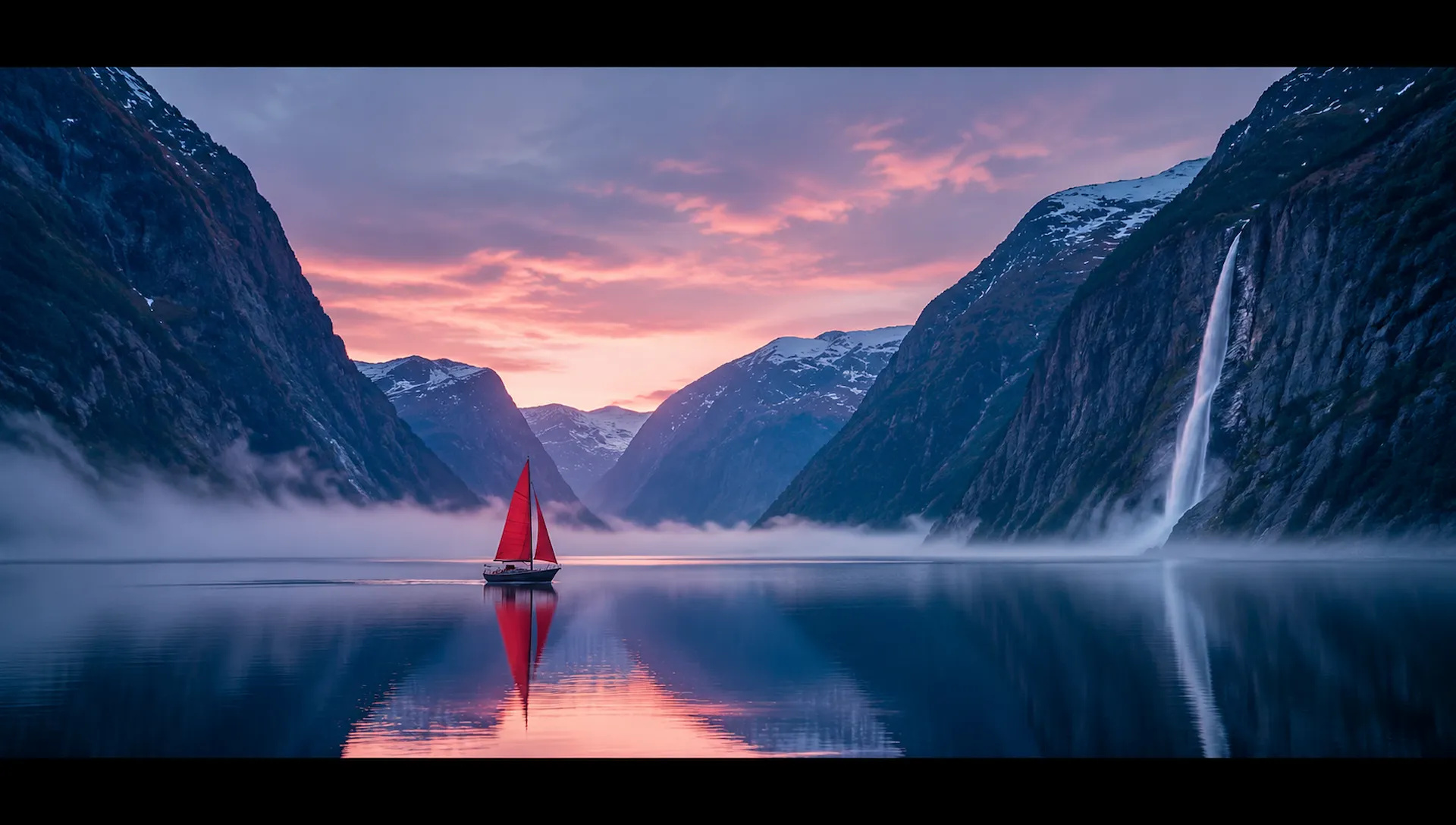
Render in 21:9 for trailers, title sequences and mood films, or in 16:9, 9:16 and the other ratios for everything else.
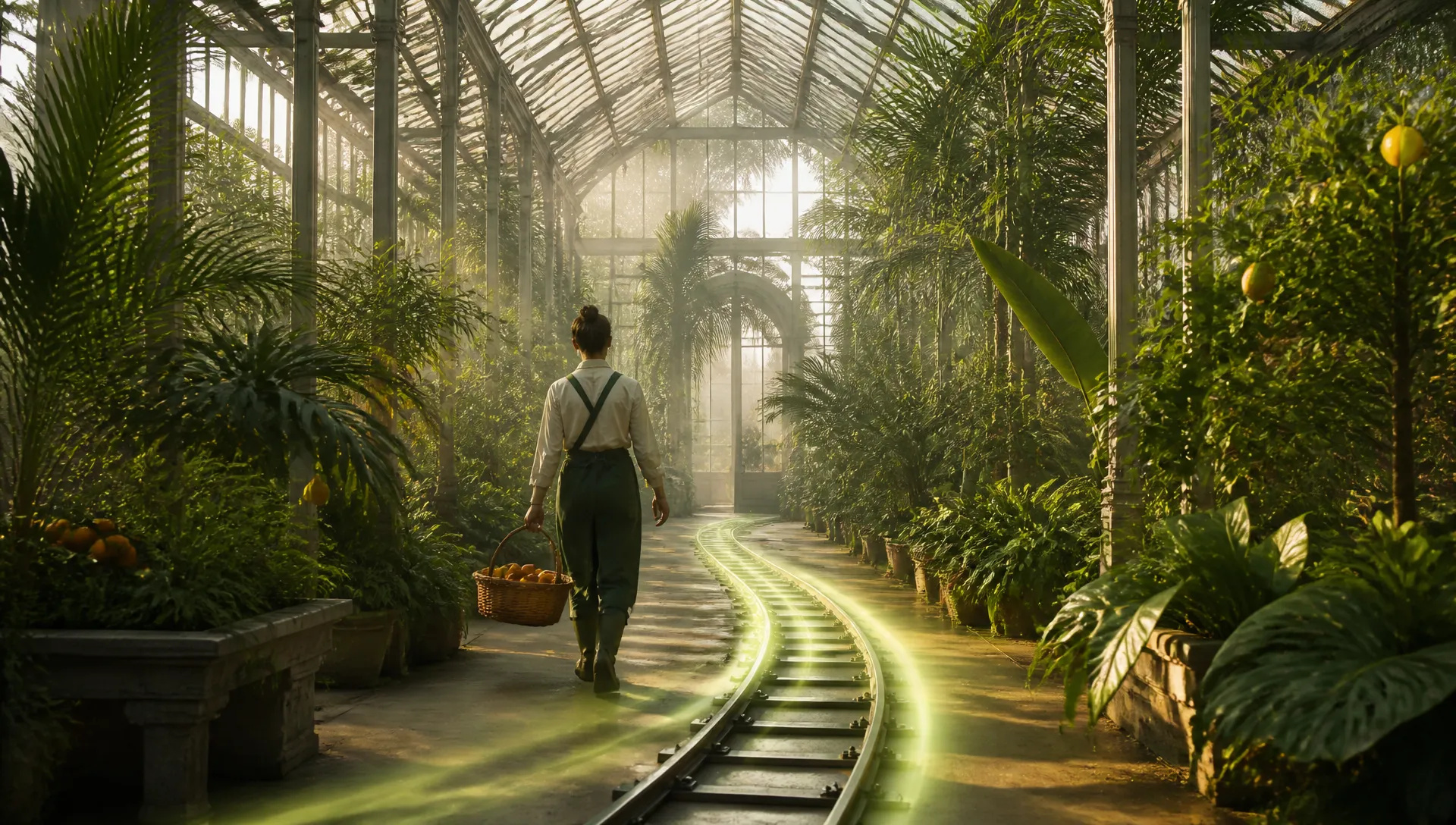
A slow push through a greenhouse, a full orbit around a product or a long establishing shot stays one continuous camera move, up to 20 seconds.
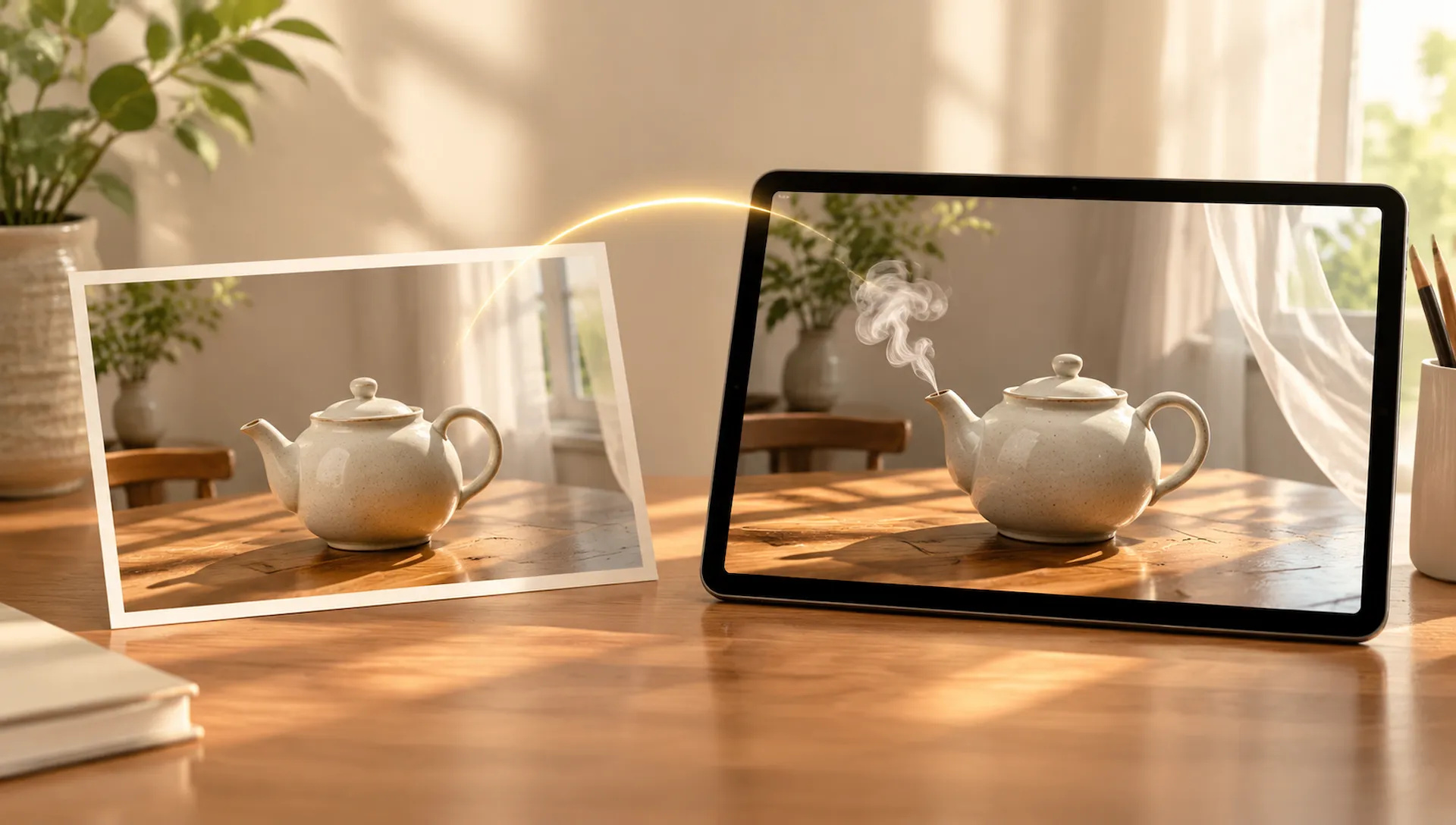
Upload a product photo, an illustration or a frame you made with an image model as the start frame, and Flux 3 Max turns it into a moving shot that keeps its framing.
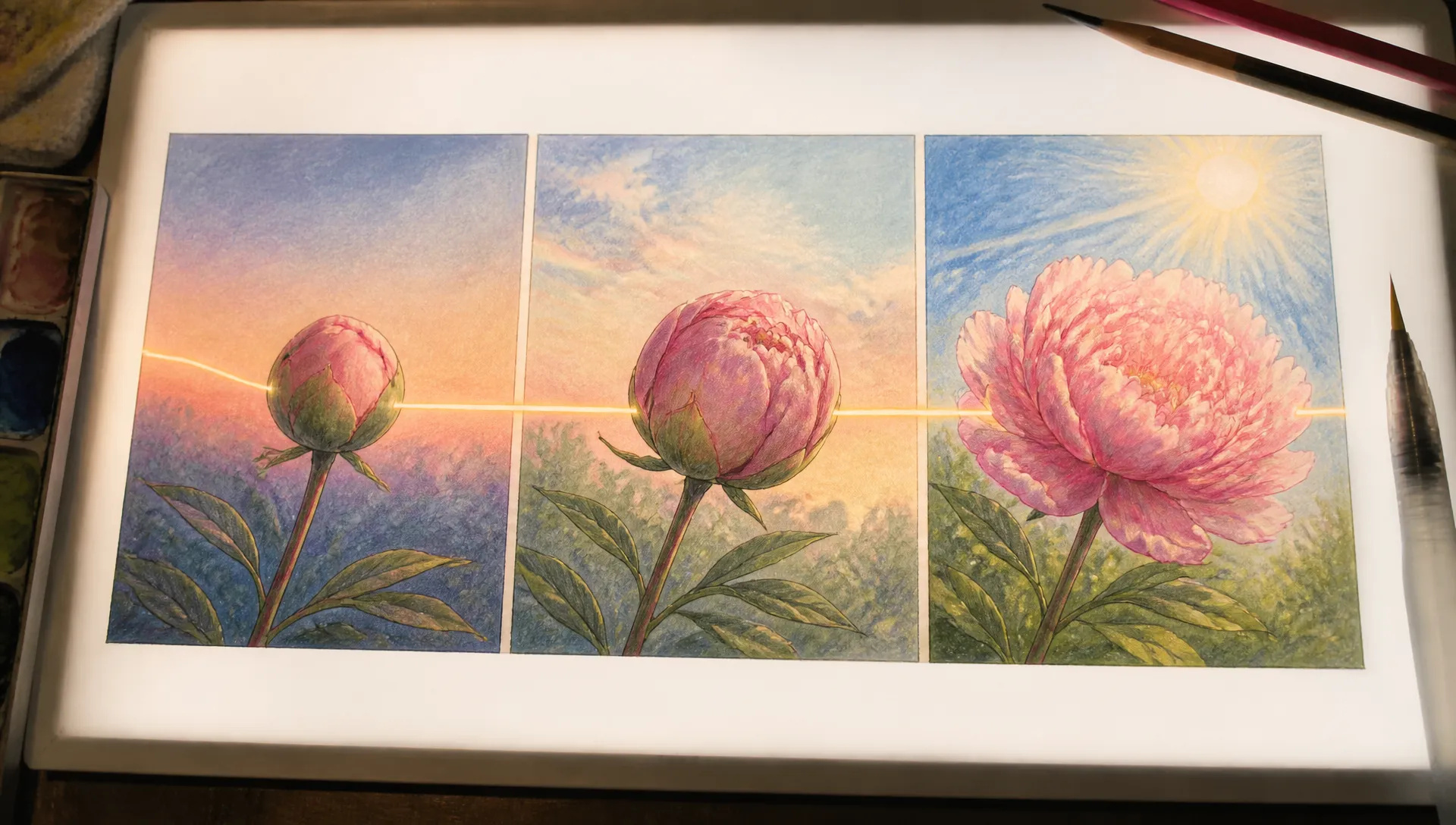
Give it the opening frame and the closing one, a bud and a full bloom, dawn and dusk, and Flux 3 Max generates the motion that connects them.
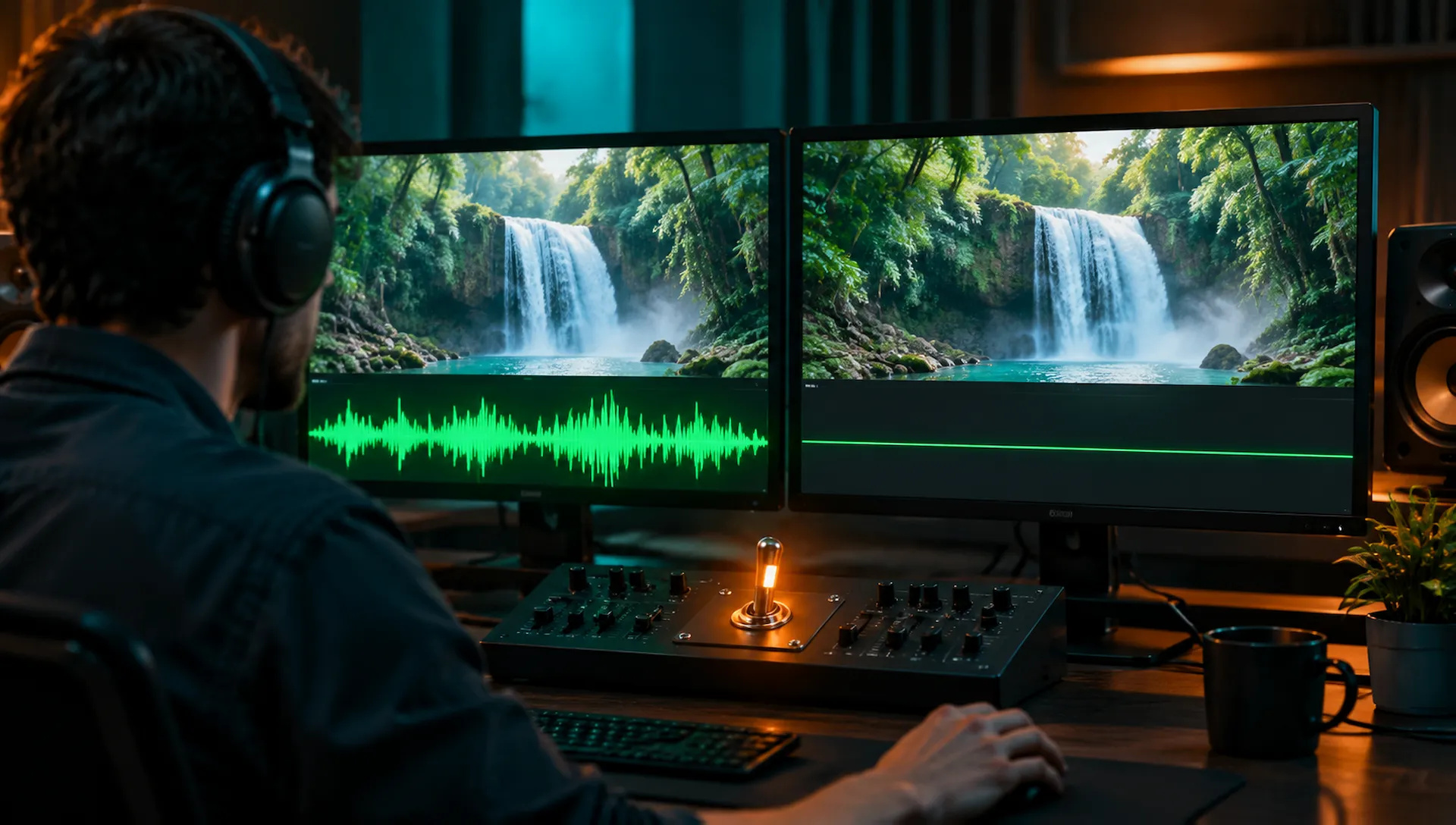
Keep native audio for clips with ambience built in, or switch it off for b-roll you will lay under your own music or voice-over.
Flux 3 Max is for good-looking clips with sound, up to 20 seconds, fast. Switch when your shot needs references, editing or a higher resolution.
Open Flux 3 Max from this page, or pick it in the AI Video or Start/End Frame tool.
Write the prompt, and add a start frame, plus an optional end frame, to animate an image.
Pick the length (5 to 20 seconds), the aspect ratio and whether to generate audio.
Generate, then download the clip or send it to your canvas.
Flux 3 Max is a video model built on Black Forest Labs' FLUX 3 and post-trained to improve both quality and speed. It launched in October 2026. On ZOOOP it is the Flux name for video: Flux 2, Flux 2 Pro and Flux 2 Flash make stills, and Flux 3 Max makes them move.
Its first strength is turnaround. In our tests a 5-second 720p clip took 41 to 56 seconds from submit to finished file. That is quick enough to try the same shot from three angles, compare them and keep going, instead of waiting on every render.
The second is range inside one model. Text-to-video takes a prompt, six aspect ratios from ultrawide 21:9 to vertical 9:16, and any length from 5 to 20 seconds. In the Start/End Frame tool it animates your start frame, and an optional end frame, in the frame's own shape, so a still you made in Flux 2 Pro can become the opening of the shot. Native audio comes with the picture and has a switch: leave it on for a clip with sound, turn it off for b-roll you will cut to your own track.
Where it's weaker: output is 720p only. For 1080p use Kling V4; for 4K, Vidu Q4. It takes no reference images, video or audio beyond the start and end frames, so when a character, a product or a voice has to match your material, Seedance V2.5 and Kling V4 accept references. It can't edit or extend an existing clip, which is what Gemini Omni 1.2 Flash is for. Takes stop at 20 seconds, where Kling V4 goes to 30. And it is not the budget pick: per second it costs more than several 720p models on ZOOOP and has no 480p draft tier, so for lots of rough tries MiniMax H3 Max Turbo is the cheaper place to start.
A reasonable mental model: default to Flux 3 Max when you want a good-looking 720p shot with sound back fast, from a prompt or from a still you already have. Move to Kling V4 for 1080p or 30-second takes, Seedance V2.5 when references have to drive the shot, Gemini Omni 1.2 Flash to revise footage, and Vidu Q4 when the deliverable is 4K.
Flux 3 Max is a video model built on Black Forest Labs' FLUX 3 and post-trained to improve its quality and speed. It launched in October 2026. On ZOOOP it covers text-to-video and start-and-end-frame animation under one name, and it is the first Flux model here that makes video; Flux 2, Flux 2 Pro and Flux 2 Flash generate images.
Any length from 5 to 20 seconds, with 5 as the default. For longer takes, Kling V4 and Wan V3.0 go up to 30 seconds.
Yes. Generate Audio is on by default, and the sound is made together with the picture. Switch it off when you want a silent clip.
Yes. In the Start/End Frame tool, upload a start frame, optionally an end frame, and describe the motion; the clip takes the shape of your start frame. Text-to-video takes a prompt only and does not accept reference images, video or audio.
720p only. Text-to-video offers 21:9, 16:9, 4:3, 1:1, 3:4 and 9:16, and start-frame clips follow the shape of your frame. For 1080p use Kling V4; for 4K, Vidu Q4.
It is priced per second of video, so a short clip costs less than a long one. With a single resolution there is no cheaper draft tier, and per second it costs more than several other 720p models on ZOOOP. You pay for quality and quick turnaround: test at 5 seconds, then render the length you need.





















Video Bingkai Pertama & TerakhirTeks & Referensi ke Video
Video Bingkai Pertama & TerakhirTeks & Referensi ke Video
Video Bingkai Pertama & TerakhirTeks & Referensi ke Video
Video Bingkai Pertama & TerakhirTeks & Referensi ke Video
Video Bingkai Pertama & TerakhirTeks & Referensi ke Video
Video Bingkai Pertama & TerakhirTeks & Referensi ke Video
Flux 3 Max
Prompt*
Rasio Aspek*
Resolusi*
Durasi*
Generasi Anda akan muncul di sini setelah Anda masuk.
Membuat akun gratis.