
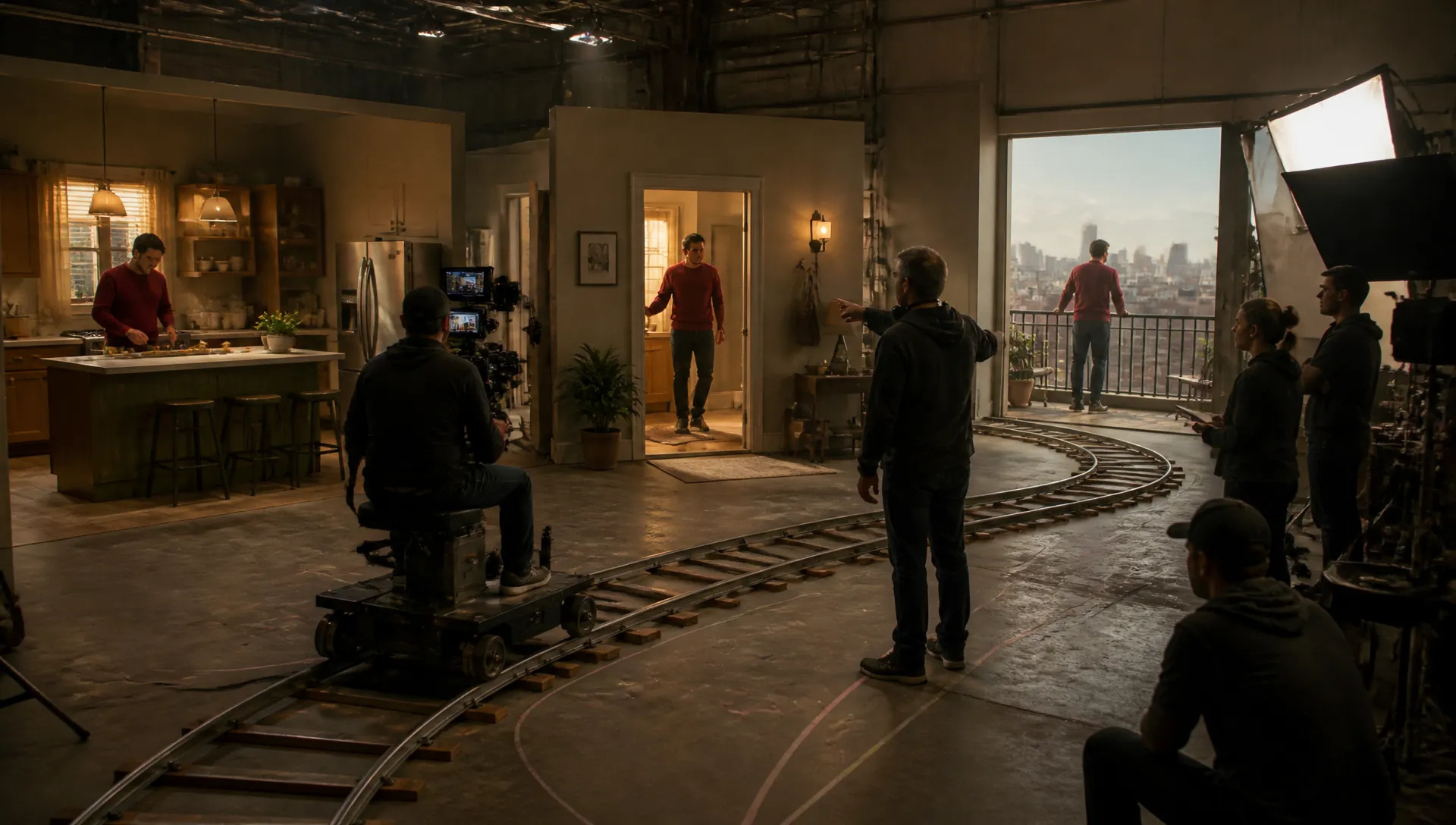
Long-take drafts
Work out a 30-second ad or scene as one continuous take at 480p or 720p, then try it again with a different camera move or ending.

The faster, lower-cost tier of ByteDance's Seedance 2.5: 4 to 30 second clips with native audio, image, video and audio references, and start and end frames.
Paket kredit atau langganan bulanan, satu saldo untuk semua model di ZOOOP. · Isi ulang saat perlu; kredit dari paket tetap ada sampai Anda gunakan.
Powered by ByteDance's API on ZOOOP
Pick any length from 4 to 30 seconds. A product walkthrough or a full ad comes out as one continuous take, with dialogue, ambience and music generated together with the picture.
Attach up to 10 images, 5 video clips and 5 audio tracks, and call them in the prompt as @Image1, @Video1 or @Audio1. A single audio track can be the only reference.
Upload the frame a clip should open on, and optionally the one it should end on. The model animates the shot between them and keeps the shape of your start frame.
Flash is the faster tier of Seedance 2.5 with the same prompt style. In our tests a 4-second 480p clip was ready in 73 to 85 seconds, delivery included.
Work out a 30-second ad or scene as one continuous take at 480p or 720p, then try it again with a different camera move or ending.
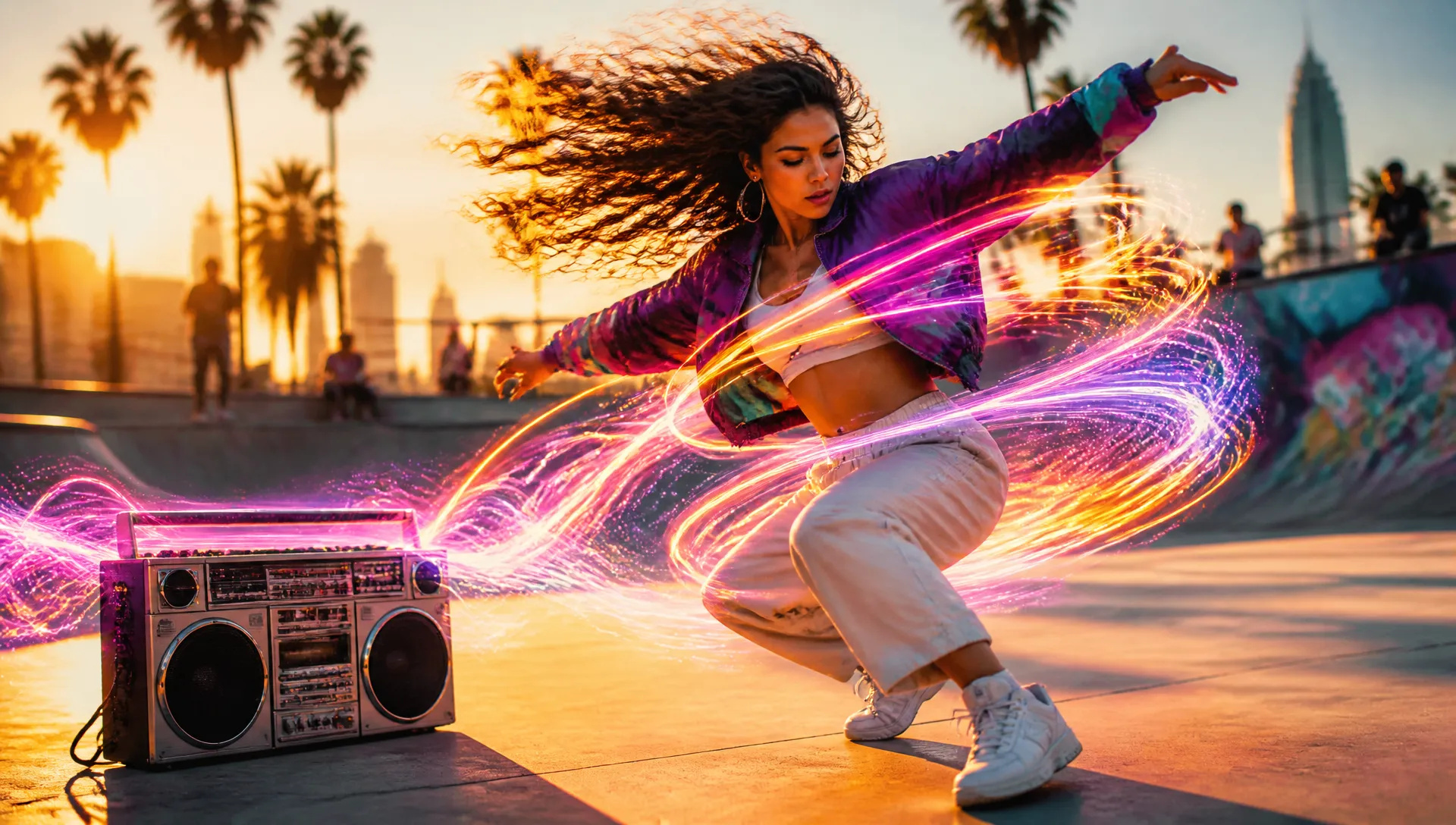
Use a song or a voice line as the only reference and build the clip around it, no images or footage needed.
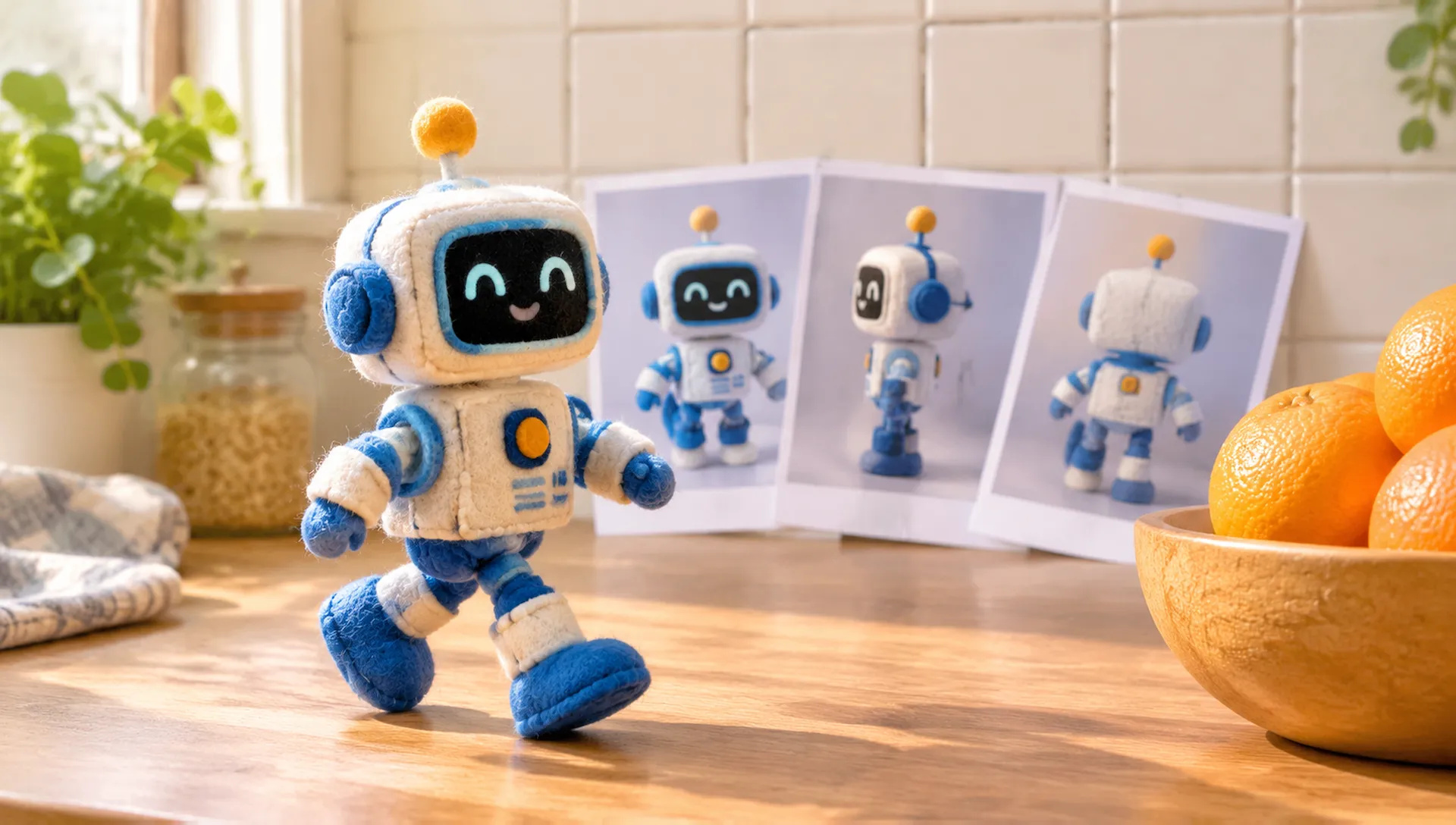
Attach up to 10 photos of a product, mascot or character, add a motion clip, and refer to them in the prompt as @Image1 and @Video1.
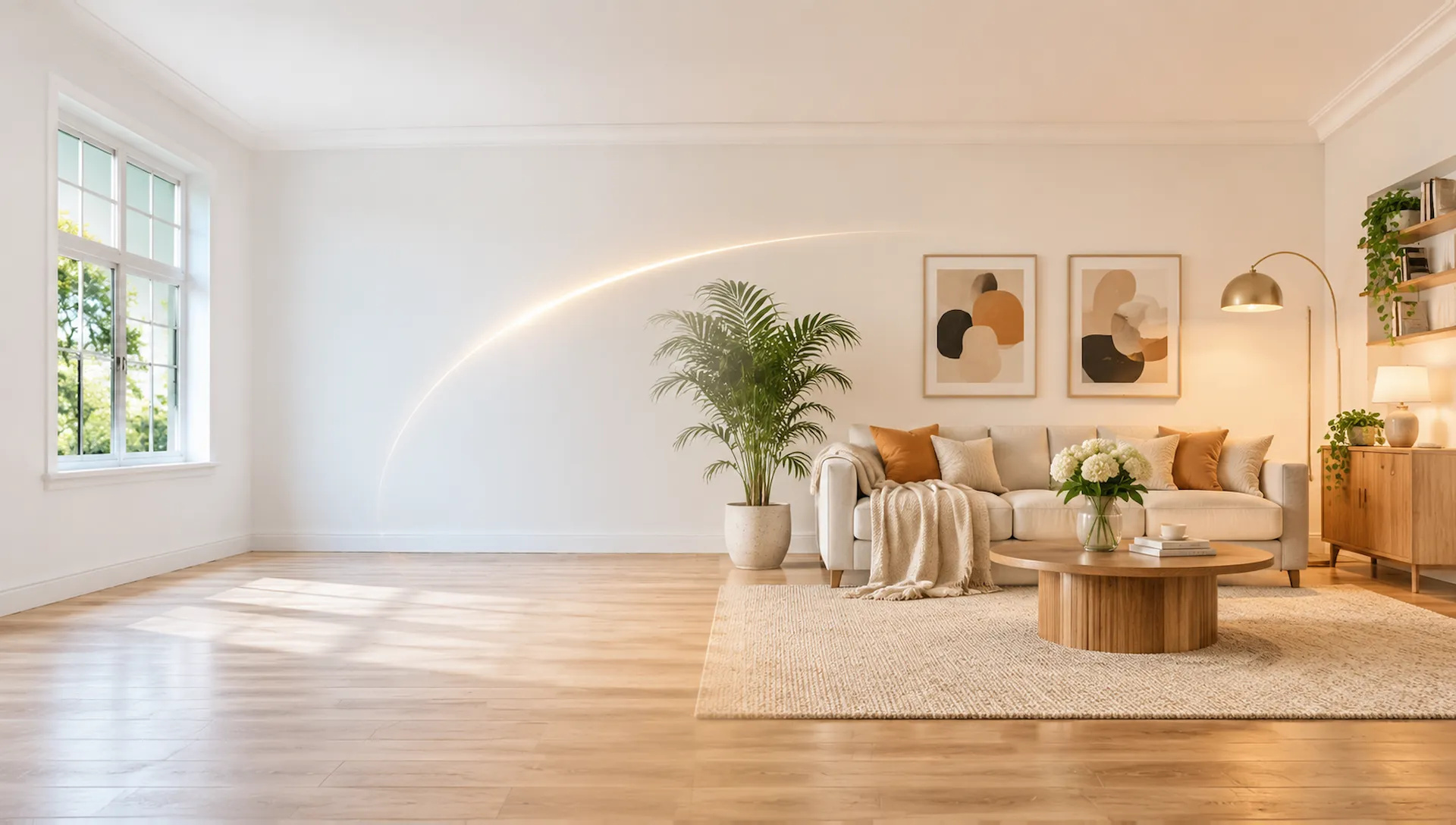
Set the frame a clip opens on and, if you like, the one it ends on: an empty room becoming a furnished one, a bare tree bursting into bloom.
Seedance 2.5 Flash is the quick way to work out a long take with sound. Switch when the shot needs a higher resolution, a bigger reference set or an edit. Your credits work across every model on ZOOOP.
Open Seedance 2.5 Flash from this page and pick a mode: Text with Reference or Start/End Frame.
Write the prompt and add references, or upload a start frame and an optional end frame.
Choose duration (4 to 30 seconds) and resolution (480p or 720p), and keep audio on or switch it off.
Generate, then download the clip or send it to your canvas.
Seedance 2.5 Flash is the faster, lower-cost tier of ByteDance's Seedance 2.5, released in November 2026. It keeps what sets 2.5 apart from most video models, a single take of up to 30 seconds with sound, and makes it practical to try a long idea several ways before you commit to a final render. In our tests a 4-second 480p clip was ready in 73 to 85 seconds, delivery included.
The first flagship capability is length with native audio. Pick any duration from 4 to 30 seconds and a product walkthrough, a dialogue scene or a full ad comes out as one continuous take instead of several clips stitched together. Dialogue, ambience and music are generated with the picture, and you can switch audio off when you only need the image.
The second is references of every kind. In Text with Reference you can attach up to 10 images, 5 video clips and 5 audio tracks, and refer to them in the prompt as @Image1, @Video1 or @Audio1, the same way you would on Seedance 2.5. Each clip or track can run 2 to 30 seconds, with video and audio references totalling no more than 30 seconds. An audio track can also be the only reference: give it a song or a voice line and build the clip around it. Leave the references empty and it works as plain text-to-video in 21:9, 16:9, 4:3, 1:1, 3:4 or 9:16, or let auto choose the framing.
The third is start and end frames. In Start/End Frame, upload the image the clip should open on and, if you want, the one it should land on. The model animates the shot between them, and the output keeps the shape of your start frame.
Where it's weaker: output tops out at 720p. Seedance 2.5 also renders 1080p in Text with Reference, takes up to 30 reference images, 10 videos and 10 audio tracks, and has an Edit Video tab for changing footage you already have; Flash has none of these. For long takes delivered at up to 1440p, Wan V3.0 goes to 30 seconds too, and for 4K there is Vidu Q4. To put a specific person into an existing clip, use MiniMax H3, and to edit or extend footage, Gemini Omni 1.2 Flash.
A reasonable mental model: use Seedance 2.5 Flash to draft and iterate long clips with sound. Settle the timing, the references and the prompt at 480p or 720p, then move the winning version to Seedance 2.5 when it needs 1080p, a bigger reference set or an edit. Both use the same prompt style, so your prompt carries over.
Flash is the faster, lower-cost tier of the same family and uses the same prompt style. It goes up to 720p (Seedance 2.5 also offers 1080p in Text with Reference), takes up to 10 reference images, 5 videos and 5 audio tracks instead of 30, 10 and 10, and has no Edit Video tab. Clip length and native audio are the same.
Any length from 4 to 30 seconds, at 480p or 720p. In Text with Reference you can choose 21:9, 16:9, 4:3, 1:1, 3:4, 9:16 or auto; in Start/End Frame the clip follows the shape of your start frame.
Up to 10 images, 5 video clips and 5 audio tracks in one request. Each clip or track can run 2 to 30 seconds, and video and audio references together can total up to 30 seconds. An audio track alone works as a reference, and with no references the model runs as plain text-to-video.
Yes. Dialogue, ambience and music are generated together with the picture. Audio is on by default; switch it off when you only need the image.
It is the quicker tier of Seedance 2.5. In our tests a 4-second 480p clip took 73 to 85 seconds from submitting the request to a finished file.
Yes. It is the lower-cost tier of Seedance 2.5, which makes it the better choice for drafts and repeated tries on long clips. Render the final version on Seedance 2.5 when you need 1080p or a larger reference set.






















Video Bingkai Pertama & TerakhirTeks & Referensi ke Video
Video Bingkai Pertama & TerakhirTeks & Referensi ke Video
Video Bingkai Pertama & TerakhirTeks & Referensi ke Video
Video Bingkai Pertama & TerakhirTeks & Referensi ke Video
Video Bingkai Pertama & TerakhirTeks & Referensi ke Video
Video Bingkai Pertama & TerakhirTeks & Referensi ke Video
Seedance 2.5 Flash
Prompt*
Gambar
Videos
Audios
Rasio Aspek*
Resolusi*
Durasi*
Generasi Anda akan muncul di sini setelah Anda masuk.
Membuat akun gratis.