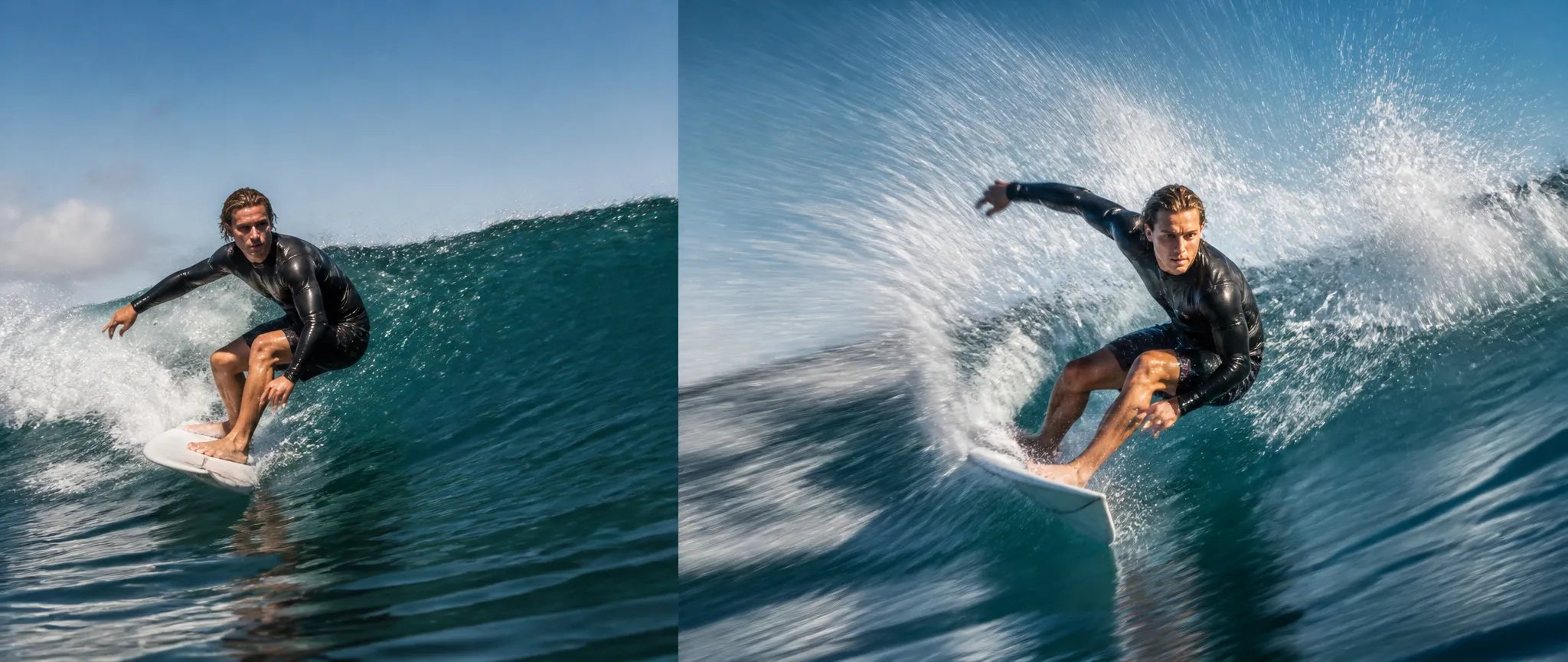

Animate a still
Feed a single image and bring it into motion with audio.

Vidu Q2 Turbo — fast image-to-video with start/end keyframes, native audio, movement control.
Bayar sekali untuk kredit - gunakan di setiap model di ZOOOP. · Isi ulang saat Anda perlu, tidak ada luka bakar bulanan.
Powered by Vidu AI's API on ZOOOP
Drive the shot from a still image — Vidu Q2 Turbo animates outward from your start frame.
Add an optional end frame and the model interpolates the motion between your two keyframes.
Set movement to auto, small, medium, or large to tune how much motion the shot has.
Audio is generated with the video and on by default.
Feed a single image and bring it into motion with audio.
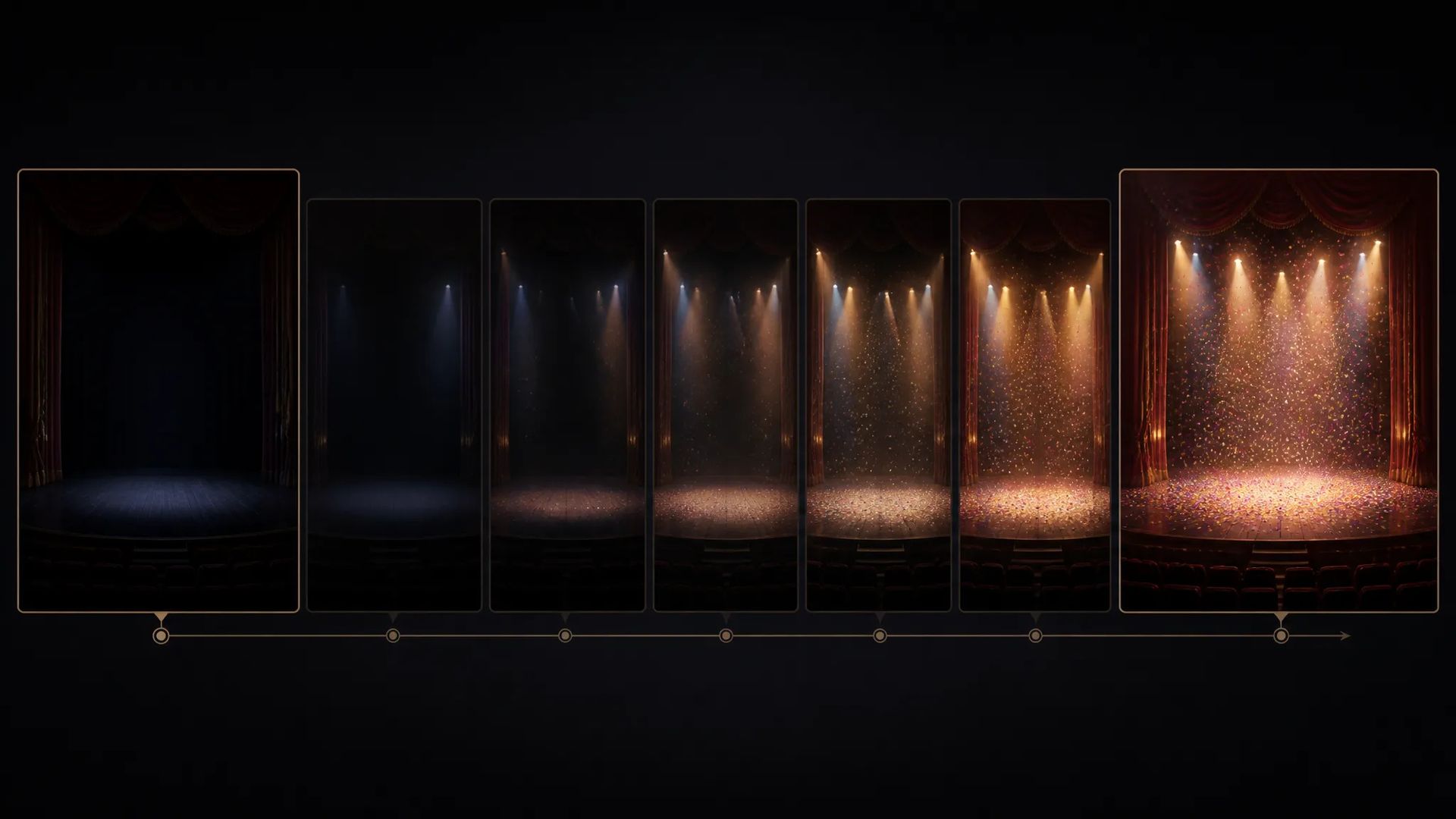
Set a start and end frame and let the model interpolate between them.
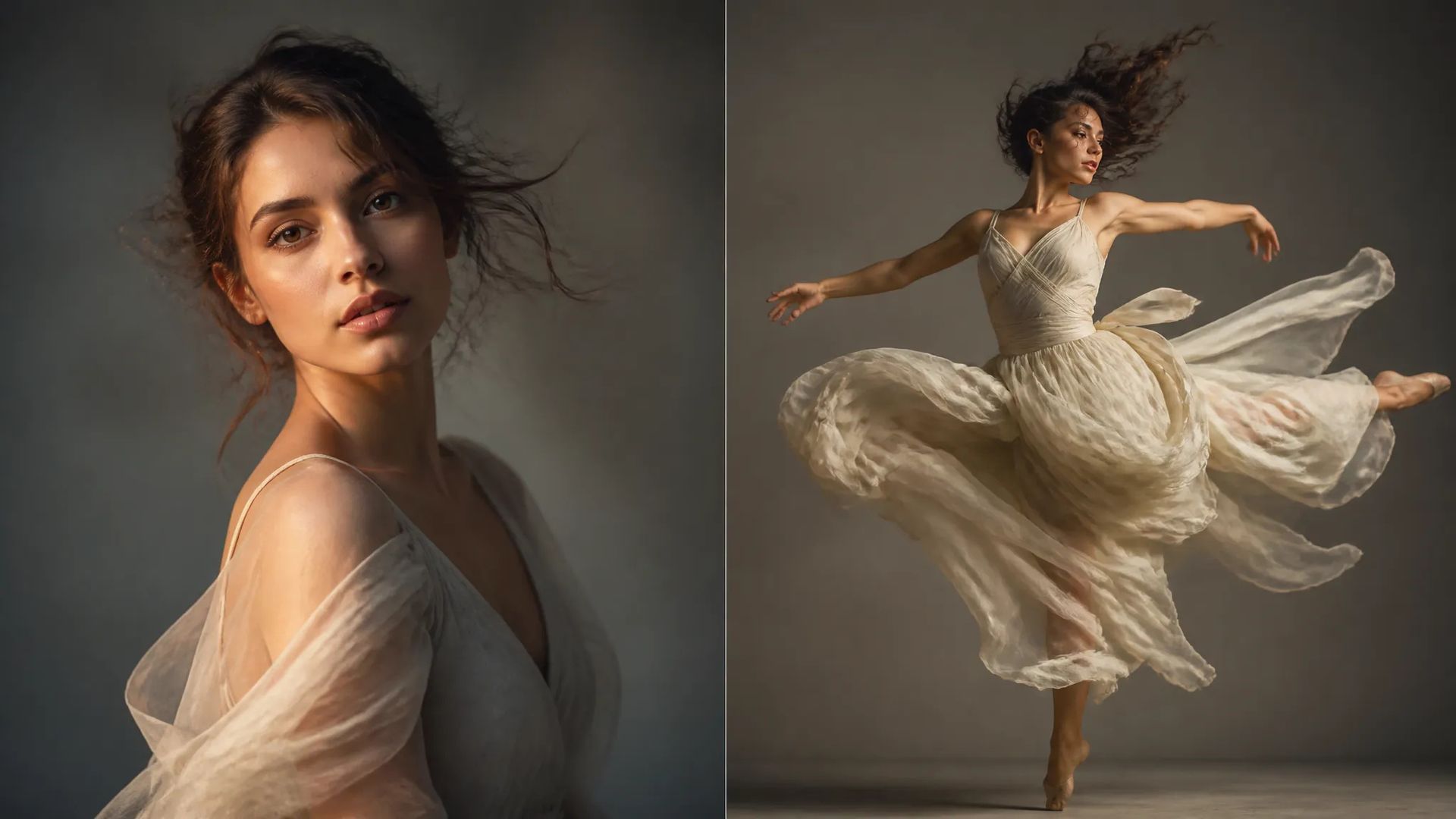
Use small movement for subtle animation or large for dynamic action.
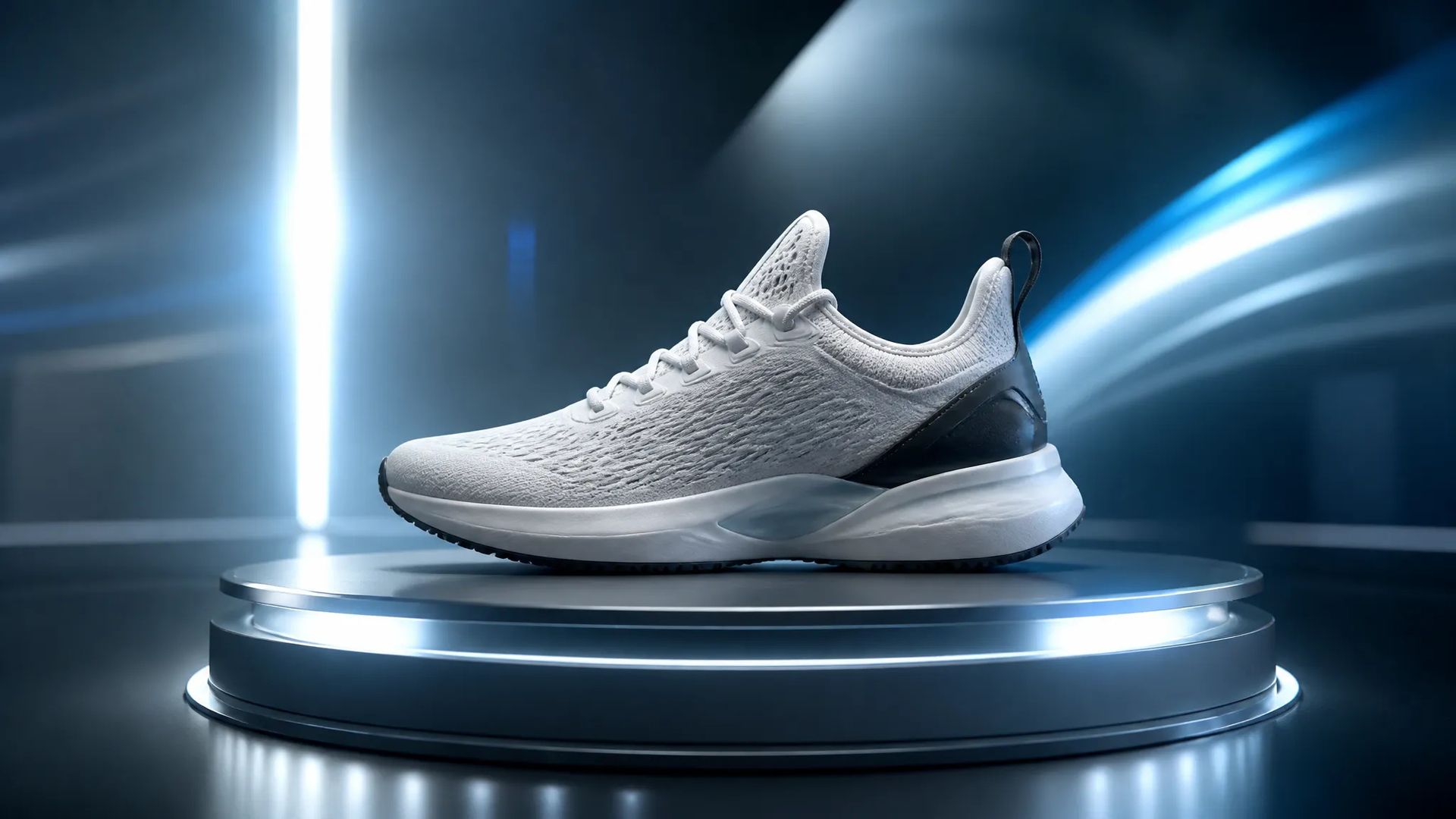
Animate a product still into a reveal for ads and store loops.
Pick the right video model. Your credits work everywhere on ZOOOP.
Open Vidu Q2 Turbo from this page or pick it in the Video Generator.
Upload a start frame and write a prompt; add an end frame to keyframe the interpolation.
Pick resolution (up to 1080p), duration (2–8s), and movement amplitude; keep audio on.
Generate, then download or send the clip to your canvas.
Vidu Q2 Turbo is the image-to-video tier of the prior Vidu generation: provide a start frame and it animates outward from it, with native audio on by default. The optional end frame turns it into a keyframe tool — give it a start and an end image and it interpolates the motion between them, useful for controlled transitions and reveals.
A distinctive control is movement amplitude (auto / small / medium / large), which tunes how much motion the animation carries — subtle for contained scenes, large for dynamic action. Output runs up to 1080p, clips from 2 to 8 seconds.
Where it sits in the Vidu line: Vidu Q3 Pro is the newer keyframe image-to-video tier with up to 16-second clips; Vidu Q2 Pro is this generation's reference text-to-video; Vidu Q3 is the newer reference-driven generation. For image-to-video with native 4K, LTX-2.3 is the alternative. Vidu Q2 Turbo's sweet spot is keyframed image-to-video with movement control.
A reasonable mental model: default to Vidu Q2 Turbo when animating a still with keyframes and 8 seconds is enough, and step up to Vidu Q3 Pro for longer animated takes.
From an image — it's image-to-video. Provide a start frame and it animates outward. For text-to-video, use Vidu Q2 Pro or the Q3 tiers.
It's an optional second keyframe — the model interpolates the motion between your start and end images.
From 2 to 8 seconds, output up to 1080p, with native audio on by default.
Vidu Q2 Turbo is the prior generation's image-to-video tier (up to 8 seconds). Vidu Q3 Pro is the newer keyframe tier with up to 16 seconds. Step up to Q3 Pro for longer animated takes.























Video Bingkai Pertama & Terakhir
Video Bingkai Pertama & Terakhir
Video Bingkai Pertama & Terakhir
Video Bingkai Pertama & Terakhir
Video Bingkai Pertama & Terakhir
Video Bingkai Pertama & Terakhir
Vidu Q2 Turbo
Prompt*
Bingkai Awal*
Bingkai Akhir
Durasi*
Resolusi*
Move Range*
Generasi Anda akan muncul di sini setelah Anda masuk.
Membuat akun gratis.