Fast draft + iterate workflow
Fast generation makes Grok Imagine the right tool for rapid concept iteration before committing to a slower flagship for final renders.

xAI's image + video generator — fast, stylized, built for rapid iteration.
ادفع مرة واحدة للحصول على أرصدة - استخدمها عبر كل طراز على ZOOOP. · قم بتعبئة الرصيد عندما تحتاج إلى ذلك ، لا حرق شهري.
Powered by xAI's API on ZOOOP
Grok Imagine generates image and video noticeably faster than competing flagships — fast enough to iterate at conversation speed instead of waiting minutes per generation.
Use the same prompt understanding for static images and short animated videos. Image-to-video supports up to 15-second clips with native synced audio.
Combine subjects, transfer styles, or compose scenes by passing up to 3 source images in a single request. Editing is described in text — no mask required.
Image-to-video clips ship with synchronized audio — dialogue, ambient, and sound effects generated in the same pass. No separate motion model, TTS, or Foley step.
Fast generation makes Grok Imagine the right tool for rapid concept iteration before committing to a slower flagship for final renders.
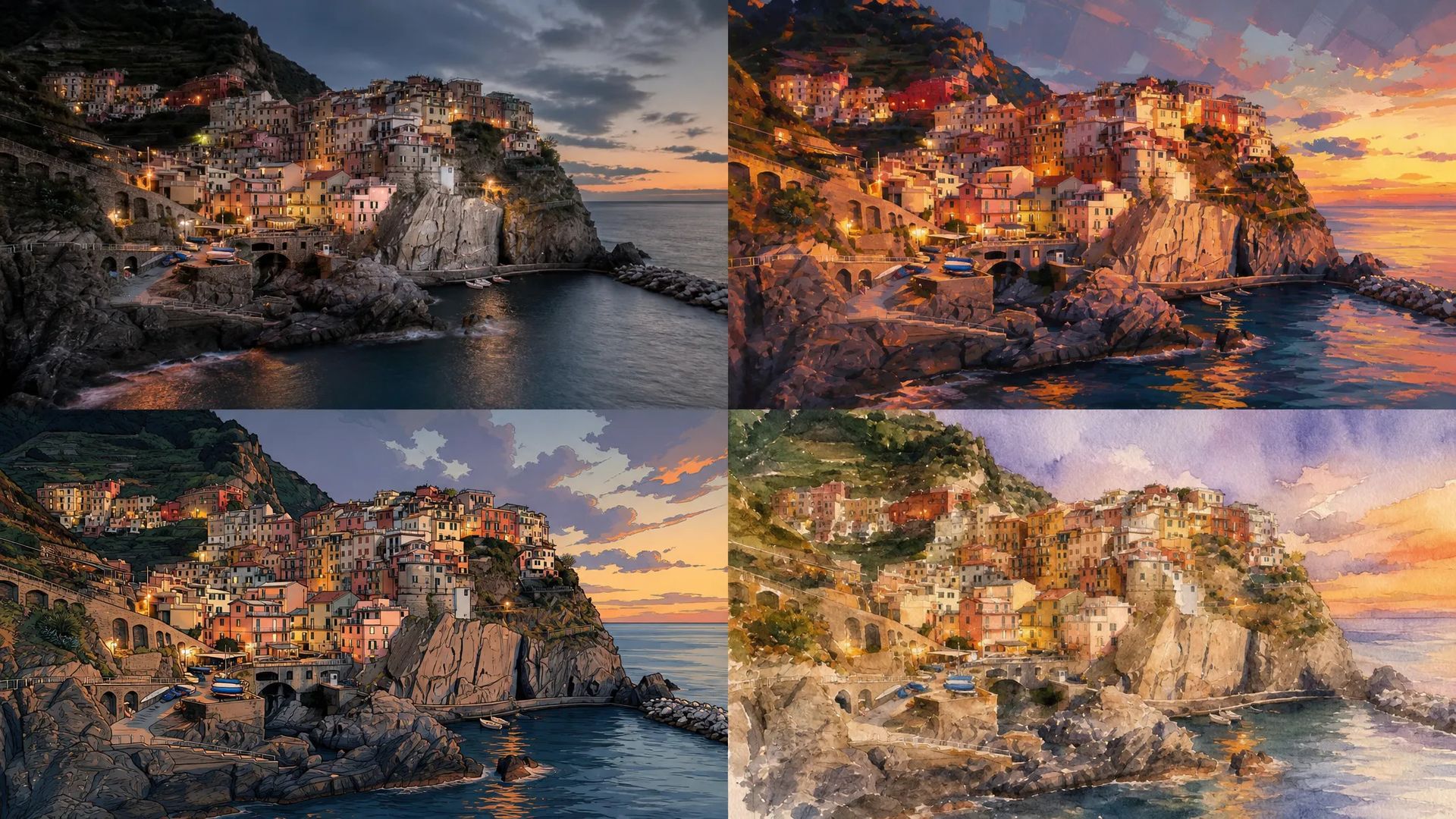
From photoreal to stylized illustration in the same prompt understanding — useful for art exploration where you don't yet know the direction.
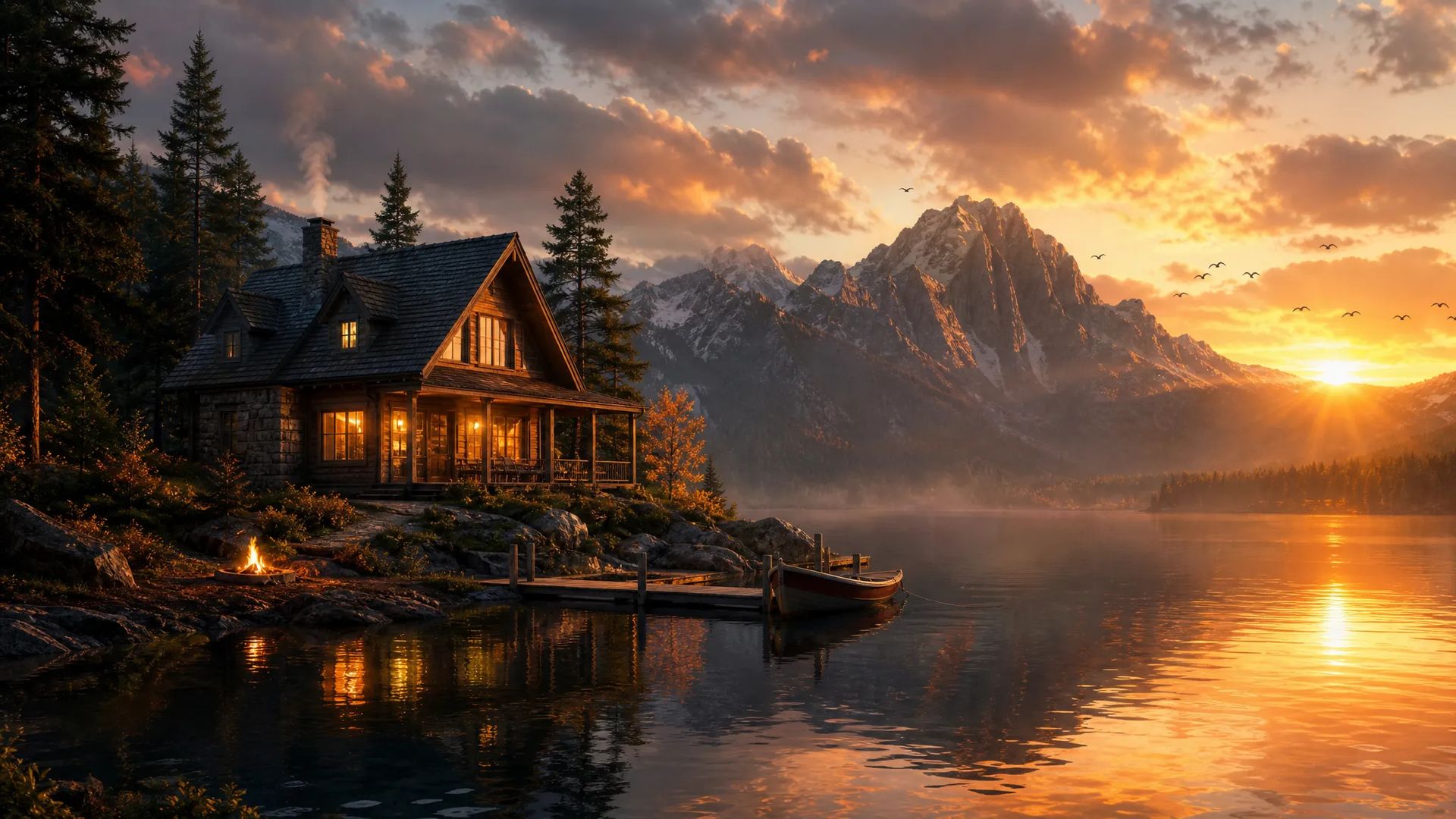
Animate a still image into a 1–15 second clip with synced audio in one pass — no separate motion or audio models needed.
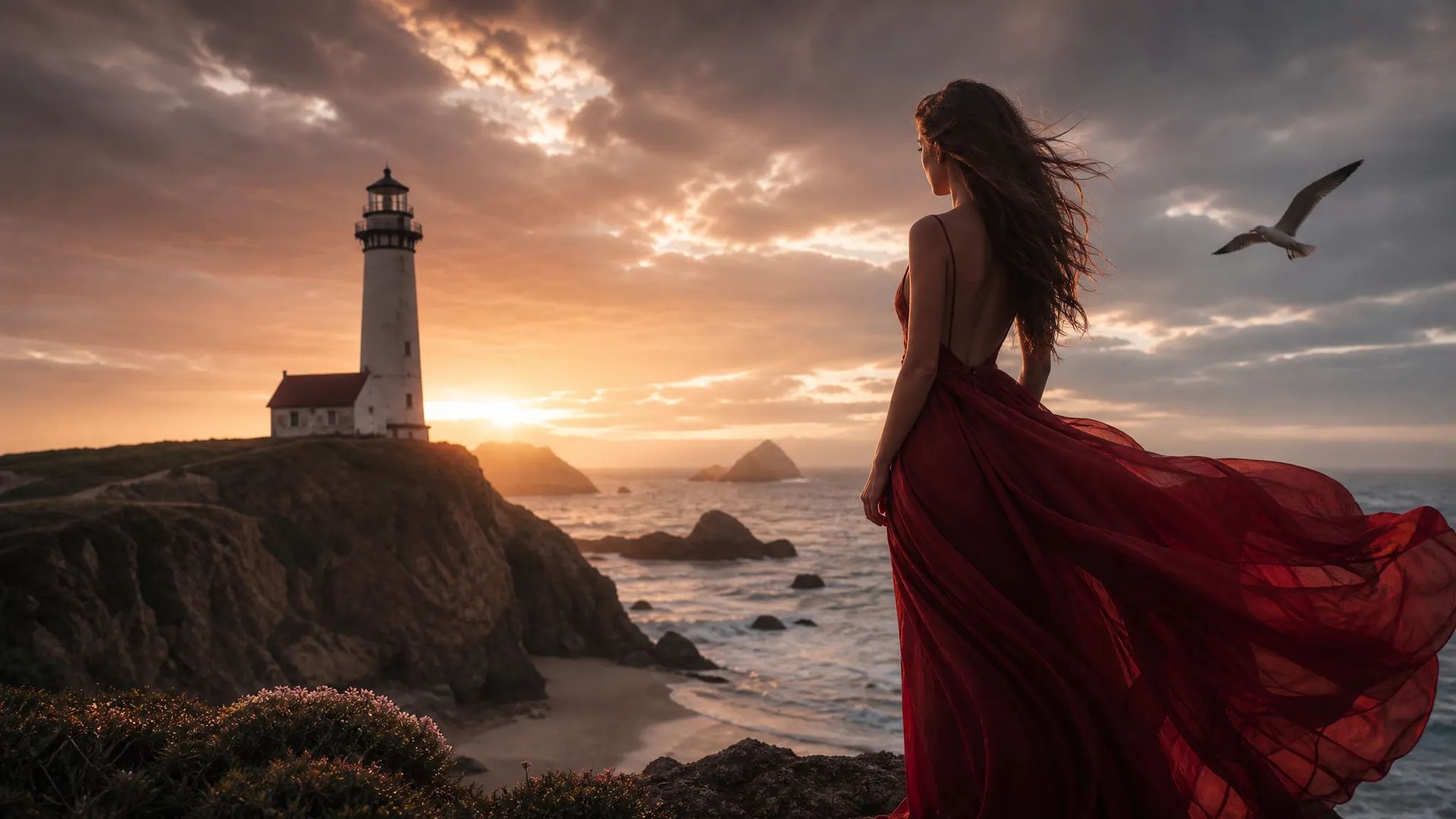
Combine up to 3 source images per request — overlay subjects, transfer style, compose scene elements — without masking or layer work.
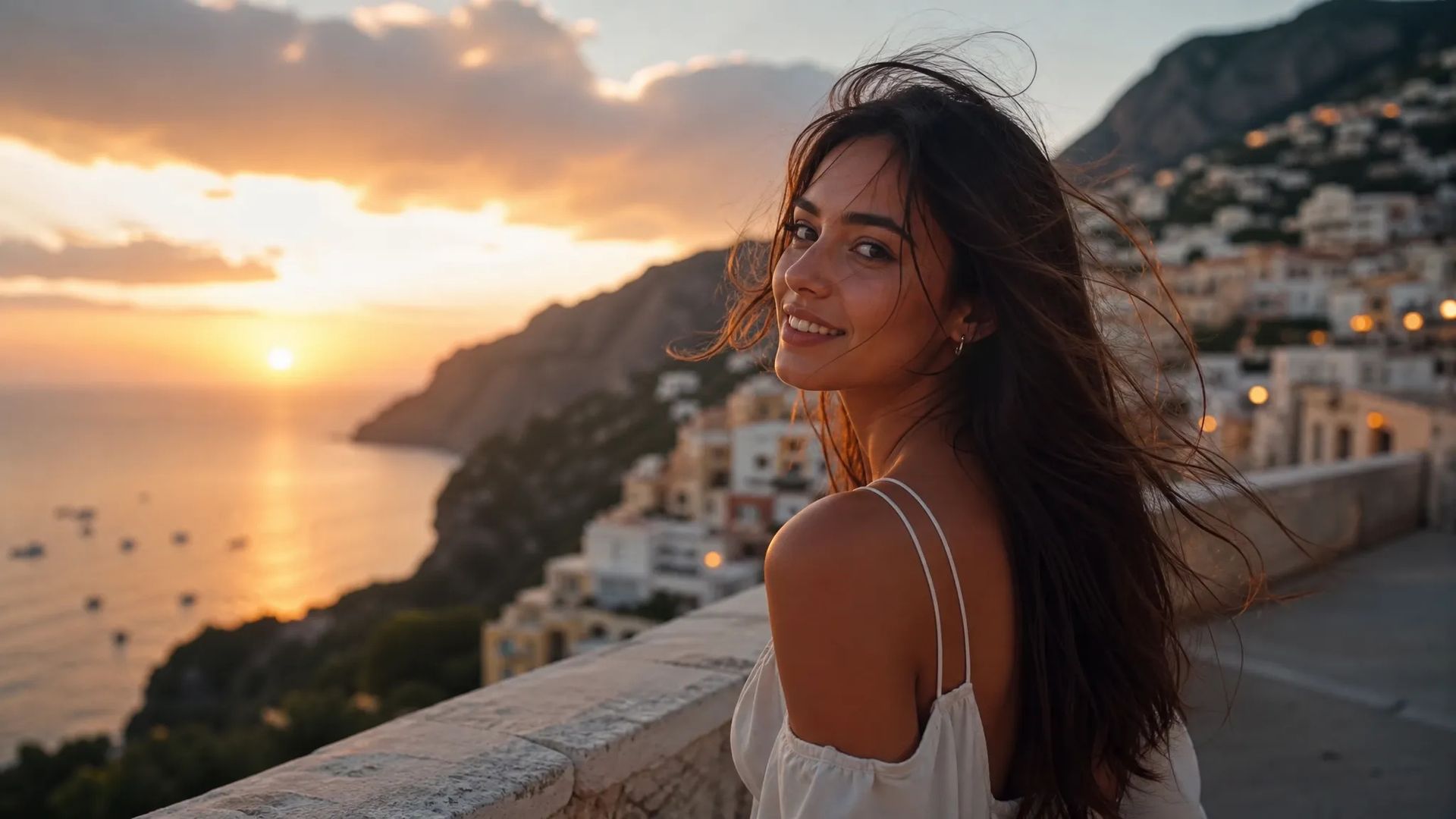
Fast generation + native audio + image-to-video makes Grok Imagine ideal for TikTok / Reels style social content where iteration speed matters more than 4K finish.
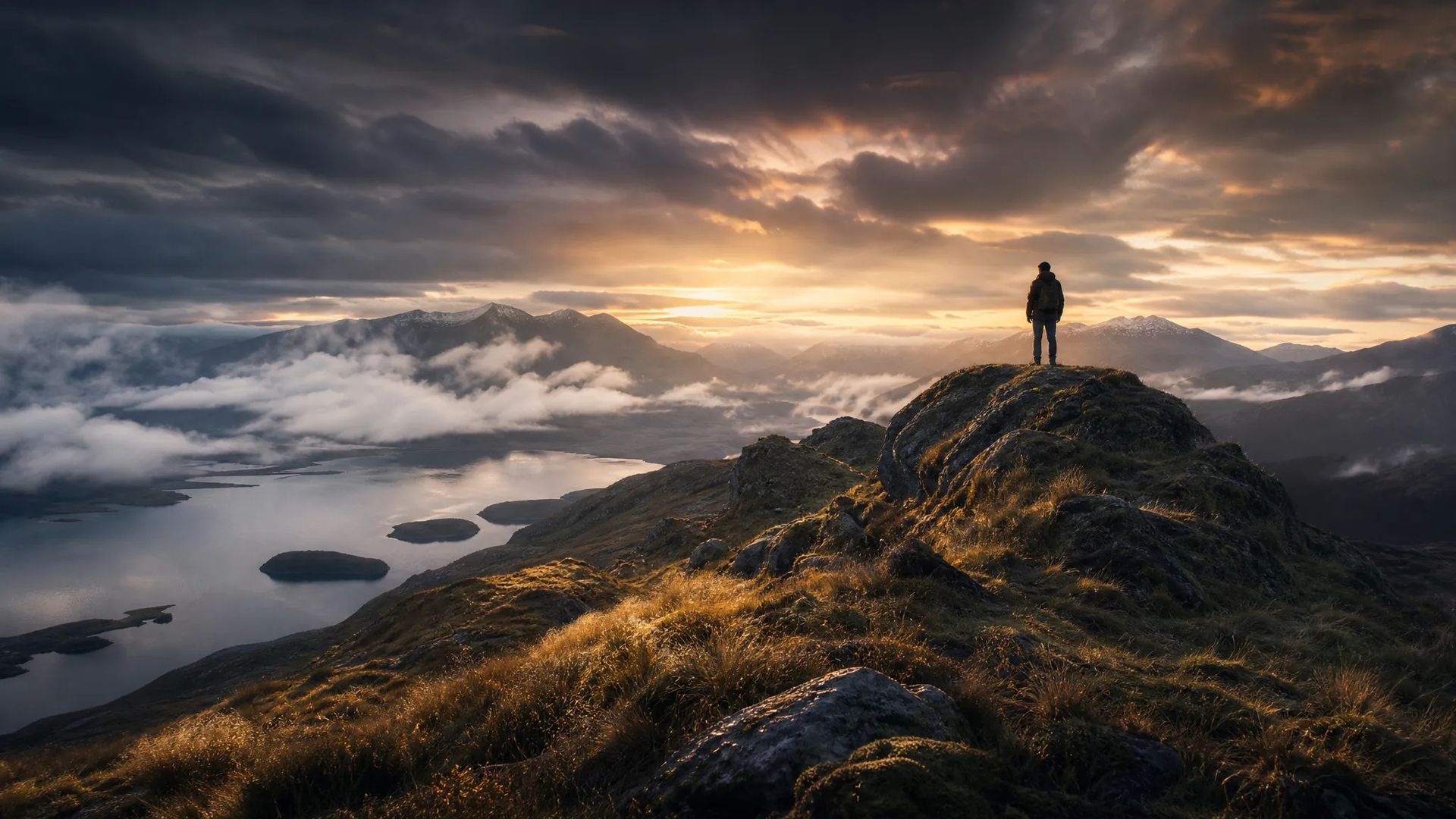
Iterate across many variations to land a brand direction fast — Grok's turnaround lets you compare several candidates in the time a heavier model produces one.
Pick the right image / video model for the job. Your credits work everywhere on ZOOOP.
Open Grok Imagine from this page or pick it in the Image / Video Generator.
Write the prompt — Grok handles photoreal and stylized in the same parser.
For image-to-video, set the duration (1–15 seconds) and let native audio generate.
Generate, then tweak the prompt and regenerate — fast turnaround lets you iterate at conversation speed.
Grok Imagine is the model that wins on speed. From prompt to finished video with audio, it's noticeably faster than competing flagships. For anyone iterating on a creative direction, this changes the workflow fundamentally. You generate, you look, you tweak the prompt, you generate again — at conversation speed rather than waiting minutes between attempts. By the time a slower flagship has produced its first output, Grok has produced several variations and you've already narrowed the direction.
The model is also unified across image and video in one prompt parser. You don't pick "image model" vs "video model" upstream — you describe what you want and Grok decides whether to produce a still or animate it. Image-to-video supports clips of 1 to 15 seconds with native synchronized audio (dialogue, ambient, sound effects) — no separate motion model, no separate TTS, no separate Foley step. For social-native short-form content where the deliverable is a 10-second loop with sound, Grok shortens the pipeline from "three models + an edit pass" to "one model, one prompt."
Multi-image editing supports up to 3 source images per request — combine subjects, transfer styles, compose scenes — all in a text instruction without mask work or layer composition. The trade-off versus models with 10+ reference image support is fewer constraints per generation, but for fast exploration this is usually a feature, not a bug.
Where it's weaker: photoreal portrait fidelity at top-end resolution is Flux 2 Pro's lane — Grok generates fast but the per-pixel polish is one notch behind. Factual accuracy of real-world references (real places, products, brands) is Nano Banana Pro's domain. Multilingual text rendering in many scripts favors Nano Banana Pro. Multi-shot video storyboarding with hard cuts favors Kling V3. Grok Imagine's sweet spot is speed-of-iteration, stylized work, and social-native short content.
A reasonable mental model: Grok Imagine is the default for drafting, iteration, and fast-turnaround short content. Once a direction is locked, graduate the winning prompt to a heavier-tier model for finish.
Noticeably faster than competing flagships — fast enough to iterate prompts at conversation speed instead of waiting minutes per generation. That speed is the whole point: generate, look, tweak, regenerate in a tight loop.
Yes — both in one model with the same prompt understanding. Static images, image-to-video animation, and text-to-video are all supported. Native synced audio ships with video output.
Yes — image-to-video and text-to-video output ships with native synchronized audio (dialogue, ambient sound, effects) generated in the same pass. No separate TTS or Foley step needed.
Grok Imagine wins on generation speed and rapid iteration. Nano Banana Pro wins on factual accuracy and multilingual text. Flux 2 Pro wins on photoreal portrait quality and exact color. Use Grok for drafting and iteration, then graduate to a heavier model for finish.
Yes — up to 3 source images per request. Combine subjects, transfer a style, or compose a scene in one text instruction, with no mask or layer work. Fewer reference slots than the 10-image models, but for fast exploration that's usually a feature.























تمديد الفيديوفيديو الإطار الأول والأخيرالنص والإشارة إلى الفيديوتحرير الفيديو
النص إلى الصورةفيديو الإطار الأول والأخيرالنص والإشارة إلى الفيديوتحرير الفيديو
النص إلى الصورةفيديو الإطار الأول والأخيرالنص والإشارة إلى الفيديوتحرير الفيديو
فيديو الإطار الأول والأخيرالنص والإشارة إلى الفيديوتحرير الفيديو
النص إلى الصورةفيديو الإطار الأول والأخيرالنص والإشارة إلى الفيديو
فيديو الإطار الأول والأخيرالنص والإشارة إلى الفيديوتحرير الفيديو
Grok Imagine
Prompt*
الصور
نسبة العرض إلى الارتفاع*
الدقة*
ستظهر أجيالك هنا بمجرد تسجيل الدخول.
إنشاء حساب مجاني.