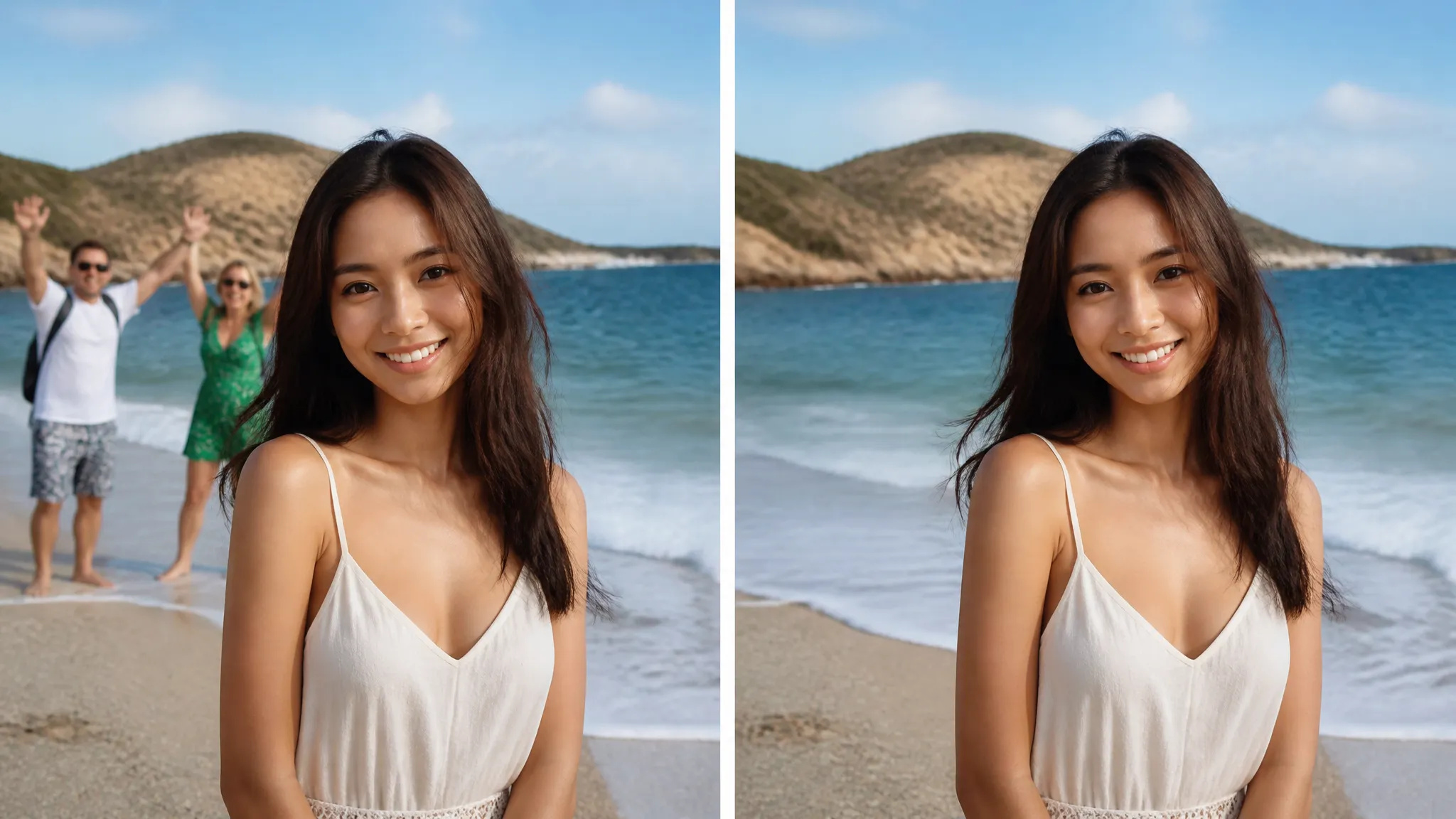
Clean up backgrounds
Remove photobombers, tourists, or clutter behind your subject.
Remove unwanted objects, people, or text from any photo with AI — and the background fills in seamlessly.
ادفع مرة واحدة للحصول على أرصدة - استخدمها عبر كل طراز على ZOOOP. · قم بتعبئة الرصيد عندما تحتاج إلى ذلك ، لا حرق شهري.
Remove stray people, clutter, signs, wires, or text — whatever you do not want in the shot.
The AI rebuilds the background behind the object so there is no hole, smear, or obvious patch.
Surrounding detail, lighting, and texture stay consistent, so the edit is hard to spot.
Mark what to remove and ZOOOP handles the fill — no pixel-by-pixel clone-stamping.
Remove photobombers, tourists, or clutter behind your subject.
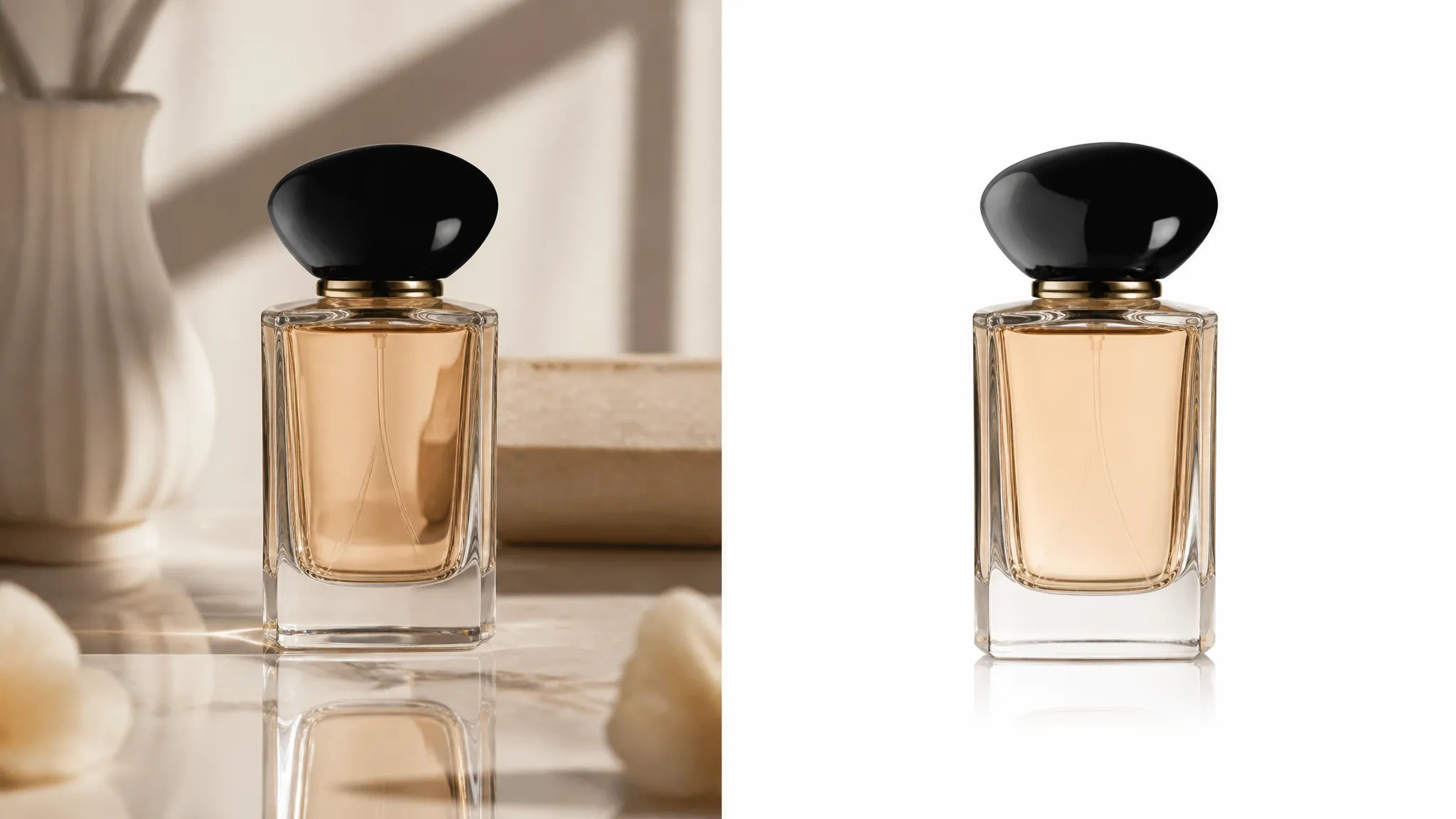
Erase stray props, reflections, or labels for a clean catalog shot.
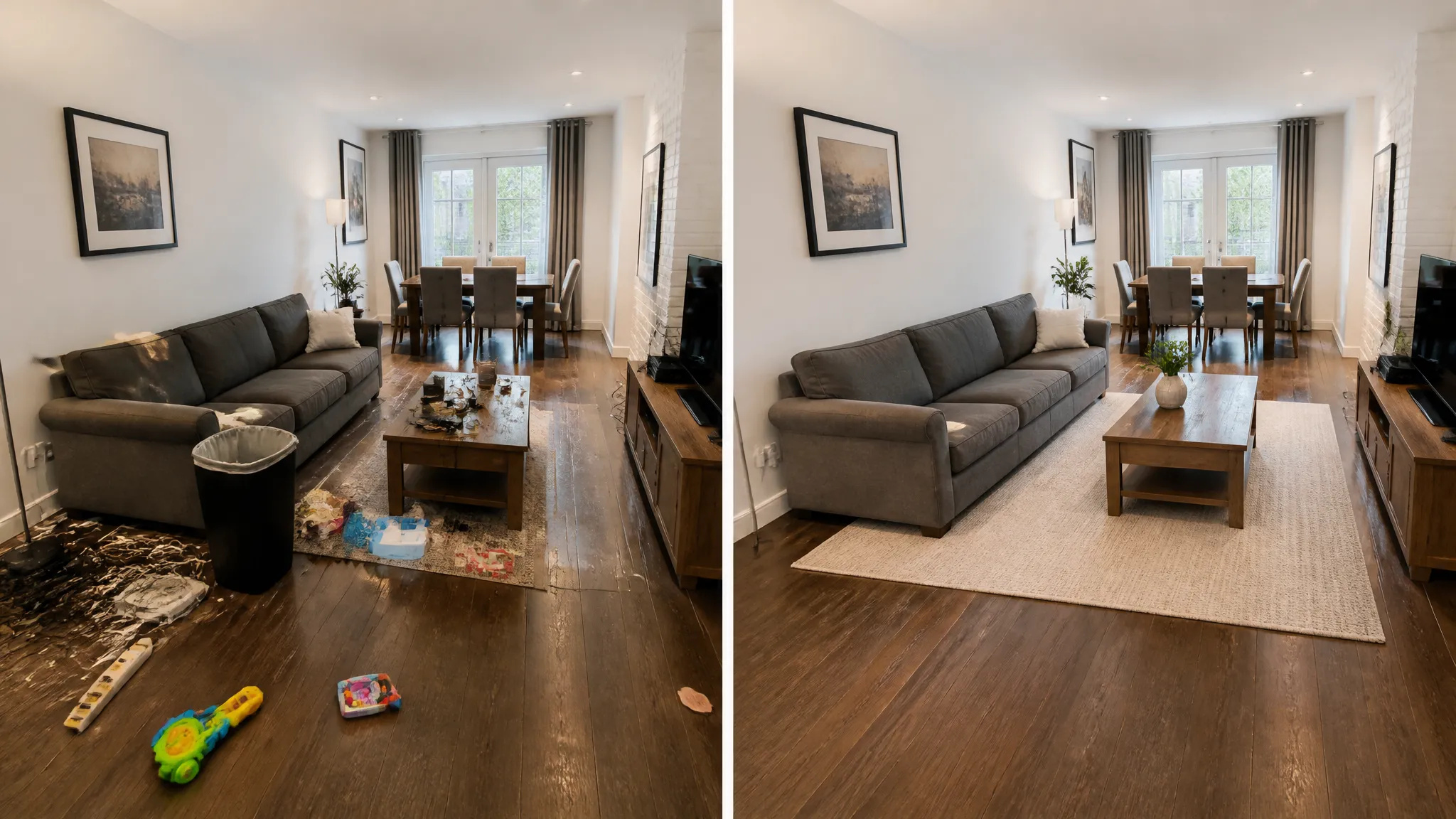
Tidy a room by removing cords, bins, or personal items before listing.
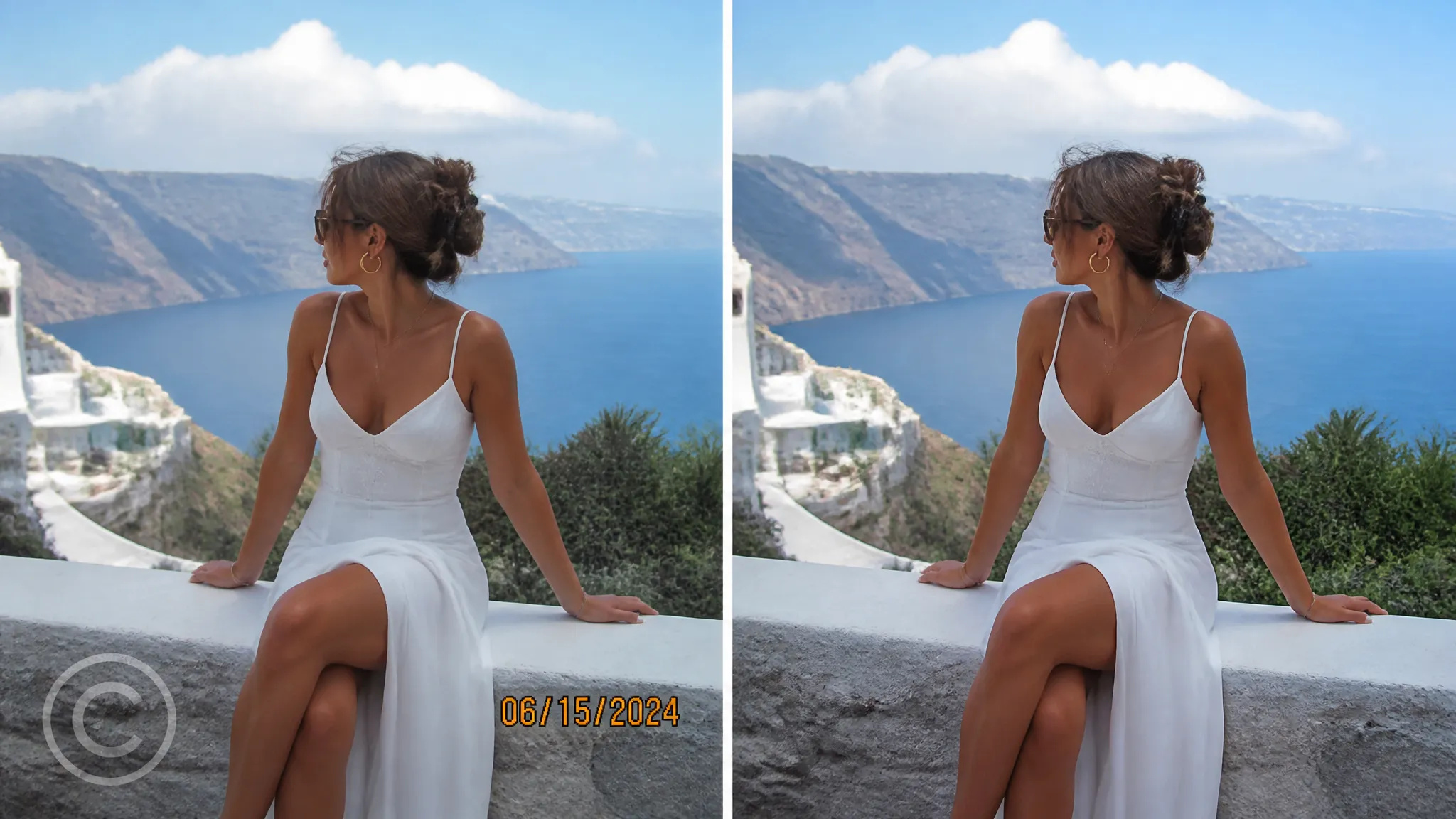
Take out date stamps, captions, or distracting signage.
Open the AI Object Remover and upload your image.
Mark the object, person, or text you want gone.
Generate, then download the cleaned-up image or send it to your canvas.
The AI Object Remover on ZOOOP takes out anything you do not want in a photo — stray people, clutter, signs, wires, watermarks, or text — and rebuilds the background behind it so there is no hole, smear, or obvious patch. Surrounding detail, lighting, and texture stay consistent, which makes the edit hard to spot.
It saves the tedious work: photobombers and tourists cleared from behind your subject, stray props and reflections erased from product shots, and rooms tidied for real-estate listings without any pixel-by-pixel clone-stamping.
Every generation runs on ZOOOP credits — no subscription, and credits that never expire. When you are done, download the cleaned-up image or send it to your canvas.
Objects, people, clutter, wires, signage, watermarks, and text — anything you mark as unwanted.
No — the AI reconstructs the background behind the object so the area looks like nothing was ever there.
Yes — mark everything you want gone and it fills all of it in one pass.
Upload JPG, PNG, or WebP images; ordinary photo sizes work out of the box.
Make a face look younger or older with AI — realistic aging that keeps the person recognizably themselves.
Remove the background from any image in seconds and download a clean, transparent PNG — no manual masking, no design skills.

Teleport yourself into iconic cities with AI — drop your photo into Paris, Tokyo, New York, and more.
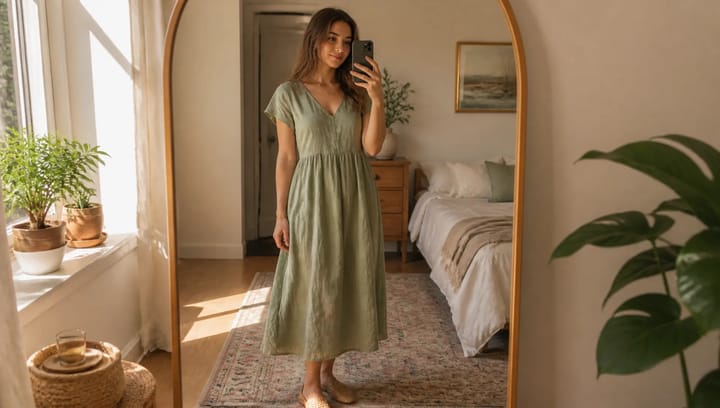
Describe an outfit and see it on your own photo — the face, pose and background stay exactly as they were.

Change facial expressions in any photo with AI — add a smile, open the eyes, or shift the mood, naturally.
Try new hairstyles and hair colors on your own photo with AI — realistic results before you ever touch your hair.
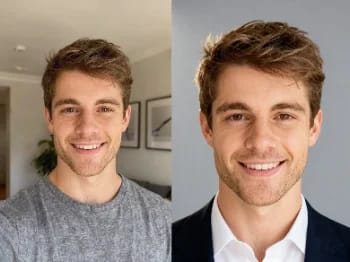
Turn a casual selfie into a professional headshot with AI — studio lighting, clean backgrounds, business-ready in minutes.
Upscale any image to 2K or 4K with AI — recover sharp detail and clean edges, with no blur or artifacts.
Try on makeup looks with AI — from natural to bold, with adjustable intensity, all on your own photo.
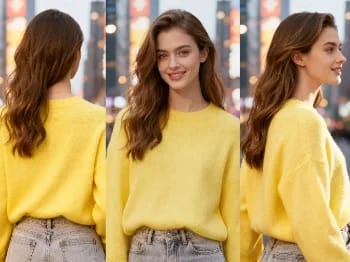
Change the camera angle of any image with AI — see a subject from a new viewpoint, naturally rendered.
Restore old and damaged photos with AI — fix fading, scratches, and blur, and bring faces back to life.
Enhance any portrait with AI — sharper detail, clearer skin and eyes, and balanced light, while still looking like you.
Place your product naturally in a person's hands with AI — realistic marketing visuals without a photoshoot.
Repaint any photo in an artistic style with AI — impressionism, cubism, watercolor, anime, and more.
Change an object's material with AI — turn it to marble, wood, gold, glass, or fabric, with realistic surfaces.
Upscale any video to HD or 4K with AI — sharper frames and clean detail, with smooth, flicker-free motion.
See how clothes look on you with AI — combine a person photo and a clothing image for a realistic try-on.
AI Object Remover
Remove unwanted objects, people, or text from any photo with AI — and the background fills in seamlessly.
الصورة*
Object to remove*
نسبة الارتفاع*