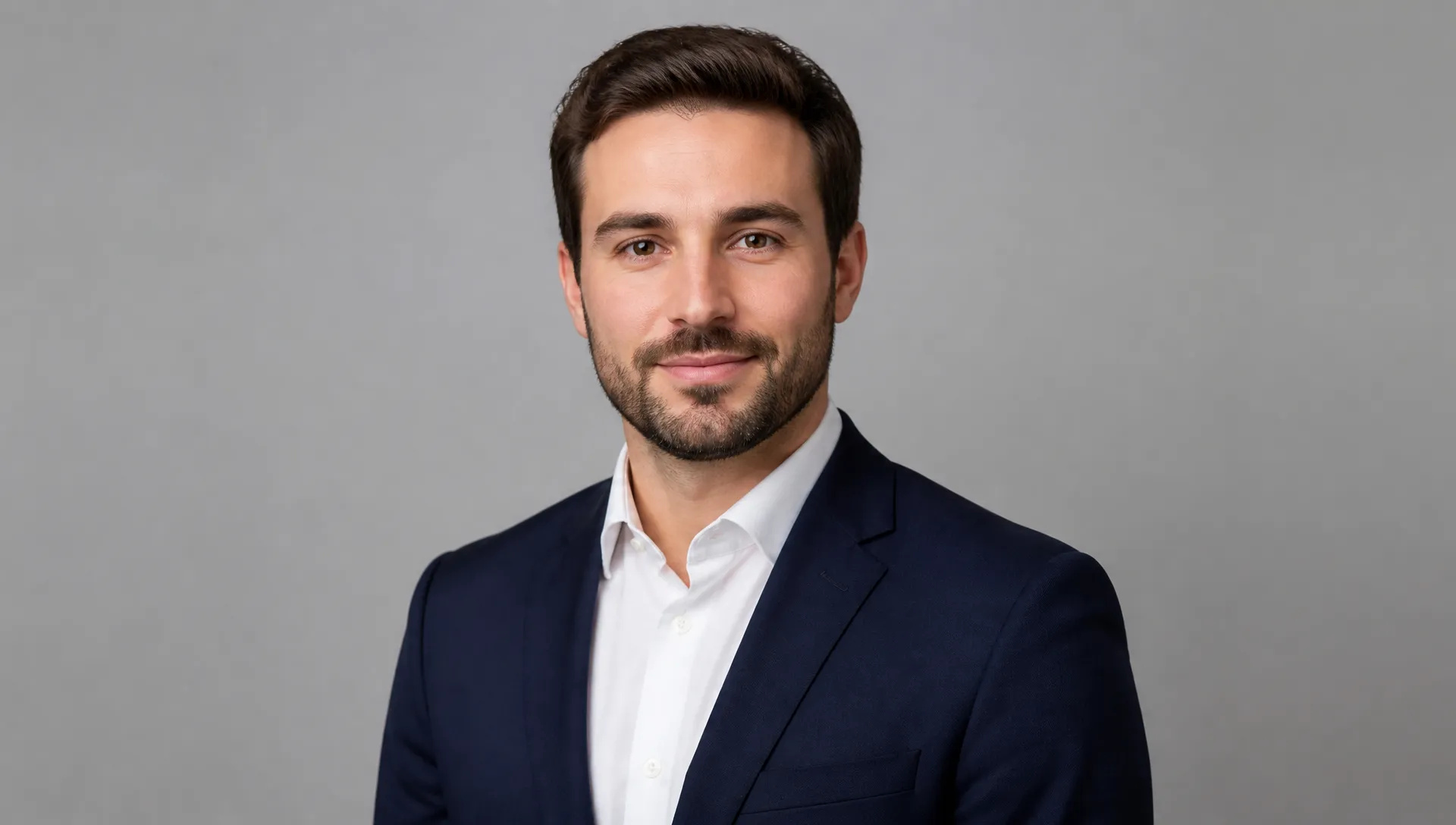
Interview and headshot wardrobe
Put a good photo in professional clothing without booking a second shoot.
AI Clothes Changer
Describe an outfit and see it on your own photo — the face, pose and background stay exactly as they were.
Image Urls
*
نسبة الارتفاع*
الدقة*
Describe an outfit and see it on your own photo — the face, pose and background stay exactly as they were.
ادفع مرة واحدة للحصول على أرصدة - استخدمها عبر كل طراز على ZOOOP. · قم بتعبئة الرصيد عندما تحتاج إلى ذلك ، لا حرق شهري.
Type the outfit in plain words — "charcoal wool suit", "linen summer dress". No second photo of a garment to find first.
Face, hairstyle, body proportions and pose are held to the original. Only the garments change.
The new fabric picks up the photo's existing light direction, colour temperature and shadows, so it sits in the scene instead of on top of it.
Re-run the same picture with different descriptions to compare outfits side by side before committing to one.
Put a good photo in professional clothing without booking a second shoot.
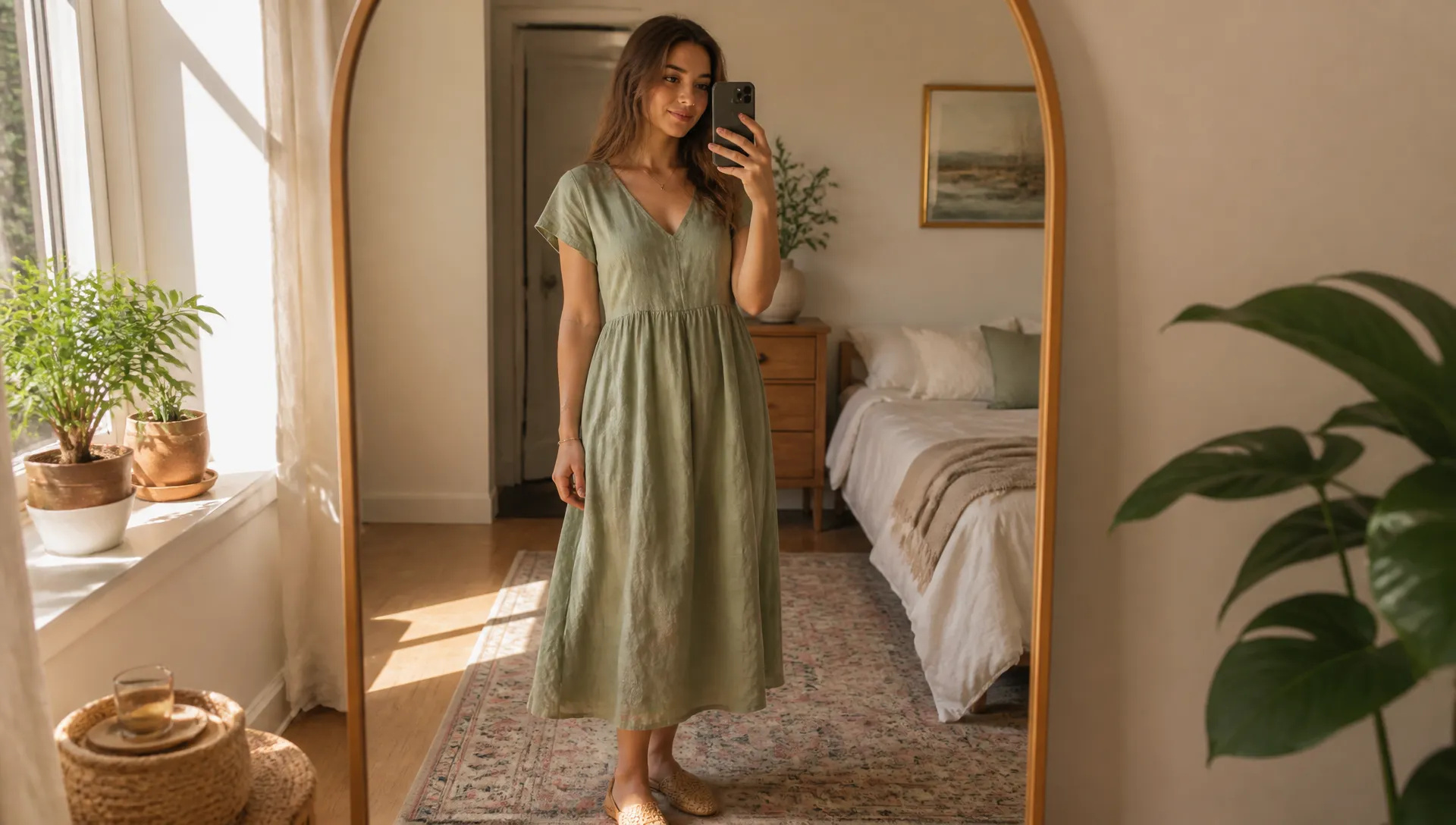
Try a cut, colour or fabric on yourself before buying or tailoring it.
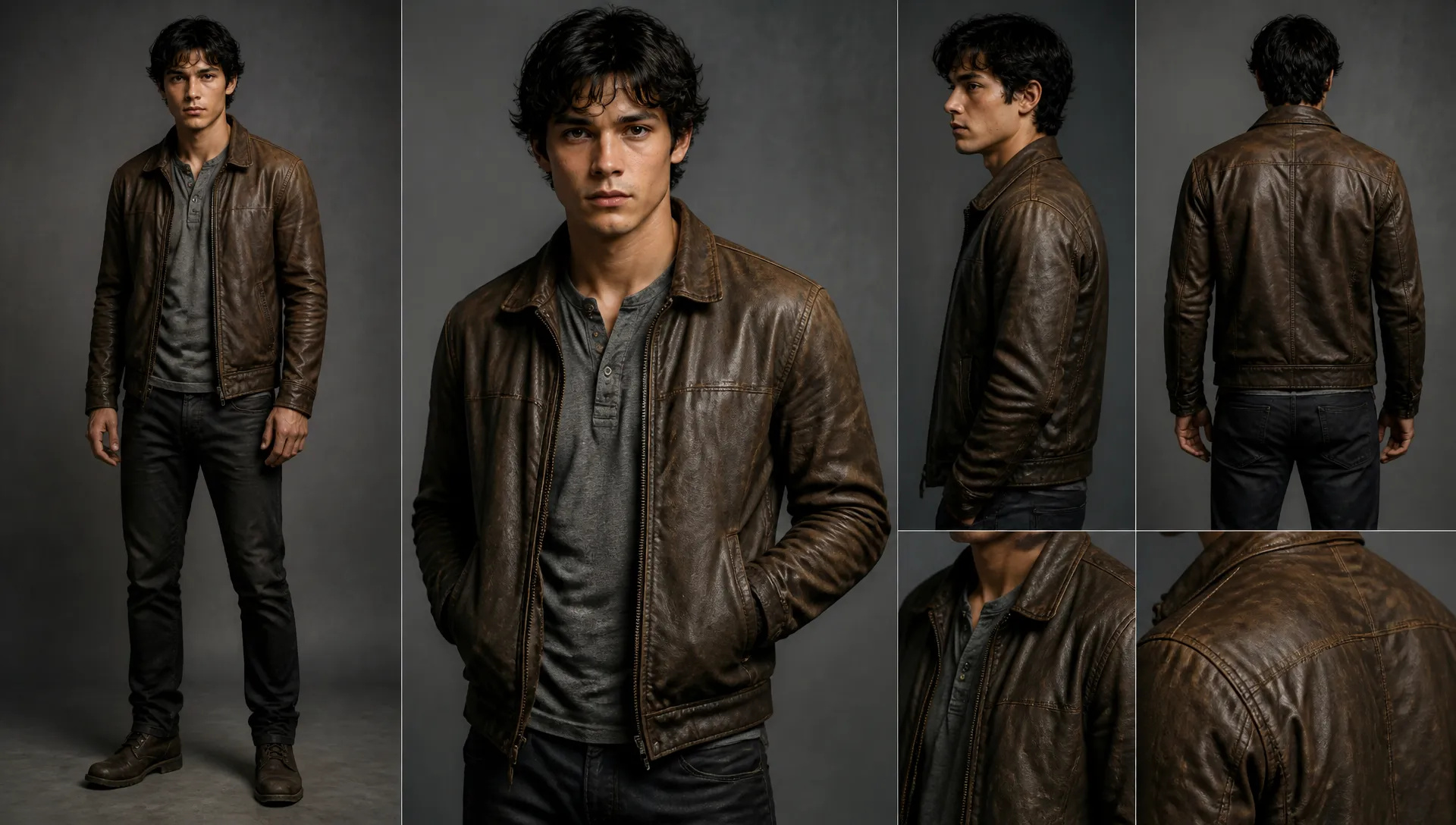
Dress the same character several ways for story, casting or concept boards.
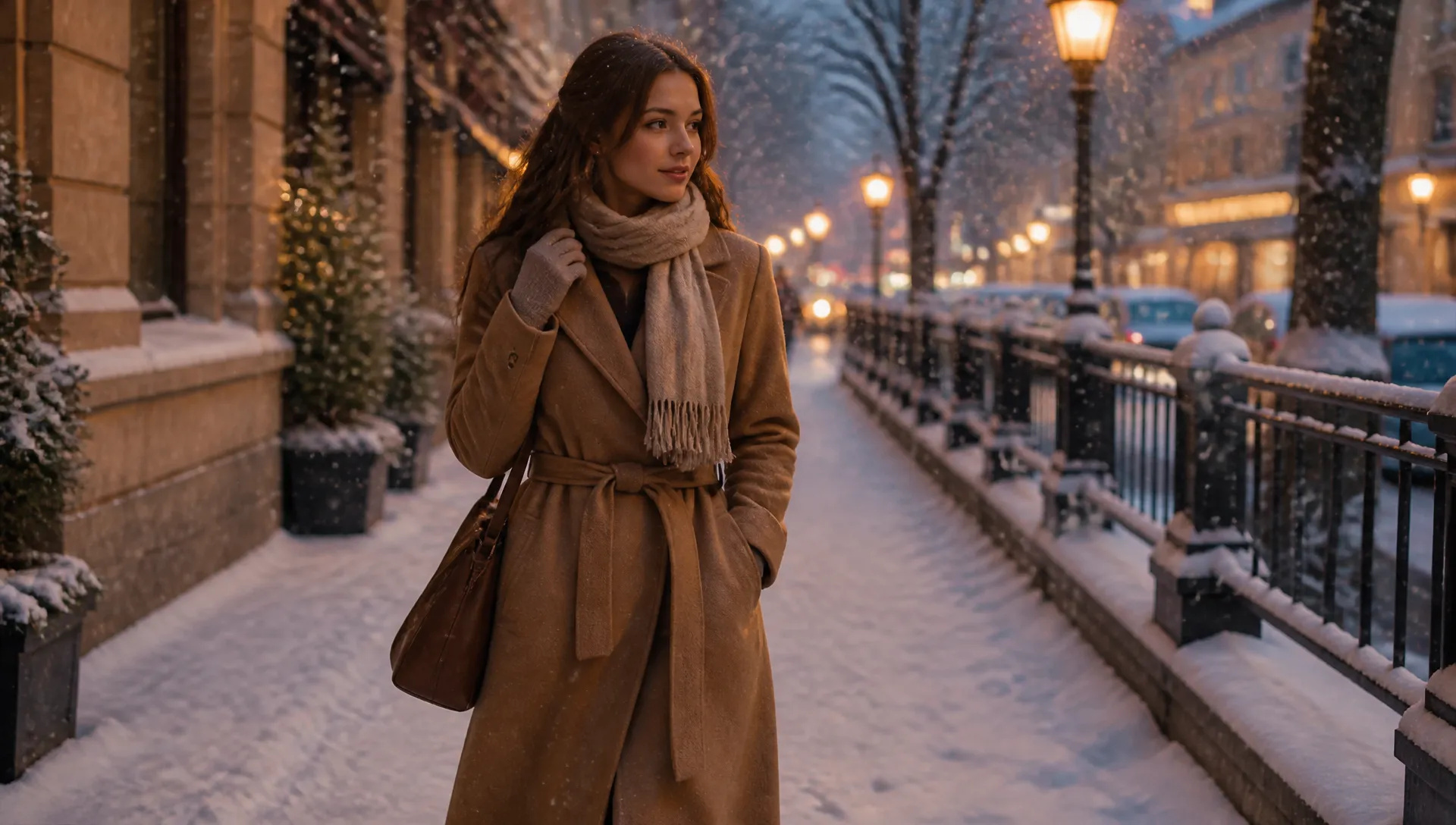
Move a summer photo into a winter coat, or everyday clothes into formal wear.
Upload one clear photo of the person, ideally full or half body.
Describe the outfit you want — fabric, colour, cut and occasion all help.
Generate, compare a few descriptions, then download the result or send it to your canvas.
The AI Clothes Changer re-renders what a person is wearing from a written description. Upload one photo, type the outfit — "charcoal wool suit", "cream linen dress", "navy puffer jacket" — and the tool replaces the garments while holding the face, hairstyle, body proportions, pose and background to the original.
The description is the whole input. That is the practical difference from virtual try-on, which needs a photograph of the specific garment before it can do anything. If you already have that product shot, try-on is the more faithful tool. If what you have is an idea, this one starts from the idea.
Only the clothing is re-rendered. The model is instructed to treat the face and body as fixed, and to light the new fabric with the scene's existing light direction, colour temperature and shadows — a coat added to a photo shot in late-afternoon sun picks up that warmth and casts shadow the same way the original clothing did. That is why results read as the same photograph rather than a cut-out pasted over it.
Coverage only ever goes up or stays level. The tool replaces clothing with complete, everyday attire and will not render less than the original photo already showed, whatever the description asks for.
Give the model something to work with. A photo where the current outfit is fully visible leaves more surface to replace than a tight head-and-shoulders crop, and a relaxed pose beats one where arms cover most of the torso.
Be specific in the description. "Suit" is a broad instruction; "single-breasted charcoal wool suit, white shirt, no tie" is a narrow one, and narrow instructions produce results you can actually judge. Fabric words carry a lot — linen, denim, leather and silk each drape and catch light differently, and naming one gets you most of the way to the look.
Then compare. Running the same photo three ways and putting the results next to each other is faster than trying to describe the perfect outfit on the first attempt.
If you have a photograph of the exact garment, AI Virtual Try-On takes the person and the clothing as two inputs and is more faithful to that specific piece.
If the clothes are fine and the problem is the picture — soft focus, low resolution, harsh light — AI Portrait Enhancer and AI Image Upscaler address that directly, and are worth running before or after a clothing change rather than instead of it.
If you want to change the setting rather than the outfit, AI City Teleport moves the same person to a different place.
Every generation runs on ZOOOP credits — no subscription, and credits that never expire. When you are done, download the result or send it to your canvas.
No. This tool works from a written description, which is what separates it from virtual try-on — that one needs a garment image as a second input. If you do have a specific product photo, use AI Virtual Try-On instead.
No. The face, hairstyle, skin tone, body proportions and pose are all held to the original photo; only the garments are re-rendered.
A well-lit photo where the current clothing is fully visible and not heavily cropped. Loose, unobstructed poses give the model more of the body to work with than tight close-ups.
No. The tool only replaces clothing with complete, everyday attire, and it will not reduce coverage below what the original photo already showed. Requests that would do so are rendered as the closest fully-covering interpretation instead.
Each generation is one outfit. Running the same photo with several descriptions is the intended way to compare, and each run costs credits rather than a subscription.
Make a face look younger or older with AI — realistic aging that keeps the person recognizably themselves.
Remove the background from any image in seconds and download a clean, transparent PNG — no manual masking, no design skills.
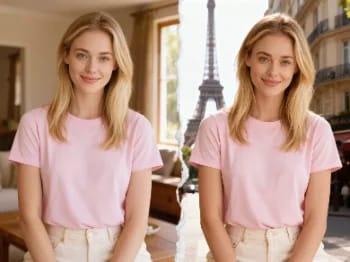
Teleport yourself into iconic cities with AI — drop your photo into Paris, Tokyo, New York, and more.
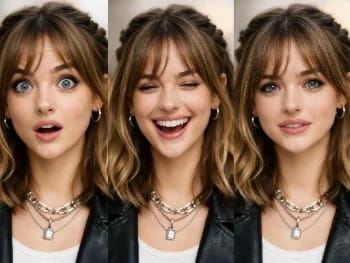
Change facial expressions in any photo with AI — add a smile, open the eyes, or shift the mood, naturally.
Try new hairstyles and hair colors on your own photo with AI — realistic results before you ever touch your hair.
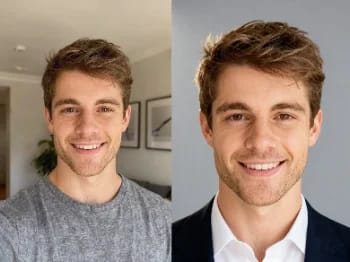
Turn a casual selfie into a professional headshot with AI — studio lighting, clean backgrounds, business-ready in minutes.
Upscale any image to 2K or 4K with AI — recover sharp detail and clean edges, with no blur or artifacts.
Try on makeup looks with AI — from natural to bold, with adjustable intensity, all on your own photo.
Remove unwanted objects, people, or text from any photo with AI — and the background fills in seamlessly.
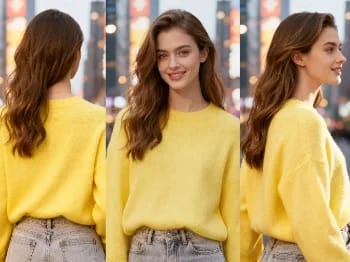
Change the camera angle of any image with AI — see a subject from a new viewpoint, naturally rendered.
Restore old and damaged photos with AI — fix fading, scratches, and blur, and bring faces back to life.
Enhance any portrait with AI — sharper detail, clearer skin and eyes, and balanced light, while still looking like you.
Place your product naturally in a person's hands with AI — realistic marketing visuals without a photoshoot.
Repaint any photo in an artistic style with AI — impressionism, cubism, watercolor, anime, and more.
Change an object's material with AI — turn it to marble, wood, gold, glass, or fabric, with realistic surfaces.
Upscale any video to HD or 4K with AI — sharper frames and clean detail, with smooth, flicker-free motion.
See how clothes look on you with AI — combine a person photo and a clothing image for a realistic try-on.