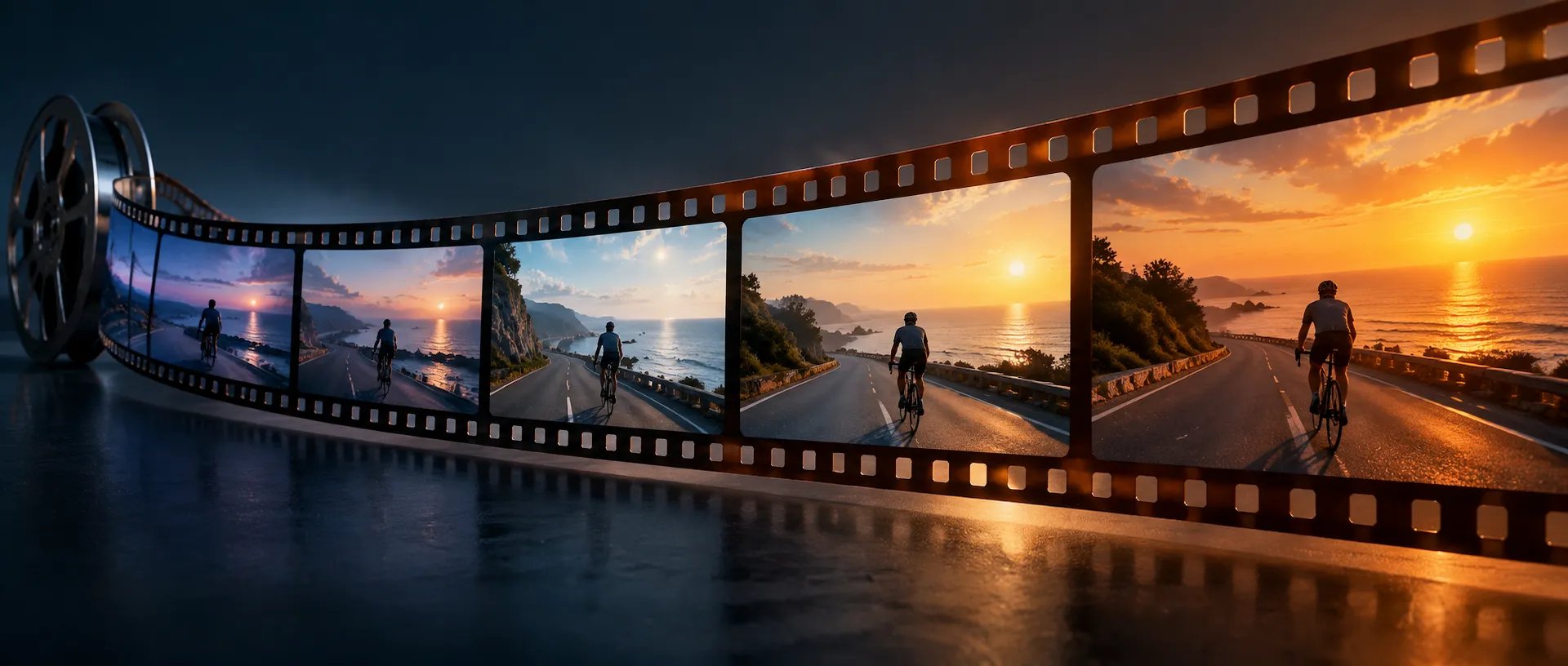
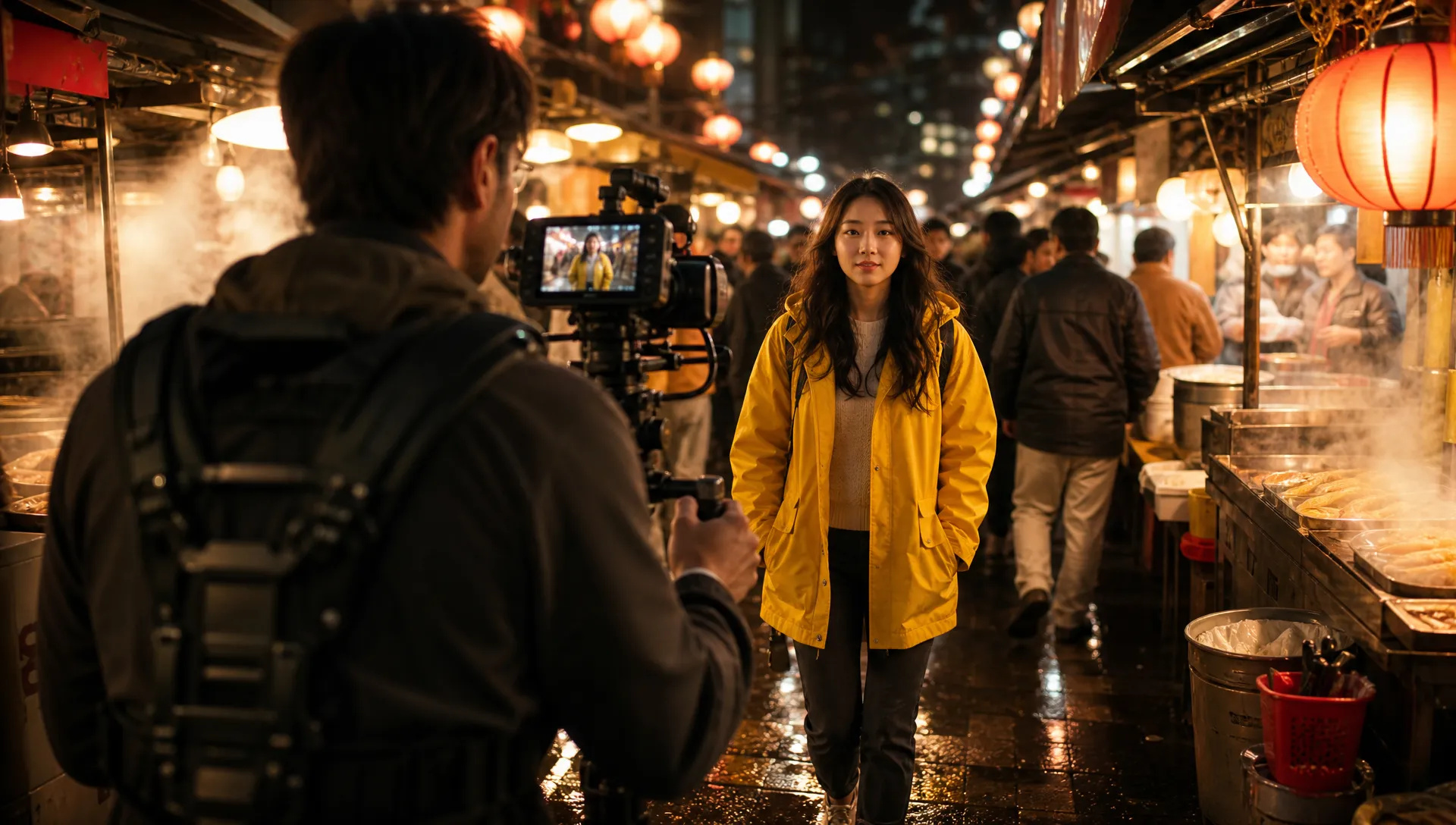
Long single takes
A 20 or 30 second tracking shot through a market, a house tour or a chase stays one continuous take, so the camera move and the action never break.

Kling 4.0, Kuaishou's newest video model: 3 to 30 second clips with native audio, reference images and video, start and end frames, and in-place video editing.
ادفع مرة واحدة للحصول على أرصدة - استخدمها عبر كل طراز على ZOOOP. · قم بتعبئة الرصيد عندما تحتاج إلى ذلك ، لا حرق شهري.
Powered by Kling AI's API on ZOOOP
Pick any length from 3 to 30 seconds. A full walk-through, a complete product reveal or a long dialogue beat comes out as one continuous take, with no stitching and no seams where clips meet.
Ambience, motion sound and dialogue are generated with the picture, so footsteps and room tone land on the action. There is no switch to turn it off; describe the sound you want, or "no music", in the prompt.
Steer a shot with up to 10 reference images and one reference video for motion or camera, or animate your own start frame toward an optional end frame. The output follows the frame you give it.
Upload a 3 to 30 second video and describe the change: new weather, a new setting, a new outfit. Pose, timing and camera move stay as they were, and up to 10 reference images can bring in a specific product or character.
A 20 or 30 second tracking shot through a market, a house tour or a chase stays one continuous take, so the camera move and the action never break.
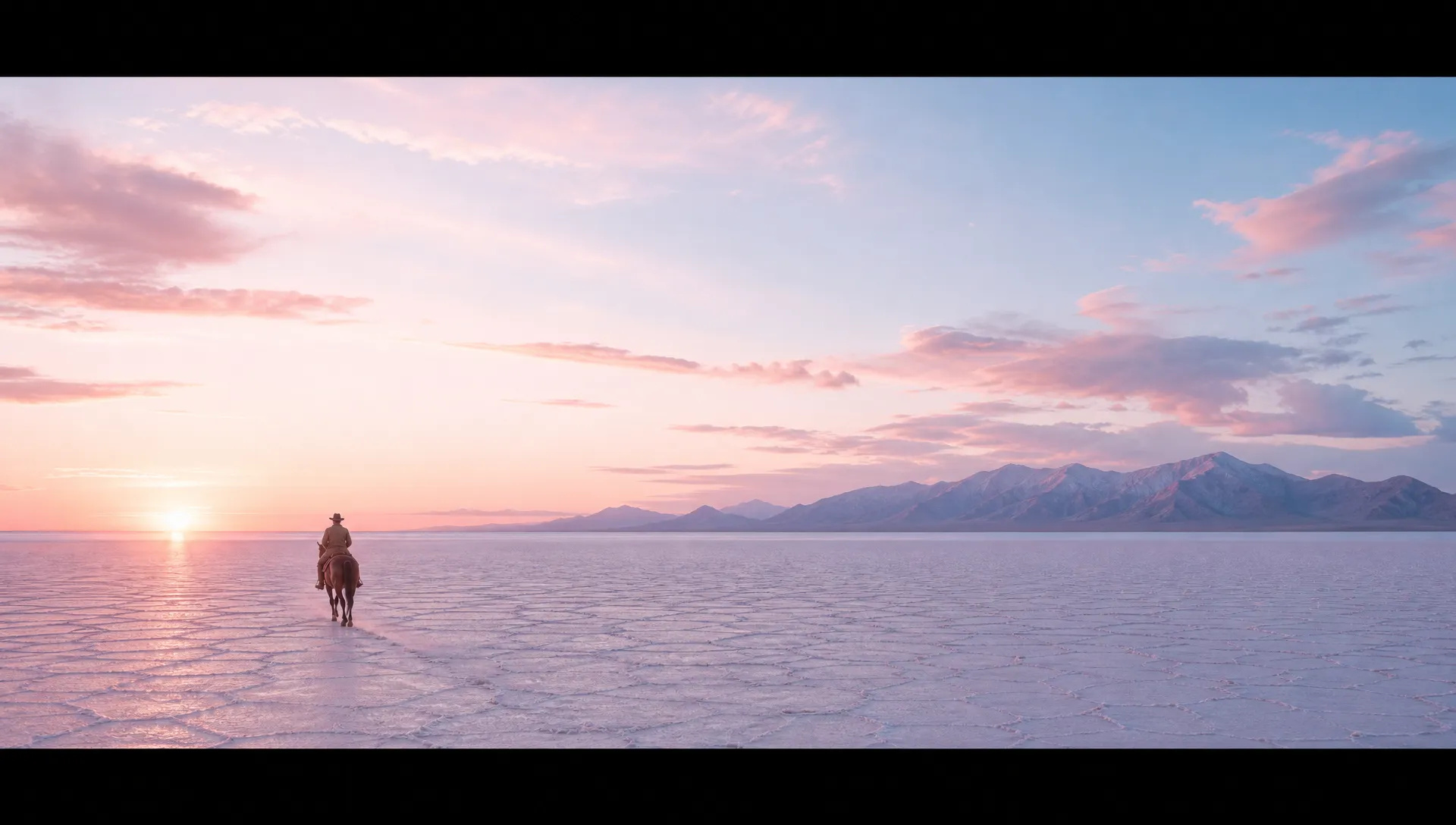
Generate in ultrawide 21:9 for title sequences, trailers and mood films, or in 16:9, 9:16 and 1:1 for everything else.
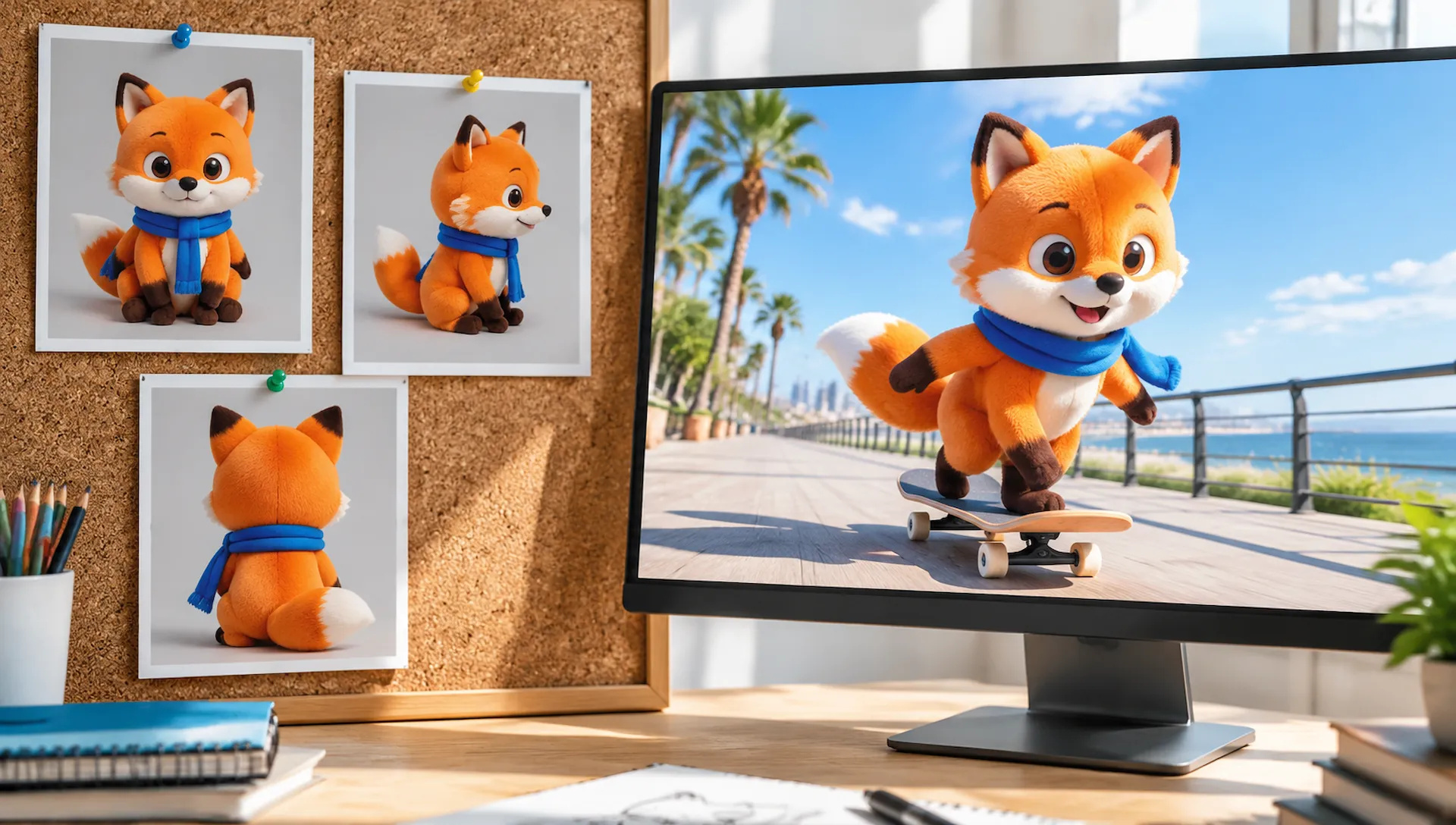
Feed photos of a character, a mascot or a product as references and they keep the same face, outfit or packaging through the whole clip.
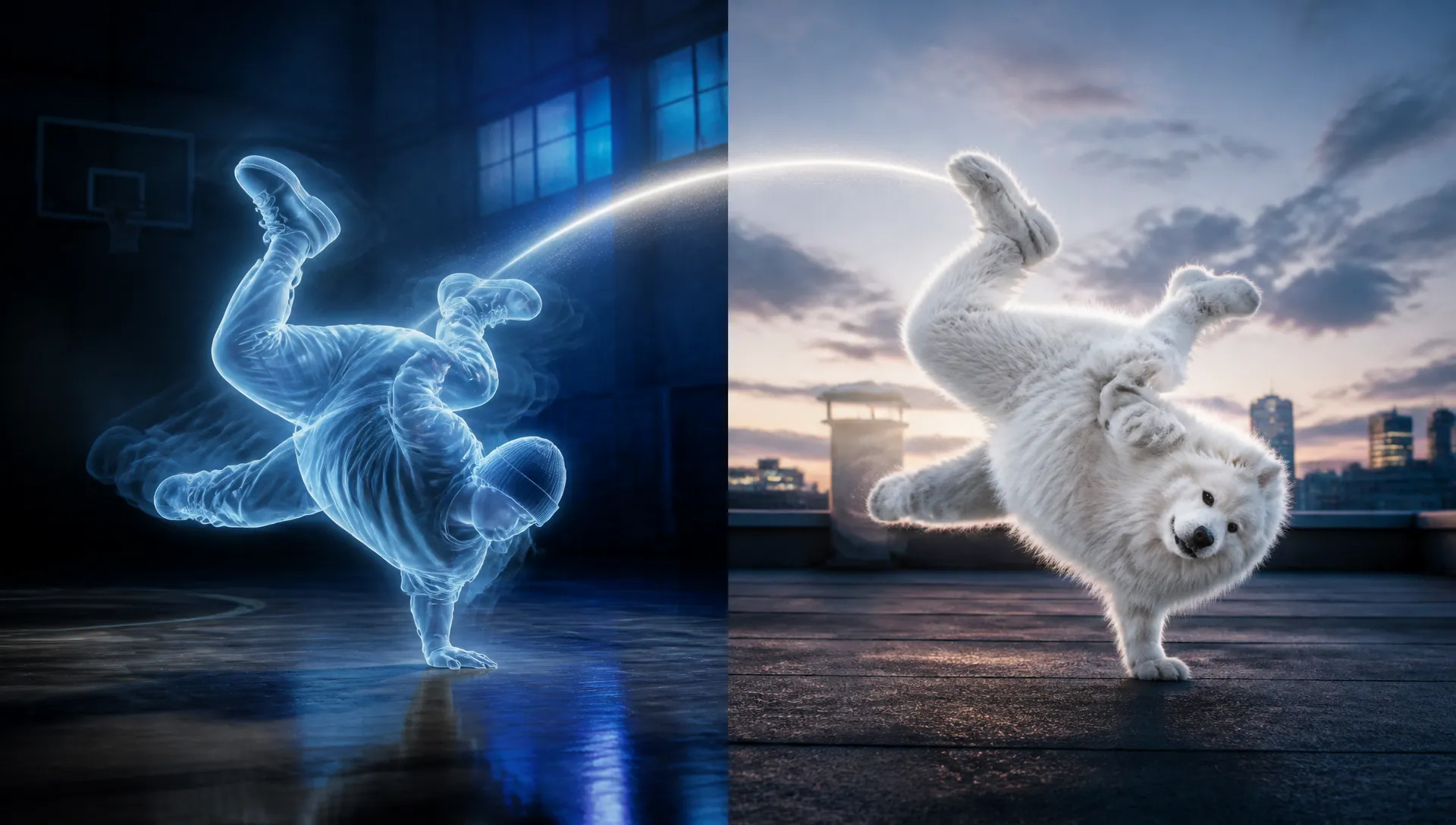
Add one reference video and a new subject follows its motion rhythm and camera, from a handheld run to a slow orbit.
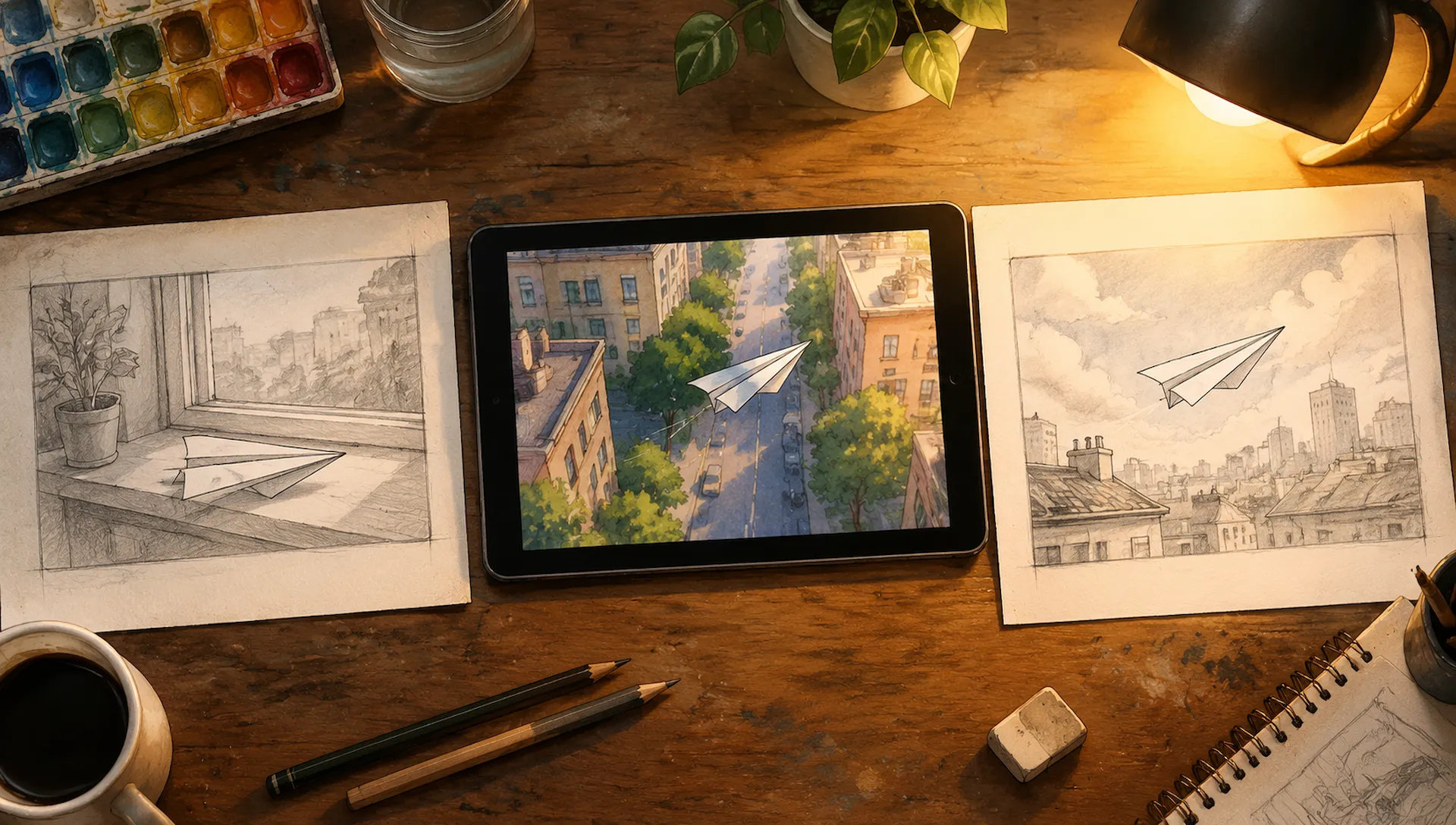
Give the first frame of a storyboard panel, and optionally the last, and Kling V4 animates the move between them in the frame's own shape.
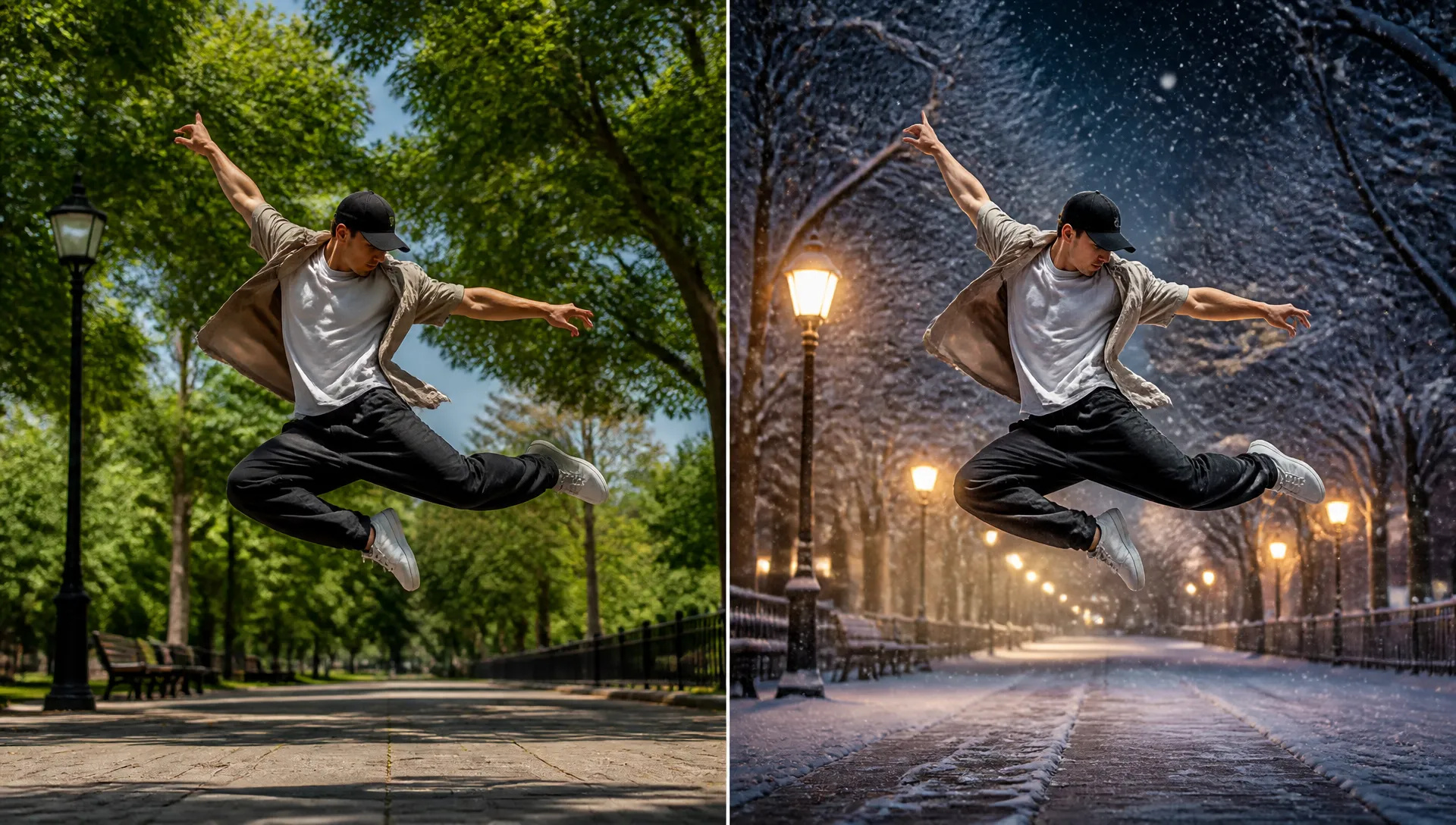
Turn a summer clip into a snowy evening or swap the setting behind a performer while their pose and the camera move stay frame-accurate.
Pick the right video model. Your credits work everywhere on ZOOOP.
Open Kling V4 from this page, or pick it in the AI Video, Start/End Frame or Edit Video tool.
Write the prompt, and add reference images, a reference video, a start frame or a clip to edit.
Pick the length (3 to 30 seconds), 720p or 1080p, and the aspect ratio.
Generate, then download the clip or send it to your canvas.
Kling V4 is Kuaishou's Kling 4.0, released on October 15, 2026, and its headline is length. A single generation runs anywhere from 3 to 30 seconds, so a tracking shot through a market, a full product reveal or a long dialogue beat comes out as one continuous take. There is no stitching and no seam where one clip hands over to the next, which is where longer AI videos usually fall apart. Kuaishou's own release notes point at the same thing: steadier large-scale motion and smoother continuity in fast action and complex camera work.
The second strength is how much you can hand it. In the AI Video tool, Kling V4 takes up to 10 reference images (a character, a mascot, a product, a location) plus one reference video whose motion and camera it follows. In the Start/End Frame tool it animates your start frame, and an optional end frame, and keeps their shape. You can refer to images in the prompt as @Image1, @Image2 and so on. Every clip comes with native audio generated with the picture, so footsteps, ambience and dialogue land on the action.
The third is video editing. Upload a clip of 3 to 30 seconds, describe the change ("turn it into a snowy evening", "put her in a red leather jacket") and add reference images if a specific product or character should appear. The pose, the timing and the camera move stay frame-accurate; only what you asked for changes.
Where it's weaker: output tops out at 1080p, so for 4K delivery Vidu Q4 or Gemini Omni 1.1 Flash are the options. There is no 480p draft tier, which makes rough exploration cost more than on Wan V3.0. Audio is always on; you can shape it in the prompt but not disable it, so if you want silent clips Kling O3 has a switch. Reference generation takes one reference video, and for putting a specific person into existing footage MiniMax H3 replaces subjects more faithfully.
A reasonable mental model: default to Kling V4 when a shot needs to run longer than 15 seconds, or when you have references, a start frame or footage to build from. Switch to Wan V3.0 for cheap long drafts, Seedance V2.5 for multi-shot sequences, MiniMax H3 to swap a person into a clip, and Vidu Q4 when the deliverable is 4K.
Kling V4 is Kling 4.0, the video model Kuaishou released on October 15, 2026. On ZOOOP it covers text-to-video, reference-to-video, start-and-end-frame animation and video editing under one name.
Any whole number of seconds from 3 to 30, with 5 as the default. A 30 second clip is generated in one pass, not stitched from shorter pieces.
Yes. Every clip comes with audio generated together with the picture. It cannot be switched off, but you can steer it in the prompt, for example "only rain and distant traffic, no music".
Up to 10 reference images and one reference video of 3 to 30 seconds for text-to-video; a start frame and an optional end frame for animation; and a 3 to 30 second clip plus up to 10 reference images for editing. In the prompt, refer to images as @Image1, @Image2 and so on.
720p and 1080p. Text and reference generation supports 16:9, 9:16, 1:1 and 21:9; animations follow the shape of your start frame, and edits keep the shape of your clip.
It is priced per second of output, so you pay for the length you ask for. Draft at 720p and short lengths, then render the keeper at 1080p or full length. Reference videos and edits also count the input clip, at a reduced rate.























فيديو الإطار الأول والأخيرالنص والإشارة إلى الفيديوتحرير الفيديو
فيديو الإطار الأول والأخيرالنص والإشارة إلى الفيديوتحرير الفيديو
فيديو الإطار الأول والأخيرالنص والإشارة إلى الفيديوتحرير الفيديو
فيديو الإطار الأول والأخيرالنص والإشارة إلى الفيديوتحرير الفيديو
فيديو الإطار الأول والأخيرالنص والإشارة إلى الفيديوتحرير الفيديو
فيديو الإطار الأول والأخيرالنص والإشارة إلى الفيديو
Kling V4
Prompt*
الصور
الفيديوهات
نسبة الارتفاع*
الدقة*
المدة*
ستظهر أجيالك هنا بمجرد تسجيل الدخول.
إنشاء حساب مجاني.