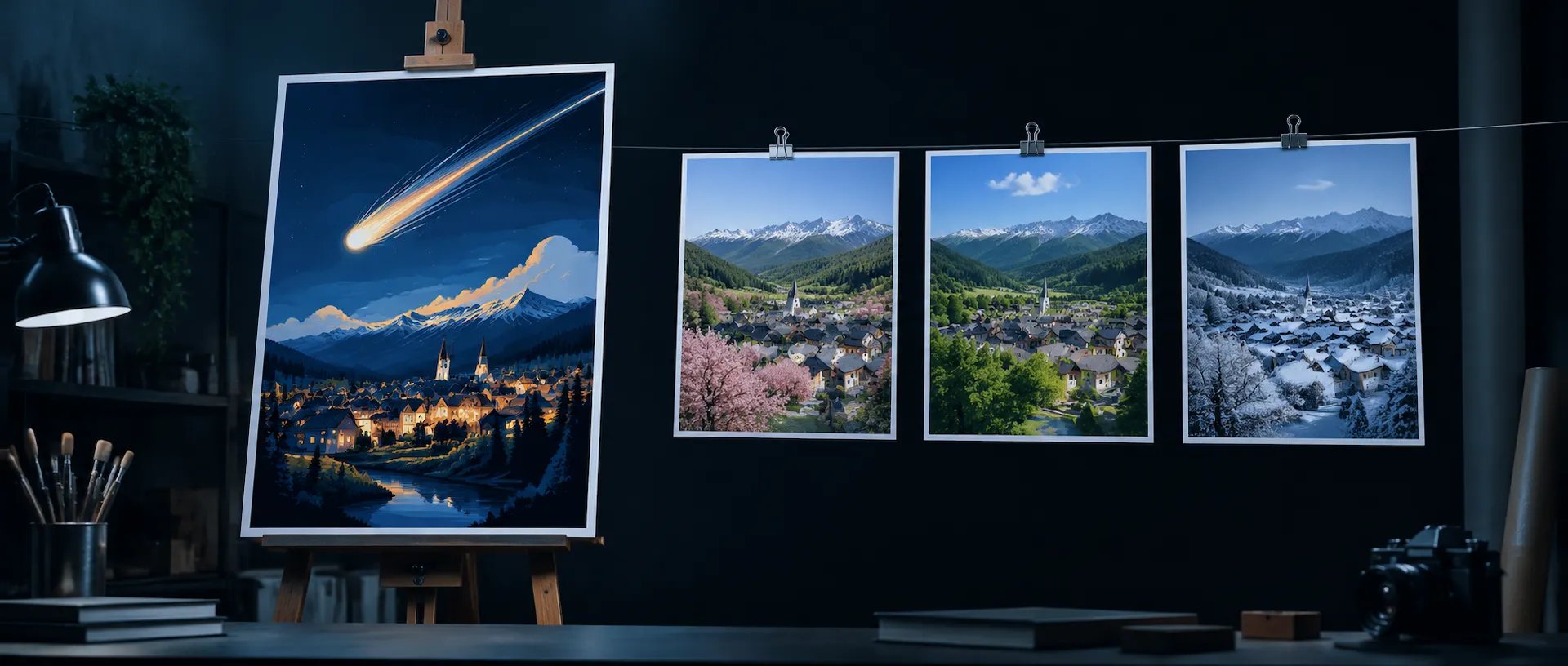
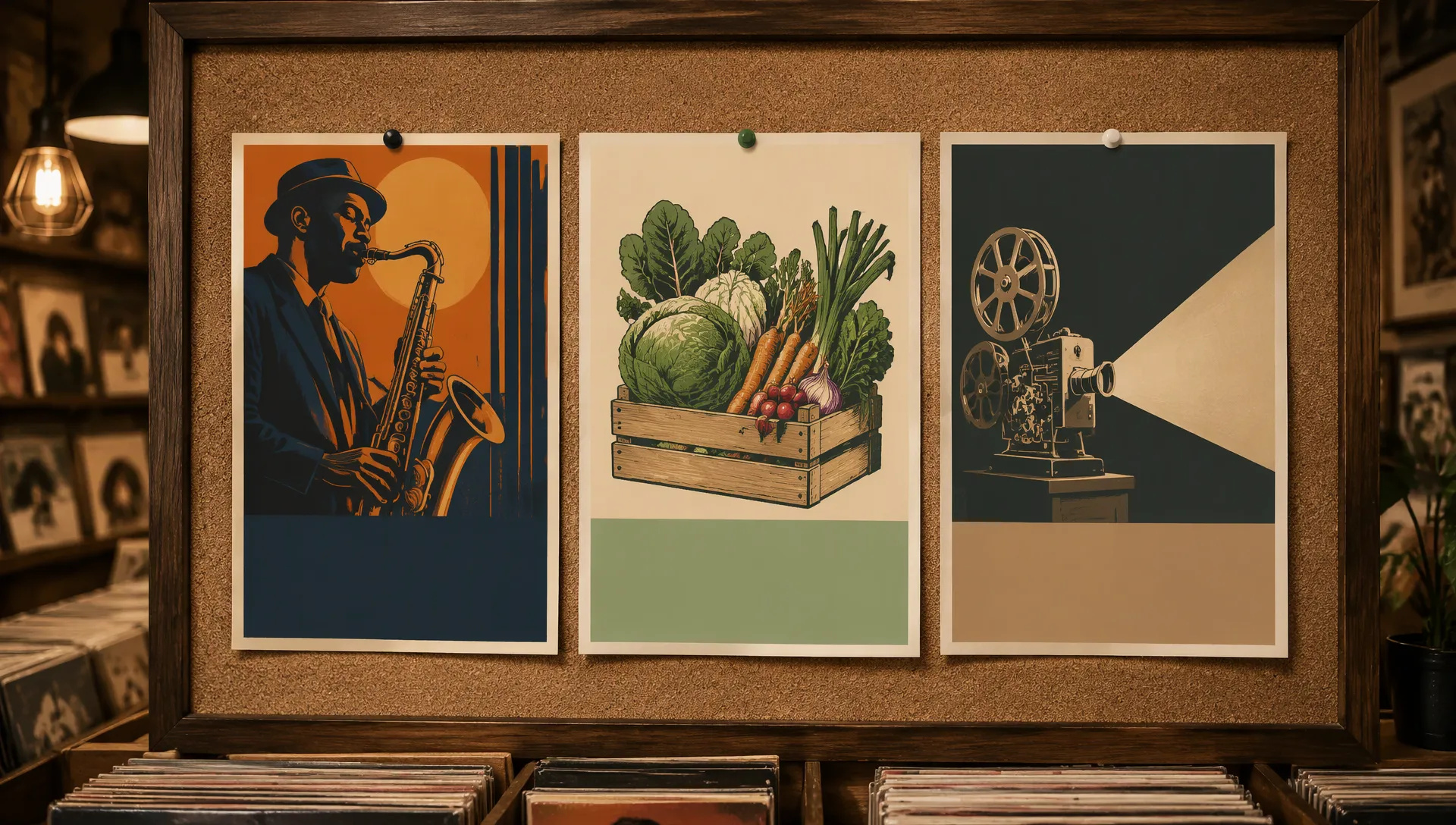
Posters and event flyers
Headline, date, venue and fine print in one image, with the small text still sharp.

xAI's second-generation image model: designer-like typography, close prompt following and edits that keep what you put in, at 1K or 2K.
แพ็กเครดิตหรือแผนรายเดือน ใช้ยอดคงเหลือเดียวกันกับทุกโมเดลบน ZOOOP · เติมเมื่อต้องการ เครดิตจากแพ็กจะอยู่จนกว่าคุณจะใช้
Powered by xAI's API on ZOOOP
xAI says Grok Imagine Image 2.0 plans typography and layout the way a designer would, and that small text comes out sharp. Headlines, prices, labels and fine print stay readable.
The prompt box takes up to 8,000 characters, and xAI says 2.0 follows instructions closely, down to the details. Spell out the wording, hierarchy, colors and placement in one brief.
Add up to 3 images to edit or combine, or leave the slot empty for text-to-image. xAI built 2.0 to preserve what you put in across generations and edits.
Low is the fast setting: a 1K image took about 24 seconds end to end in our tests. Medium gives the most detail in around a minute and a half. Both render 1K or 2K in seven ratios from 16:9 to 9:16.
Headline, date, venue and fine print in one image, with the small text still sharp.
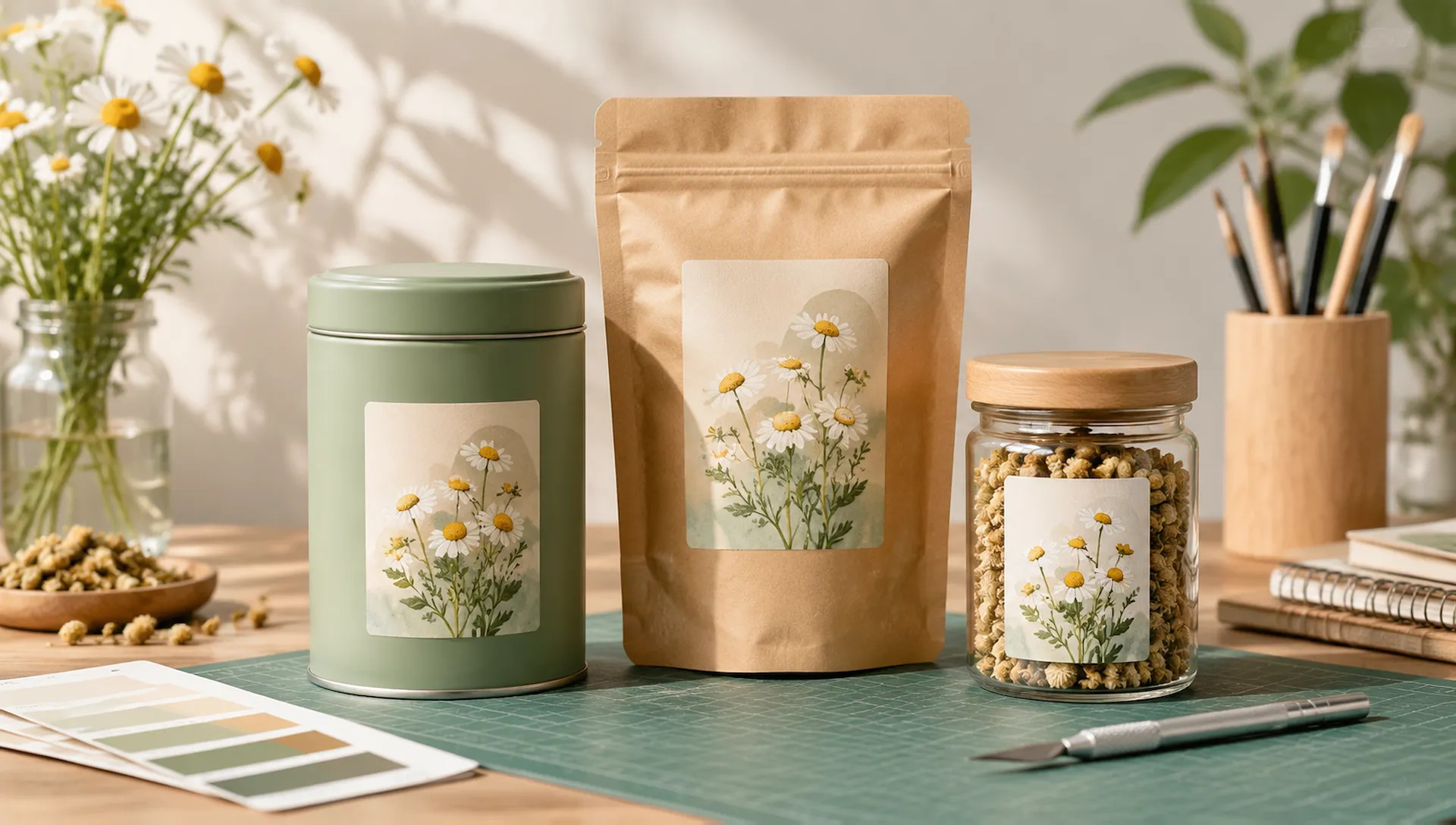
Boxes, bottles and labels with readable product names and ingredient lines, for pitches and shelf tests.
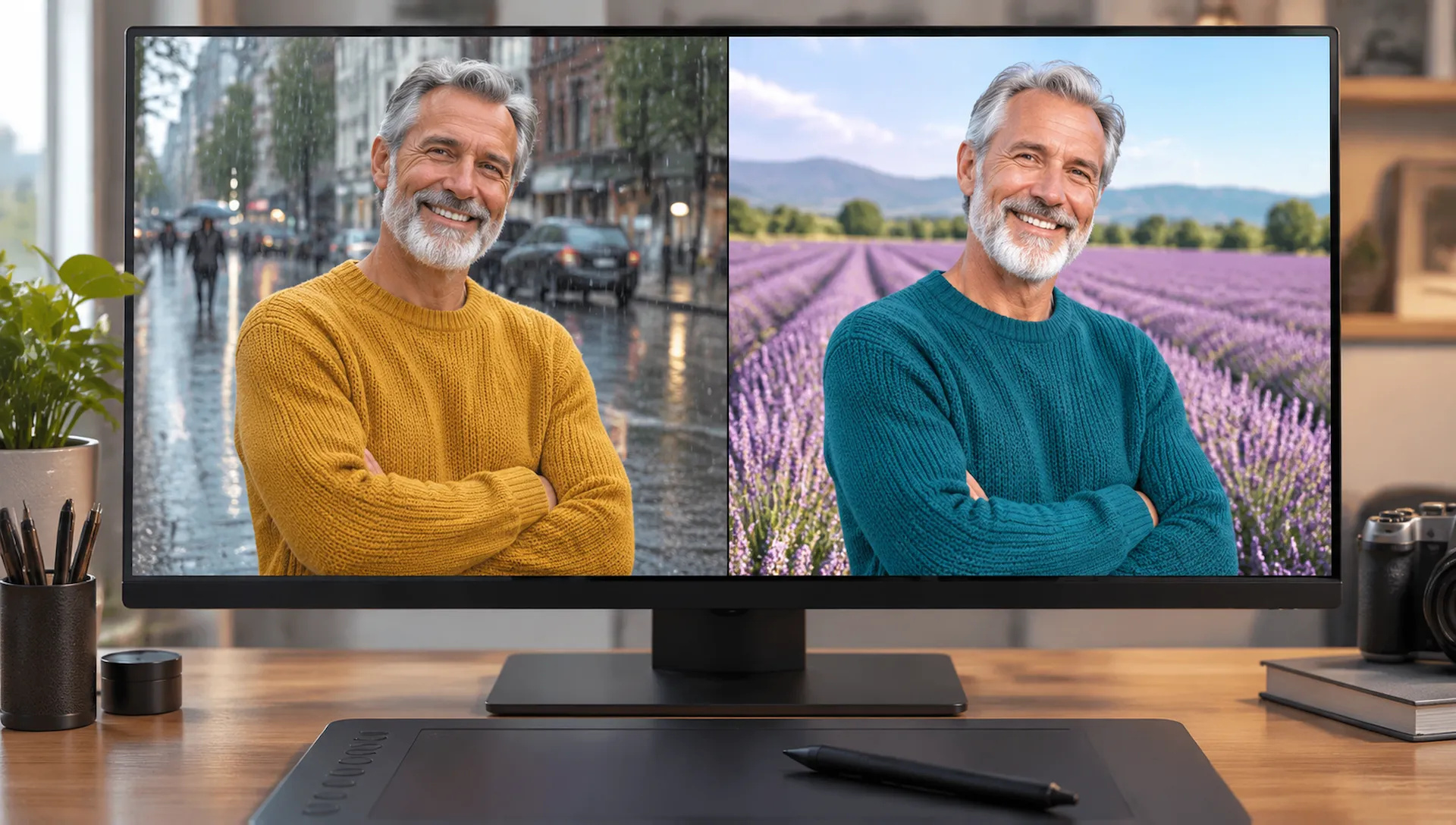
Swap the background or recolor a sweater while the person, face and pose stay the same.
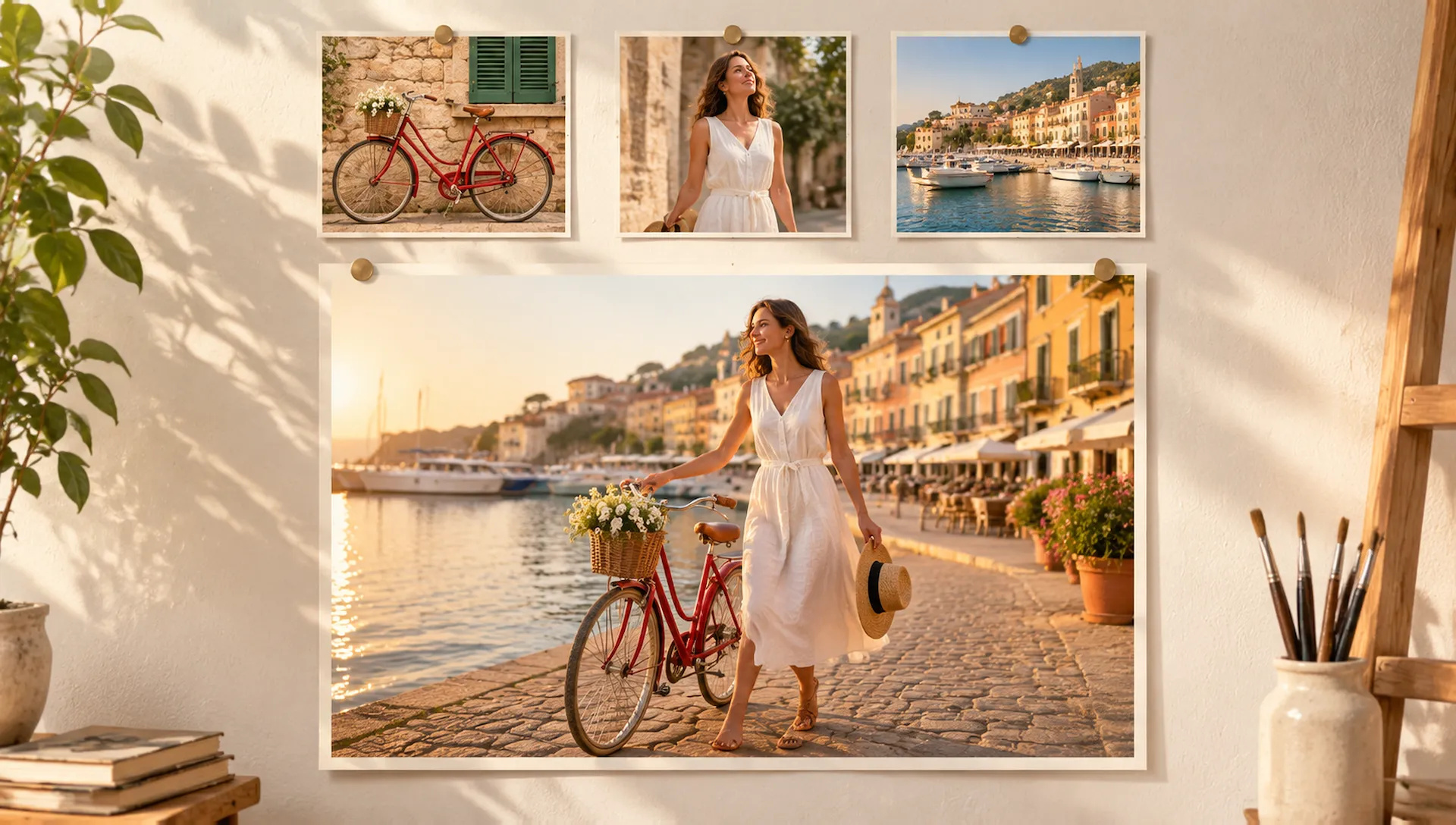
Combine a product shot, a model and a location photo into one scene described in a single prompt.
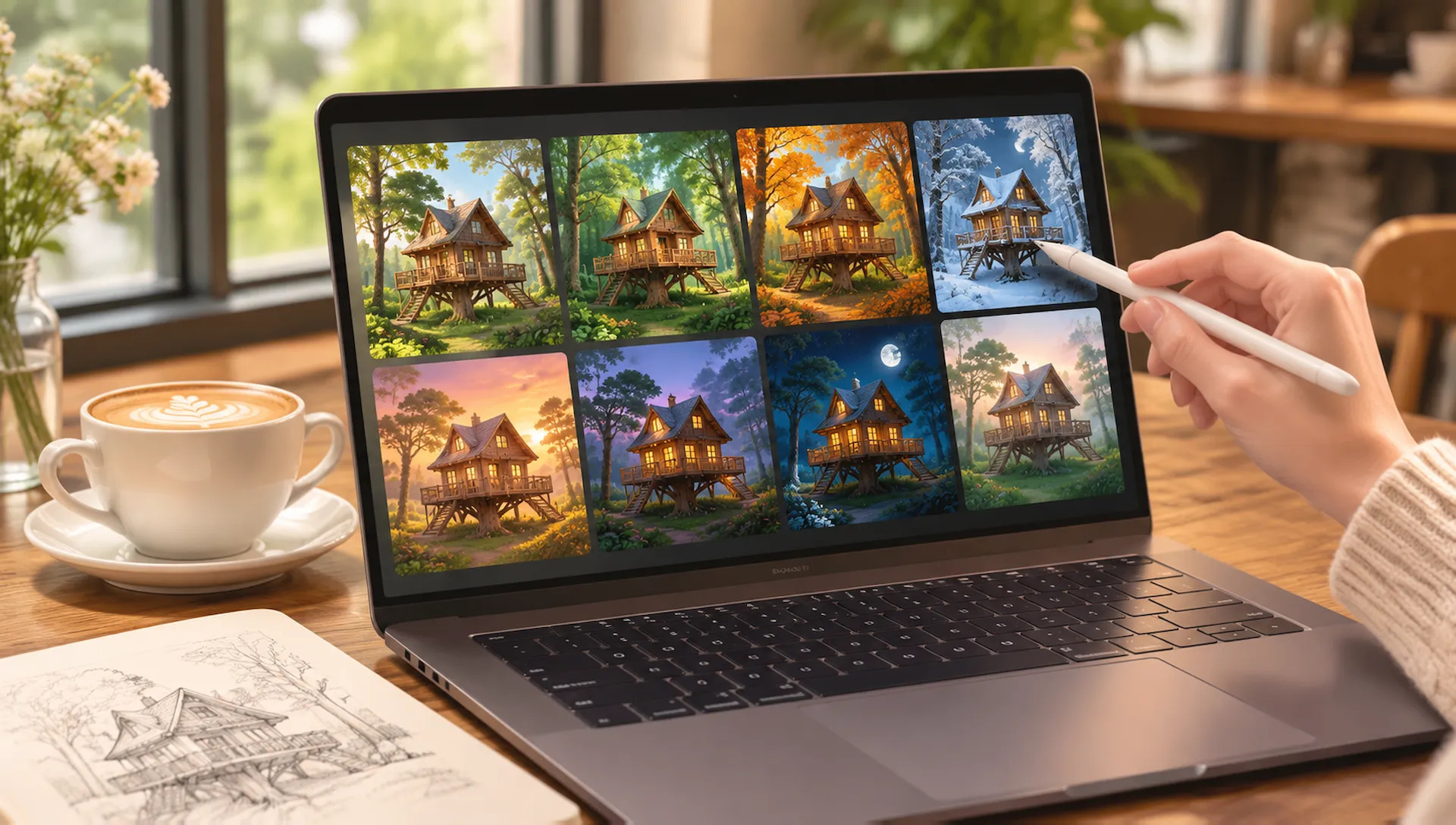
Explore a run of directions on Low, then rerun the one you like on Medium at 2K.
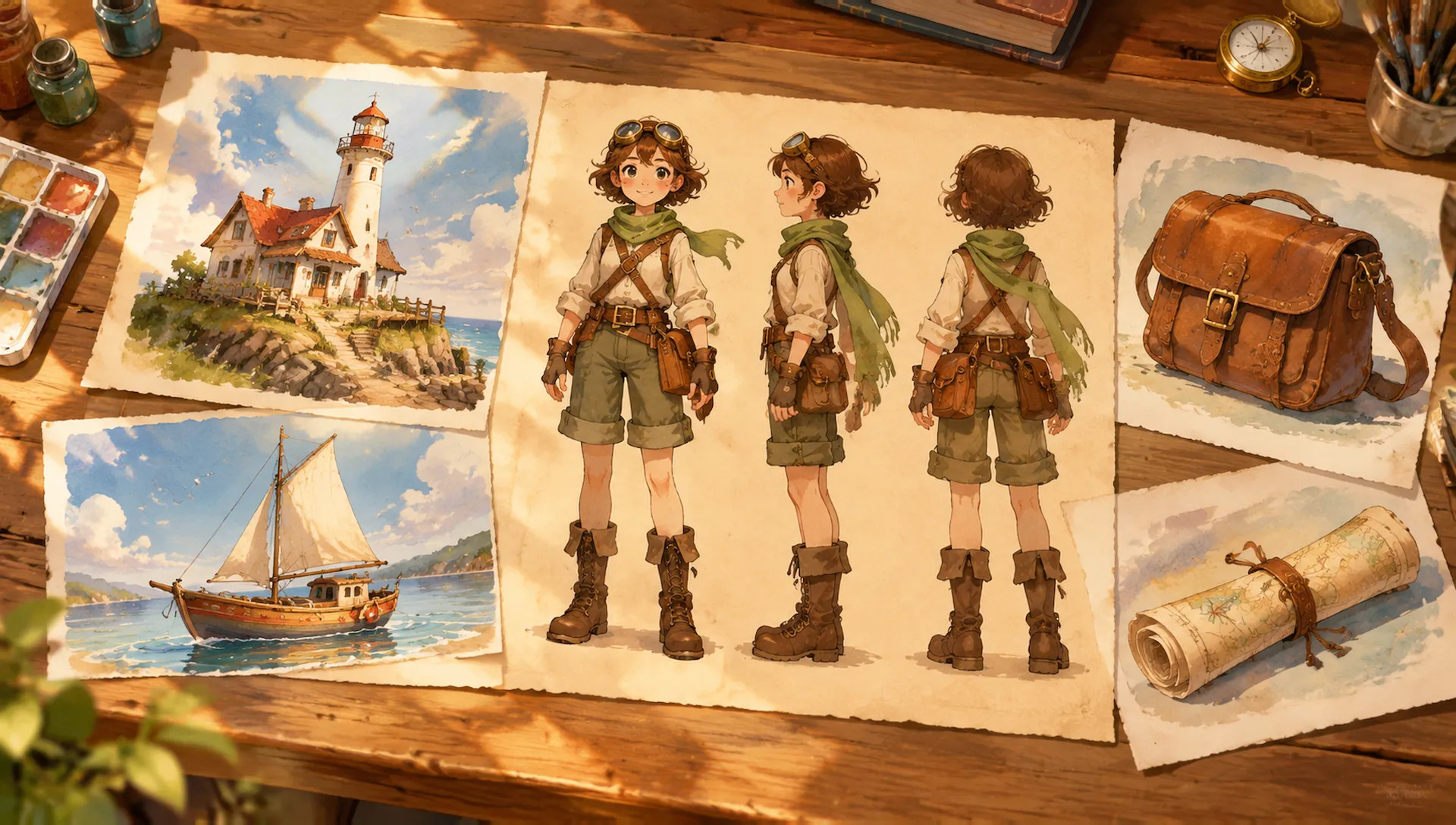
Generate a character, then feed it back as a reference for her home and props so the whole world keeps one look.
Grok Imagine Image 2.0 is the pick for readable text and faithful edits at 2K. Switch when a job needs something it doesn't do best; your credits work across all of them on ZOOOP.
Open Grok Imagine Image 2.0 from this page or pick it in the Image Generator.
Write the prompt, including any text that should appear, and add up to 3 images if you want to edit or combine them.
Pick aspect ratio, resolution (1K or 2K) and quality (Low or Medium).
Generate, then add the result as a reference and describe the next change.
Grok Imagine Image 2.0 is xAI's second-generation image model, released on August 7, 2026 as the new Quality Mode in Grok Imagine. xAI's stated goal is images you can use in real work, and the release concentrates on three things: following the prompt closely, setting type like a designer, and keeping what you supplied intact when you edit. xAI also says it was trained for fidelity across photography, design and illustration. On ZOOOP it succeeds the first Grok Imagine image model with the same seven aspect ratios, 1K or 2K output and up to three reference images, plus a new Quality choice.
The first flagship capability is typography. xAI says 2.0 plans typography and layout the way a designer would, and that small text comes out sharp. That makes it a fit for posters, flyers, packaging and menus, where a headline, a date and a line of fine print all need to be readable. The prompt box takes up to 8,000 characters, so the exact wording, the hierarchy and the colors fit in one brief, and according to xAI the model follows instructions closely, down to the details.
The second is editing. Add up to 3 reference images and describe the change: swap a background, recolor a product, or combine a product, a person and a location into one shot. xAI built 2.0 to preserve what you put in across generations and edits, so the face, the label and the composition you supplied stay recognizable. Leave the slot empty and it works as plain text-to-image.
The third is the Quality setting. Low is the fast one: in our tests a Low 1K image took about 24 seconds end to end and a Low 1K edit about 20 seconds. Medium gives the most detail and takes around a minute and a half. A practical loop is to explore on Low, then rerun the prompt you like on Medium at 2K.
Output tops out at 2K, and there is no 21:9 or wider ratio. For 4K key visuals and dense layouts with many references, GPT Image 2.6 goes further (up to 16 references), and Nano Banana 2.1 covers 4K plus ultra-wide and ultra-tall formats. Edits are described in words: there is no mask or region selection and no transparent background on ZOOOP, so use Nano Banana 2.1 for mask-based edits and Seedream 5.5 for transparent PNGs. Three reference slots cover most edits but not large group composites, where GPT Image 2.6 takes up to 16 images and Nano Banana 2.1 up to 14. Medium is much slower than Low, so it is not the setting for quick batches. For photoreal portraits with exact skin tone and color, Flux 2 Pro is the specialist. And it makes still images only; to animate a result, hand it to Grok Imagine V1.5.
Default to Grok Imagine Image 2.0 when the image carries text that has to be read, or when you are editing a photo and the subject has to stay itself. Draft on Low, finish on Medium at 2K. Switch to GPT Image 2.6 for 4K or more than three references, Seedream 5.5 for cut-outs, and Nano Banana 2.1 for masked edits and extreme formats.
It is xAI's second-generation image model, released on August 7, 2026 as the new Quality Mode in Grok Imagine and in xAI's API. xAI says it follows instructions down to the details, plans typography and layout like a designer, and preserves what you put in across edits. On ZOOOP it generates from text and edits or combines up to 3 images.
On ZOOOP both offer the same seven aspect ratios, 1K or 2K output and up to 3 reference images. 2.0 is the newer model, built for closer prompt following, sharper text and edits that keep your inputs, and it adds a choice between Low and Medium quality. The first Grok Imagine stays available on ZOOOP.
Low for drafts and quick edits: in our tests a Low 1K image took about 24 seconds end to end and a Low 1K edit about 20 seconds. Medium for the final image, with the most detail; it takes around a minute and a half. Low also costs a little less.
Up to 3. Leave the slot empty for text-to-image, add one image to edit it, or add two or three to combine them. Describe the change in words: there is no mask or region selection on ZOOOP.
Yes. It is one of the lower-cost image models on ZOOOP. Low costs a little less than Medium, 2K a little more than 1K, and each reference image adds a small amount.
No. ZOOOP is a third-party platform that accesses Grok Imagine Image 2.0 through an API provider and is not affiliated with xAI. You only need a ZOOOP account.





















ข้อความไปยังรูปภาพ
ข้อความไปยังรูปภาพ
ข้อความไปยังรูปภาพ
ข้อความไปยังรูปภาพ
ข้อความไปยังรูปภาพ
ข้อความไปยังรูปภาพ
Grok Imagine Image 2.0
Prompt*
รูปภาพ
อัตราส่วนภาพ*
ความละเอียด*
Quality*
รุ่นของคุณจะปรากฏที่นี่เมื่อคุณลงชื่อเข้าใช้
การสร้างบัญชีฟรี