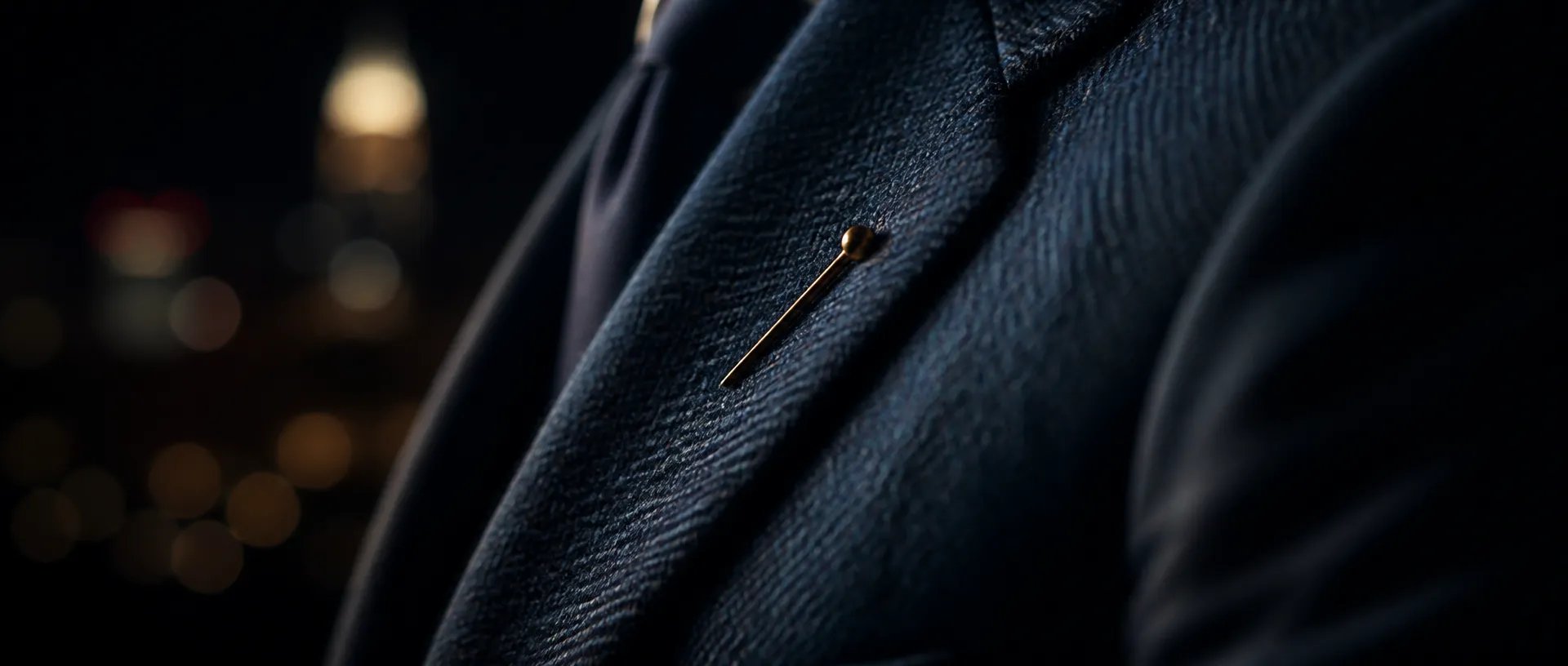
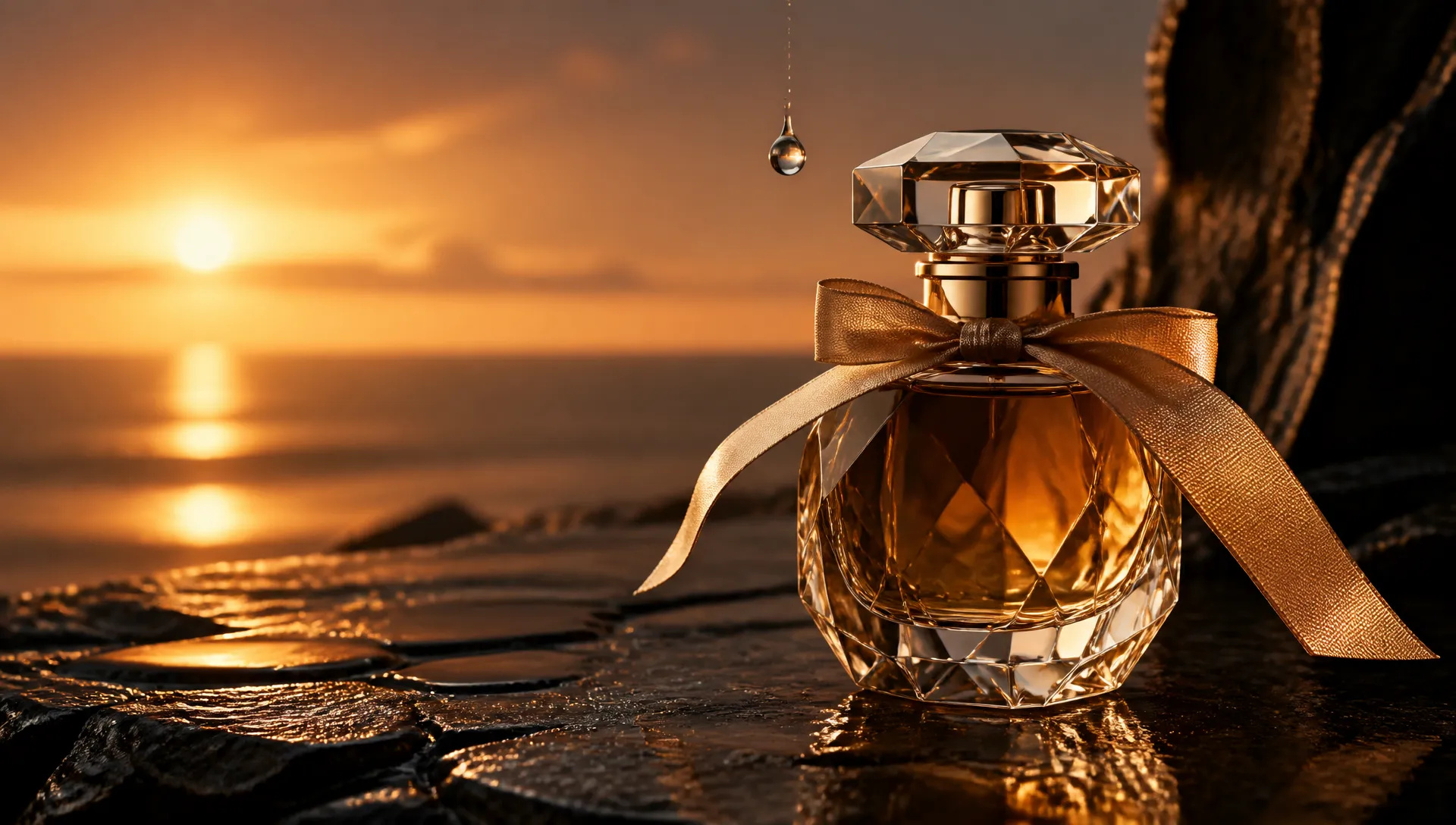
Campaign key visuals
Run XHigh or Max when the frame is the final deliverable — fabric weave, skin texture and small type survive the zoom.

OpenAI's sharpest image model — five quality tiers, up to 4K, and Flare or Sunburst on ZOOOP.
จ่ายหนึ่งครั้งสำหรับเครดิต - ใช้พวกเขาในทุกรุ่นใน ZOOOP · เติมเงินเมื่อคุณต้องการไม่มีการเผาไหม้รายเดือน
Powered by OpenAI's API on ZOOOP
Low, Medium, High, plus the new XHigh and Max. The top two tiers resolve fine texture, small type and dense scenes that older tiers softened — pick exactly as much detail as the job needs.
Flare is the fast default for everyday generation. Sunburst takes longer and gives tighter control over edits — switch versions without changing anything else in your prompt.
Feed in products, people, layouts or style frames — up to 16 in one request — and describe how they should combine. The edit pass keeps what you reference and changes only what you ask.
Render 3840×2160 or 2160×3840 straight out of the model for cinematic backdrops, key visuals and vertical screens, with 1k–3k available at every aspect ratio.
Run XHigh or Max when the frame is the final deliverable — fabric weave, skin texture and small type survive the zoom.
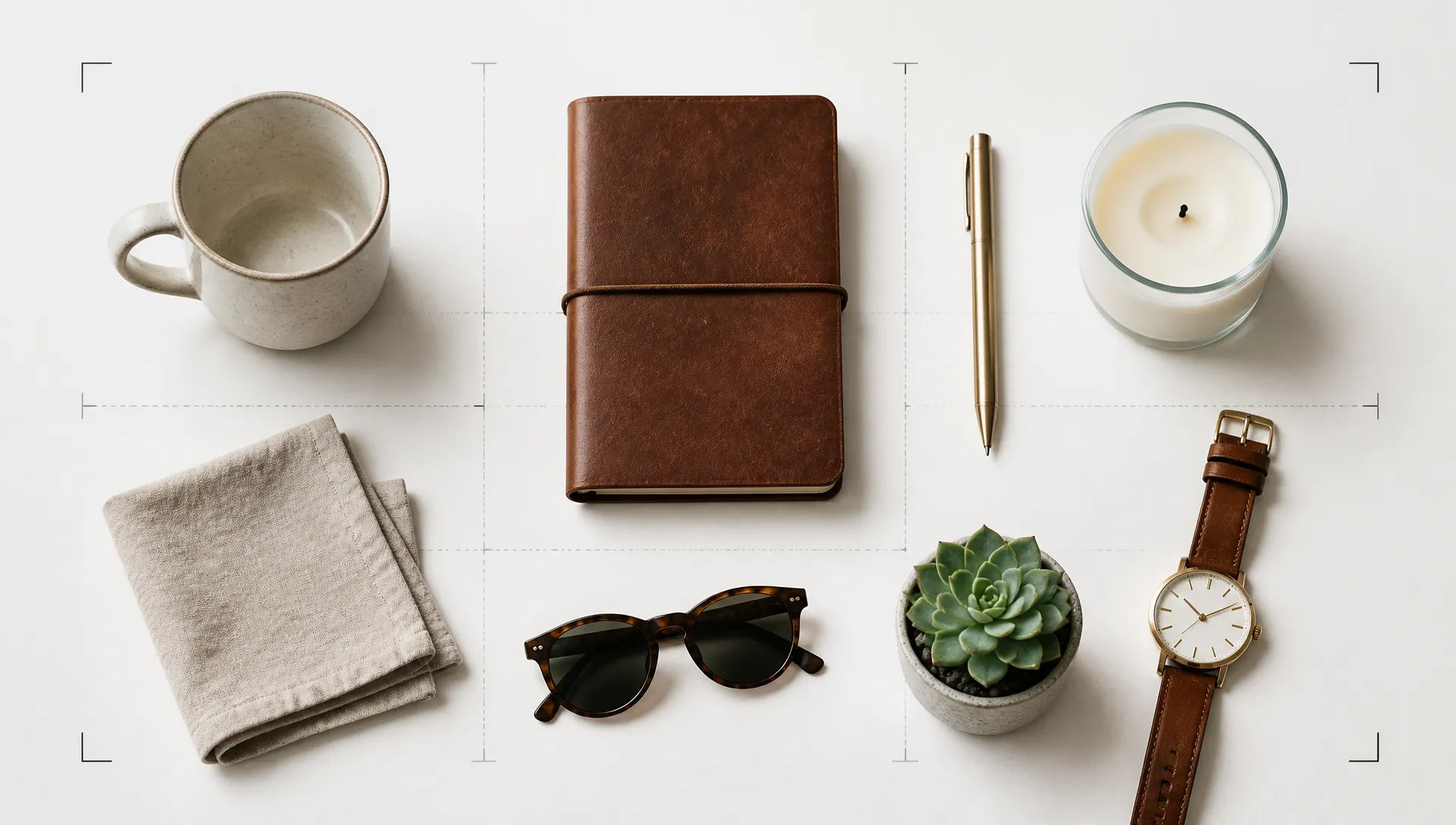
Drop in up to 16 packshots, props and a layout frame, then describe the arrangement. Labels and materials stay faithful to the references.
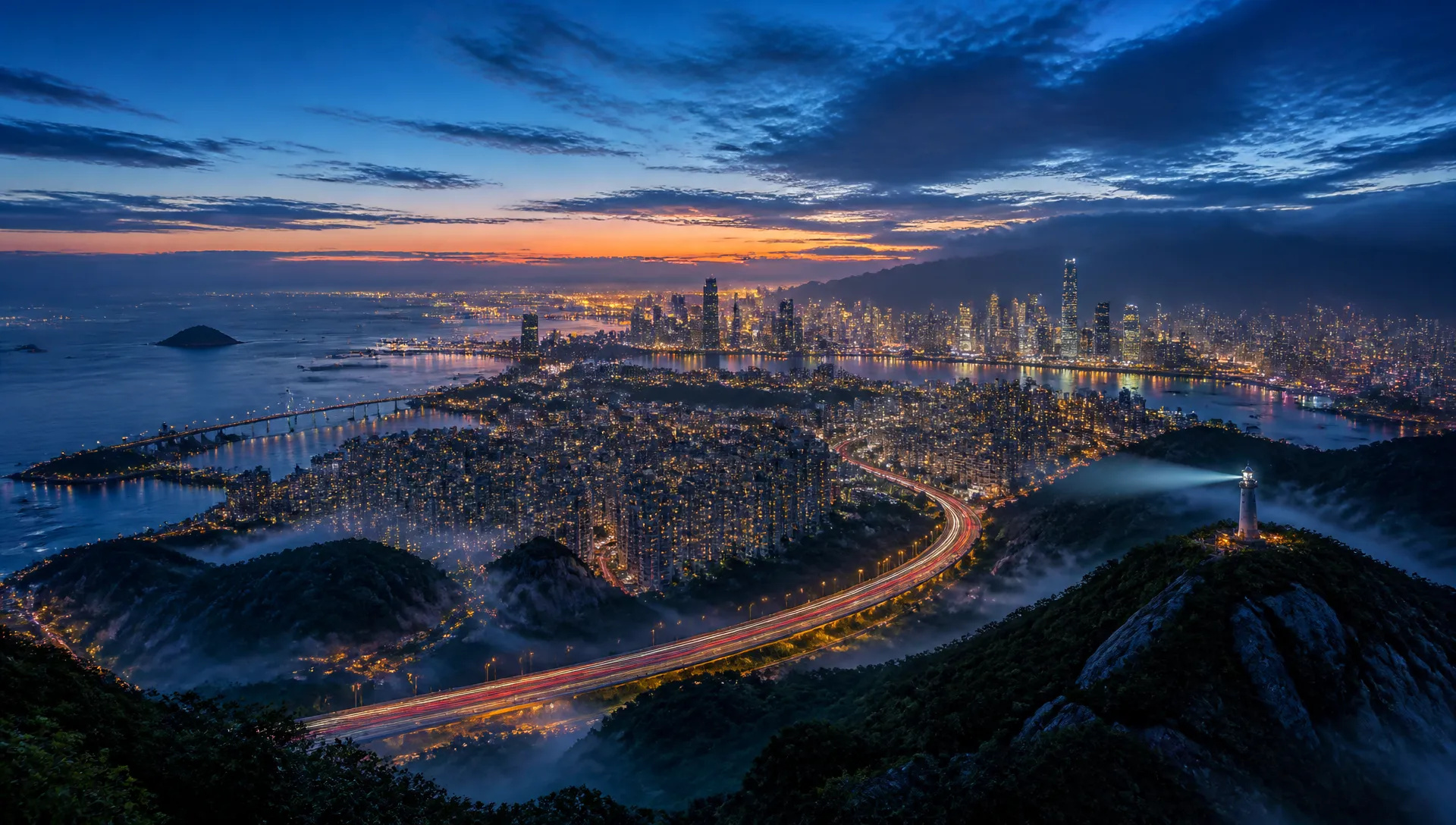
Widescreen 4K environments for title cards, stage screens and video plates — generated at delivery resolution, no upscale pass.
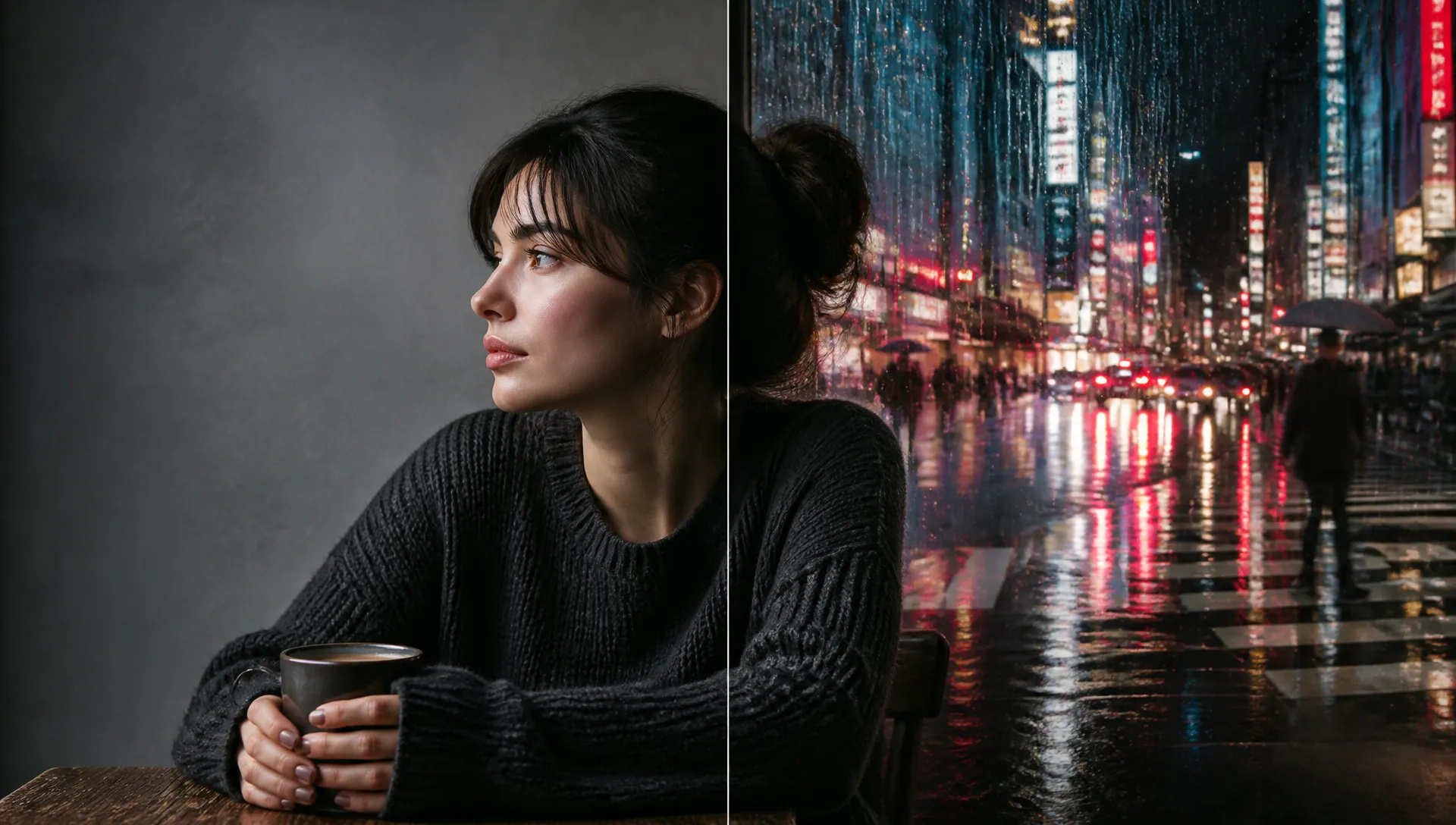
Use Sunburst to swap a background, restyle wardrobe or fix one object while the rest of the photograph stays untouched.
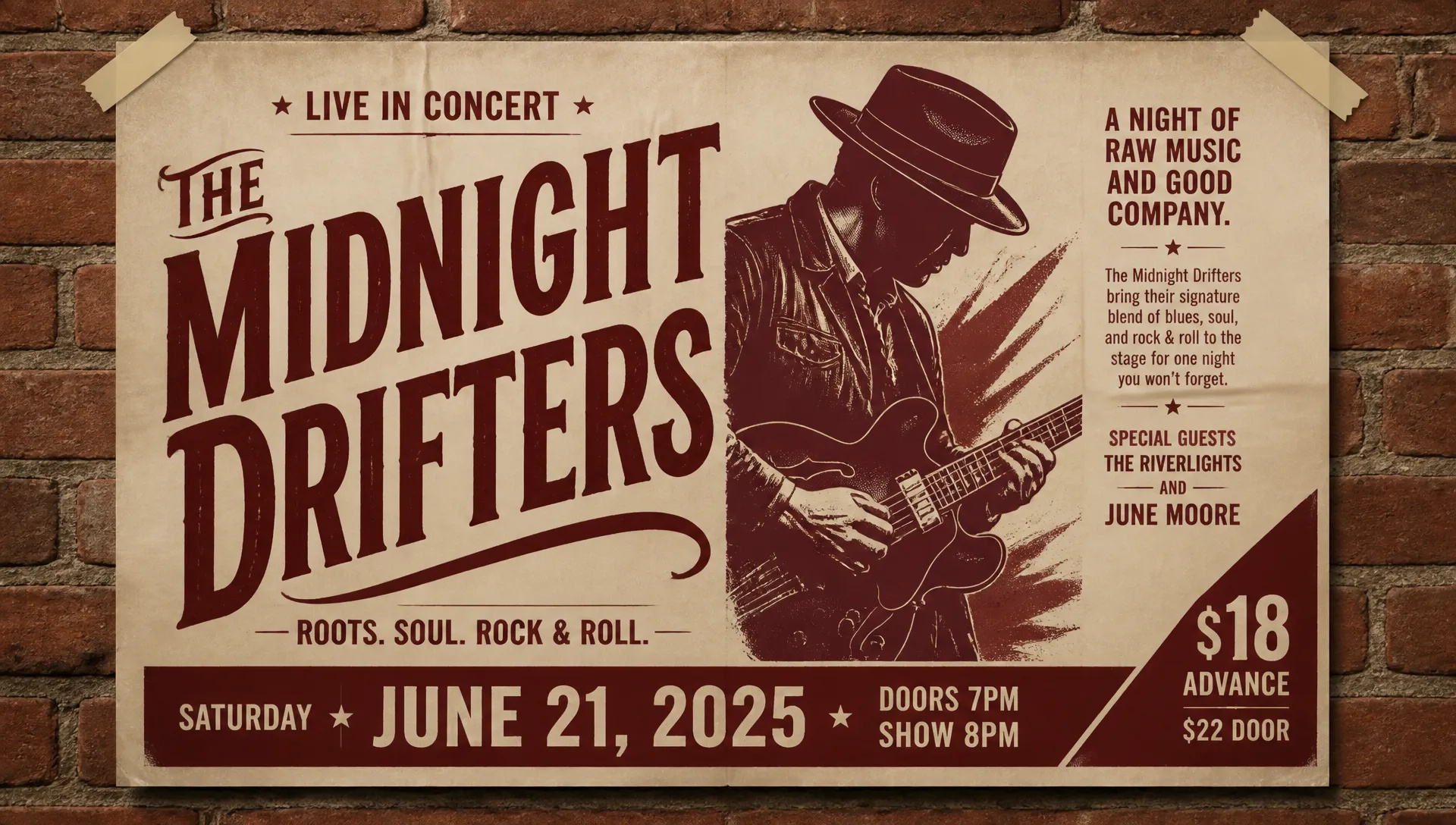
Headlines, body copy and price tags render as real, readable text in the image — the GPT Image signature, now sharper.
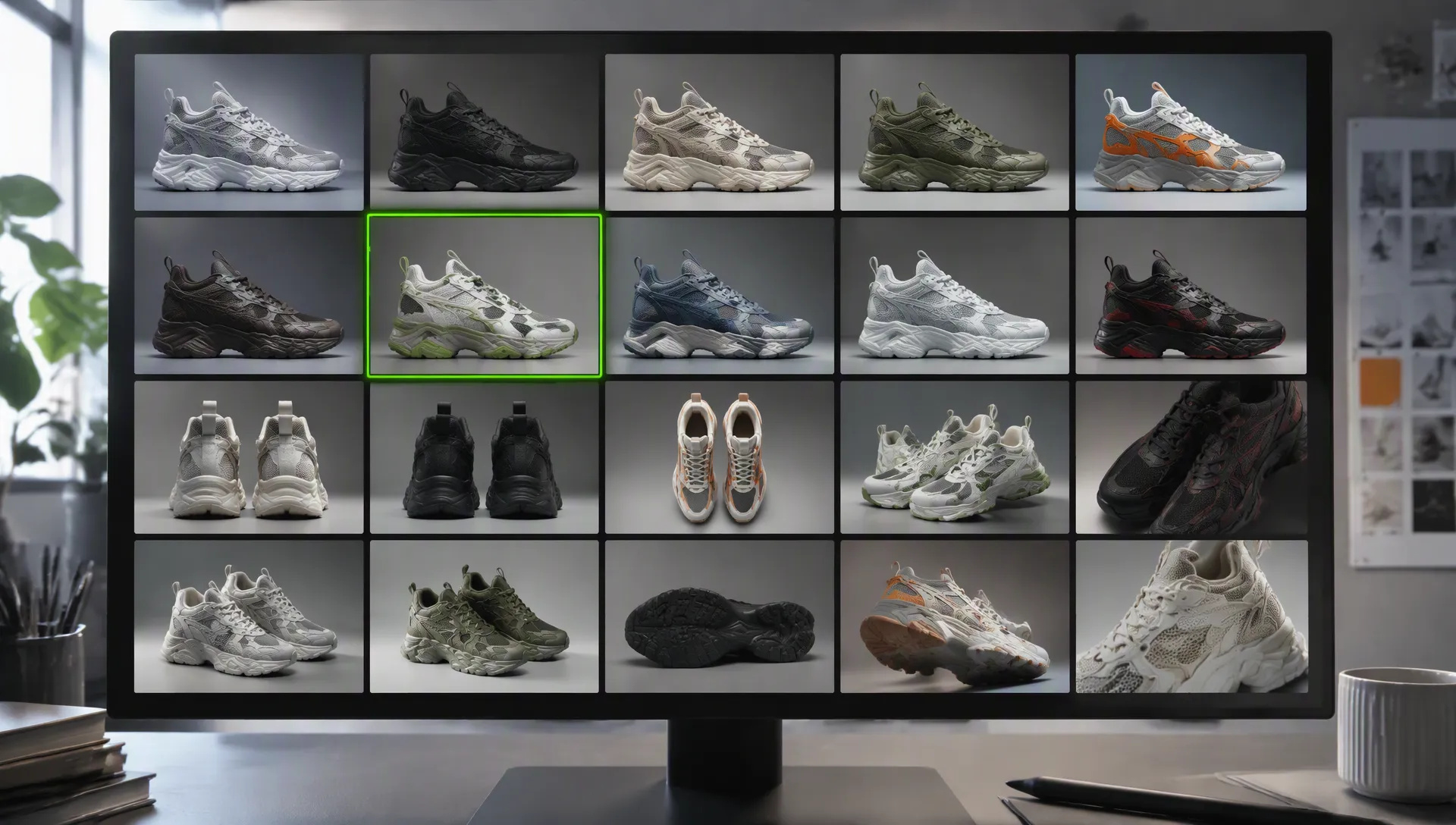
Flare on Low turns a brief into a wall of options in seconds. Promote the keeper to a higher tier for the final.
Every AI image model has a sweet spot. Use this matrix when GPT Image 2.5 isn't the right call — your credits work across all of them on ZOOOP.
Open GPT Image 2.5 from this page or pick it in the Image Generator, and choose the Flare or Sunburst version.
Describe the scene — subject, style, any text that should appear — and add up to 16 reference images if you're editing or compositing.
Pick the quality tier, aspect ratio and resolution.
Generate, then select the output and describe what to change to refine it.
GPT Image 2.5 keeps everything that made GPT Image 2 the "use the output as-is" model — legible typography, world-knowledge grounding, prompts that are actually followed — and pushes on the one axis its predecessor left on the table: resolved detail. Fabric weave, hair, small text on a distant sign, the edge where a product meets its reflection — the places where earlier renders went soft now hold up when you zoom in. OpenAI describes the release as sharper detail, stronger style adherence and more control over edits, and that matches what we see on ZOOOP.
The release comes as two versions of one model. Flare is the fast default: it delivers higher quality than GPT Image 2 at noticeably lower latency, so it is the right pick for everyday generation and high-volume iteration. Sunburst trades speed for precision — it is built for premium visual workflows where control over each edit matters, such as production-ready campaign creative or polished product imagery. On ZOOOP they sit side by side as the Flare and Sunburst versions, with identical parameters; switching is one click.
GPT Image 2 offered Low, Medium and High. GPT Image 2.5 adds XHigh and Max above them, and the ladder is worth understanding rather than just cranking to the top. Low and Medium cover drafts, social posts and most editorial frames. High handles dense multi-element compositions. XHigh and Max exist for the case where the image is the deliverable — a printed key visual, a hero image viewed on a large screen, a 4K background plate — and fine texture must survive scrutiny. The higher tiers take longer and cost more; the right workflow is to explore on Low, lock the composition, then promote the single keeper to the tier the final use demands.
Output now reaches 3840×2160 (and 2160×3840 for vertical screens) for the widescreen and tall ratios — 21:9, 16:9, 9:16 and 9:21. Every other aspect ratio tops out at 3k, which still exceeds 2560 pixels on the long side. ZOOOP disables the 4K combinations the model does not accept, so a request that would be rejected upstream never gets submitted or charged.
On the input side, the reference-image slot takes up to 16 images (GPT Image 2 stopped at 10). That matters for product composites and layout work: packshots, props, a colour reference and a rough layout frame can all go in together, and the prompt describes how they combine. The edit pass preserves what you reference and applies only the change you describe.
The trade-off is at the top of the ladder: Max is the slowest and most expensive tier, and for many scenes the visible difference from High is small. If you find yourself defaulting to Max, step back down and check whether the detail you were chasing is really there. Sunburst likewise adds latency — reserve it for edits where control is the point.
For pure photoreal portraiture with exact skin tone and colour, Flux 2 Pro still edges it. For vector or SVG deliverables, Recraft V4.1 is the right tool. For dense multilingual text and fact-heavy infographics, Nano Banana Pro remains the safer pick. And if the brief is fast batch drafts where each frame is disposable, Flux 2 Flash turns them around quicker.
Default to GPT Image 2.5 Flare on Low or Medium for anything with on-image text, real-world objects, or a multi-part instruction — that is the widest coverage on the platform for a "ship the first render" workflow. Move to High, XHigh or Max only when the output is the final asset and will be viewed large. Switch to Sunburst when you are editing an existing image and the edit has to land exactly where you point. Reach for GPT Image 2 only if you need to match renders from an existing project; for new work, 2.5 supersedes it.
Sharper detail, stronger style adherence and more control over edits, plus two new quality tiers above High (XHigh and Max), 4K widescreen output, and up to 16 reference images per request instead of 10. OpenAI ships it as two API models — Flare and Sunburst — and ZOOOP exposes both as versions of one model.
Flare for almost everything: it is faster and its quality already exceeds GPT Image 2. Sunburst is built for premium edit workflows — production campaign creative, polished product imagery — where tighter control over each change matters more than turnaround. Same prompt, same parameters; only the version switch differs.
When the image is the finished asset and will be viewed large — a printed key visual, a hero on a landing page, a 4K plate. For drafts, social posts and most editorial work, Low and Medium hold up; High covers dense compositions. Start low and move up only when a detail you need is missing.
No. 4K is available for the widescreen and tall-screen ratios (21:9, 16:9, 9:16, 9:21). The remaining ratios top out at 3k, which still exceeds 2560 pixels on the long edge. ZOOOP disables the unsupported combinations so you never pay for a request that would fail.
No. ZOOOP is a third-party platform that accesses GPT Image 2.5 through OpenAI's API. It is not affiliated with OpenAI. You don't need a separate OpenAI account or API key — just a ZOOOP account.























ข้อความไปยังรูปภาพ
ข้อความไปยังรูปภาพ
ข้อความไปยังรูปภาพ
ข้อความไปยังรูปภาพ
ข้อความไปยังรูปภาพ
ข้อความไปยังรูปภาพ
GPT Image 2.5
Prompt*
Image Urls
Quality*
อัตราส่วนภาพ*
ความละเอียด*
รุ่นของคุณจะปรากฏที่นี่เมื่อคุณลงชื่อเข้าใช้
การสร้างบัญชีฟรี