
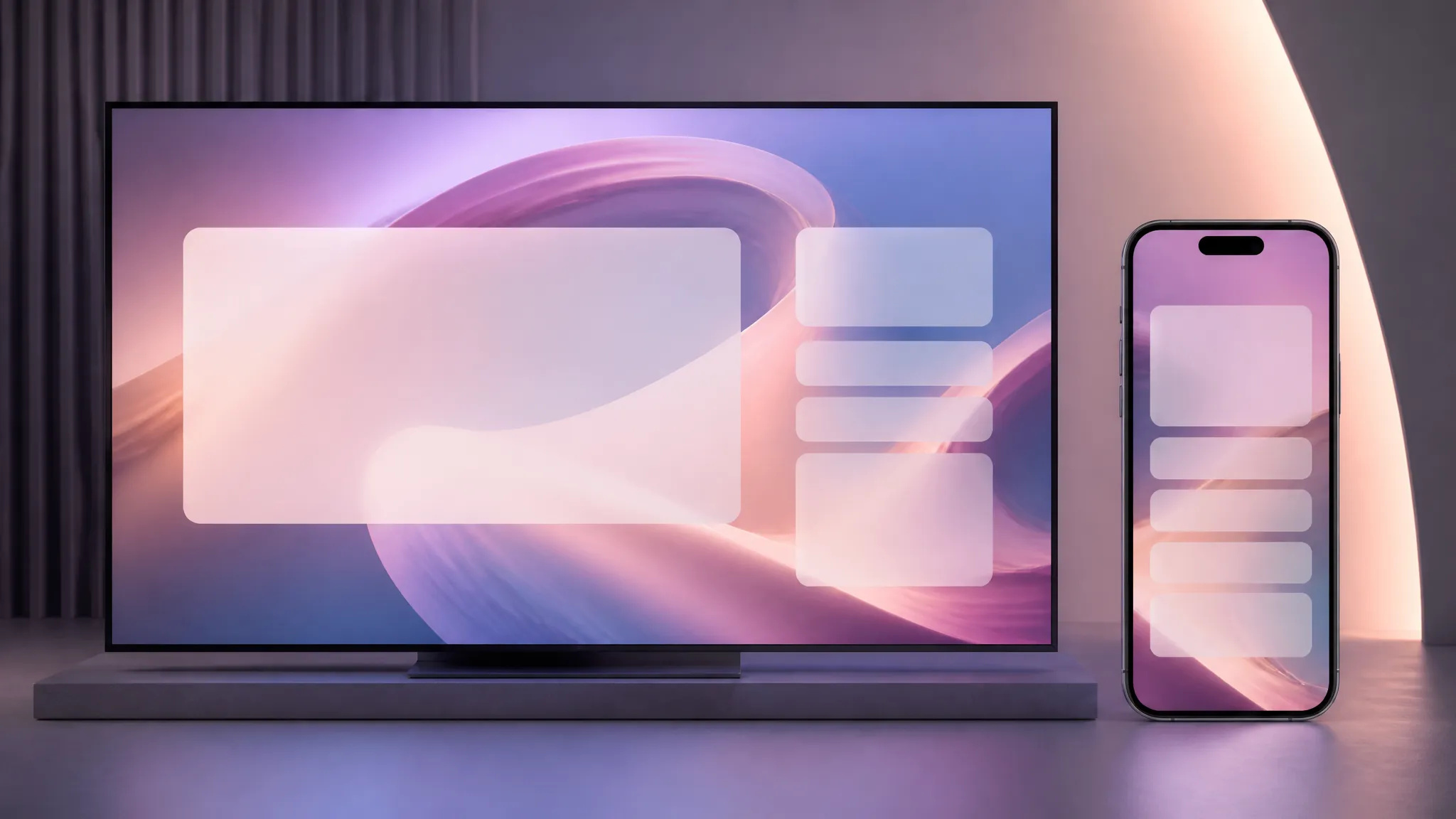
Looping backgrounds
Seamless loops for ambient motion behind text, UI, or presentations.

The faster Luma Ray 2 — text-to-video up to 1080p with looping, 5 or 9 seconds.
Zapłać raz za kredyty - używaj ich w każdym modelu na ZOOOP. · Doładuj, kiedy potrzebujesz, bez miesięcznego spalania.
Powered by Luma AI's API on ZOOOP
The Luma Ray 2 generation in a faster tier — built for quicker turnaround.
Turn looping on to generate a clip that repeats without a visible seam — ideal for backgrounds and ambient motion.
Output at 540p, 720p, or 1080p across five aspect ratios.
Pick a 5 or 9-second clip.
Seamless loops for ambient motion behind text, UI, or presentations.
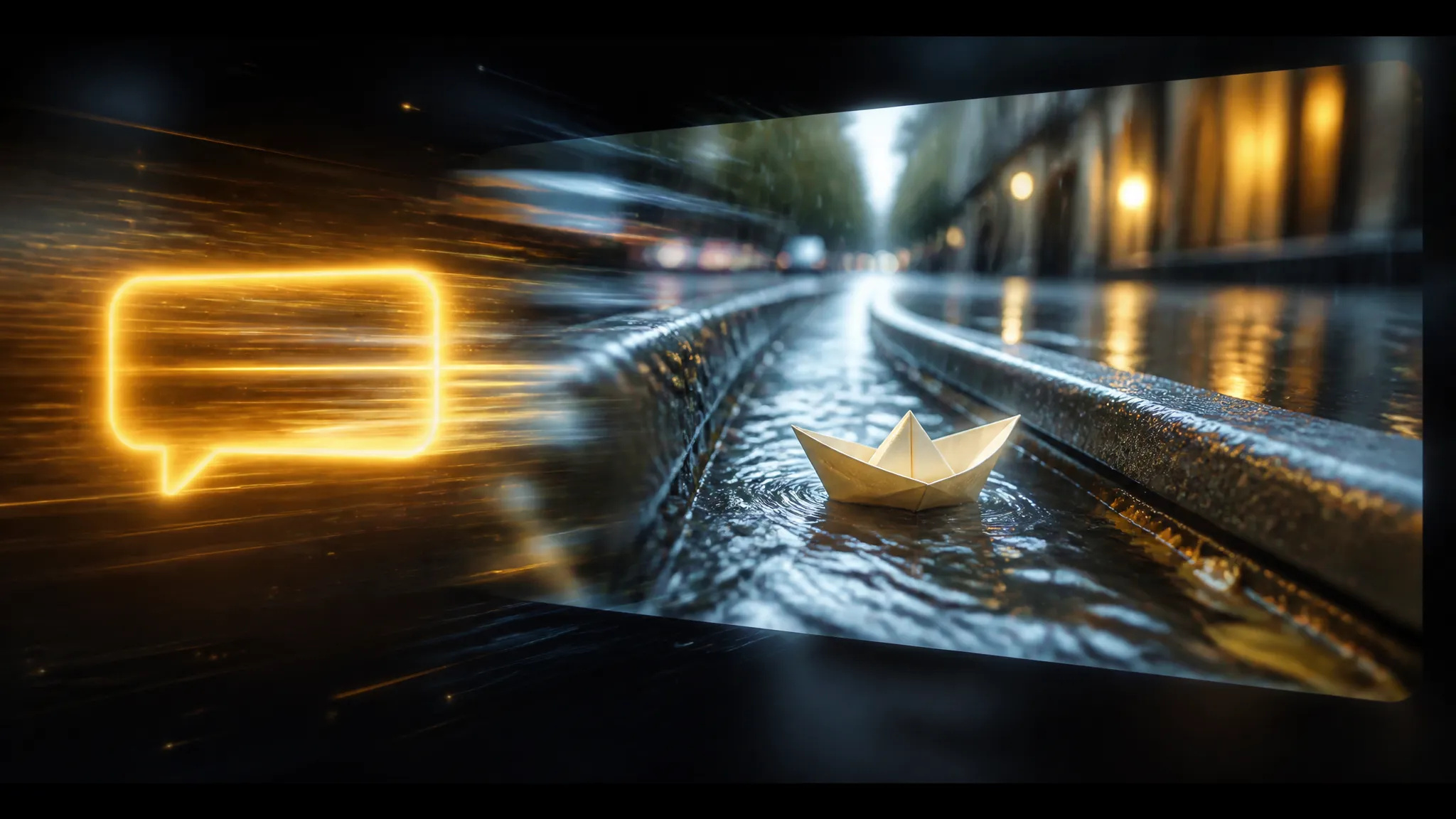
Generate Ray 2 video with quicker turnaround for iteration.

720p–1080p output across five aspect ratios for feed and story.
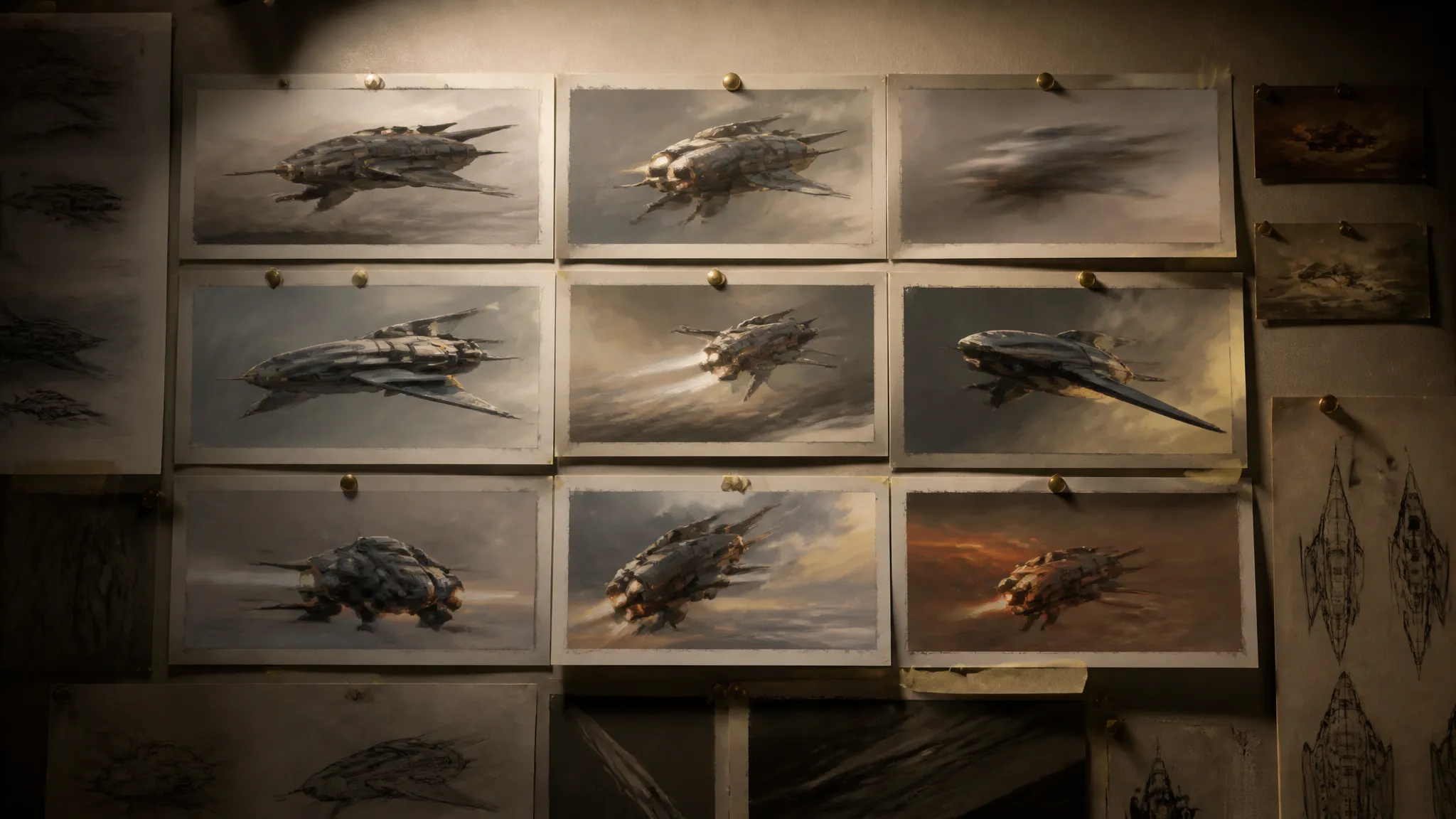
Lower-cost takes to test ideas before the standard tier.
Pick the right video model. Your credits work everywhere on ZOOOP.
Open Luma Ray 2 Flash from this page or pick it in the Video Generator.
Write the prompt; turn looping on for a seamless background clip.
Pick aspect ratio, resolution (up to 1080p), and duration (5 or 9s).
Generate, then download or send the clip to your canvas.
Luma Ray 2 Flash is the faster, lower-cost tier of the Luma Ray 2 generation — quicker turnaround on Ray 2's look for iteration and volume. Its standout option is seamless looping: turn it on and the clip is generated to repeat without a visible seam, which makes it a natural fit for ambient backgrounds behind text, UI, and presentations, where motion needs to run continuously.
Output runs up to 1080p (540p / 720p / 1080p) across five aspect ratios — 21:9 to 9:16 — in clips of 5 or 9 seconds, covering widescreen and vertical.
Where it sits: the standard Luma Ray 2 targets higher fidelity. For a different look, Kling V3 is the general flagship, Seedance V2.0 leads on motion physics, and Veo 3.1 on cinematic photoreal; Pika V2.2 is the cheapest drafts. Luma Ray 2 Flash's sweet spot is fast Ray 2 video with seamless looping.
A reasonable mental model: default to Luma Ray 2 Flash for quick Ray 2 clips and loopable backgrounds, and step up to the standard Luma Ray 2 for higher fidelity.
Luma Ray 2 Flash is the faster, lower-cost tier of the Ray 2 generation, for quicker turnaround. The standard Luma Ray 2 targets higher fidelity. Pick Flash for cost and iteration.
Yes — turn looping on and the clip is generated to repeat without a visible seam, ideal for backgrounds and ambient motion.
5 or 9 seconds, output up to 1080p.
Five — 21:9, 16:9, 4:3, 3:4, and 9:16.























Film o pierwszej i ostatniej klatceTekst i odniesienie do wideo
Film o pierwszej i ostatniej klatceTekst i odniesienie do wideo
Film o pierwszej i ostatniej klatceTekst i odniesienie do wideo
Film o pierwszej i ostatniej klatceTekst i odniesienie do wideo
Film o pierwszej i ostatniej klatceTekst i odniesienie do wideo
Film o pierwszej i ostatniej klatceTekst i odniesienie do wideo
Luma Ray 2 Flash
Prompt*
Współczynnik proporcji*
Czas trwania*
Rozdzielczość*