
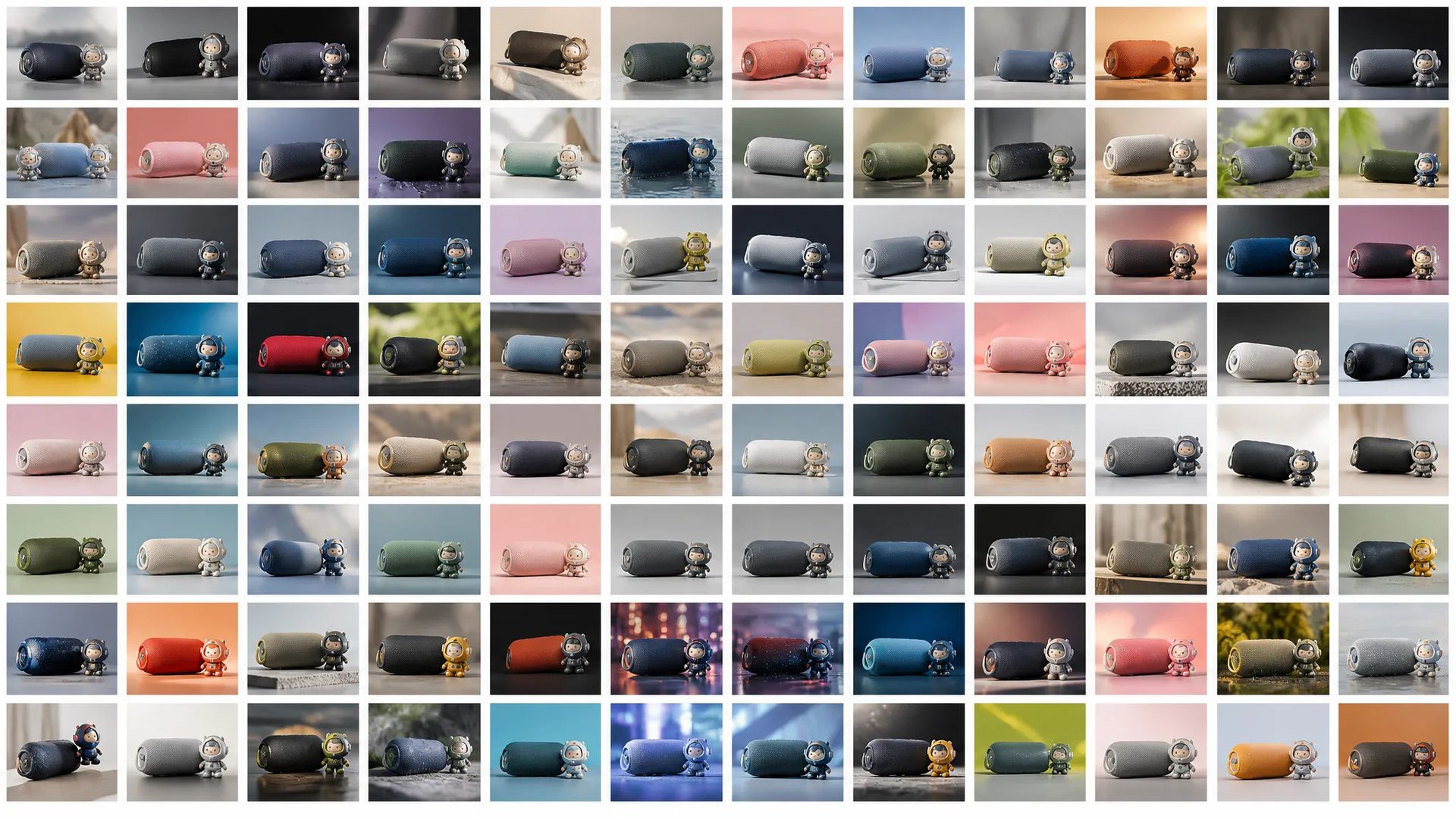
High-volume iteration
Native 3K at the lowest per-image cost means you can run dozens of variations without watching the credit meter — drafts, A/B creative, concept exploration.

ByteDance's newest image model — native 3K, generation + editing in one, 10-image reference, best value.
Zapłać raz za kredyty - używaj ich w każdym modelu na ZOOOP. · Doładuj, kiedy potrzebujesz, bez miesięcznego spalania.
Powered by ByteDance's API on ZOOOP
Every generation lands at native 3K for about 6 credits — the lowest cost-per-image of the flagship lineup. High enough for most production work, cheap enough to iterate freely.
No separate edit API. Start from a text prompt, then keep refining with edits and object replacement in the same model — the workflow never switches tools.
Pass up to 10 reference images to hold a character, wardrobe, or style across generations. Same subject, same look, frame to frame.
Seven ratios from 16:9 landscape to 9:16 portrait cover product, social, and editorial surfaces from a single model.
Native 3K at the lowest per-image cost means you can run dozens of variations without watching the credit meter — drafts, A/B creative, concept exploration.
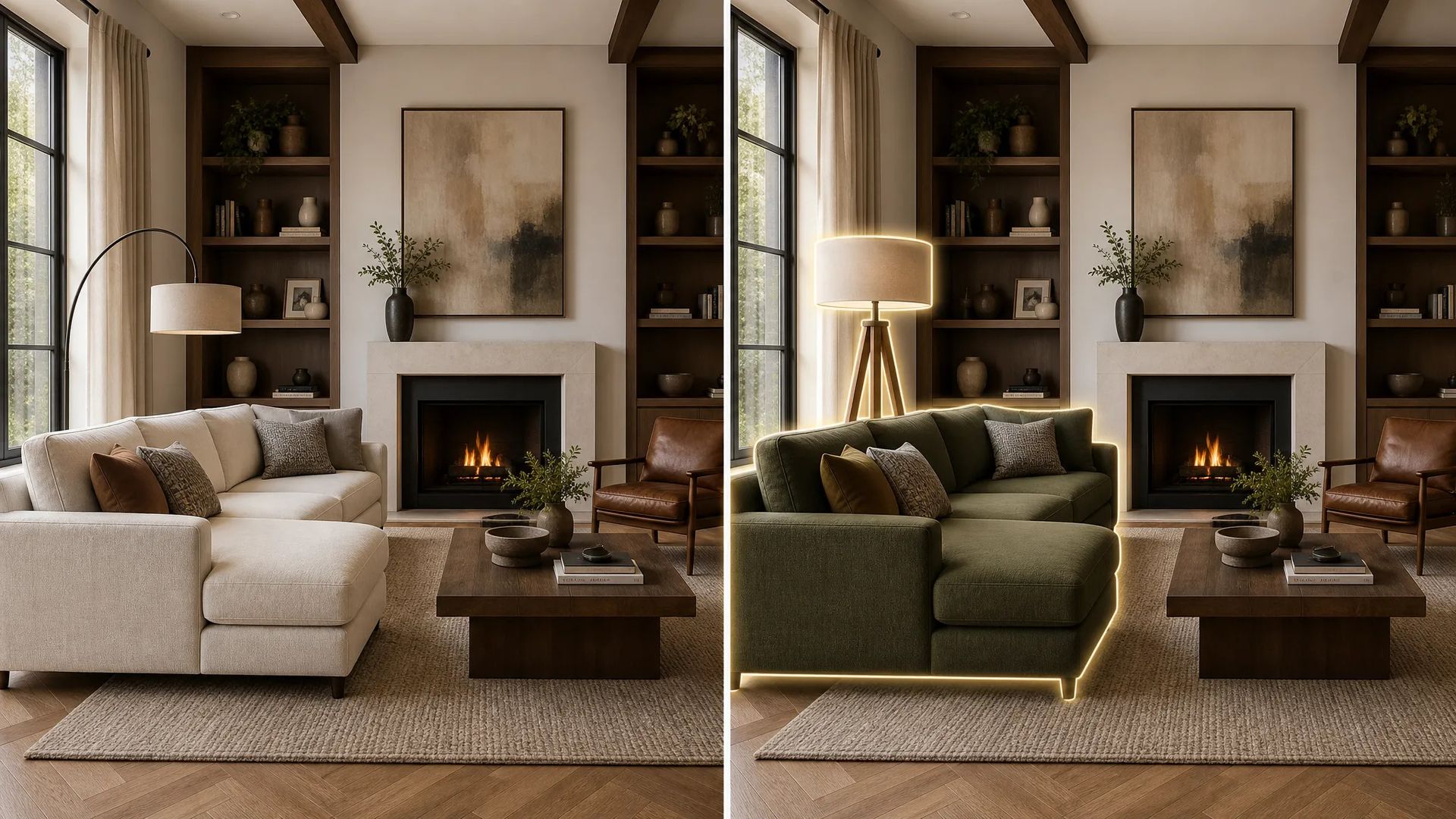
Produce a base image, then object-replace and region-edit in the same model. No hand-off, no subject drift between tools.
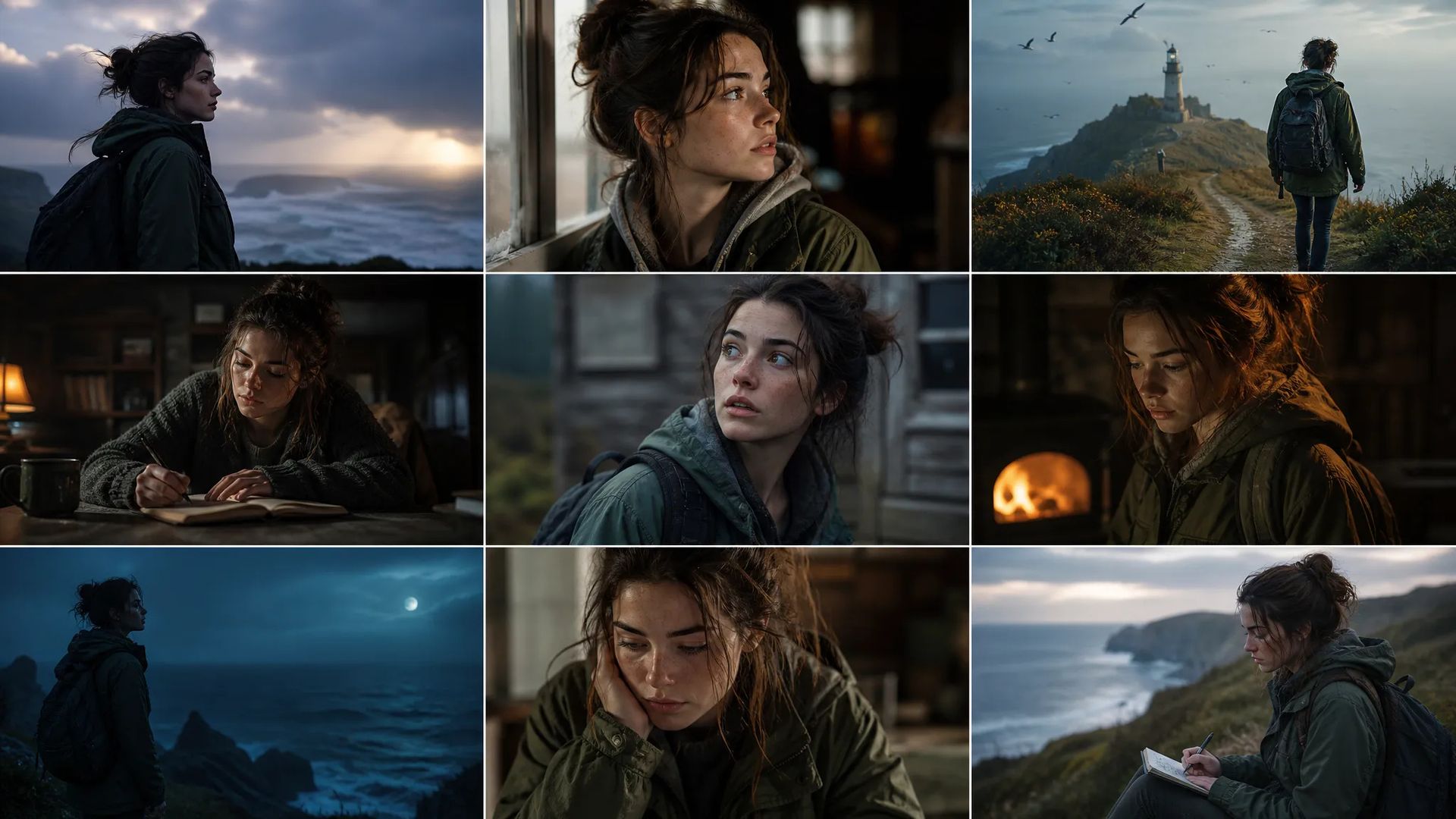
Up to 10 reference images keep the same subject on-model across a run — storyboards, comic panels, episodic content.

Swap backgrounds, recolor products, and adapt aspect ratios in one model — restyle a product line without re-shooting.
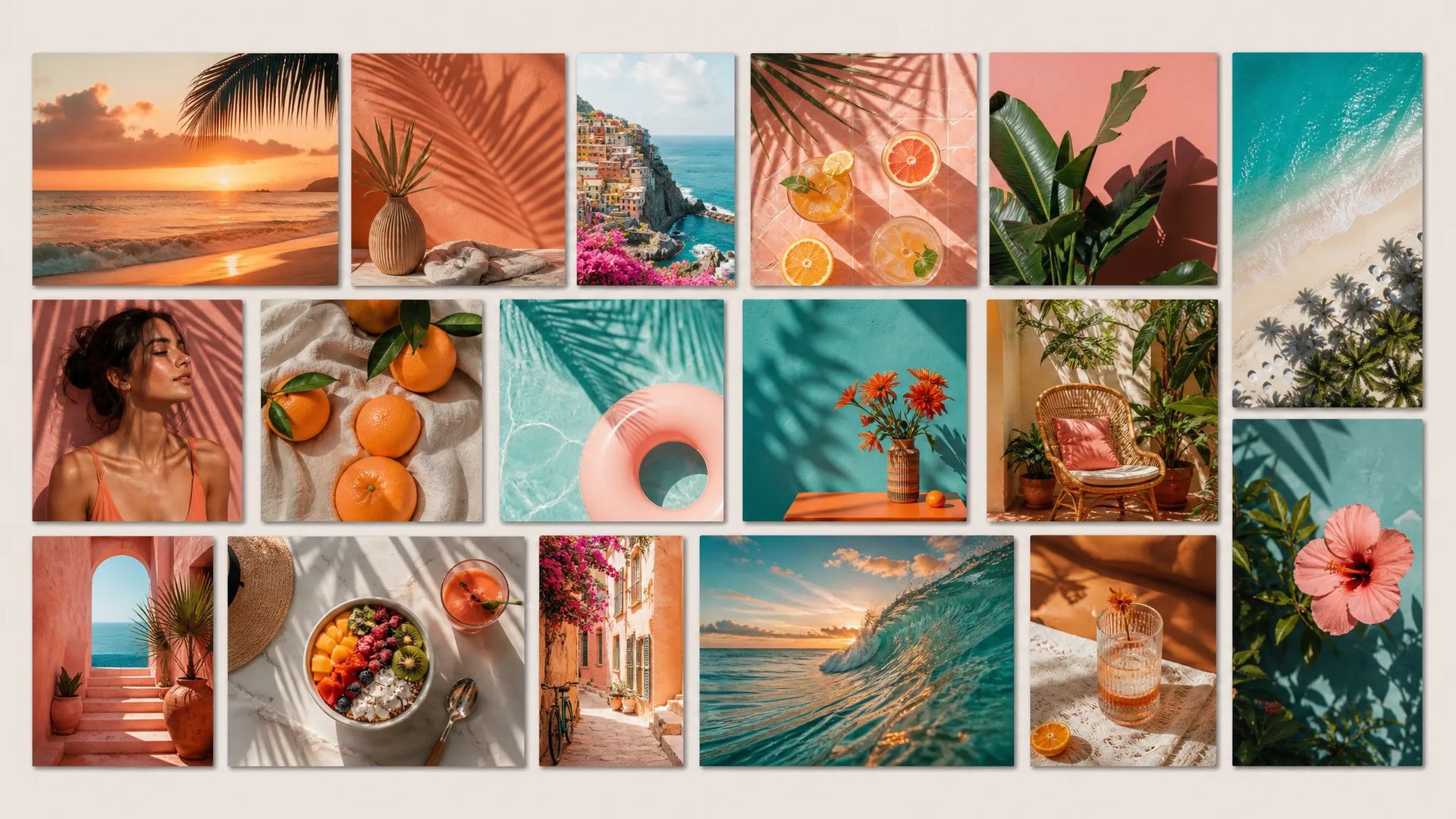
Cheap 3K output across landscape and portrait ratios — feed posts, story frames, and thumbnails from one prompt set.
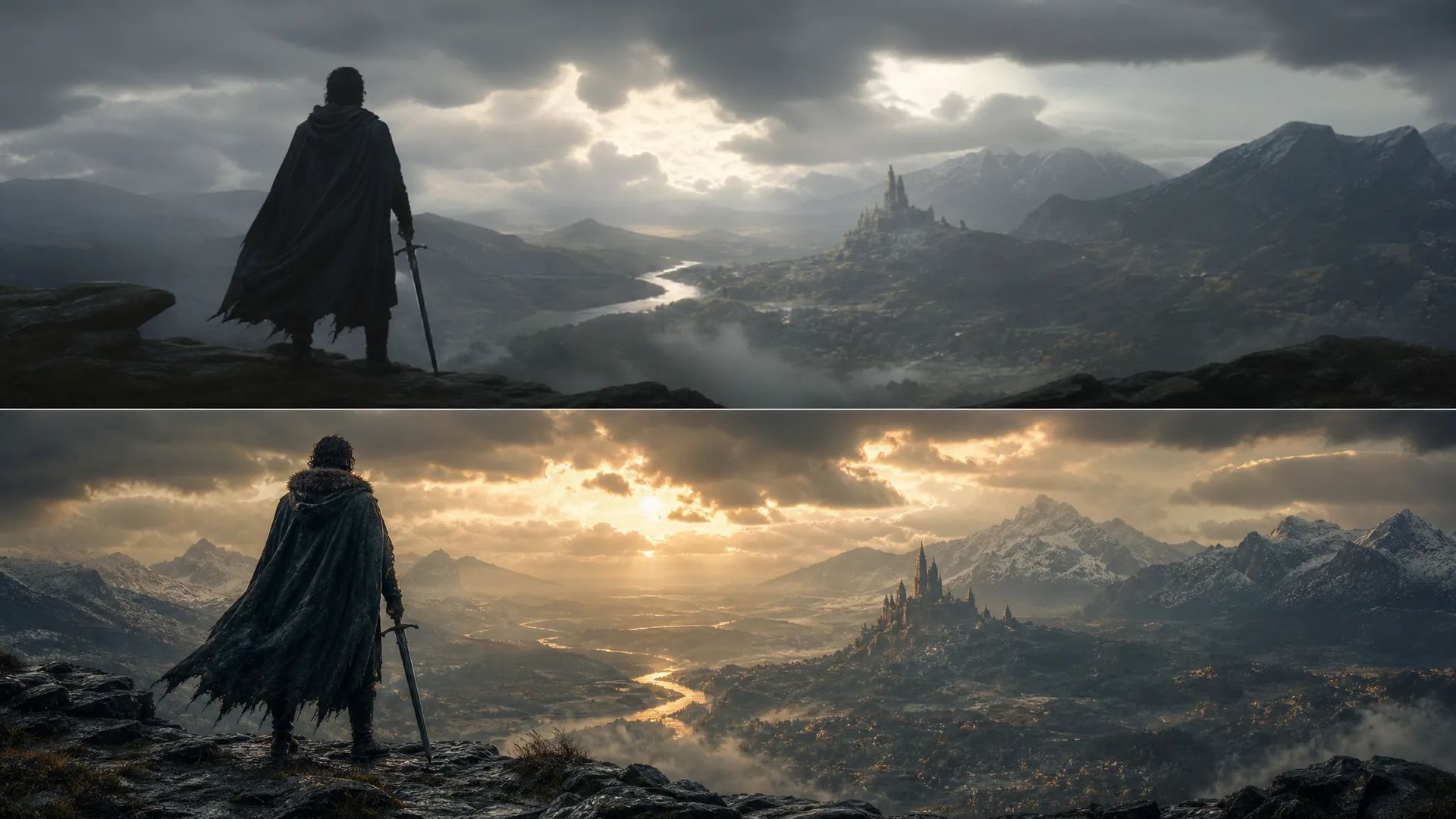
Explore a concept cheaply at 3K, then edit the keeper toward a finished comp without changing models.
Pick the right image model. Your credits work everywhere on ZOOOP.
Open Seedream 5.0 Lite from this page or pick it in the Image Generator.
Write the scene prompt. Add up to 10 reference images to hold a character or style.
Pick an aspect ratio — output is native 3K.
Generate. Keep editing and object-replacing in the same model to refine.
Seedream 5.0 Lite is the model you reach for when cost-per-image and iteration speed decide the workflow. It's ByteDance's newest image release on ZOOOP, and it lands every generation at native 3K for about 6 credits — the lowest of the flagship lineup. That economics changes how you work: you stop rationing generations, run a dozen variations on a concept, and keep the meter quiet while you explore. For drafts, A/B creative, and high-volume production, this is the default.
Like the rest of the Seedream line, 5.0 Lite folds generation and editing into one model. There's no separate edit API and no tool hand-off — start from a text prompt, mark a region, swap an object, and the edit lands without the subject drift you get when crossing model boundaries. The face holds, the lighting register holds, only what you marked changes. For pipelines that loop between "generate" and "fix this part," staying in one model is the whole point.
Consistency comes from up to 10 reference images. Feed a character sheet, a palette, and a product or location reference, and the same subject stays on-model across a run — the building block for storyboards, comic pages, and episodic series where every frame has to match.
Where it's weaker: it's fixed at 3K — when you need up-to-4K output or the deepest batch, Seedream 4.5 is the sibling to switch to. Multilingual text rendering and factual grounding favor Nano Banana 2; photoreal portraits and exact hex color favor Flux 2 Pro. Seedream 5.0 Lite's sweet spot is cheap, fast, edit-heavy 3K production.
A reasonable mental model: default to Seedream 5.0 Lite when you're iterating in volume, editing as much as generating, and want native 3K at the lowest cost. For 4K or six-image batches, step up to Seedream 4.5. For text-accurate or photoreal work, switch to Nano Banana 2 or Flux 2 Pro.
Native 3K on every generation. There's no resolution dial to manage — you always get 3K, at roughly 6 credits per image.
Seedream 5.0 Lite is the newer release and the value pick — native 3K at the lowest cost-per-image. Choose 4.5 when you need up-to-4K output or its six-image batch; choose 5.0 Lite for cheap, fast iteration at 3K.
Yes — in the same model and API. Start from text-to-image, then move straight into editing and object replacement without switching models.
Up to 10. Combine a character sheet, palette, and product or location reference to keep a subject or style consistent across generations.
Seedream 5.0 Lite wins on cost and editing workflows. Nano Banana 2 leads on multilingual text and factual accuracy. Flux 2 Pro leads on photoreal portraits and exact color. Pick Seedream 5.0 Lite for high-volume, edit-heavy production at 3K.























Tekst na obraz
Tekst na obraz
Tekst na obraz
Tekst na obraz
Tekst na obraz
Tekst na obraz
Seedream 5.0 Lite
Prompt*
Image Urls
Współczynnik proporcji*
Rozdzielczość*
Twoje pokolenia pojawią się tutaj po zalogowaniu.
Założenie konta jest bezpłatne.