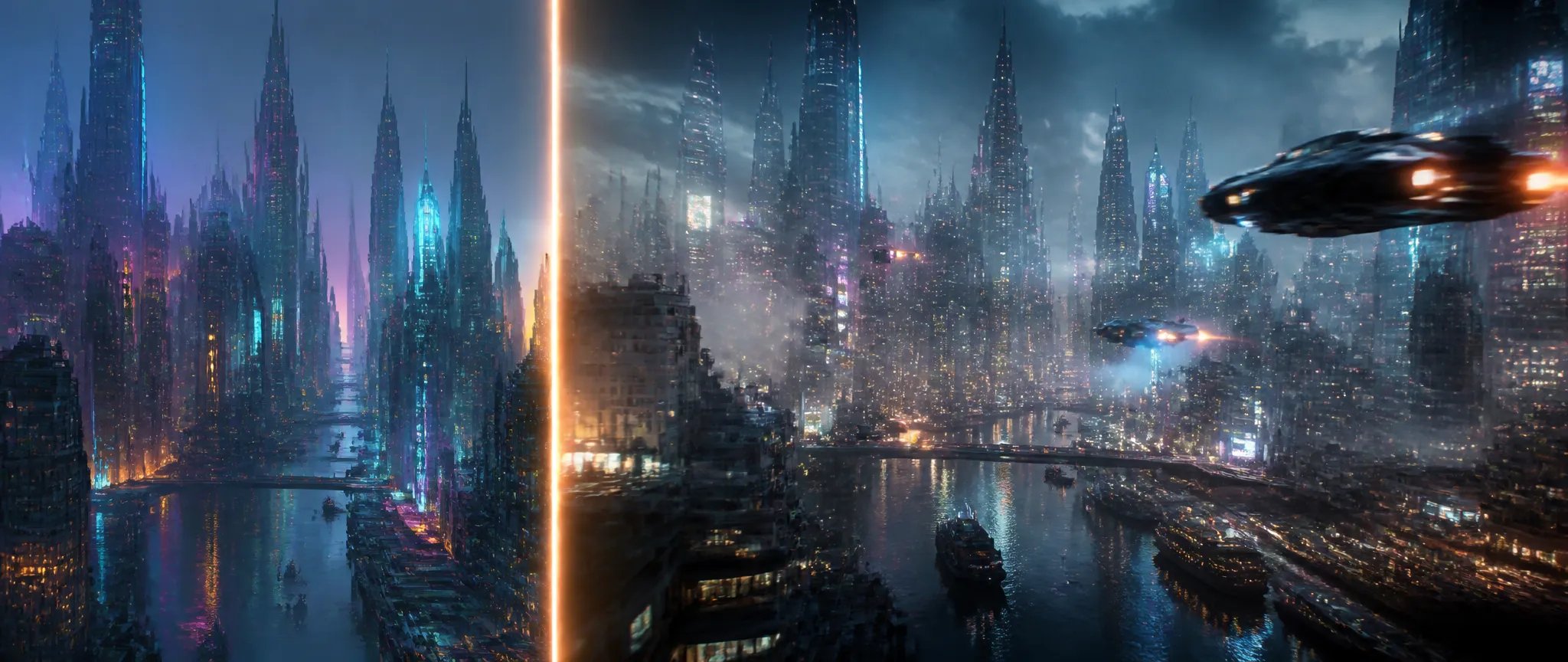
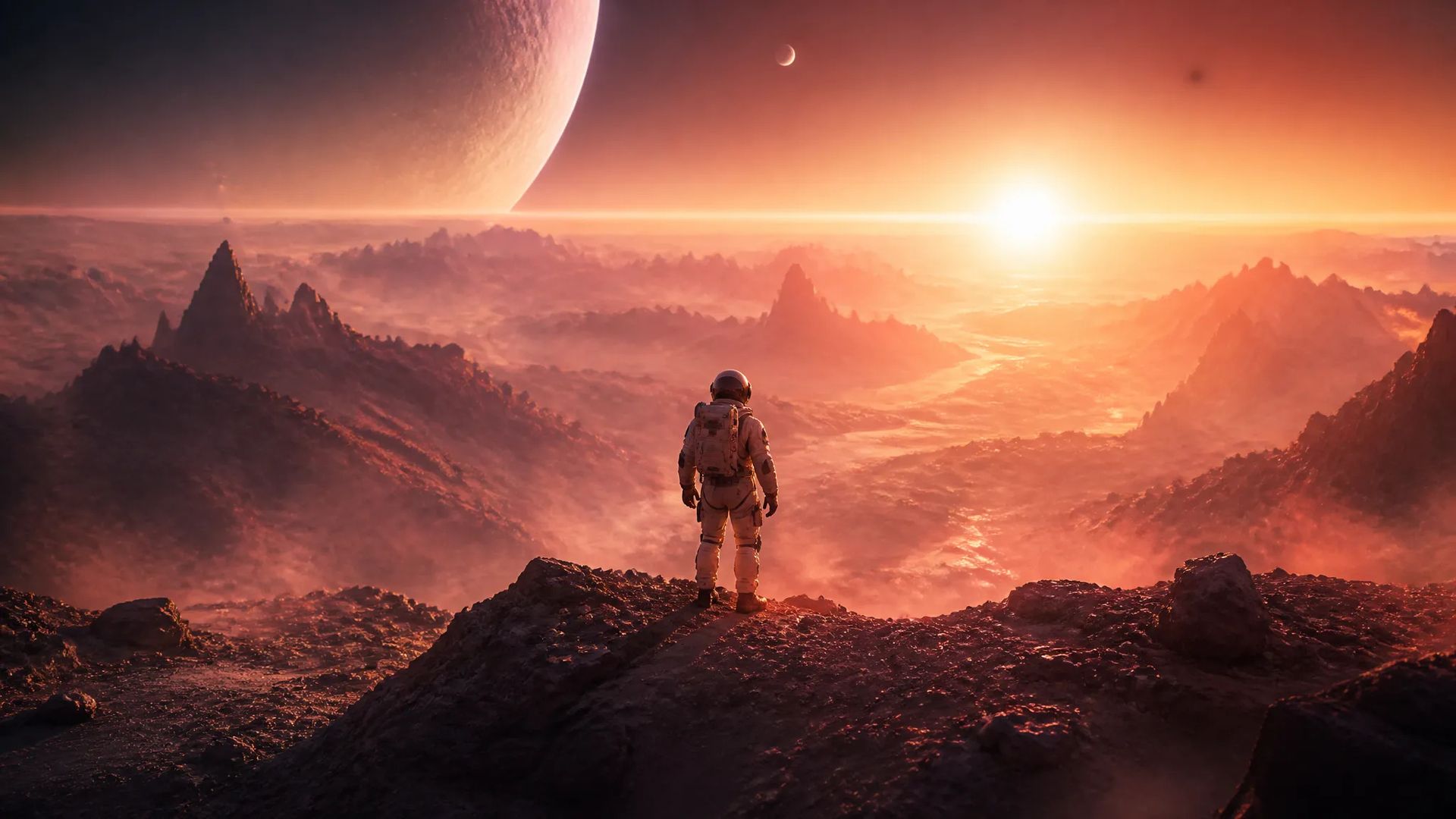
Bring a still to life
Feed a single image and animate outward — turn key art, a render, or a generated frame into a moving shot.

Lightricks' image-to-video model — animate a still up to native 4K, keyframe interpolation, native audio.
Zapłać raz za kredyty - używaj ich w każdym modelu na ZOOOP. · Doładuj, kiedy potrzebujesz, bez miesięcznego spalania.
Powered by Lightricks's API on ZOOOP
Animate up to 2160p — native 4K, with 1080p and 1440p also on tap. One of the few flagships that outputs true 4K directly instead of relying on a later upscale.
Drive the shot from a still image. LTX-2.3 brings your frame to life with coherent motion outward from it — bring a render, a photo, or a generated image into motion.
Add an optional end frame and LTX-2.3 interpolates the motion between your two keyframes — precise control over where a shot starts and ends.
Audio generates with the video, on by default — scene sound lands with the motion rather than in a separate pass.
Feed a single image and animate outward — turn key art, a render, or a generated frame into a moving shot.
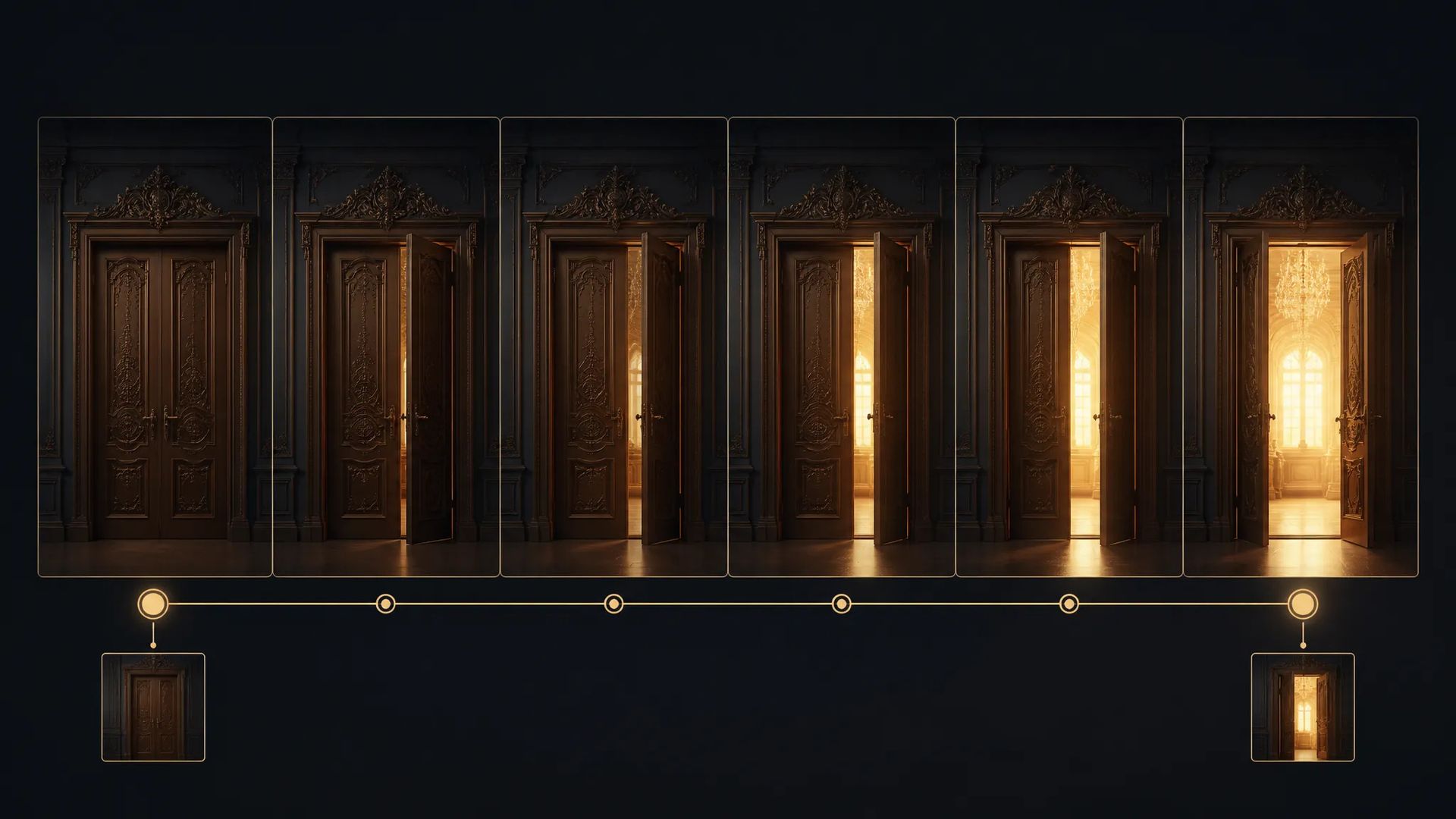
Set a start and an end frame and let LTX-2.3 interpolate between them — exact control over a transition or camera move.

Native 2160p output serves big-screen and delivery-grade shots without a separate upscaling step.
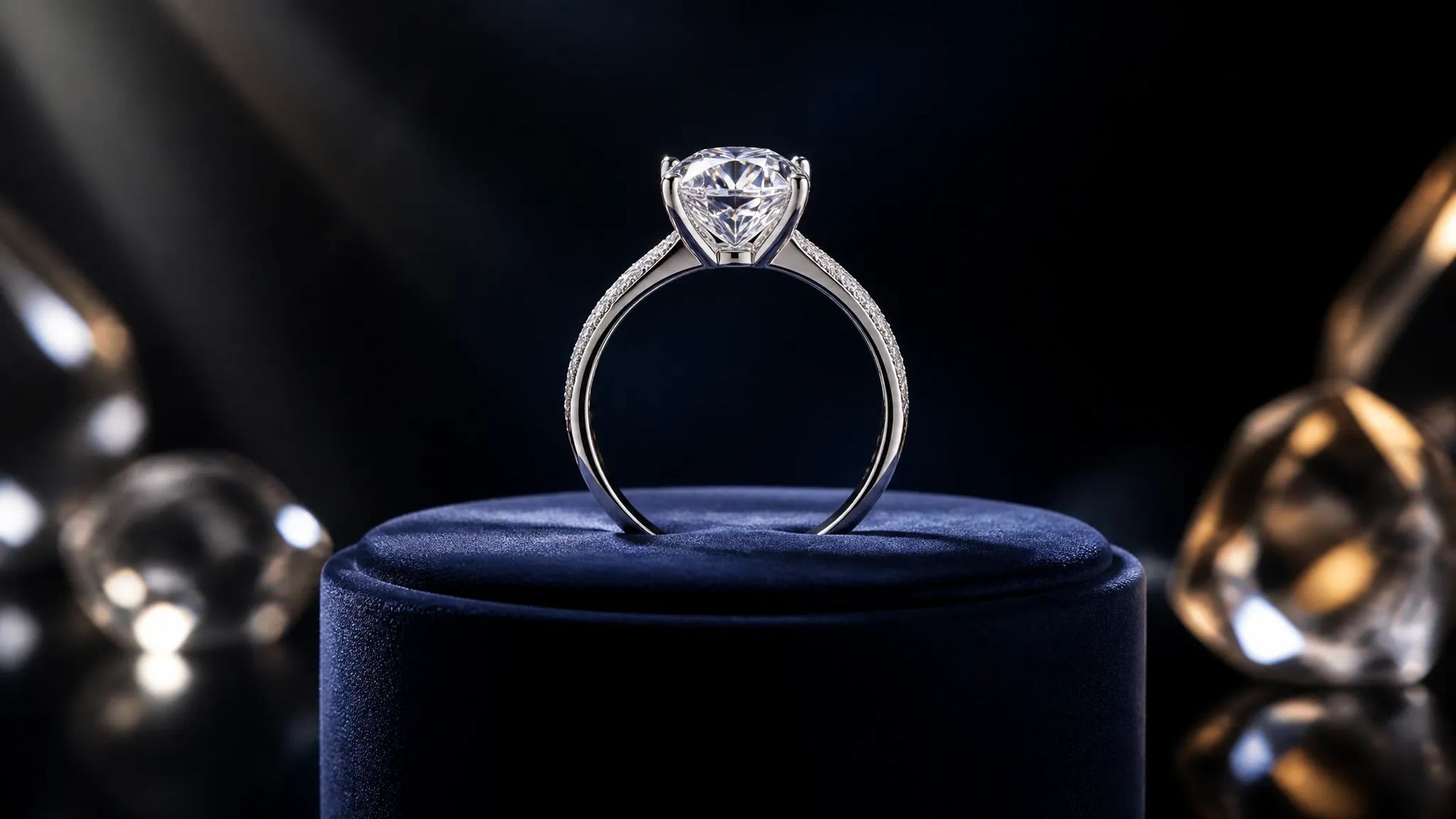
Animate a clean product still into a reveal or rotation, then deliver at up to 4K — ads and store hero loops.
Pick the right video model. Your credits work everywhere on ZOOOP.
Open LTX-2.3 from this page or pick it in the Video Generator.
Upload a start frame and write a prompt for the motion; add an end frame to keyframe the interpolation.
Pick aspect ratio, resolution (up to 2160p), and duration (6/8/10s); keep audio on.
Generate, then download or send the clip to your canvas.
LTX-2.3 is the model to reach for when you already have the frame and you want it to move — at full resolution. On ZOOOP it's an image-to-video model: you provide a start frame and LTX-2.3 animates outward from it with coherent motion. That makes it the natural finishing step after an image generation — take a still from Flux 2 Pro, Nano Banana 2, or your own render and bring it into motion, rather than re-describing the scene to a text-to-video model and hoping it lands the same composition.
The standout is native 4K. LTX-2.3 outputs up to 2160p directly, with 1440p and 1080p also available — it's one of the few flagships that delivers true 4K from the model instead of leaning on a separate upscale pass. For hero shots, big-screen delivery, and product loops where the pixels have to be real, that removes a whole step from the pipeline.
The second control lever is keyframe interpolation. Add an optional end frame and LTX-2.3 interpolates the motion between your two keyframes, giving precise control over where a shot starts and ends — logo stings, title cards, transitions, and reveals where the in and out states are both fixed. Native audio is on by default, so the animated clip arrives with scene sound ready for the edit.
Where it's weaker: it's not a text-to-video generator — it needs a start frame, so for prompt-only scene creation you'd use Kling V3, Veo 3.1, or Seedance V2.0. For the absolute top tier of emergent motion realism, Seedance V2.0 still leads. LTX-2.3's sweet spot is animating an existing still, at 4K, with keyframe control.
A reasonable mental model: default to LTX-2.3 when your input is an image and you want 4K output or two-keyframe control over the motion. For text-only scene generation, switch to Kling V3 or Seedance V2.0; for cinematic photoreal, Veo 3.1.
From an image. LTX-2.3 on ZOOOP is an image-to-video model — you provide a start frame and it animates outward. For pure text-to-video, use Kling V3, Veo 3.1, or Seedance V2.0.
Up to native 2160p (4K), with 1080p and 1440p options. It's one of the few flagships that produces true 4K directly rather than relying on a downstream upscale.
It's an optional second keyframe. Provide a start and an end image and LTX-2.3 interpolates the motion between them — precise control over where the shot begins and ends.
6, 8, or 10 seconds. Audio is generated with the video and on by default.
LTX-2.3 is the image-to-video specialist with native 4K and keyframe interpolation. Seedance V2.0 leads on raw motion realism; Veo 3.1 on cinematic photoreal. Pick LTX-2.3 when you're animating a still and want 4K output or two-keyframe control.























Wideo z pierwszej i ostatniej klatki
Wideo z pierwszej i ostatniej klatki
Wideo z pierwszej i ostatniej klatki
Wideo z pierwszej i ostatniej klatki
Wideo z pierwszej i ostatniej klatki
Wideo z pierwszej i ostatniej klatki
LTX-2.3
Prompt*
Start Frame*
Klatka końcowa
Współczynnik proporcji*
Rozdzielczość*
Czas trwania*
Twoje pokolenia pojawią się tutaj po zalogowaniu.
Założenie konta jest bezpłatne.