

Bring a still photo to life
Drop in a single still — a quiet lakeside landscape, say — and Grok Imagine V1.5 adds rippling water, swaying branches, and drifting clouds with ambient audio in one pass, no keyframing required.

xAI's Grok Imagine 1.5 video model — animate a still, write a scene, or guide it with up to 7 reference images, all with native synced audio.
Paga una volta per i crediti - usali su tutti i modelli su ZOOOP. · Ricarica quando necessario, nessuna bruciatura mensile.
Powered by xAI's API on ZOOOP
Grok Imagine V1.5 took the
Every clip ships with synchronized audio generated in the same pass — dialogue, ambient sound, and effects, with lip-sync on talking characters. No separate motion model, TTS, or Foley step.
The headline 1.5 upgrade is stability — subjects, faces, and scene elements hold together across the whole clip instead of drifting or warping between frames.
Start from an image, from text alone, or from up to 7 reference images, and render 1 to 15 seconds at 720p or 480p. Text and reference modes offer seven aspect ratios from 16:9 to 9:16.
Drop in a single still — a quiet lakeside landscape, say — and Grok Imagine V1.5 adds rippling water, swaying branches, and drifting clouds with ambient audio in one pass, no keyframing required.

Turn a single product still into a short reveal or rotation loop with ambient sound — ready for ecommerce listings and social posts without a film shoot.
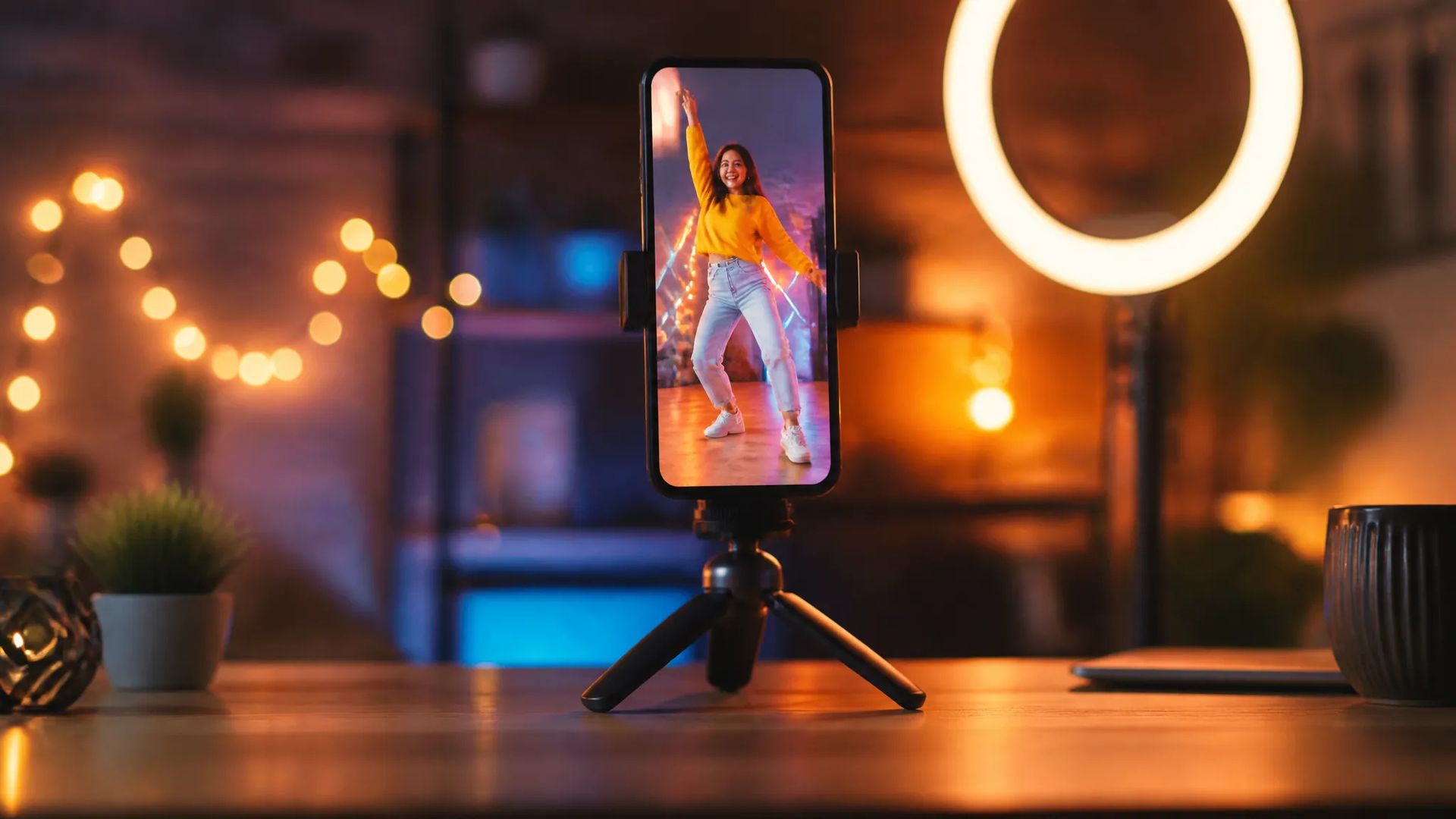
Fast image-to-video plus native audio makes V1.5 ideal for TikTok / Reels style shorts — animate a single frame into a sound-on vertical clip in one step.
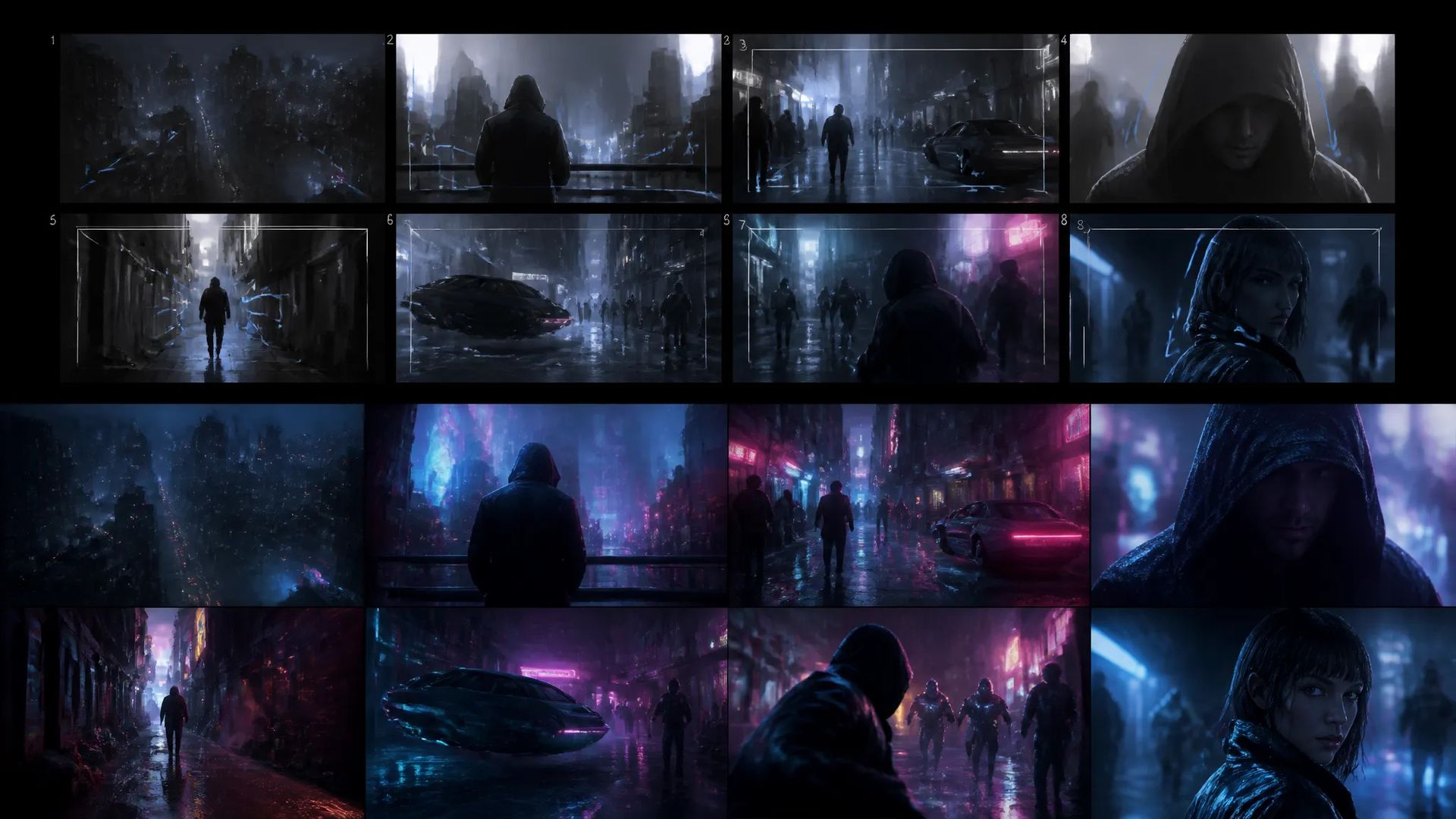
Animate a scene concept — a neon-lit cyberpunk street, for instance — to see how the beat reads in motion before committing a heavier model to the final render.
Pick the right video model for the job. Your credits work everywhere on ZOOOP.
Open Grok Imagine V1.5 from this page and pick a mode: start image, or text with optional reference images.
Upload the starting image, or write the scene and attach up to 7 reference images.
Write the prompt describing the motion, then set resolution (720p or 480p) and duration (1–15 seconds).
Generate — native synced audio comes with the clip.
Grok Imagine V1.5 is xAI's model for short video clips with sound. Hand it a starting frame and a prompt describing the motion, write a scene from scratch, or attach up to 7 reference images of people, products or styles, and it generates the movement — plus native synchronized audio — in a single pass. At preview it took the #1 position on the public Image-to-Video Arena leaderboard, a clear step up from 1.0 in both motion quality and how faithfully your starting image carries into the moving shot.
The standout capability is native synced audio. Every clip comes back with dialogue, ambient sound, and effects generated alongside the video, with lip-sync on talking characters. For a sound-on social short or a talking-head clip, that collapses what's normally a three-tool pipeline — motion model, then TTS, then Foley — into one prompt. The second big lift in 1.5 is temporal consistency: faces, subjects, and scene elements hold together across the clip instead of drifting or warping frame to frame, which was the most visible weakness of the earlier version.
Clips run 1 to 15 seconds at 720p or 480p with fast turnaround, so it's quick to try a motion idea, look at it with sound, and re-roll. That short, sound-on shot is exactly its sweet spot.
Where it's weaker: V1.5 doesn't generate still images, so if you want a specific frame to animate, generate it with the original Grok Imagine or another image model first and feed it in. Resolution tops out at 720p, so it's not a 1080p or 4K finishing model — for high-resolution delivery, Kling V3 or Seedance V2.5 are the better targets. And it animates a single shot, not a multi-cut sequence; for storyboarded video with hard cuts, switch to Kling V3.
A reasonable mental model: reach for Grok Imagine V1.5 whenever the job is "make this image move, with sound" or "show me this scene, with sound" — talking characters, product motion, social-native shorts, quick previz. Once you need higher resolution or a multi-shot edit, graduate the shot to a heavier video model for finish.
It's xAI's video model with native synced audio. Give it a starting image and a prompt to animate that still, write a scene for text-to-video, or add up to 7 reference images to keep people, products or styles consistent. It doesn't generate still images.
Yes — every clip ships with native synchronized audio (dialogue, ambient sound, effects) generated in the same pass, with lip-sync on talking characters. No separate TTS or Foley step is needed.
Output is 720p or 480p, and clips run from 1 to 15 seconds (5 seconds by default). Text and reference modes support 16:9, 4:3, 3:2, 1:1, 3:4, 2:3 and 9:16; image mode follows the shape of your starting image. It's built for short, sound-on shots rather than long-form or 4K delivery.
V1.5 is the newer video model — it ranked #1 on the Image-to-Video Arena at preview, with better temporal consistency and audio than 1.0, and it covers image-to-video, text-to-video and reference images. The original Grok Imagine also generates and edits still images and can edit or extend video. Use V1.5 for the best-looking short clips with sound; use the original for images or a one-model image-and-video workflow.
For short sound-on clips it's a strong value — native audio is generated in the same pass, so you skip the separate voice, music, and sound-effect steps a typical pipeline needs. For 1080p finishing or multi-shot sequences a heavier video model is the better spend.























Video primo e ultimo fotogrammaTesto e riferimento al video
Video primo e ultimo fotogrammaTesto e riferimento al video
Video primo e ultimo fotogrammaTesto e riferimento al video
Video primo e ultimo fotogrammaTesto e riferimento al video
Video primo e ultimo fotogrammaTesto e riferimento al video
Video primo e ultimo fotogrammaTesto e riferimento al video
Grok Imagine V1.5
Prompt*
Fotogramma iniziale*
Risoluzione*
Durata*
Le vostre generazioni appariranno qui una volta che vi sarete registrati.
La creazione di un account è gratuita.