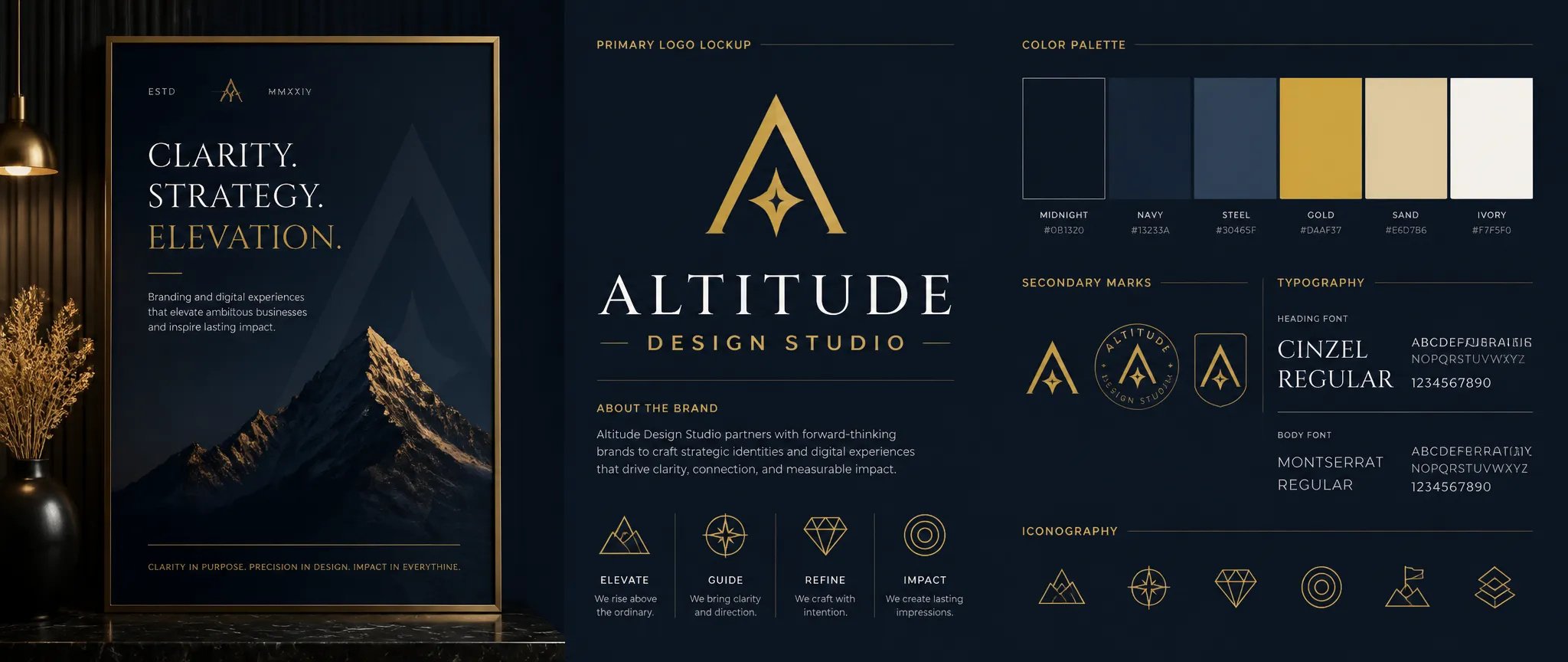
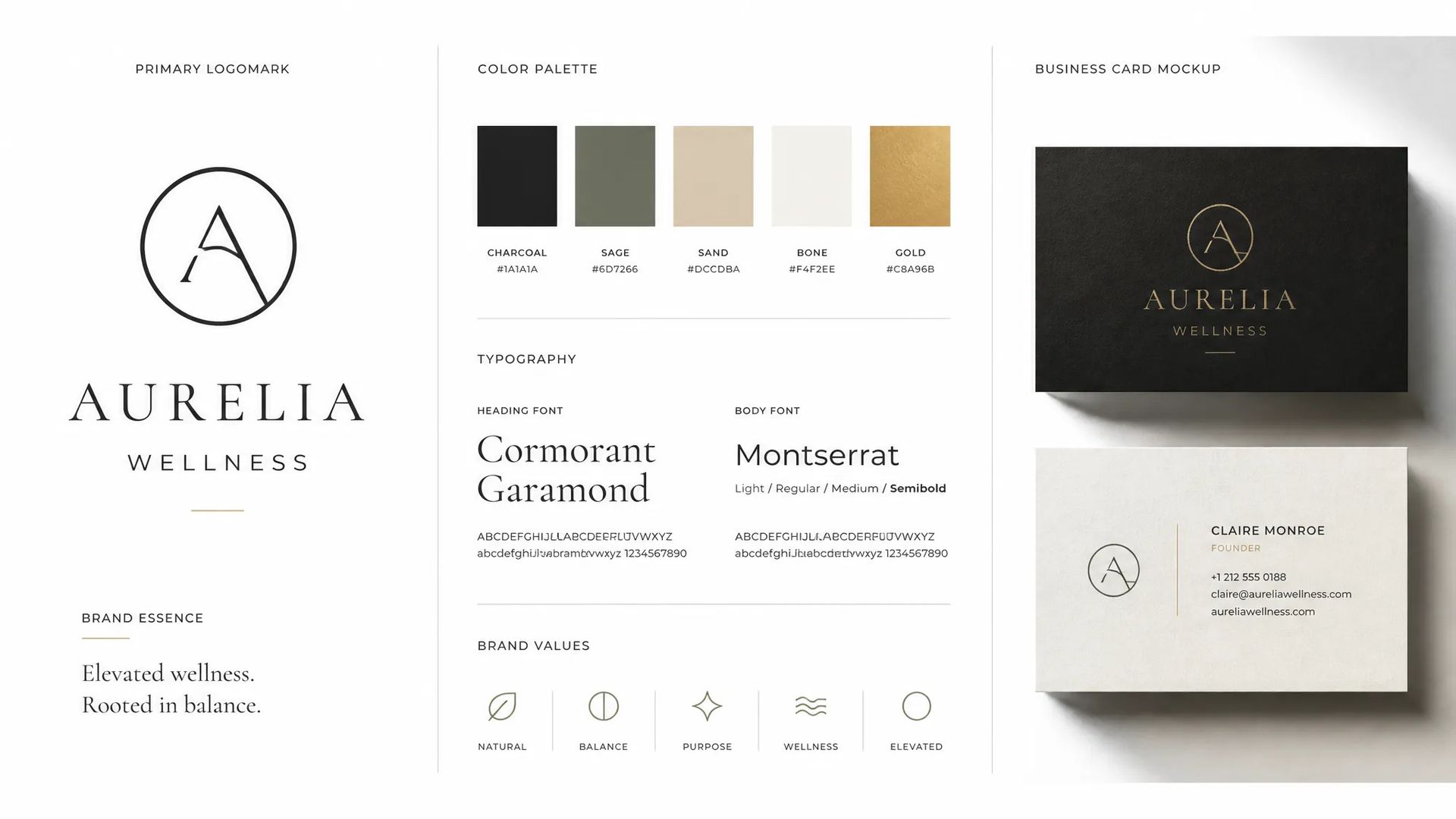
Commercial brand identity
High-resolution logomarks and wordmarks that hold up under maximum zoom in client presentations and brand standard documents.

Maximum-resolution SVG generation for print deliverables, brand decks, and complex vector compositions.
Paga una volta per i crediti - usali su tutti i modelli su ZOOOP. · Ricarica quando necessario, nessuna bruciatura mensile.
Powered by Recraft's API on ZOOOP
V4.1 Pro runs at elevated output resolution, giving paths and fine details more geometric fidelity. The difference shows on large-format print, dense icon detail, and compositions that get zoomed in at client review.
Every file is a real SVG with structured paths, fills, and strokes ready for Figma, Illustrator, or Inkscape. No tracing, no raster layer — the geometry is yours to adjust from the moment you download.
Pass RGB values for your palette and the model locks fills and strokes to your brand colors. Set background color to get white, on-brand, or transparent-ready output without any post-processing.
Square (1:1), portrait (3:4 or 9:16), and landscape (4:3) — choose the ratio that matches where the vector will actually be used, whether that is a brand guidelines document, a product page, or a printed poster.
High-resolution logomarks and wordmarks that hold up under maximum zoom in client presentations and brand standard documents.
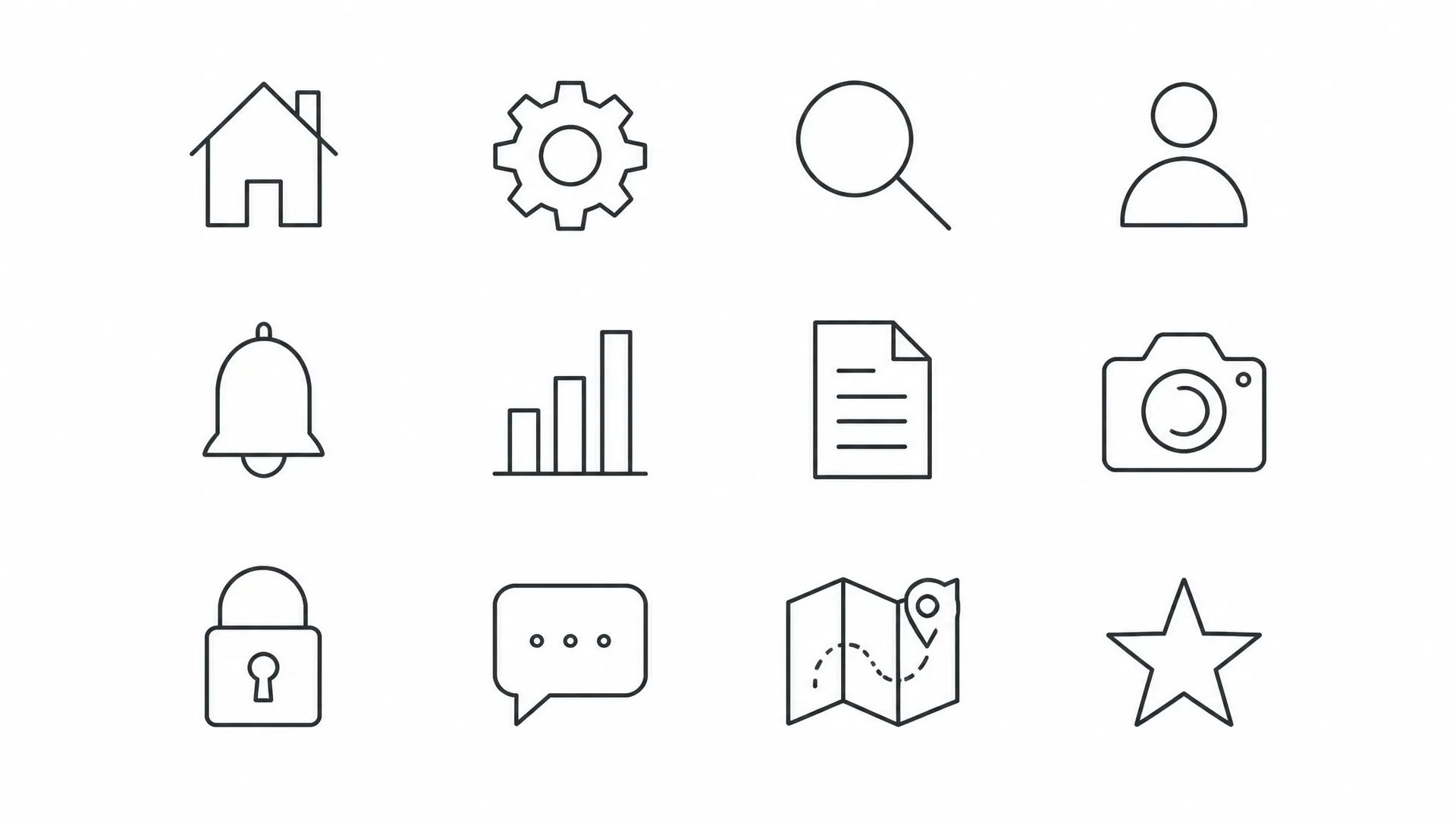
Complex icon sets with fine linework and multiple color zones where V4.1 Pro's higher geometric fidelity keeps every stroke intentional.
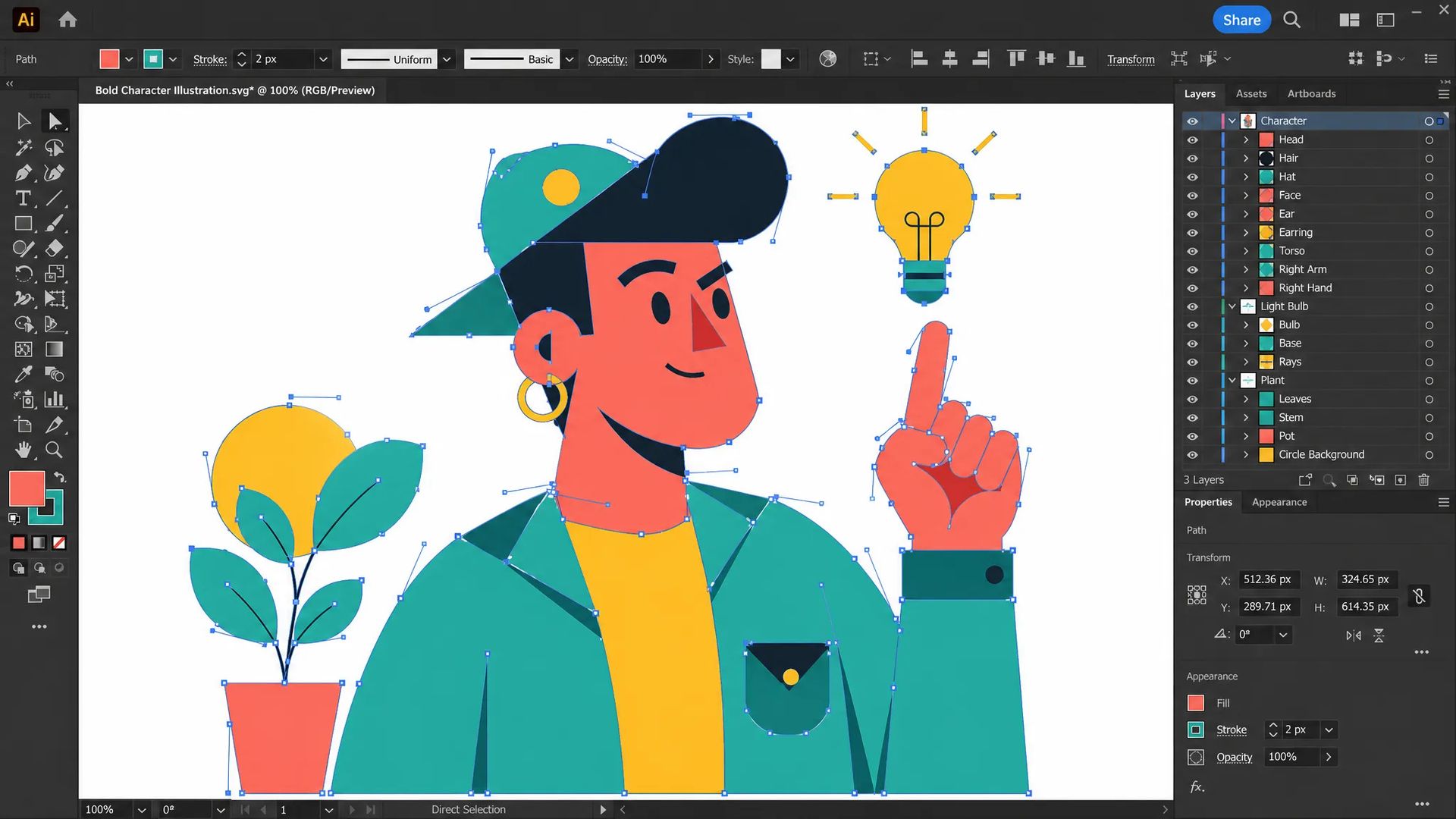
Rich stylized illustrations — characters, scenes, and decorative compositions — delivered as fully editable SVG with clean paths and vibrant fills.
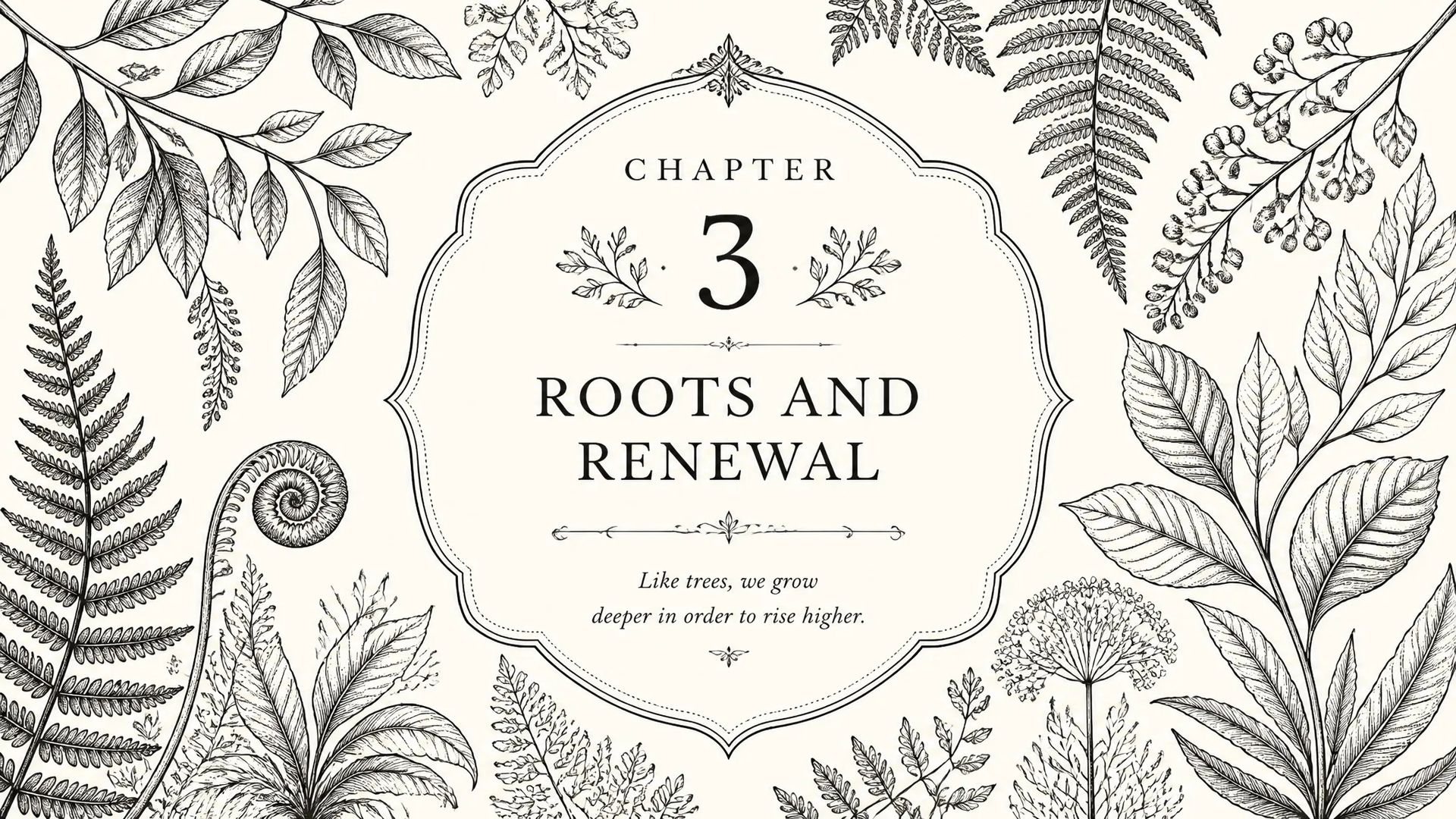
Chapter openers, section dividers, and decorative illustrations for books and magazines that need to survive prepress at full resolution.
Your ZOOOP credits work across every model — pick the right tool for each job without splitting your balance.
Open Recraft Text to Vector V4.1 Pro from this page or the SVG Generator.
Describe your vector composition — subject, style, and any layout intent.
Choose aspect ratio and set your brand color palette.
Generate, then open the SVG in Figma or Illustrator for final finishing.
Recraft V4.1 Pro is the professional tier of Recraft's vector generation, designed for the situations where standard resolution is not enough. The output is still native SVG — real editable paths, not a traced raster — but at higher geometric fidelity that makes a visible difference in fine linework, dense icon detail, and compositions viewed under maximum zoom.
The use case that separates Pro from the standard tier is commercial deliverables: brand identity documents that clients will scrutinize at 400%, large-format print files where a path with low geometric fidelity becomes a visible artifact at 2m width, and pitch decks or annual reports where the illustrations need to look professional on a projector as well as a PDF.
The same controls that make V4.1 practical are present here: palette anchoring locks fills and strokes to your brand RGB values, and background color control gives you a clean white or transparent-ready SVG at generation time. The aspect ratio options — 1:1, 3:4, 9:16, 4:3 — cover the range from square logomarks to portrait brand assets.
Where it's weaker: like V4.1, photorealism is not this model's domain. Recraft Pro produces flat, illustrated, and typographic output — not photoreal scenes or portraits. For those, Flux 2 Pro or GPT Image 2 are the right tools. Within the vector category, if the work is for digital screens and the extra resolution would be invisible, V4.1 is the more cost-efficient choice.
A reasonable mental model: Recraft V4.1 Pro is the default when the vector file is a commercial deliverable — something a client will open, print, or include in an official document. For internal use, iteration, and screen-only work, V4.1 does the job at a lower cost.
V4.1 Pro runs at higher output resolution, which gives finer geometric detail in complex paths and linework. For most digital and screen-size work, V4.1 is sufficient and more cost-efficient. Pro is worth the extra spend for large-format print, detailed brand manuals, or deliverables where clients will zoom in and scrutinize every path.
Yes. The SVG format is resolution-independent and the Pro tier produces finer geometric detail suited to large-format and commercial printing workflows.
Pass a list of RGB values for your brand palette. The model anchors fills and strokes to those colors at generation time. You can also set a specific background color — useful for getting a white or transparent-background SVG ready for your layout without any manual cleanup.
When the output is for digital screens, web, or social media — where the extra resolution of Pro is indistinguishable. V4.1 handles the majority of day-to-day vector work at a significantly lower credit cost.























Recraft Text to Vector V4.1 Pro
Prompt*
Image Size
Colors
Background Color
Le vostre generazioni appariranno qui una volta che vi sarete registrati.
La creazione di un account è gratuita.