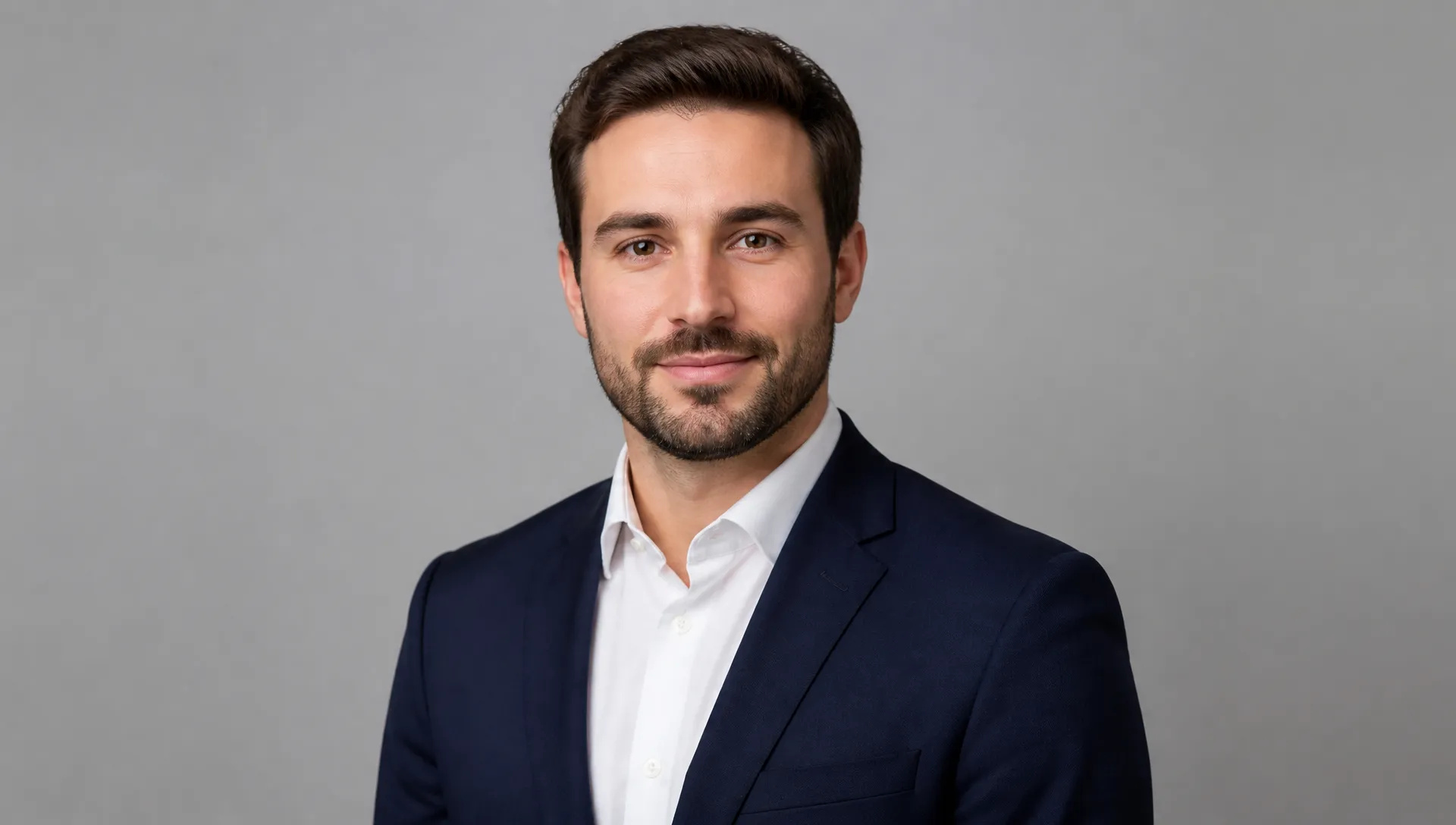
Guardaroba per colloqui e foto profilo
Trasforma una buona foto in abbigliamento professionale senza dover organizzare un secondo scatto.
Cambia Vestiti con l'IA
Descrivi un outfit e vedilo sulla tua foto — viso, posa e sfondo restano esattamente come erano.
Image Urls
*
Proporzioni*
Risoluzione*
Descrivi un outfit e vedilo sulla tua foto — viso, posa e sfondo restano esattamente come erano.
Paga una volta per i crediti - usali su tutti i modelli su ZOOOP. · Ricarica quando necessario, nessuna bruciatura mensile.
Scrivi l'outfit in parole semplici — "abito di lana antracite", "vestito estivo di lino". Niente bisogno di cercare prima una seconda foto del capo.
Viso, acconciatura, proporzioni del corpo e posa restano fedeli all'originale. Cambiano solo i capi.
Il nuovo tessuto riprende la direzione della luce, la temperatura del colore e le ombre già presenti nella foto, così si inserisce nella scena invece di sembrare aggiunto sopra.
Rilancia la stessa foto con descrizioni diverse per confrontare gli outfit fianco a fianco prima di scegliere.
Trasforma una buona foto in abbigliamento professionale senza dover organizzare un secondo scatto.
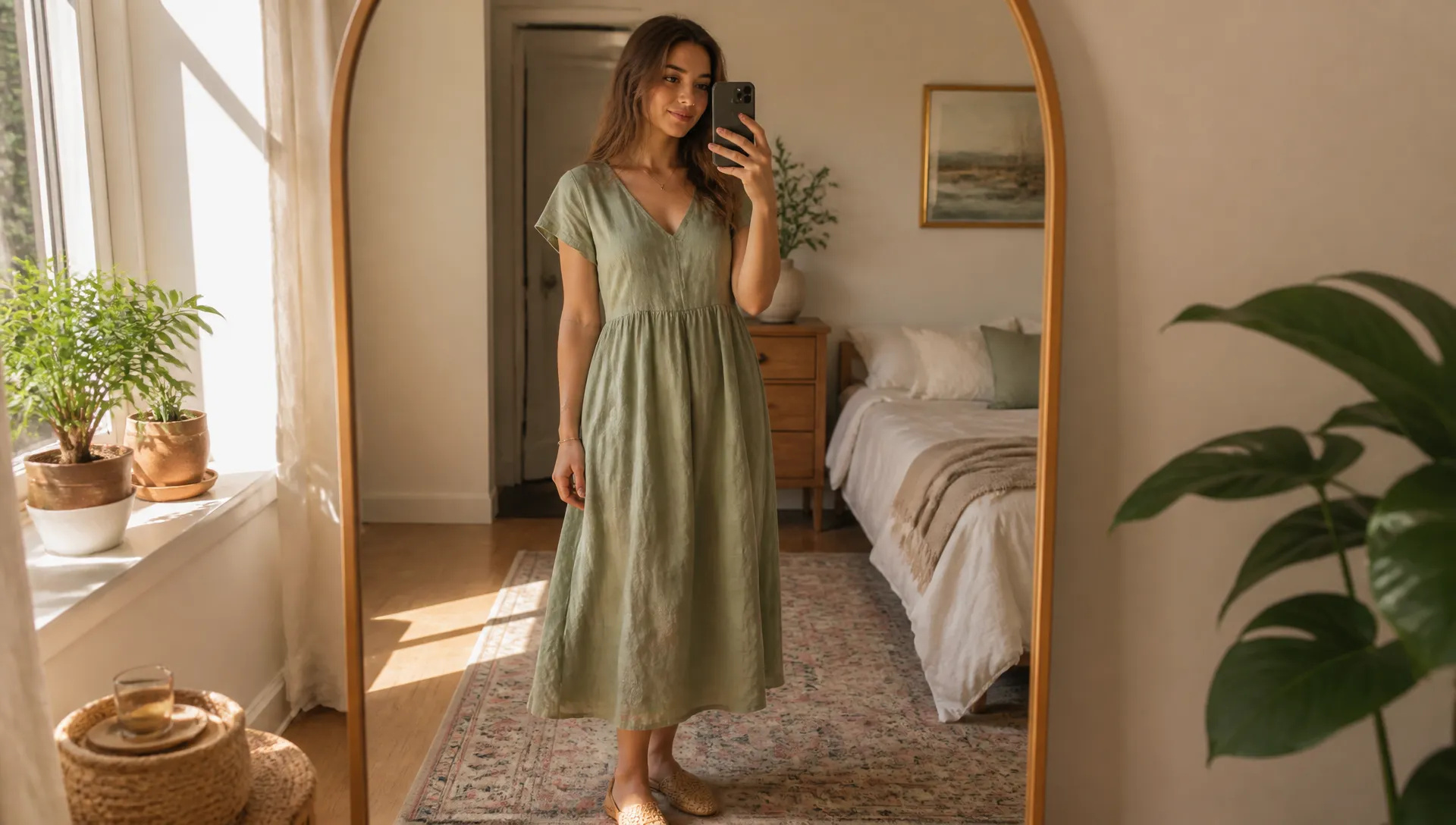
Prova un taglio, un colore o un tessuto su te stesso prima di acquistarlo o farlo su misura.
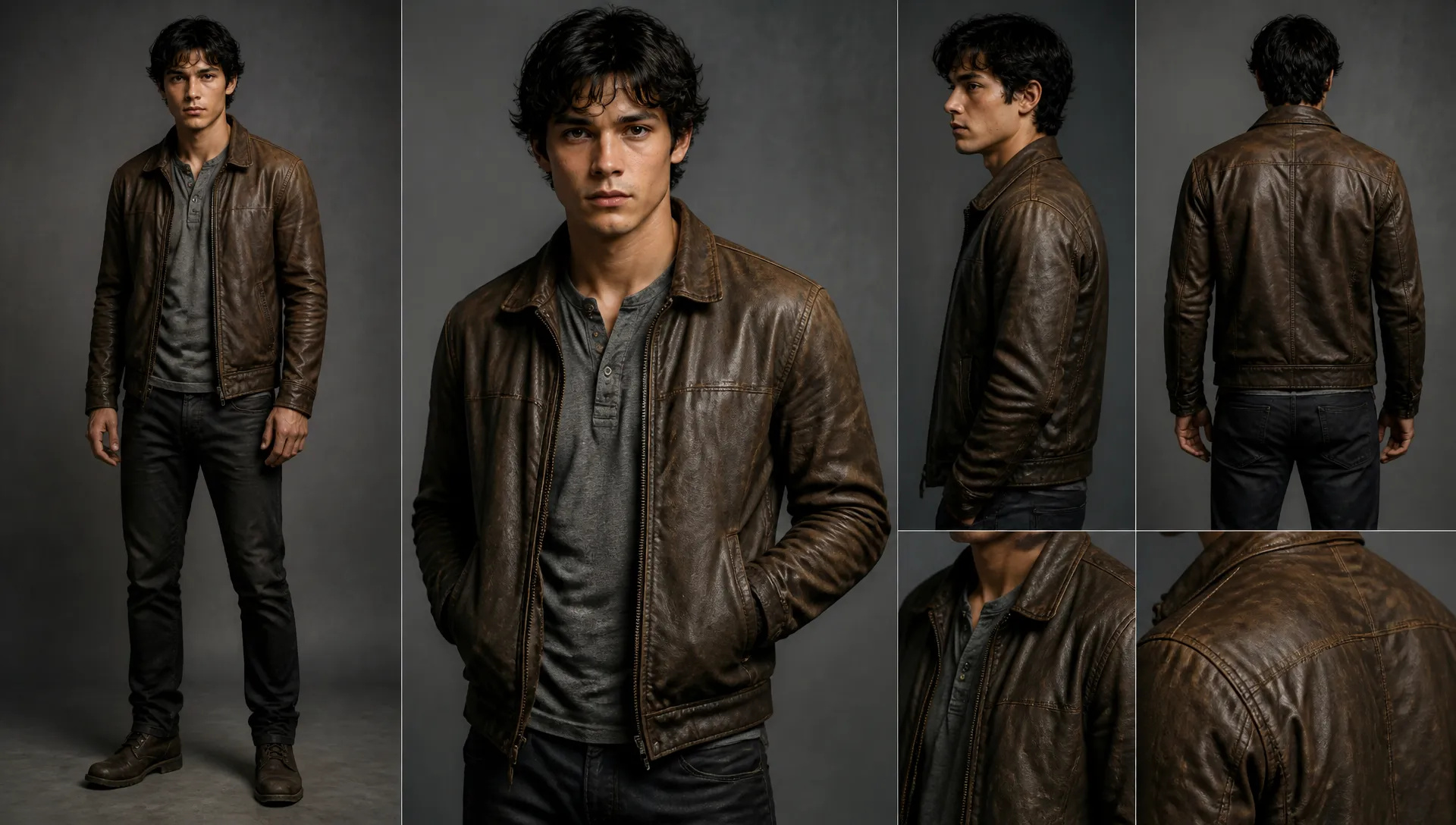
Veste lo stesso personaggio in vari modi per storie, casting o concept board.
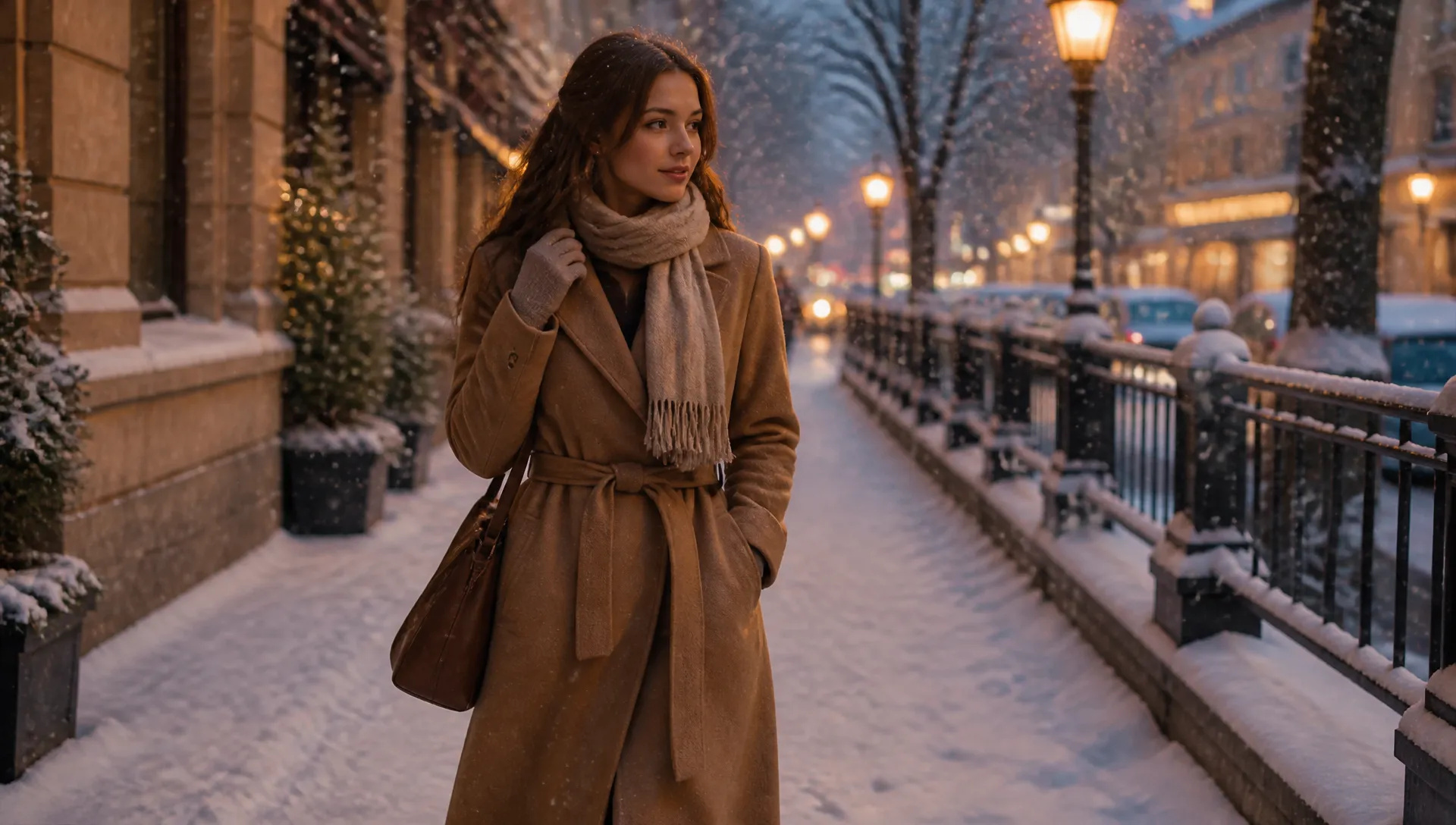
Trasforma una foto estiva con un cappotto invernale, o vestiti quotidiani in abiti eleganti.
Carica una foto chiara della persona, idealmente a figura intera o mezzo busto.
Descrivi l'outfit desiderato — tessuto, colore, taglio e occasione aiutano tutti.
Genera, confronta alcune descrizioni, poi scarica il risultato o invialo alla tua Tela.
Il Cambia Vestiti con l'IA rigenera ciò che una persona indossa a partire da una descrizione scritta. Carica una foto, scrivi l'outfit — "abito di lana antracite", "vestito di lino color panna", "piumino blu navy" — e lo strumento sostituisce i capi mantenendo fedeli all'originale viso, acconciatura, proporzioni del corpo, posa e sfondo.
La descrizione è l'unico input necessario. Questa è la differenza pratica rispetto al virtual try-on, che ha bisogno di una fotografia del capo specifico prima di poter fare qualsiasi cosa. Se hai già quello scatto del prodotto, il try-on è lo strumento più fedele. Se invece hai solo un'idea, questo strumento parte proprio dall'idea.
Viene rigenerato solo l'abbigliamento. Al modello viene chiesto di trattare viso e corpo come fissi, e di illuminare il nuovo tessuto seguendo la direzione della luce, la temperatura del colore e le ombre già presenti nella scena — un cappotto aggiunto a una foto scattata nel sole del tardo pomeriggio raccoglie quel calore e proietta l'ombra allo stesso modo dei vestiti originali. Per questo i risultati sembrano la stessa fotografia e non un ritaglio incollato sopra.
La copertura può solo aumentare o restare invariata. Lo strumento sostituisce i vestiti con abbigliamento completo e quotidiano e non mostrerà mai meno di quanto già presente nella foto originale, qualunque cosa chieda la descrizione.
Dai al modello qualcosa su cui lavorare. Una foto in cui l'outfit attuale è completamente visibile lascia più superficie da sostituire rispetto a un primo piano stretto su testa e spalle, e una posa rilassata funziona meglio di una in cui le braccia coprono gran parte del busto.
Sii specifico nella descrizione. "Abito" è un'istruzione generica; "abito monopetto di lana antracite, camicia bianca, senza cravatta" è un'istruzione precisa, e le istruzioni precise producono risultati che puoi davvero valutare. Le parole sul tessuto contano molto — lino, denim, pelle e seta cadono e catturano la luce in modo diverso, e nominarne uno ti avvicina molto al risultato desiderato.
Poi confronta. Rilanciare la stessa foto in tre modi diversi e mettere i risultati a confronto è più veloce che cercare di descrivere l'outfit perfetto al primo tentativo.
Se hai una fotografia del capo esatto, AI Virtual Try-On prende la persona e il vestito come due input separati ed è più fedele a quel capo specifico.
Se i vestiti vanno bene e il problema è la foto — messa a fuoco morbida, bassa risoluzione, luce dura — AI Portrait Enhancer e AI Image Upscaler risolvono direttamente questo problema, ed è utile usarli prima o dopo un cambio di vestiti, non al suo posto.
Se vuoi cambiare l'ambientazione invece dell'outfit, AI City Teleport sposta la stessa persona in un altro luogo.
Ogni generazione utilizza crediti ZOOOP — nessun abbonamento, e i crediti non scadono mai. Quando hai finito, scarica il risultato o inviarlo alla tua Tela.
No. Questo strumento funziona a partire da una descrizione scritta, il che lo distingue dal virtual try-on, che invece richiede un'immagine del capo come secondo input. Se hai già una foto specifica del prodotto, usa invece AI Virtual Try-On.
No. Viso, acconciatura, tono della pelle, proporzioni del corpo e posa restano fedeli alla foto originale; solo i capi vengono rigenerati.
Una foto ben illuminata in cui i vestiti attuali sono completamente visibili e non troppo tagliati. Pose sciolte e non ostruite offrono al modello più corpo su cui lavorare rispetto a primi piani molto stretti.
No. Lo strumento sostituisce i vestiti solo con abbigliamento completo e quotidiano, e non ridurrà mai la copertura al di sotto di quella già presente nella foto originale. Le richieste che tenterebbero di farlo vengono invece interpretate nel modo più coprente possibile.
Ogni generazione produce un outfit. Rilanciare la stessa foto con più descrizioni è il modo previsto per confrontarli, e ogni generazione utilizza crediti invece di un abbonamento.
Prova nuove acconciature e colori di capelli sulla tua foto con l'AI — risultati realistici prima ancora di toccarti i capelli.
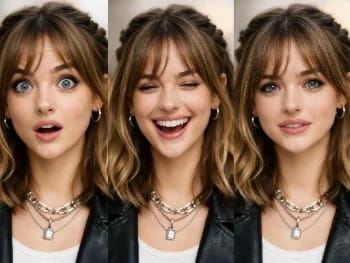
Cambia le espressioni facciali in qualsiasi foto con l'AI — aggiungi un sorriso, apri gli occhi o modifica l'umore, in modo naturale.
Rendi un volto più giovane o più vecchio con l'IA — un invecchiamento realistico che mantiene la persona riconoscibile.
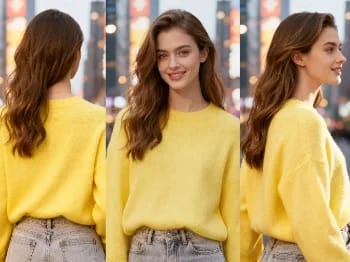
Cambia l'angolazione della fotocamera di qualsiasi immagine con l'IA — vedi un soggetto da un nuovo punto di vista, reso in modo naturale.
Prova look di trucco con l'IA — dal naturale al deciso, con intensità regolabile, tutto sulla tua foto.
Metti il tuo prodotto in modo naturale nelle mani di una persona con l''AI — visual di marketing realistici senza bisogno di un servizio fotografico.
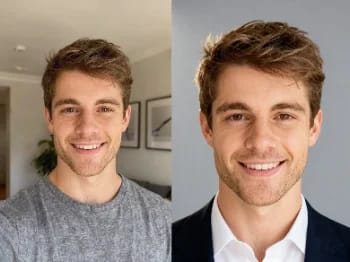
Trasforma un selfie casual in un headshot professionale con l'IA — luci da studio, sfondi puliti, pronto per il business in pochi minuti.
Migliora qualsiasi ritratto con l'AI — dettagli più nitidi, pelle e occhi più chiari e una luce bilanciata, mantenendo il tuo aspetto naturale.
Scopri come ti stanno i vestiti grazie all'AI — combina la foto di una persona con l'immagine di un capo per una prova realistica.
Restaura foto vecchie e danneggiate con l'IA — correggi sbiadimento, graffi e sfocatura, e riporta i volti in vita.
Rimuovi oggetti, persone o testo indesiderati da qualsiasi foto con l'AI — e lo sfondo si riempie in modo impeccabile.
Rimuovi lo sfondo da qualsiasi immagine in pochi secondi e scarica un PNG pulito e trasparente — senza mascheratura manuale, senza competenze di design.
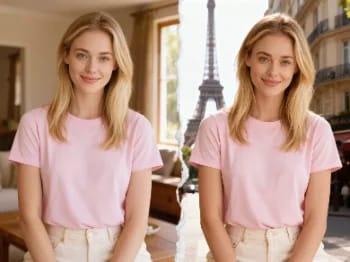
Teletrasportati nelle città più iconiche con l'AI — inserisci la tua foto a Parigi, Tokyo, New York e altro ancora.
Ridipingi qualsiasi foto in uno stile artistico con l'IA — impressionismo, cubismo, acquerello, anime e altro ancora.
Cambia il materiale di un oggetto con l'AI — trasformalo in marmo, legno, oro, vetro o tessuto, con superfici realistiche.
Ingrandisci qualsiasi immagine fino a 2K o 4K con l'IA — recupera dettagli nitidi e bordi puliti, senza sfocature o artefatti.
Esegui l'upscaling di qualsiasi video in HD o 4K con l'IA — fotogrammi più nitidi e dettagli puliti, con un movimento fluido e senza sfarfallii.