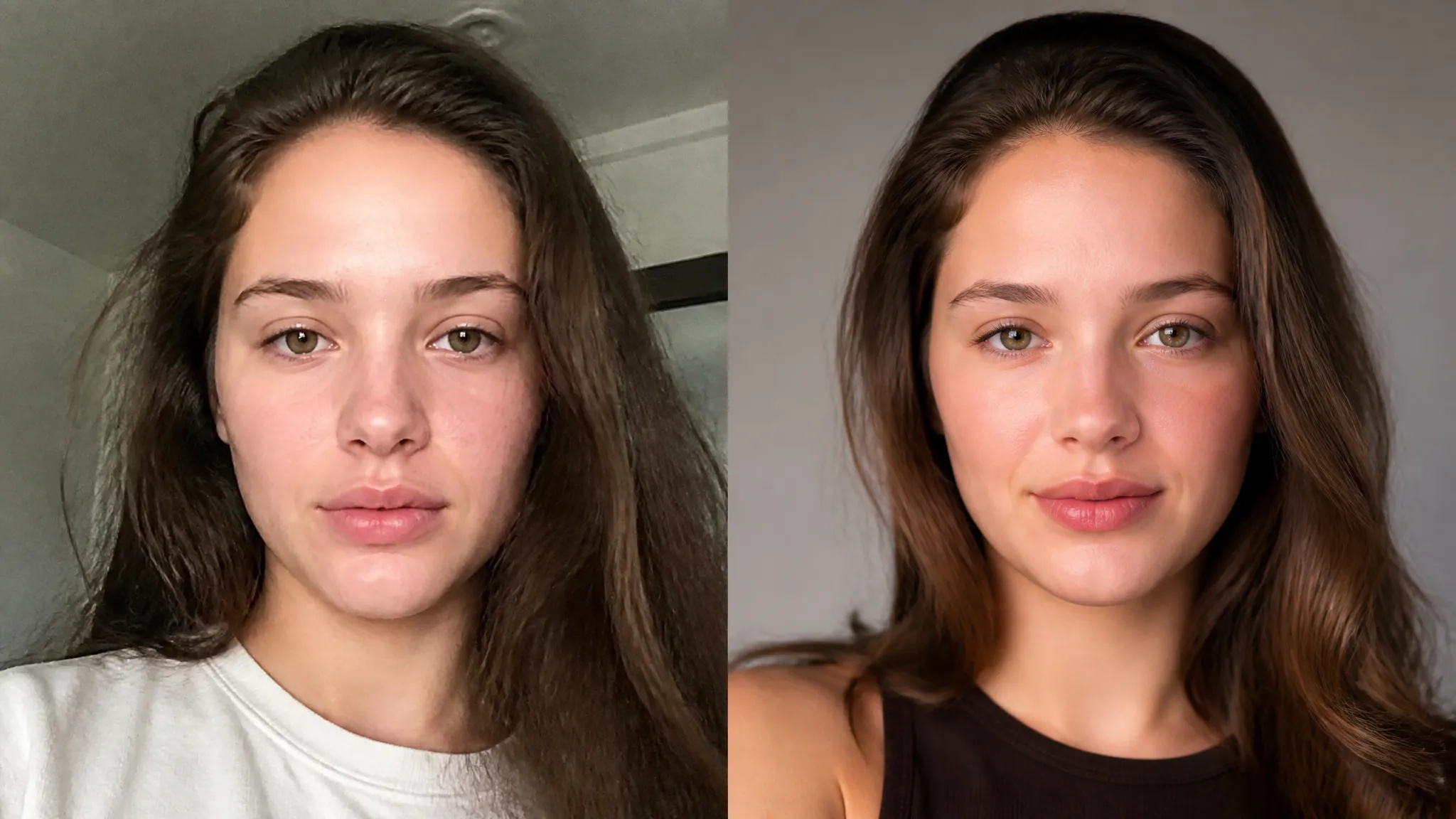
Profiel- en LinkedIn-foto's
Verander een casual foto in een strak, professioneel portret.
Verbeter elk portret met AI — scherpere details, een helderdere huid en ogen, en een uitgebalanceerd licht, terwijl je nog steeds jezelf blijft.
Betaal één keer voor credits - gebruik ze voor elk model op ZOOOP. · Vul bij wanneer dat nodig is, geen maandelijkse verbranding.
Verscherpt haar, ogen en huidtextuur zonder het plastic, overdreven gladde effect van zware filters.
Effent de huidtint en laat de ogen uitkomen, terwijl poriën en gelaatstrekken echt blijven.
Verbetert vlak of ongelijk licht zodat het gezicht er helder uitziet, zonder overbelichte lichtpunten.
Verfijnt de foto in plaats van het gezicht te vormen, zodat de identiteit intact blijft.
Verander een casual foto in een strak, professioneel portret.
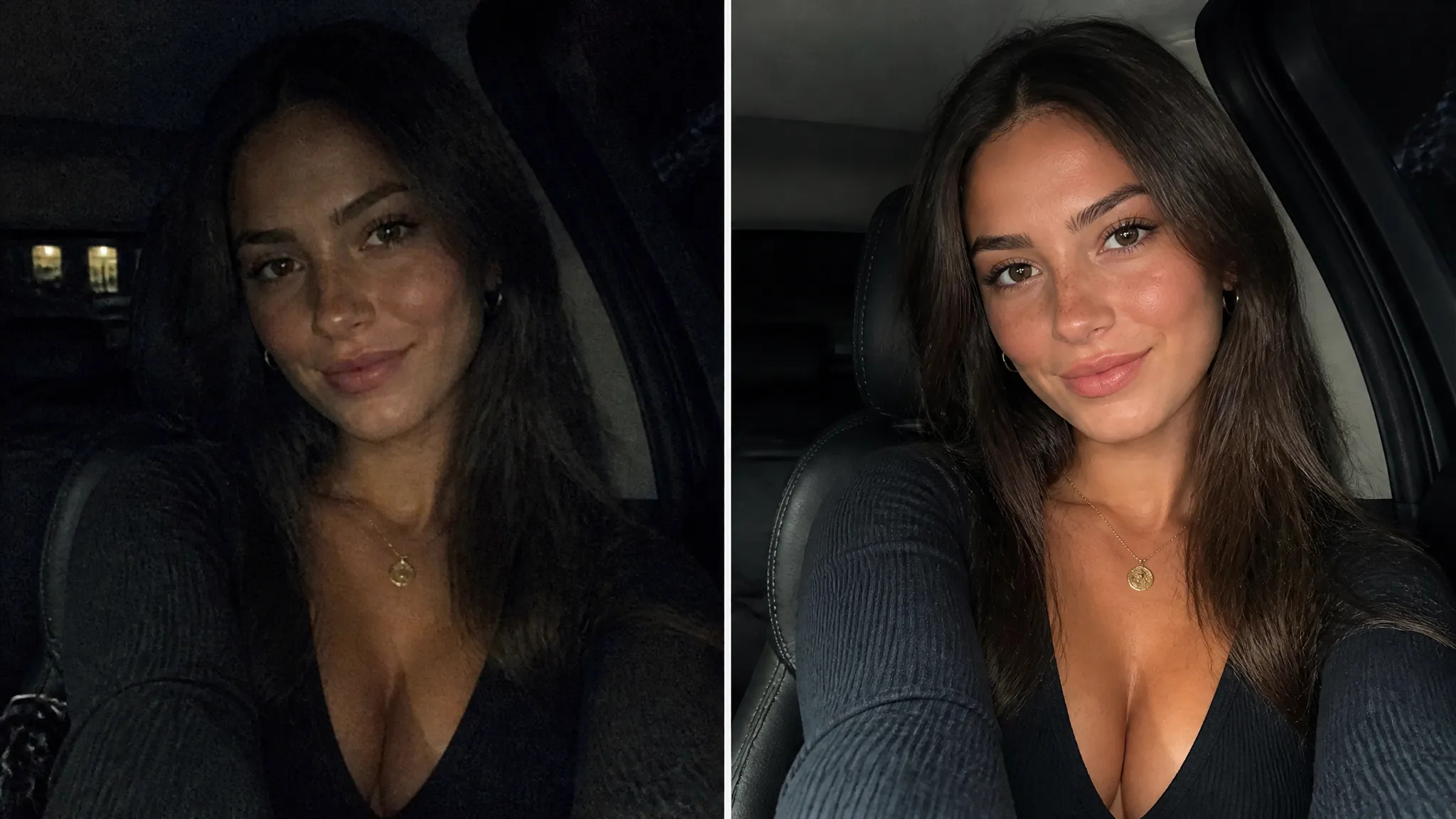
Red donkere of korrelige telefoonfoto's en maak er iets helders en deelbaars van.
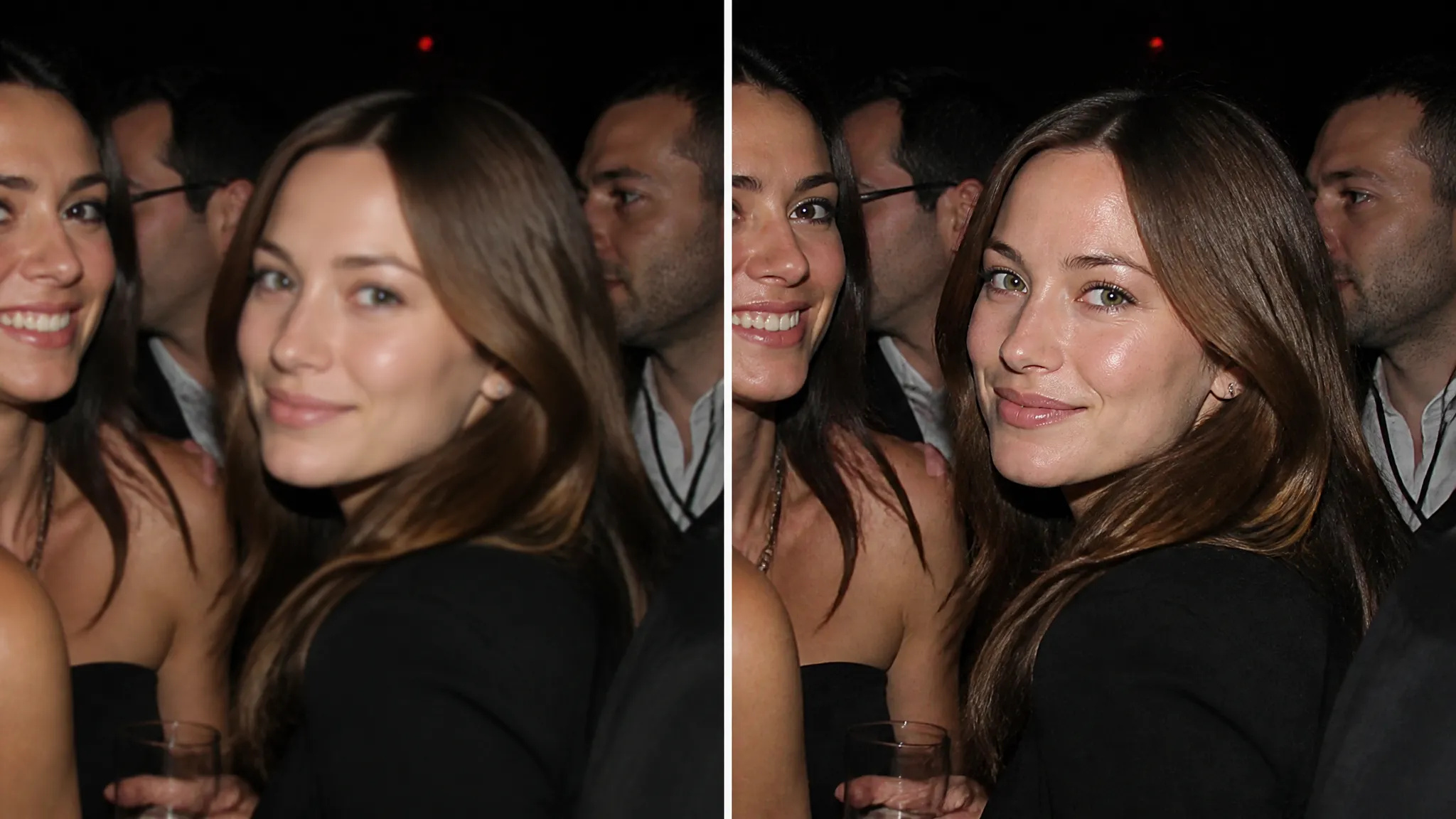
Verscherp gezichten op spontane of snel genomen foto's.
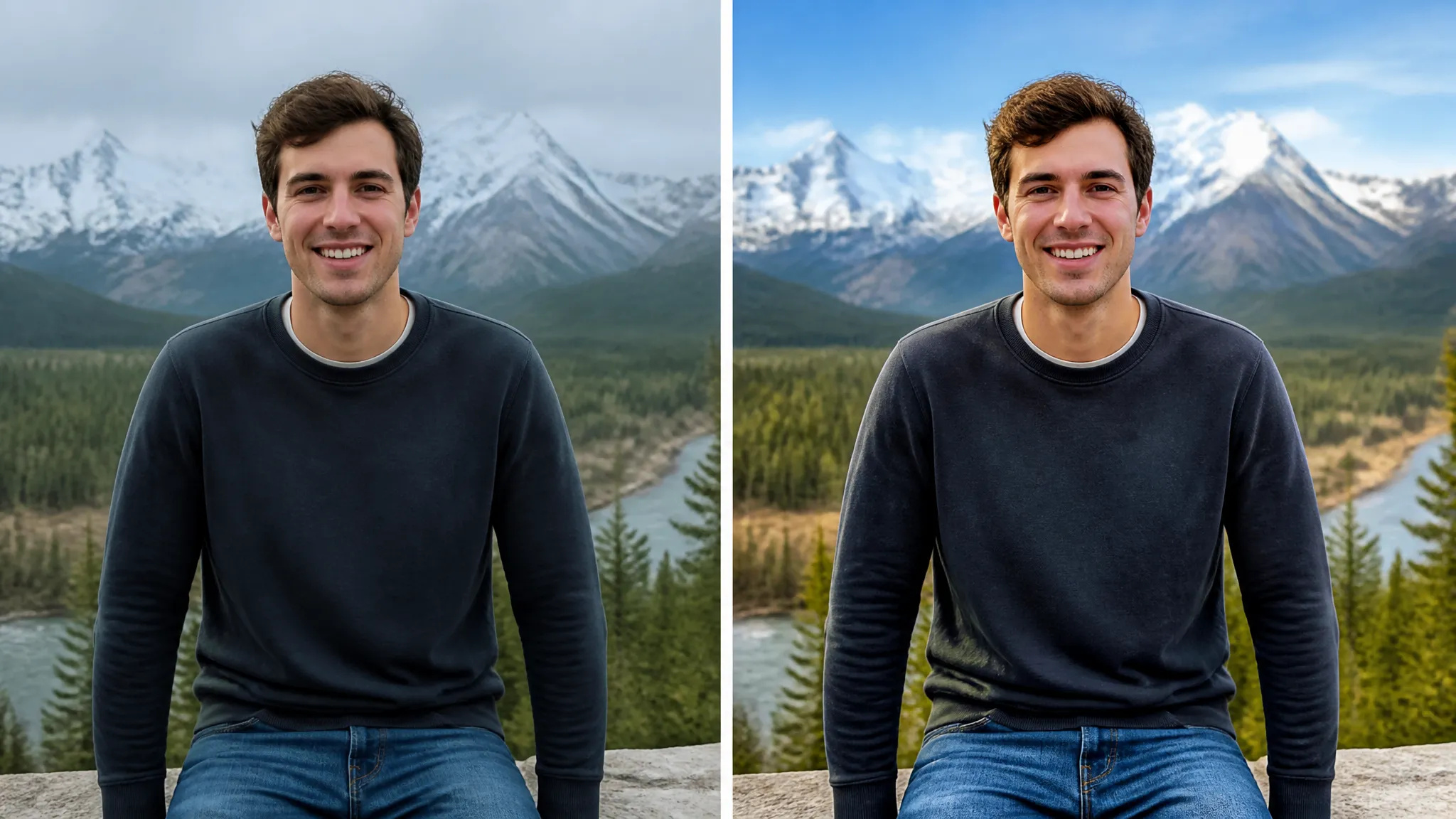
Laat alledaagse foto's er zo goed mogelijk uitzien zonder duidelijk filter.
Open de AI Portretverbeteraar en upload je foto.
Laat ZOOOP automatisch details, huid, ogen en belichting verfijnen.
Bekijk het resultaat en download het, of stuur het naar je Canvasdoek.
De AI Portretverbeteraar op ZOOOP verfijnt een portret zonder het gezicht opnieuw op te bouwen. Het verscherpt haar, ogen en huidtextuur, effent de huidtint en balanceert de belichting — zodat de foto er helderder en professioneler uitziet, terwijl het nog steeds de echte persoon toont, en niet een plastic, overdreven glad filtereffect.
Het is gemaakt voor alledaagse foto's: casual kiekjes omgetoverd tot strakke profielfoto's, donkere of korrelige selfies gered tot iets deelbaars, en spontane evenementfoto's verscherpt zodat gezichten helder overkomen.
Elke generatie draait op ZOOOP-credits — geen abonnement nodig, en credits die nooit verlopen. Wanneer je klaar bent, download je het verbeterde portret of stuur je het naar je Canvasdoek.
Nee — het verfijnt details en licht terwijl de huidtextuur en gelaatstrekken natuurlijk blijven, zodat het niet plastic aanvoelt.
Het verbetert in plaats van te hervormen, dus je blijft er nog steeds uitzien als jezelf — alleen helderder en beter belicht.
Ja — donkere, zachte of ruizige foto's zijn een belangrijk toepassingsgeval en komen helderder en meer gebalanceerd terug.
Upload JPG-, PNG- of WebP-afbeeldingen; gangbare fotoformaten werken direct.
Verwijder de achtergrond van elke afbeelding in seconden en download een schone, transparante PNG — zonder handmatig maskeren, zonder ontwerpvaardigheden.
Upscale elke afbeelding naar 2K of 4K met AI — herstel scherpe details en strakke randen, zonder wazigheid of artefacten.
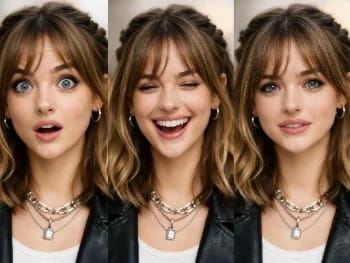
Verander gezichtsuitdrukkingen in elke foto met AI — voeg een glimlach toe, open de ogen, of pas de sfeer natuurlijk aan.
Herstel oude en beschadigde foto's met AI — verhelp verbleking, krassen en wazigheid, en breng gezichten weer tot leven.
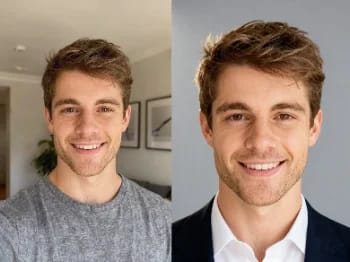
Verander een gewone selfie in een professionele headshot met AI — studiobelichting, strakke achtergronden, binnen enkele minuten zakelijk klaar.
Probeer nieuwe kapsels en haarkleuren op je eigen foto met AI — realistische resultaten nog voordat je je haar aanraakt.
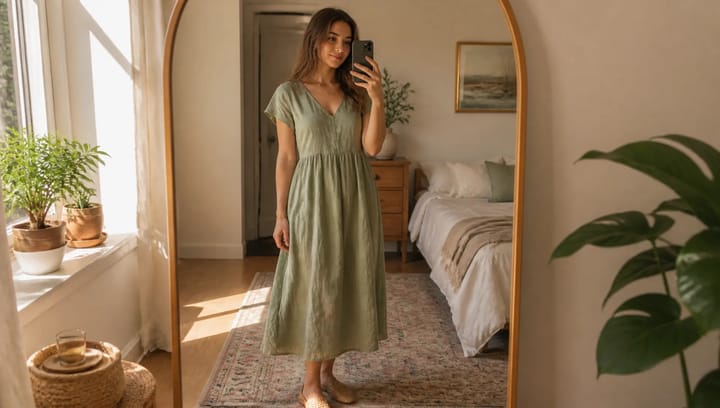
Beschrijf een outfit en zie hem op je eigen foto — je gezicht, pose en achtergrond blijven precies zoals ze waren.
Maak met AI een gezicht jonger of ouder — realistisch verouderen waarbij de persoon herkenbaar zichzelf blijft.
Probeer make-up looks uit met AI — van natuurlijk tot gedurfd, met instelbare intensiteit, allemaal op je eigen foto.
Verwijder ongewenste objecten, personen of tekst uit elke foto met AI — en de achtergrond wordt naadloos aangevuld.
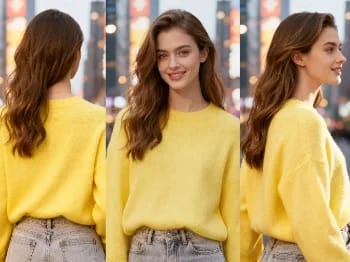
Verander de camerahoek van elke afbeelding met AI — bekijk een onderwerp vanuit een nieuw gezichtspunt, natuurlijk weergegeven.
Plaats je product op natuurlijke wijze in iemands handen met AI — realistische marketingbeelden zonder fotoshoot.
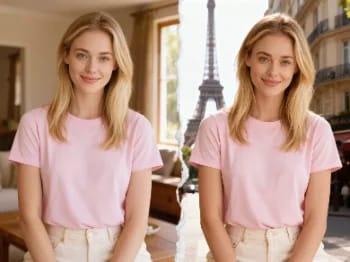
Verplaats jezelf met AI naar iconische steden — zet je foto in Parijs, Tokio, New York en meer.
Herschilder elke foto in een artistieke stijl met AI — impressionisme, kubisme, aquarel, anime en meer.
Verander het materiaal van een object met AI — zet het om in marmer, hout, goud, glas of stof, met realistische oppervlakken.
Upscale elke video naar HD of 4K met AI — scherpere frames en heldere details, met vloeiende, flikkervrije beweging.
Zie hoe kleding je staat met AI — combineer een foto van een persoon met een kledingfoto voor een realistische pasfoto.
AI Portretverbeteraar
Verbeter elk portret met AI — scherpere details, een helderdere huid en ogen, en een uitgebalanceerd licht, terwijl je nog steeds jezelf blijft.
Afbeelding*
Beeldverhouding*