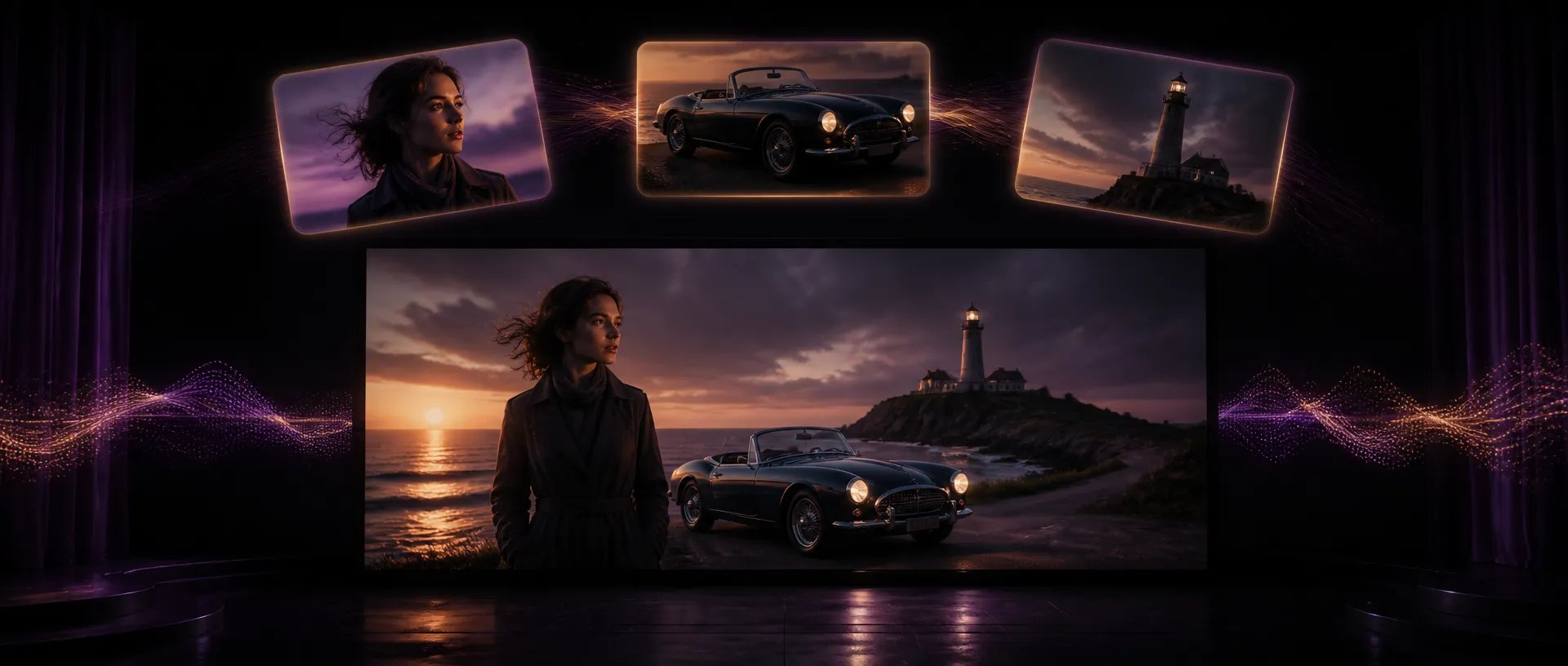
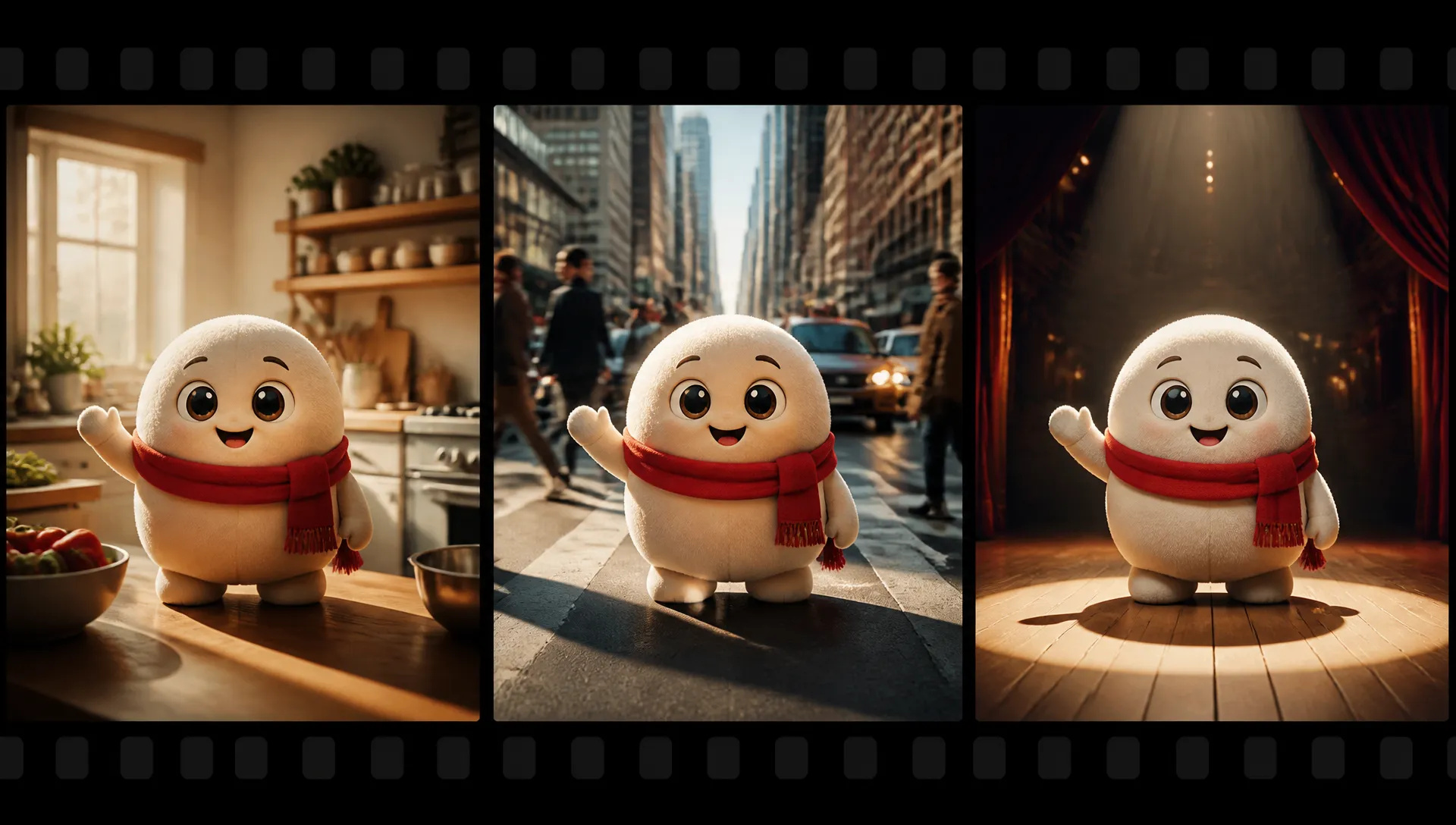
Brand characters in new scenes
Keep a mascot or spokesperson identical while placing them in a kitchen, a street or a stage.

Vidu's newest video model: up to 12 reference subjects and 3 reference voices, 3 to 16 second clips, native audio, up to 4K.
Betaal één keer voor credits - gebruik ze voor elk model op ZOOOP. · Vul bij wanneer dat nodig is, geen maandelijkse verbranding.
Powered by Vidu AI's API on ZOOOP
Attach up to 12 images of characters, products or places and the model keeps each one consistent through the clip.
Add up to three MP3 voice clips of 3 to 12 seconds, and the generated dialogue follows those voices.
Five resolution tiers: draft at 540p, then render the chosen take at 1080p, 2K or 4K for delivery.
Any length from 3 to 16 seconds, with synchronized dialogue, effects and ambience. Turn audio off when you only want picture.
Keep a mascot or spokesperson identical while placing them in a kitchen, a street or a stage.
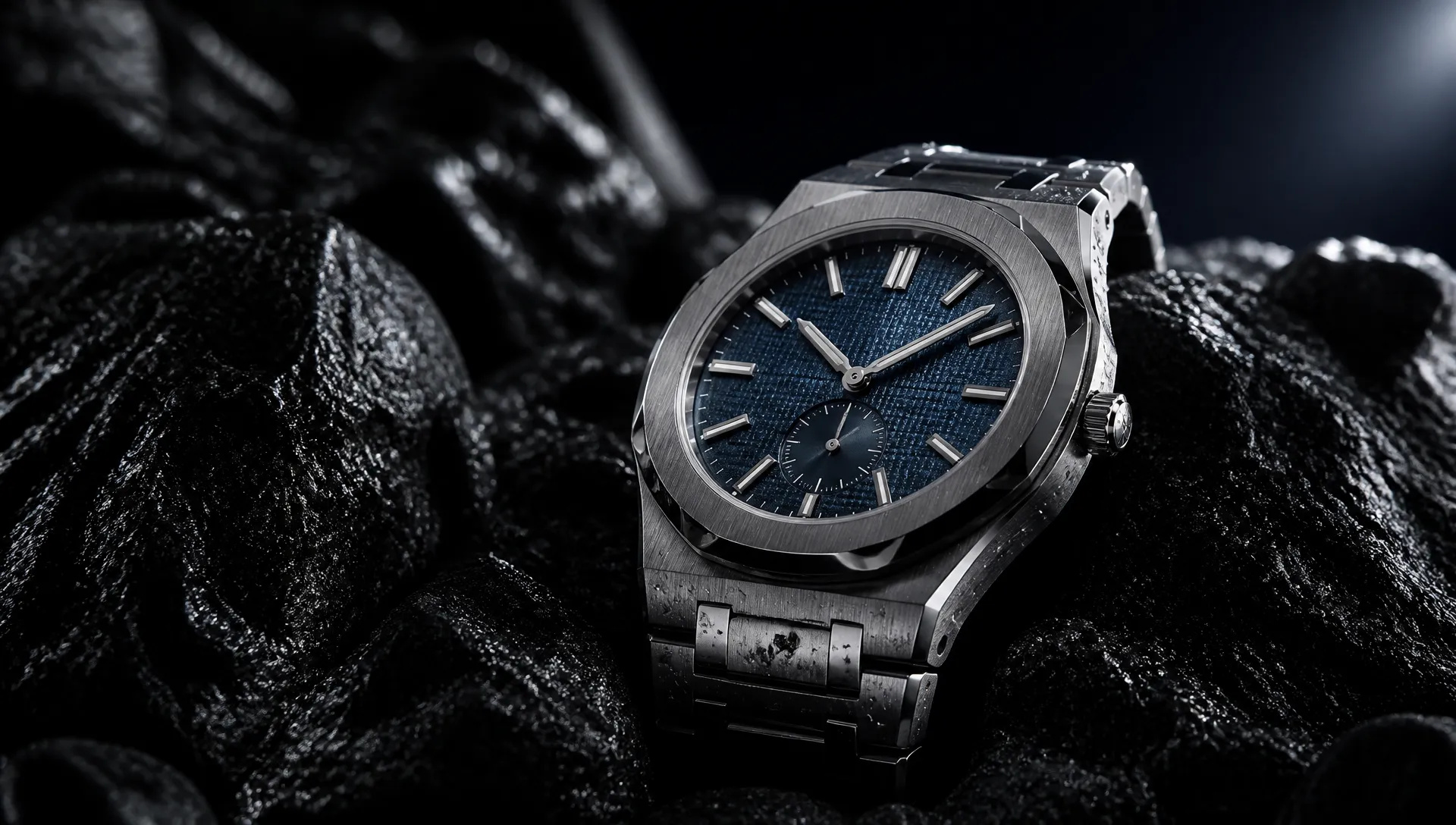
Animate a product still into a polished shot and render the final at 4K for large screens.
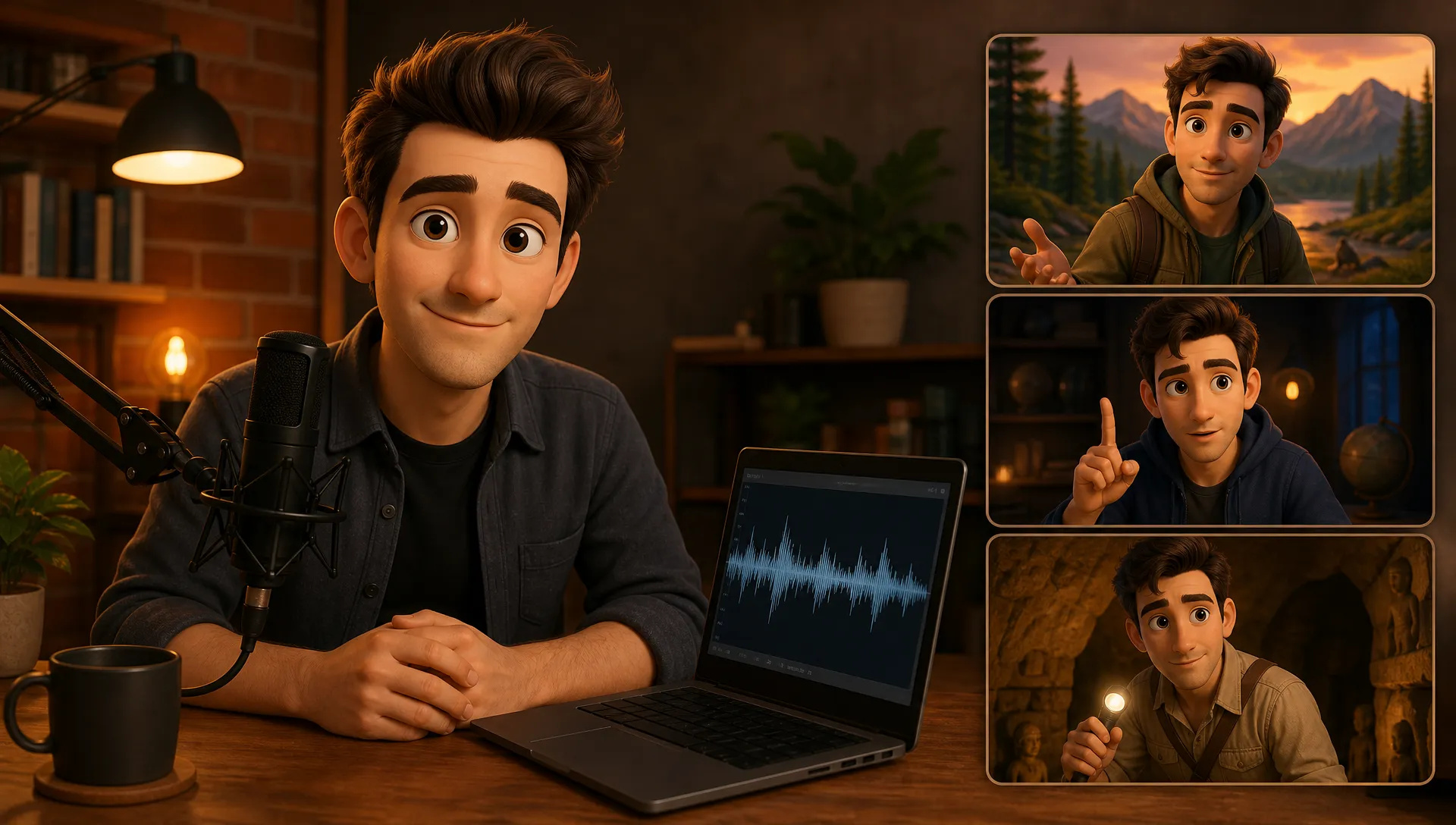
Reuse the same voice clip across episodes so a narrator or character sounds the same every time.

Combine several character references in one shot, such as two friends meeting in a café.
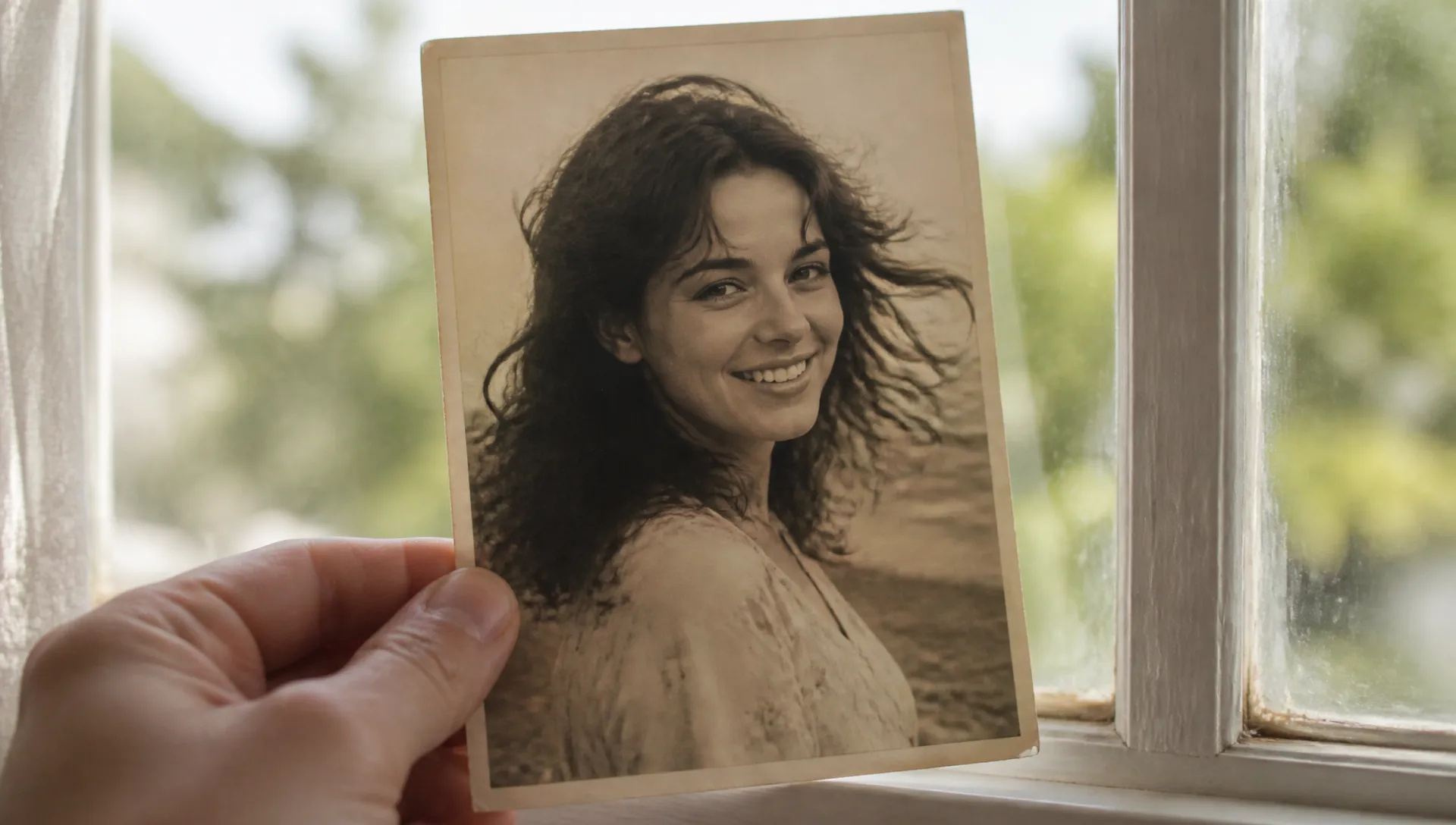
Start from a single photo and let the scene move: hair in the wind, a smile, a camera drift.
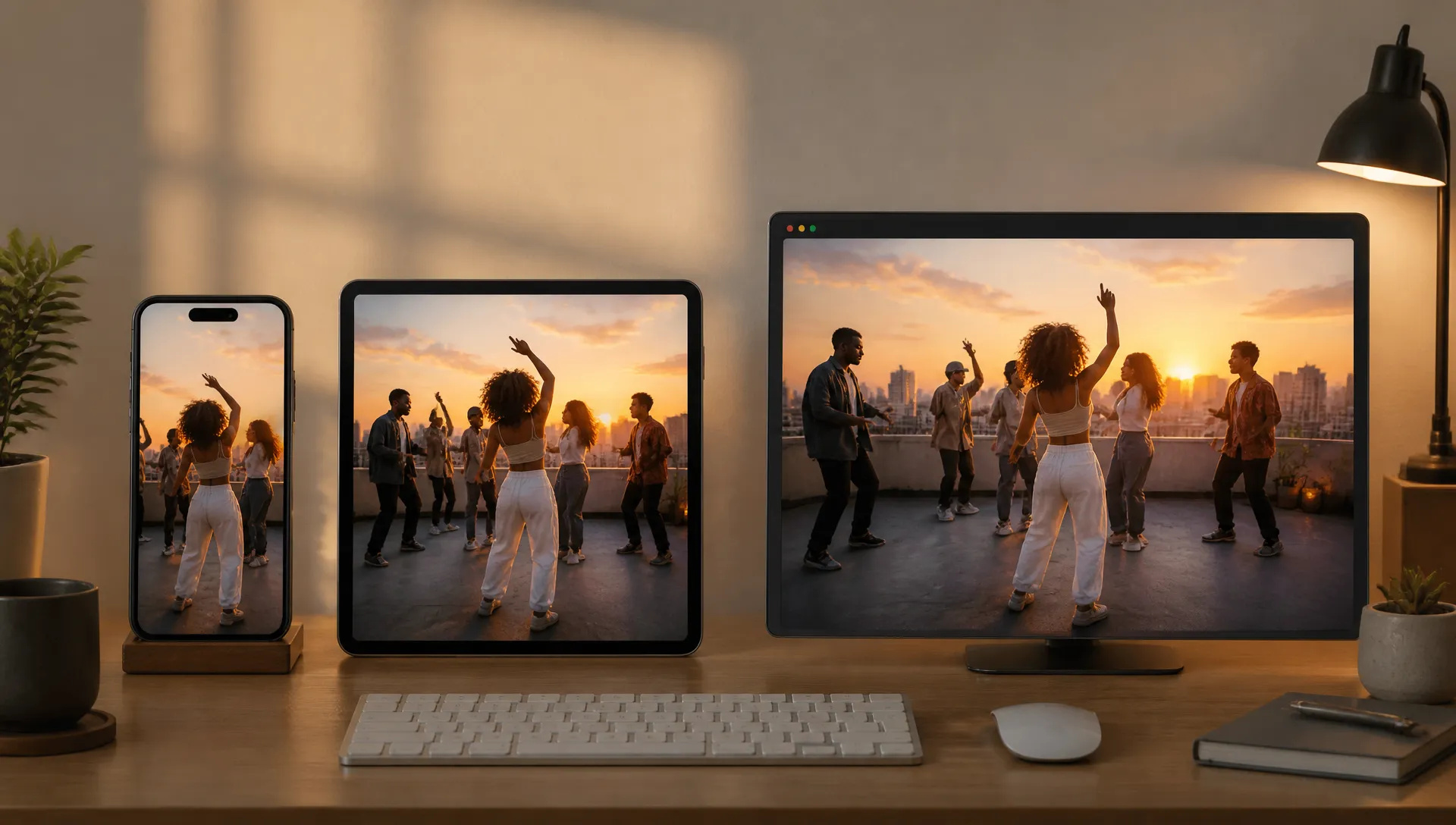
Render reference scenes in 9:16 for vertical short videos, or 1:1 and 4:3 for feeds.
Vidu Q4 is the reference specialist: many subjects, consistent voices, up to 4K. Switch when your shot needs something else.
Open Vidu Q4 from this page and pick a mode: start frame, or reference images (with optional voices).
Upload your start frame or reference images, and write what should happen.
Choose duration (3 to 16 seconds), resolution (540p to 4K) and, for references, the aspect ratio.
Generate at a low tier to check the take, then re-render at a higher resolution.
Vidu Q4 is built for keeping many things consistent at once. Where most video models are comfortable with one or two references, Q4 takes up to 12 reference images in a single shot and up to three reference voices, so a cast of characters, a product and a location can all hold their look while the generated dialogue keeps the right voice.
The first flagship capability is reference-to-video with subjects and voices. Attach the images, tag who does what in the prompt, and optionally add MP3 voice clips of 3 to 12 seconds. In our tests two robot references stood side by side on a sunset rooftop in 9:16, swaying without their designs swapping, and a single character waved hello to the camera with sound generated alongside the picture.
The second is resolution range. Five tiers from 540p to 4K mean you can test a take cheaply and render the keeper at 2K or 4K for large screens, without switching models.
The third is length with sound. Any duration from 3 to 16 seconds, with dialogue, effects and ambience generated together. You can switch audio off for picture-only clips.
Where it's weaker: there is no text-only mode and no end frame. Pure text-to-video belongs to Gemini Omni 1.1 Flash or MiniMax H3 Max, and start-and-end transitions to MiniMax H3 Max. It is also still a preview model, so expect behavior to change as it matures. For takes longer than 16 seconds, Wan V3.0 goes to 30.
A reasonable mental model: choose Vidu Q4 when several subjects or a specific voice must stay consistent, or when the final has to be 4K. Use MiniMax H3 Max for quick start-frame clips and Gemini Omni 1.1 Flash when you need to edit or extend.
It is the newest video model from Vidu, released as a preview in October 2026. On ZOOOP it animates a start frame, or builds a scene from up to 12 reference images and up to 3 reference voices, with native audio.
No. Vidu Q4 needs a start frame or at least one reference image. For pure text-to-video, use Gemini Omni 1.1 Flash or MiniMax H3 Max.
Upload up to three MP3 clips of 3 to 12 seconds each. The generated speech follows the voices in those clips, which keeps a character sounding the same across clips.
Any length from 3 to 16 seconds per generation.
540p, 720p, 1080p, 2K and 4K. Reference mode offers 16:9, 9:16, 1:1, 4:3 and 3:4; start-frame mode follows the shape of your image.
No, only a start frame. For start-and-end-frame transitions, use MiniMax H3 Max or Gemini Omni 1.1 Flash.























Eerste & Laatste Frame VideoTekst & Verwijzing naar Video
Eerste & Laatste Frame VideoTekst & Verwijzing naar Video
Eerste & Laatste Frame VideoTekst & Verwijzing naar Video
Eerste & Laatste Frame VideoTekst & Verwijzing naar Video
Eerste & Laatste Frame VideoTekst & Verwijzing naar Video
Eerste & Laatste Frame VideoTekst & Verwijzing naar Video
Vidu Q4
Prompt*
Reference Images*
Reference Voices
Beeldverhouding*
Resolutie*
Duur*
Uw generaties verschijnen hier zodra u zich aanmeldt.
Een account aanmaken is gratis.