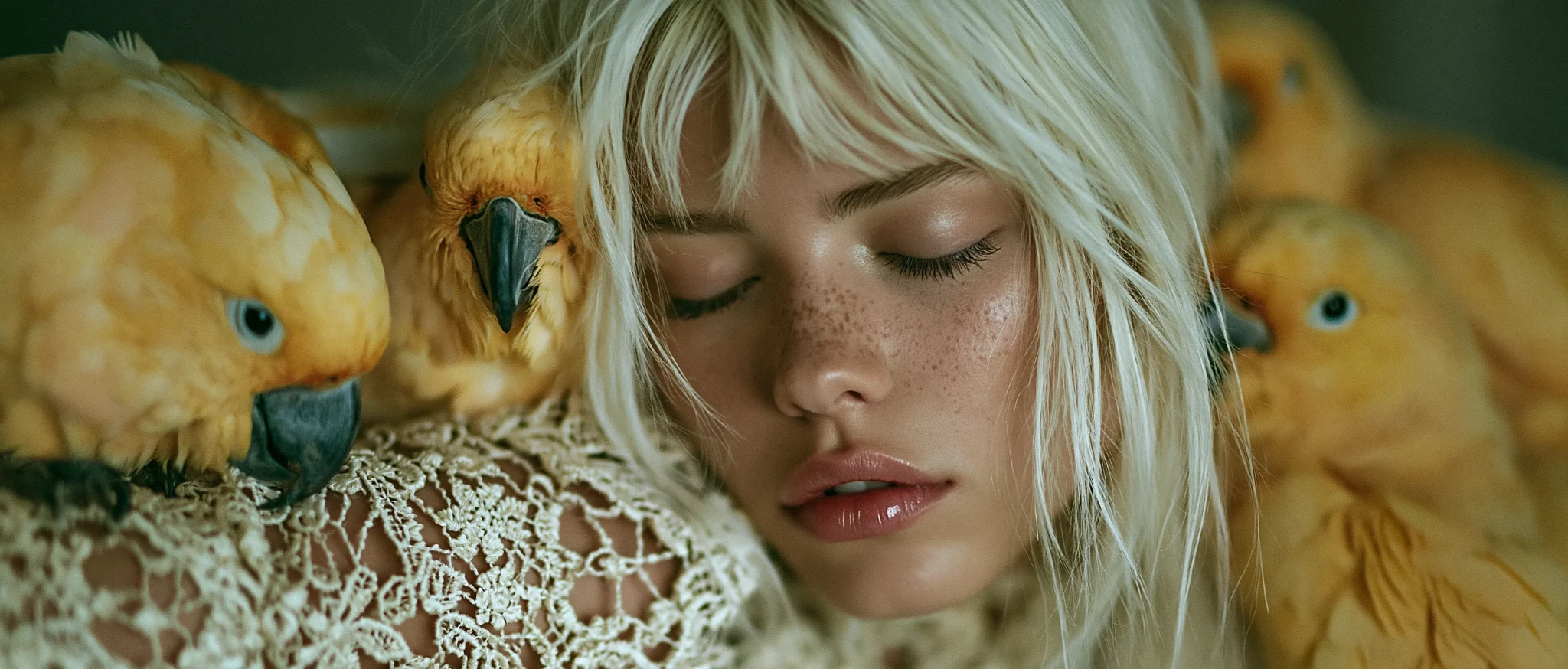
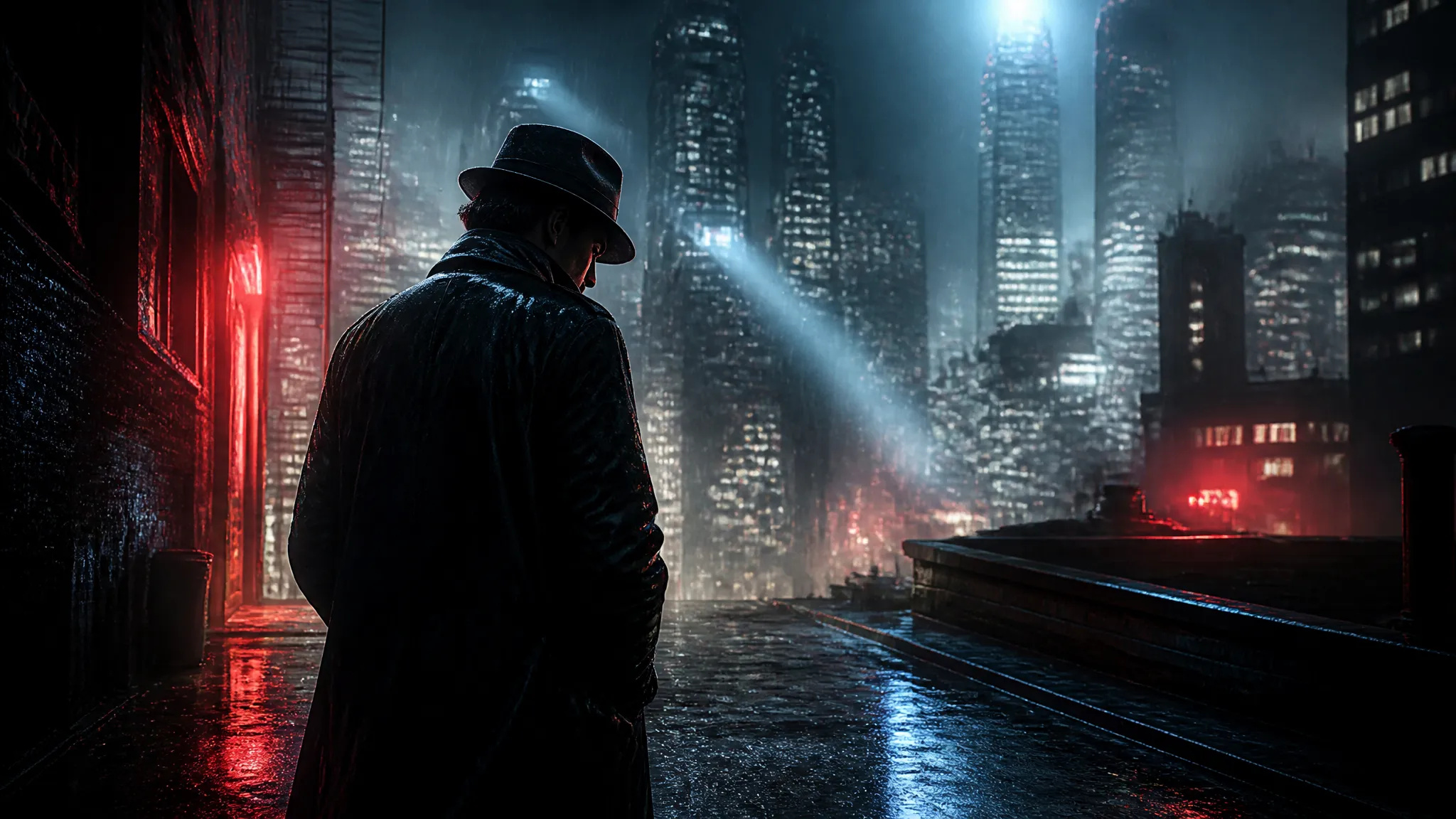
Cinematic key art
Generate moody, film-grade poster art — a lone detective under neon rain, volumetric light cutting through fog — with the cinematic lighting and atmosphere Midjourney is known for.

The signature Midjourney aesthetic — now web-native on ZOOOP. One prompt, four gallery-grade images, no Discord.
Betaal één keer voor credits - gebruik ze voor elk model op ZOOOP. · Vul bij wanneer dat nodig is, geen maandelijkse verbranding.
Powered by Midjourney's API on ZOOOP
V8.1 returns to the consistent, familiar aesthetic in the spirit of V7 — the cinematic lighting, rich texture, and painterly polish that made Midjourney the most recognizable look in AI art. It keeps V8's gains in hand rendering, anatomy, and short text in quotes.
V8.1 makes high-resolution rendering its default, so the gallery-grade detail that used to need a separate upscale step comes straight out of the first generation. Cleaner edges, finer texture, sharper style references.
Dial the look with Midjourney's native flags — stylize for how artistic vs. literal, chaos for variety across the set, weird for off-beat results, aspect ratio for composition, and a negative prompt to exclude what you don't want.
Every generation returns a set of four distinct images, so you compare compositions and pick the strongest one instead of re-rolling a single guess — the classic Midjourney grid, web-native on ZOOOP.
Generate moody, film-grade poster art — a lone detective under neon rain, volumetric light cutting through fog — with the cinematic lighting and atmosphere Midjourney is known for.
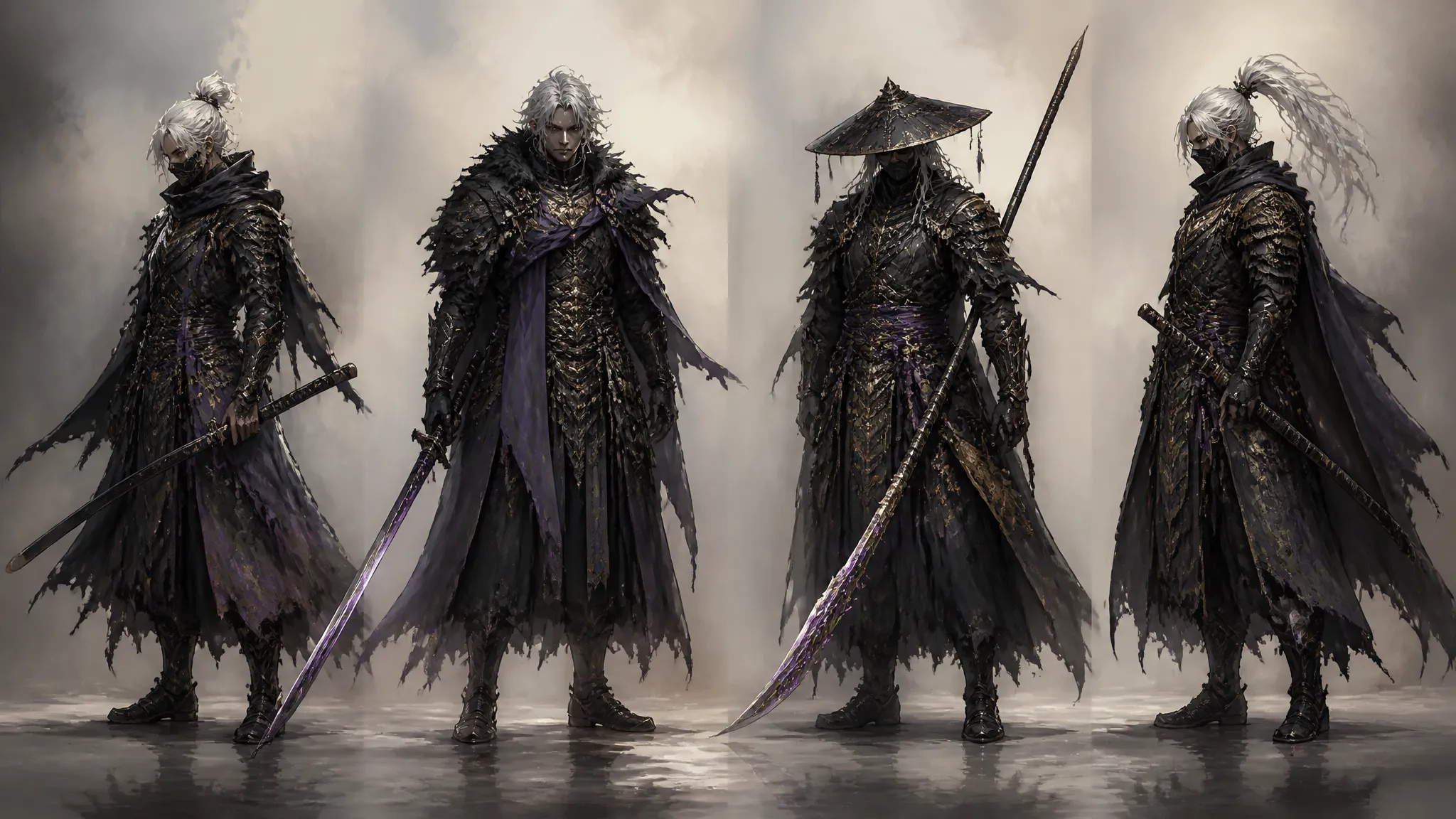
Spin up a fantasy hero, a creature, or a mech in a consistent illustrated style — four takes per prompt give you a range of silhouettes and outfits to choose from for your design sheet.
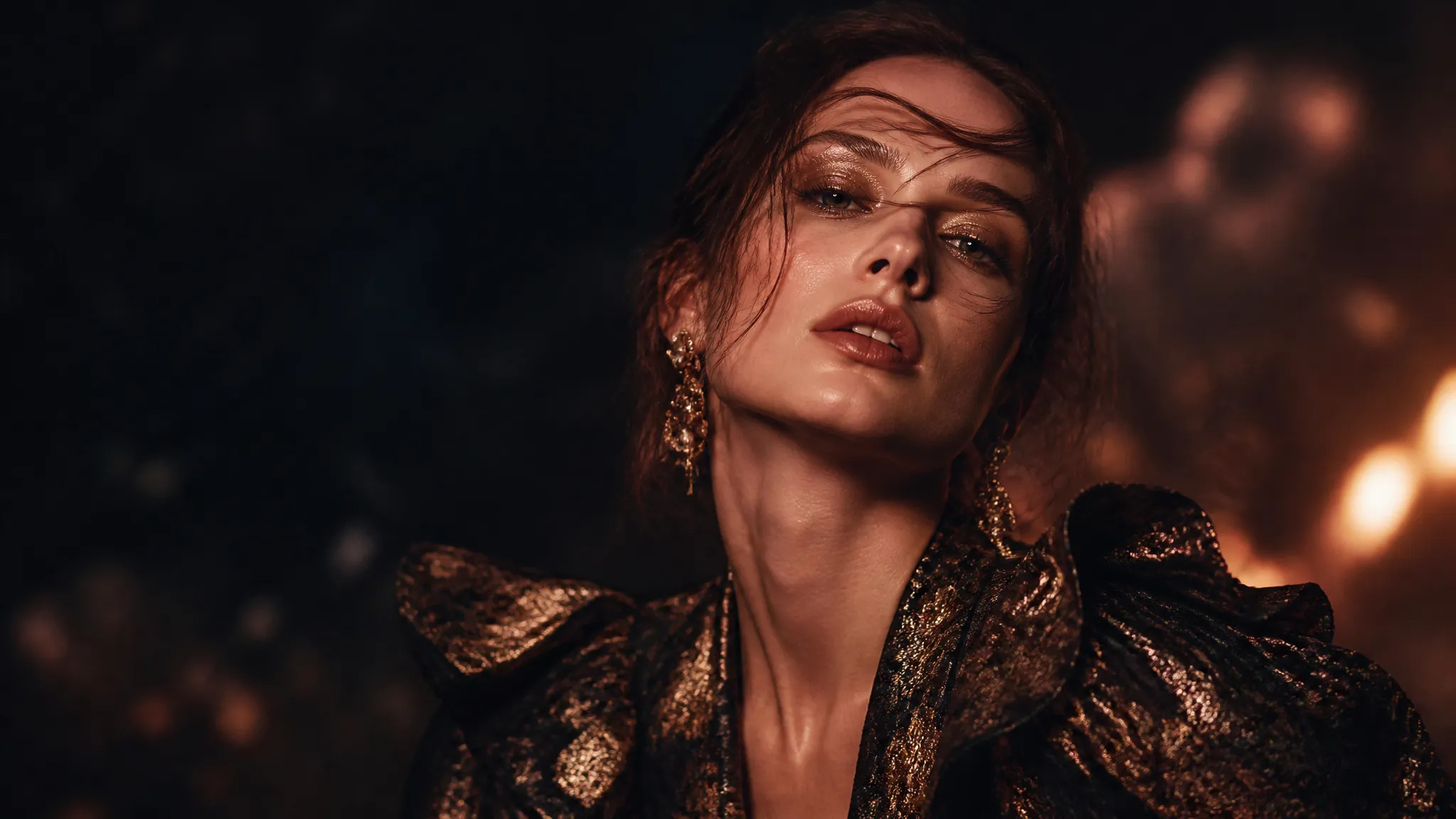
Produce high-fashion editorial portraits — dramatic studio light, bold styling, magazine-cover framing — with the texture and color richness that reads as shot, not rendered.
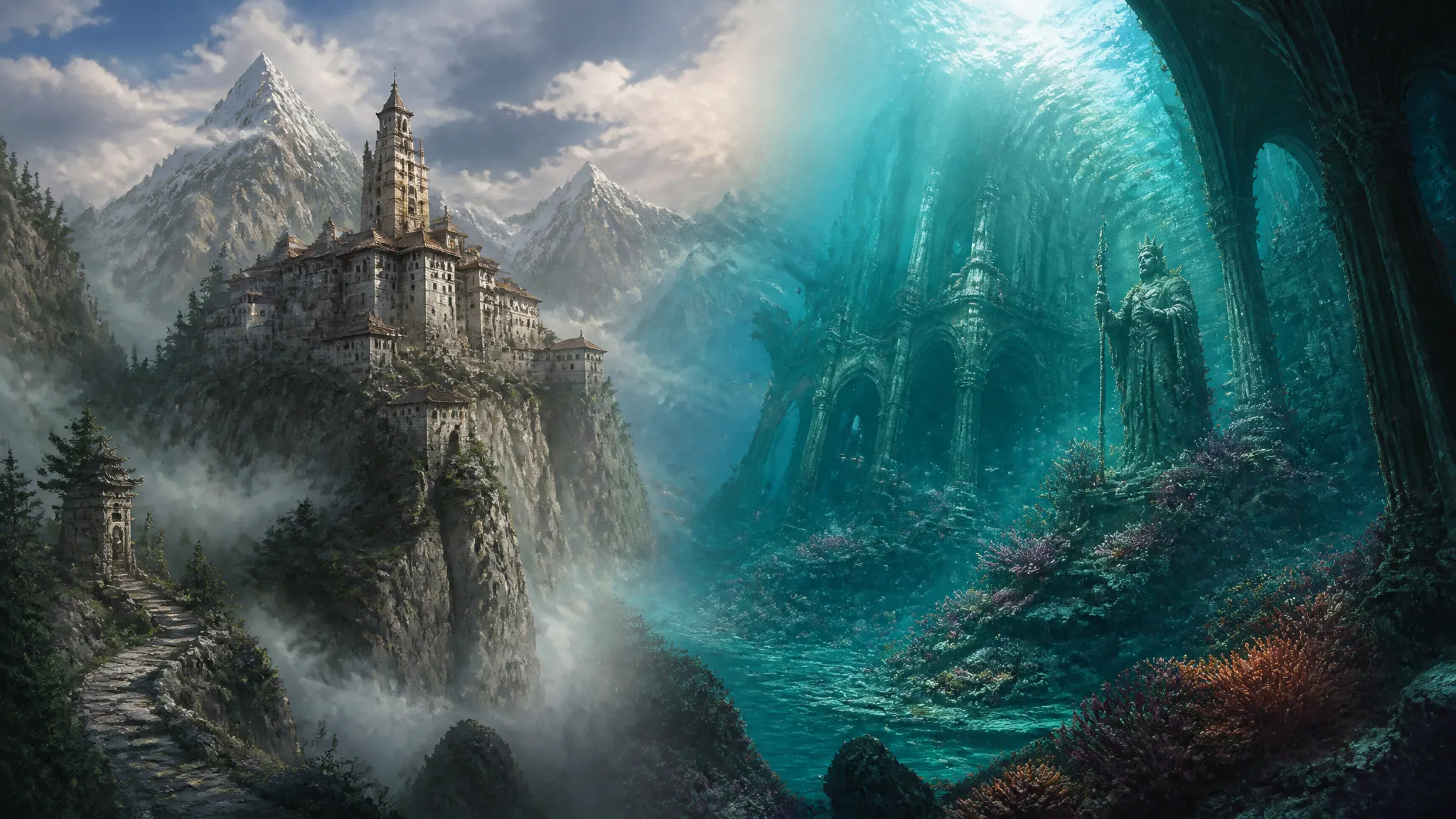
Paint sweeping environment concepts — a misty alpine monastery, a sunken cathedral reclaimed by coral — to establish the look and tone of a world for games, comics, or film.
Pick the right image model for the shot. Your credits work everywhere on ZOOOP.
Open Midjourney V8.1 from this page or pick it in the Image Generator.
Write your prompt — describe the subject, style, lighting, and mood.
Set the aspect ratio and dial stylize / chaos for how artistic and varied you want the set.
Generate — you get a set of four images to choose from.
Midjourney is the model people reach for when they want art, not just an image. Its whole reputation is built on a signature aesthetic — cinematic lighting, rich texture, a painterly sense of composition — that makes its output instantly recognizable. V8.1 is the version that puts that look back at the center. After V8.0 drifted from the style the community loved, V8.1 returns to a consistent, familiar aesthetic in the spirit of V7, while keeping V8's genuine technical gains: better hands and anatomy, and readable short text when you put it in quotes. On ZOOOP this all runs web-native — you type a prompt and get gallery-grade art back, no Discord commands and no setup.
Two things make it a flagship. First, HD by default: V8.1 makes high-resolution rendering its standard output, so the fine detail and clean edges that used to require a separate upscale step come straight out of the first generation, and the improvement is most visible on style references and moodboards. Second, real stylization control. Midjourney's look is tunable through its native flags — stylize decides how artistic versus literal the render is, chaos spreads variety across the four images you get back, weird pushes toward the unexpected, aspect ratio frames the shot, and a negative prompt removes elements you don't want. Combined with the four-image set every prompt returns, you're choosing the strongest composition from a spread rather than re-rolling a single guess.
Where it's weaker: on ZOOOP, Midjourney V8.1 is a generation model — text-to-image, optionally guided by a reference image. It doesn't do in-place editing, inpainting, or object replacement here, so when you need to change a region of an existing image while holding the rest fixed, switch to Seedream 4.5 for unified generate-and-edit, or Nano Banana Pro for precise edits. It's also not the model for factual, grounded, or heavily multilingual text — for real places, products, accurate signage, and many-language typography, Nano Banana Pro's grounding leads. And its artistic bias means it interprets prompts with style; for exact photoreal portrait fidelity or precise color matching, Flux 2 Pro is the more literal tool.
A reasonable mental model: reach for Midjourney V8.1 whenever the goal is a striking, stylized, art-directed image — key art, concept design, editorial, covers, moodboards. When the job shifts to editing an existing image, grounded factual content, or exact photoreal reproduction, hand it to Seedream 4.5, Nano Banana Pro, or Flux 2 Pro respectively — and your credits carry across all of them.
It's Midjourney's flagship artistic text-to-image model — the one known for cinematic lighting, rich texture, and a signature painterly aesthetic. On ZOOOP it runs web-native, so you generate gallery-grade art straight from a prompt without Discord, and every generation returns a set of four images.
V8.1 brings back the beloved V7 aesthetic that V8.0 had drifted from, while keeping V8's real gains — better hands and anatomy, and readable short text in quotes. It also makes HD rendering the default and runs noticeably faster, with more stable style references and moodboards.
With Midjourney's native controls: stylize sets how artistic versus literal the result is, chaos adds variety across the four images, weird pushes toward off-beat results, aspect ratio sets the composition, and a negative prompt excludes elements you don't want.
On ZOOOP, Midjourney V8.1 is focused on generation — turning a prompt (optionally guided by a reference image) into new art. For in-place editing, inpainting, or object replacement on an existing image, use Seedream 4.5 or Nano Banana Pro, then bring the result back into your canvas.
For artistic and stylized work it's a strong value — each generation returns four distinct options, so you're effectively choosing from a small set per prompt instead of re-rolling one guess at a time. For factual or text-heavy images, or when you need editing in the same model, a different flagship may be the better spend.






Tekst naar Afbeelding
Tekst naar Afbeelding
Tekst naar Afbeelding
Tekst naar Afbeelding
Tekst naar Afbeelding
Tekst naar Afbeelding
Midjourney V8.1
Prompt*
Style Reference
Style Weight
Stylize
Chaos
Weird
Negative Prompt
Beeldverhouding*
Quality*