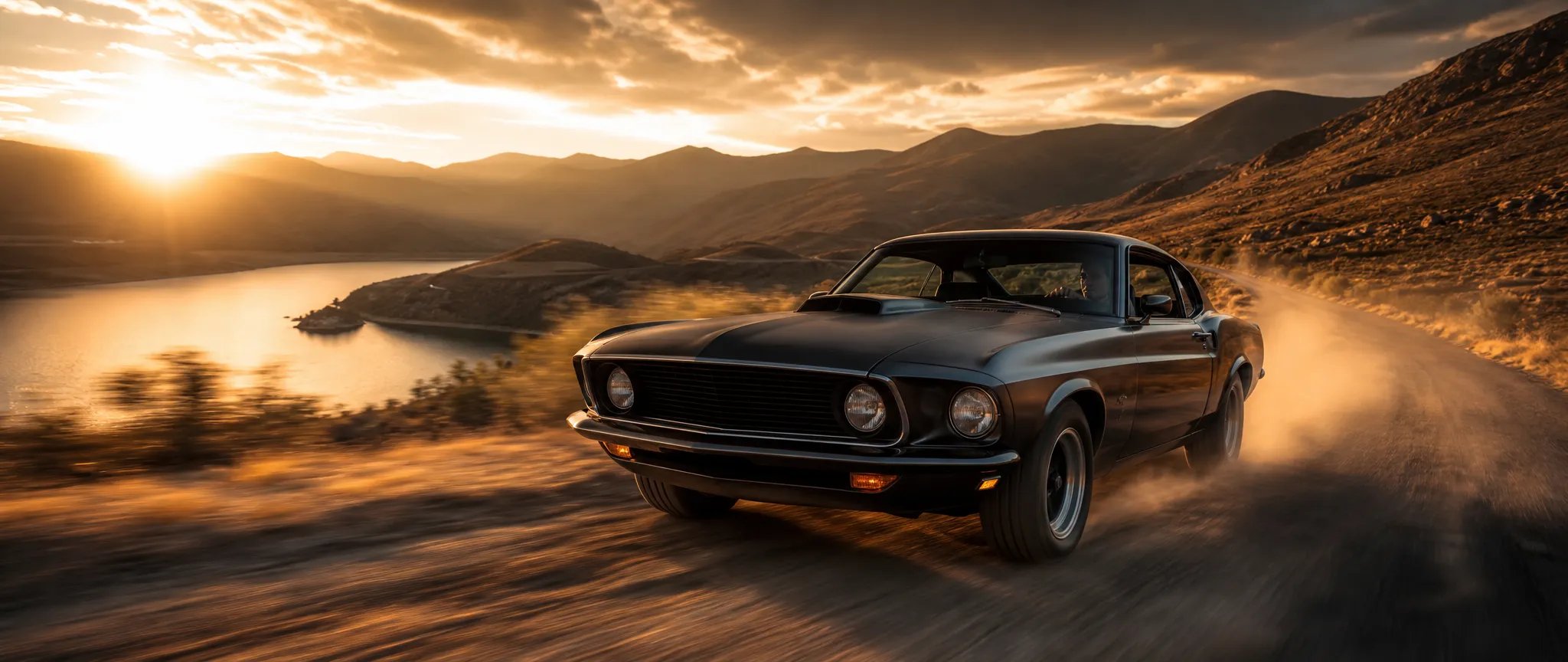
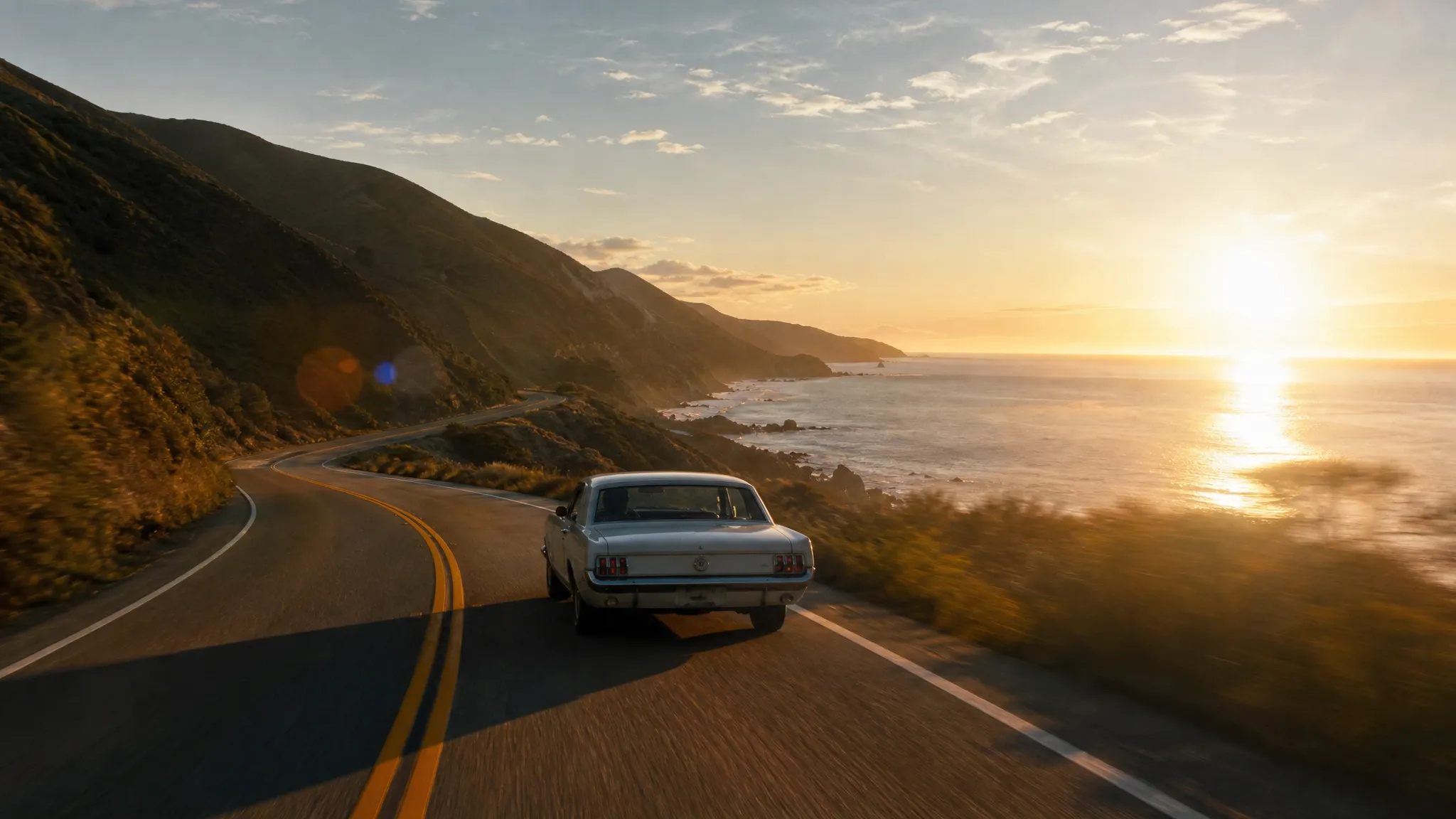
Cinematic at lower cost
Get Veo's photoreal look for more iterations than the premium tier allows.

The faster, cheaper Veo 3.1 — cinematic text-to-video with native audio, up to 4K.
Paga una volta per i crediti - usali su tutti i modelli su ZOOOP. · Ricarica quando necessario, nessuna bruciatura mensile.
Powered by Google's API on ZOOOP
About 22 credits per second — a lower-cost way into Veo's cinematic quality, built for more iteration.
Output at 720p, 1080p, or 4K — among the few tiers that deliver native 4K with audio.
Audio is generated with the video and on by default.
Pick the clip length for a tight beat or a fuller shot.
Get Veo's photoreal look for more iterations than the premium tier allows.

Native 4K output with audio for high-resolution hero shots.

Native audio means dialogue and ambience land with the scene.

Cinematic, sound-on video for ad and brand concepts at a workable price.
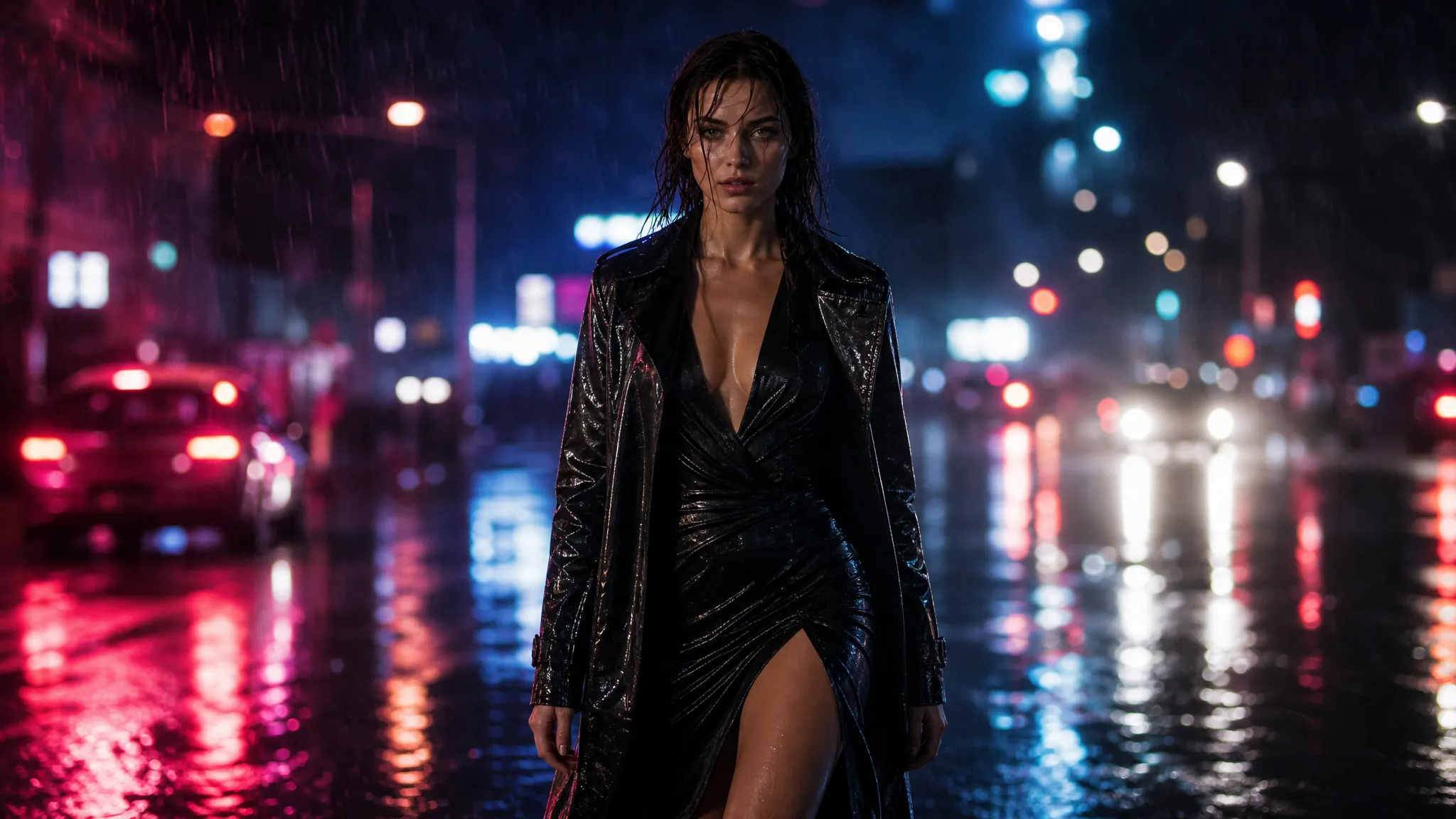
9:16 output brings Veo quality to vertical social.
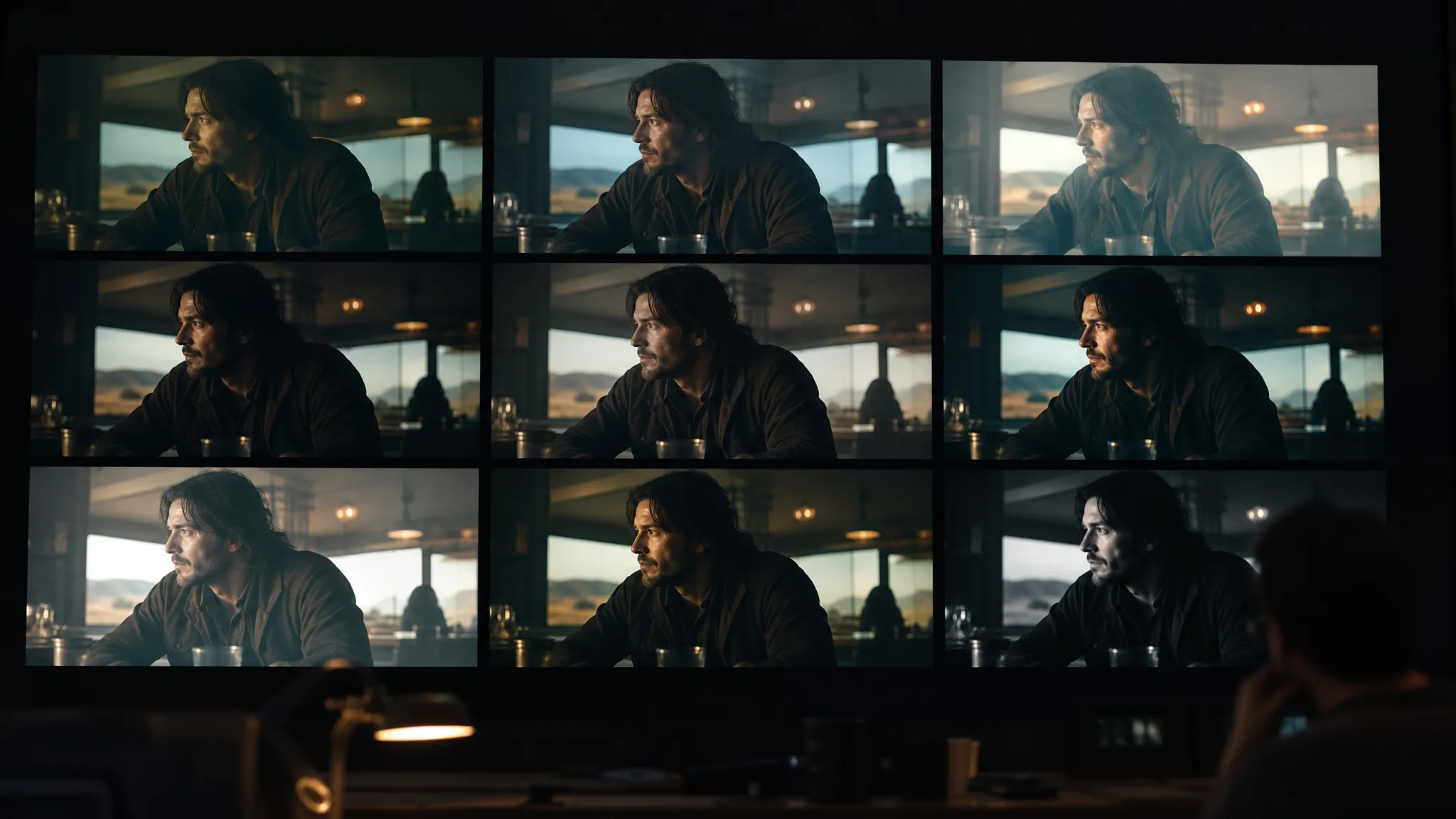
Explore on Veo 3.1 Fast, then step to the standard tier for the final if needed.
Pick the right video model. Your credits work everywhere on ZOOOP.
Open Veo 3.1 Fast from this page or pick it in the Video Generator.
Write the prompt for the scene, motion, and any dialogue or sound.
Pick aspect ratio, resolution (up to 4K), and duration (4/6/8s); keep audio on.
Generate, then download or send the clip to your canvas.
Veo 3.1 Fast is the faster, lower-cost tier of Veo 3.1 — a more affordable way into Veo's cinematic quality. It keeps the things that make Veo worth reaching for: photoreal lighting and motion, and native audio on by default. The lower cost means you can iterate more freely than the premium tier allows, blocking and refining cinematic shots without the same per-second pressure.
A standout is resolution: Veo 3.1 Fast outputs up to native 4K with audio — one of the few tiers that delivers true 4K and synchronized sound together, which makes it useful for high-resolution hero shots, not just drafts. Clips run 4, 6, or 8 seconds in 16:9 or 9:16.
Where it sits: the standard Veo 3.1 targets the highest fidelity of the generation; Veo 3 is the prior cinematic model. For raw motion physics, Seedance V2.0; for longer synced-audio takes, Kling O3; for cheap drafts, Pika V2.2. Veo 3.1 Fast's sweet spot is affordable cinematic video, up to 4K, with audio.
A reasonable mental model: default to Veo 3.1 Fast when you want Veo's cinematic look with audio and 4K at a workable cost, and step up to the standard Veo 3.1 for peak fidelity on a final.
Yes — 720p, 1080p, or 4K, with native audio on by default. It's among the few tiers offering native 4K with sound.
Veo 3.1 Fast is the faster, lower-cost tier — about 22 credits per second — for more iteration. The standard Veo 3.1 targets the highest fidelity. Pick Fast for cost and 4K.
4, 6, or 8 seconds.
Yes — native audio is generated with the video and on by default.























Video primo e ultimo fotogrammaTesto e riferimento al video
Video primo e ultimo fotogrammaTesto e riferimento al video
Video primo e ultimo fotogrammaTesto e riferimento al video
Video primo e ultimo fotogrammaTesto e riferimento al video
Video primo e ultimo fotogrammaTesto e riferimento al video
Video primo e ultimo fotogrammaTesto e riferimento al video
Veo 3.1 Fast
Prompt*
Proporzioni*
Risoluzione*
Durata*