
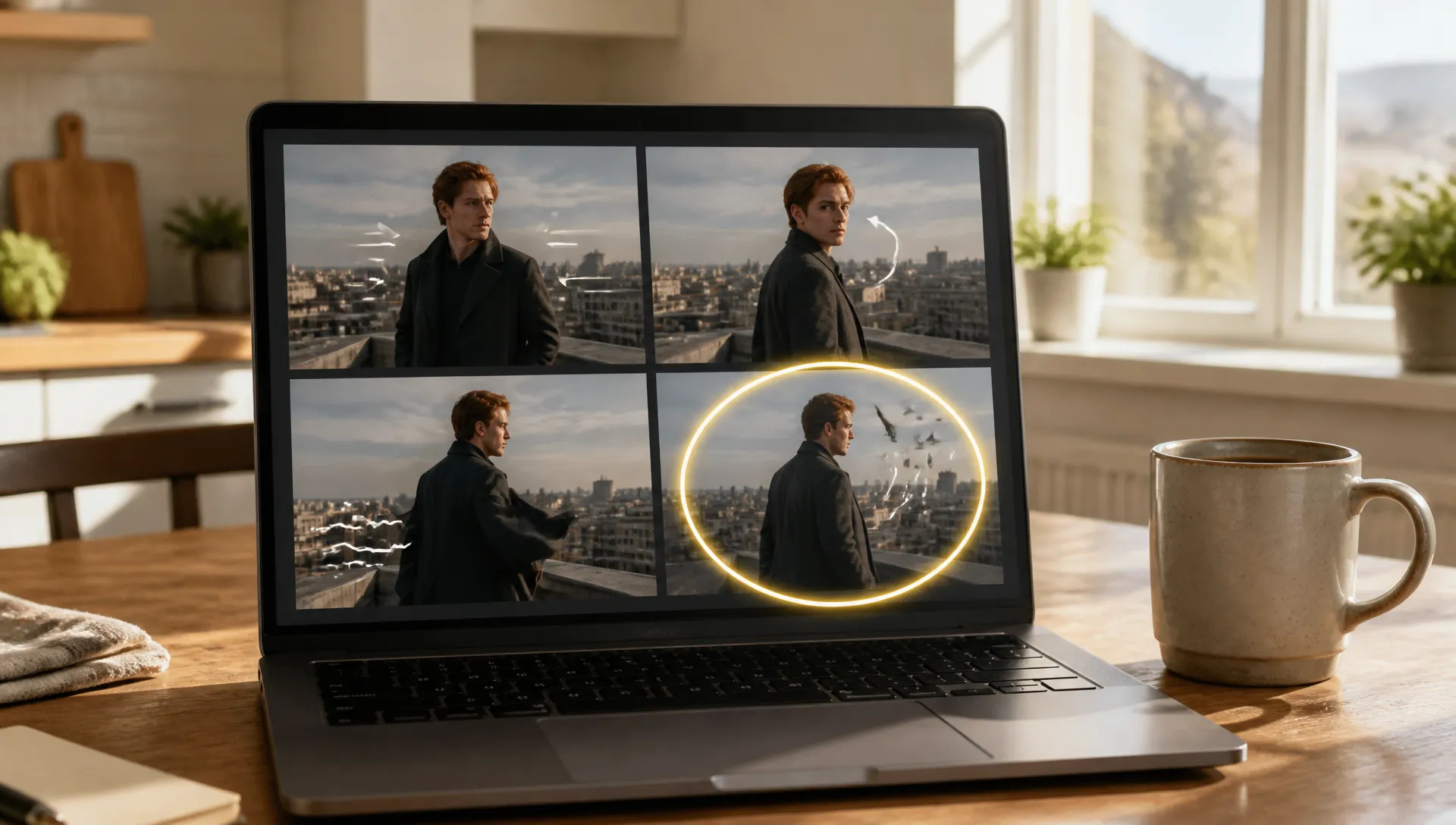
Rapid motion drafts
Try several ways a still could move (a slow push-in, a turn to camera, a gust of wind) and keep the one that reads best.

The fastest, lowest-cost tier of MiniMax H3: start and end frames or plain text, native audio, 5 to 15 second clips.
क्रेडिट के लिए एक बार भुगतान करें - ZOOOP पर हर नमूना में उनका उपयोग करें। · ज़रूरत पड़ने पर रिचार्ज करें, कोई मासिक खर्च नहीं।
Powered by MiniMax's API on ZOOOP
Turbo is the quickest H3 tier. In our tests a 5-second clip was ready in under 30 seconds, delivery included, so you can try an idea several ways in a few minutes.
Give it a first frame, or a first and last frame, and it animates the shot between them. The clip opens and lands exactly on your images.
Describe the scene and pick 16:9, 9:16, 1:1, 4:3, 3:4 or 21:9. The same idea can become a widescreen shot or a vertical short.
Every clip comes with synchronized sound. Choose any length from 5 to 15 seconds at 480p, 768p or 1080p.
Try several ways a still could move (a slow push-in, a turn to camera, a gust of wind) and keep the one that reads best.
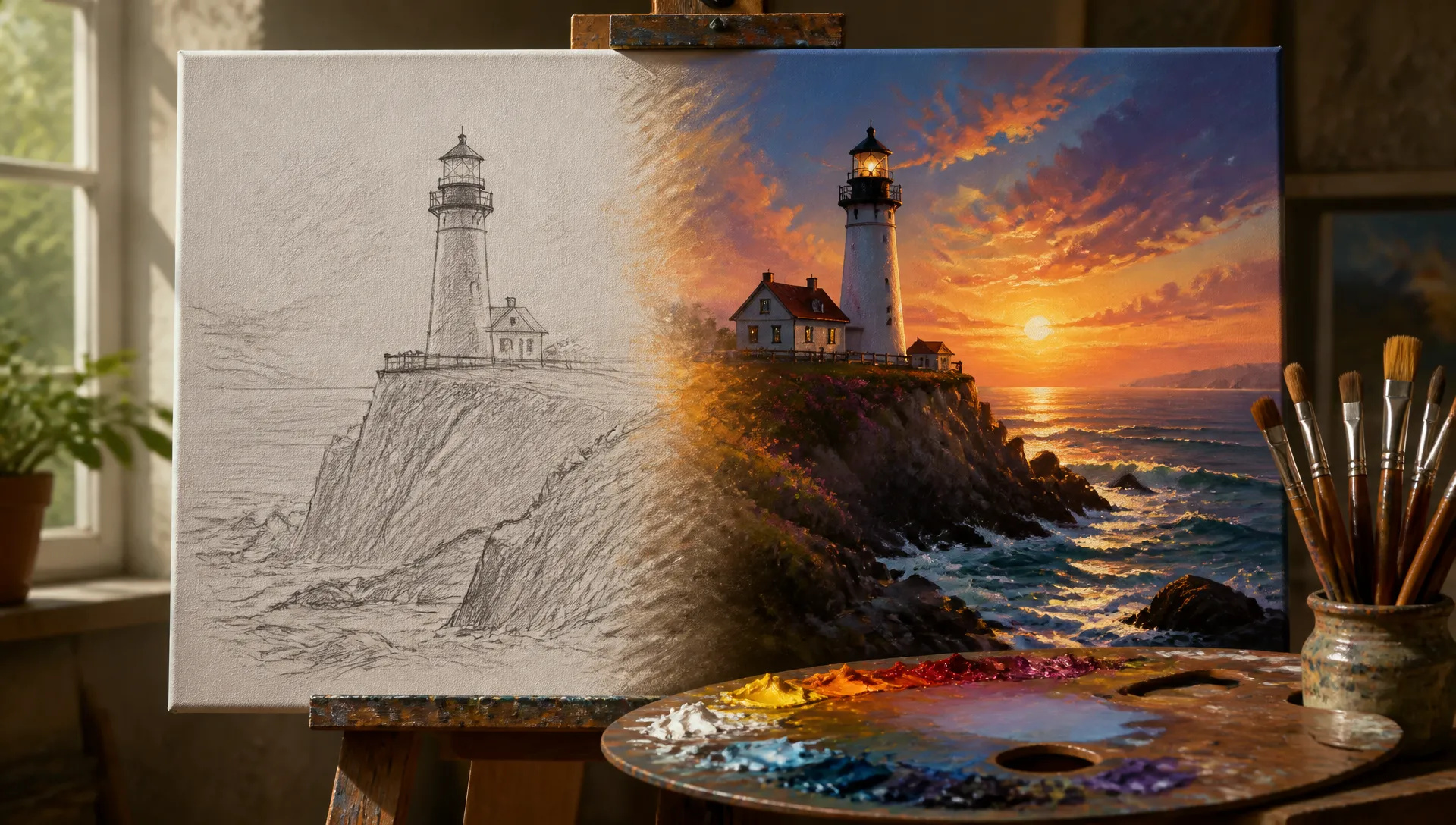
Set the first frame and the last frame, and let the model build the change in between: a sketch becoming a finished painting, a bare plot becoming a garden.
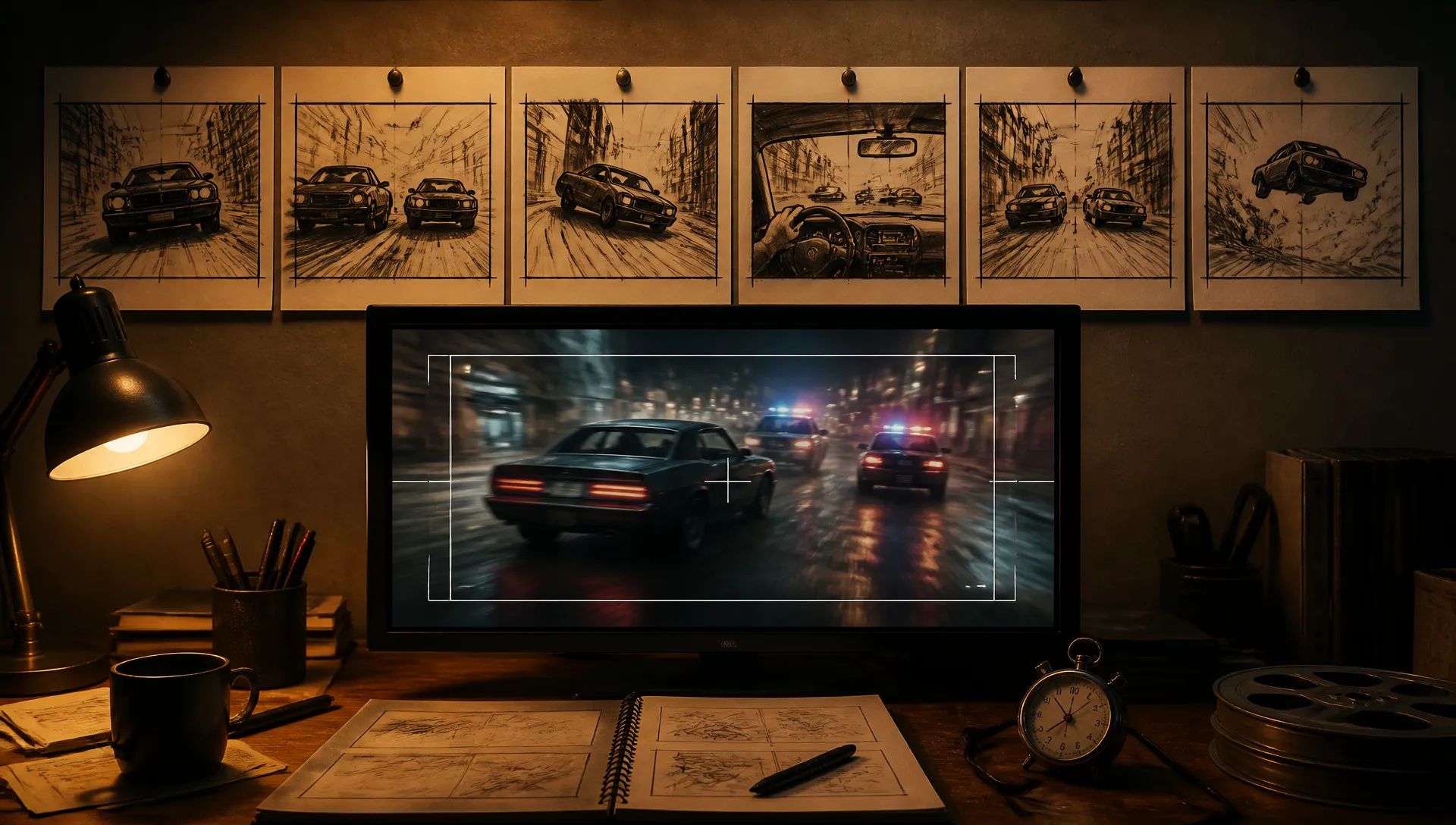
Turn storyboard panels into short moving previews to check timing and camera moves before you render the final shot with a premium model.
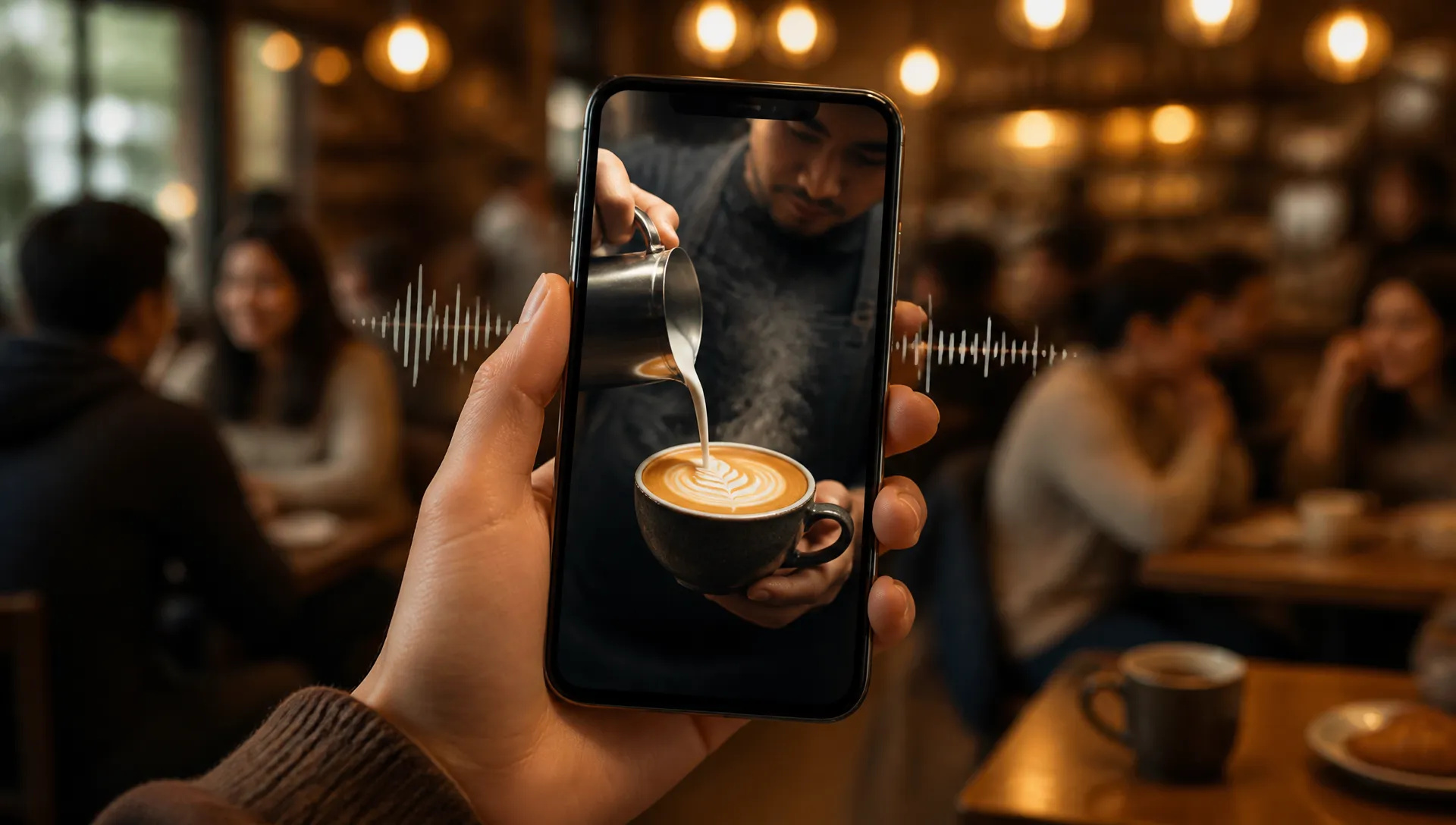
Write a short scene, choose 9:16 and get a clip with sound that is ready for a vertical feed.
MiniMax H3 Max Turbo is the quick, low-cost way to see an idea move. Switch when your shot needs references, editing or a longer take.
Open MiniMax H3 Max Turbo from this page and pick a mode: start frame, or text.
Upload your first frame (and a last frame if you want one), or write the scene and pick an aspect ratio.
Choose duration (5 to 15 seconds) and resolution (480p, 768p or 1080p).
Generate, compare a few takes, and keep the best one.
MiniMax H3 Max Turbo is the tier to reach for when you want to see an idea move right now, without spending much on it. It is the fastest and most affordable member of the H3 line, and in our tests a 5-second clip was ready in under 30 seconds, delivery included. That makes it a drafting tool as much as a finishing one: try a push-in, a turn to camera and a gust of wind on the same still, then keep the take that works.
The first flagship capability is start and end frame control. Upload a first frame and the clip opens exactly on it; add a last frame and the clip lands exactly there. A pencil sketch to a finished painting, a closed gift box to the open product, a bare plot to a garden in bloom: the model fills in the motion and the sound.
The second is text-to-video in six shapes. Write the scene and choose 16:9, 9:16, 1:1, 4:3, 3:4 or 21:9, so the same idea can become a widescreen establishing shot or a vertical short for a social feed.
The third is length with sound. Any duration from 5 to 15 seconds, at 480p, 768p or 1080p, with synchronized audio in every clip.
Where it's weaker: Turbo takes no reference images, videos or audio. When a character or product has to match a photo, MiniMax H3 Max accepts up to 9 reference images; to put a specific person into an existing clip, MiniMax H3 is the better tool. Turbo also doesn't edit or extend footage you already have, which is what Gemini Omni 1.1 Flash is for, and single takes longer than 15 seconds need Wan V3.0, which goes to 30.
A reasonable mental model: use MiniMax H3 Max Turbo for drafts, animatics and quick social clips with sound, then move the winning idea to MiniMax H3 Max when it needs references, or to Seedance V2.5 when it needs several shots in one sequence.
Turbo is the faster, lower-cost tier of the same H3 line. It covers start and end frames and plain text-to-video. H3 Max adds up to 9 reference images in text mode, so switch to it when a character or product has to match a photo.
Any length from 5 to 15 seconds per generation. For longer pieces, generate several clips and assemble them on the canvas.
Yes. Sound is generated together with the picture, so footsteps, ambience and effects line up with the motion.
480p, 768p and 1080p. In text mode you can choose 16:9, 9:16, 1:1, 4:3, 3:4 or 21:9; in start-frame mode the clip follows the shape of your image.
Not with Turbo. For reference images use MiniMax H3 Max, and to put a person into an existing clip use MiniMax H3, which also accepts reference videos and audio.
Yes. It is the most affordable H3 tier and one of the lowest-cost video models on ZOOOP, which makes it a good default for drafts and quick social clips.























पहला और अंतिम फ्रेम वीडियोवीडियो का पाठ और संदर्भ
पहला और अंतिम फ्रेम वीडियोवीडियो का पाठ और संदर्भ
पहला और अंतिम फ्रेम वीडियोवीडियो का पाठ और संदर्भ
पहला और अंतिम फ्रेम वीडियोवीडियो का पाठ और संदर्भ
पहला और अंतिम फ्रेम वीडियोवीडियो का पाठ और संदर्भ
पहला और अंतिम फ्रेम वीडियोवीडियो का पाठ और संदर्भ
MiniMax H3 Max Turbo
Prompt*
First Frame*
Last Frame
रिज़ॉल्यूशन*
अवधि*
साइन इन करते ही आपकी पीढ़ियां यहां दिखाई देंगी।
खाता बनाना मुफ्त है।