Talking-head videos
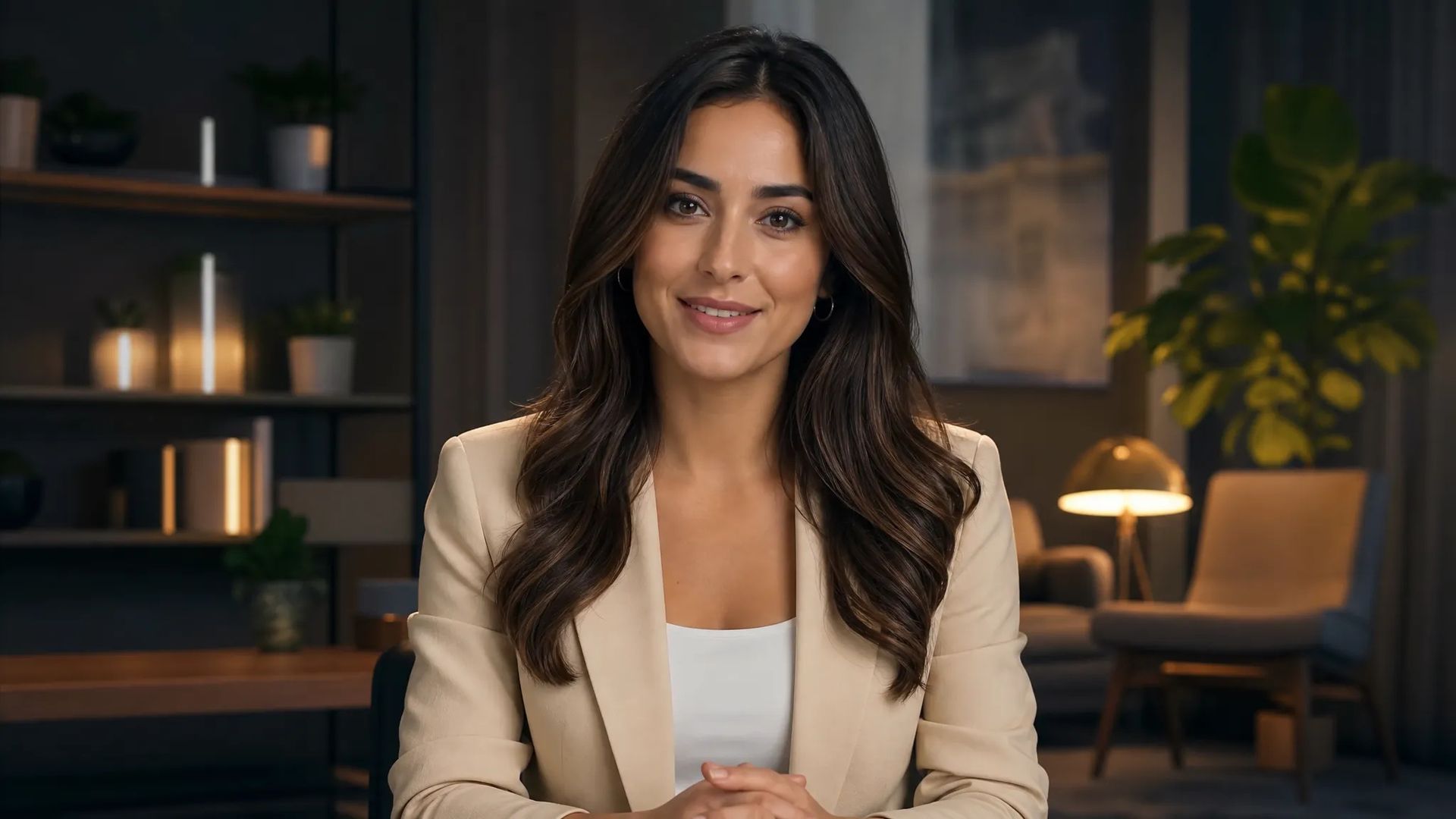
Turn a portrait into a presenter — explainers, announcements, and avatar hosts from one image and a voice track.

Kling's talking-avatar model — turn an image plus an audio track into a lip-synced performance.
क्रेडिट के लिए एक बार भुगतान करें - ZOOOP पर हर नमूना में उनका उपयोग करें। · ज़रूरत पड़ने पर रिचार्ज करें, कोई मासिक खर्च नहीं।
Powered by Kling AI's API on ZOOOP
Provide a character image and an audio track, and Kling Avatar V2 generates a video of that character speaking the audio with synced lips and expression.
Standard for fast, cost-efficient takes; Pro for higher fidelity. Same inputs — pick by how much the shot matters.
Add a prompt to steer expression and delivery alongside the driving audio.
No video footage needed — one image is enough to produce a talking-head performance.
Turn a portrait into a presenter — explainers, announcements, and avatar hosts from one image and a voice track.
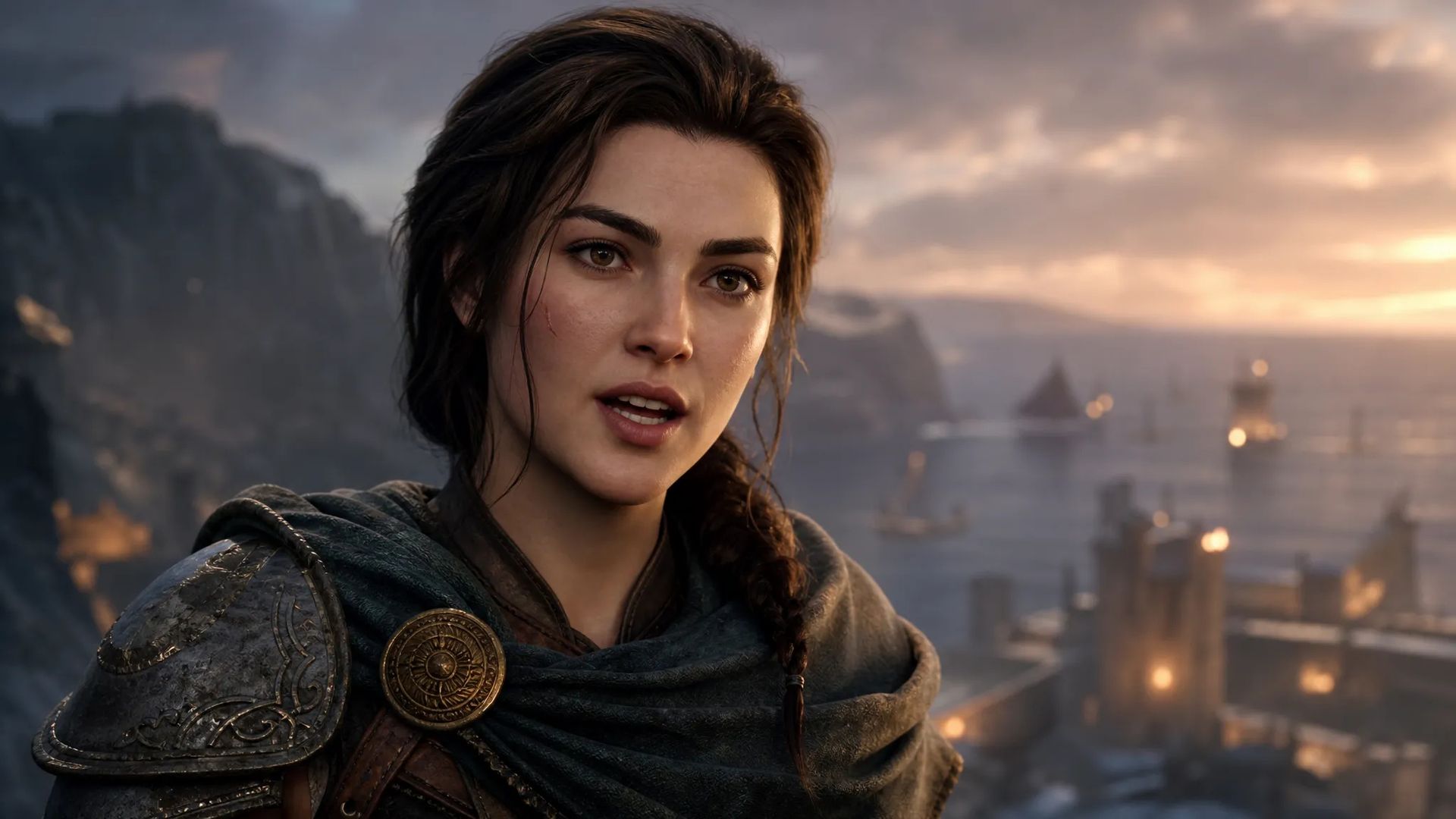
Give an illustrated or generated character a speaking performance synced to your audio.
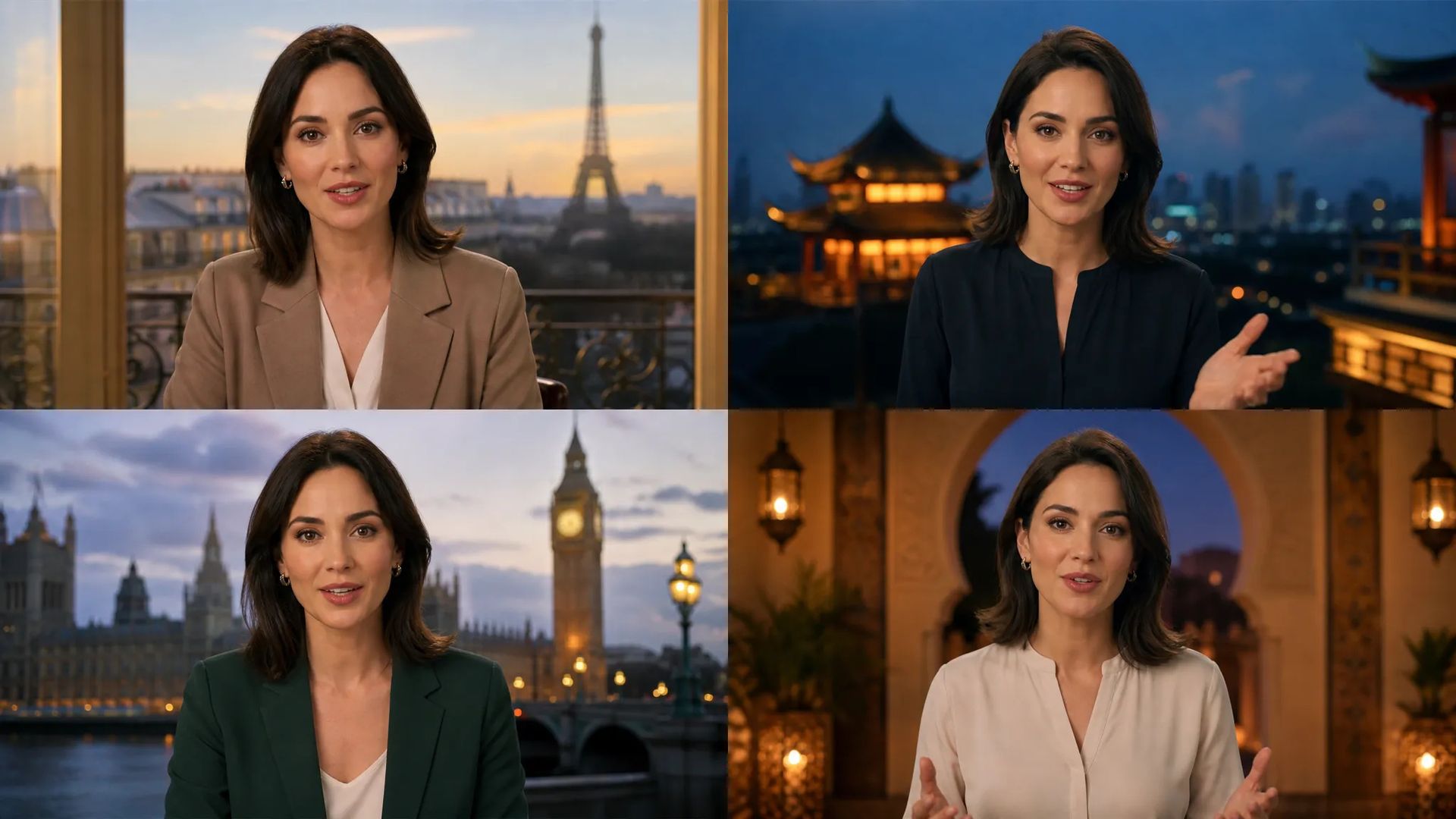
Drive the same avatar with audio in different languages for localized versions.
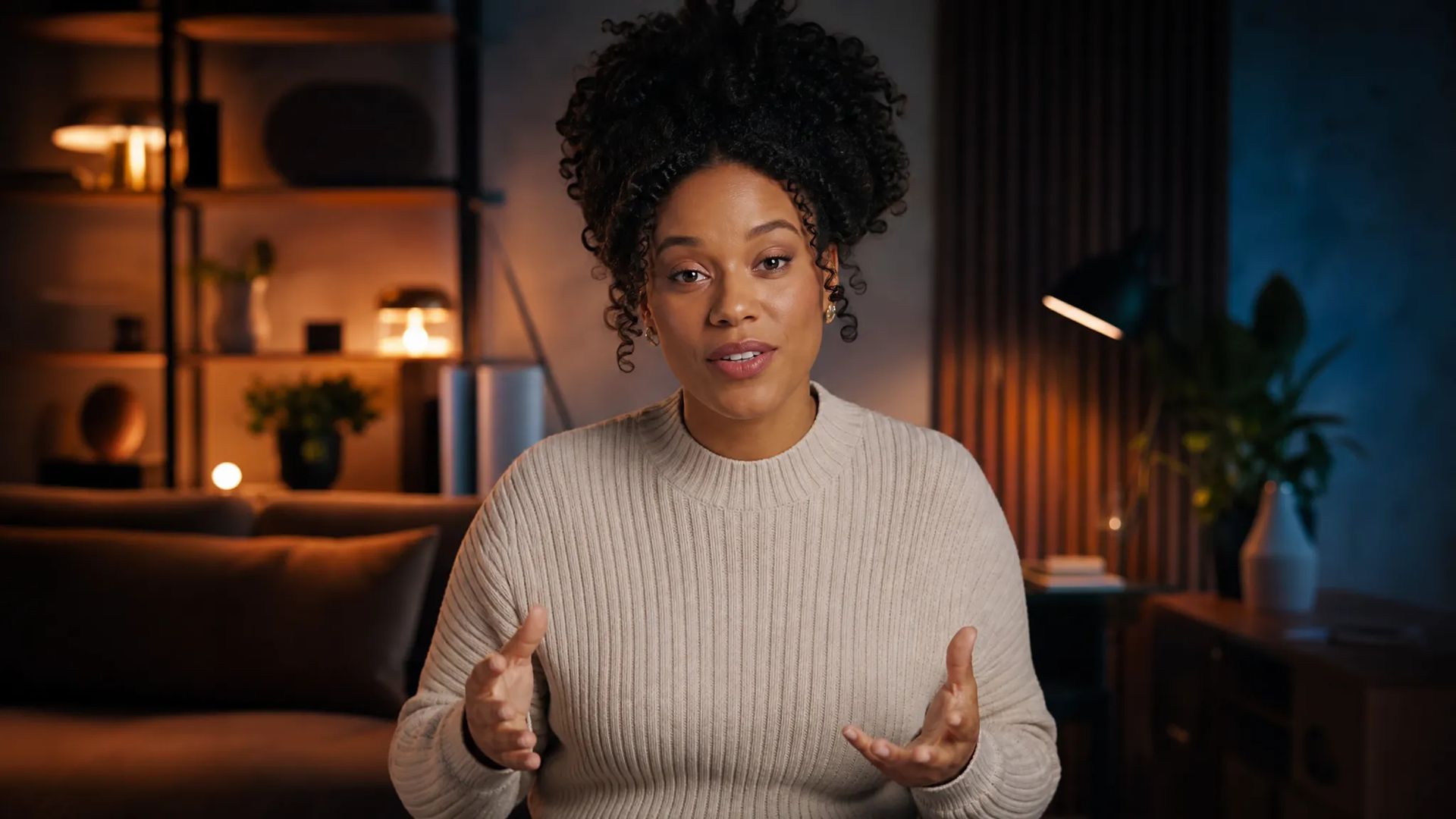
Produce talking avatar clips for social without filming a presenter.
Pick the right tool. Your credits work everywhere on ZOOOP.
Open Kling Avatar V2 from this page or pick it in the Video Generator.
Upload a character image and an audio track; add a prompt to guide expression.
Pick Standard or Pro.
Generate, then download or send the clip to your canvas.
Kling Avatar V2 is a talking-avatar model: feed it a character image and an audio track, and it generates a video of that character speaking the audio with synced lips and matching expression. The key is that it starts from a single still — no footage of a presenter required — so a portrait, an illustration, or a generated character becomes a speaking performer. For explainers, announcements, avatar hosts, and character voiceover, that's the fastest path from "image plus script" to "talking video."
It comes in Standard and Pro tiers off the same inputs: Standard for fast, cheap takes, Pro for the higher-fidelity final. An optional prompt steers expression and delivery alongside the driving audio.
The natural pairing is with a TTS model: generate the voice with Multilingual V3 (or another voice model), then drive the avatar with it for a complete talking video with no recording at all — and swap the audio language to localize.
Where it's the wrong tool: if you already have a video clip and just need its mouth re-synced to new audio, that's Kling Lipsync's job, and Pixverse Lipsync is a lower-cost lip-sync alternative. Kling Avatar V2's lane is generating a talking performance from a still image.
A reasonable mental model: default to Kling Avatar V2 when your starting point is a single image and an audio track. To re-sync existing video footage instead, use Kling Lipsync.
A character image and an audio track. It generates a video of that character speaking the audio with synced lips and expression. An optional prompt steers delivery.
Standard is the faster, cost-efficient tier; Pro is higher fidelity. Same inputs — pick by how much the shot matters.
Kling Avatar V2 drives a still image with audio to create a talking avatar. Kling Lipsync re-syncs an existing video clip to new audio. Pick Avatar V2 when you're starting from a single image.
Yes — generate the audio with a TTS model first, then drive the avatar with it for a full talking video without any recording.























Kling Avatar V2
Prompt*
छवि*
Audio*
साइन इन करते ही आपकी पीढ़ियां यहां दिखाई देंगी।
खाता बनाना मुफ्त है।