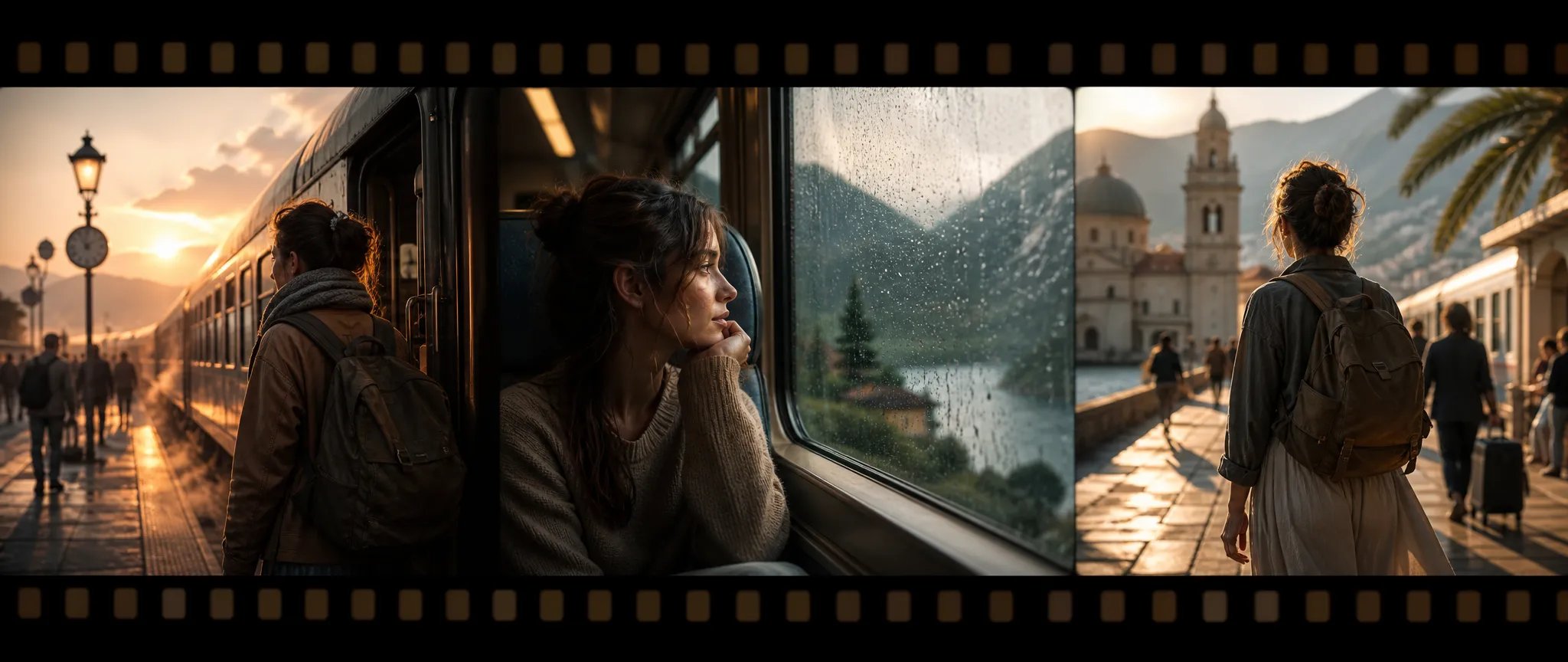
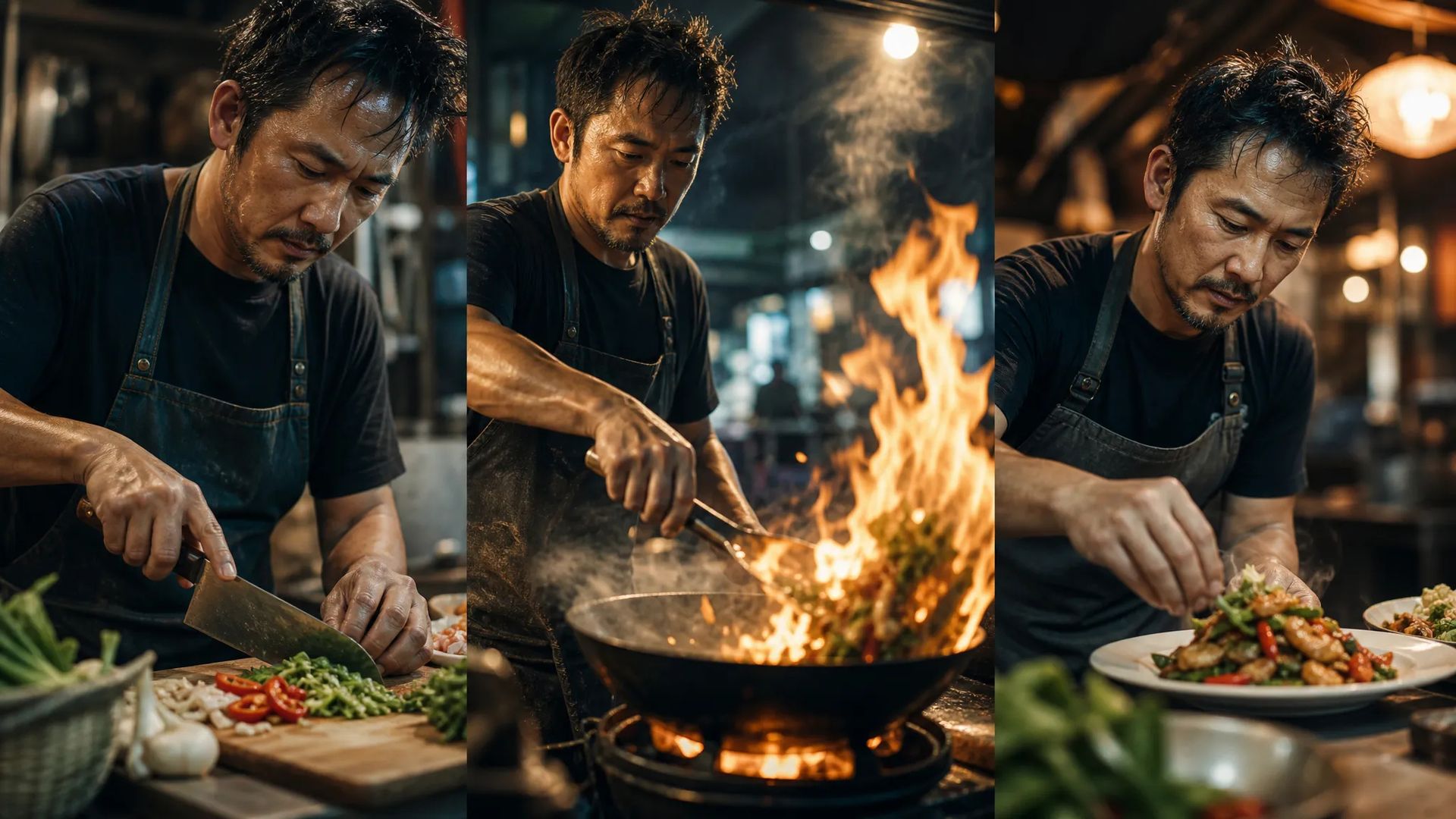
Multi-shot clips
Multi-shot generation produces a sequence in one pass — quick narrative cuts without an editor.

Wan V2.6 — text-to-video with multi-shot sequences and native audio, up to 1080p.
ক্রেডিটগুলির জন্য একবার অর্থ প্রদান করুন - প্রতিটি মডেল জুড়ে ZOOOP ব্যবহার করুন। · দরকার হলে রিচার্জ করুন, কোনো মাসিক খরচ নেই।
Powered by Wan AI's API on ZOOOP
Generate a sequence of shots in one go, on by default — built for clips that need more than a single continuous take.
Audio is generated with the video and on by default, so scene sound lands with the motion.
Output at 720p or 1080p across five aspect ratios.
Add reference images to guide the look, or generate from the prompt alone.
Multi-shot generation produces a sequence in one pass — quick narrative cuts without an editor.
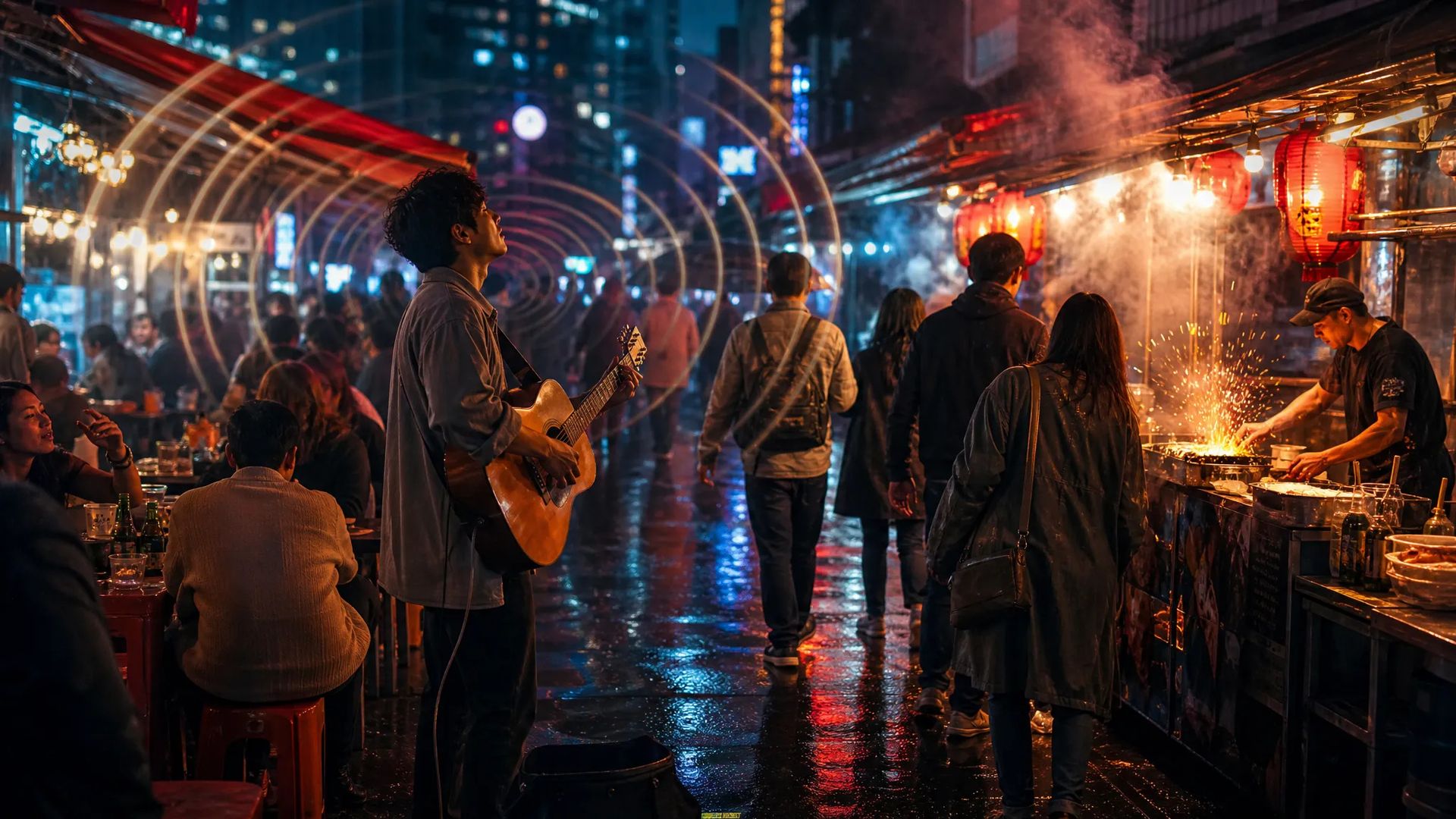
Native audio means clips arrive with scene sound, no separate audio pass.
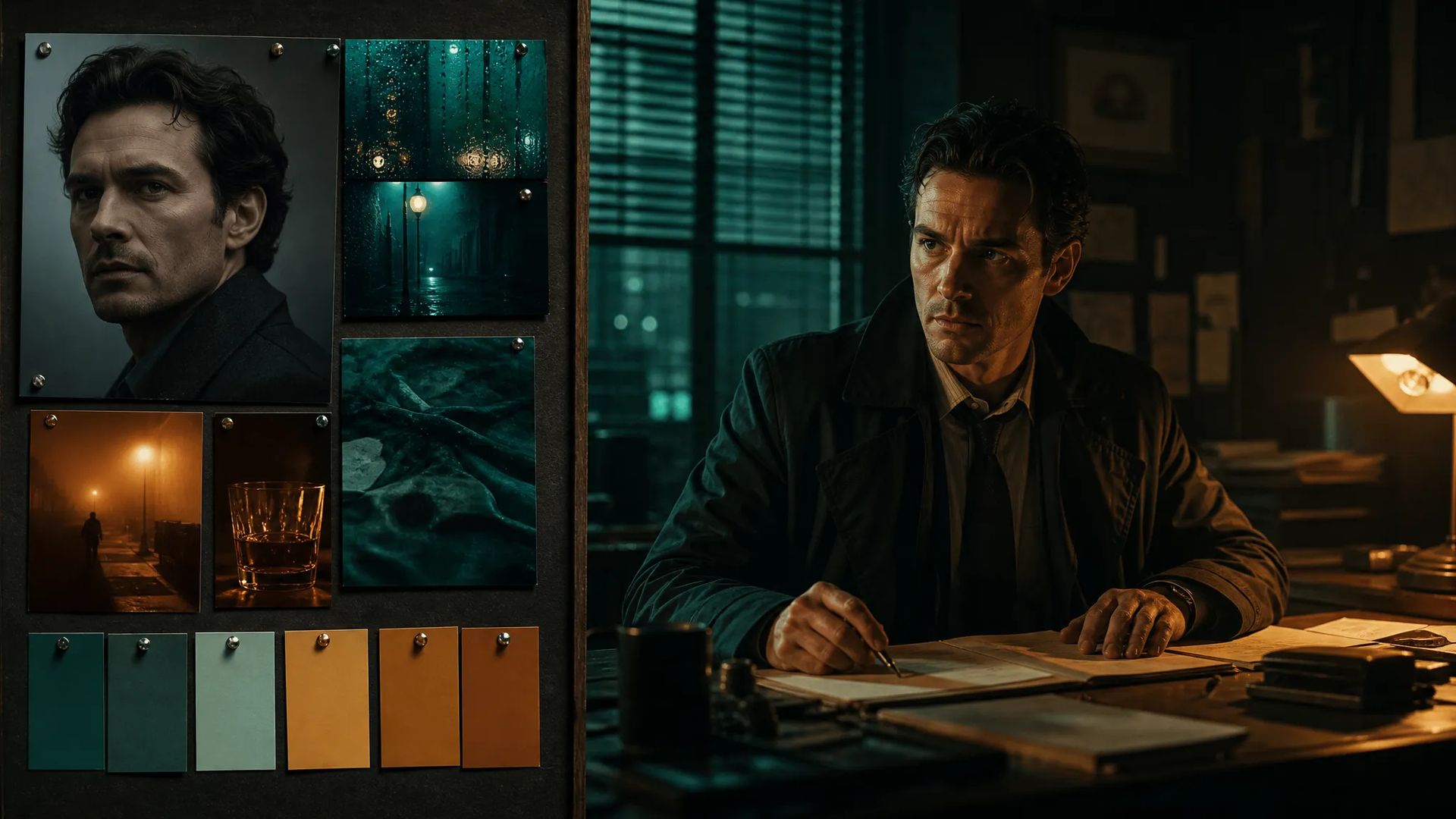
Add reference images to fix the visual register while the prompt drives the motion.
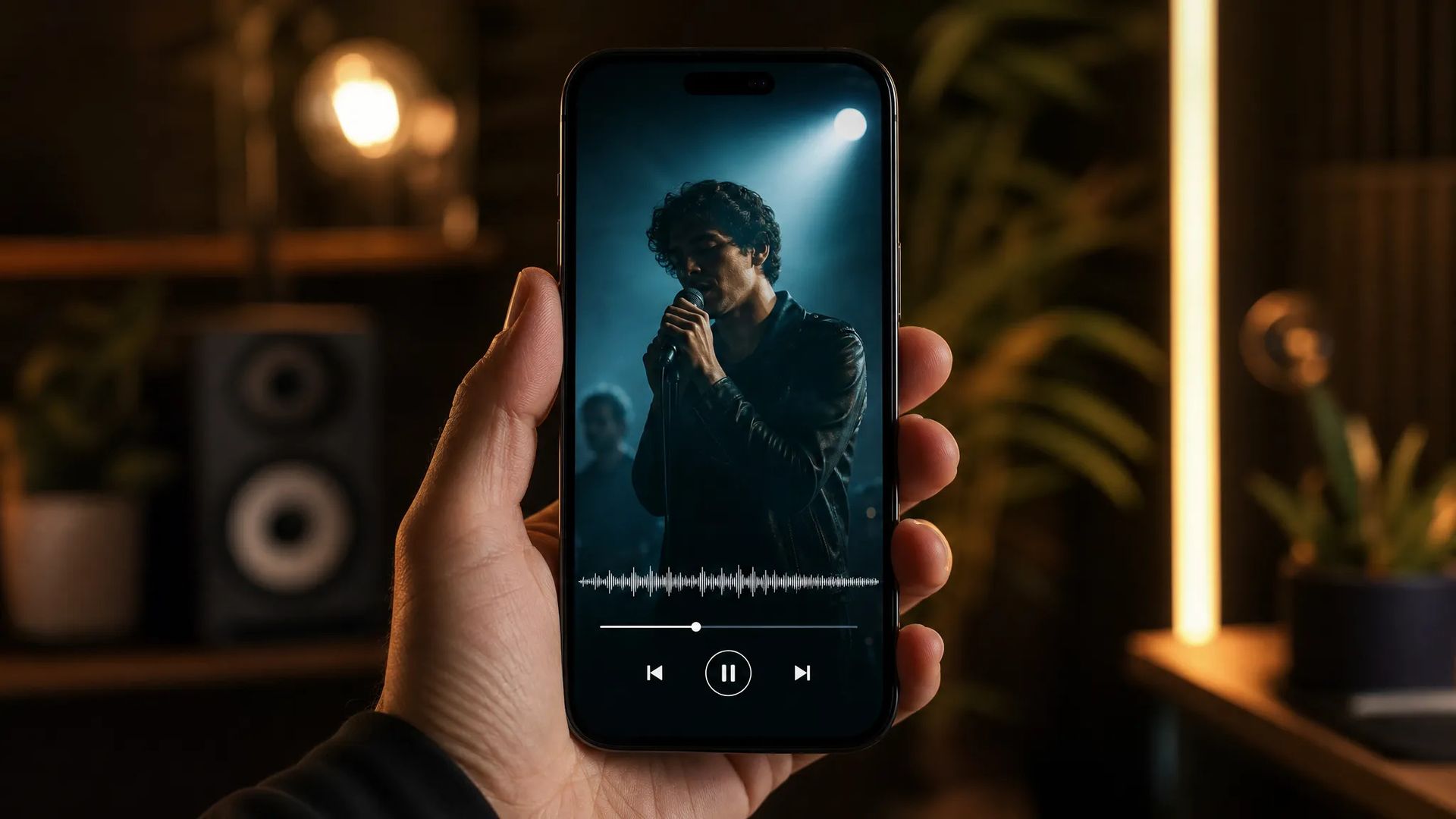
9:16 output with audio produces feed- and story-ready clips.
Pick the right video model. Your credits work everywhere on ZOOOP.
Open Wan V2.6 from this page or pick it in the Video Generator.
Write the prompt; add reference images to guide the look if needed.
Pick aspect ratio, resolution (up to 1080p), and duration (5 or 10s); keep audio and multi-shot as preferred.
Generate, then download or send the clip to your canvas.
Wan V2.6 is the multi-shot, sound-on tier of the Wan line. Its defining feature is multi-shot generation: rather than a single continuous take, it produces a sequence of shots in one pass, on by default — useful for clips that need more than one beat without cutting them together in an editor. Paired with native audio (also on by default), the output arrives as a small sequence with scene sound already in step.
Output runs at 720p or 1080p across five aspect ratios, and optional reference images can guide the visual look while the prompt drives the motion. Clips run 5 or 10 seconds.
Where it sits in the line: Wan V2.7 is the current flagship; V2.5 is the prior tier with up-to-1080p output and no audio; V2.6 Flash is the image-to-video variant. For a different look, Kling V3 is the general flagship and Veo 3.1 leads on cinematic photoreal. Wan V2.6's sweet spot is multi-shot text-to-video with audio.
A reasonable mental model: default to Wan V2.6 when you want a short multi-shot sequence with sound, step up to Wan V2.7 for the flagship, or use V2.6 Flash when you're starting from an image.
Multi-shot generation produces a sequence of shots in a single generation rather than one continuous take. It's on by default and suits clips that need more than one beat.
Yes — native audio is generated with the video and on by default.
Wan V2.7 is the current flagship of the line. Wan V2.6 adds multi-shot and native audio; V2.5 is the prior tier with up to 1080p and no audio. Pick by your audio and multi-shot needs.
720p or 1080p, across five aspect ratios.























প্রথম এবং শেষ ফ্রেম ভিডিওভিডিও পাঠ্য এবং রেফারেন্স
প্রথম এবং শেষ ফ্রেম ভিডিওভিডিও পাঠ্য এবং রেফারেন্স
প্রথম এবং শেষ ফ্রেম ভিডিওভিডিও পাঠ্য এবং রেফারেন্স
প্রথম এবং শেষ ফ্রেম ভিডিওভিডিও পাঠ্য এবং রেফারেন্স
প্রথম এবং শেষ ফ্রেম ভিডিওভিডিও পাঠ্য এবং রেফারেন্স
প্রথম এবং শেষ ফ্রেম ভিডিওভিডিও পাঠ্য এবং রেফারেন্স
Wan V2.6
Prompt*
ছবি
দিক অনুপাত*
রেজোলিউশন*
সময়কাল*
আপনি সাইন ইন করার পরে আপনার প্রজন্ম এখানে উপস্থিত হবে।
একটি অ্যাকাউন্ট তৈরি করা বিনামূল্যে।