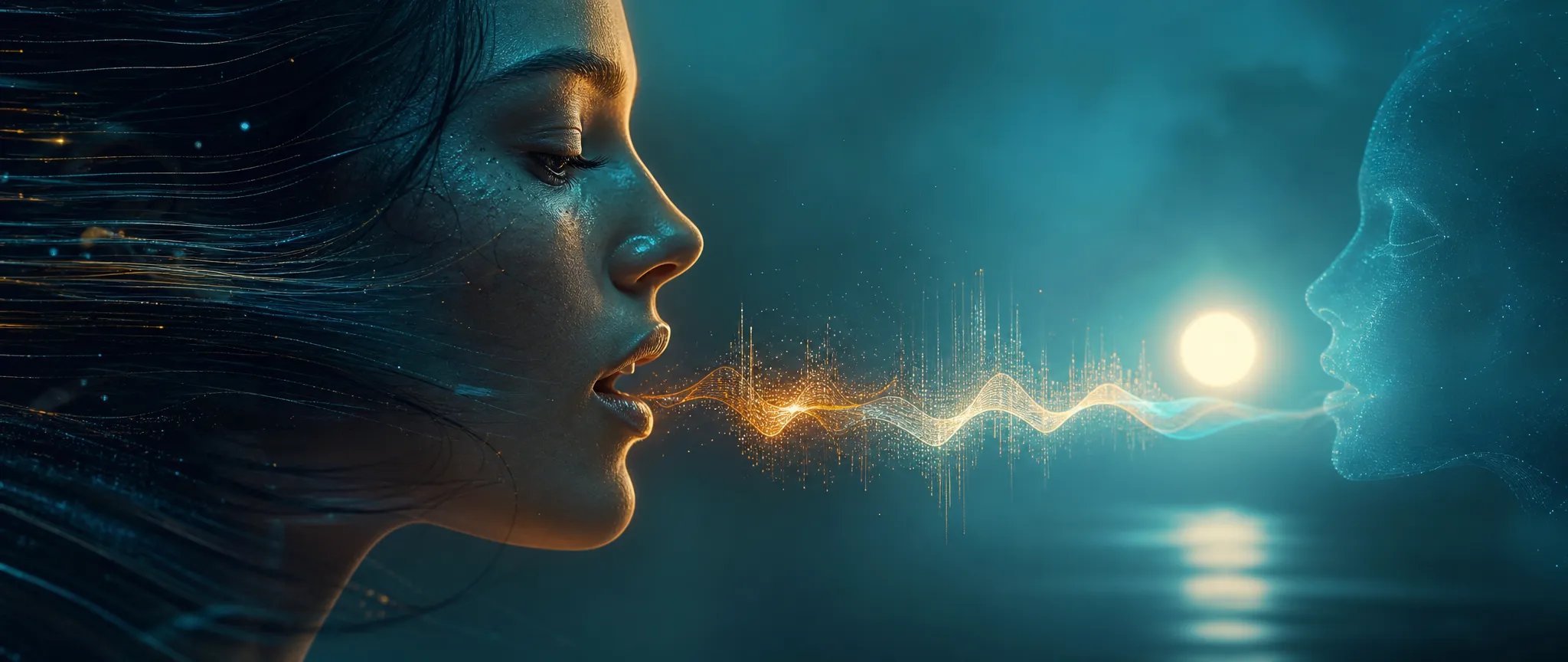
Dubbing and localization
Swap the audio to a different language and re-sync the mouth — localize a talking-head video without re-shooting.

Kling's lip-sync model — re-sync an existing video clip to new audio, about 2 credits per second.
ক্রেডিটগুলির জন্য একবার অর্থ প্রদান করুন - প্রতিটি মডেল জুড়ে ZOOOP ব্যবহার করুন। · দরকার হলে রিচার্জ করুন, কোনো মাসিক খরচ নেই।
Powered by Kling AI's API on ZOOOP
Provide a video clip and a new audio track, and Kling Lipsync re-aligns the subject's mouth to the new audio — dubbing, re-voicing, and language swaps on footage you already have.
About 2 credits per second — cheap enough to re-voice clips at volume.
Drive the lip-sync with an audio track from 2 to 60 seconds.
Built for existing video — talking-head clips, recorded performances, and previously generated videos.
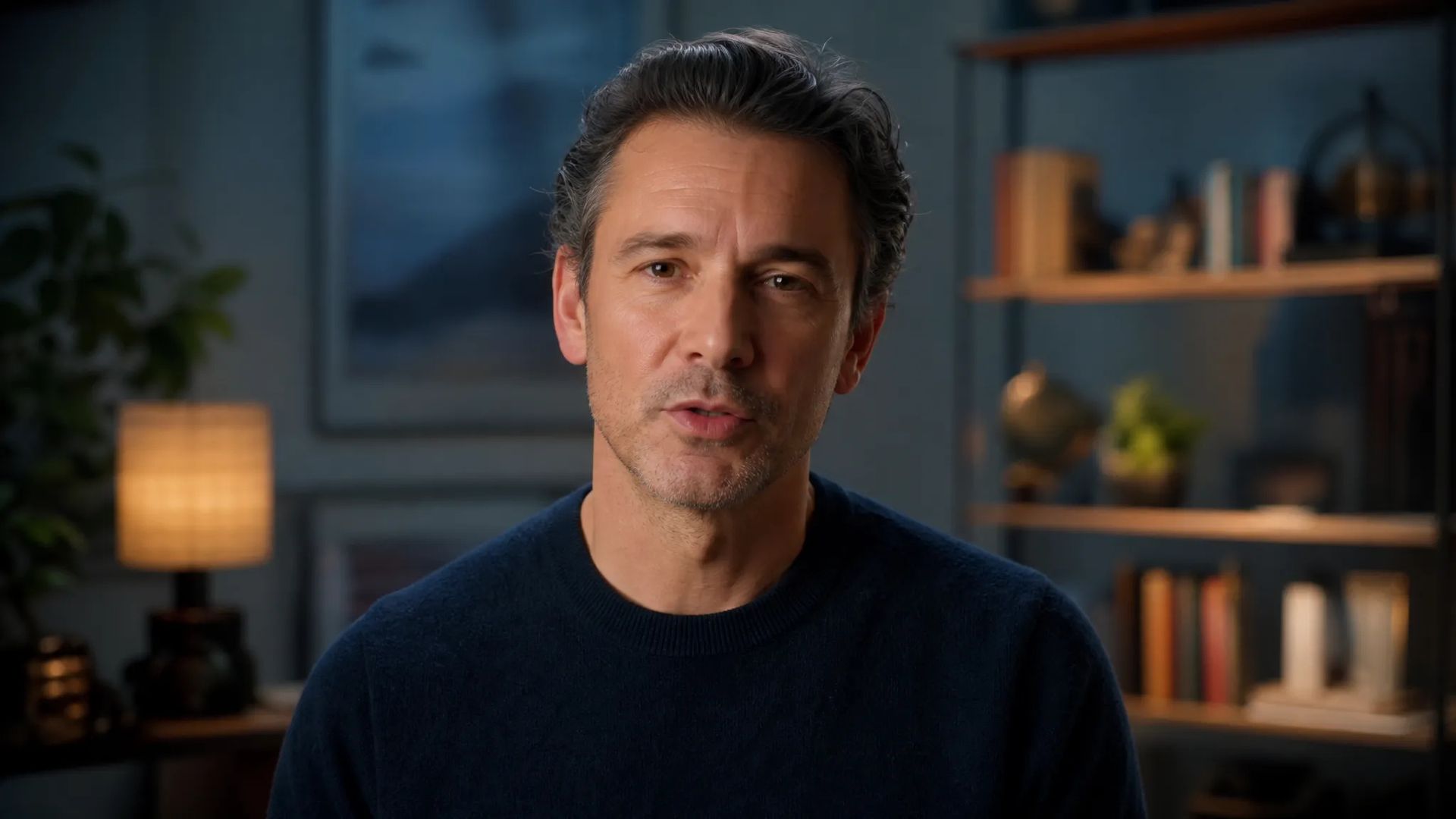
Swap the audio to a different language and re-sync the mouth — localize a talking-head video without re-shooting.
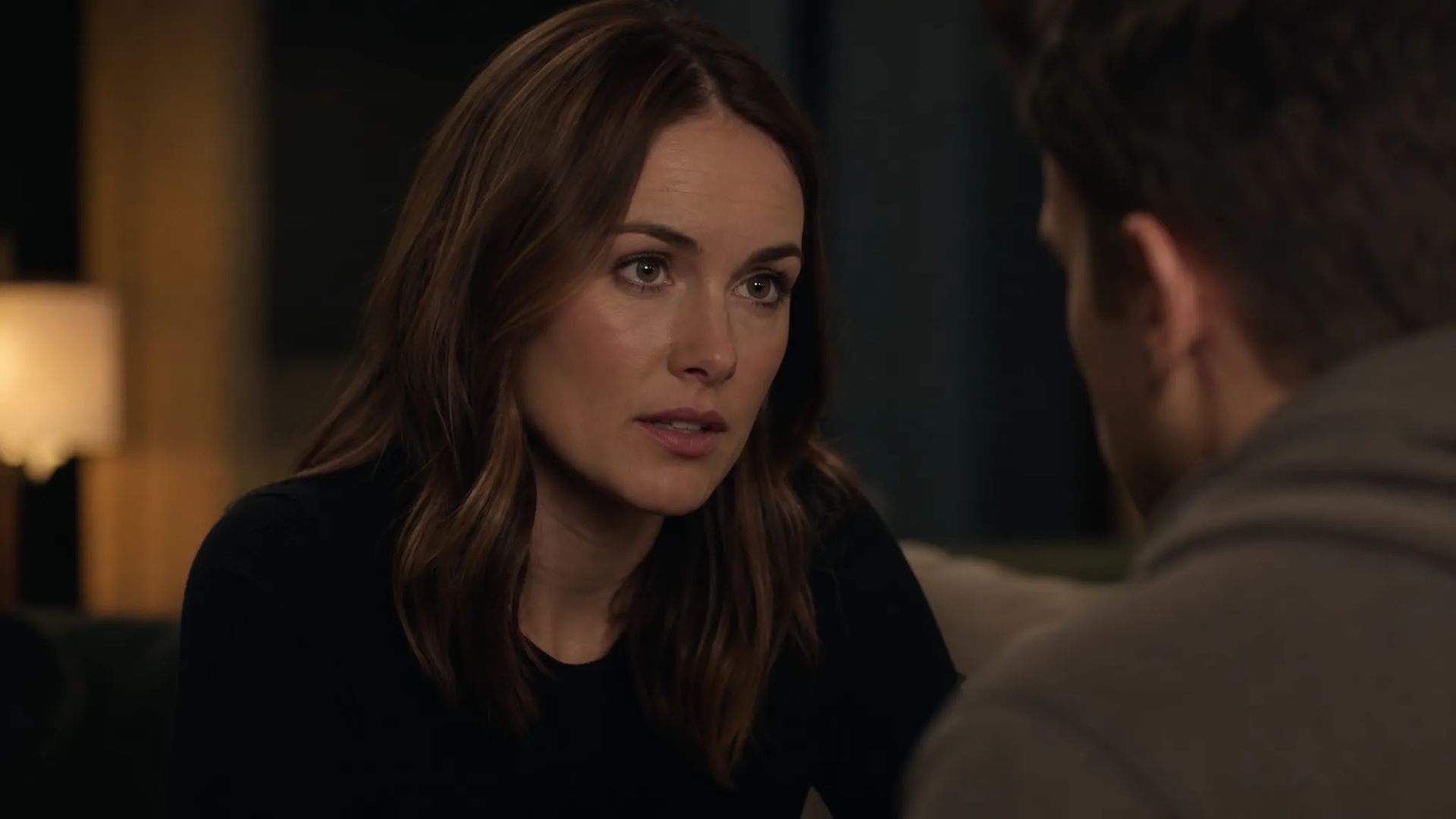
Replace the dialogue on an existing clip with a new take or a cleaner recording, lips re-aligned.
Pick the right tool. Your credits work everywhere on ZOOOP.
Open Kling Lipsync from this page or pick it in the Video tools.
Upload the video clip (2–10s) and the new audio track (2–60s).
Confirm the inputs.
Generate, then download or send the clip to your canvas.
Kling Lipsync is the re-sync tool: give it a video clip and a new audio track, and it re-aligns the subject's mouth to the new audio. The starting point is footage you already have — a talking-head clip, a recorded performance, or a video you generated elsewhere on ZOOOP — which makes it the model for dubbing, re-voicing, language swaps, and fixing audio that drifted out of sync.
The economics are a real draw: at about 2 credits per second, it's among the cheapest lip-sync options, so producing several localized language cuts of the same clip is cheap rather than precious. The driving audio can run from 2 to 60 seconds, against a source video clip of 2 to 10 seconds.
The natural pairing is with a TTS model: generate the new voice (in any supported language) with Multilingual V3 or another voice model, then re-sync your clip to it — a complete localized version with no re-shoot.
Where it's the wrong tool: if you're starting from a single still image rather than video, you want Kling Avatar V2, which generates a talking performance from one image. Pixverse Lipsync is another lip-sync option. Kling Lipsync's lane is re-syncing existing video footage.
A reasonable mental model: default to Kling Lipsync when you have a video clip and want its mouth matched to new audio. To start from a still image instead, use Kling Avatar V2.
It re-syncs the mouth of an existing video clip to a new audio track — for dubbing, re-voicing, language swaps, or fixing sync drift on footage you already have.
A video clip from 2 to 10 seconds and an audio track from 2 to 60 seconds.
Kling Lipsync re-syncs an existing video clip to new audio. Kling Avatar V2 generates a talking video from a single still image plus audio. Pick Lipsync when you already have footage.
About 2 credits per second — among the cheapest lip-sync options, well-suited to volume re-voicing.























Kling Lipsync
Video*
Audio*
আপনি সাইন ইন করার পরে আপনার প্রজন্ম এখানে উপস্থিত হবে।
একটি অ্যাকাউন্ট তৈরি করা বিনামূল্যে।