
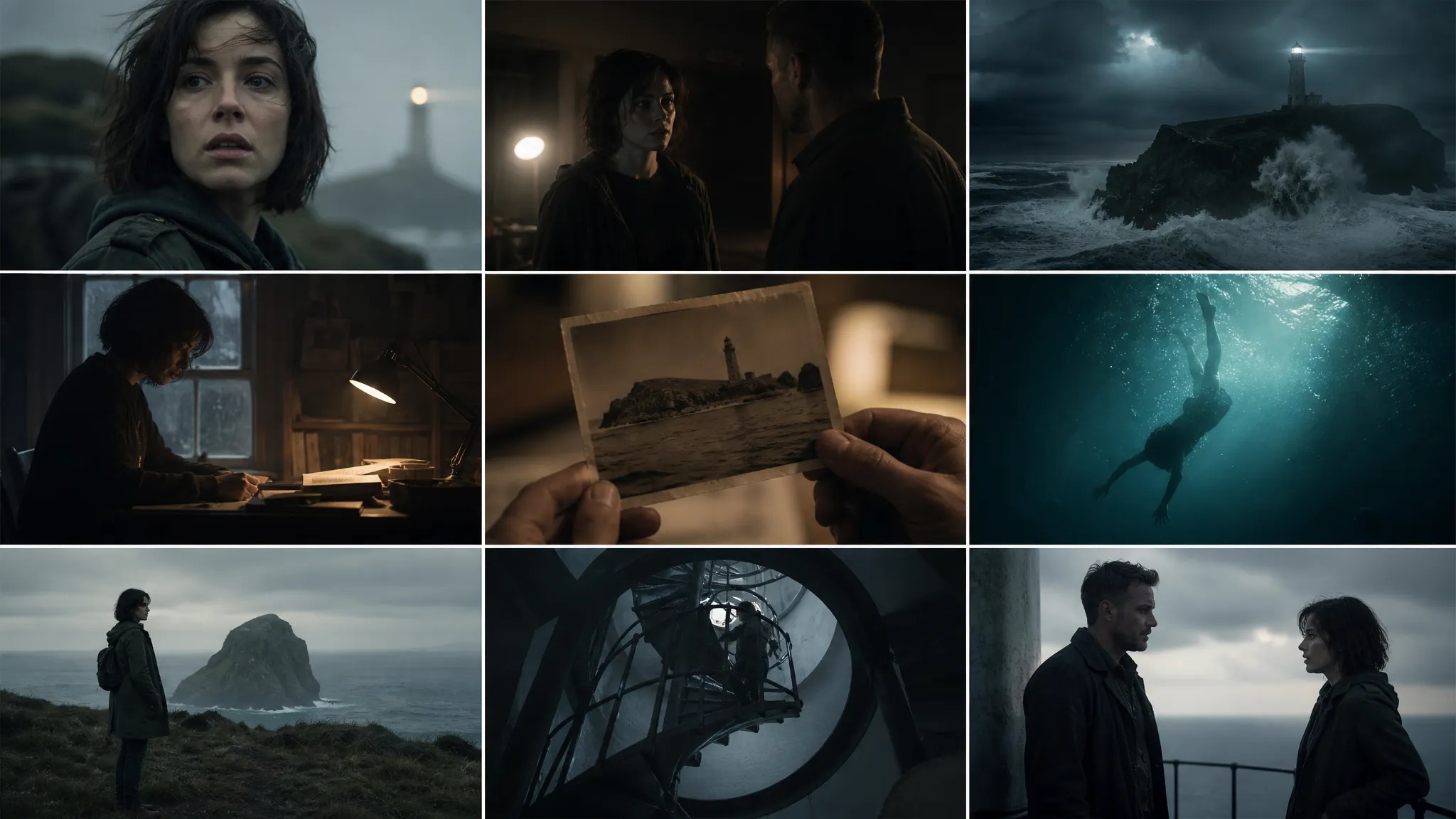
Pitch films and previz
Generate a sequence with native dialogue and ambient sound — close enough to a finished previz that you can ship it to a producer.

Google DeepMind's top-tier video model — up to 4K, native audio, cinematic style control.
จ่ายหนึ่งครั้งสำหรับเครดิต - ใช้พวกเขาในทุกรุ่นใน ZOOOP · เติมเงินเมื่อคุณต้องการไม่มีการเผาไหม้รายเดือน
Powered by Google's API on ZOOOP
Veo 3.1 renders cleanly up to 4K with real detail — no noise artifacts, no blurry stretch. Usable straight through for brand work, OOH placement, and broadcast finish where the deliverable is 4K.
Upload up to three reference images of a character, product, or object. Veo 3.1 maintains consistent facial features, clothing, and object identity across scenes, settings, and camera angles.
Dialogue, sound effects, and ambient are generated in the same pass, synchronized to the visuals — no separate TTS or Foley step. Lip-sync and room tone land together with the picture.
Veo 3.1 reads cinematic vocabulary in prompts — "dolly in," "anamorphic flare," "golden hour," "low key" — and applies it correctly, shot after shot.
Generate a sequence with native dialogue and ambient sound — close enough to a finished previz that you can ship it to a producer.
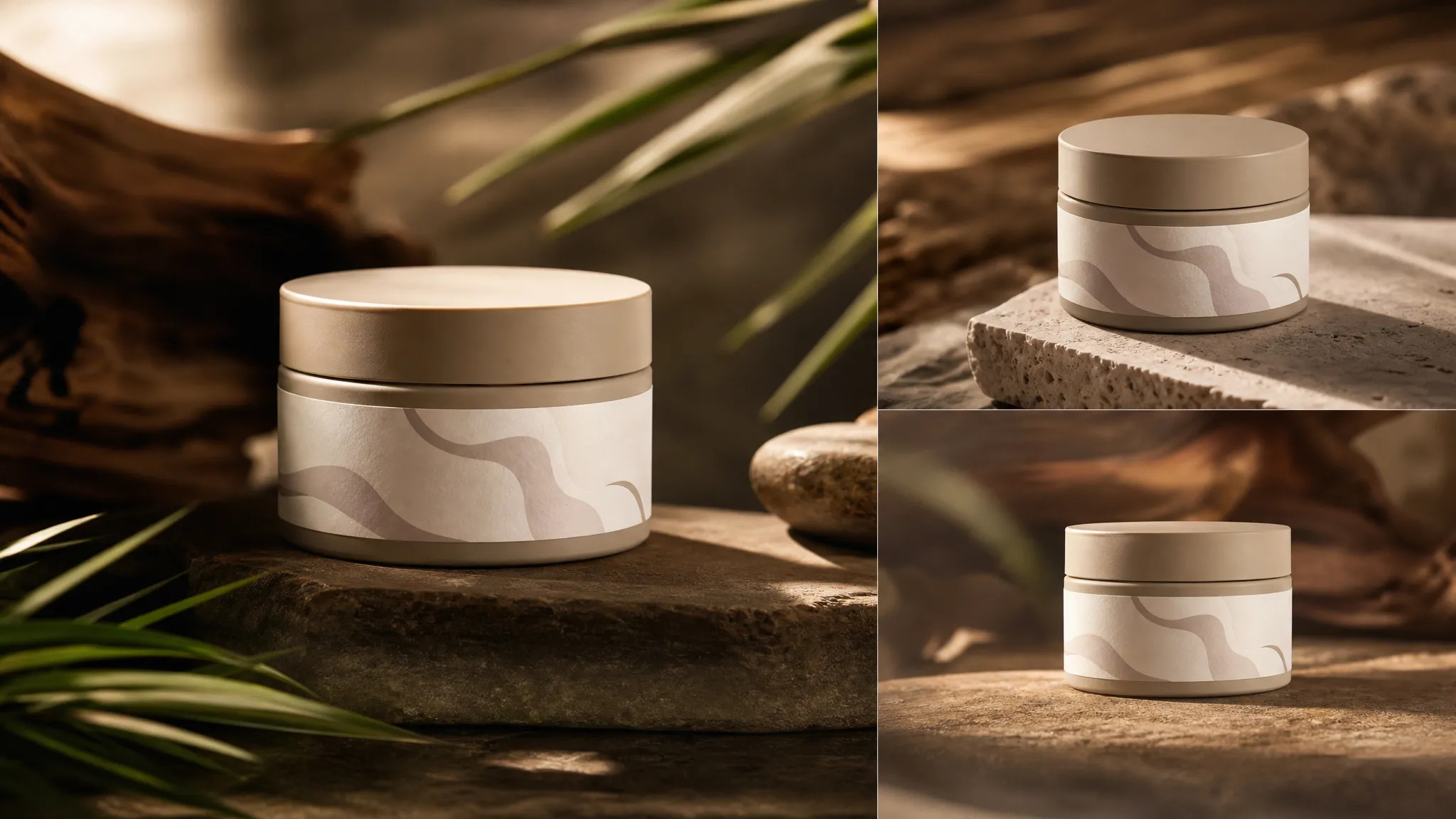
Reference up to three product stills; Veo keeps the packaging, color, and label identical across multiple cut angles.
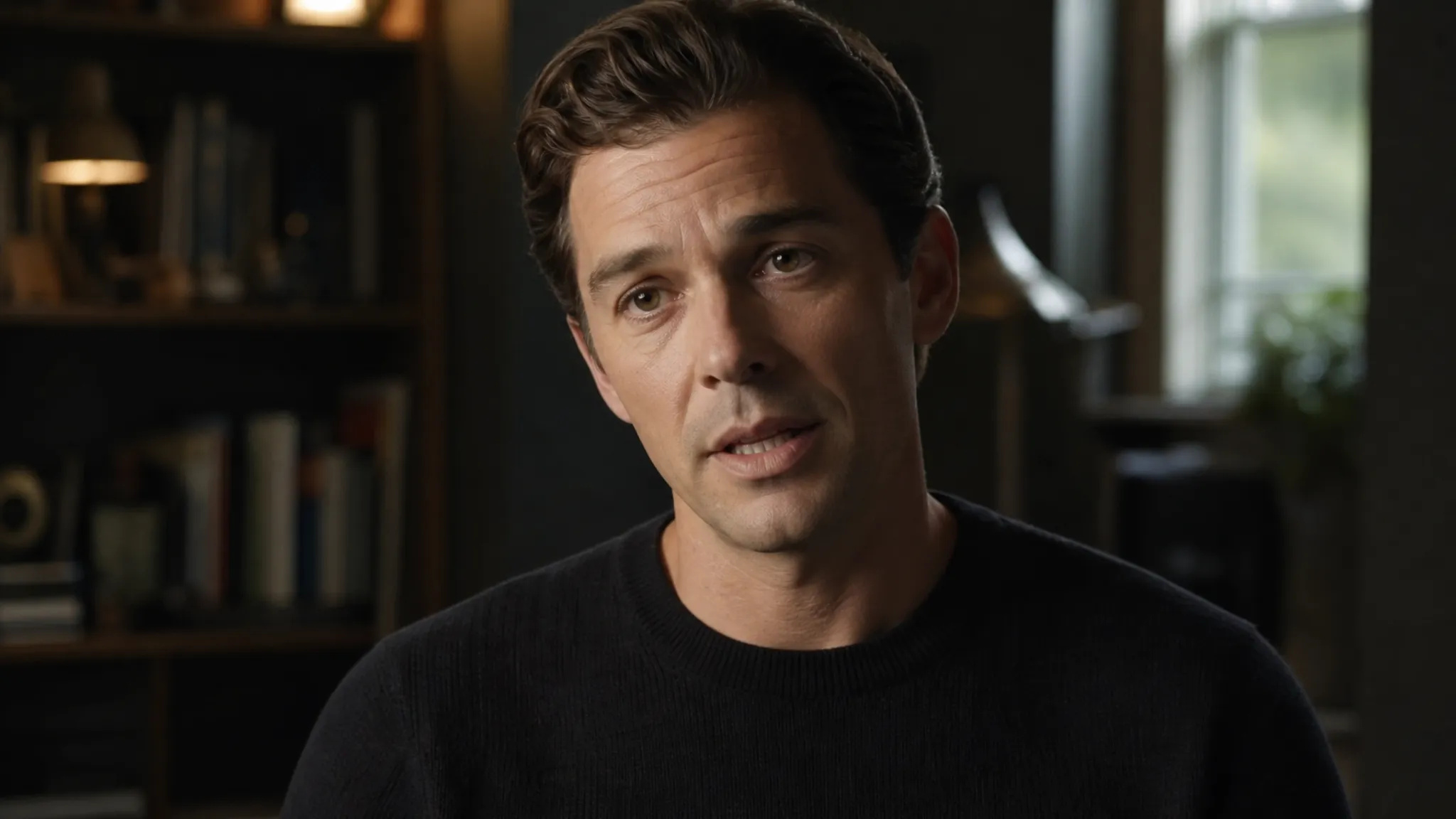
Generate dialogue with lip-sync and ambient room tone in one pass — the synchronized audio lands with the picture, no separate Foley step.

Cinematic style prompts — anamorphic, slow motion, depth-of-field — render up to 4K ready for color grade.

Render at 4K with real detail — not an upscaled stretch — usable for OOH and broadcast finish.
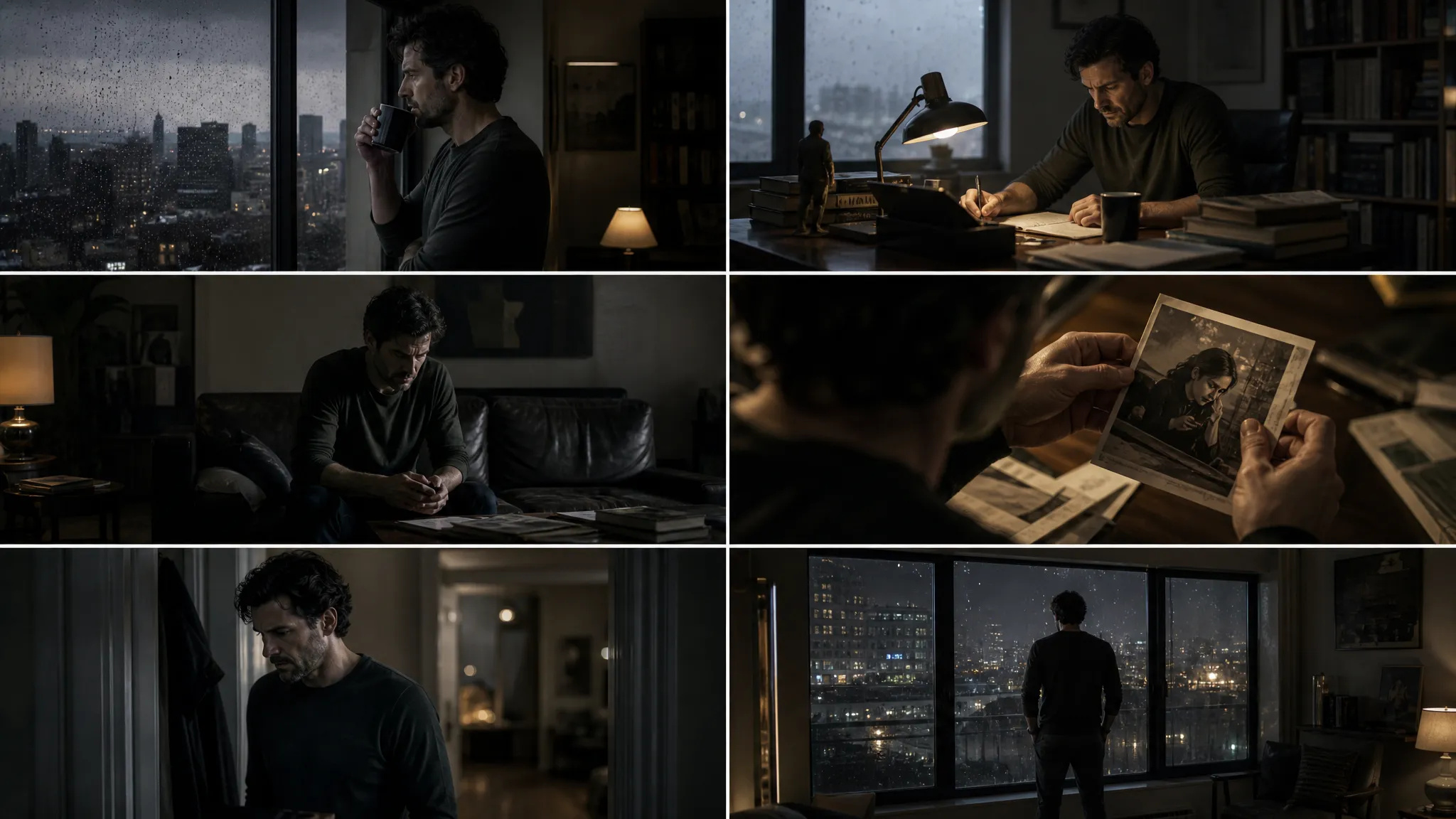
Cinematic prompt control — lens, motion, lighting — rendered at 4K for the hero shots a brand film hangs on.
Every flagship video model has a sweet spot. Use Veo 3.1 for highest fidelity; switch when your shot needs something else.
Open Veo 3.1 from this page or pick it in the Video Generator.
Write the scene — Veo reads cinematic vocabulary, dialogue lines, and camera moves.
Pick duration (4s / 6s / 8s), resolution (up to 4K), and aspect ratio.
Generate. Refine with follow-up prompts to dial in lens, motion, and lighting.
Veo 3.1 is the model you reach for when the final cut has to actually look like a finished film — when "AI video" with the usual telltale lighting bugs, melting hands, and texture noise won't pass. Google DeepMind built the Veo line with a heavy lean on cinematic vocabulary in the prompt parser. Tell Veo 3.1 "dolly in slowly, anamorphic lens flare from camera-right, golden-hour low key with the subject's face in shadow," and it will land all four of those instructions correctly — most other video models will execute two of the four and improvise the rest.
The headline feature of the 3.1 update is Ingredients to Video. Upload up to three reference images of a character, product, or object, and Veo holds them consistent across scenes, camera angles, and even lighting changes. This solves the single hardest problem in AI video: face drift. In every prior generation of AI video, the protagonist's face would subtly morph between shots — different cheekbones, different eye color, even when the prompt explicitly tagged them. Ingredients to Video locks the reference; the rendered character is the same person in every cut.
The second flagship-tier feature is output up to 4K with real detail. Veo 3.1 renders cleanly at high resolution without the noise artifacts and blurry stretch you get from upscaling a low-res source. For brand work, OOH placement, or any context where the final delivery is 4K, Veo finishes the path most other AI video models can't.
The third pillar is native synchronized audio — dialogue, ambient, and sound effects produced in the same pass as the picture, lip-synced and timed without a separate Foley step. Combined with cinematic prompt control and 4K output, this is the closest current model to producing a finished short in one generation.
Where it's weaker: for rapid prompt iteration, a lighter "Fast"-tier model is the better tool — use one to find the right composition, then graduate to Veo for the finish. Multi-modal reference inputs (audio reference, motion-reference video) are stronger on Seedance 2.0. And on raw text-to-video Elo, Seedance 2.0 currently sits slightly ahead.
A reasonable mental model: Veo 3.1 is the default for cinematic finish quality and resolution. For reference-heavy shots, Seedance 2.0. For multi-shot storyboards, Kling V3.
The big upgrades — Ingredients to Video (up to 3 reference images for character/product consistency), output up to 4K with real detail, and richer native audio with more naturally synchronized dialogue and ambient.
Yes — Veo 3.1 outputs up to 4K with real detail recovery, not a blurry stretch. That makes it usable straight through for brand work, OOH, and broadcast finish where the deliverable has to be 4K.
Each generation is 4, 6, or 8 seconds. For longer pieces, generate multiple clips and assemble them on the canvas.
Yes — natively. Dialogue, ambient sound, and sound effects come out in the same generation pass, synchronized to the visuals. No separate TTS or Foley pass needed.
Veo 3.1 leads on raw resolution (up to 4K) and cinematic style fidelity. Seedance 2.0 has the highest Elo for both text-to-video and image-to-video on public leaderboards. Kling V3 is the strongest for explicit multi-shot storyboarding. Your credits work across all three.























ส่วนขยายวิดีโอวิดีโอเฟรมแรกและเฟรมสุดท้ายข้อความและการอ้างอิงถึงวิดีโอ
ส่วนขยายวิดีโอวิดีโอเฟรมแรกและเฟรมสุดท้ายข้อความและการอ้างอิงถึงวิดีโอ
วิดีโอเฟรมแรกและเฟรมสุดท้ายข้อความและการอ้างอิงถึงวิดีโอ
วิดีโอเฟรมแรกและเฟรมสุดท้ายข้อความและการอ้างอิงถึงวิดีโอ
วิดีโอเฟรมแรกและเฟรมสุดท้ายข้อความและการอ้างอิงถึงวิดีโอ
วิดีโอเฟรมแรกและเฟรมสุดท้ายข้อความและการอ้างอิงถึงวิดีโอ
Veo 3.1
Prompt*
Image Url
อัตราส่วนภาพ*
ความละเอียด*
ระยะเวลา*