
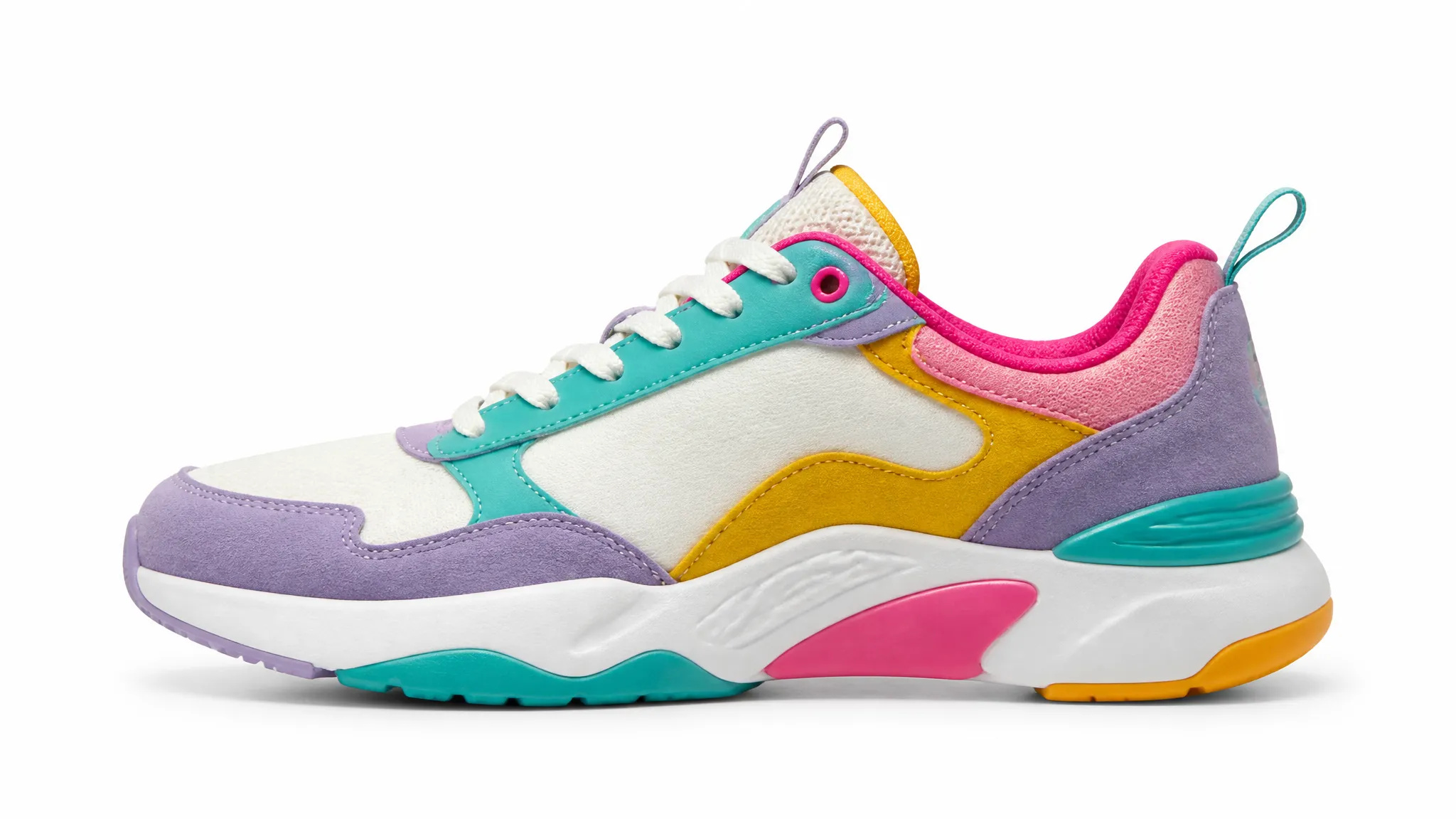
E-commerce product shots
Turn messy product photos into clean catalog images on a pure white or transparent background.
Remove the background from any image in seconds and download a clean, transparent PNG — no manual masking, no design skills.
Pay once for credits — use them across every model on ZOOOP. · Top up when you need to, no monthly burn.
Upload an image and ZOOOP detects the subject automatically — no lasso, no manual masking, no green screen.
The AI keeps fine detail like hair, fur and soft edges intact, so the cutout looks natural on any new background.
Download a ready-to-use PNG with a fully transparent background, or drop the subject straight onto a new color or scene.
Products, people, logos, illustrations, pets — the same tool handles them all with no per-image tuning.
Turn messy product photos into clean catalog images on a pure white or transparent background.
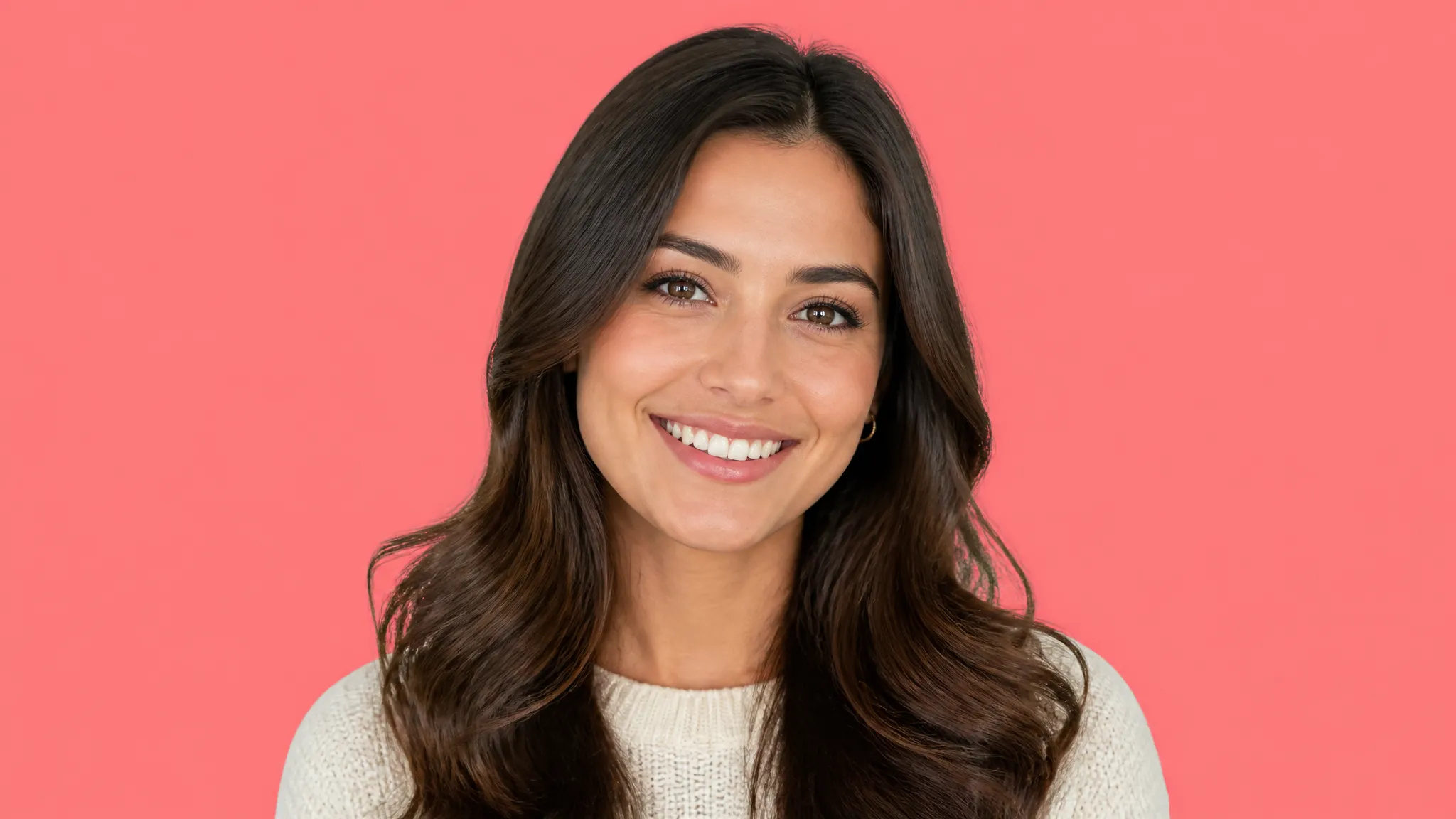
Cut yourself out of any snapshot for a polished headshot, team page, or social avatar.
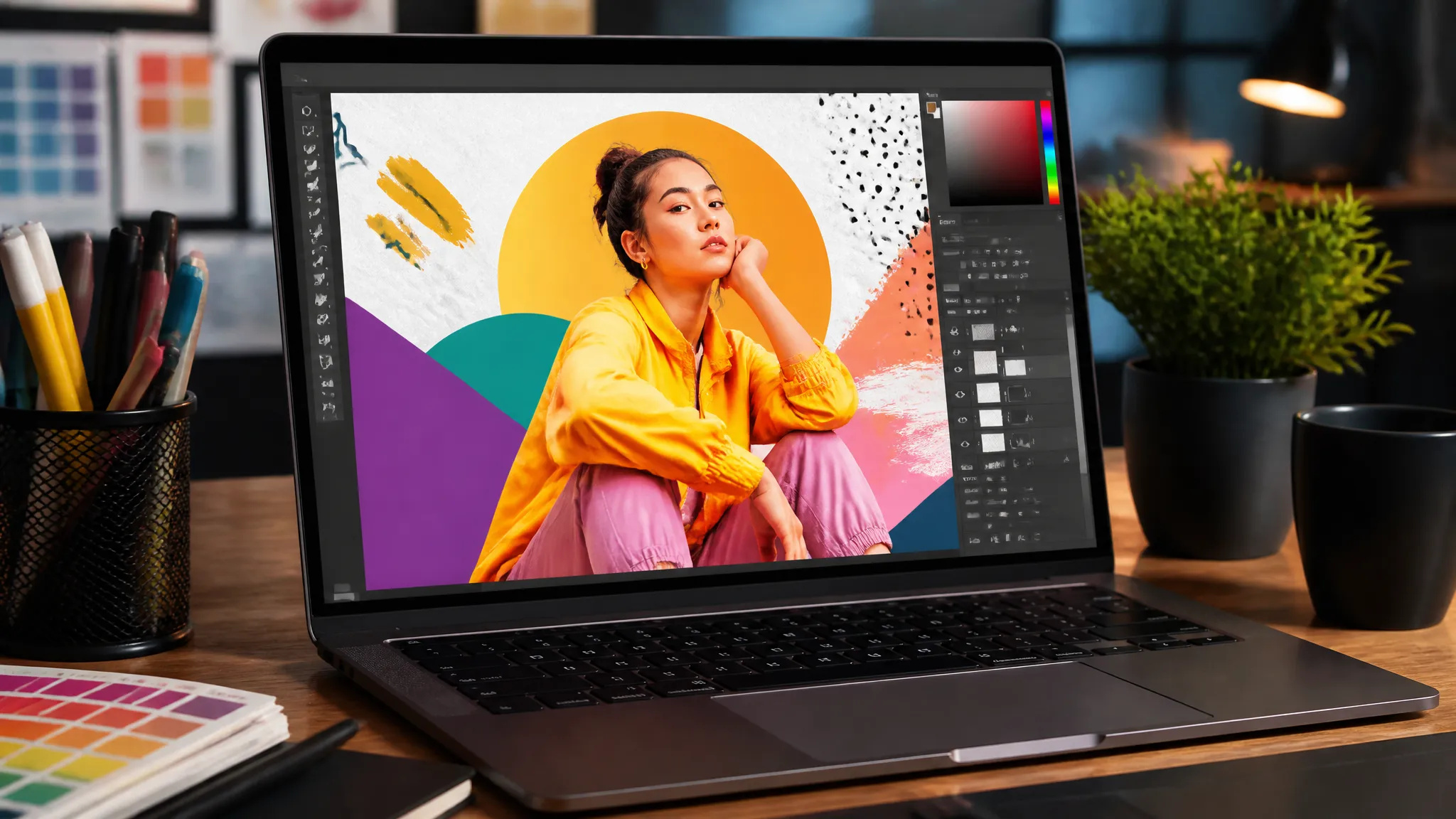
Extract subjects to drop into thumbnails, banners, ads, and posters without a designer.
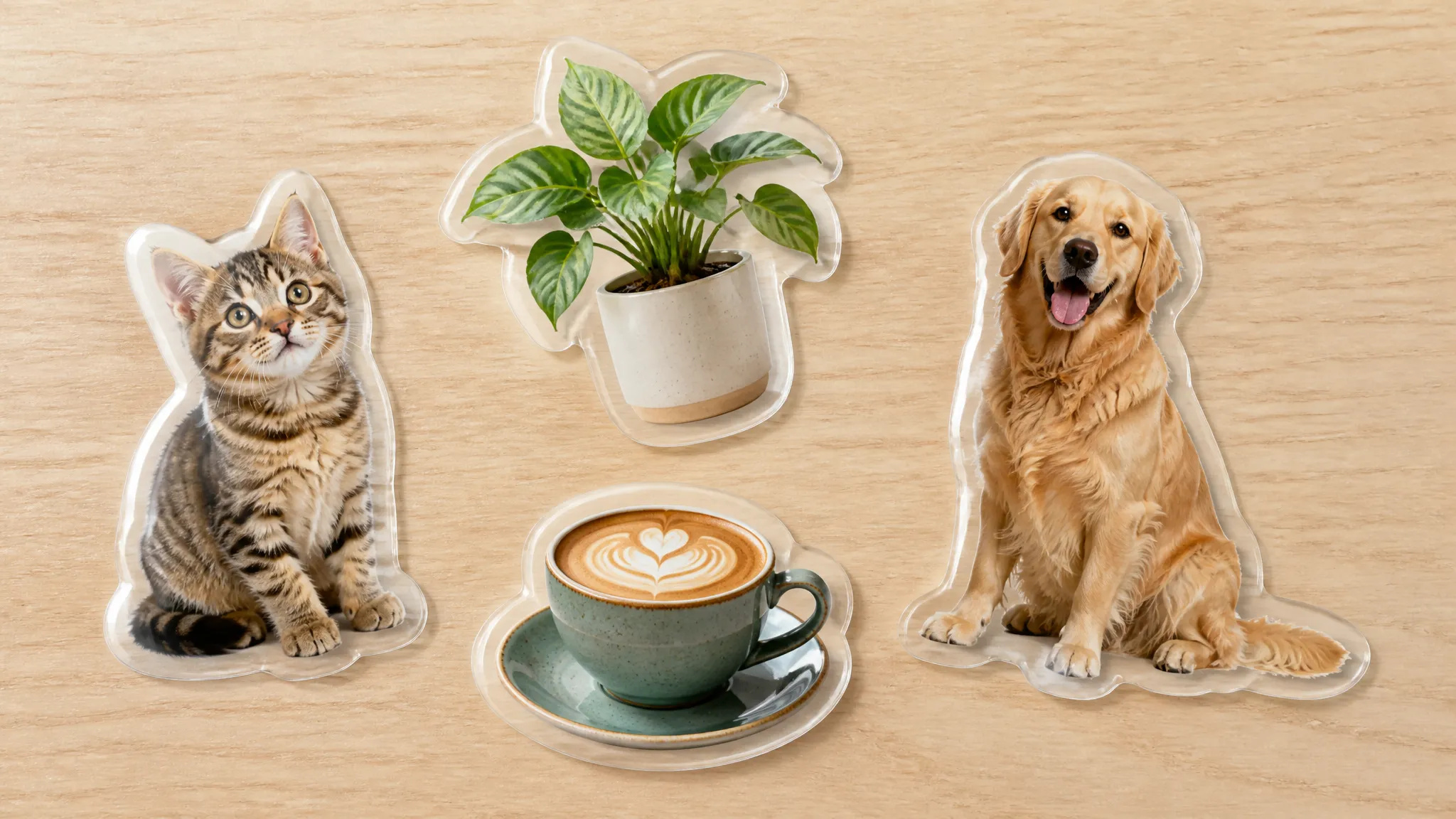
Make transparent stickers and overlays for chats, slide decks, and video.
Open the AI Background Remover and upload your image (JPG, PNG, or WebP).
Let ZOOOP detect and isolate the subject automatically.
Preview the cutout, then download a transparent PNG or place the subject on a new background.
The AI Background Remover on ZOOOP takes any photo and isolates the main subject for you, returning a clean transparent PNG you can use anywhere. There is nothing to mask by hand and no green screen required — upload an image and the cutout is ready in seconds.
It is built for real work: white-background product shots for your store, crisp profile pictures, subjects extracted for thumbnails and ads, or transparent stickers for chats and slides. Because the edges stay sharp around hair and soft detail, the result drops naturally onto any new background.
Every generation runs on ZOOOP credits — no subscription, and credits that never expire. When you are done, send the cutout straight to your canvas or download the PNG.
You can download the cutout as PNG or WebP — pick whichever format you need. PNG keeps a fully transparent background; WebP is smaller for faster web use.
Yes — the AI preserves fine detail like hair, fur and soft edges, so cutouts look natural instead of cut with scissors.
Upload JPG, PNG, or WebP images — ordinary photo sizes work out of the box, no manual resizing needed.
Yes — download the transparent cutout and layer it onto any color, photo, or scene, or drop in a fresh background right on your canvas.
Make a face look younger or older with AI — realistic aging that keeps the person recognizably themselves.
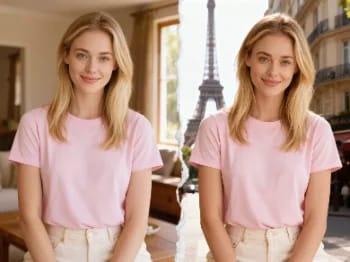
Teleport yourself into iconic cities with AI — drop your photo into Paris, Tokyo, New York, and more.

Change facial expressions in any photo with AI — add a smile, open the eyes, or shift the mood, naturally.
Try new hairstyles and hair colors on your own photo with AI — realistic results before you ever touch your hair.
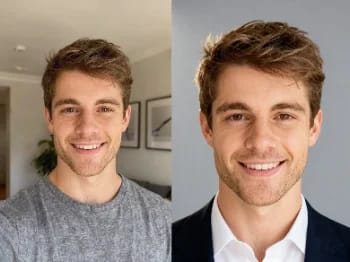
Turn a casual selfie into a professional headshot with AI — studio lighting, clean backgrounds, business-ready in minutes.
Upscale any image to 2K or 4K with AI — recover sharp detail and clean edges, with no blur or artifacts.
Try on makeup looks with AI — from natural to bold, with adjustable intensity, all on your own photo.
Remove unwanted objects, people, or text from any photo with AI — and the background fills in seamlessly.
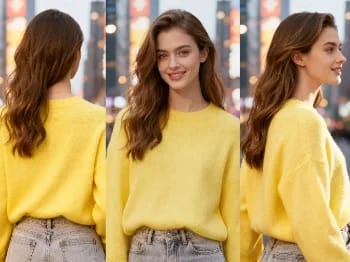
Change the camera angle of any image with AI — see a subject from a new viewpoint, naturally rendered.
Restore old and damaged photos with AI — fix fading, scratches, and blur, and bring faces back to life.
Enhance any portrait with AI — sharper detail, clearer skin and eyes, and balanced light, while still looking like you.
Place your product naturally in a person's hands with AI — realistic marketing visuals without a photoshoot.
Repaint any photo in an artistic style with AI — impressionism, cubism, watercolor, anime, and more.
Change an object's material with AI — turn it to marble, wood, gold, glass, or fabric, with realistic surfaces.
Upscale any video to HD or 4K with AI — sharper frames and clean detail, with smooth, flicker-free motion.
See how clothes look on you with AI — combine a person photo and a clothing image for a realistic try-on.
Image*